
 15
15presentation
Indie Magazine Startup Pitch Deck
Shape your publishing concept with an indie magazine startup pitch deck featuring pastel gradients, bold collage layouts, and editable planning slides.
Google SlidesPowerPoint
presentation · English
Use Issue Investigation Workflow Slides to trace recurring problems, organize evidence, and present corrective actions clearly in PowerPoint and Google…
Design notes
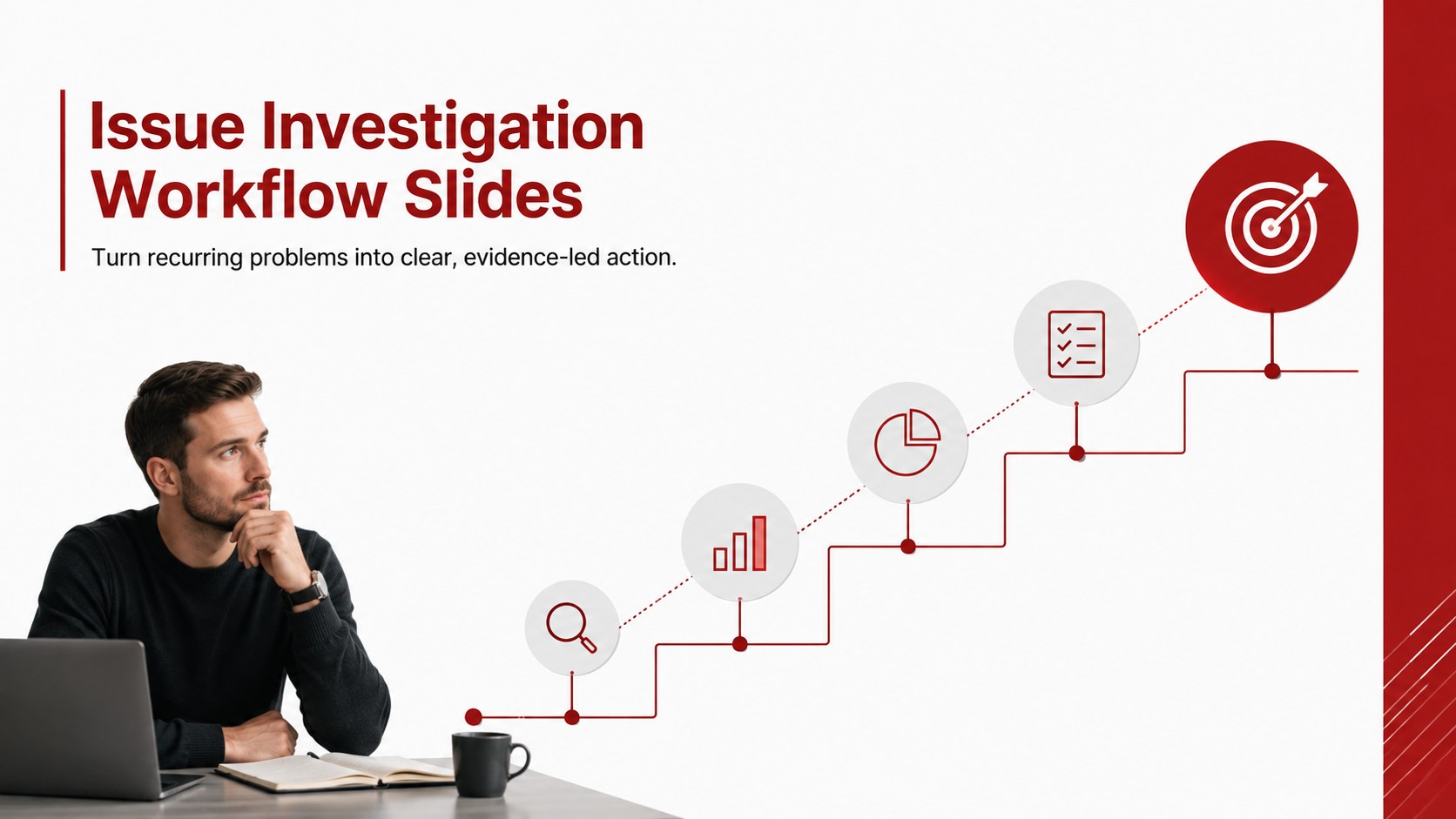
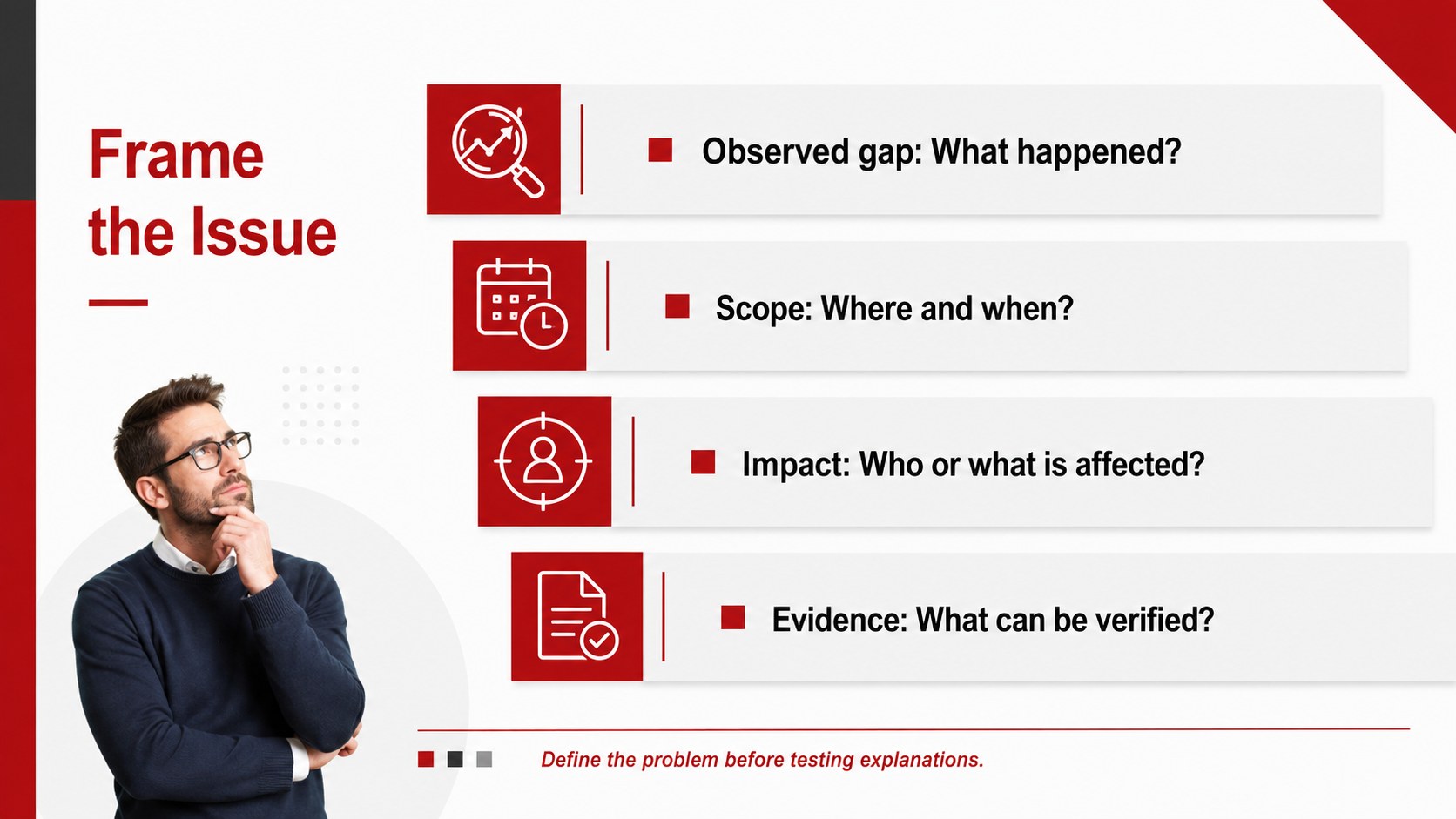
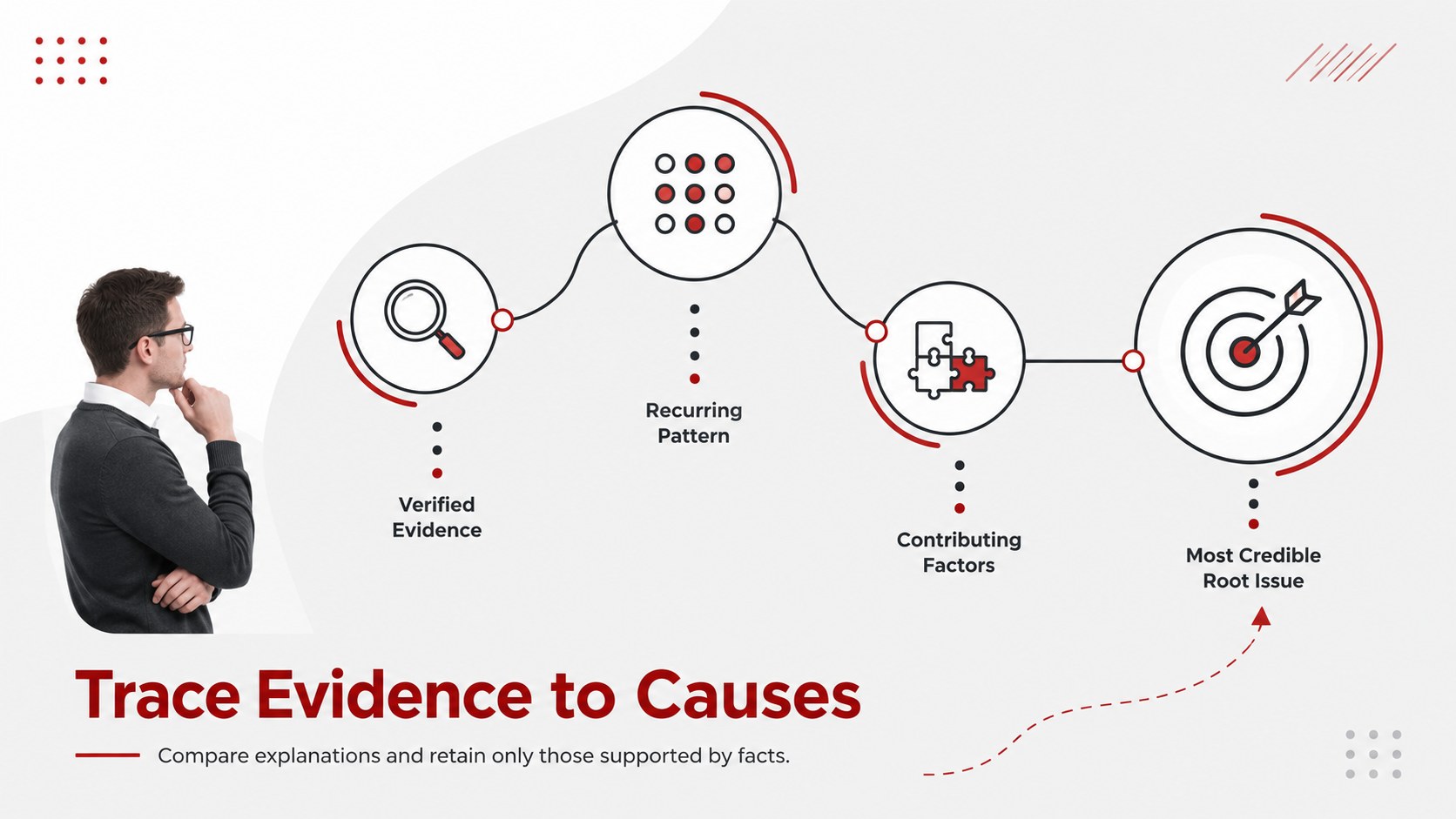
Issue Investigation Workflow Slides help teams move from an observed problem to a supported conclusion without losing sight of the evidence. The clean red palette, direct typography, and structured visual hierarchy make complex findings easier to discuss in PowerPoint and Google Slides.
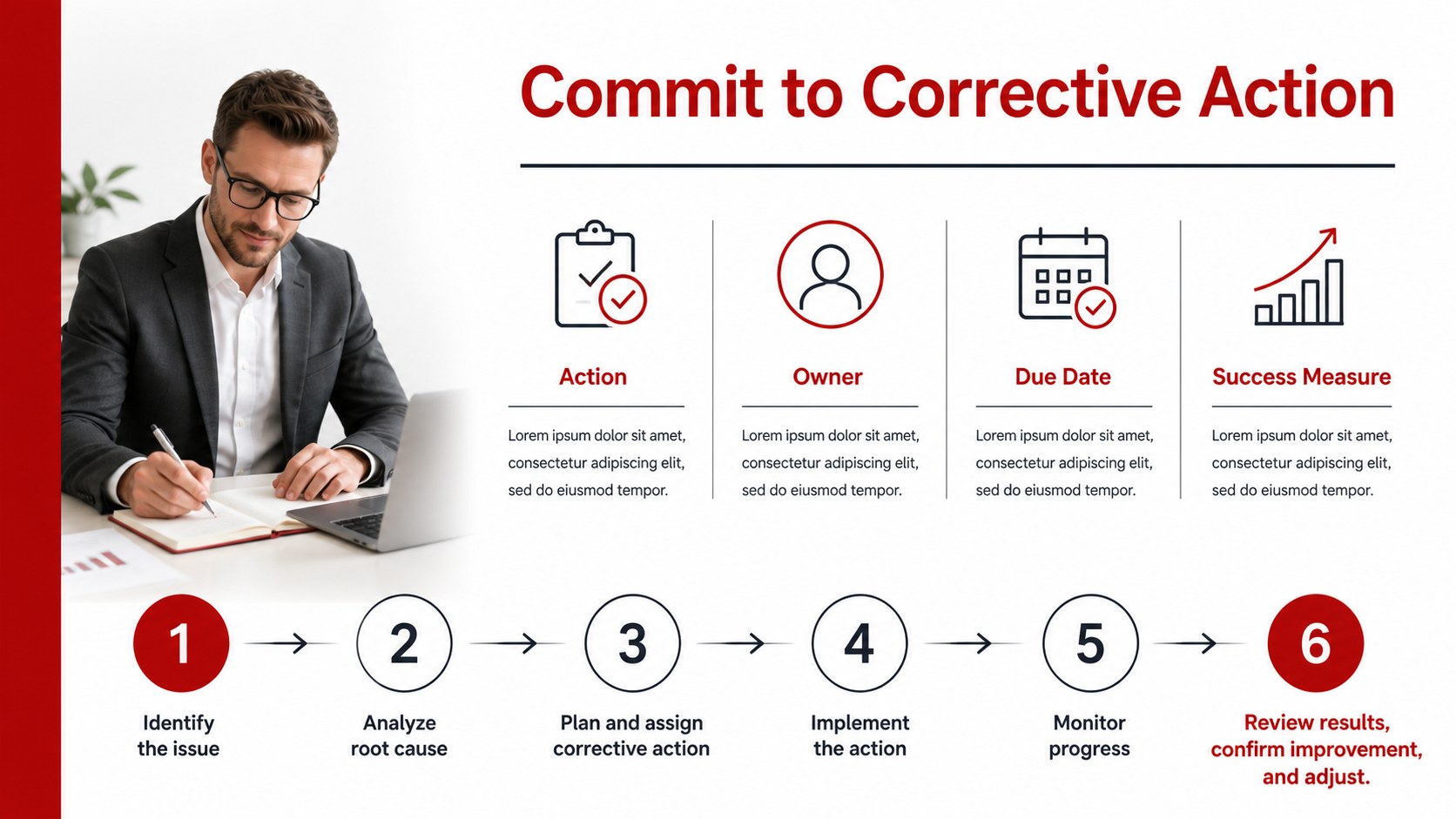
Inside are four editable infographic layouts covering issue definition, evidence collection, contributing factors, and corrective action. Use the sequence as an incident review process presentation or adapt individual pages for status reports, retrospectives, and decision meetings. The layouts support concise statements, process steps, ownership details, and measurable follow-up criteria. They also work as a cause mapping presentation for teams that need to compare possible explanations before agreeing on the most credible underlying issue.
This template is designed for project managers, operations teams, quality specialists, software leaders, consultants, and business analysts. It can serve as a corrective action planning slide template for service failures, delivery delays, product defects, workflow bottlenecks, or recurring customer complaints. Every element can be edited, including headings, labels, shapes, icons, and color accents. Replace the sample wording with your own findings, adjust the sequence to match your investigation method, and add supporting metrics where stronger evidence is needed. The restrained professional style keeps attention on conclusions, responsibilities, and next steps rather than decoration.
Perfect for: service incident review; product defect investigation; project delay analysis; quality improvement meeting; customer complaint assessment; corrective action planning.
Frequently asked questions
Can I edit every part of these workflow slides? Yes. Headings, labels, shapes, icons, connectors, and color accents can be changed to match your investigation process and terminology.
Practical details
Yes. Headings, labels, shapes, icons, connectors, and color accents can be changed to match your investigation process and terminology.
The template is designed for Microsoft PowerPoint and Google Slides. Review font substitutions and spacing after importing the file into your chosen platform.
Replace the sample issue statements with verified observations, then add evidence, contributing factors, owners, and target dates. Keep each point brief so the investigation remains easy to scan during a meeting.
Yes. Update the red accents to your organization’s colors while maintaining strong contrast between headings, body text, and diagram elements.
Keep exploring
15Shape your publishing concept with an indie magazine startup pitch deck featuring pastel gradients, bold collage layouts, and editable planning slides.
 16
16Build clear project stories with the Icon Grid Teamwork Theme, a flexible blue illustrated deck for proposals, strategy updates, and team meetings.
 3
3Turn priorities into an actionable plan with an annual goals roadmap infographic, featuring editable orange and teal layouts for PowerPoint and Google Slides.
 15
15Create an Annual Achievement Report Presentation with colorful geometric layouts for milestones, results, lessons, and priorities in PowerPoint or Google Slides.
 15
15Turn results into a focused annual performance evaluation report with dark 3D slides for KPIs, achievements, feedback, and next-step goals for teams.
 15
15Guide a focused annual recap with Business Results Retrospective Slides, a muted brown-and-blue template for PowerPoint and Google Slides.
 6
6Turn complex plans into clear visual stories with Color-Coded Workflow Path Slides, an editable set for project updates, roadmaps, and team briefings.
 6
6Compare regional performance at a glance with Global Data Heatmap Slides, a clean multicolor deck designed for editable PowerPoint and Google Slides.