
 15
15presentation
Indie Magazine Startup Pitch Deck
Shape your publishing concept with an indie magazine startup pitch deck featuring pastel gradients, bold collage layouts, and editable planning slides.
Google SlidesPowerPoint
presentation · English
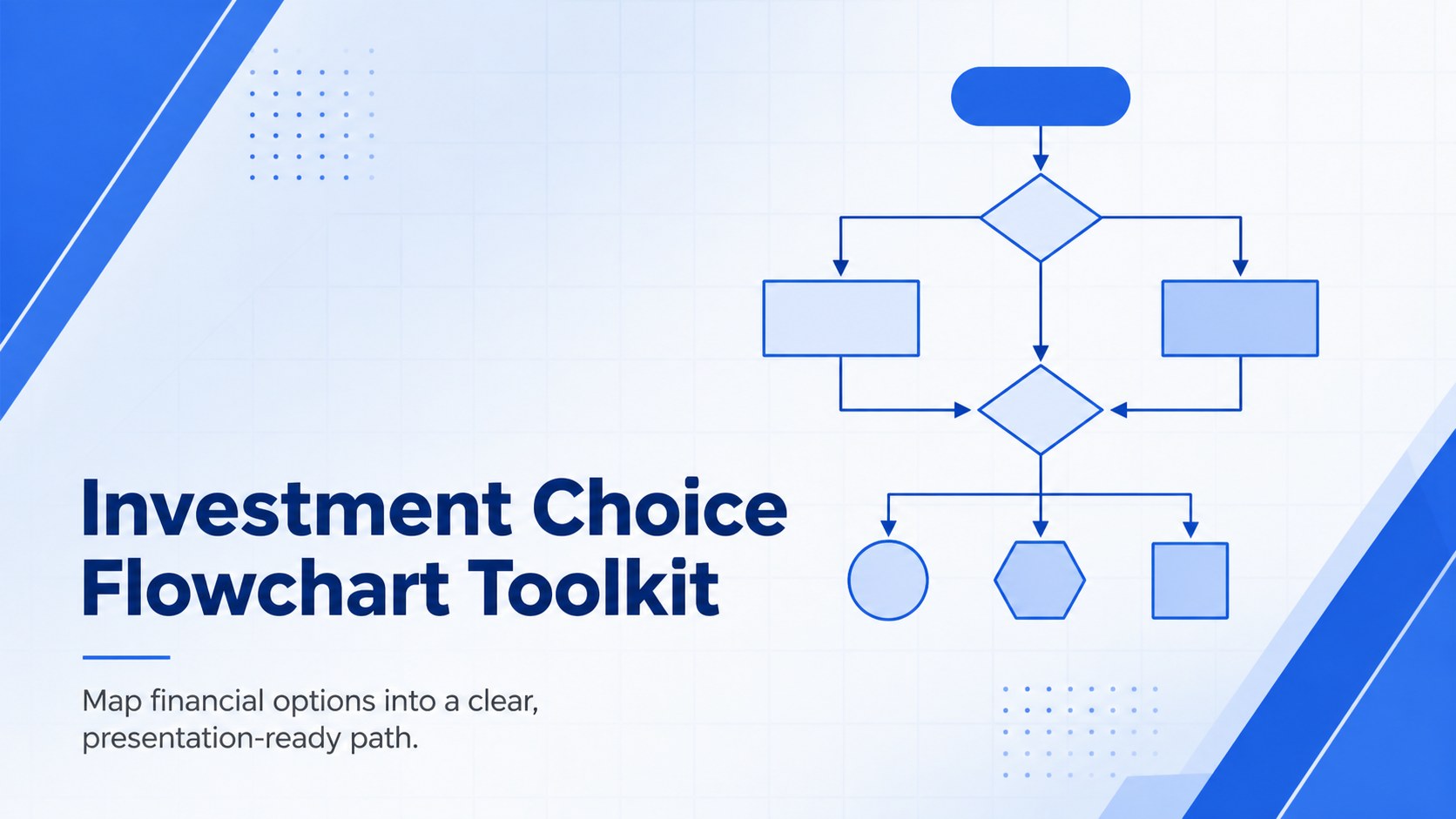
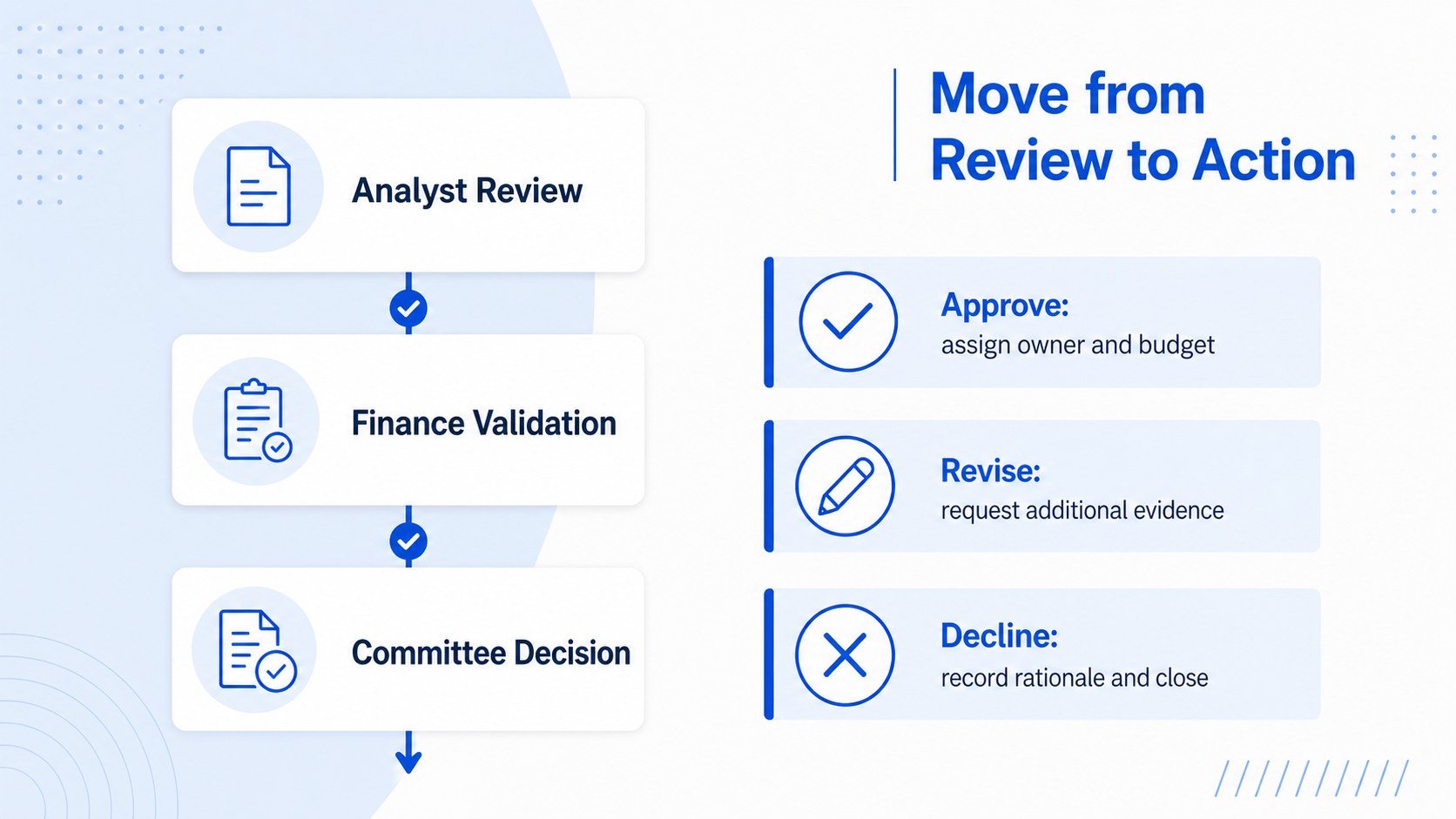
Turn complex funding options into clear next steps with an investment choice flowchart for risk reviews, return comparisons, and stakeholder meetings.
Design notes
The Investment Choice Flowchart Toolkit turns complicated financial evaluations into a structured visual story. Its clean blue palette, crisp typography, and restrained business style help teams explain how opportunities move from initial screening to a final recommendation without overwhelming the audience.
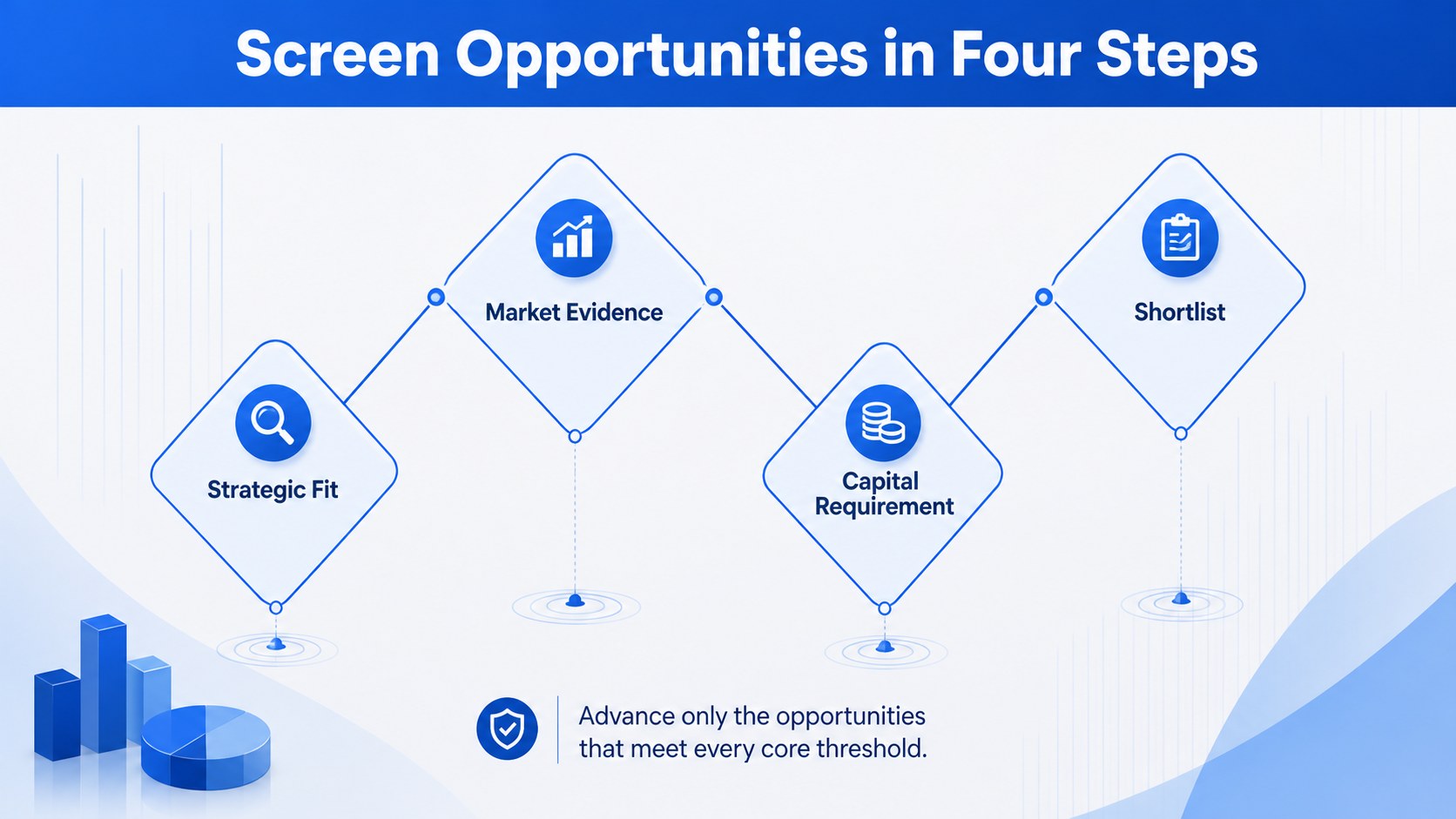
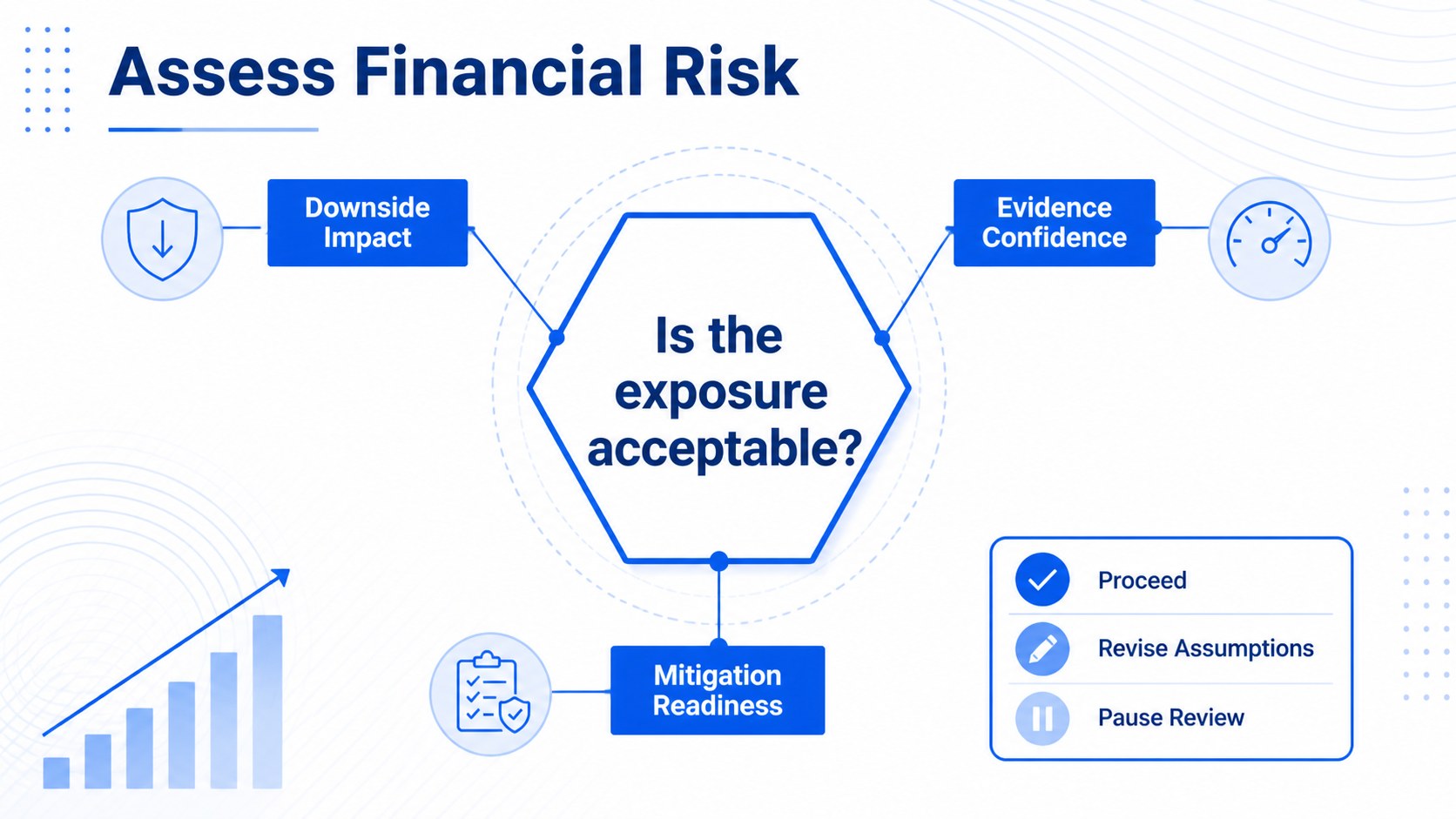
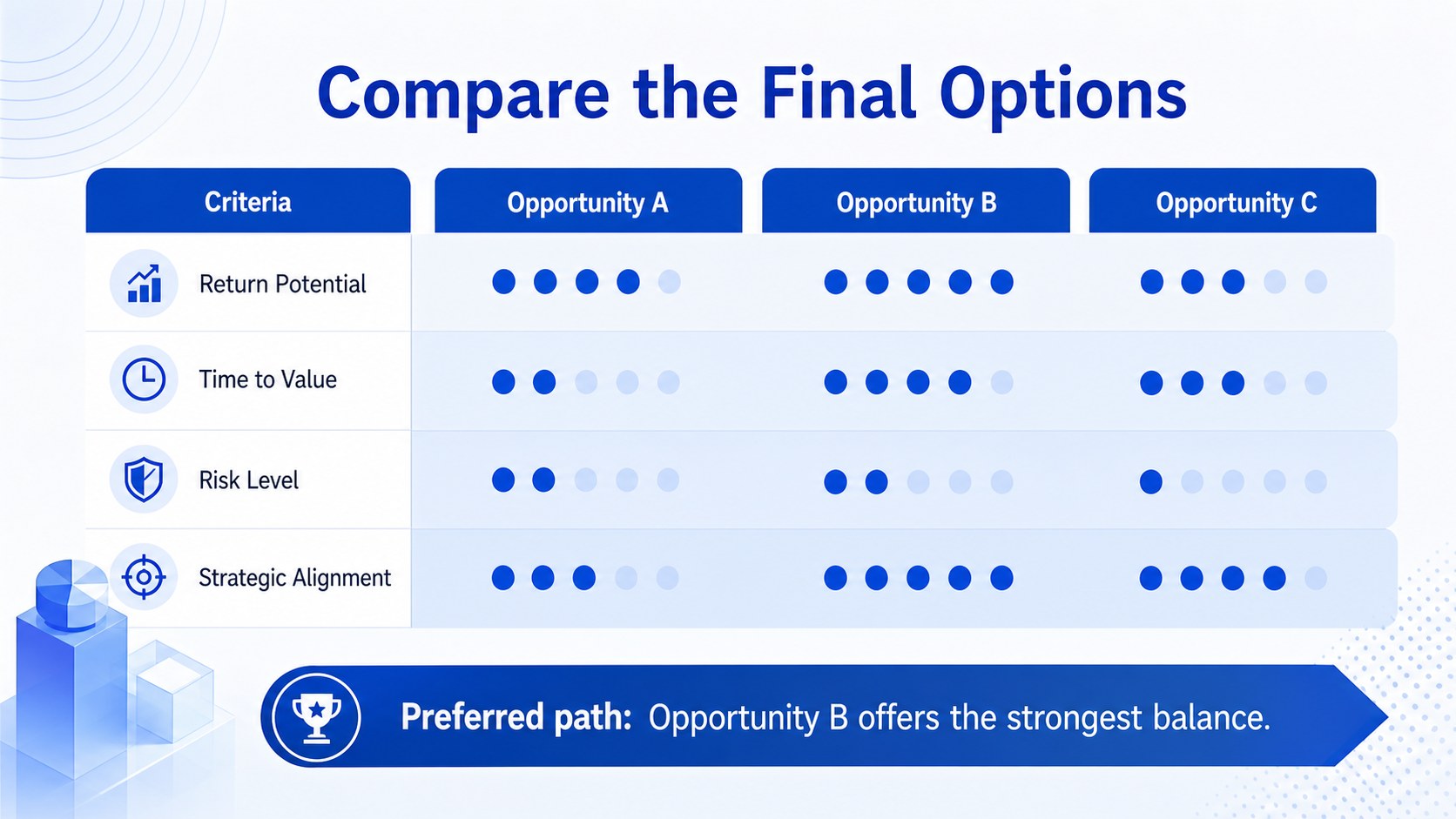
Inside are five coordinated layouts for presenting selection criteria, risk checkpoints, return comparisons, approval routes, and final outcomes. Use the portfolio screening process diagram to organize early-stage filters, build a financial risk assessment flowchart for key uncertainties, or adapt the investment committee decision framework to show who reviews and approves each proposal. Directional connectors, editable labels, and modular decision points make every page easy to tailor to your own process.
Designed for finance teams, analysts, consultants, founders, and business students, this toolkit works well in planning sessions, due diligence reviews, stakeholder briefings, and classroom case studies. Every element can be customized in Google Slides or PowerPoint, including colors, fonts, shapes, values, and branching paths. Use individual pages as one-page diagrams or combine the full set into a concise evaluation deck that guides viewers from opportunity to action.
Perfect for: investment committee review; capital allocation workshop; portfolio opportunity screening; financial risk briefing; due diligence presentation.
Frequently asked questions
Can I change the branches and evaluation criteria? Yes. All decision points, connectors, labels, values, and outcomes are editable, so you can rebuild each flow around your organization's approval process.
Practical details
Yes. All decision points, connectors, labels, values, and outcomes are editable, so you can rebuild each flow around your organization's approval process.
The layouts are designed for Google Slides, Microsoft PowerPoint. Formatting may vary slightly by platform, but the core text, shapes, colors, and diagram elements remain customizable.
Yes. Update the blue accents, backgrounds, typography, and connector colors to match your visual identity while preserving the minimalist hierarchy.
Yes. The concise labels and step-by-step structure help executives, clients, students, and other stakeholders follow an investment evaluation without requiring detailed financial expertise.
Keep exploring
15Shape your publishing concept with an indie magazine startup pitch deck featuring pastel gradients, bold collage layouts, and editable planning slides.
 16
16Build clear project stories with the Icon Grid Teamwork Theme, a flexible blue illustrated deck for proposals, strategy updates, and team meetings.
 3
3Turn priorities into an actionable plan with an annual goals roadmap infographic, featuring editable orange and teal layouts for PowerPoint and Google Slides.
 15
15Create an Annual Achievement Report Presentation with colorful geometric layouts for milestones, results, lessons, and priorities in PowerPoint or Google Slides.
 15
15Turn results into a focused annual performance evaluation report with dark 3D slides for KPIs, achievements, feedback, and next-step goals for teams.
 15
15Guide a focused annual recap with Business Results Retrospective Slides, a muted brown-and-blue template for PowerPoint and Google Slides.
 6
6Turn complex plans into clear visual stories with Color-Coded Workflow Path Slides, an editable set for project updates, roadmaps, and team briefings.
 6
6Compare regional performance at a glance with Global Data Heatmap Slides, a clean multicolor deck designed for editable PowerPoint and Google Slides.