
 15
15presentation
Indie Magazine Startup Pitch Deck
Shape your publishing concept with an indie magazine startup pitch deck featuring pastel gradients, bold collage layouts, and editable planning slides.
Google SlidesPowerPoint
presentation · English
Build clear, age-appropriate finance lessons with an investment basics classroom deck for PowerPoint and Google Slides in a bold green-and-blue style.



Design notes
Turn unfamiliar financial ideas into an accessible learning experience with this investment basics classroom deck. Designed for teachers introducing investing to younger learners, the presentation uses a modern mix of green, blue, dark backgrounds, and crisp typography to keep explanations clear without making the subject feel overly formal. It works as a beginner investing lesson for students in classroom, workshop, or remote-learning settings.
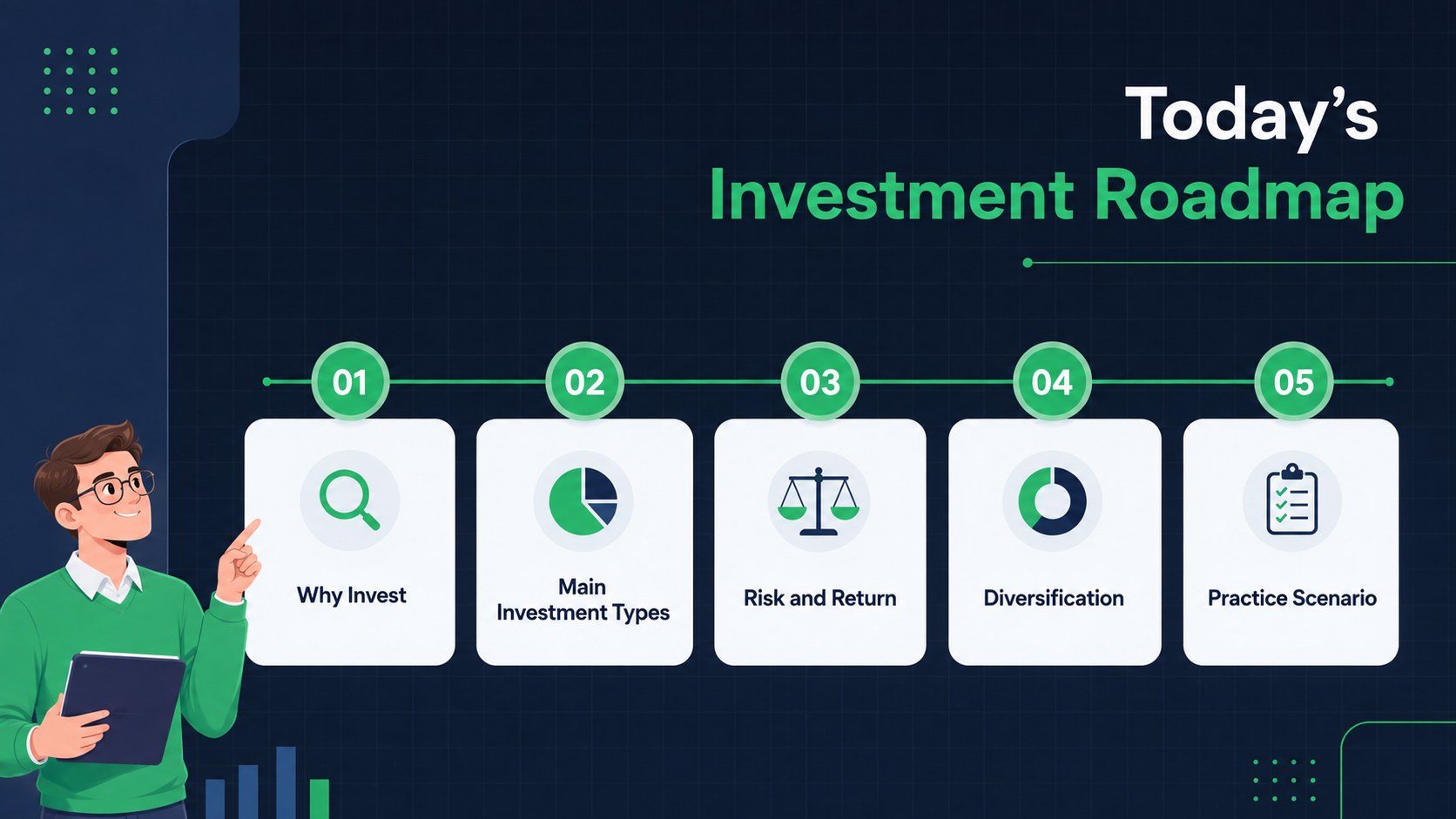
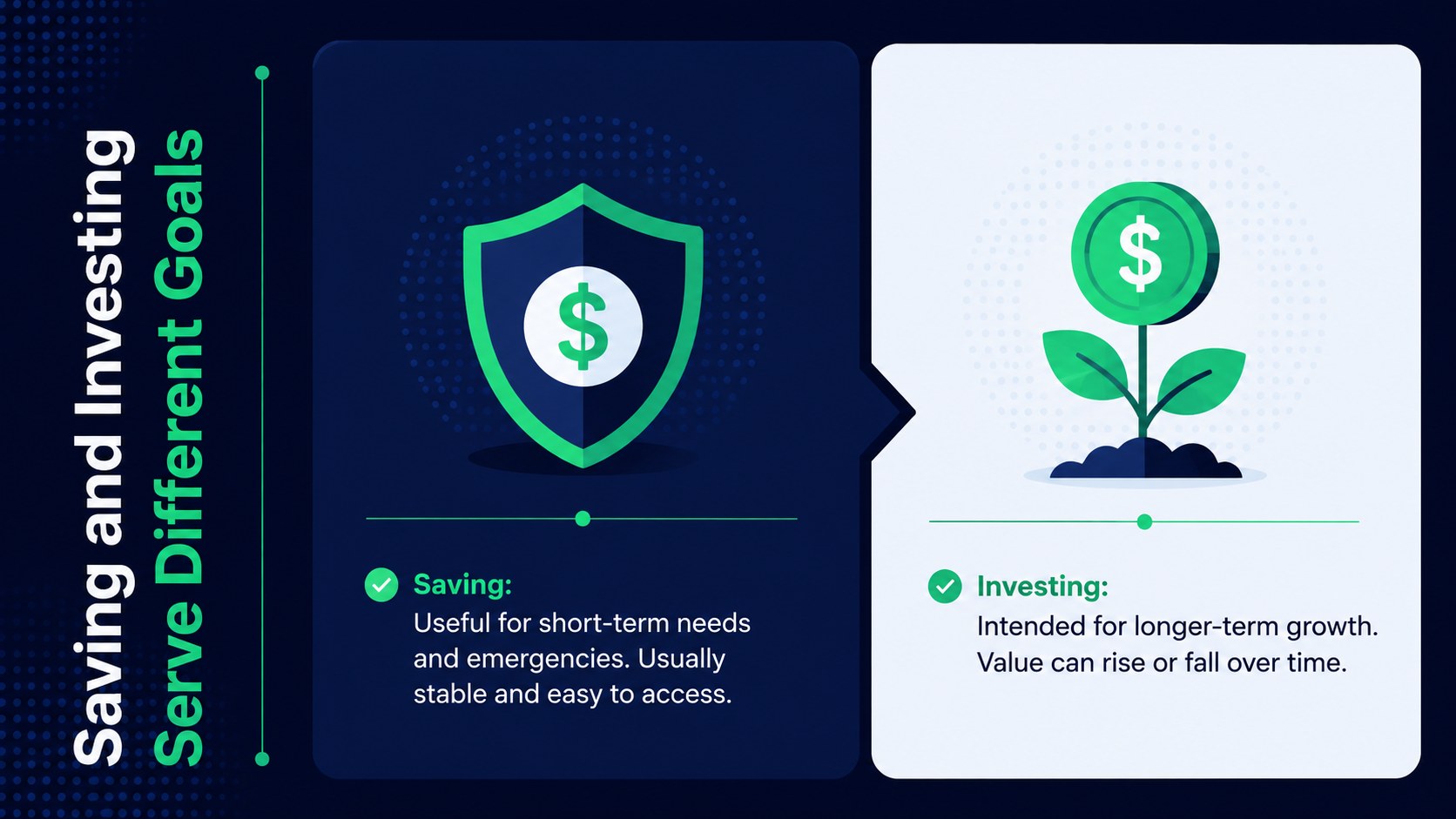
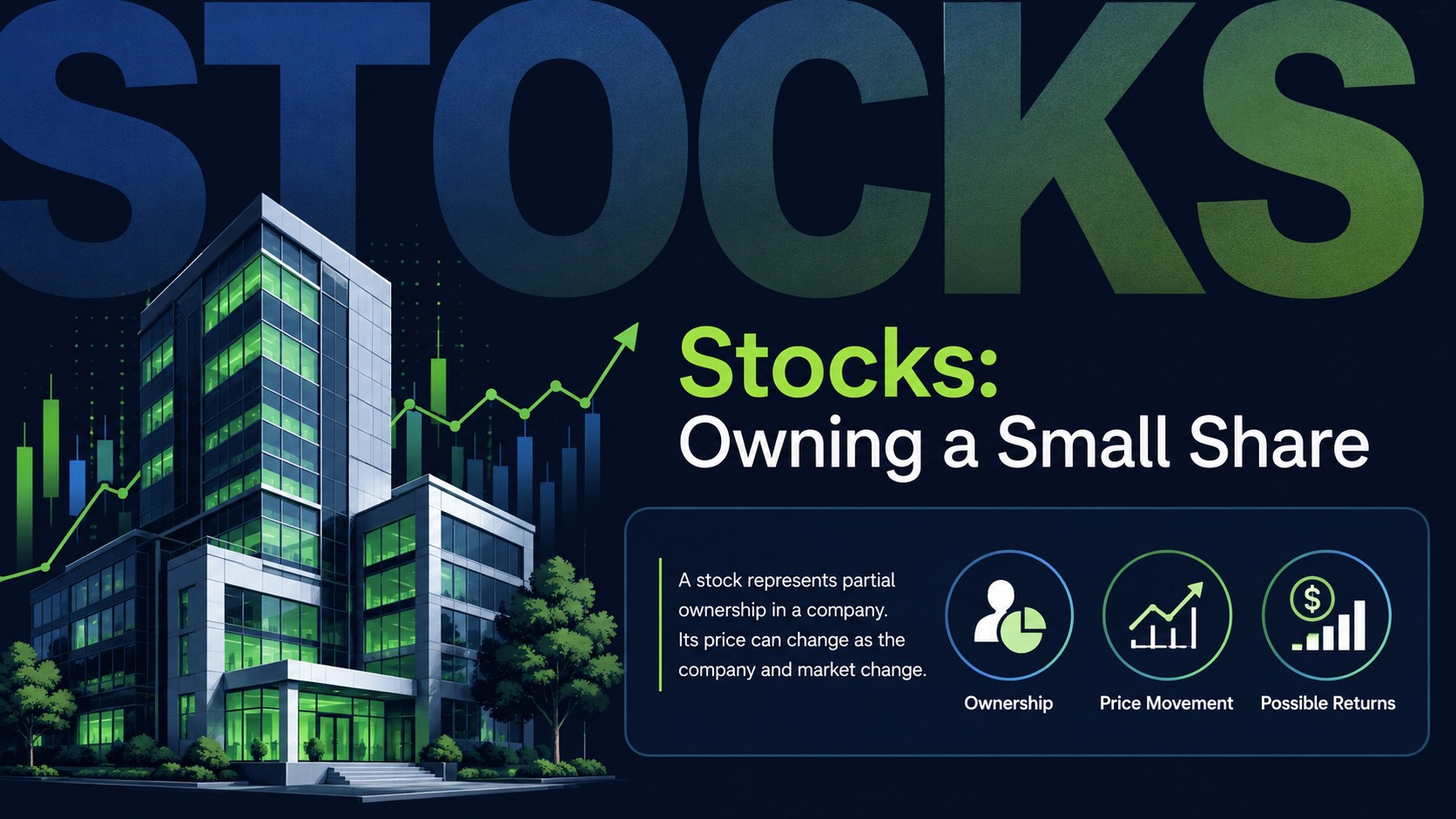
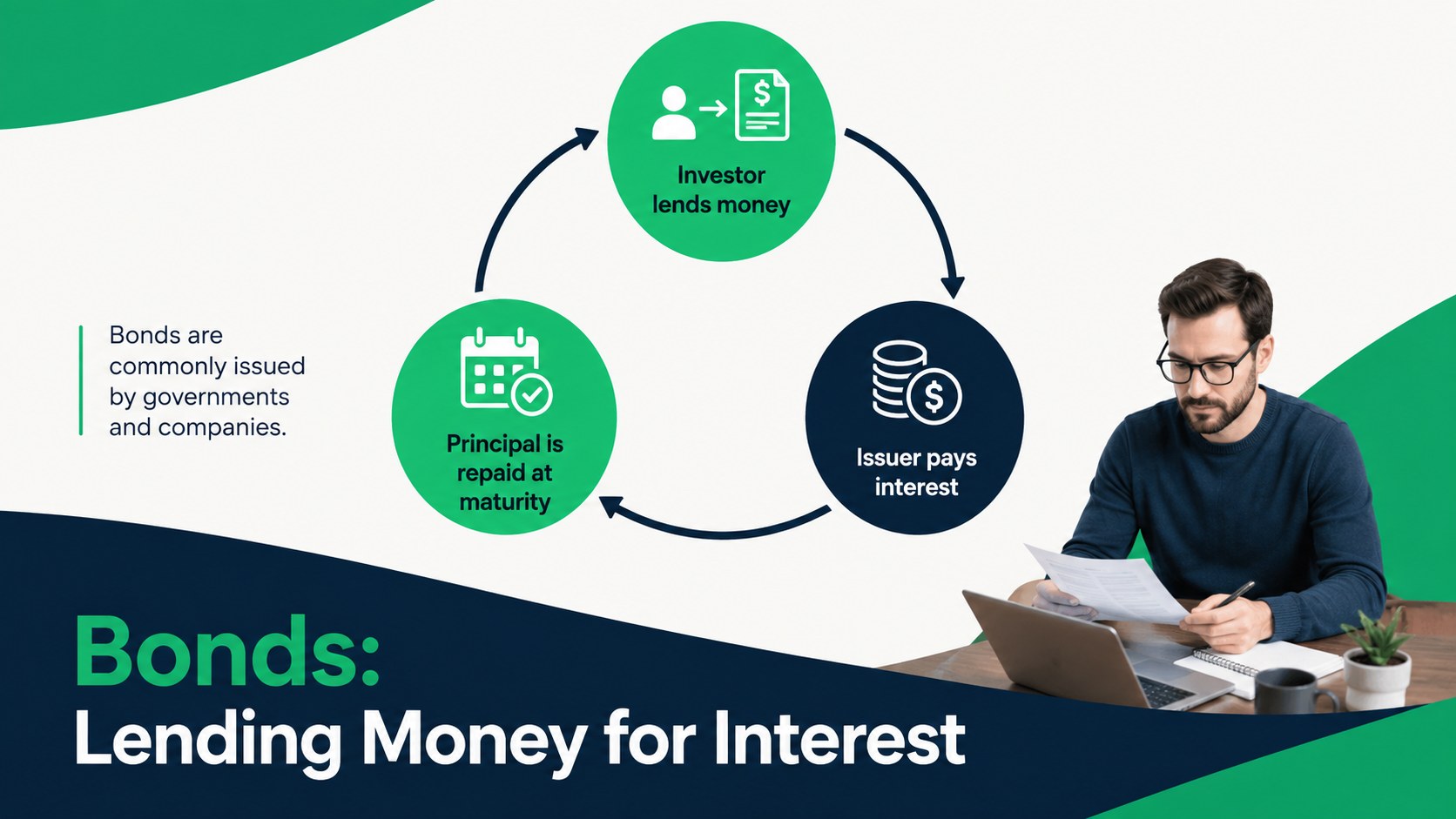
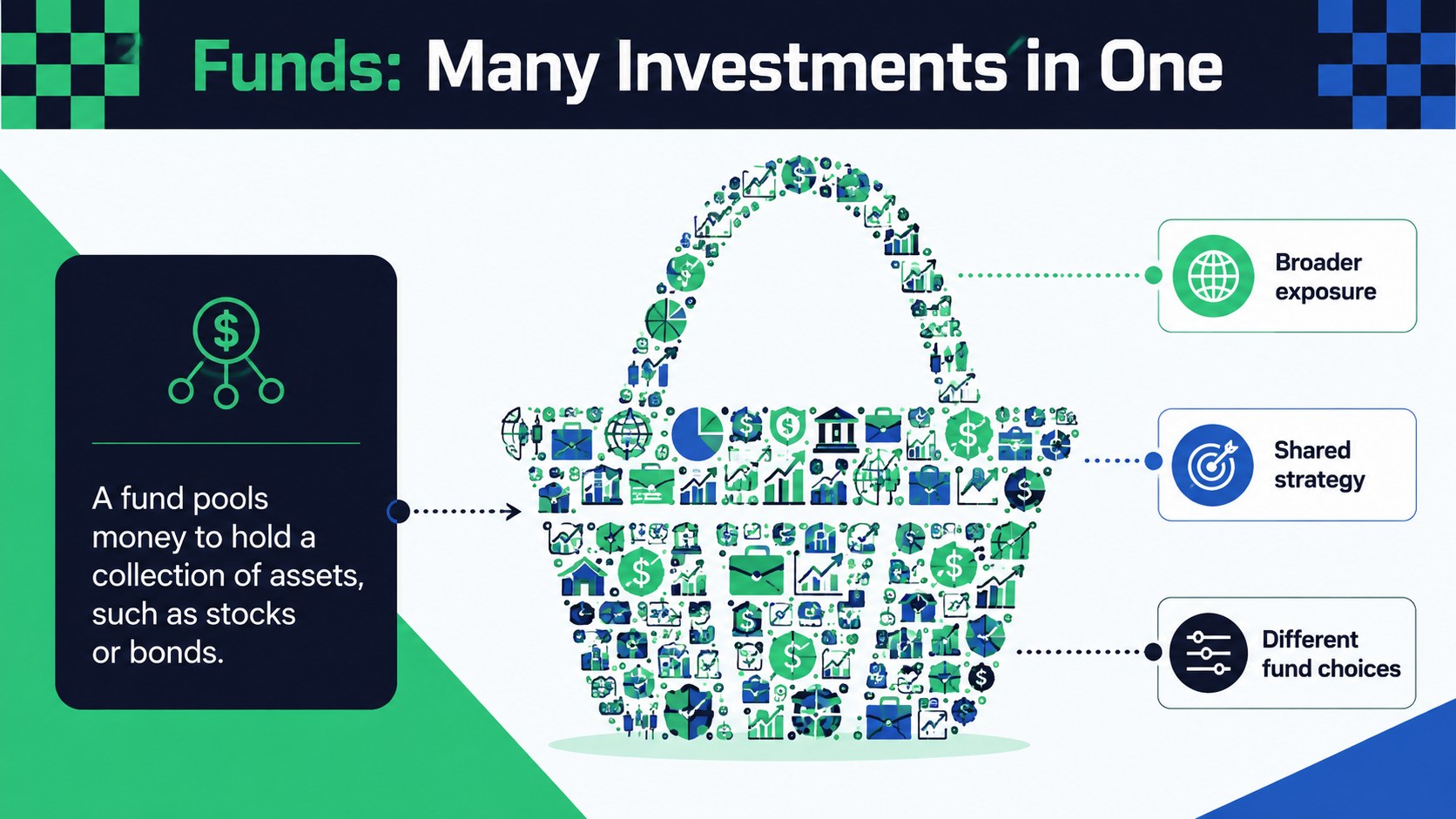
Across 15 editable slides, educators can explain why people invest, compare stocks, bonds, funds, savings, and real estate, and introduce the relationship between risk and potential return. Visual comparison layouts, simple charts, scenario prompts, and a diversification activity for middle school learners help students connect definitions with realistic decisions. A recap and short knowledge check make it easy to review the central concepts at the end of the session.
Use the deck as a financial literacy investment presentation, a unit opener, or a guided discussion resource. Every slide can be adapted in PowerPoint or Google Slides, allowing you to change examples, rearrange sections, update colors, or add curriculum-specific notes. The structured layouts support whole-class instruction, small-group activities, and independent study while leaving enough flexibility for different age groups and teaching goals.
Perfect for: middle school financial literacy lesson; high school investing introduction; risk and return classroom discussion; student diversification activity; personal finance workshop.
Frequently asked questions
Can I edit the examples for a specific age group? Yes. The headings, explanations, comparison tables, and activity prompts are editable, so you can simplify the language or add more advanced examples to match your students.
Practical details
Yes. The headings, explanations, comparison tables, and activity prompts are editable, so you can simplify the language or add more advanced examples to match your students.
The template is designed for PowerPoint and Google Slides. Fonts, colors, shapes, and slide content can be adjusted in either platform.
Yes. You can replace the theme colors with school colors or another finance-friendly palette while preserving the existing layouts and visual hierarchy.
Yes. It includes comparison prompts, an investment scenario, a diversification exercise, and a short knowledge check that can be completed individually or as a class.
Keep exploring
15Shape your publishing concept with an indie magazine startup pitch deck featuring pastel gradients, bold collage layouts, and editable planning slides.
 16
16Build clear project stories with the Icon Grid Teamwork Theme, a flexible blue illustrated deck for proposals, strategy updates, and team meetings.
 3
3Turn priorities into an actionable plan with an annual goals roadmap infographic, featuring editable orange and teal layouts for PowerPoint and Google Slides.
 15
15Create an Annual Achievement Report Presentation with colorful geometric layouts for milestones, results, lessons, and priorities in PowerPoint or Google Slides.
 15
15Turn results into a focused annual performance evaluation report with dark 3D slides for KPIs, achievements, feedback, and next-step goals for teams.
 15
15Guide a focused annual recap with Business Results Retrospective Slides, a muted brown-and-blue template for PowerPoint and Google Slides.
 6
6Turn complex plans into clear visual stories with Color-Coded Workflow Path Slides, an editable set for project updates, roadmaps, and team briefings.
 6
6Compare regional performance at a glance with Global Data Heatmap Slides, a clean multicolor deck designed for editable PowerPoint and Google Slides.