
 15
15presentation
Indie Magazine Startup Pitch Deck
Shape your publishing concept with an indie magazine startup pitch deck featuring pastel gradients, bold collage layouts, and editable planning slides.
Google SlidesPowerPoint
presentation · English
Build clearer team updates with an internal communications briefing deck in modern grey, red, and white layouts for PowerPoint and Google Slides.



Design notes
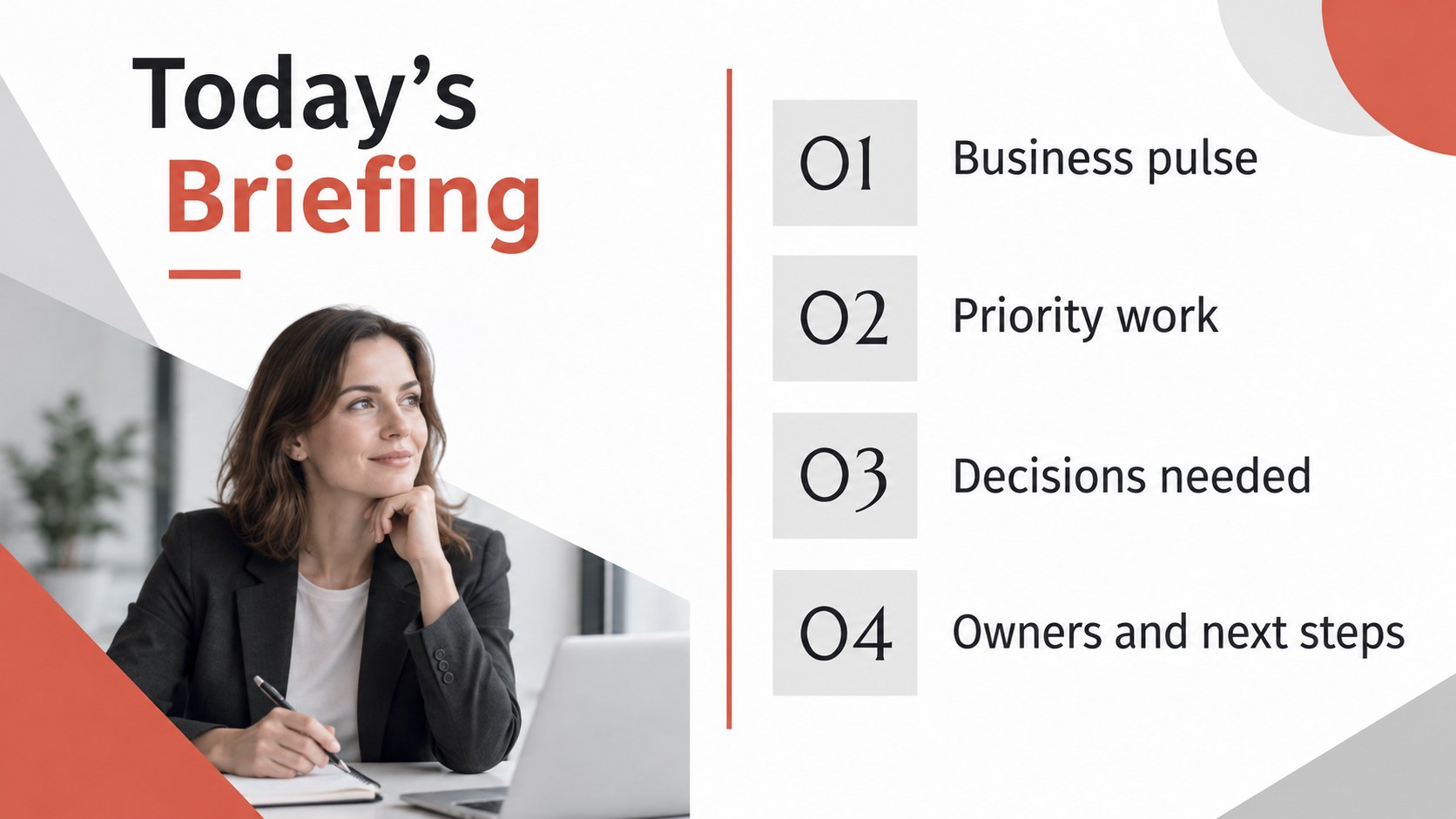
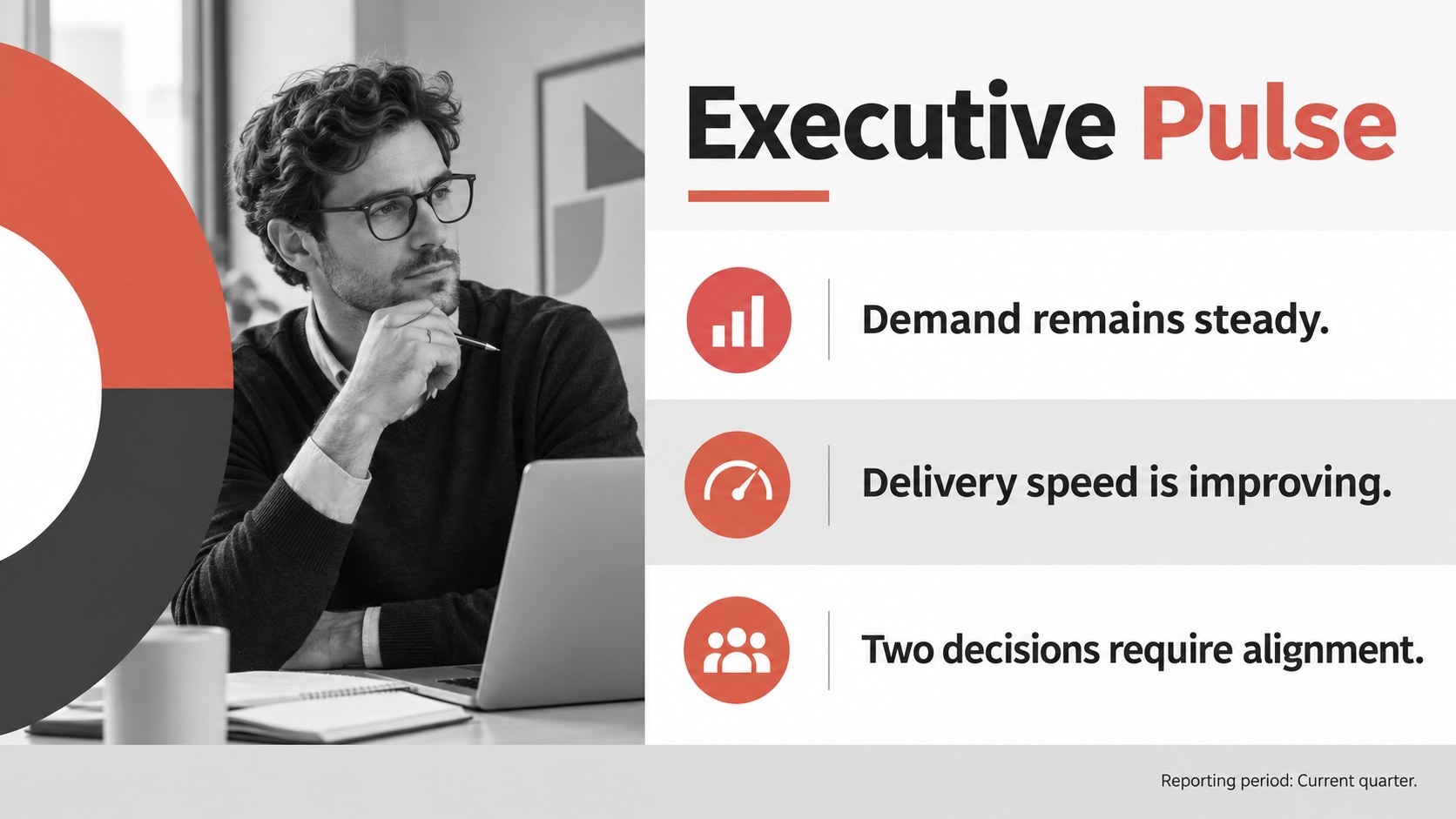
Keep recurring meetings focused with an internal communications briefing deck built for clear, confident business updates. Modern abstract shapes, structured typography, and a balanced grey, red, and white palette create a professional setting for information without overwhelming the audience. Use it as a company update PowerPoint deck or adapt it for leadership briefings in Google Slides.
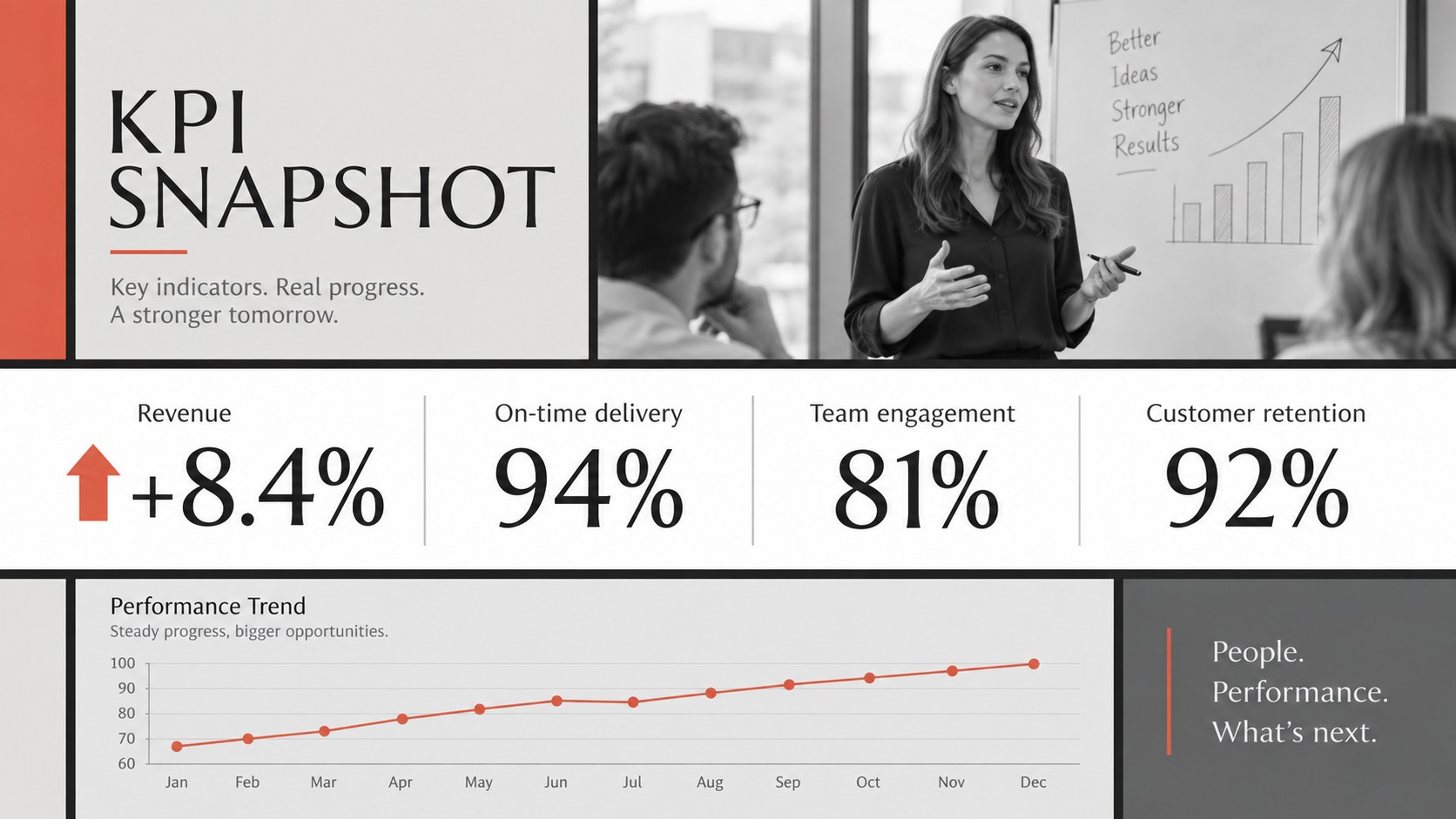
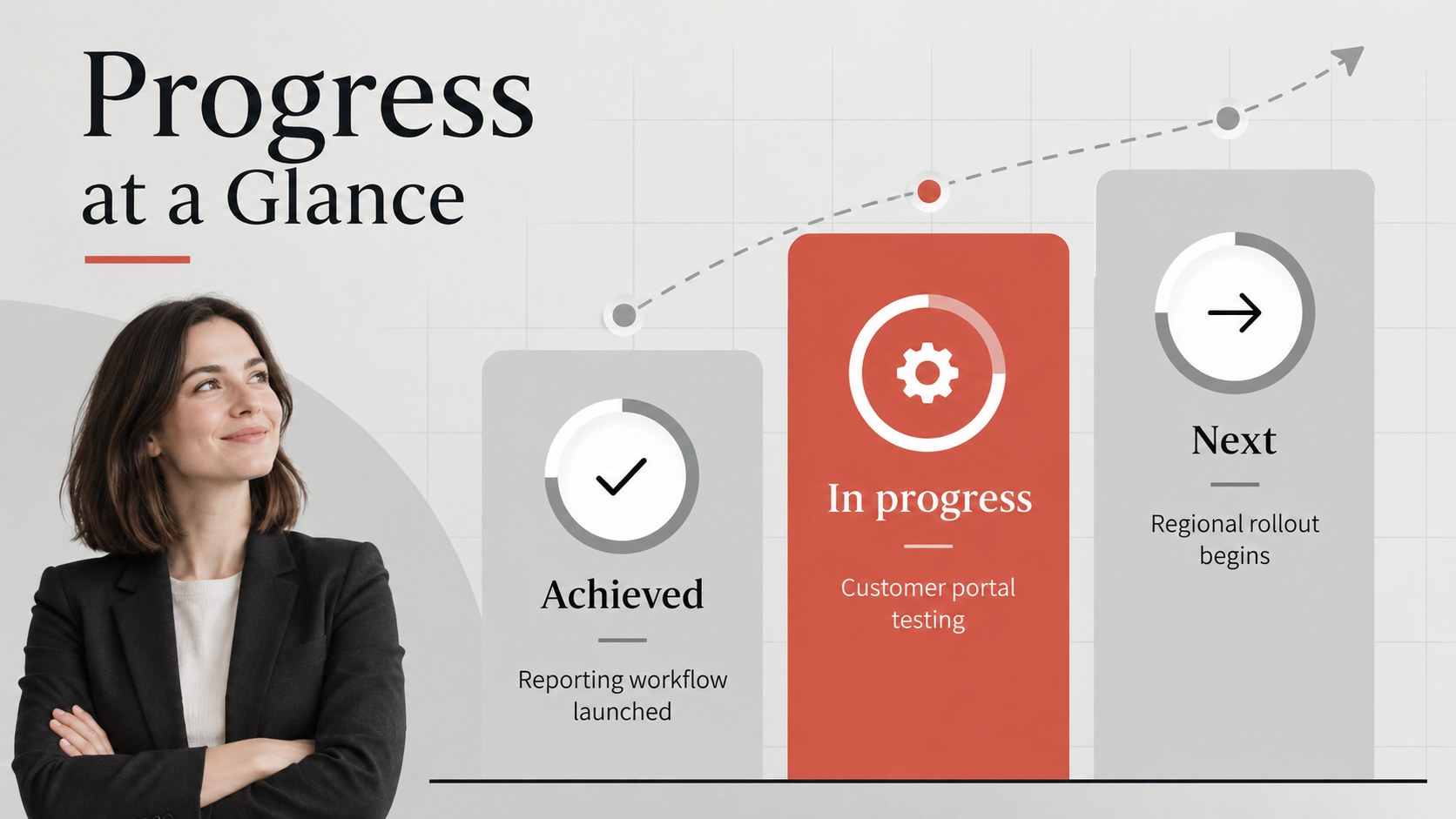
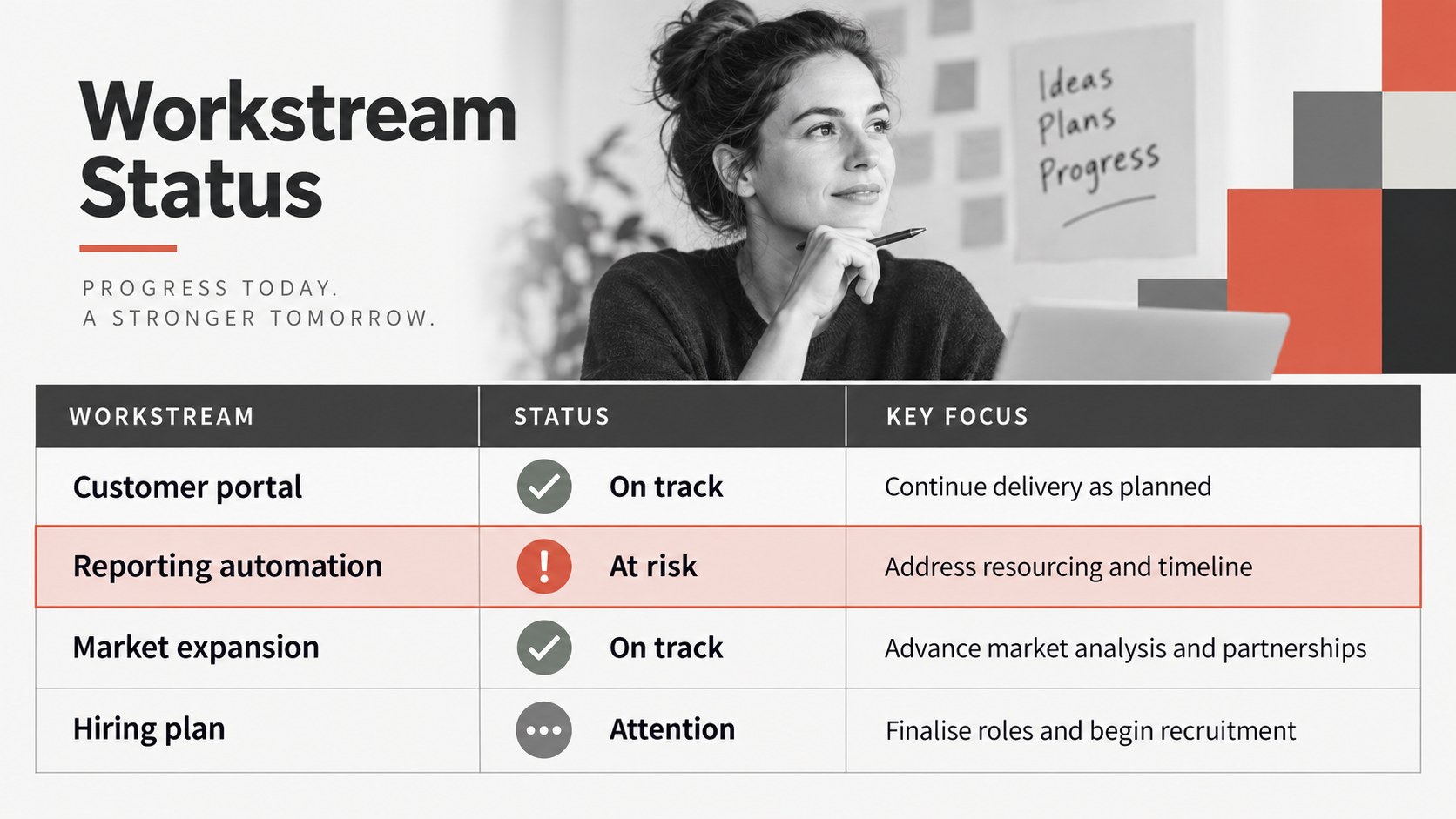
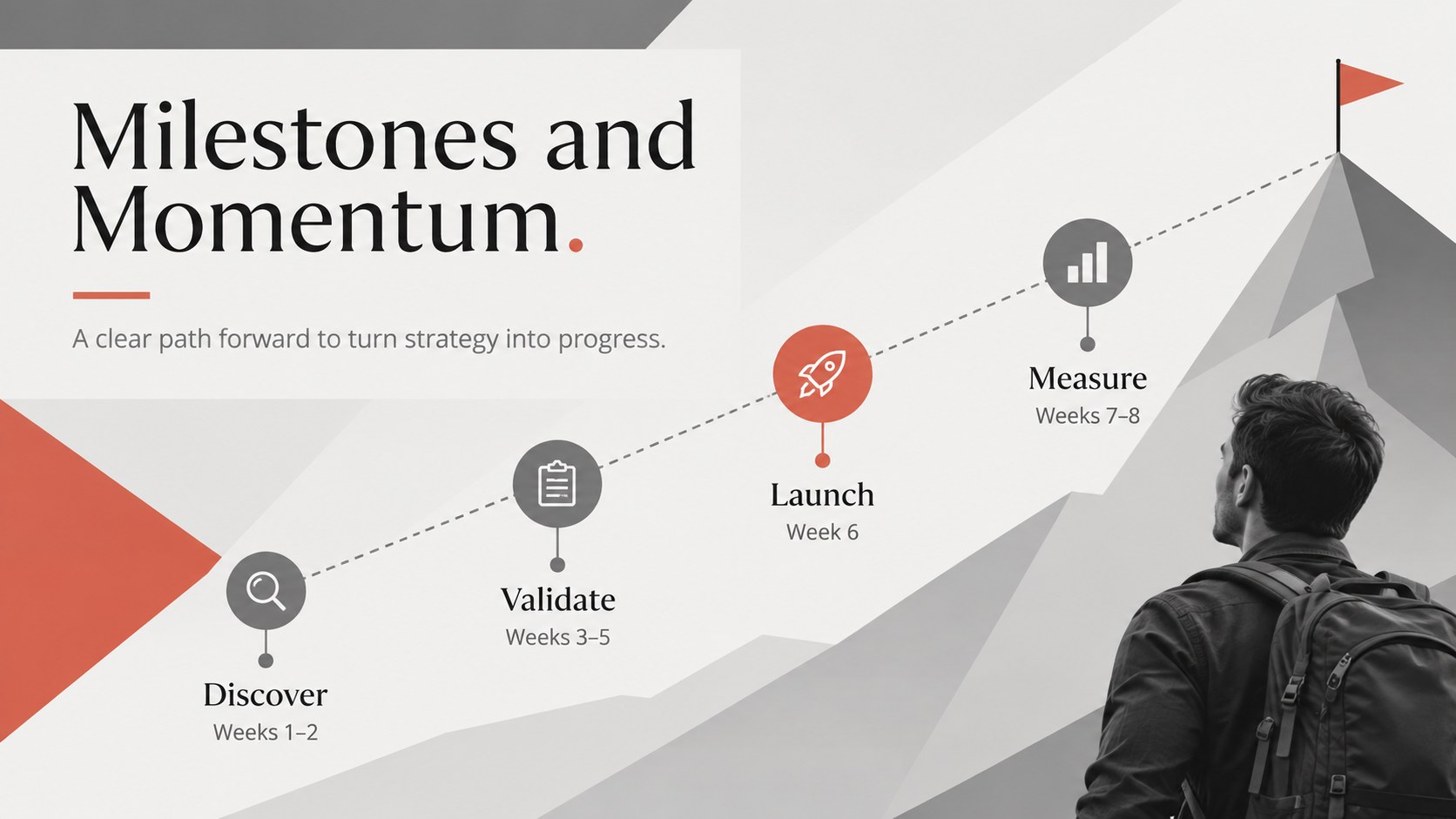
The presentation includes layouts for an agenda, executive highlights, performance metrics, strategic priorities, project milestones, department updates, resource planning, risks, decisions, and assigned actions. Charts, timelines, comparison panels, and status indicators help turn detailed reporting into concise visual summaries. The flexible design also works as a quarterly business review slide template or a set of modern corporate status update slides. Fira Sans and Marcellus typography provide a clean contrast between readable body copy and polished headings.
Designed for managers, operations teams, project leads, department heads, and internal communications specialists, this deck supports recurring meetings as well as major organizational updates. Every layout can be edited in PowerPoint or Google Slides, including text, colors, data, imagery, and graphic elements. Replace the sample content with your own priorities and metrics to create a consistent briefing that makes decisions, ownership, and next steps easy to understand.
Perfect for: quarterly business review; company-wide progress update; executive leadership briefing; department status meeting; project milestone review; internal strategy presentation.
Frequently asked questions
Can I edit this briefing deck in PowerPoint and Google Slides? Yes. The layouts, text, colors, shapes, charts, and images can be customized in PowerPoint or Google Slides. Some font spacing may vary slightly between platforms.
Practical details
Yes. The layouts, text, colors, shapes, charts, and images can be customized in PowerPoint or Google Slides. Some font spacing may vary slightly between platforms.
Replace the sample updates with your own metrics, priorities, decisions, and action items. You can also apply your organization’s fonts, logo, photography, and approved accent colors.
Yes. Duplicate the relevant status, KPI, risk, and action slides for weekly or monthly reporting. Keeping the same structure across meetings makes progress and ownership easier to compare.
Yes. The presentation provides visual structures for performance metrics, milestone timelines, comparisons, resource summaries, and risk tracking. Update the sample labels and values to match your reporting period.
Keep exploring
15Shape your publishing concept with an indie magazine startup pitch deck featuring pastel gradients, bold collage layouts, and editable planning slides.
 16
16Build clear project stories with the Icon Grid Teamwork Theme, a flexible blue illustrated deck for proposals, strategy updates, and team meetings.
 3
3Turn priorities into an actionable plan with an annual goals roadmap infographic, featuring editable orange and teal layouts for PowerPoint and Google Slides.
 15
15Create an Annual Achievement Report Presentation with colorful geometric layouts for milestones, results, lessons, and priorities in PowerPoint or Google Slides.
 15
15Turn results into a focused annual performance evaluation report with dark 3D slides for KPIs, achievements, feedback, and next-step goals for teams.
 15
15Guide a focused annual recap with Business Results Retrospective Slides, a muted brown-and-blue template for PowerPoint and Google Slides.
 6
6Turn complex plans into clear visual stories with Color-Coded Workflow Path Slides, an editable set for project updates, roadmaps, and team briefings.
 6
6Compare regional performance at a glance with Global Data Heatmap Slides, a clean multicolor deck designed for editable PowerPoint and Google Slides.