
 15
15presentation
Indie Magazine Startup Pitch Deck
Shape your publishing concept with an indie magazine startup pitch deck featuring pastel gradients, bold collage layouts, and editable planning slides.
Google SlidesPowerPoint
presentation · English
Prioritize decision-makers with influence and interest matrix slides, vivid gradients, editable layouts, and clear visuals for PowerPoint and Google Slides.
Design notes
Influence and interest matrix slides give project teams a clear way to identify who can shape an initiative, who needs regular updates, and where engagement efforts should be focused. The vivid gradient design brings energy to strategic discussions while maintaining the polished, structured look expected in business presentations.
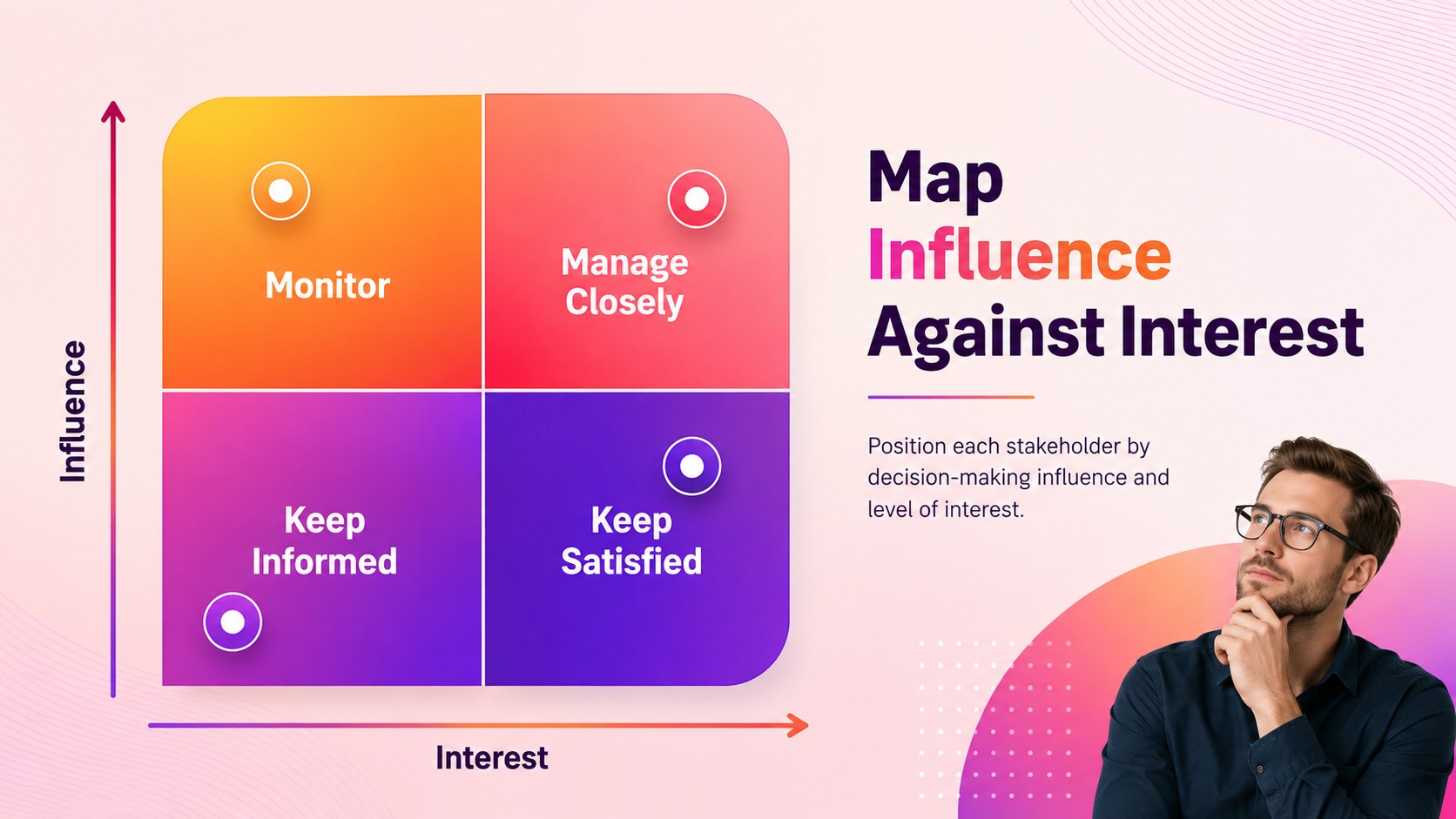
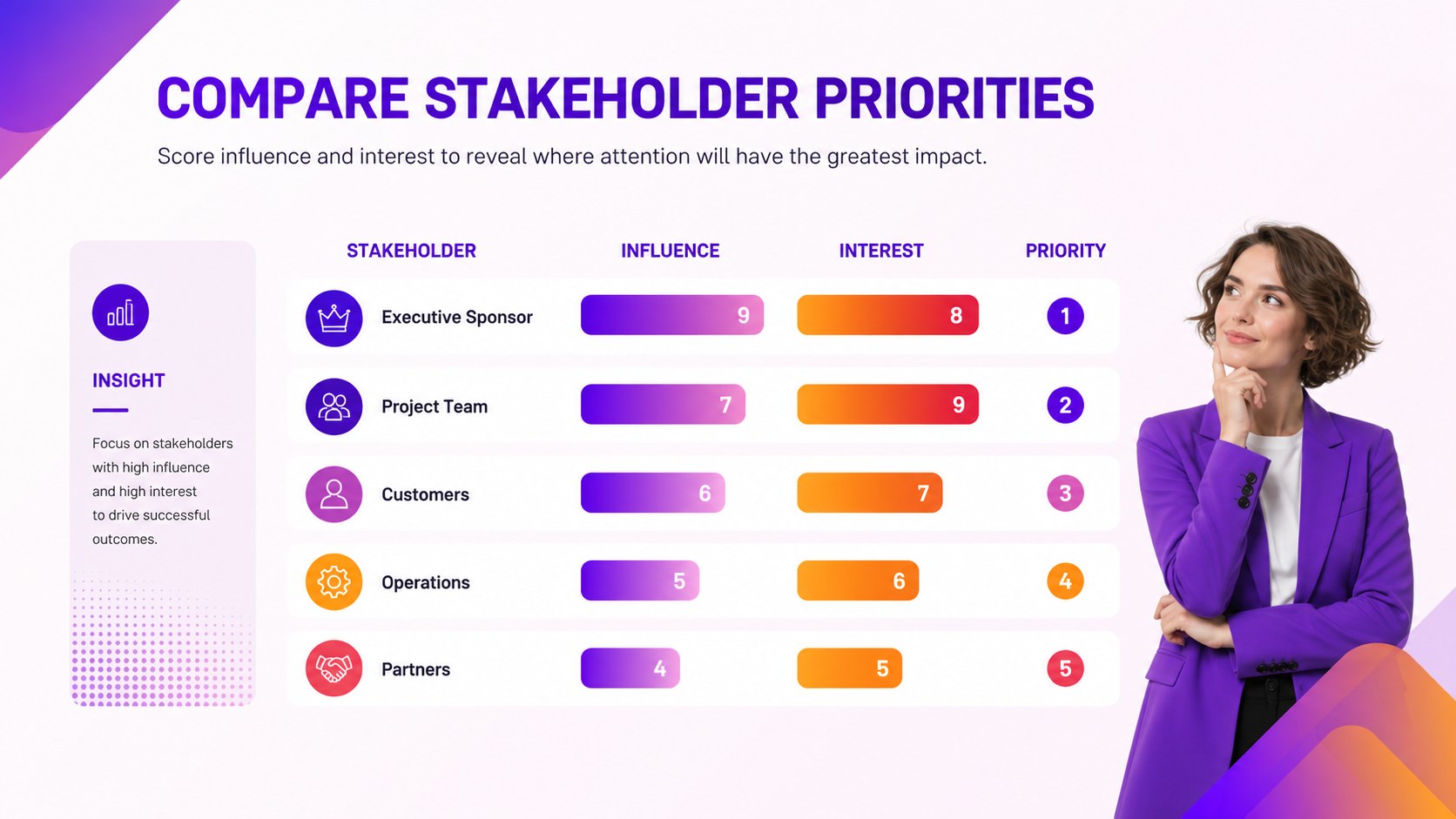
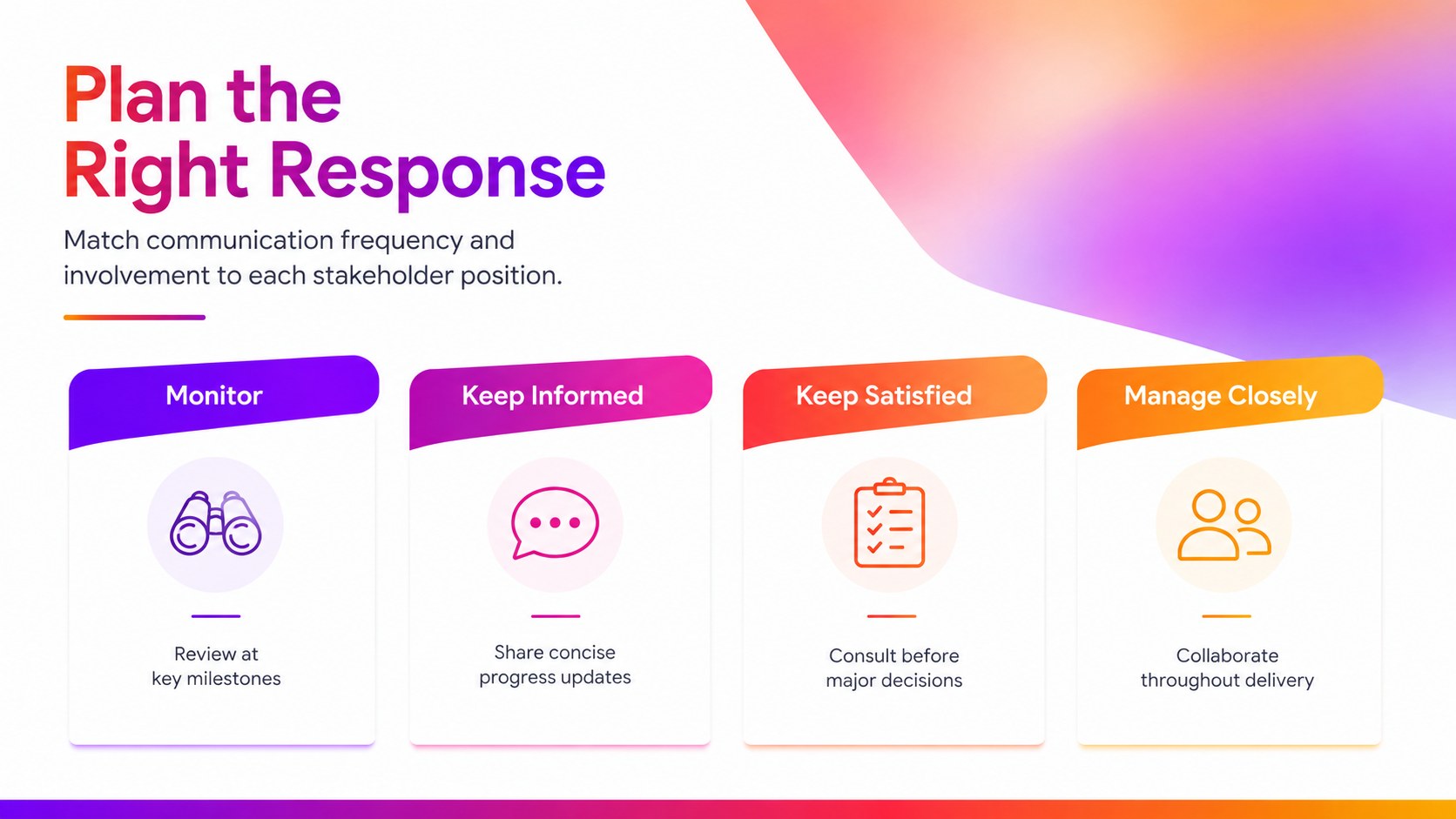
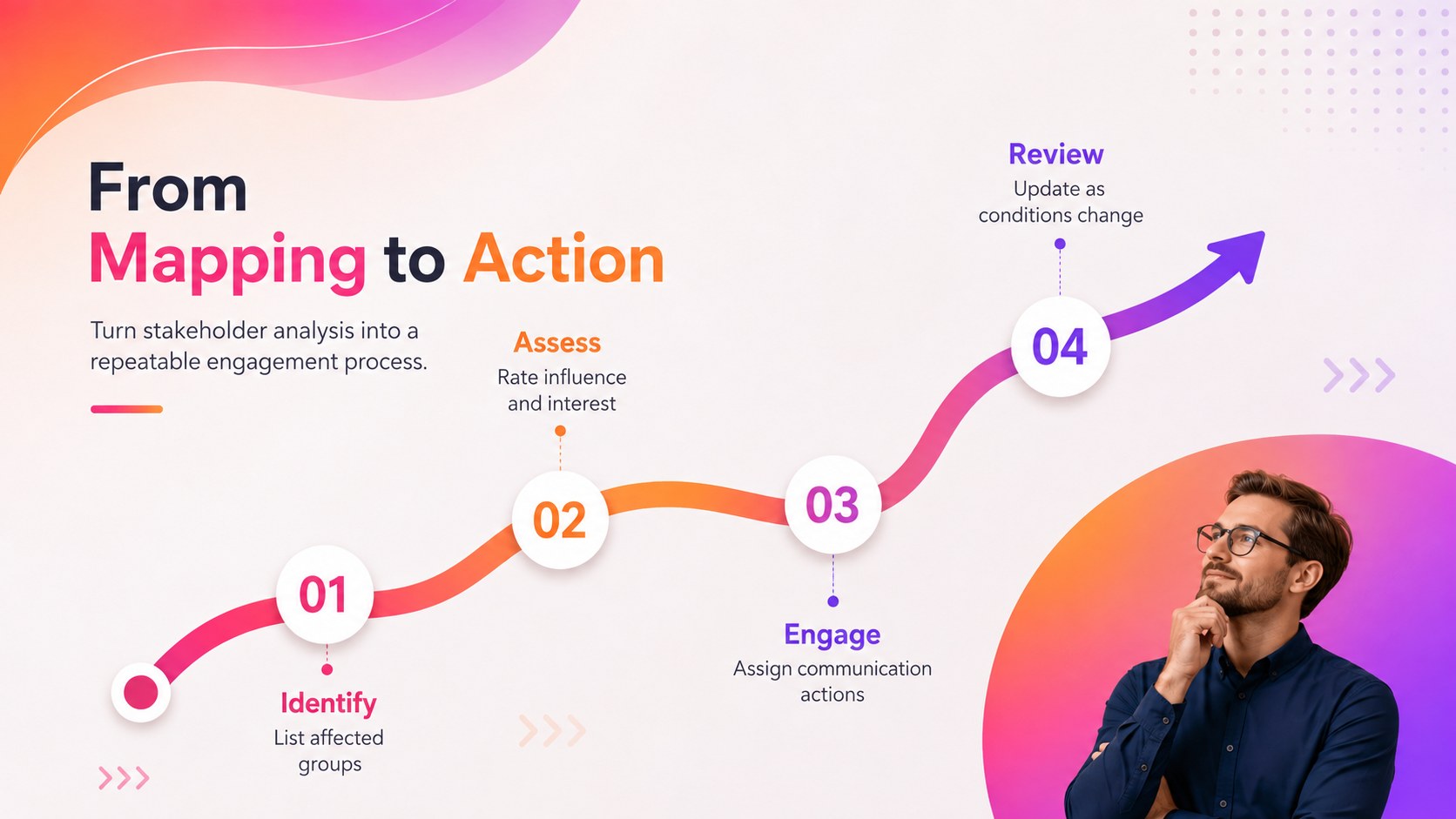
Inside the deck, you will find five coordinated 16:9 layouts for mapping stakeholders, comparing priority levels, assigning engagement approaches, and turning analysis into next steps. Use the editable power interest grid presentation to position groups across four familiar quadrants, then adapt the supporting pages as a stakeholder engagement planning template. Colors, labels, shapes, scores, and text can be customized directly in PowerPoint or Google Slides.
This project stakeholder mapping deck is designed for project managers, consultants, change leaders, product teams, and operations professionals. It works well for project kickoffs, transformation programs, communication planning, risk workshops, and executive reviews. The flexible visual system can represent internal teams, customers, sponsors, regulators, suppliers, or community groups without overwhelming the audience. Use the influence and interest matrix slides to move conversations beyond simple stakeholder lists and toward practical decisions about ownership, communication frequency, and relationship management.
Perfect for: project kickoff workshop; change management planning; executive stakeholder review; communication strategy meeting; consulting client presentation.
Frequently asked questions
Can I edit the stakeholder categories and quadrant labels? Yes. Every label, shape, color, and text field can be edited to match your stakeholder framework. You can also rename the quadrants or replace them with organization-specific engagement categories.
Practical details
Yes. Every label, shape, color, and text field can be edited to match your stakeholder framework. You can also rename the quadrants or replace them with organization-specific engagement categories.
The slides are designed for PowerPoint and Google Slides. Both platforms allow you to update the content, rearrange elements, and apply your own fonts and brand colors.
Replace the sample stakeholder groups with the people, teams, or organizations relevant to your initiative. Then position each entry according to its decision-making influence and level of interest.
Yes. Select the editable shapes and apply solid colors or new gradient combinations from your presentation platform. Keep sufficient contrast between text and backgrounds for clear projection and screen sharing.
Keep exploring
15Shape your publishing concept with an indie magazine startup pitch deck featuring pastel gradients, bold collage layouts, and editable planning slides.
 16
16Build clear project stories with the Icon Grid Teamwork Theme, a flexible blue illustrated deck for proposals, strategy updates, and team meetings.
 3
3Turn priorities into an actionable plan with an annual goals roadmap infographic, featuring editable orange and teal layouts for PowerPoint and Google Slides.
 15
15Create an Annual Achievement Report Presentation with colorful geometric layouts for milestones, results, lessons, and priorities in PowerPoint or Google Slides.
 15
15Turn results into a focused annual performance evaluation report with dark 3D slides for KPIs, achievements, feedback, and next-step goals for teams.
 15
15Guide a focused annual recap with Business Results Retrospective Slides, a muted brown-and-blue template for PowerPoint and Google Slides.
 6
6Turn complex plans into clear visual stories with Color-Coded Workflow Path Slides, an editable set for project updates, roadmaps, and team briefings.
 6
6Compare regional performance at a glance with Global Data Heatmap Slides, a clean multicolor deck designed for editable PowerPoint and Google Slides.