
 15
15presentation
Indie Magazine Startup Pitch Deck
Shape your publishing concept with an indie magazine startup pitch deck featuring pastel gradients, bold collage layouts, and editable planning slides.
Google SlidesPowerPoint
document · English
Build an independent contractor agreement slides deck for clear project terms, payment details, and signatures in a polished orange business design.
Design notes
An independent contractor agreement slides deck gives freelancers and clients a practical way to organize working terms before a project begins. Use the bold orange business design to present responsibilities, deliverables, payment conditions, deadlines, and approval details in a format that is easy to discuss and revise.
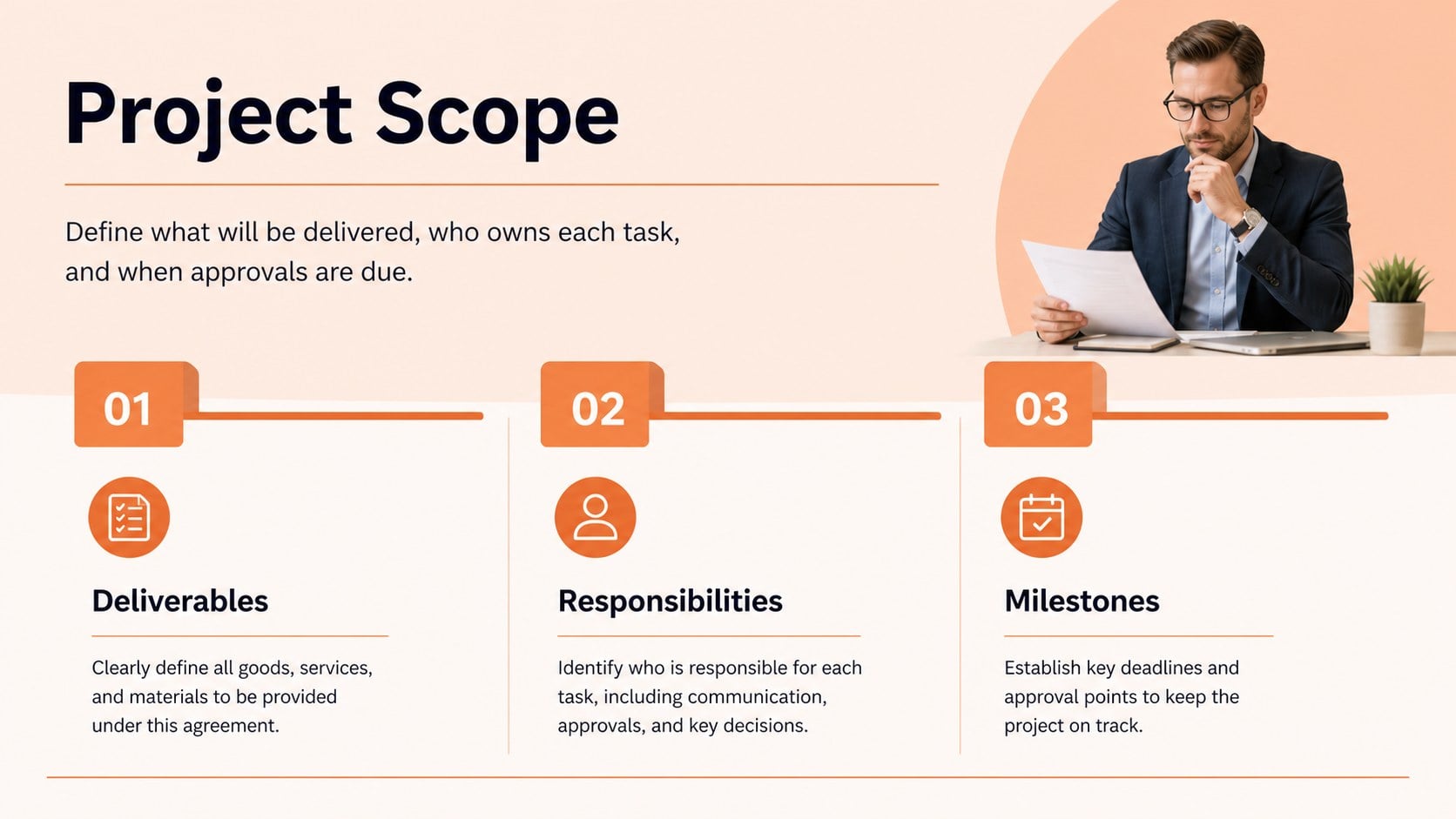
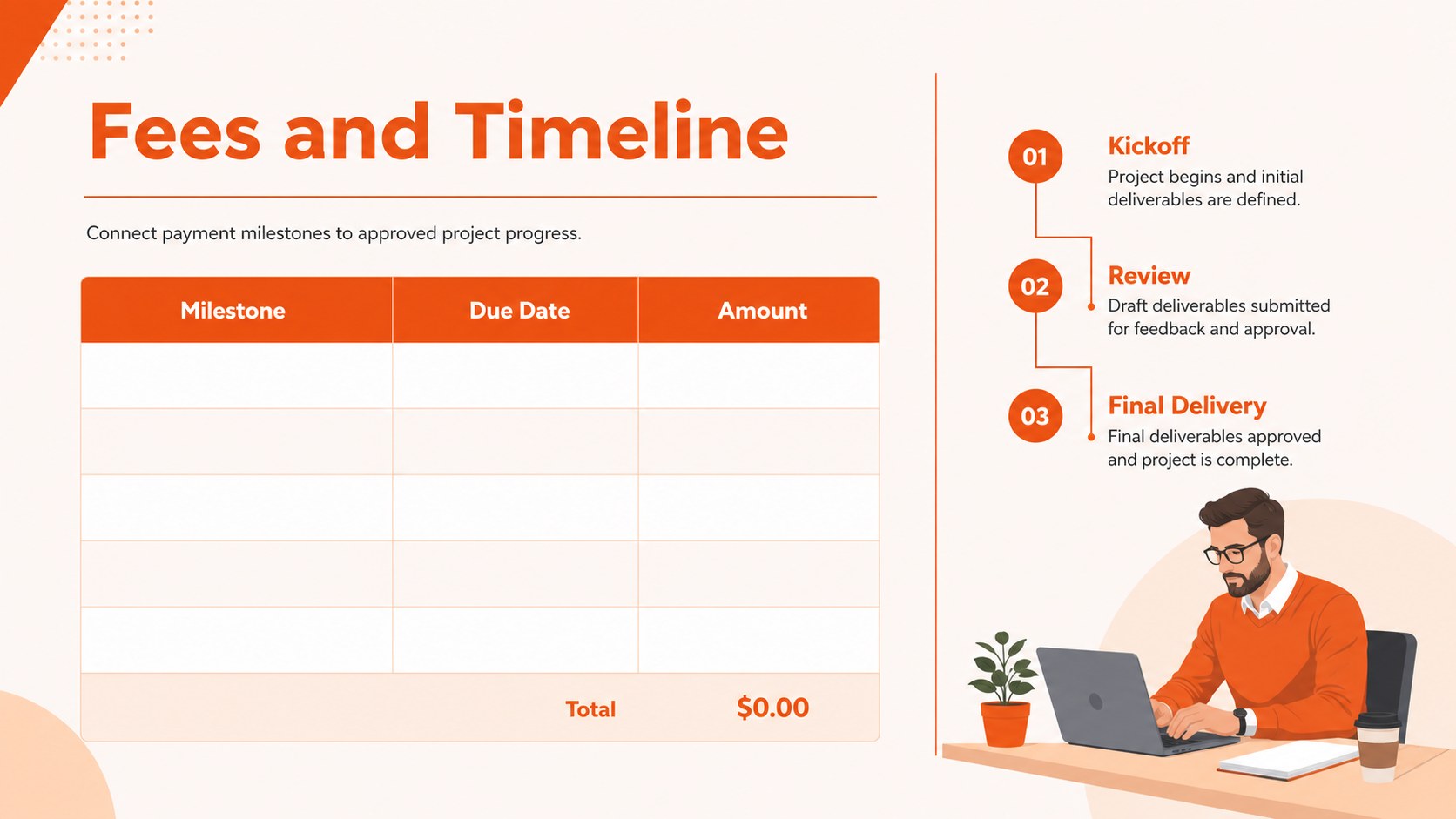
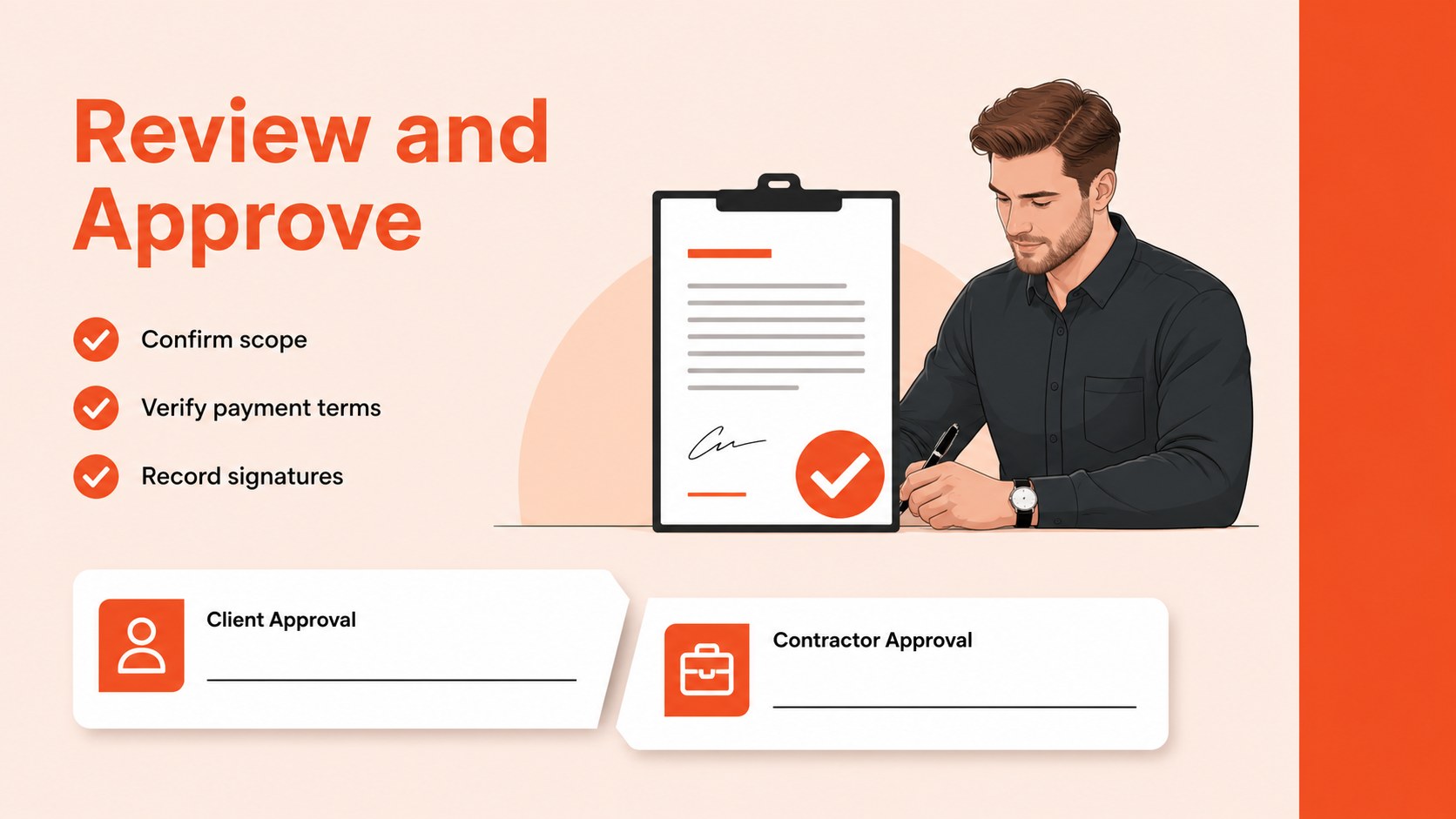
Inside, you’ll find a professional cover, agreement overview, project scope layout, payment and timeline sections, and a closing approval page. The modular slide structure works well for presenting an independent contractor contract during a client meeting, onboarding process, or project kickoff. Replace the sample text with your company details, contractor information, service descriptions, rates, milestones, and signature requirements.
This template is designed for business owners, agencies, consultants, freelancers, and operations teams that need a consistent way to explain contract terms. Edit it in PowerPoint or Google Slides, adjust the orange accents and typography, and export the finished deck for digital sharing or printing. It can also support a remote review process by giving both parties a concise visual reference alongside the full legal document.
Perfect for: freelancer client onboarding; agency project kickoff; consulting service agreement review; contractor payment discussion; small business vendor approval.
Frequently asked questions
Can I edit this agreement deck in PowerPoint? Yes. The presentation can be customized in PowerPoint, including the wording, colors, fonts, tables, and project details. Replace the sample agreement terms with information reviewed by the appropriate legal or business professional.
Practical details
Yes. The presentation can be customized in PowerPoint, including the wording, colors, fonts, tables, and project details. Replace the sample agreement terms with information reviewed by the appropriate legal or business professional.
Yes, you can open and edit the deck in Google Slides. Upload the PowerPoint file to Google Drive, then check the formatting after conversion and update any text or spacing that changes.
Start with the parties, project scope, deliverables, fees, payment milestones, timeline, and approval terms. Add any confidentiality, ownership, cancellation, or dispute provisions required for your specific engagement.
No. It is a visual agreement template for organizing and presenting business terms. Have the final contract reviewed by a qualified legal professional before signing.
Keep exploring
15Shape your publishing concept with an indie magazine startup pitch deck featuring pastel gradients, bold collage layouts, and editable planning slides.
 16
16Build clear project stories with the Icon Grid Teamwork Theme, a flexible blue illustrated deck for proposals, strategy updates, and team meetings.
 3
3Turn priorities into an actionable plan with an annual goals roadmap infographic, featuring editable orange and teal layouts for PowerPoint and Google Slides.
 15
15Create an Annual Achievement Report Presentation with colorful geometric layouts for milestones, results, lessons, and priorities in PowerPoint or Google Slides.
 15
15Turn results into a focused annual performance evaluation report with dark 3D slides for KPIs, achievements, feedback, and next-step goals for teams.
 15
15Guide a focused annual recap with Business Results Retrospective Slides, a muted brown-and-blue template for PowerPoint and Google Slides.
 6
6Turn complex plans into clear visual stories with Color-Coded Workflow Path Slides, an editable set for project updates, roadmaps, and team briefings.
 6
6Compare regional performance at a glance with Global Data Heatmap Slides, a clean multicolor deck designed for editable PowerPoint and Google Slides.