
 15
15presentation
Indie Magazine Startup Pitch Deck
Shape your publishing concept with an indie magazine startup pitch deck featuring pastel gradients, bold collage layouts, and editable planning slides.
Google SlidesPowerPoint
presentation · English
Create an inclusive team presentation with polished layouts, diverse imagery, and flexible charts for PowerPoint and Google Slides. Download and edit free.







Design notes
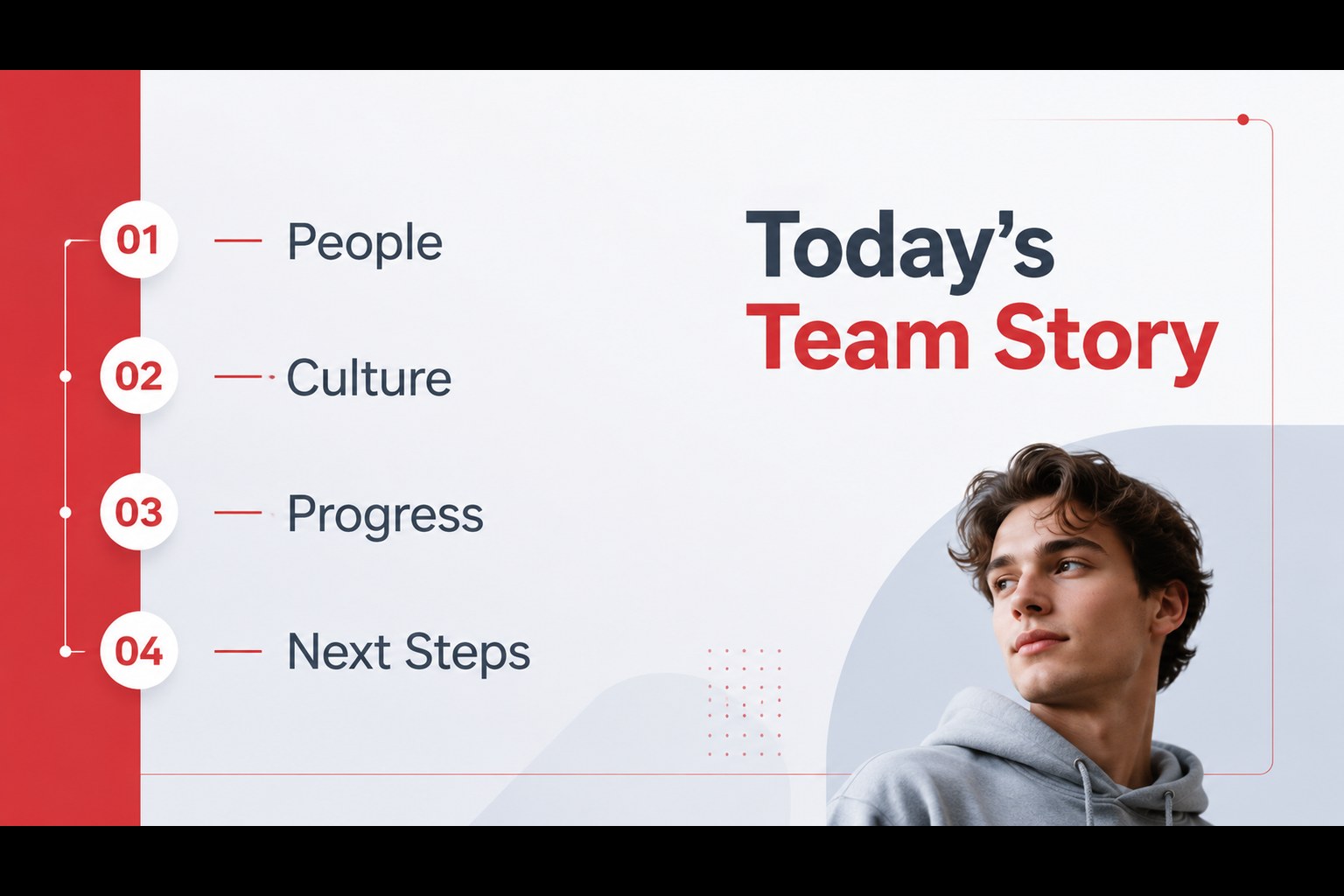
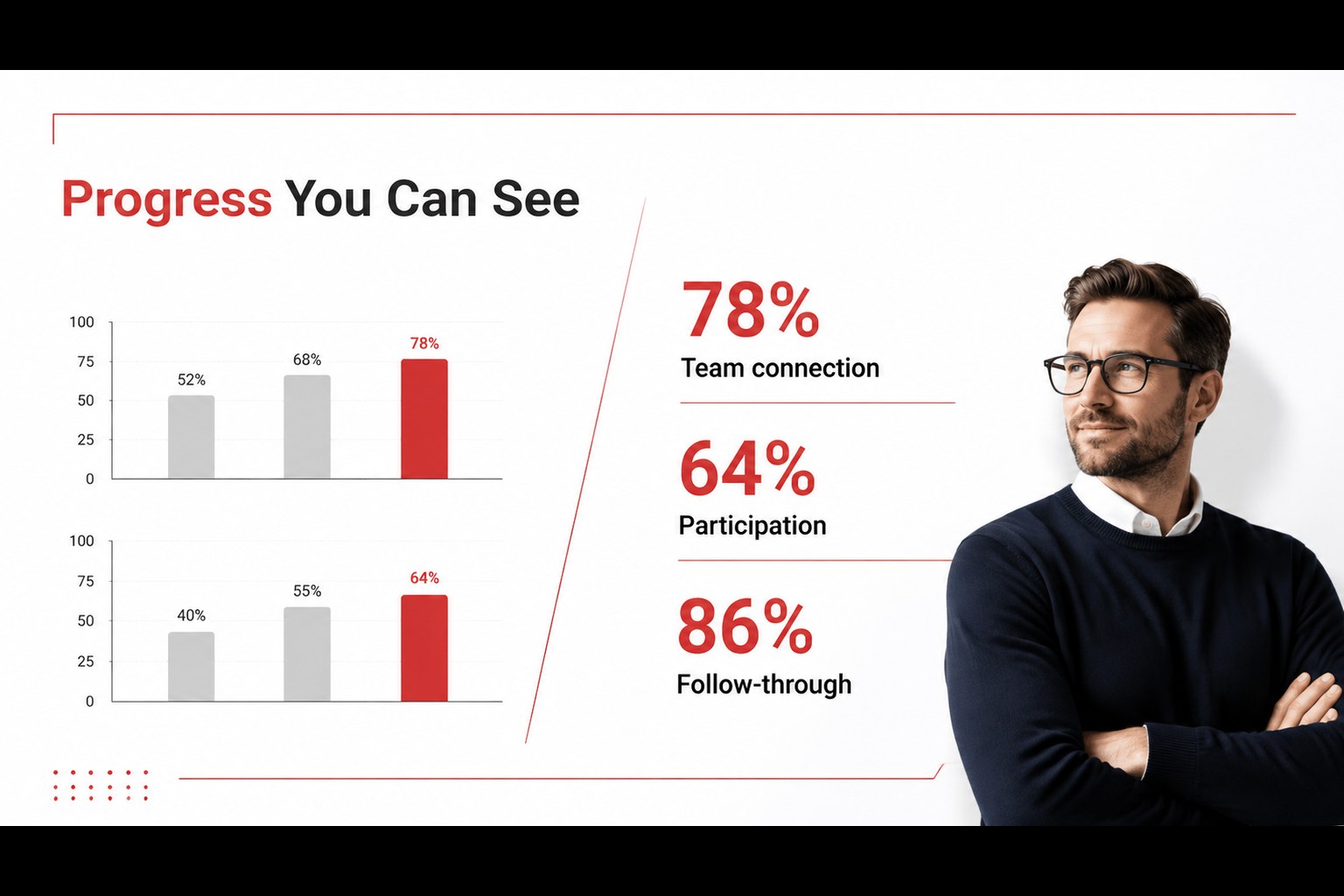
Inclusive team presentation slides give your message a professional, human-centered structure without making the design feel crowded. A clean layout system, subtle red accents, and original people-focused imagery help teams present ideas with clarity and warmth. The visual language works equally well for internal communication and outward-facing business stories.
Inside, you will find 16:9 layouts for introductions, agendas, team profiles, workplace culture, project updates, timelines, comparison tables, charts, and closing messages. The deck also includes editable icons, a world map, data-ready graphics, and image placeholders that can be adapted to your visual identity. Use the included visual direction to create employee onboarding presentation slides, culture reports, or a concise company profile.
The template is designed for human resources teams, marketing departments, founders, consultants, and educators who need modern diversity presentation slides without rebuilding every page from scratch. Edit text, colors, photographs, diagrams, and chart values in PowerPoint or Google Slides, then export the finished presentation to PDF or JPG. Its balanced mix of portrait imagery and structured business layouts makes it suitable for an inclusive team presentation, a people strategy update, or a persuasive pitch deck.
Perfect for: employee onboarding presentation; workplace culture report; people strategy update; startup team pitch; employee spotlight series.
Frequently asked questions
Can I edit this deck in PowerPoint? Yes. The presentation is designed for PowerPoint and uses editable text, shapes, colors, images, charts, and icons. You can also export the completed deck to PDF or JPG.
Practical details
Yes. The presentation is designed for PowerPoint and uses editable text, shapes, colors, images, charts, and icons. You can also export the completed deck to PDF or JPG.
Yes, you can open and customize the presentation as a Google Slides theme. Check the layout after importing, especially when replacing fonts or moving complex graphic elements.
Yes. Replace the accent color with a brand color and swap the portrait imagery for photos that match your organization. The layouts are flexible enough for team profiles, culture updates, and company presentations.
It suits HR communications, onboarding, employee spotlights, diversity initiatives, marketing stories, company profiles, and team-focused investor pitches. The included charts, tables, timelines, and map support both narrative and data-led slides.
Keep exploring
15Shape your publishing concept with an indie magazine startup pitch deck featuring pastel gradients, bold collage layouts, and editable planning slides.
 16
16Build clear project stories with the Icon Grid Teamwork Theme, a flexible blue illustrated deck for proposals, strategy updates, and team meetings.
 3
3Turn priorities into an actionable plan with an annual goals roadmap infographic, featuring editable orange and teal layouts for PowerPoint and Google Slides.
 15
15Create an Annual Achievement Report Presentation with colorful geometric layouts for milestones, results, lessons, and priorities in PowerPoint or Google Slides.
 15
15Turn results into a focused annual performance evaluation report with dark 3D slides for KPIs, achievements, feedback, and next-step goals for teams.
 15
15Guide a focused annual recap with Business Results Retrospective Slides, a muted brown-and-blue template for PowerPoint and Google Slides.
 6
6Turn complex plans into clear visual stories with Color-Coded Workflow Path Slides, an editable set for project updates, roadmaps, and team briefings.
 6
6Compare regional performance at a glance with Global Data Heatmap Slides, a clean multicolor deck designed for editable PowerPoint and Google Slides.