
 15
15presentation
Indie Magazine Startup Pitch Deck
Shape your publishing concept with an indie magazine startup pitch deck featuring pastel gradients, bold collage layouts, and editable planning slides.
Google SlidesPowerPoint
presentation · English
Build an incident response planning slides deck for teams managing disruptions, assigning actions, and reporting recovery progress in PowerPoint or Google…

Design notes
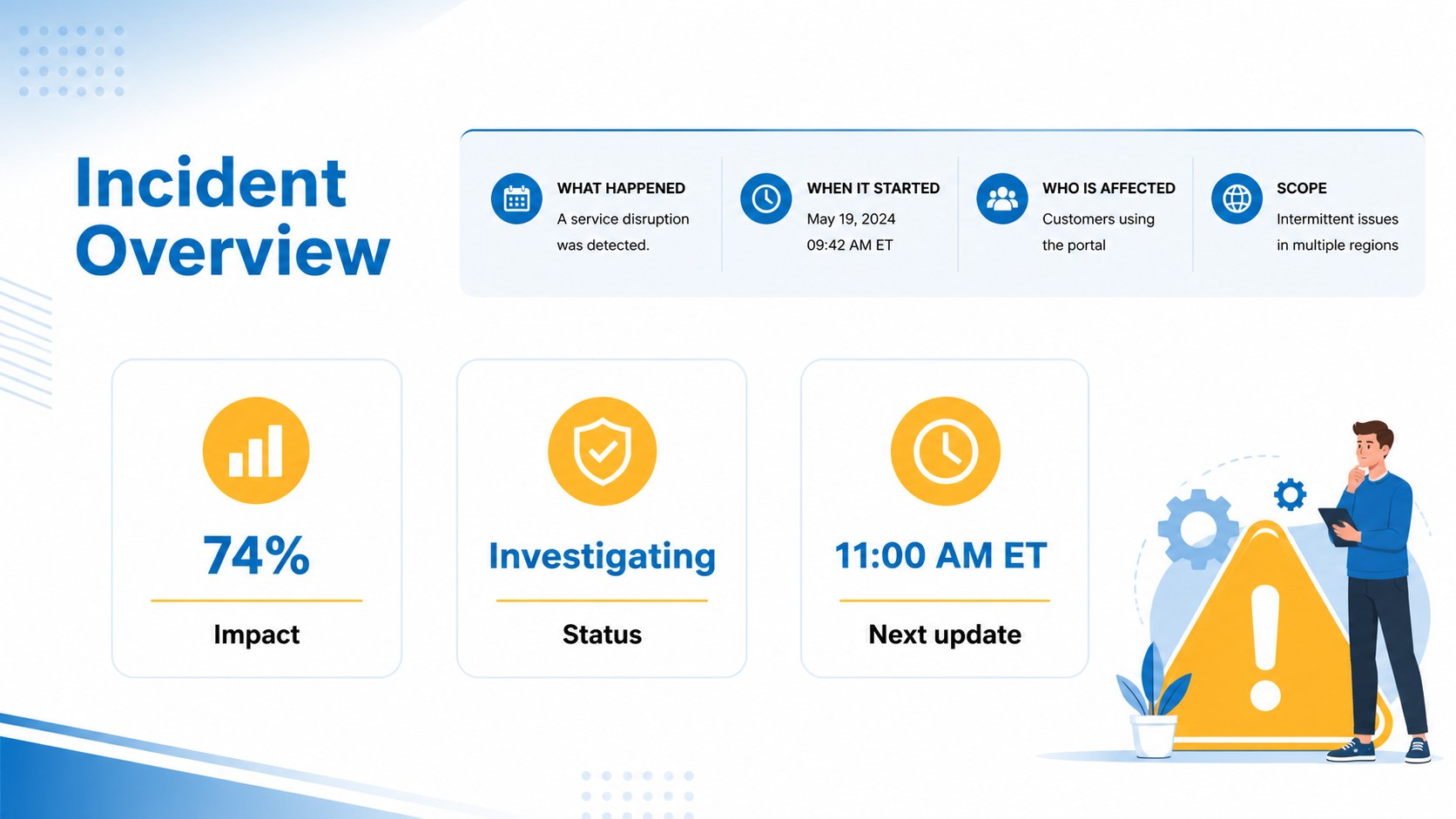
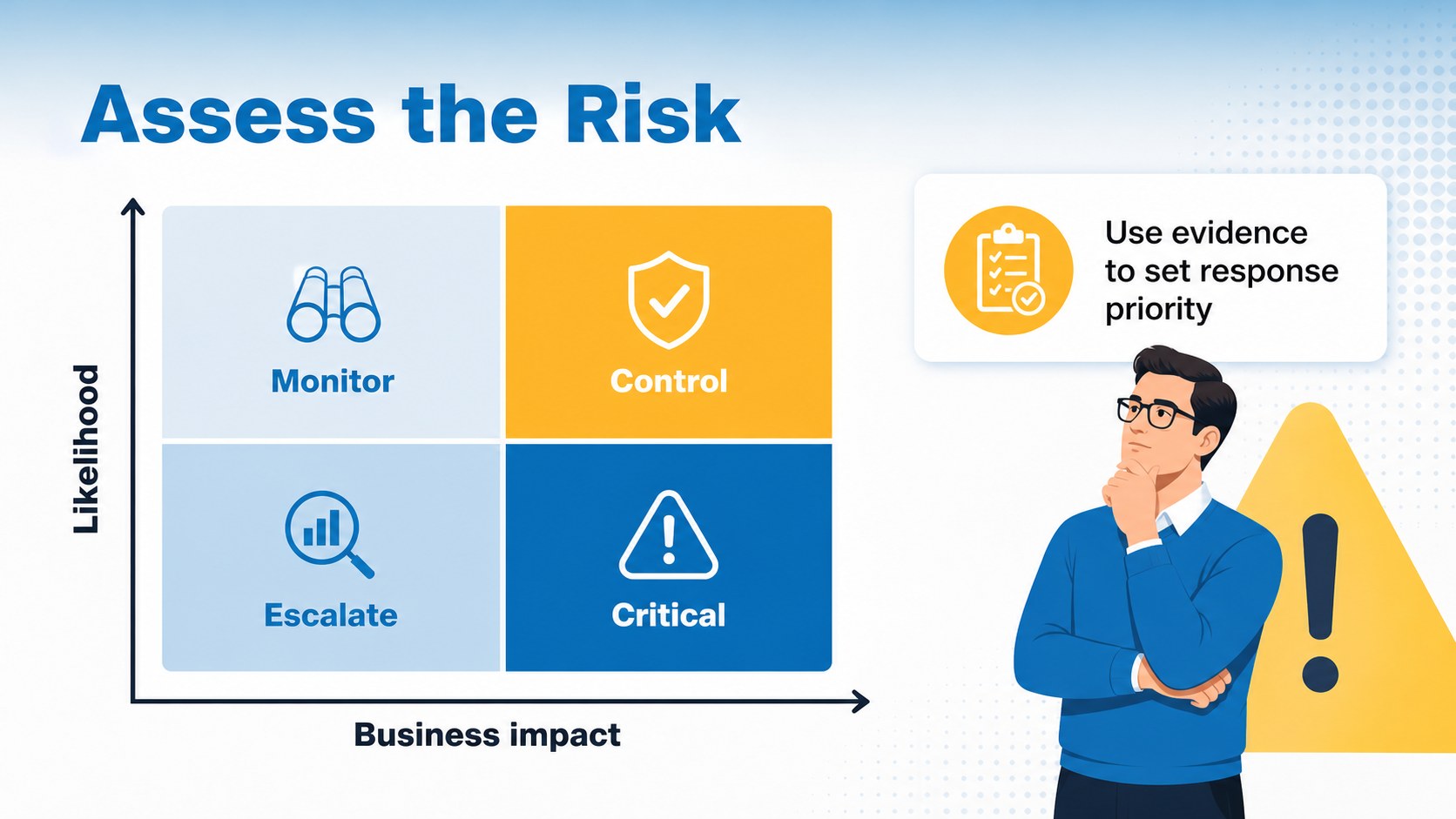
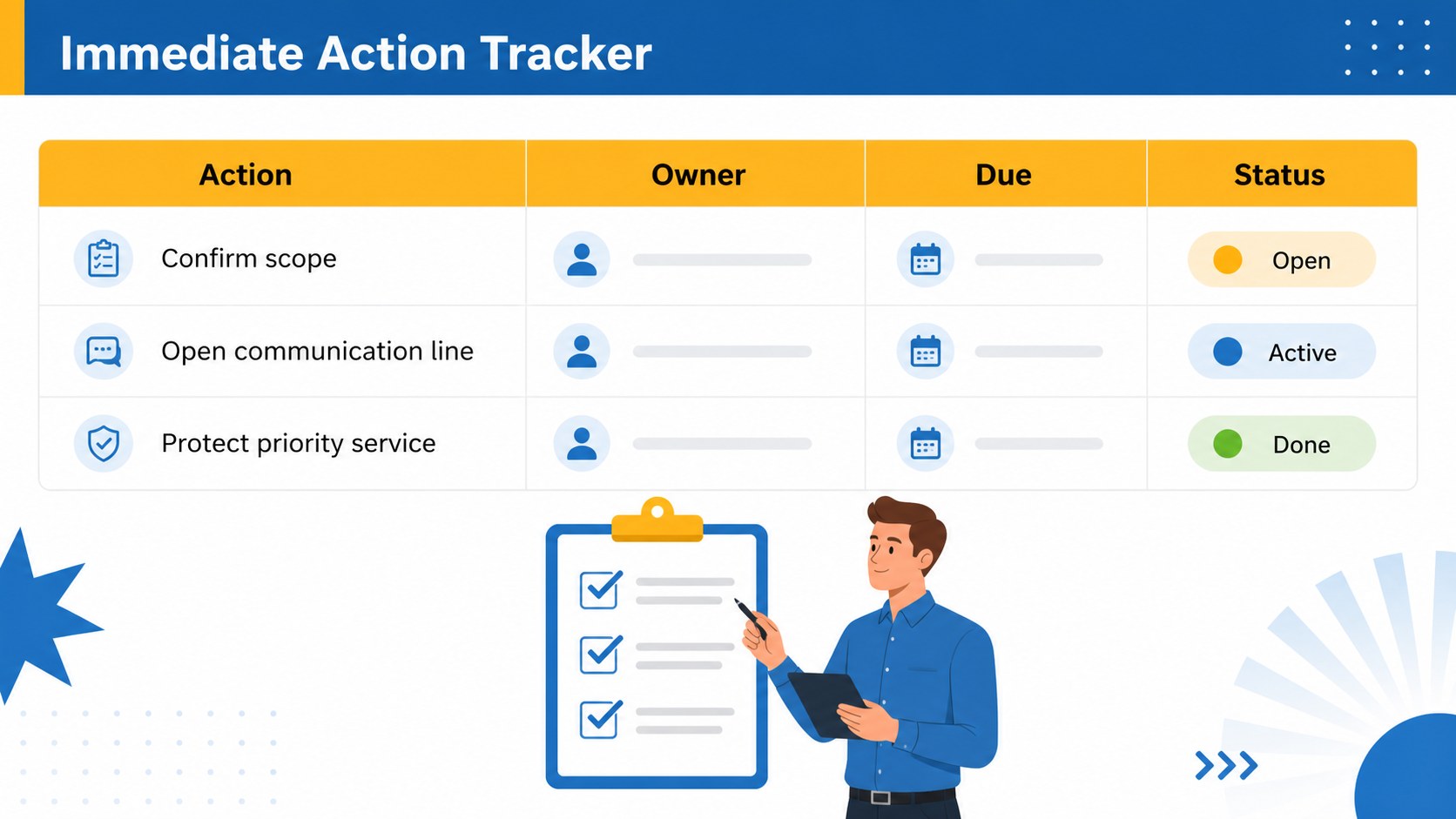
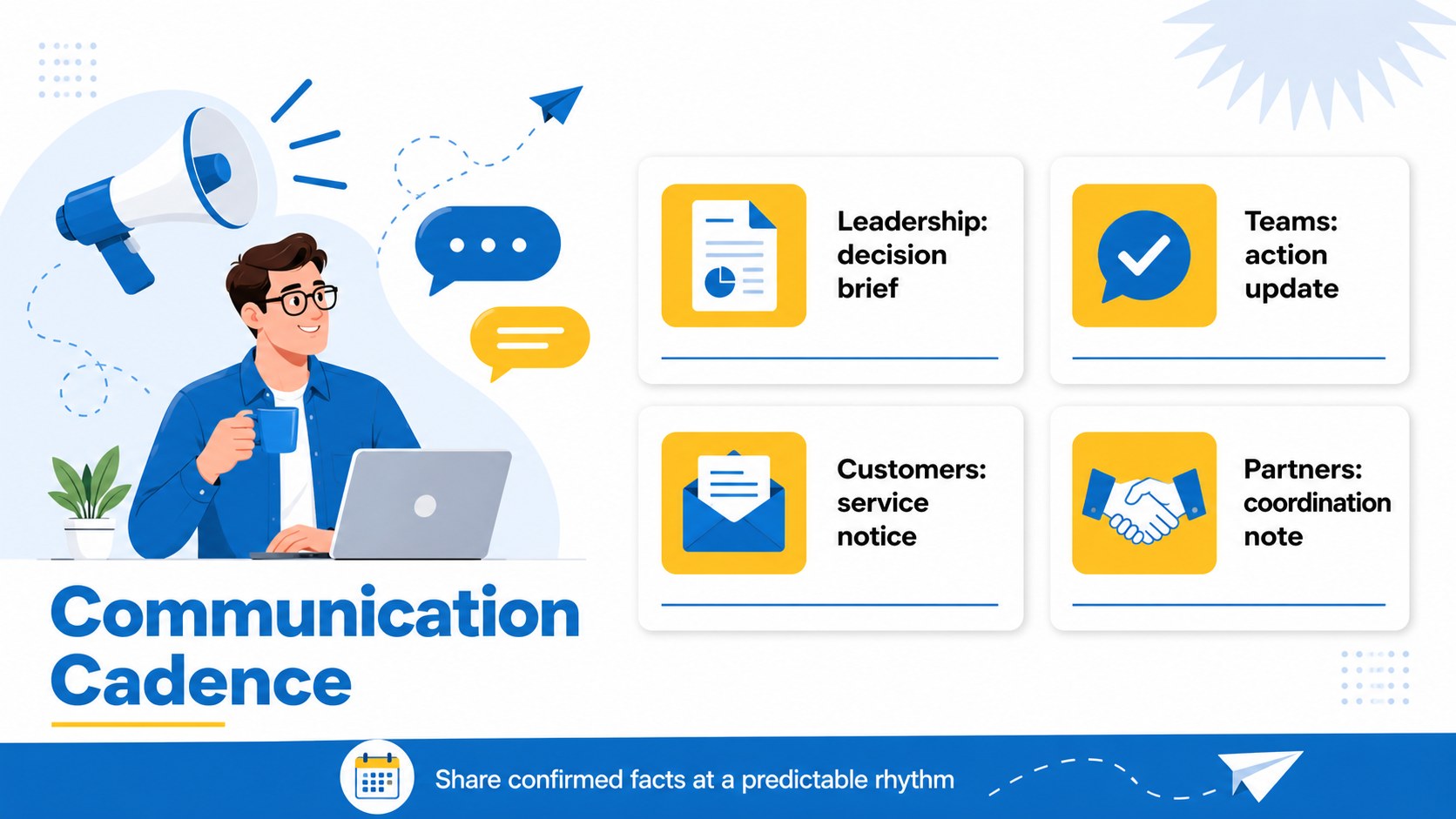
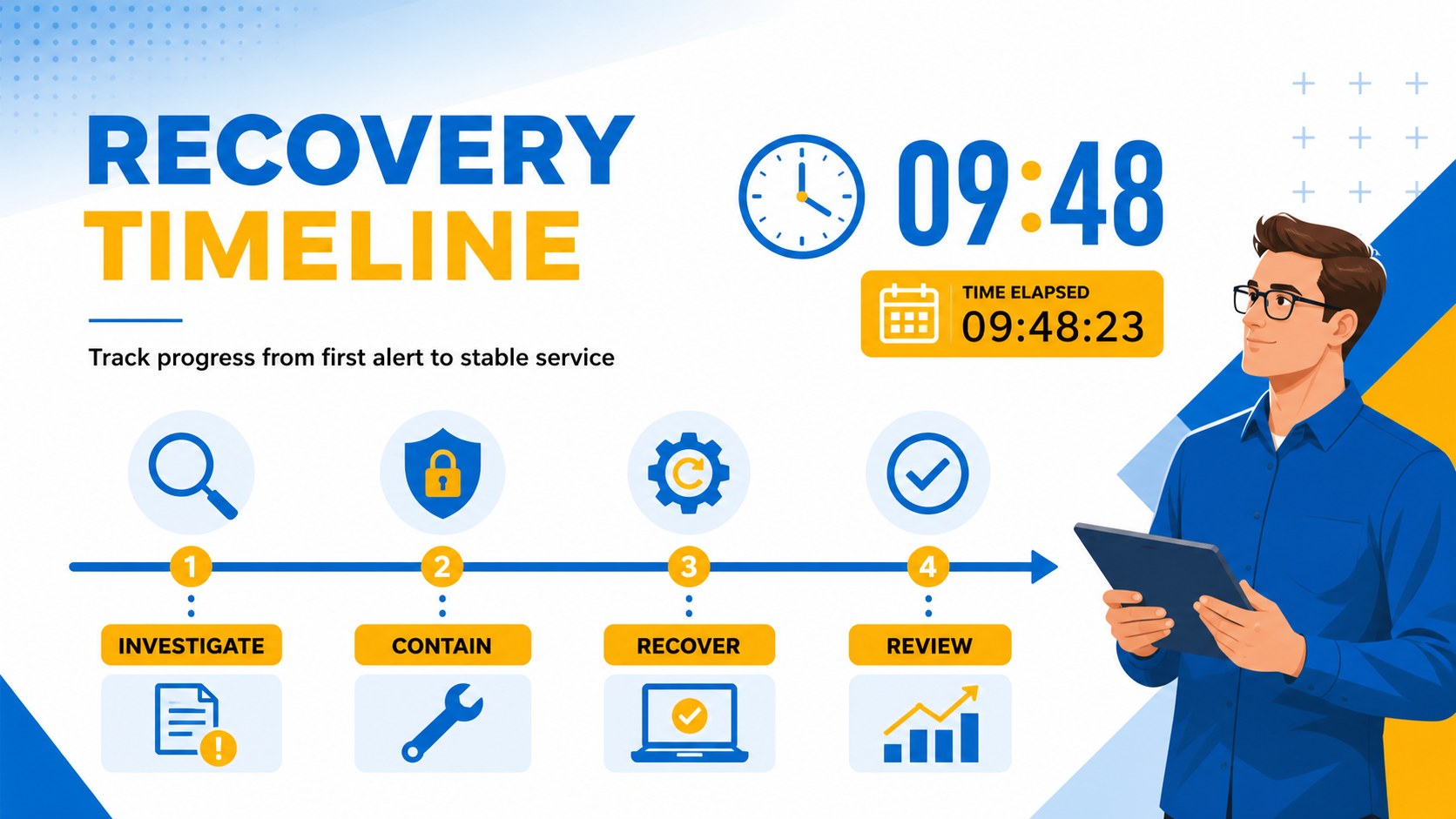
Incident response planning slides help teams turn urgent situations into organized, visible action. This illustrated blue-and-yellow presentation theme gives you a focused way to outline what happened, define priorities, assign owners, and communicate recovery progress without overwhelming your audience. The clean contrast and bold typography support fast scanning during briefings, project reviews, and operational meetings.
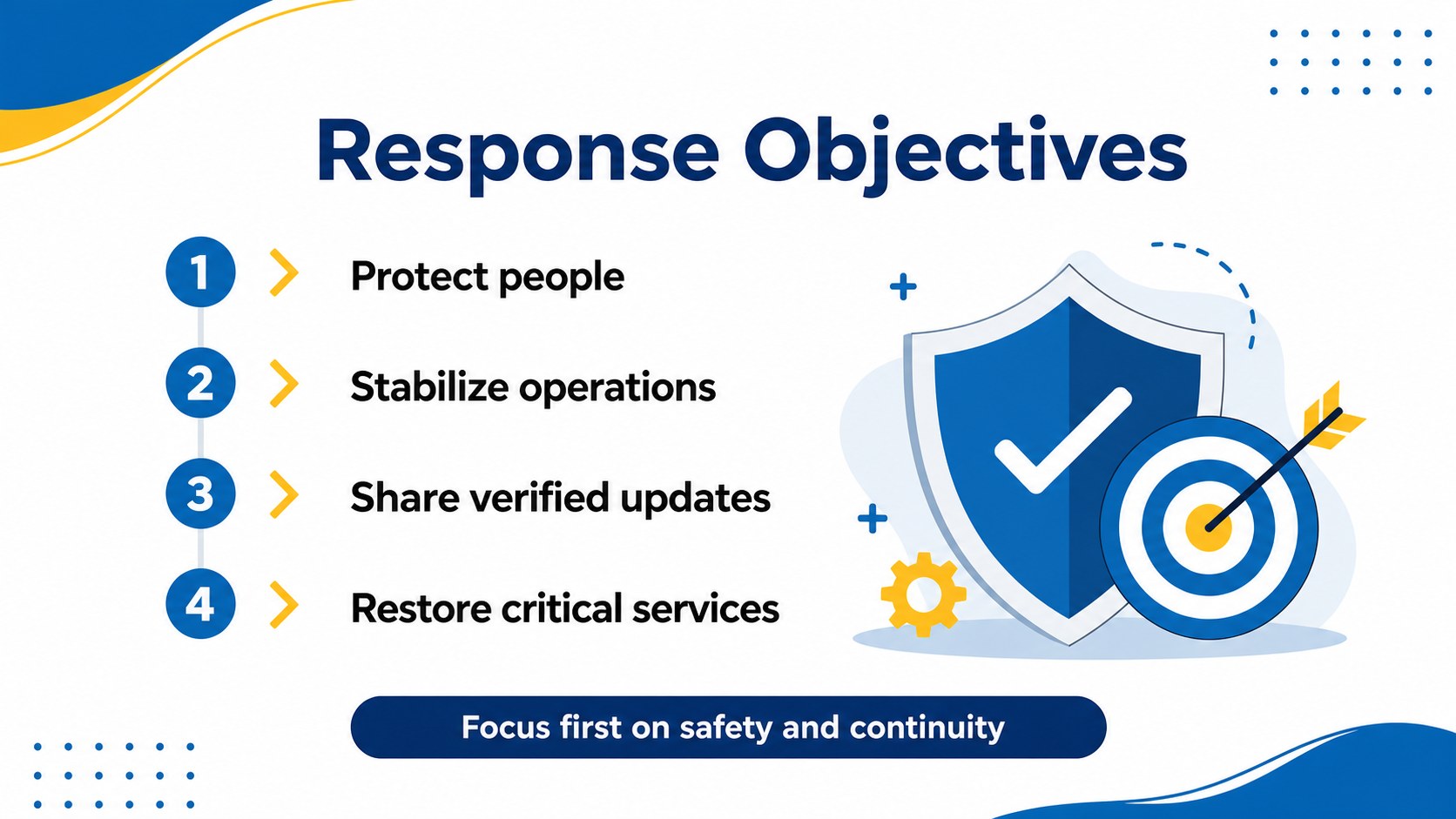
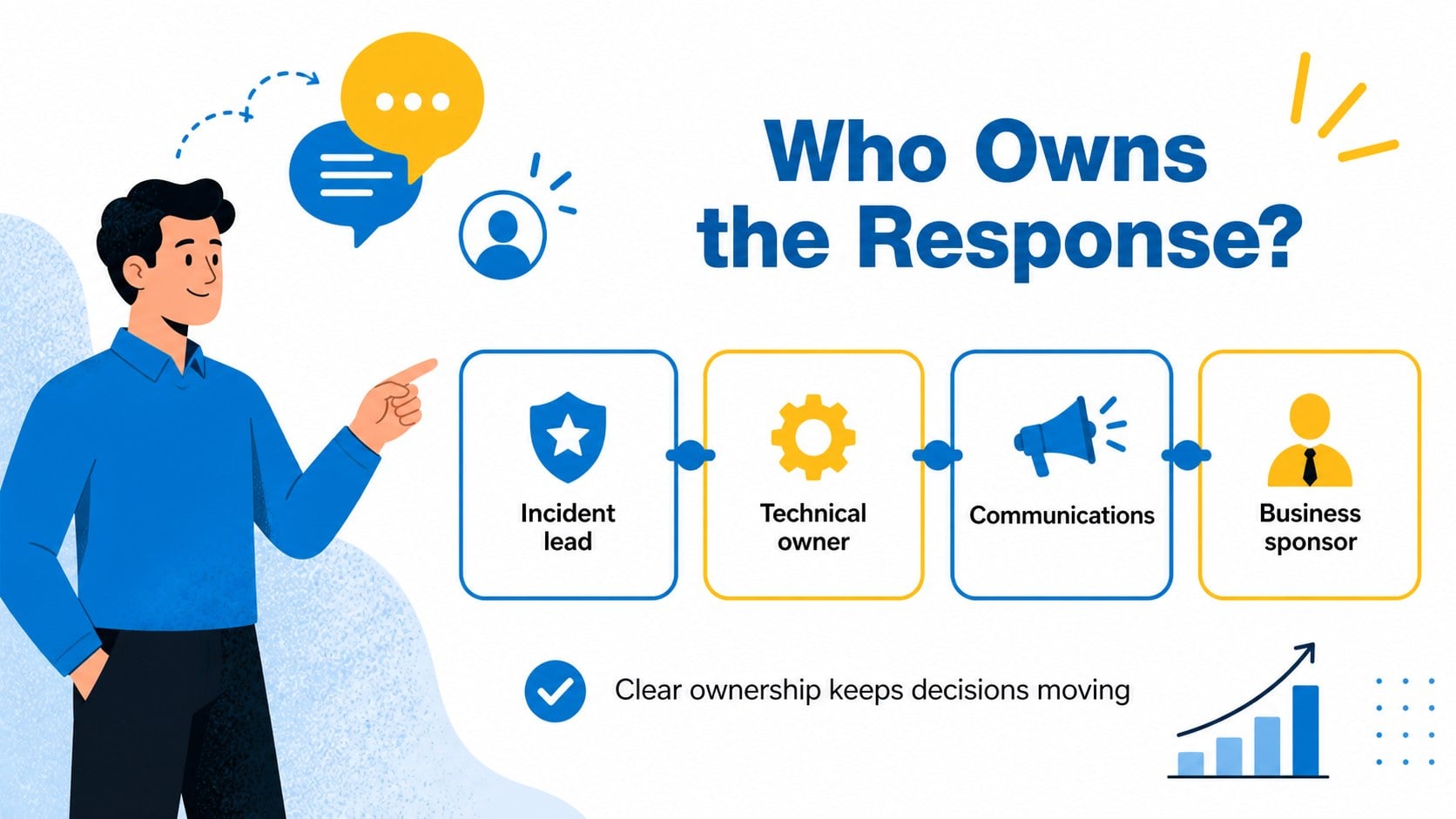
Inside the deck, you’ll find 15 editable 16:9 slides for an incident overview, response objectives, stakeholder roles, risk assessment, action trackers, escalation paths, communication updates, milestone timelines, and lessons learned. Use the layouts to build an incident response briefing deck, a post-incident review, or a practical emergency operations presentation. Charts, tables, process diagrams, callouts, and structured text areas make it easy to adapt the story to technical, business, safety, or service disruptions.
This template is designed for operations managers, project leads, IT teams, safety coordinators, consultants, and business continuity professionals. Edit the slides in PowerPoint or Google Slides, replace the sample content with your own findings, and adjust the blue, yellow, white, and black palette as needed. The deck uses Archivo Black and Montserrat for a confident, readable visual system.
Perfect for: IT outage response briefing; workplace safety incident review; business continuity meeting; service disruption update; project risk escalation.
Frequently asked questions
Can I edit this template in PowerPoint? Yes. The presentation is designed for PowerPoint and includes editable text, shapes, diagrams, and charts. Replace the sample content with your incident details and update the visual styling to match your organization.
Practical details
Yes. The presentation is designed for PowerPoint and includes editable text, shapes, diagrams, and charts. Replace the sample content with your incident details and update the visual styling to match your organization.
Yes, you can open and customize the slides in Google Slides. Review fonts, spacing, and animations after importing because some presentation effects may render differently.
The layouts can support IT outages, workplace safety events, service interruptions, project risks, and business continuity scenarios. Adapt the response stages, owners, timelines, and metrics to fit your operating process.
Yes. All major color elements are editable, so you can apply brand colors while preserving the original structure and contrast. Keep strong text-background contrast for urgent information and small labels.
Keep exploring
15Shape your publishing concept with an indie magazine startup pitch deck featuring pastel gradients, bold collage layouts, and editable planning slides.
 16
16Build clear project stories with the Icon Grid Teamwork Theme, a flexible blue illustrated deck for proposals, strategy updates, and team meetings.
 3
3Turn priorities into an actionable plan with an annual goals roadmap infographic, featuring editable orange and teal layouts for PowerPoint and Google Slides.
 15
15Create an Annual Achievement Report Presentation with colorful geometric layouts for milestones, results, lessons, and priorities in PowerPoint or Google Slides.
 15
15Turn results into a focused annual performance evaluation report with dark 3D slides for KPIs, achievements, feedback, and next-step goals for teams.
 15
15Guide a focused annual recap with Business Results Retrospective Slides, a muted brown-and-blue template for PowerPoint and Google Slides.
 6
6Turn complex plans into clear visual stories with Color-Coded Workflow Path Slides, an editable set for project updates, roadmaps, and team briefings.
 6
6Compare regional performance at a glance with Global Data Heatmap Slides, a clean multicolor deck designed for editable PowerPoint and Google Slides.