
 15
15presentation
Indie Magazine Startup Pitch Deck
Shape your publishing concept with an indie magazine startup pitch deck featuring pastel gradients, bold collage layouts, and editable planning slides.
Google SlidesPowerPoint
presentation · English
Build a polished hotel brand story with hotel brand overview slides for property launches, partner meetings, and hospitality investment conversations.




Design notes
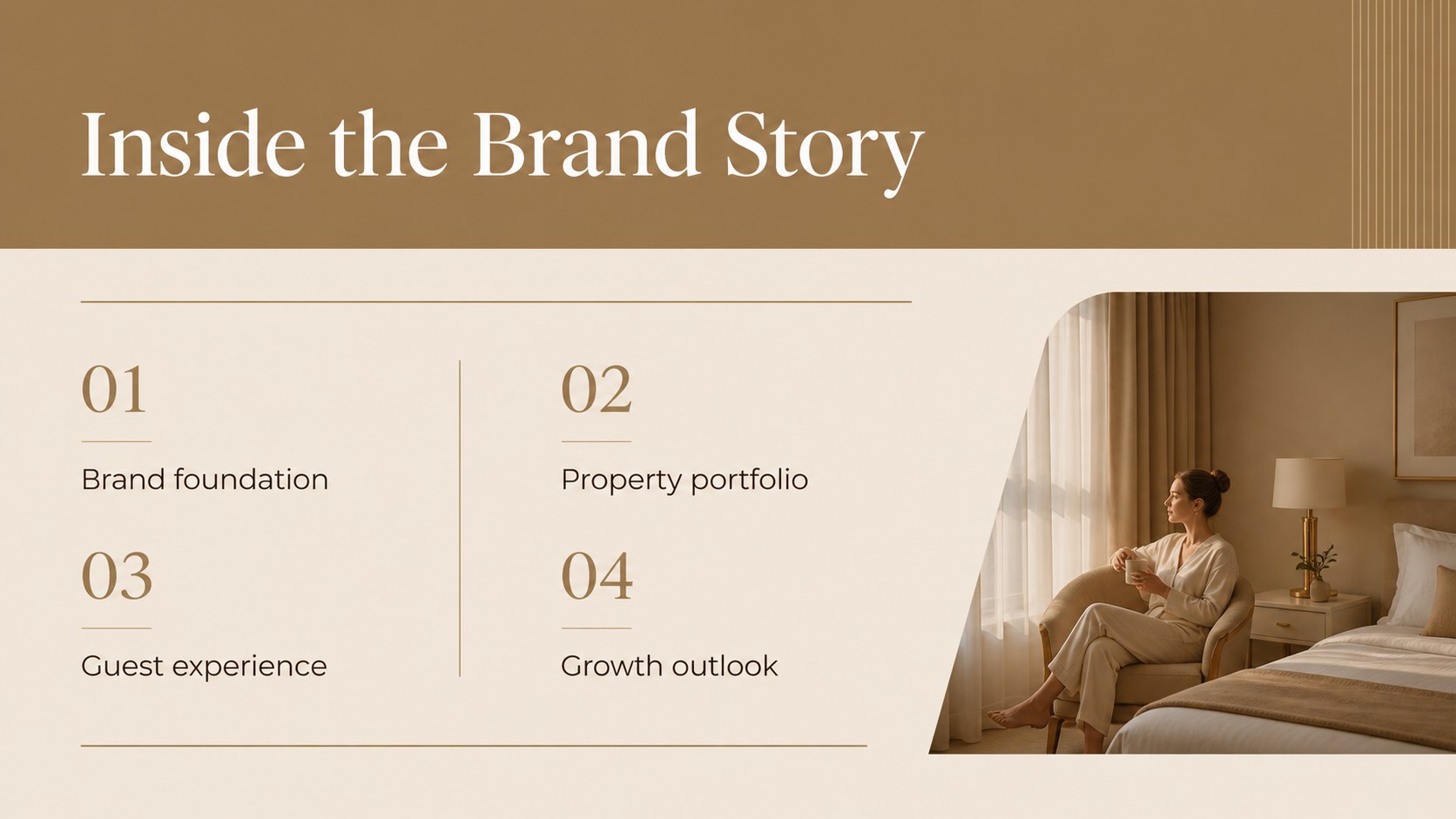
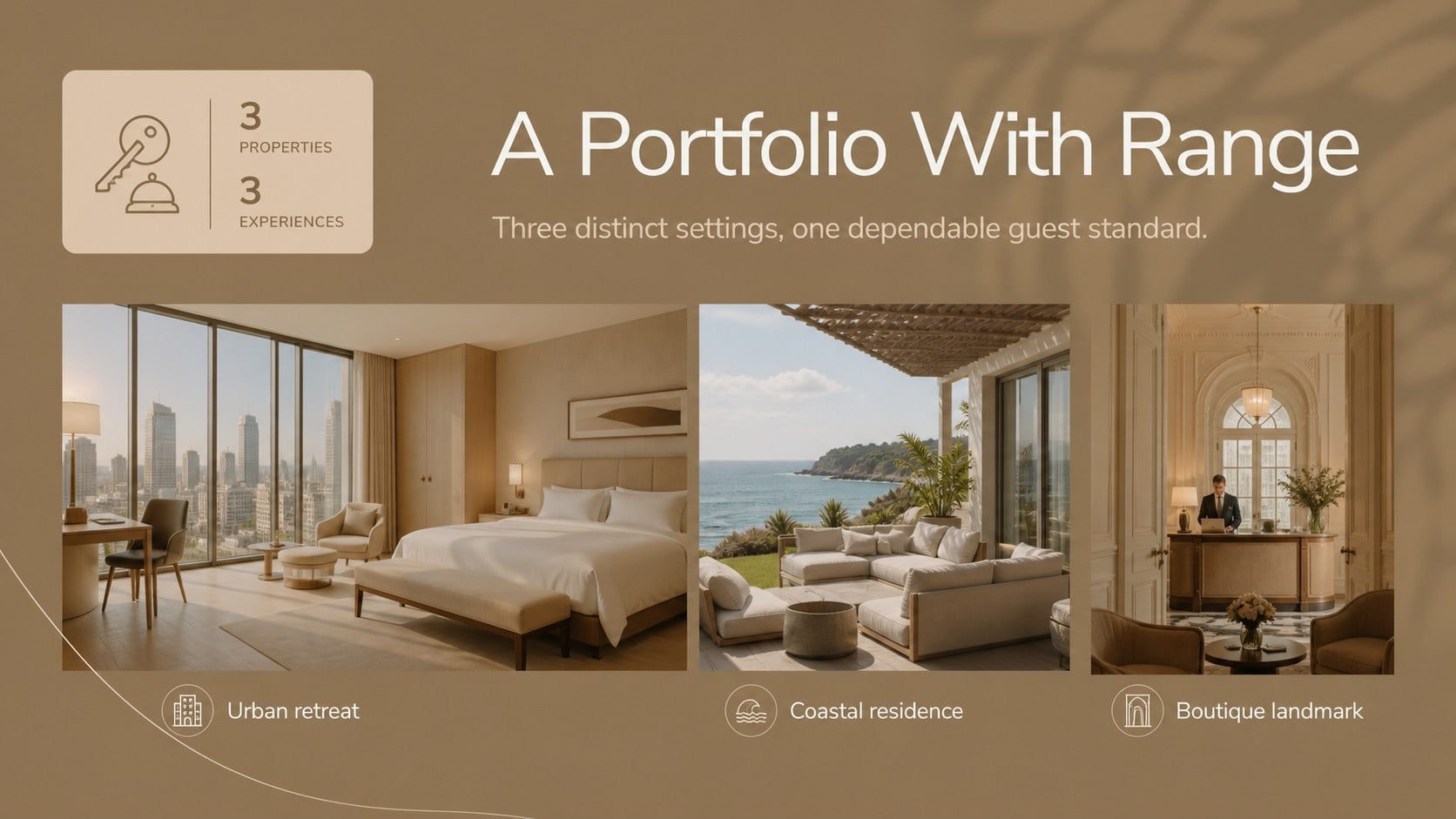
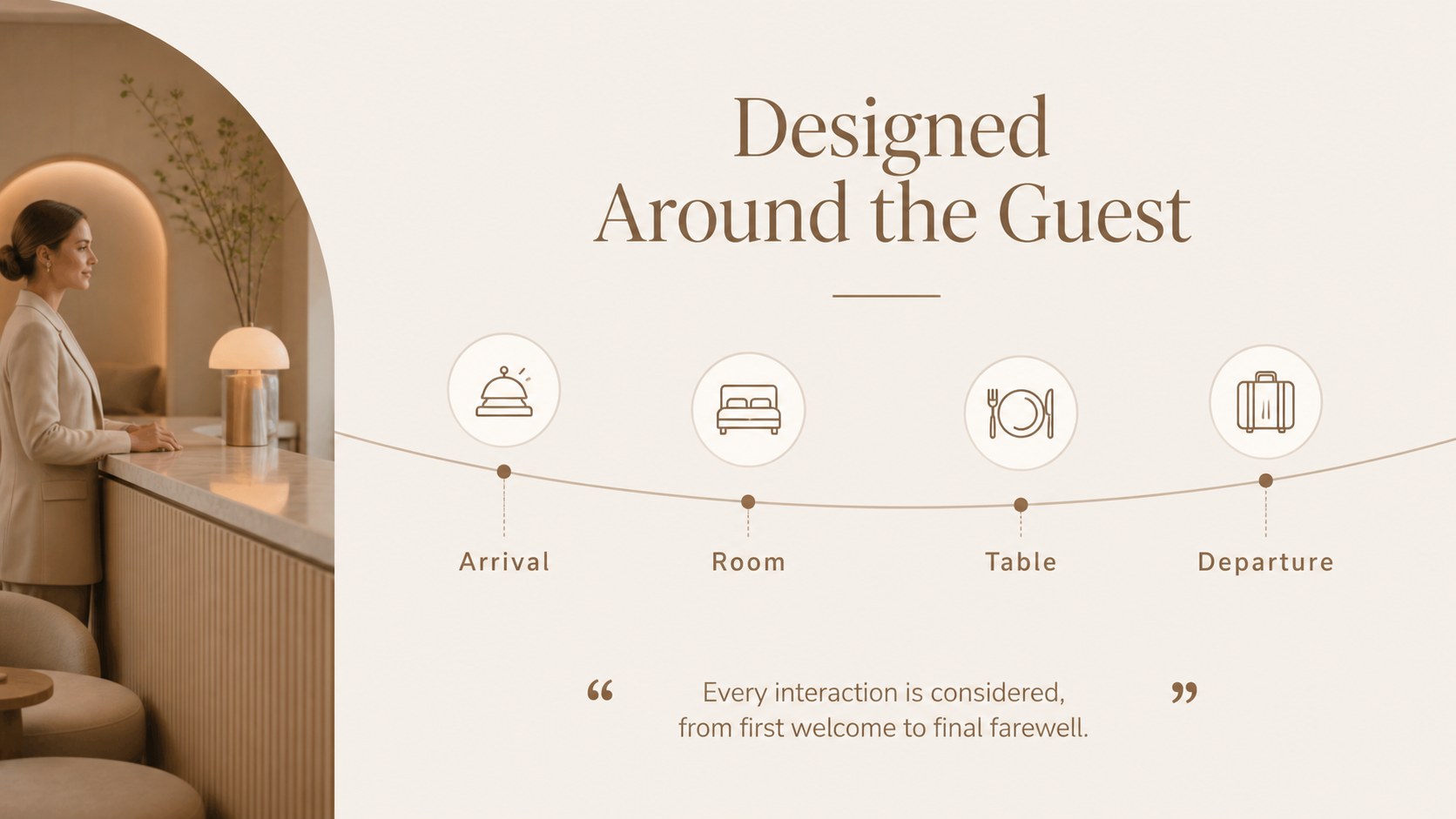
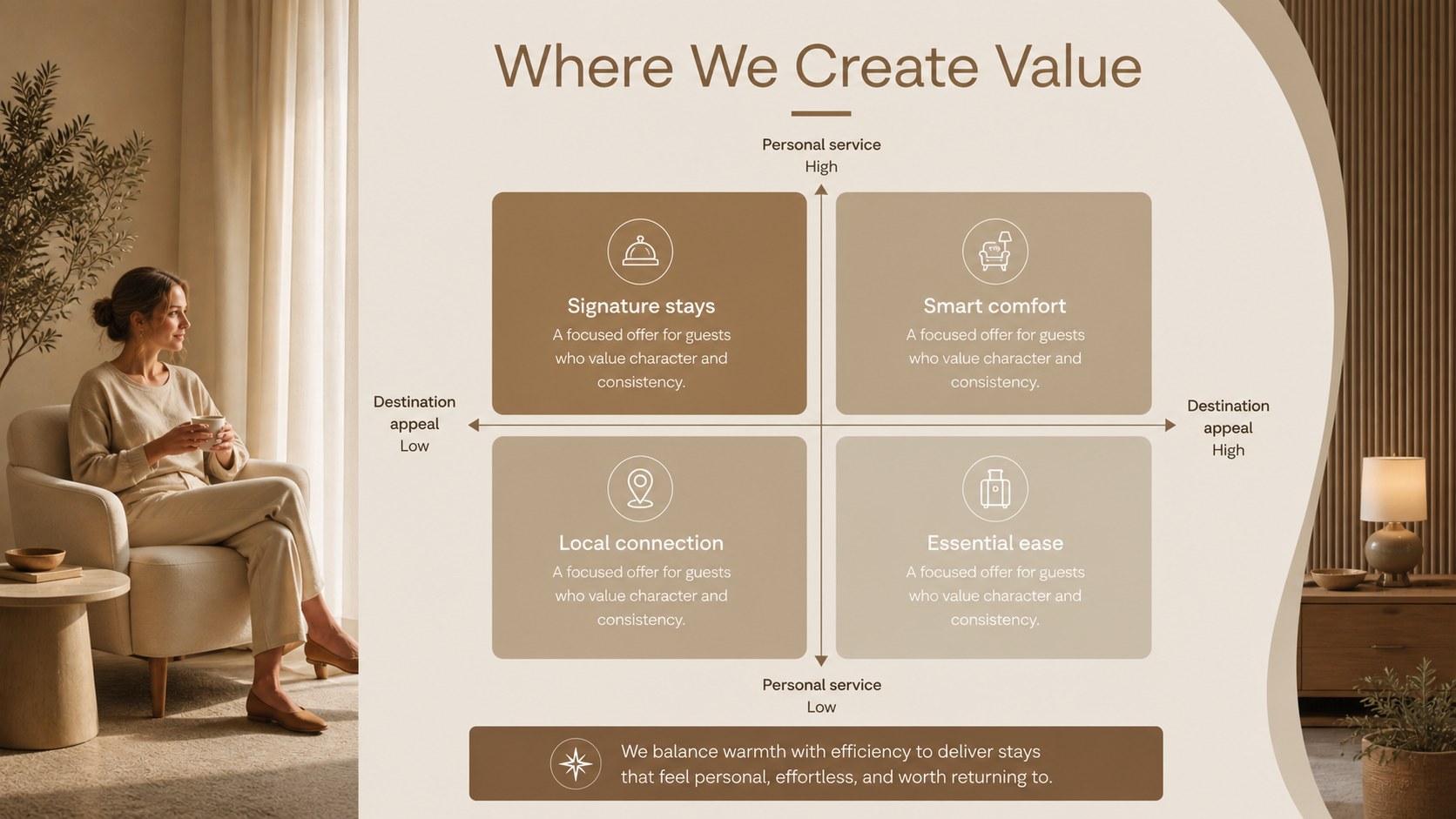
Hotel brand overview slides help hospitality teams present their identity, properties, services, and growth plans in a polished, easy-to-follow format. The warm brown palette, restrained layouts, Montserrat headings, and Playfair Display accents create an upscale visual language without overwhelming the information. Use the deck to introduce a hotel group, frame a new property launch, or explain an investment opportunity to partners.
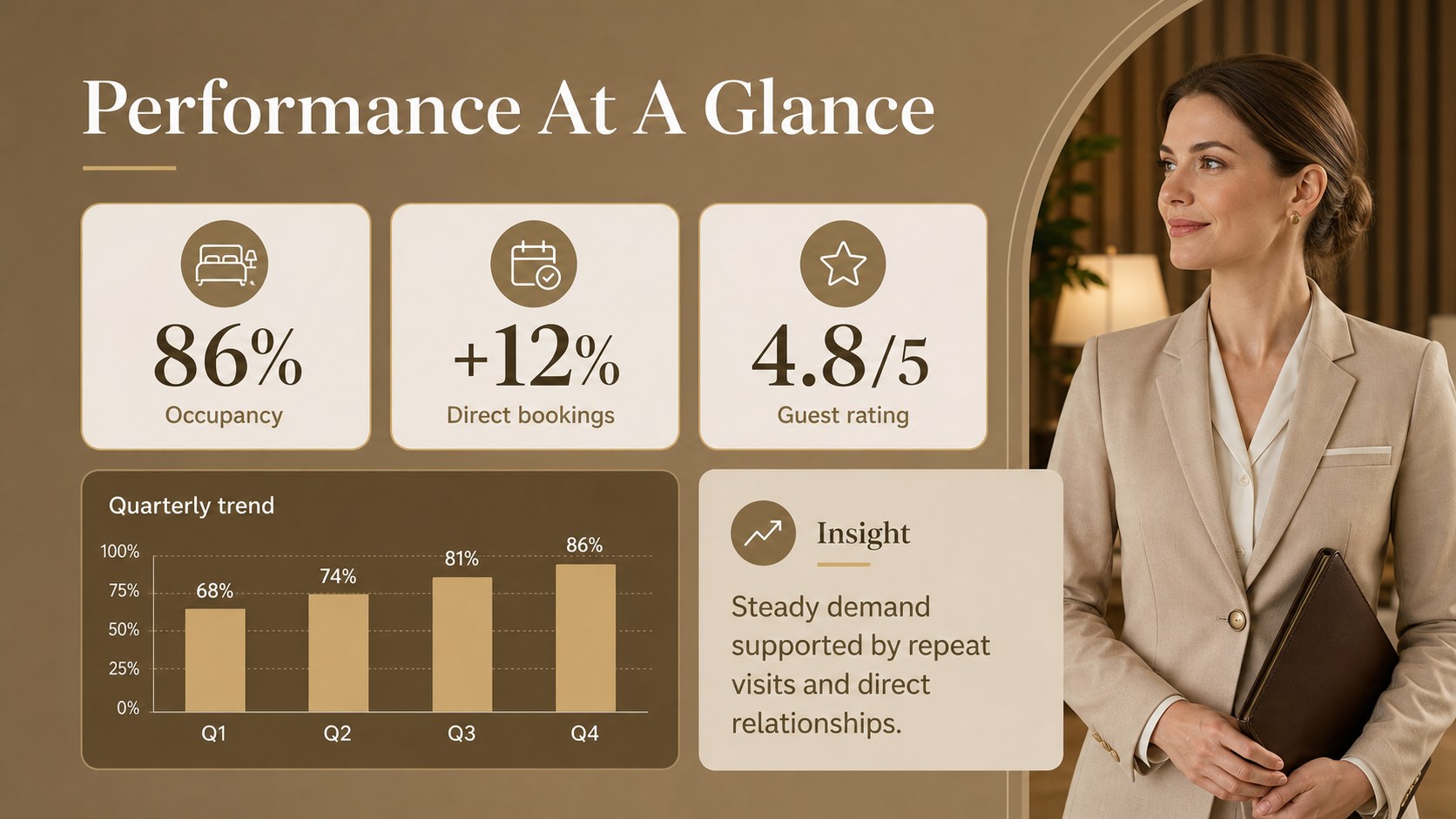
Inside, you will find 15 editable 16:9 slides for a cover, agenda, brand story, portfolio overview, property highlights, guest experience, service standards, market positioning, performance snapshot, development roadmap, partnership opportunity, and closing message. Charts, image frames, timelines, comparison layouts, and flexible text blocks make it practical for adapting details across multiple properties.
These hotel brand overview slides suit hotel operators, tourism agencies, real estate teams, hospitality consultants, and sales departments. Edit them in PowerPoint or Google Slides, replace the photography and figures, and align the content with your brand guidelines. The result is a professional hospitality company presentation for board reviews, franchise discussions, investor meetings, and partner outreach.
Perfect for: hotel group company introduction; new property launch meeting; hospitality investor pitch; franchise partner presentation; hotel expansion strategy review.
Frequently asked questions
Can I edit this hotel presentation in PowerPoint? Yes. The layout is designed for PowerPoint editing, including text, colors, images, charts, and shapes. Replace the sample content with your property details and brand assets.
Practical details
Yes. The layout is designed for PowerPoint editing, including text, colors, images, charts, and shapes. Replace the sample content with your property details and brand assets.
Yes, you can open and customize the presentation in Google Slides. Check fonts, image crops, and chart formatting after importing to ensure the deck matches your intended presentation.
Use the slides for brand positioning, property highlights, guest experience, service standards, market context, performance data, and development plans. You can also adapt the layouts for franchise proposals or partnership discussions.
Yes. Update theme colors and accent elements in PowerPoint or Google Slides to match your visual identity. The neutral structure also works well with deep green, charcoal, cream, or muted gold accents.
Keep exploring
15Shape your publishing concept with an indie magazine startup pitch deck featuring pastel gradients, bold collage layouts, and editable planning slides.
 16
16Build clear project stories with the Icon Grid Teamwork Theme, a flexible blue illustrated deck for proposals, strategy updates, and team meetings.
 3
3Turn priorities into an actionable plan with an annual goals roadmap infographic, featuring editable orange and teal layouts for PowerPoint and Google Slides.
 15
15Create an Annual Achievement Report Presentation with colorful geometric layouts for milestones, results, lessons, and priorities in PowerPoint or Google Slides.
 15
15Turn results into a focused annual performance evaluation report with dark 3D slides for KPIs, achievements, feedback, and next-step goals for teams.
 15
15Guide a focused annual recap with Business Results Retrospective Slides, a muted brown-and-blue template for PowerPoint and Google Slides.
 6
6Turn complex plans into clear visual stories with Color-Coded Workflow Path Slides, an editable set for project updates, roadmaps, and team briefings.
 6
6Compare regional performance at a glance with Global Data Heatmap Slides, a clean multicolor deck designed for editable PowerPoint and Google Slides.