
 15
15presentation
Indie Magazine Startup Pitch Deck
Shape your publishing concept with an indie magazine startup pitch deck featuring pastel gradients, bold collage layouts, and editable planning slides.
Google SlidesPowerPoint
presentation · English
Build a cheerful holiday shopping guide with editable Christmas gift planning slides for promotions, wish lists, product picks, and seasonal offers in PPT…




Design notes
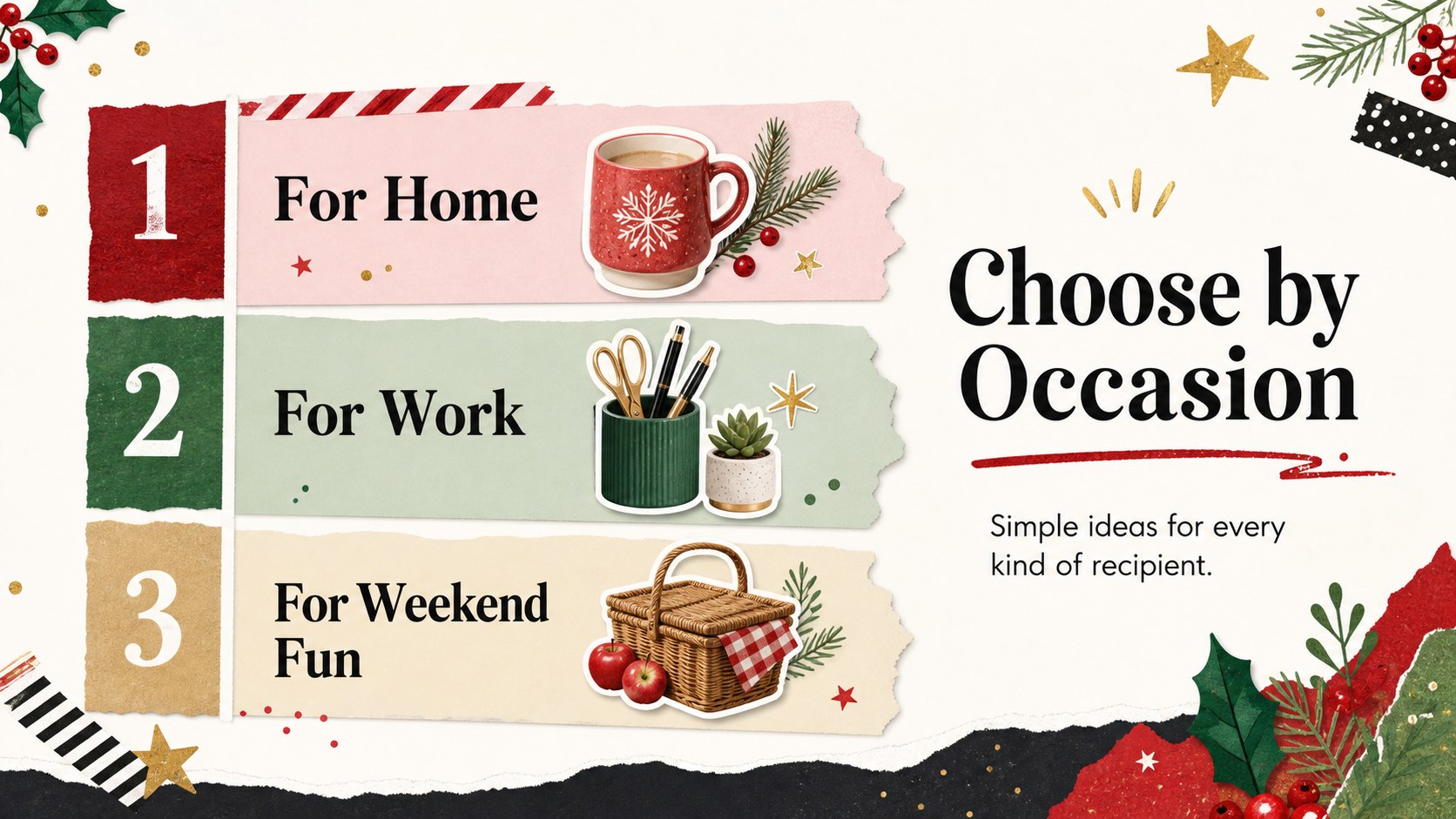
Christmas gift planning slides make it simple to organize seasonal recommendations, product highlights, and festive buying ideas in one cheerful presentation. The colorful collage-inspired design uses bold black accents, playful winter details, and a lively mix of imagery to help every suggestion feel memorable without becoming difficult to scan.
Inside, you will find five editable 16:9 layouts for presenting a cover message, curated gift categories, featured picks, a budget comparison, and a final shopping checklist. Rearrange the sections, replace the sample imagery, and adapt the text for retail promotions, office exchanges, family planning, or social content. The visual system also works well for a Christmas gift recommendation deck or a holiday product showcase.
This template is built for marketing professionals, small business owners, event organizers, educators, and anyone preparing a seasonal buying guide. Edit it in PowerPoint or Google Slides, add prices and links, and tailor the palette or typography to match your campaign. Charts, frames, lines, shapes, animations, and transitions provide extra flexibility while keeping the presentation cohesive. Use the pages together as a compact sales presentation, or export selected layouts as printable handouts and digital announcements.
Perfect for: holiday retail promotion; office gift exchange planning; family wish list presentation; seasonal product showcase; community holiday market guide.
Frequently asked questions
Can I edit these holiday gift planning slides in PowerPoint? Yes. The deck is designed for PowerPoint editing, so you can change the wording, colors, images, prices, and product details. Use the existing layouts to keep a consistent visual style across the presentation.
Practical details
Yes. The deck is designed for PowerPoint editing, so you can change the wording, colors, images, prices, and product details. Use the existing layouts to keep a consistent visual style across the presentation.
Yes, the presentation can be used in Google Slides. Upload the PowerPoint file, then review font substitutions and image positioning after import.
You can replace the sample recommendations with your own products, categories, pricing, links, and calls to action. Add brand-approved colors and logos where appropriate for your campaign materials.
Use it for curated product picks, budget-based suggestions, wish lists, gift categories, and seasonal offers. The layouts also suit office exchanges, family planning, and local holiday market announcements.
Keep exploring
15Shape your publishing concept with an indie magazine startup pitch deck featuring pastel gradients, bold collage layouts, and editable planning slides.
 16
16Build clear project stories with the Icon Grid Teamwork Theme, a flexible blue illustrated deck for proposals, strategy updates, and team meetings.
 3
3Turn priorities into an actionable plan with an annual goals roadmap infographic, featuring editable orange and teal layouts for PowerPoint and Google Slides.
 15
15Create an Annual Achievement Report Presentation with colorful geometric layouts for milestones, results, lessons, and priorities in PowerPoint or Google Slides.
 15
15Turn results into a focused annual performance evaluation report with dark 3D slides for KPIs, achievements, feedback, and next-step goals for teams.
 15
15Guide a focused annual recap with Business Results Retrospective Slides, a muted brown-and-blue template for PowerPoint and Google Slides.
 6
6Turn complex plans into clear visual stories with Color-Coded Workflow Path Slides, an editable set for project updates, roadmaps, and team briefings.
 6
6Compare regional performance at a glance with Global Data Heatmap Slides, a clean multicolor deck designed for editable PowerPoint and Google Slides.