
 15
15presentation
Indie Magazine Startup Pitch Deck
Shape your publishing concept with an indie magazine startup pitch deck featuring pastel gradients, bold collage layouts, and editable planning slides.
Google SlidesPowerPoint
presentation · English
Shape a clear growth path strategy deck for leadership reviews, planning workshops, and investor updates with editable violet and green slides for…






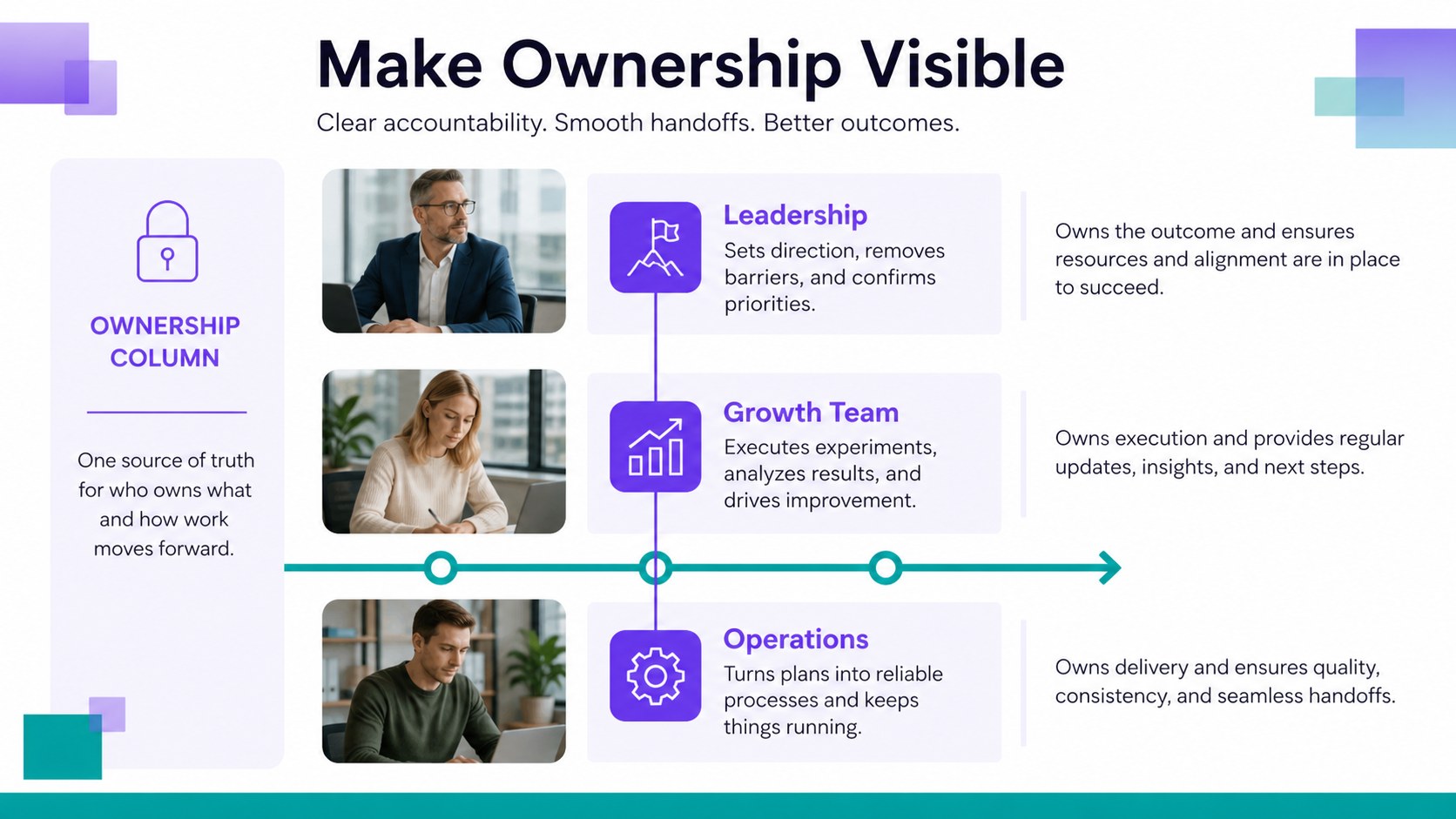


Design notes
Growth Path Strategy Deck helps teams explain where the business is headed, why the direction matters, and how each milestone will be achieved. Use the layouts to turn broad ambitions into a structured plan that leaders, partners, and employees can understand quickly.
Inside, you will find editable slides for the company vision, strategic priorities, quarterly objectives, team roles, market opportunities, performance indicators, milestone timing, risks, and next actions. The visual system uses violet and green accents, clean typography, simple geometric details, and spacious chart areas to create a polished corporate look without overwhelming the information. Montserrat and Noto Sans keep headings and supporting copy easy to scan.
This growth path strategy deck is designed for startup founders, department heads, consultants, project leads, and business development teams preparing planning sessions or executive updates. Edit text, rearrange sections, replace charts, add your logo, and adapt the color balance to match your organization. The presentation works in PowerPoint and Google Slides, making it practical for collaborative planning, board preparation, investor communication, and internal alignment.
Perfect for: startup investor update; annual leadership planning; department growth review; consulting strategy workshop; quarterly business meeting.
Frequently asked questions
Can I edit this deck in PowerPoint? Yes. The presentation is designed for PowerPoint editing, including text, shapes, charts, images, and color adjustments. You can also export or share the finished file in common presentation formats.
Practical details
Yes. The presentation is designed for PowerPoint editing, including text, shapes, charts, images, and color adjustments. You can also export or share the finished file in common presentation formats.
Yes. Upload the PowerPoint file to Google Drive and open it with Google Slides to create an editable working copy. Review fonts and animations after import because some presentation effects may render differently.
The palette can be changed to suit your brand while preserving the original visual structure. Update theme colors, replace accent shapes, and apply your preferred font combination throughout the deck.
Use the layouts for strategic priorities, objectives, timelines, team responsibilities, market opportunities, metrics, risks, and action items. Duplicate or remove sections to match the scale of your planning session.
Keep exploring
15Shape your publishing concept with an indie magazine startup pitch deck featuring pastel gradients, bold collage layouts, and editable planning slides.
 16
16Build clear project stories with the Icon Grid Teamwork Theme, a flexible blue illustrated deck for proposals, strategy updates, and team meetings.
 3
3Turn priorities into an actionable plan with an annual goals roadmap infographic, featuring editable orange and teal layouts for PowerPoint and Google Slides.
 15
15Create an Annual Achievement Report Presentation with colorful geometric layouts for milestones, results, lessons, and priorities in PowerPoint or Google Slides.
 15
15Turn results into a focused annual performance evaluation report with dark 3D slides for KPIs, achievements, feedback, and next-step goals for teams.
 15
15Guide a focused annual recap with Business Results Retrospective Slides, a muted brown-and-blue template for PowerPoint and Google Slides.
 6
6Turn complex plans into clear visual stories with Color-Coded Workflow Path Slides, an editable set for project updates, roadmaps, and team briefings.
 6
6Compare regional performance at a glance with Global Data Heatmap Slides, a clean multicolor deck designed for editable PowerPoint and Google Slides.