
 15
15presentation
Indie Magazine Startup Pitch Deck
Shape your publishing concept with an indie magazine startup pitch deck featuring pastel gradients, bold collage layouts, and editable planning slides.
Google SlidesPowerPoint
presentation · English
Build a clear customer journey mapping deck for digital touchpoints, pain points, and opportunities with green infographics for PowerPoint and Google Slides.
Design notes
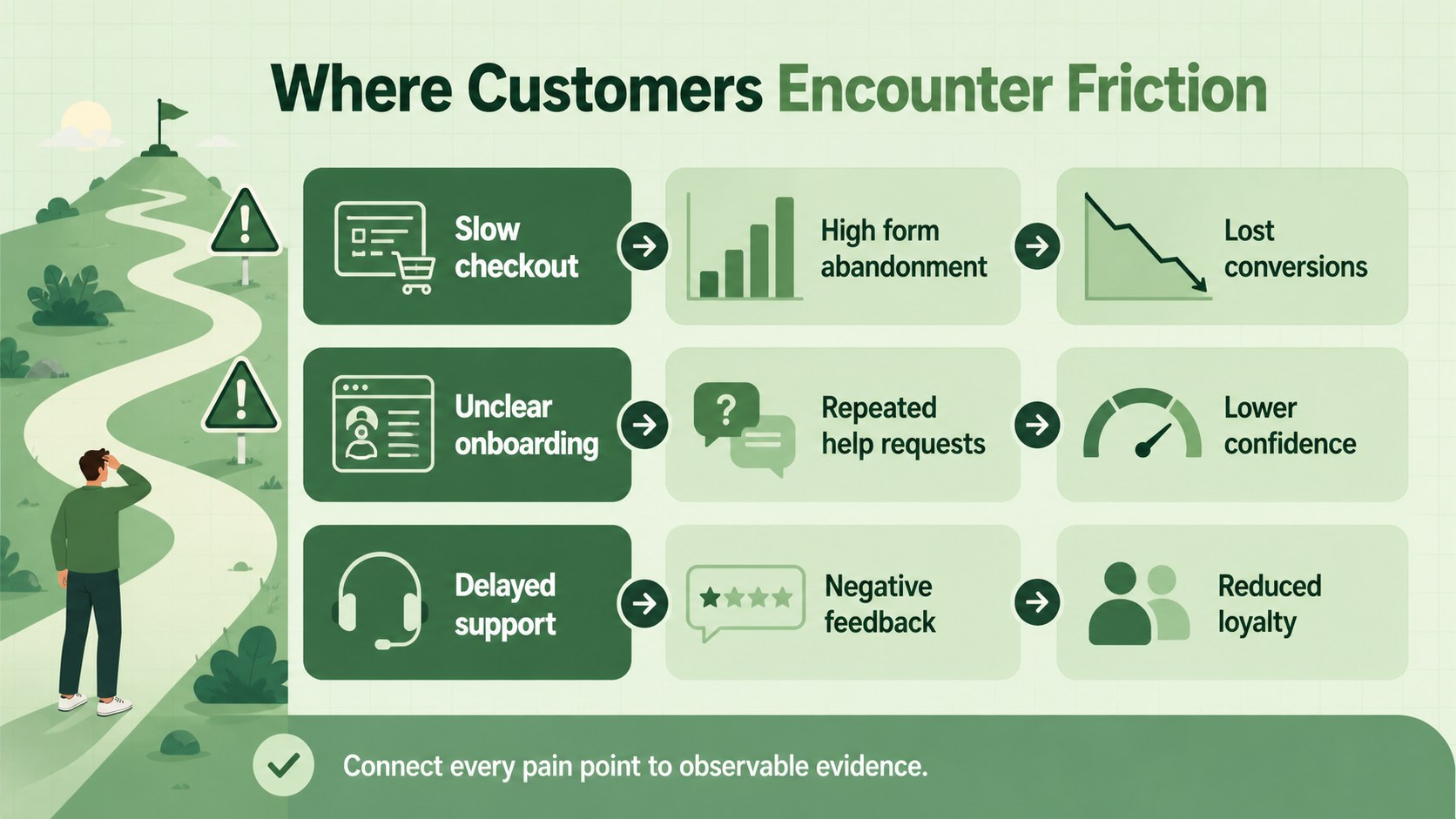
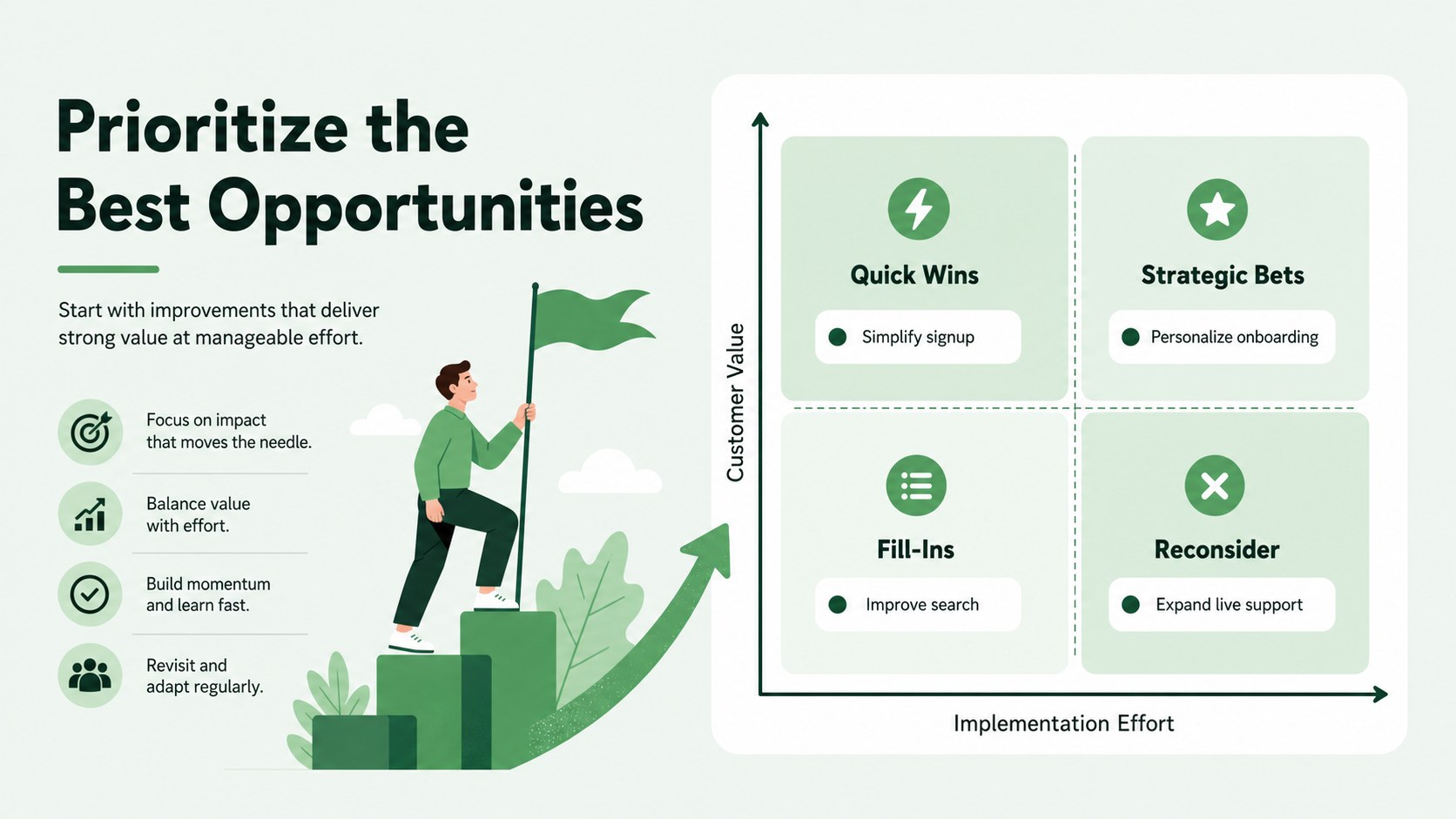
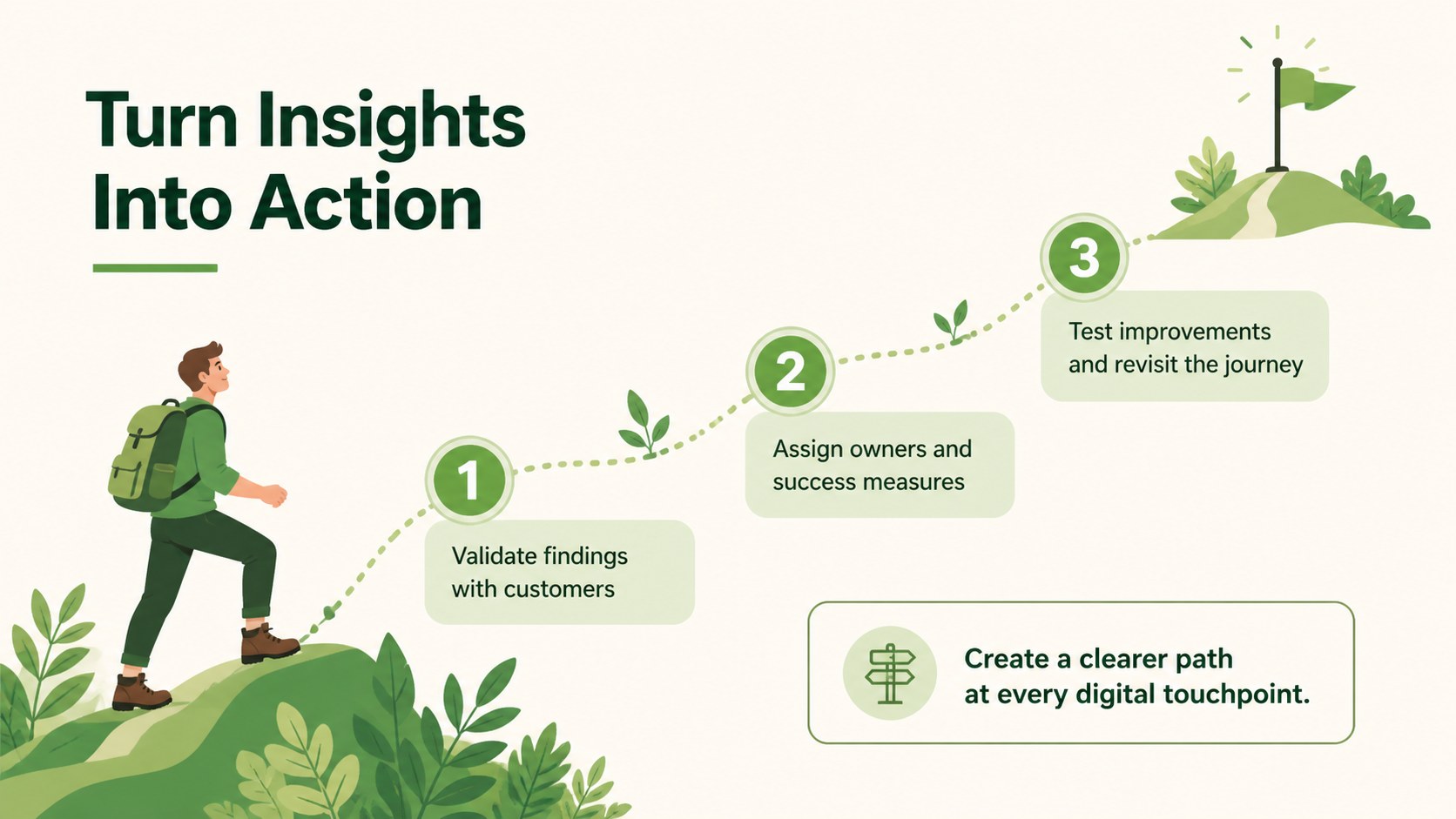
Turn scattered customer insights into a focused customer journey mapping deck that follows people across websites, apps, email, social media, and support channels. Modern green illustrations and structured infographic layouts make each stage easy to scan while keeping your presentation energetic, approachable, and professional.
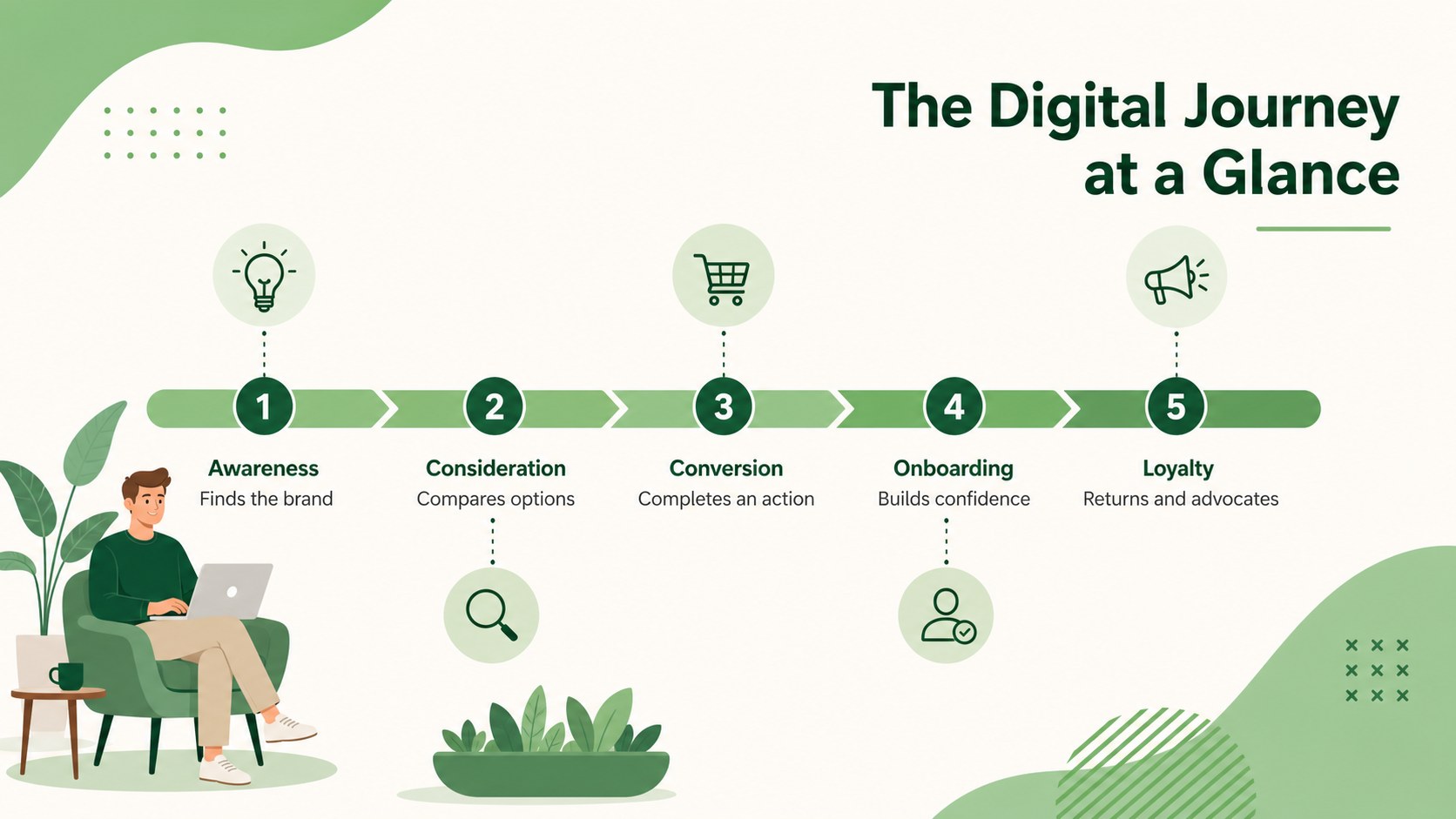
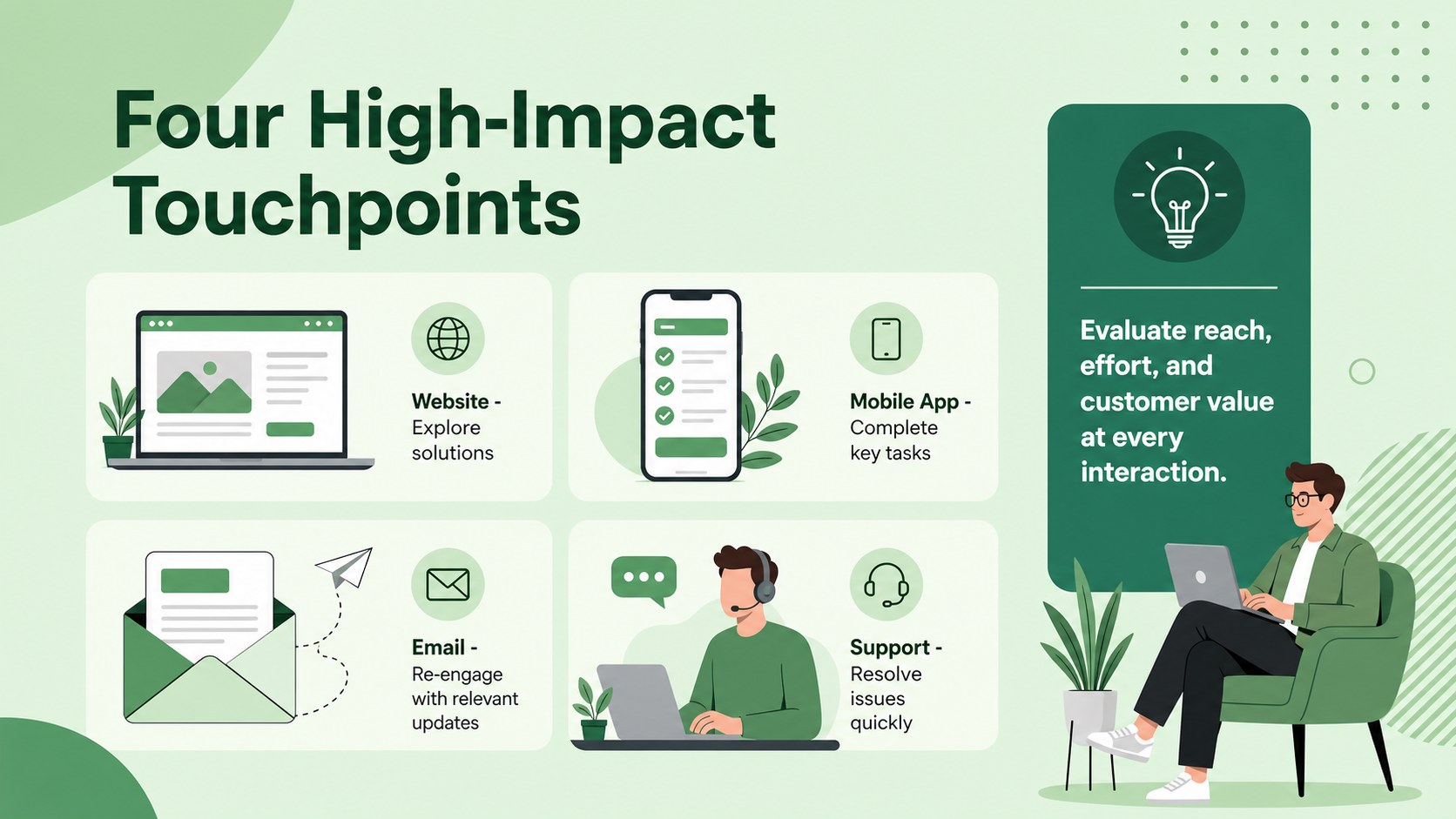
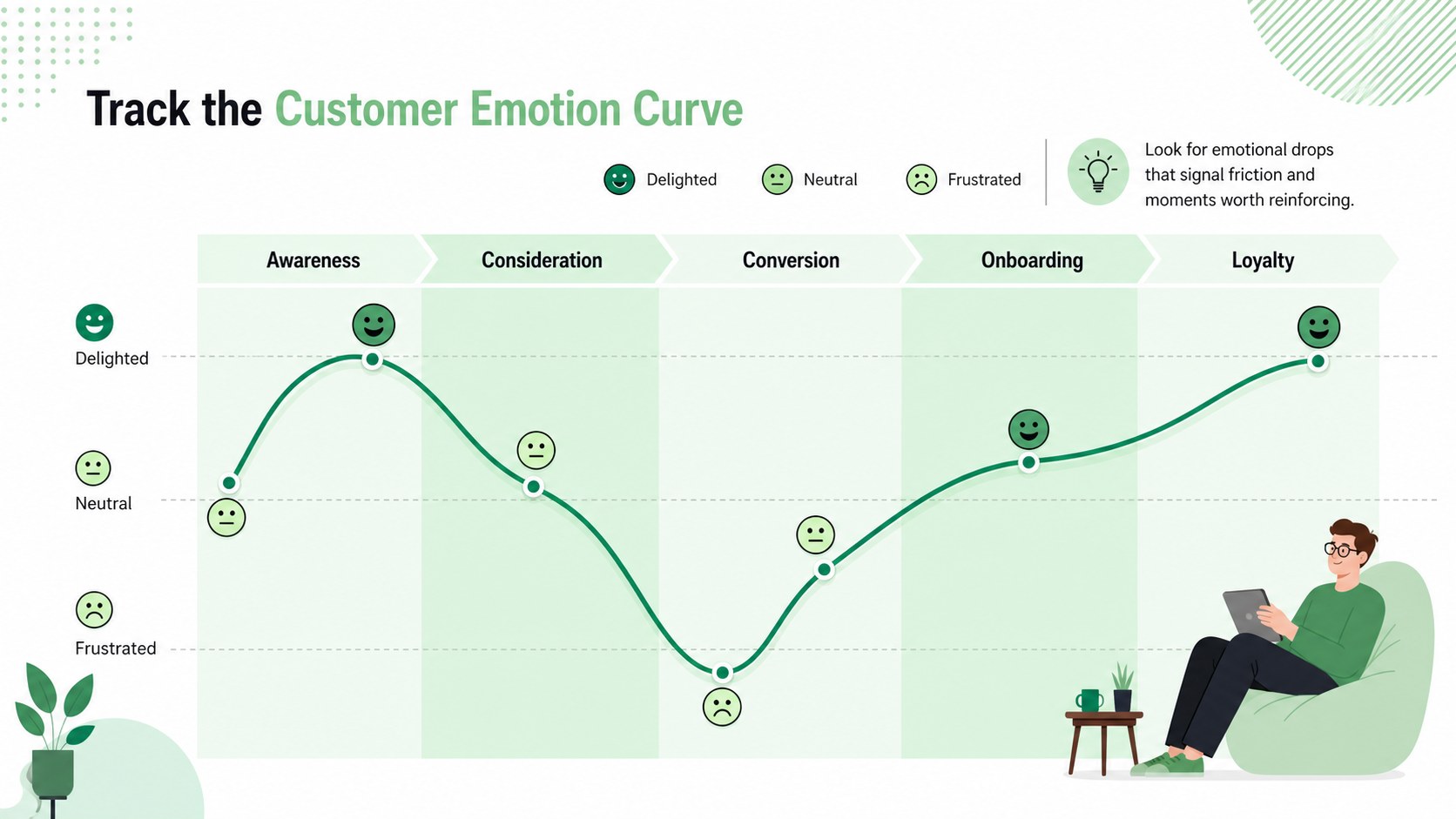
The deck includes seven editable 16:9 layouts for introducing the journey, defining customer stages, comparing four digital touchpoints, tracking emotions, identifying pain points, prioritizing opportunities, and presenting next steps. Use it as a digital customer experience journey template or adapt the layouts for a customer lifecycle mapping presentation. Clear labels, visual pathways, simple charts, and flexible content areas help you communicate research without overwhelming your audience.
This template is designed for marketing teams, product managers, UX researchers, sales leaders, consultants, and customer success professionals. It works well for journey-mapping workshops, campaign reviews, website redesign projects, service improvement meetings, and client strategy sessions. Add your own audience segments, channel data, quotes, metrics, and brand colors to create a practical digital touchpoint analysis deck. Every slide can be edited in PowerPoint or Google Slides, allowing teams to revise the narrative, collaborate on findings, and tailor recommendations for different stakeholders.
Perfect for: customer journey workshop; website experience audit; omnichannel marketing review; client strategy presentation; product onboarding analysis; service improvement meeting.
Frequently asked questions
Can I edit every part of the journey map? Yes. You can change the stage names, touchpoint labels, icons, colors, charts, and supporting text to match your research and customer lifecycle.
Practical details
Yes. You can change the stage names, touchpoint labels, icons, colors, charts, and supporting text to match your research and customer lifecycle.
Yes. The presentation is designed for editing in both PowerPoint and Google Slides. Minor font or spacing adjustments may be needed if your system substitutes a typeface.
Replace the green accents with your brand palette, apply your preferred fonts, and add approved logos or imagery within your own presentation file. Keep stage colors consistent across slides so the journey remains easy to follow.
Yes. Duplicate the journey layouts for each persona or audience segment, then update their goals, behaviors, channels, and pain points. A summary slide can be used to compare shared opportunities across segments.
Keep exploring
15Shape your publishing concept with an indie magazine startup pitch deck featuring pastel gradients, bold collage layouts, and editable planning slides.
 16
16Build clear project stories with the Icon Grid Teamwork Theme, a flexible blue illustrated deck for proposals, strategy updates, and team meetings.
 3
3Turn priorities into an actionable plan with an annual goals roadmap infographic, featuring editable orange and teal layouts for PowerPoint and Google Slides.
 15
15Create an Annual Achievement Report Presentation with colorful geometric layouts for milestones, results, lessons, and priorities in PowerPoint or Google Slides.
 15
15Turn results into a focused annual performance evaluation report with dark 3D slides for KPIs, achievements, feedback, and next-step goals for teams.
 15
15Guide a focused annual recap with Business Results Retrospective Slides, a muted brown-and-blue template for PowerPoint and Google Slides.
 6
6Turn complex plans into clear visual stories with Color-Coded Workflow Path Slides, an editable set for project updates, roadmaps, and team briefings.
 6
6Compare regional performance at a glance with Global Data Heatmap Slides, a clean multicolor deck designed for editable PowerPoint and Google Slides.