
 15
15presentation
Indie Magazine Startup Pitch Deck
Shape your publishing concept with an indie magazine startup pitch deck featuring pastel gradients, bold collage layouts, and editable planning slides.
Google SlidesPowerPoint
presentation · English
Build a polished visual identity with green beige brand style guide slides for retail, fashion, beauty, and sustainable business presentations.

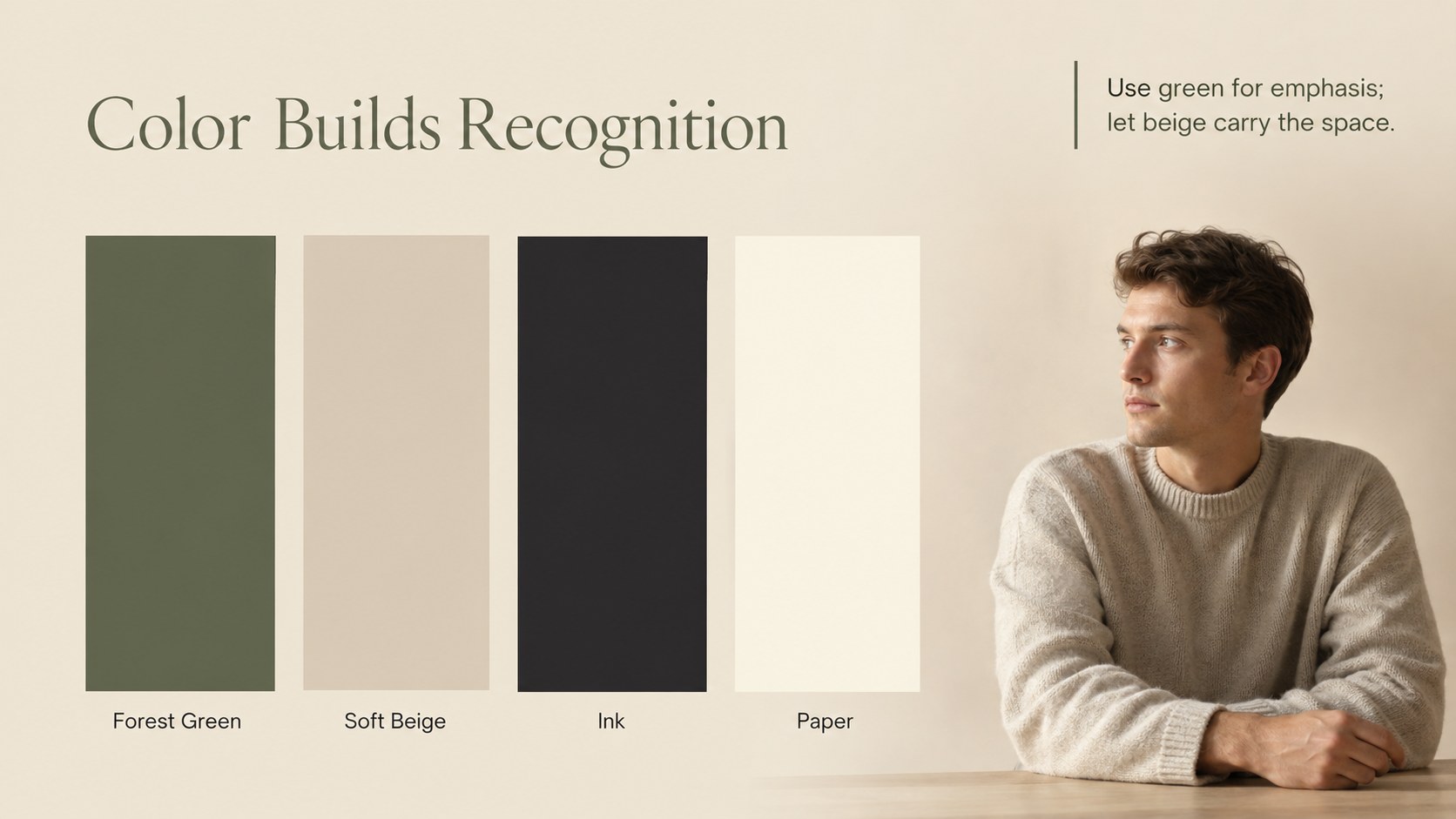
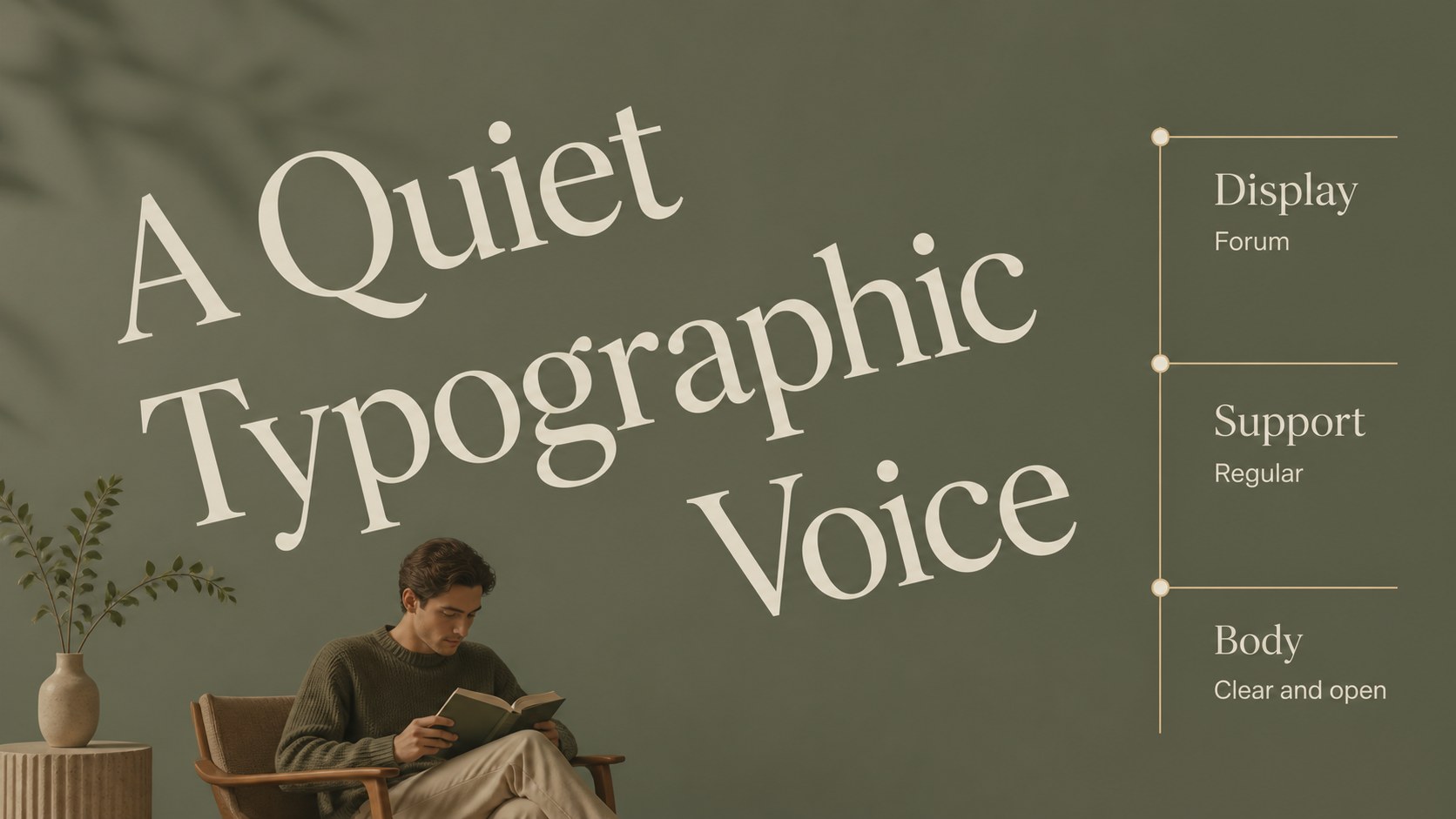


Design notes
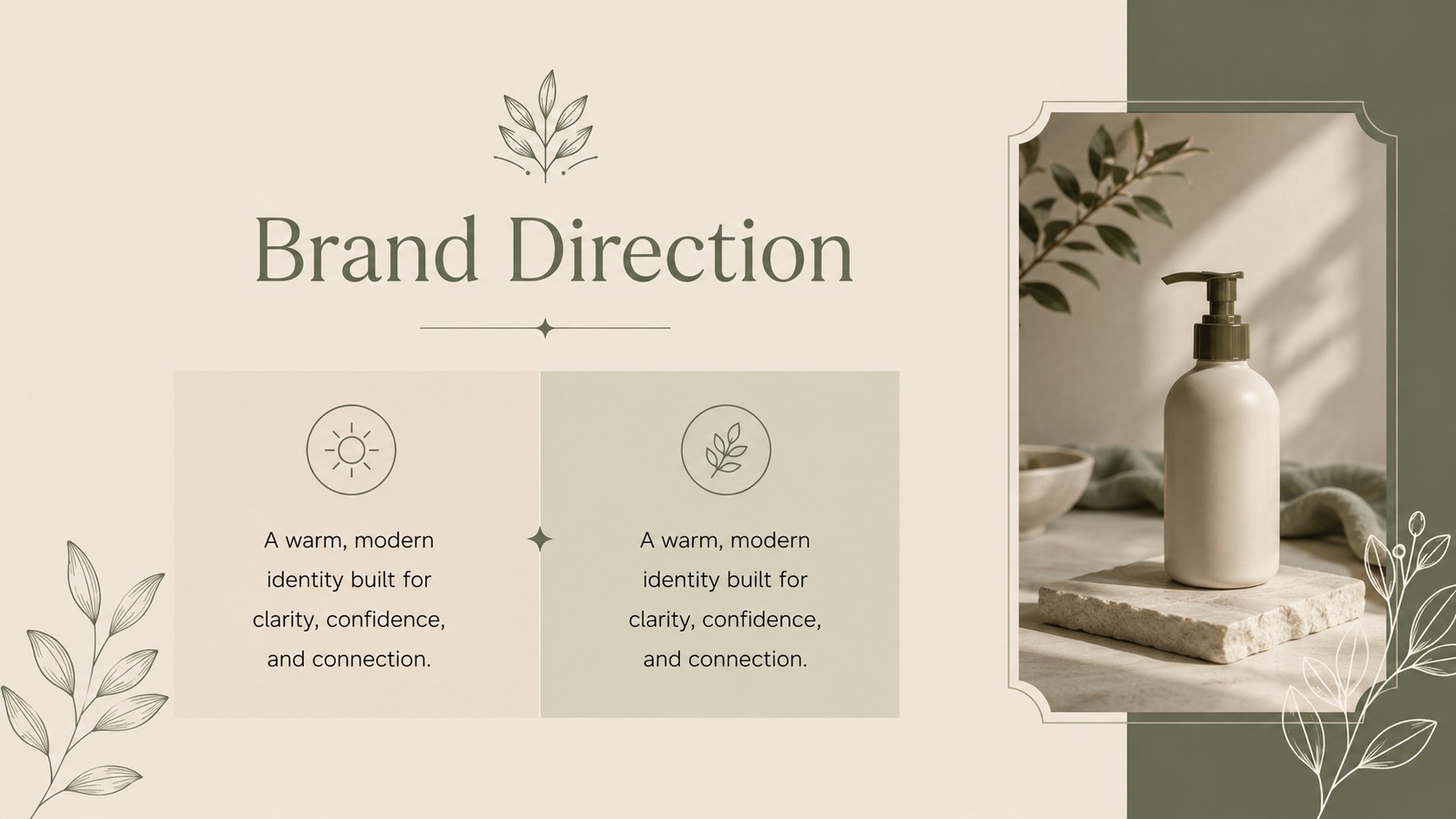
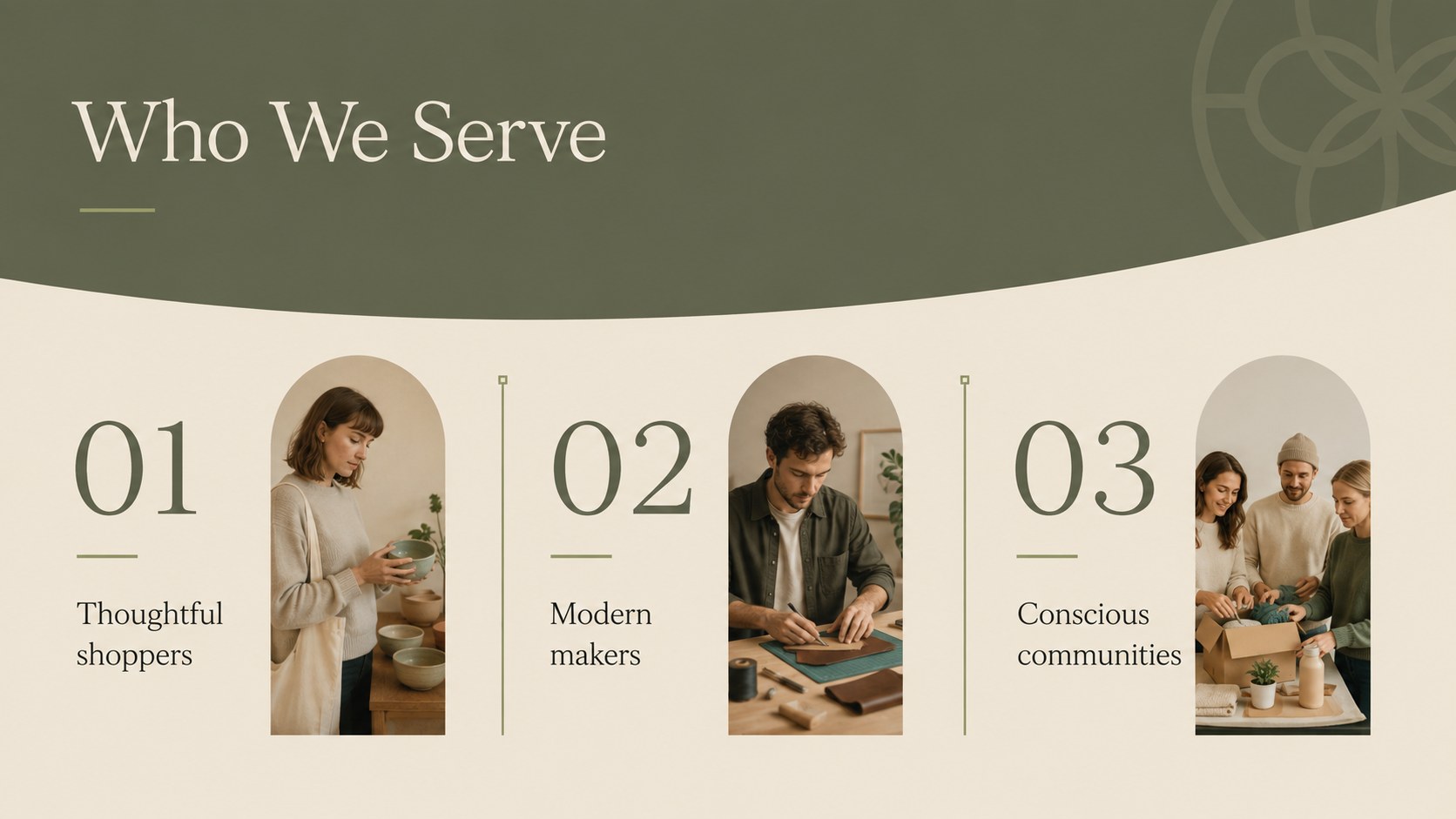
Create a clear and polished visual identity with this green beige brand style guide, designed for businesses that value simplicity, warmth, and thoughtful presentation. The balanced palette combines fresh green with soft beige to support retail launches, fashion collections, beauty concepts, and sustainability-led campaigns without overwhelming your message. Use the deck to explain your brand story, define your audience, and present a unified creative direction.
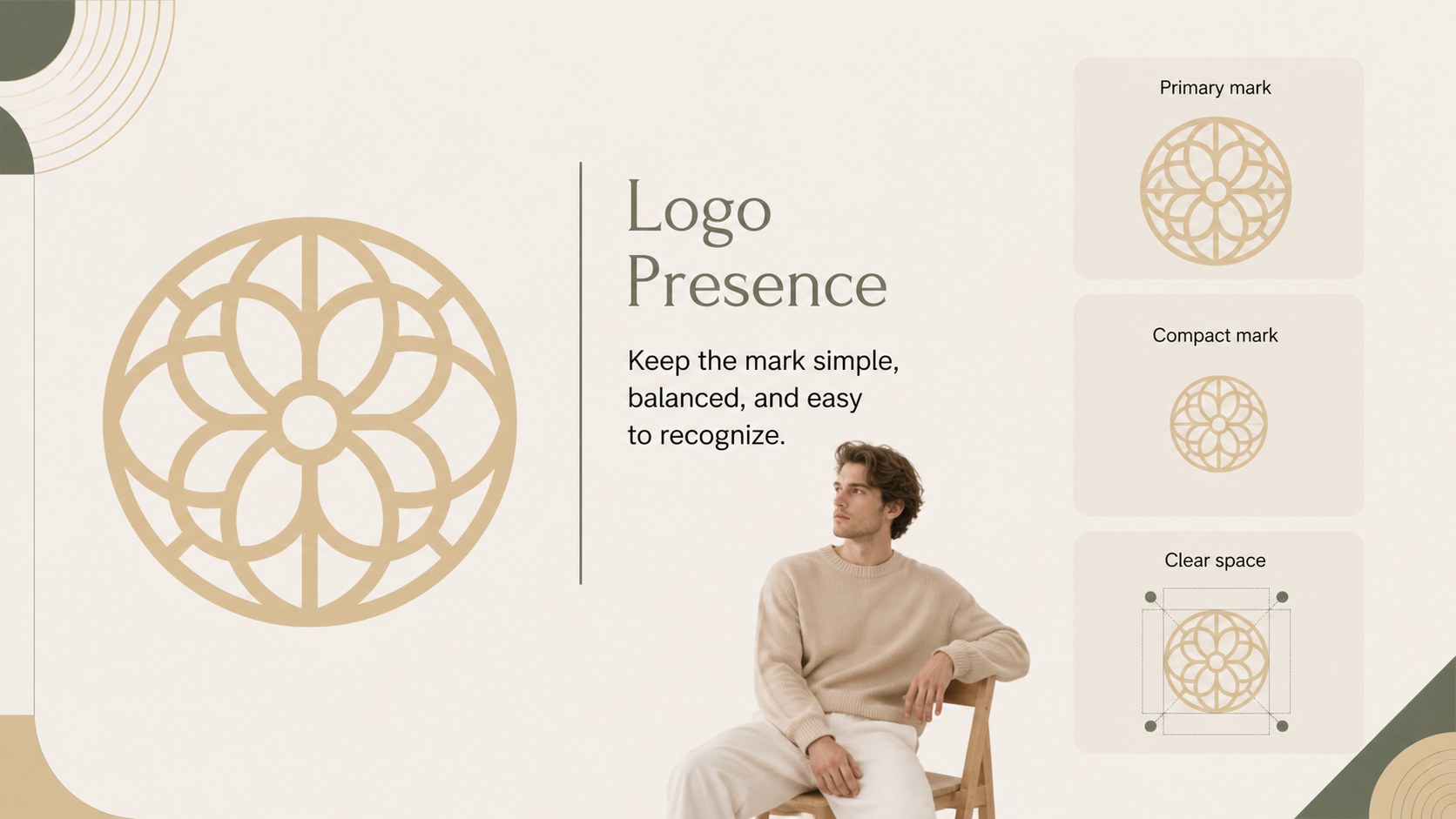
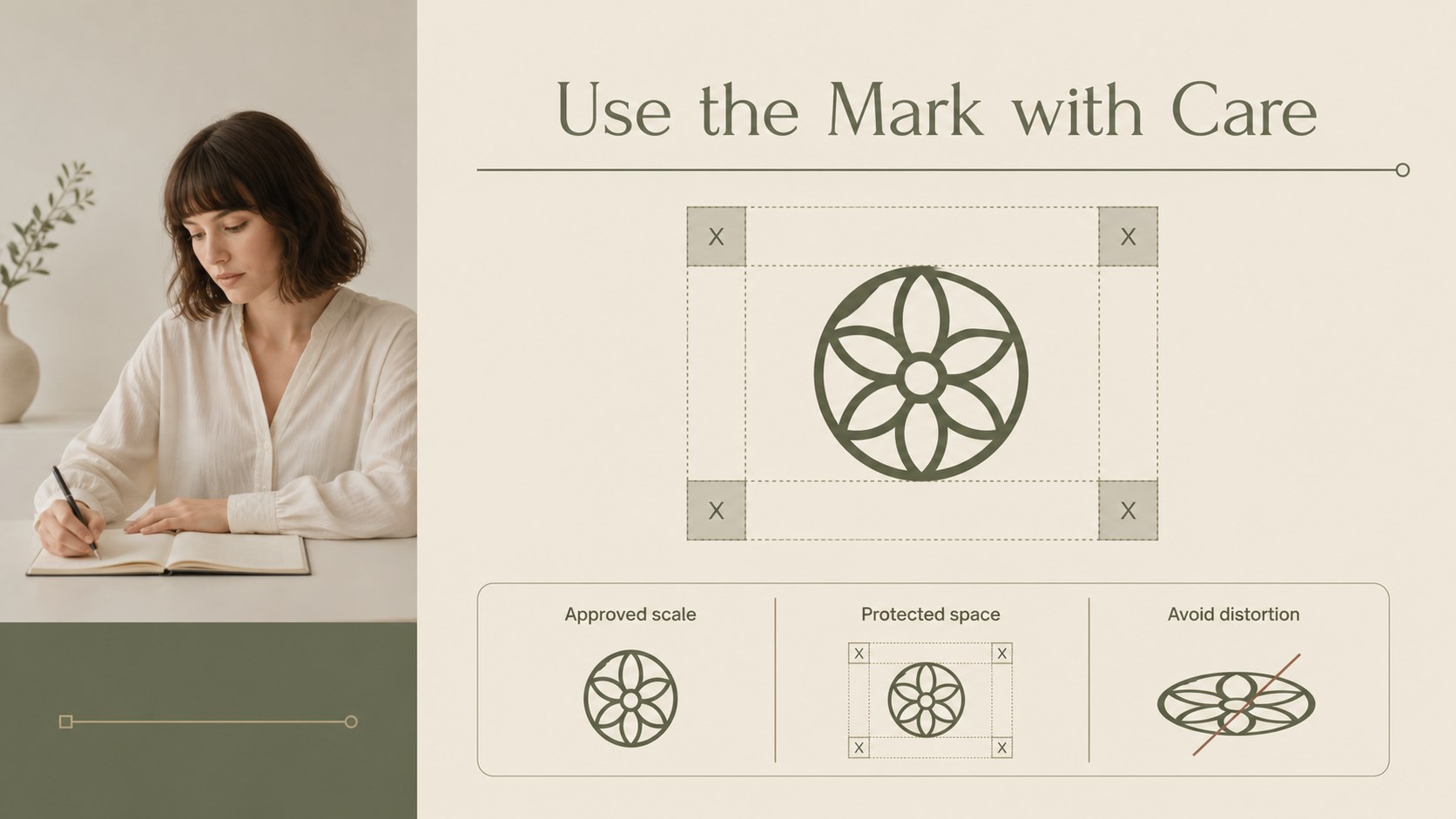
Inside, you will find more than 25 editable slide layouts for logo presentation, color rules, typography, imagery, tone of voice, packaging concepts, social media applications, and campaign examples. Charts, image frames, shapes, and flexible text blocks make it easy to adapt the visual system to your own company. The layouts can also support a visual identity presentation for client approvals, internal alignment, or a new product launch.
This template is suitable for founders, designers, marketing teams, agencies, retail operators, fashion labels, and beauty businesses. Edit the files in PowerPoint or Google Slides, replace the sample content, and adjust the green and beige accents to match your brand while preserving the clean editorial style.
Perfect for: retail brand launch; fashion collection briefing; beauty client presentation; agency brand approval; sustainable product pitch.
Frequently asked questions
Can I edit these slides in PowerPoint? Yes. The presentation is designed for PowerPoint and includes editable text, shapes, charts, image areas, and color elements. Replace the sample logo and copy with your own brand materials.
Practical details
Yes. The presentation is designed for PowerPoint and includes editable text, shapes, charts, image areas, and color elements. Replace the sample logo and copy with your own brand materials.
Yes, you can open and customize the deck in Google Slides. Review font substitutions after importing and adjust spacing if your selected fonts are unavailable.
Yes. Update the theme colors or individual shape fills to match your visual identity. The layouts are structured so you can change accents while keeping the overall editorial look consistent.
The deck includes layouts for logo usage, typography, color palettes, imagery, messaging, packaging, social applications, and campaign examples. It can be adapted for both internal brand documentation and client-facing presentations.
Keep exploring
15Shape your publishing concept with an indie magazine startup pitch deck featuring pastel gradients, bold collage layouts, and editable planning slides.
 16
16Build clear project stories with the Icon Grid Teamwork Theme, a flexible blue illustrated deck for proposals, strategy updates, and team meetings.
 3
3Turn priorities into an actionable plan with an annual goals roadmap infographic, featuring editable orange and teal layouts for PowerPoint and Google Slides.
 15
15Create an Annual Achievement Report Presentation with colorful geometric layouts for milestones, results, lessons, and priorities in PowerPoint or Google Slides.
 15
15Turn results into a focused annual performance evaluation report with dark 3D slides for KPIs, achievements, feedback, and next-step goals for teams.
 15
15Guide a focused annual recap with Business Results Retrospective Slides, a muted brown-and-blue template for PowerPoint and Google Slides.
 6
6Turn complex plans into clear visual stories with Color-Coded Workflow Path Slides, an editable set for project updates, roadmaps, and team briefings.
 6
6Compare regional performance at a glance with Global Data Heatmap Slides, a clean multicolor deck designed for editable PowerPoint and Google Slides.