
 15
15presentation
Indie Magazine Startup Pitch Deck
Shape your publishing concept with an indie magazine startup pitch deck featuring pastel gradients, bold collage layouts, and editable planning slides.
Google SlidesPowerPoint
presentation · English
Build clearer finance briefings with green accounting process slides for monthly close, team training, and client updates. Edit online and export easily.
Design notes
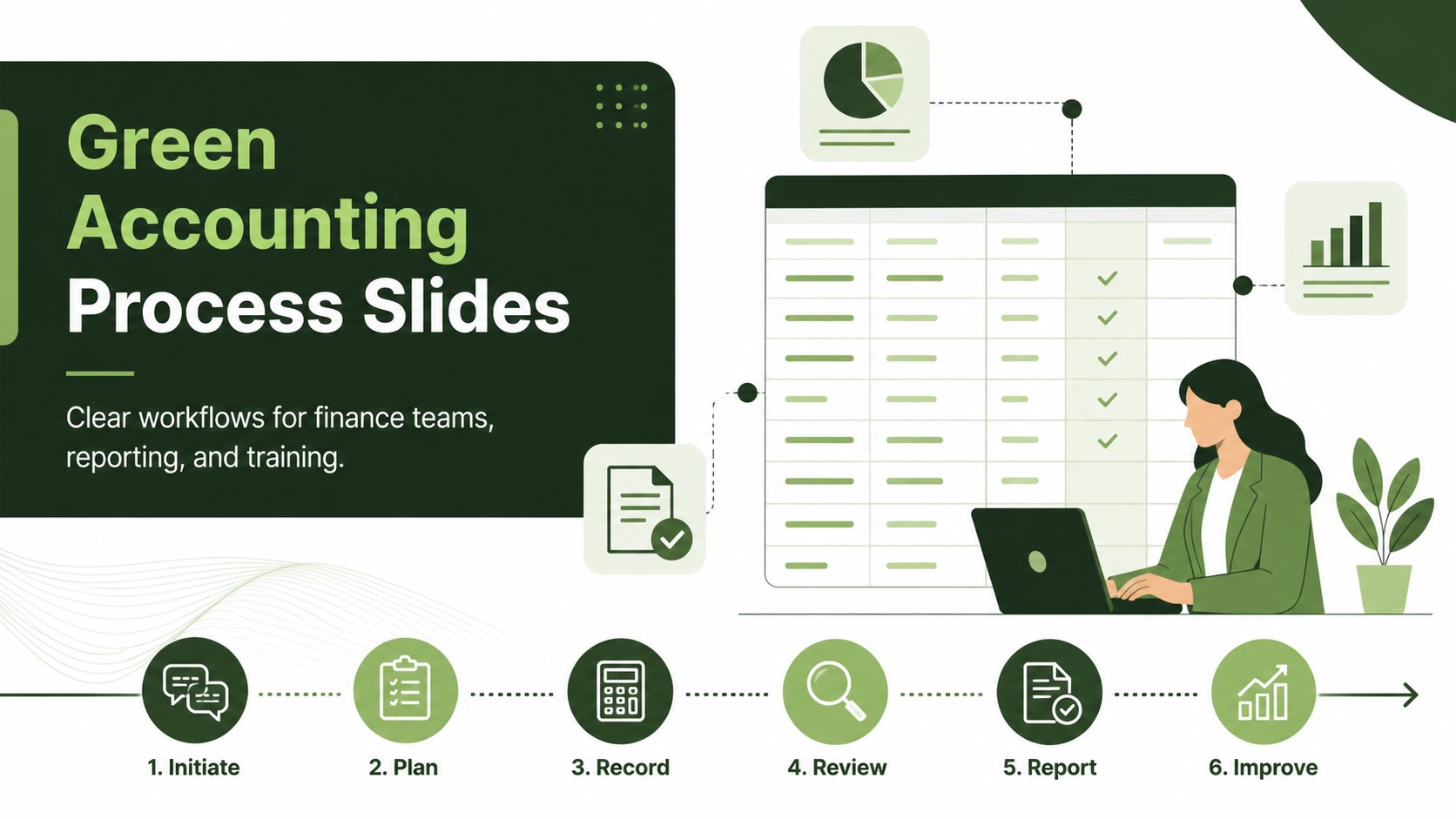
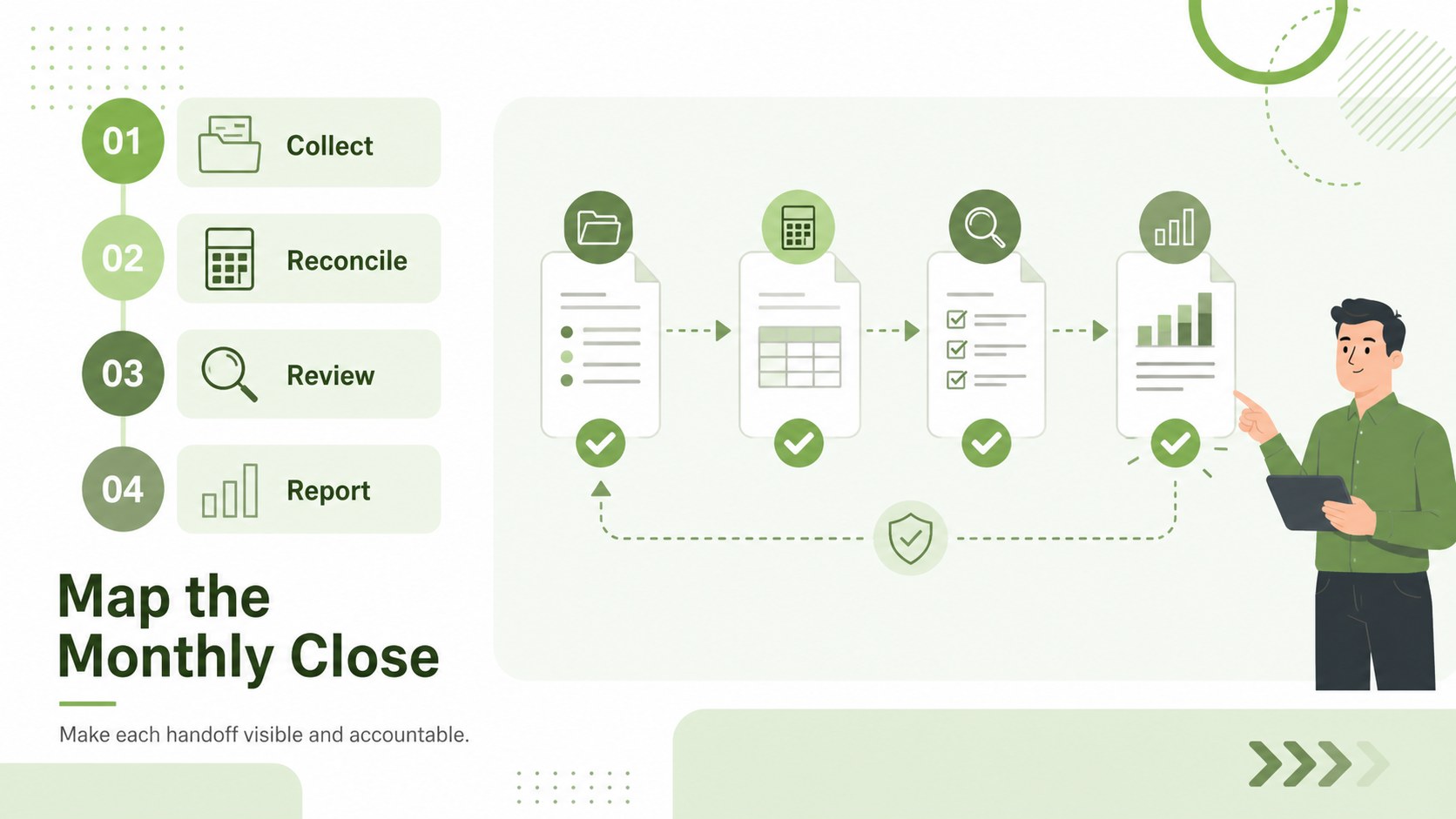
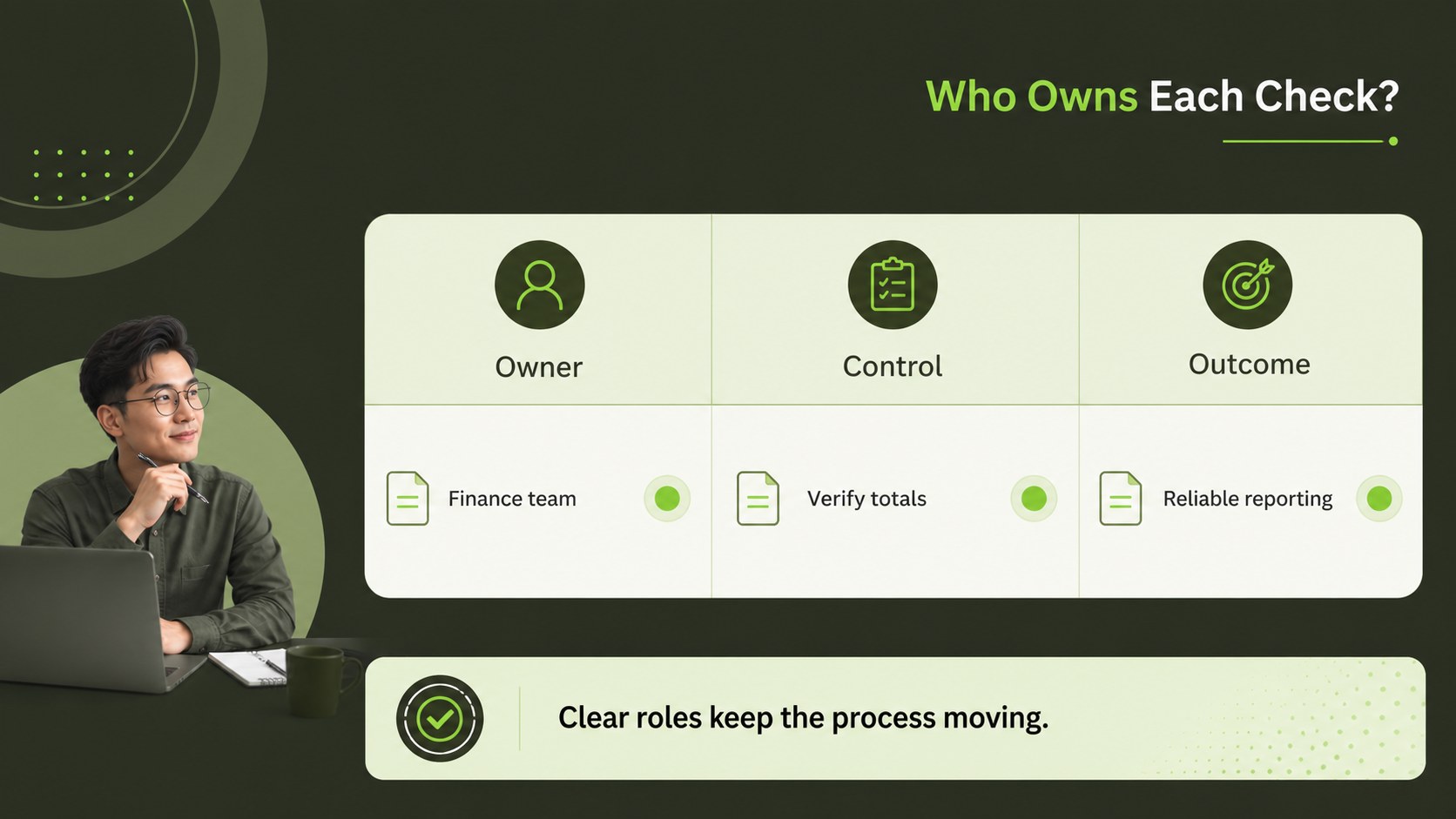
Green accounting process slides give finance teams a practical way to turn routine procedures into clear visual stories. The fresh green palette, structured diagrams, and corporate styling help audiences understand responsibilities, handoffs, review stages, and reporting milestones without dense blocks of text. Use the deck for monthly close meetings, client updates, internal documentation, or an accounting process flow presentation.
Inside, you’ll find three editable 16:9 layouts with adaptable diagrams, callouts, charts, lines, frames, and shapes. Rework the content for bookkeeping procedures, reconciliation checks, approval chains, audit preparation, or finance operations slide deck requirements. makes it simple to replace labels, adjust colors, add icons, and collaborate with colleagues. You can also export the finished design for PowerPoint or Google Slides.
This template suits accountants, controllers, finance managers, operations leads, consultants, and instructors preparing an accounting team training presentation. Use the visual hierarchy to explain a process step by step, compare responsibilities, or summarize improvements for stakeholders. The minimalist layout keeps attention on the workflow while leaving enough room for notes, metrics, and supporting details.
Perfect for: monthly close meeting; accounting team training; client finance update; audit preparation briefing; bookkeeping process documentation.
Frequently asked questions
Can I edit these slides? Yes. The layouts are designed for editing, so you can change text, colors, diagrams, icons, and supporting data with drag-and-drop tools. Add collaborators when several team members need to update the workflow.
Practical details
Yes. The layouts are designed for editing, so you can change text, colors, diagrams, icons, and supporting data with drag-and-drop tools. Add collaborators when several team members need to update the workflow.
Yes. After customizing the design, export it as a PowerPoint file or save an editable copy to Google Drive for Google Slides. Check the exported file afterward to confirm that fonts and diagram spacing remain consistent.
Use it for monthly close procedures, reconciliation, invoice approval, reporting handoffs, audit preparation, and bookkeeping responsibilities. Replace the sample labels with your organization’s terminology and process stages.
Yes. ’s color controls let you adjust the green shades or apply a different approved brand palette. Keep strong contrast between headings, diagrams, and the background so the workflow remains easy to scan.
Keep exploring
15Shape your publishing concept with an indie magazine startup pitch deck featuring pastel gradients, bold collage layouts, and editable planning slides.
 16
16Build clear project stories with the Icon Grid Teamwork Theme, a flexible blue illustrated deck for proposals, strategy updates, and team meetings.
 3
3Turn priorities into an actionable plan with an annual goals roadmap infographic, featuring editable orange and teal layouts for PowerPoint and Google Slides.
 15
15Create an Annual Achievement Report Presentation with colorful geometric layouts for milestones, results, lessons, and priorities in PowerPoint or Google Slides.
 15
15Turn results into a focused annual performance evaluation report with dark 3D slides for KPIs, achievements, feedback, and next-step goals for teams.
 15
15Guide a focused annual recap with Business Results Retrospective Slides, a muted brown-and-blue template for PowerPoint and Google Slides.
 6
6Turn complex plans into clear visual stories with Color-Coded Workflow Path Slides, an editable set for project updates, roadmaps, and team briefings.
 6
6Compare regional performance at a glance with Global Data Heatmap Slides, a clean multicolor deck designed for editable PowerPoint and Google Slides.