
 15
15presentation
Indie Magazine Startup Pitch Deck
Shape your publishing concept with an indie magazine startup pitch deck featuring pastel gradients, bold collage layouts, and editable planning slides.
Google SlidesPowerPoint
presentation · English
Build clearer reports with gradient data visualization slides for trends, segments, and KPIs. Edit the colorful layouts in PowerPoint or Google Slides.


Design notes
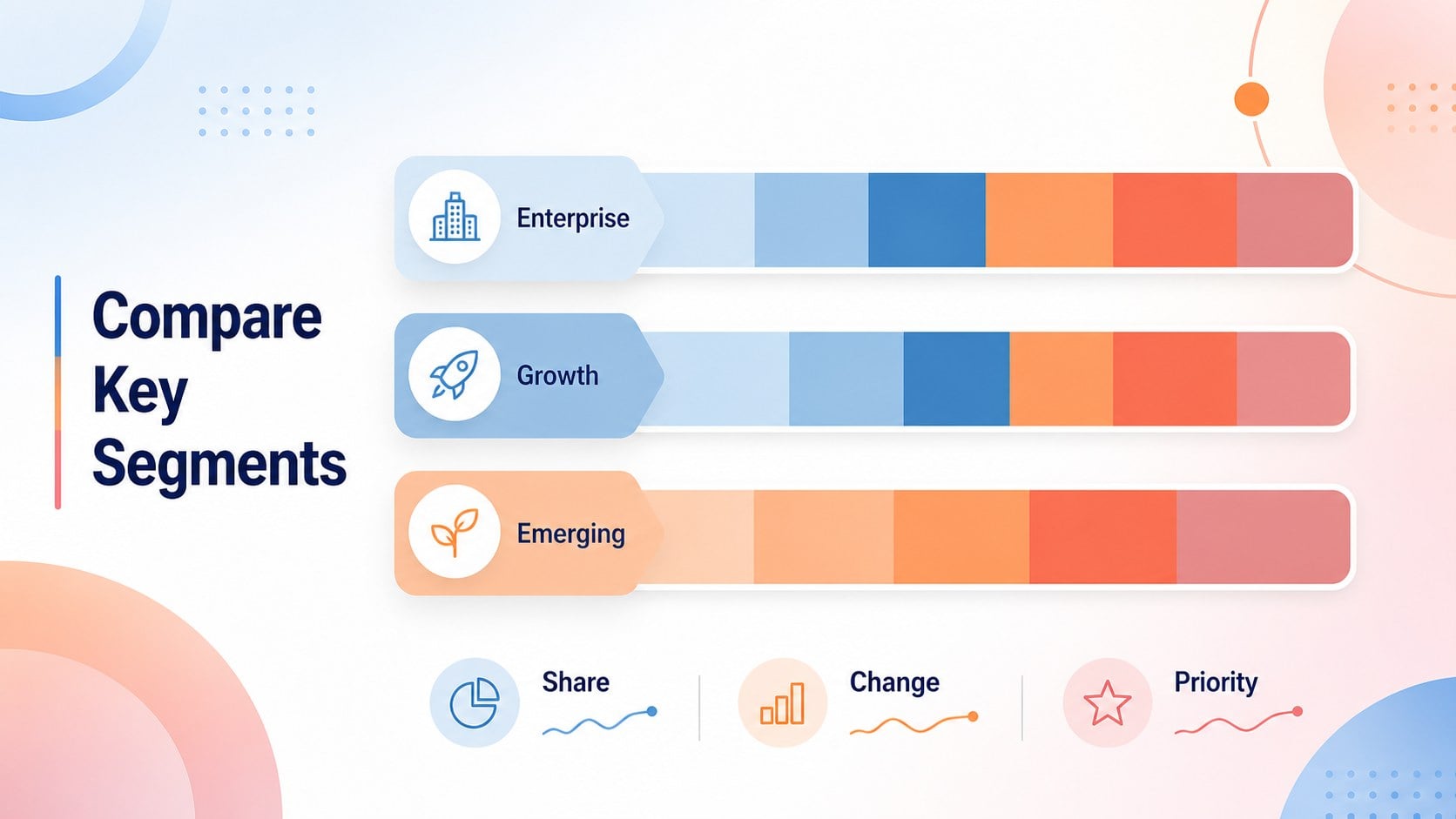
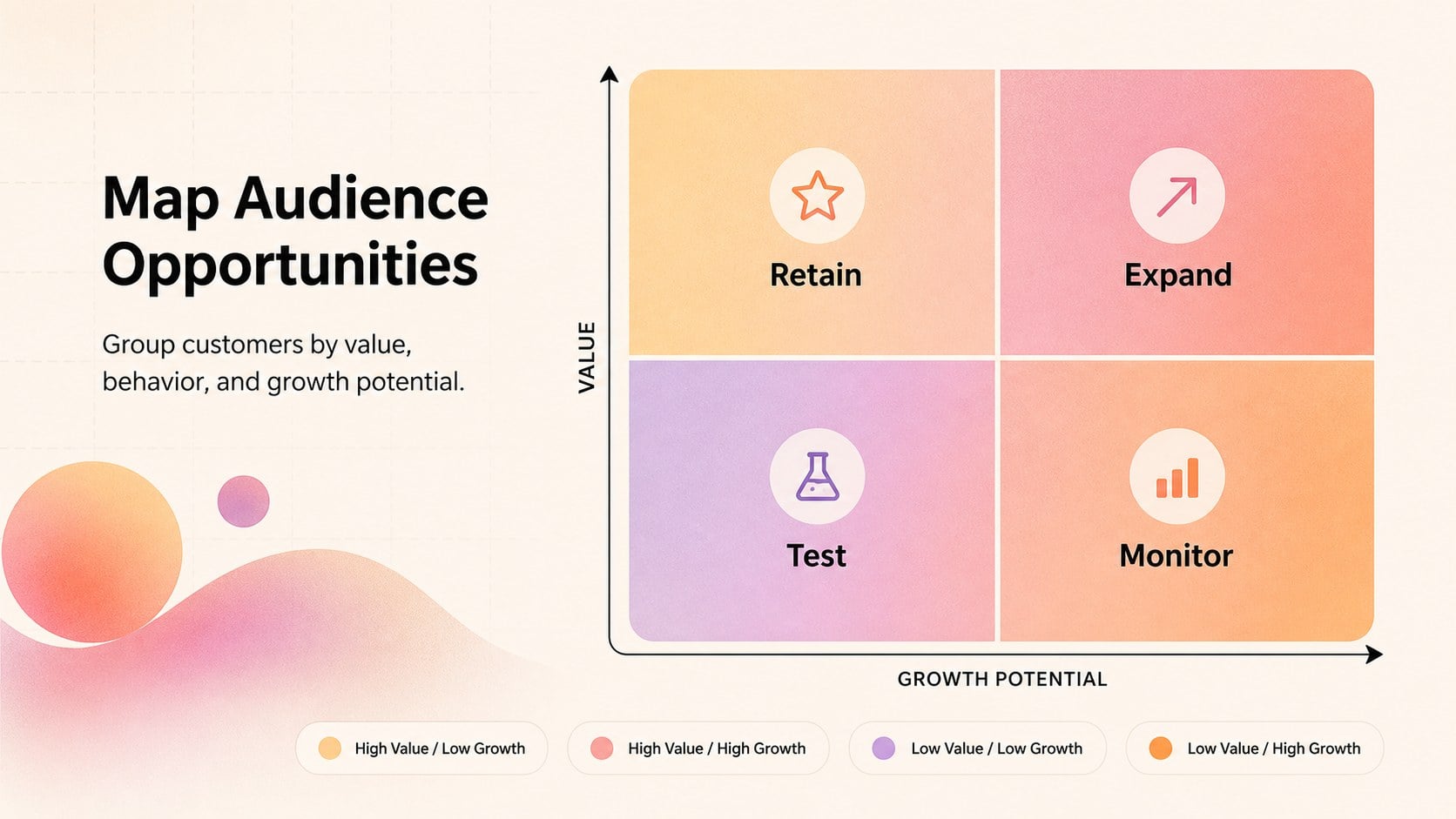
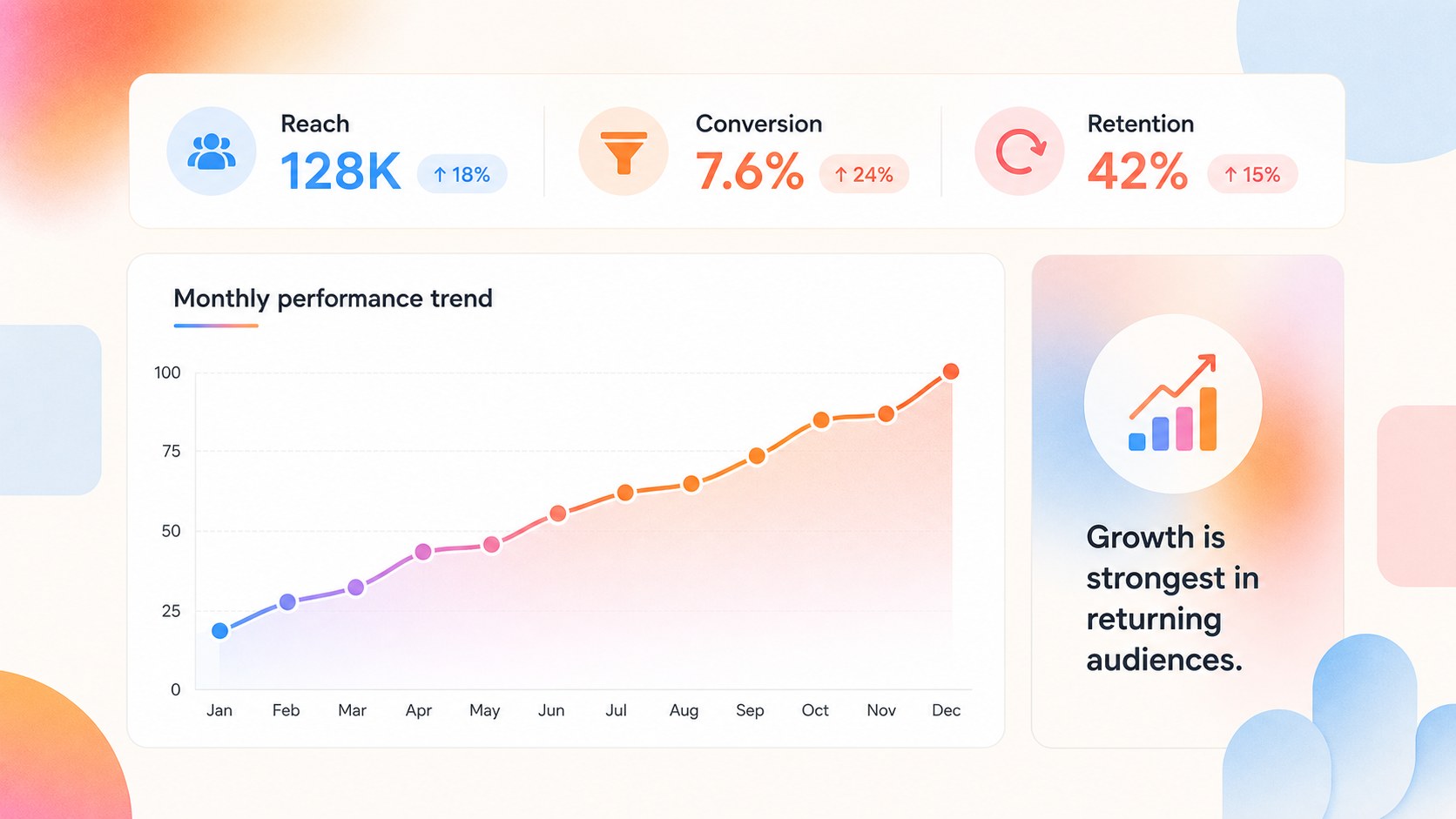
Make dense information easier to scan with gradient data visualization slides designed for modern business communication. The colorful pastel palette adds energy to reports while keeping charts, labels, and comparisons readable. Use the layouts to explain movement over time, highlight priority areas, or turn raw findings into a persuasive narrative.
Inside the deck, you’ll find six editable 16:9 infographic layouts supported by a broad collection of charts, frames, lines, and geometric shapes. The structure works well for customer segmentation presentation slides, KPI reviews, market research summaries, and performance updates. Animation and transition options help you pace a meeting, while the clean single-font system keeps the visual language consistent across every page.
This color-coded data storytelling template is suited to analysts, consultants, product teams, marketers, educators, and business leaders. Adjust the gradient colors, replace sample figures, and reorganize elements to match your brand or reporting style. Download and present in PowerPoint or Google Slides, then export or share in the format your audience needs. The result is a focused visual toolkit for making comparisons, patterns, and key takeaways more memorable.
Perfect for: startup investor pitch; quarterly KPI review; customer segmentation report; market research briefing; performance dashboard presentation.
Frequently asked questions
Can I edit the charts and infographic elements? Yes. The charts, text, shapes, frames, and color accents are editable, so you can replace sample data and adapt each layout to your report. You can also rearrange or duplicate elements as needed.
Practical details
Yes. The charts, text, shapes, frames, and color accents are editable, so you can replace sample data and adapt each layout to your report. You can also rearrange or duplicate elements as needed.
The template is available for PowerPoint and Google Slides. Choose the file format that matches your workflow, then edit and present from the corresponding application.
Yes. Replace the existing pastel gradients with brand colors or a stronger contrast system while keeping the same visual structure. Updating the theme colors and text styling helps maintain consistency across the deck.
It is designed for concise visual reporting, including trends, comparisons, segments, and KPI summaries. For very large datasets, simplify the source information before placing the most relevant findings into the slides.
Keep exploring
15Shape your publishing concept with an indie magazine startup pitch deck featuring pastel gradients, bold collage layouts, and editable planning slides.
 16
16Build clear project stories with the Icon Grid Teamwork Theme, a flexible blue illustrated deck for proposals, strategy updates, and team meetings.
 3
3Turn priorities into an actionable plan with an annual goals roadmap infographic, featuring editable orange and teal layouts for PowerPoint and Google Slides.
 15
15Create an Annual Achievement Report Presentation with colorful geometric layouts for milestones, results, lessons, and priorities in PowerPoint or Google Slides.
 15
15Turn results into a focused annual performance evaluation report with dark 3D slides for KPIs, achievements, feedback, and next-step goals for teams.
 15
15Guide a focused annual recap with Business Results Retrospective Slides, a muted brown-and-blue template for PowerPoint and Google Slides.
 6
6Turn complex plans into clear visual stories with Color-Coded Workflow Path Slides, an editable set for project updates, roadmaps, and team briefings.
 6
6Compare regional performance at a glance with Global Data Heatmap Slides, a clean multicolor deck designed for editable PowerPoint and Google Slides.