
 15
15presentation
Indie Magazine Startup Pitch Deck
Shape your publishing concept with an indie magazine startup pitch deck featuring pastel gradients, bold collage layouts, and editable planning slides.
Google SlidesPowerPoint
presentation · English
Shape a credible growth story with a gradient business planning roadmap, editable timelines, market analysis, and financial slides for PowerPoint and Google…


Design notes
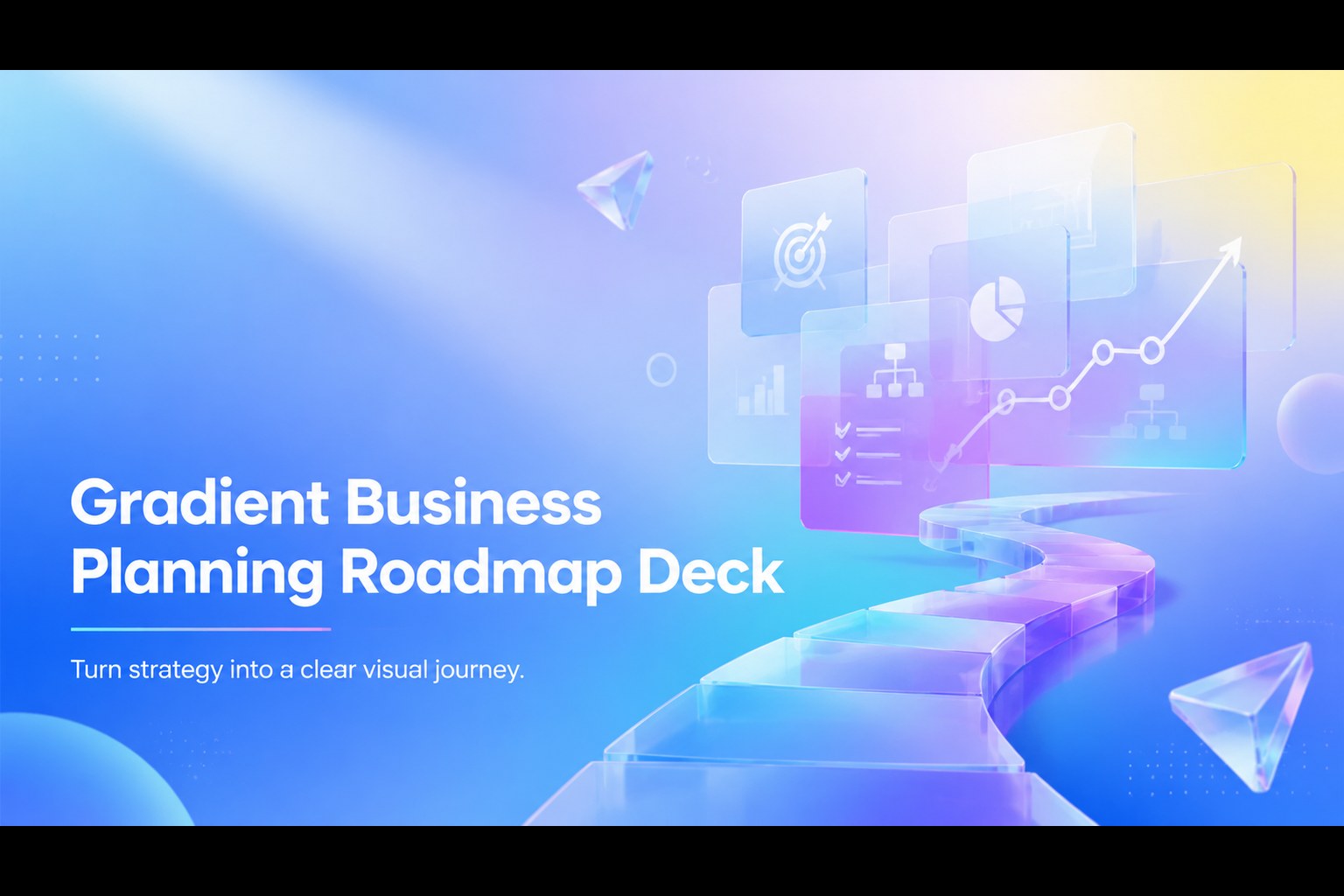
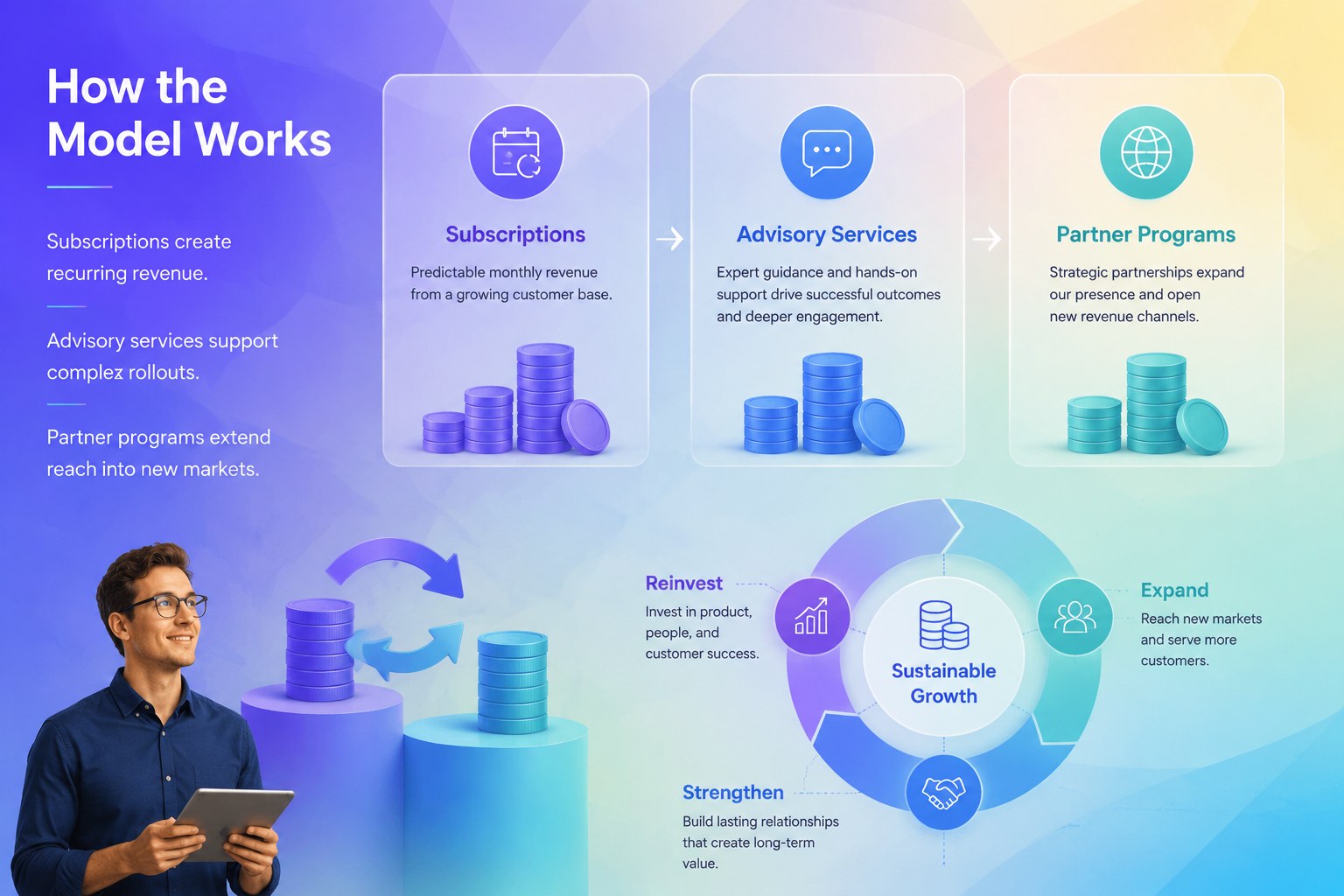
Turn complex plans into a focused growth narrative with this Gradient Business Planning Roadmap Deck. Its polished blue and purple palette, translucent panels, soft gradients, and dimensional details create a forward-looking style suited to ambitious companies. Use this editable business roadmap presentation to connect your vision, operating model, and priorities in a sequence that stakeholders can quickly understand.
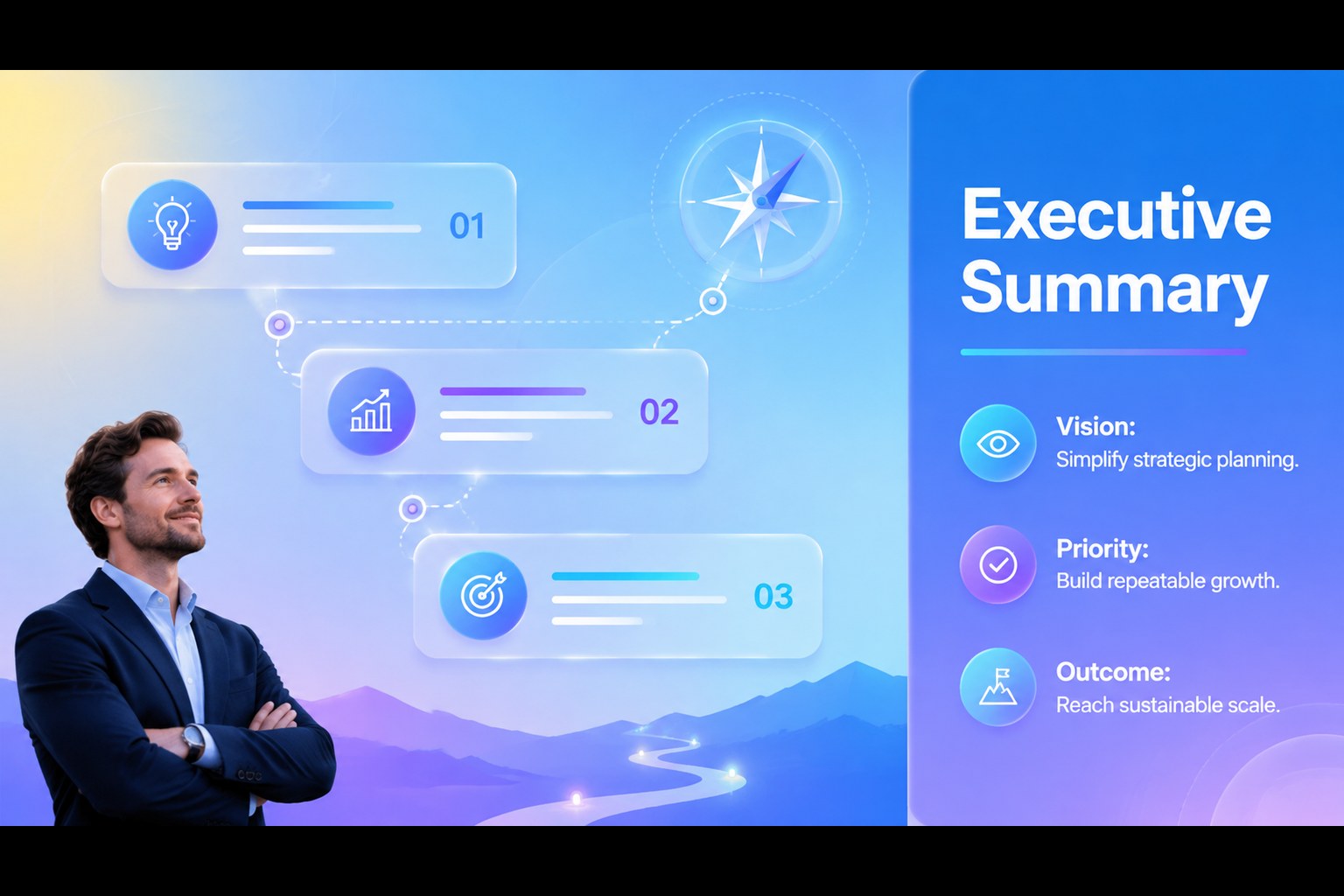
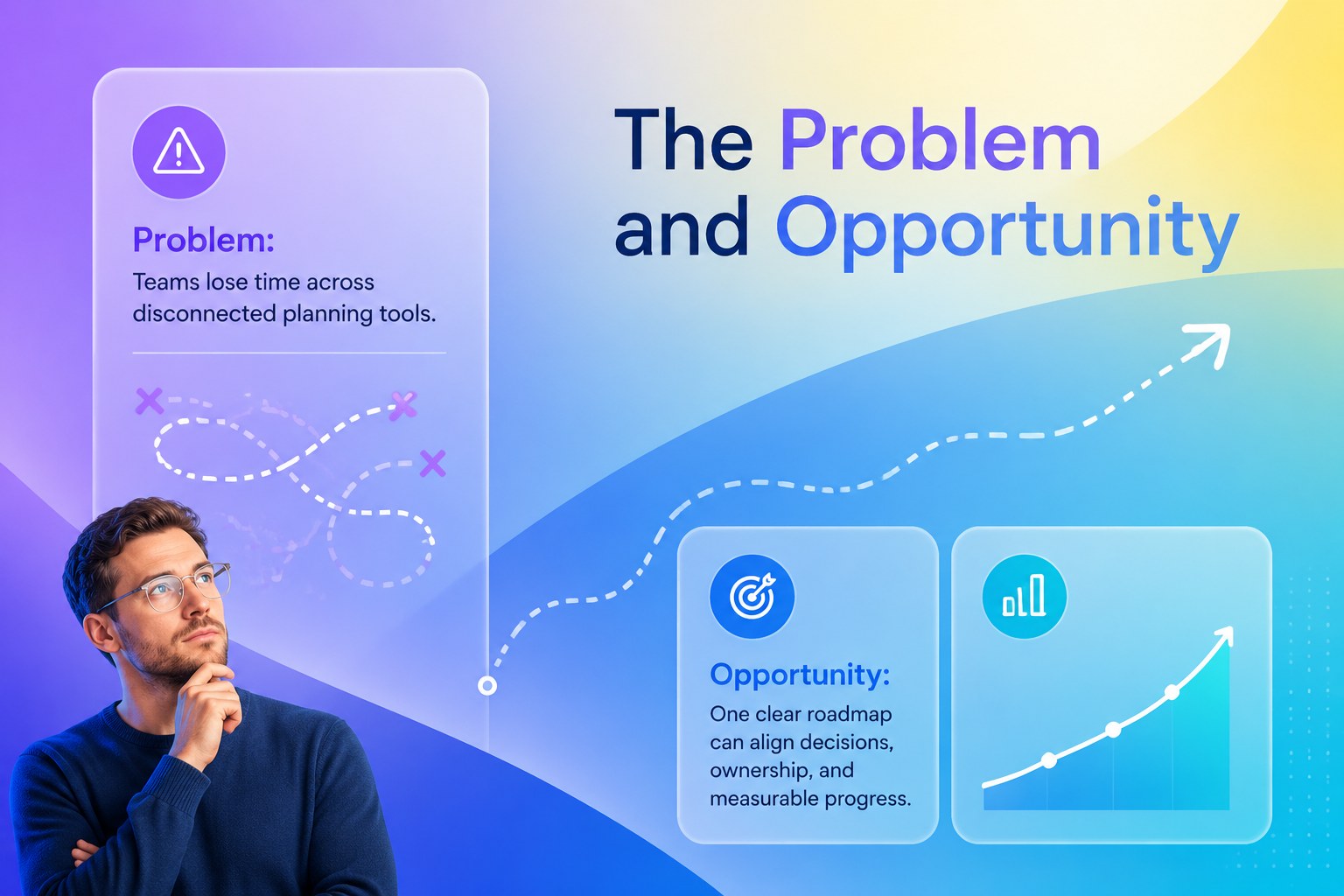
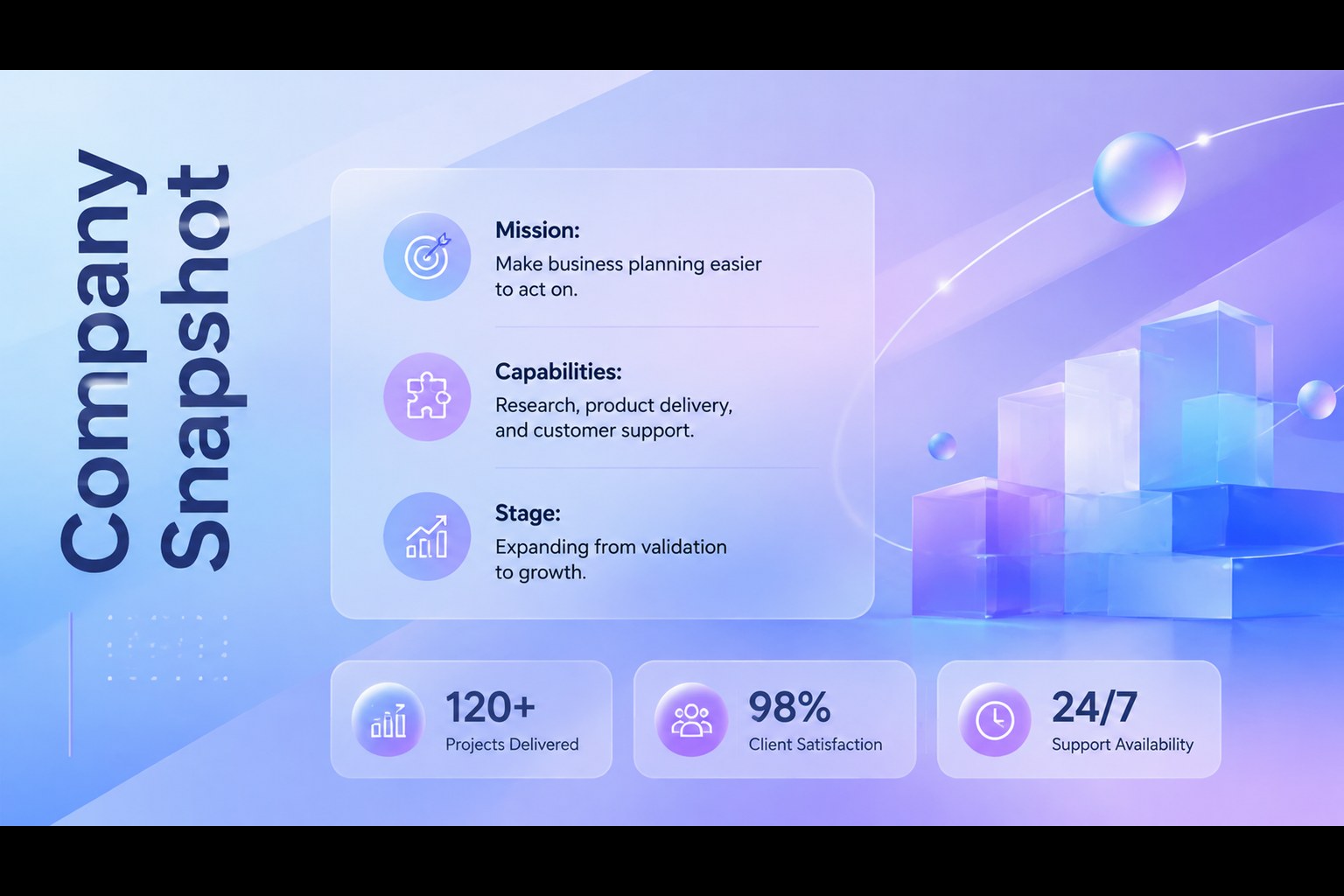
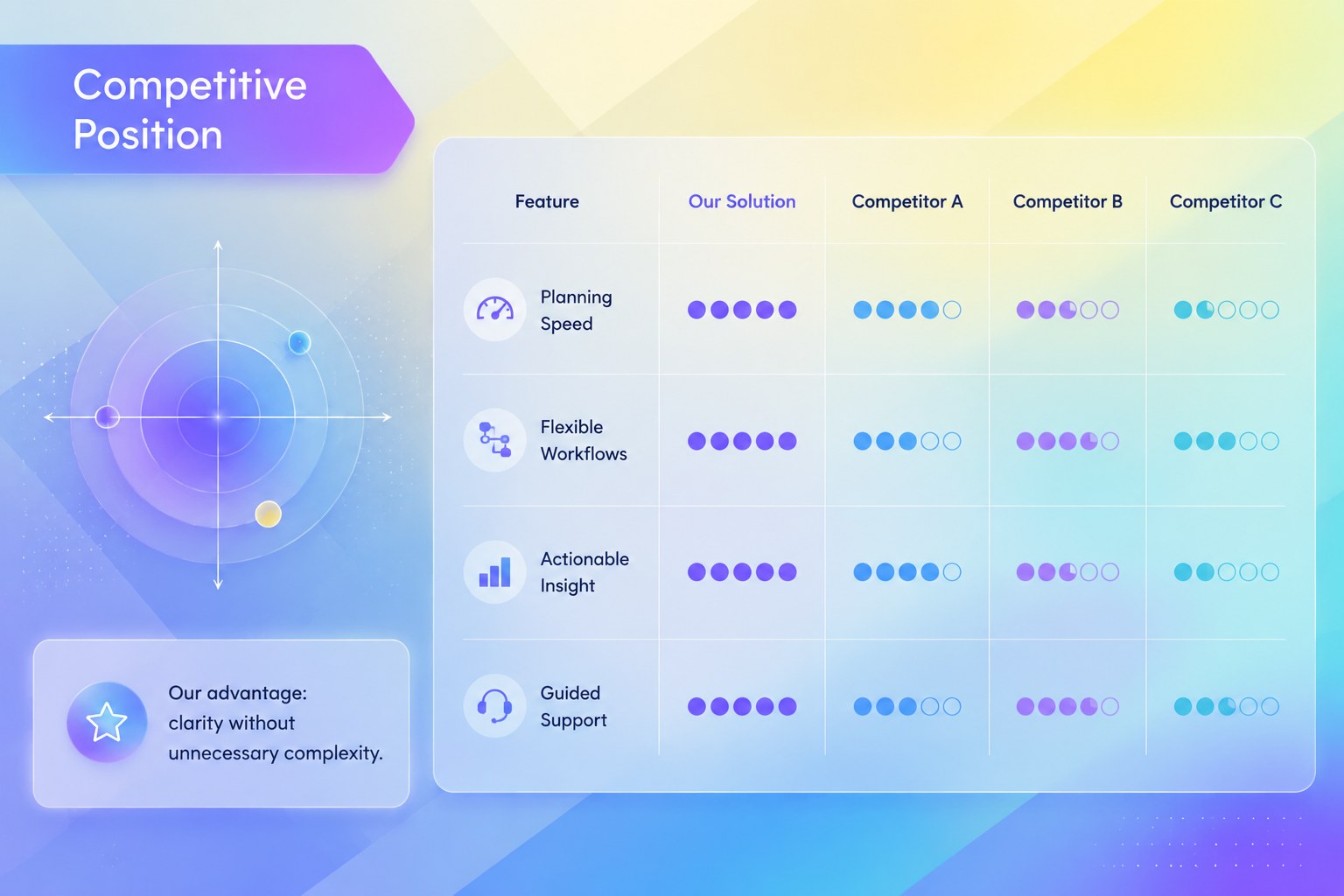
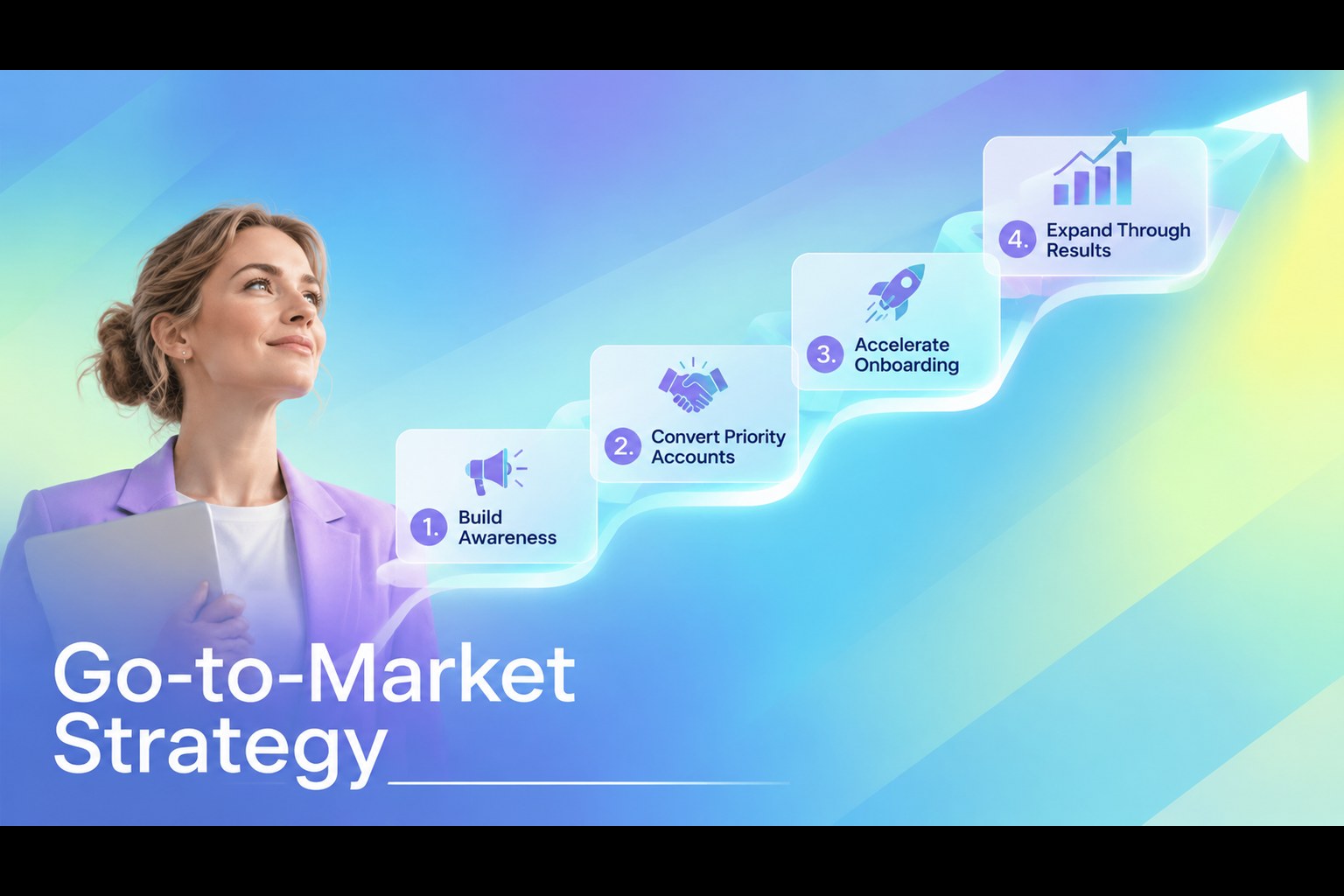
The 15-slide layout includes an executive summary, problem and opportunity analysis, company overview, customer segments, market sizing, revenue model, competitor comparison, marketing strategy, product roadmap, milestone timeline, financial outlook, team introduction, risk assessment, and next steps. Flexible charts, tables, diagrams, and timeline structures make it equally useful as a glassmorphism business strategy template or a set of startup growth timeline slides. Replace the sample figures, adjust the colors, and reorganize sections around your own planning process.
Designed for founders, consultants, innovation teams, and business students, the deck works well for internal planning sessions, leadership reviews, partner discussions, and early investor conversations. Every slide can be edited in PowerPoint or Google Slides, allowing teams to tailor typography, data, and visual hierarchy while maintaining a coherent professional design.
Perfect for: startup strategy review; investor milestone briefing; annual business planning; product launch roadmap; leadership growth workshop.
Frequently asked questions
Can I edit every part of the roadmap deck? Yes. Text, colors, shapes, charts, tables, and timeline elements can be adjusted to match your company plan and visual identity.
Practical details
Yes. Text, colors, shapes, charts, tables, and timeline elements can be adjusted to match your company plan and visual identity.
The template is designed for PowerPoint and Google Slides. Check font availability after importing and substitute a similar typeface if your system does not include the original font.
Replace the sample values with your own validated data, then update chart labels, legends, and comparison criteria. Keep units and reporting periods consistent across the deck.
Yes. Rename milestones and expand or remove phases to represent monthly, quarterly, or multi-year plans. The modular timeline structure also works for product launches and operational programs.
Keep exploring
15Shape your publishing concept with an indie magazine startup pitch deck featuring pastel gradients, bold collage layouts, and editable planning slides.
 16
16Build clear project stories with the Icon Grid Teamwork Theme, a flexible blue illustrated deck for proposals, strategy updates, and team meetings.
 3
3Turn priorities into an actionable plan with an annual goals roadmap infographic, featuring editable orange and teal layouts for PowerPoint and Google Slides.
 15
15Create an Annual Achievement Report Presentation with colorful geometric layouts for milestones, results, lessons, and priorities in PowerPoint or Google Slides.
 15
15Turn results into a focused annual performance evaluation report with dark 3D slides for KPIs, achievements, feedback, and next-step goals for teams.
 15
15Guide a focused annual recap with Business Results Retrospective Slides, a muted brown-and-blue template for PowerPoint and Google Slides.
 6
6Turn complex plans into clear visual stories with Color-Coded Workflow Path Slides, an editable set for project updates, roadmaps, and team briefings.
 6
6Compare regional performance at a glance with Global Data Heatmap Slides, a clean multicolor deck designed for editable PowerPoint and Google Slides.