
 15
15presentation
Indie Magazine Startup Pitch Deck
Shape your publishing concept with an indie magazine startup pitch deck featuring pastel gradients, bold collage layouts, and editable planning slides.
Google SlidesPowerPoint
presentation · English
Shape next year's priorities with a geometric year-ahead marketing outlook for PowerPoint and Google Slides, featuring bold red-and-white planning layouts.




Design notes
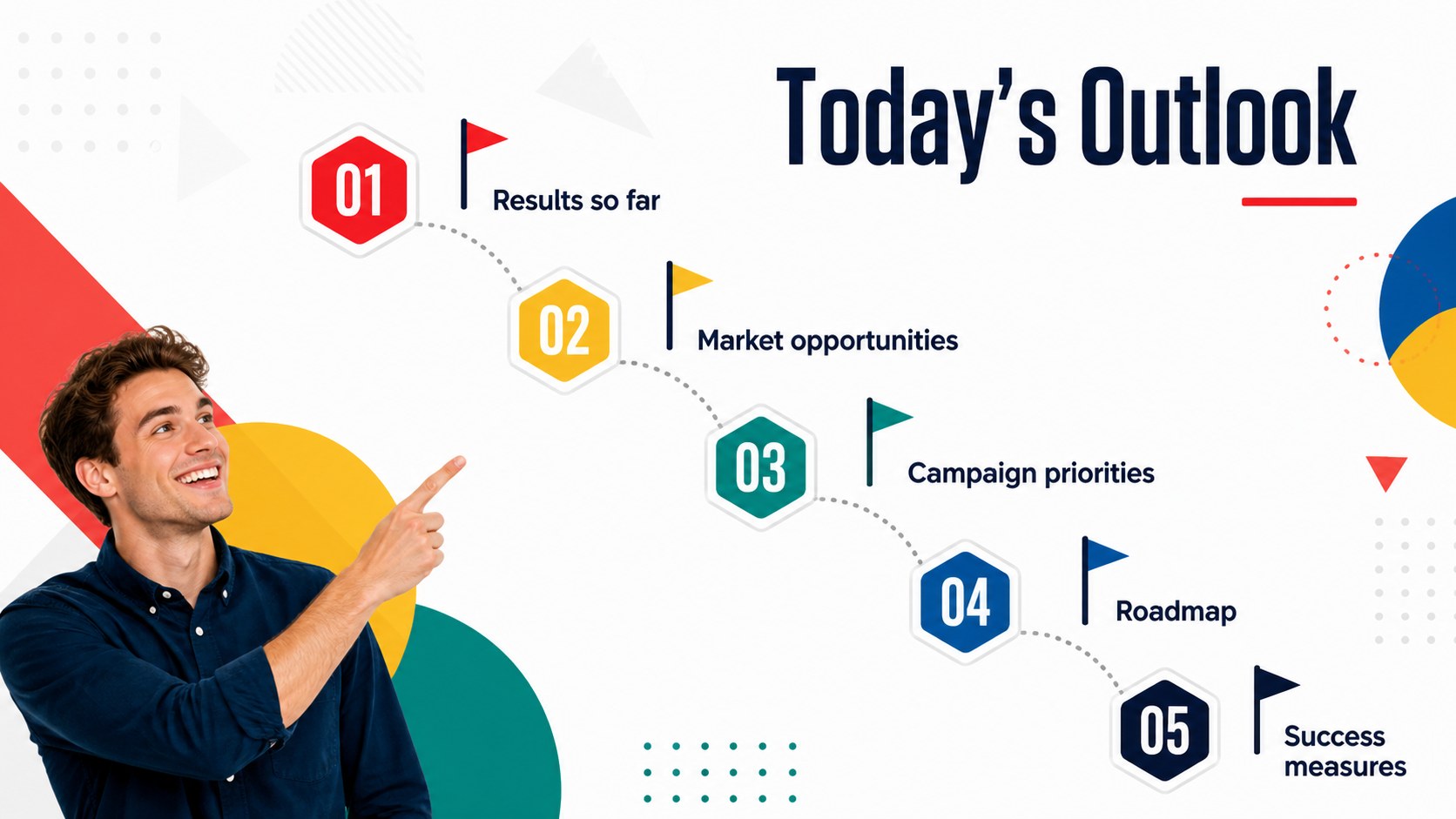
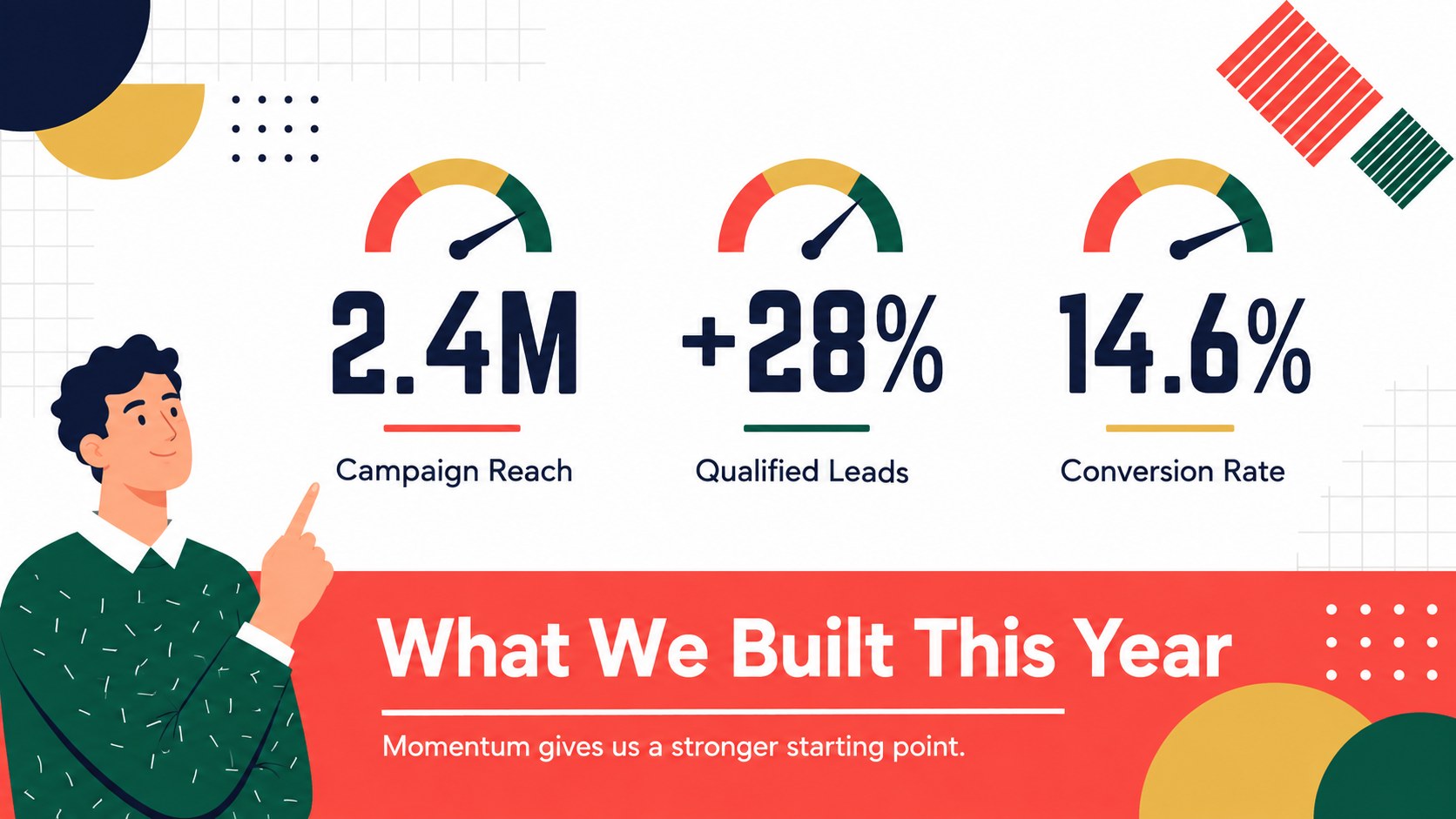
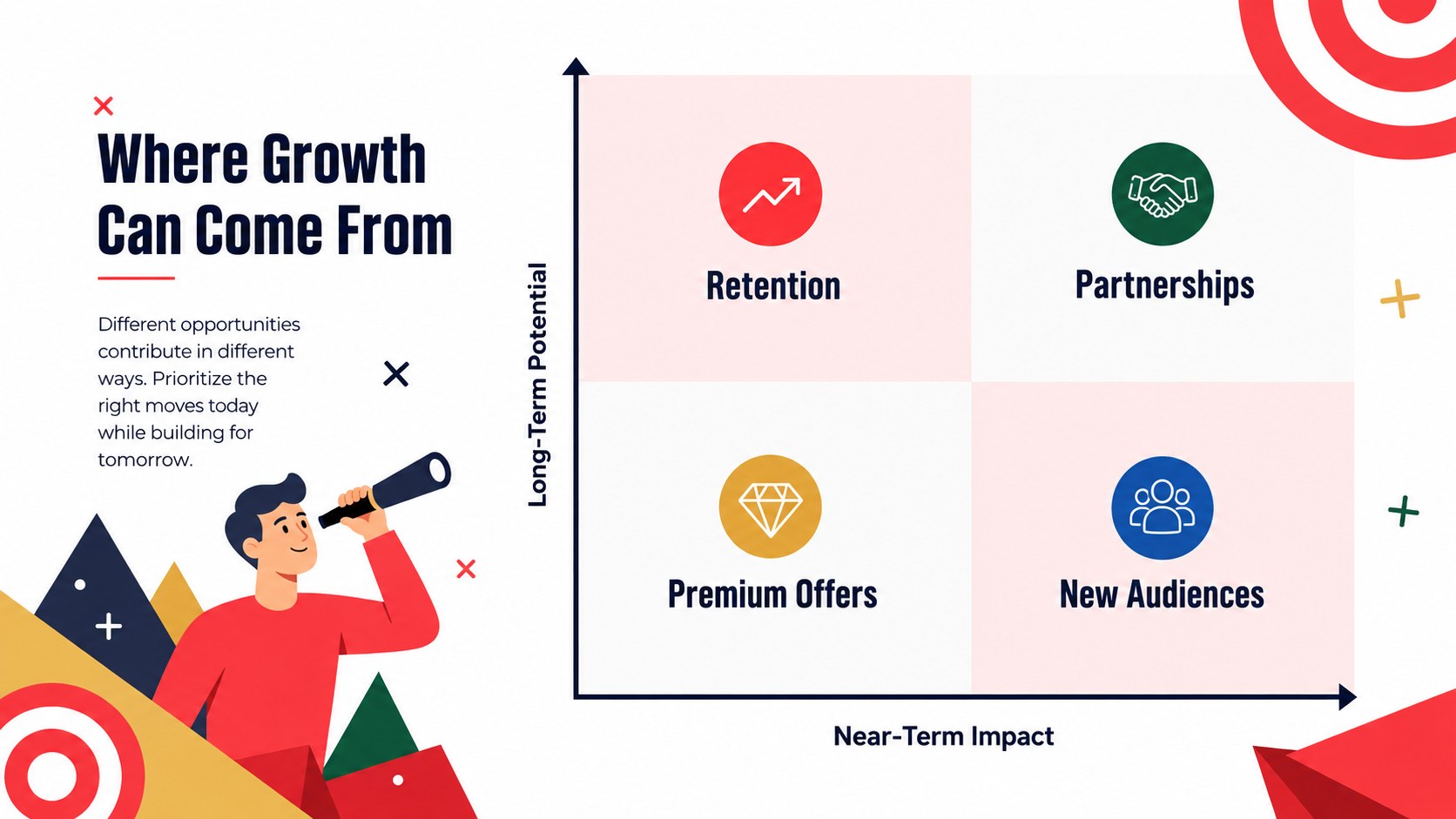
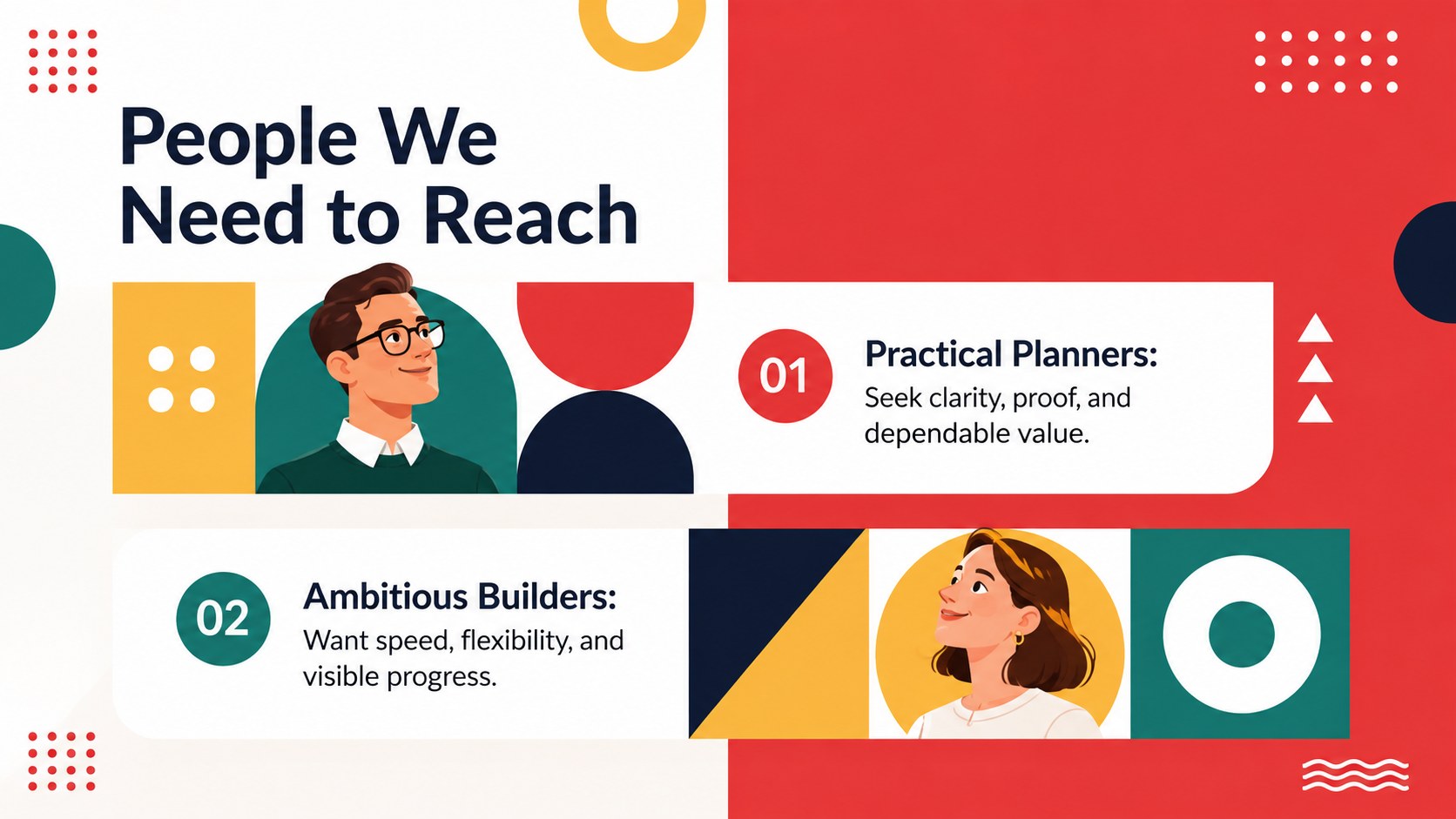
Turn forward-looking ideas into a clear, persuasive story with this geometric year-ahead marketing outlook. Designed for PowerPoint and Google Slides, the lively red-and-white theme uses colorful geometric accents to give annual plans a fresh, contemporary edge without losing business credibility.
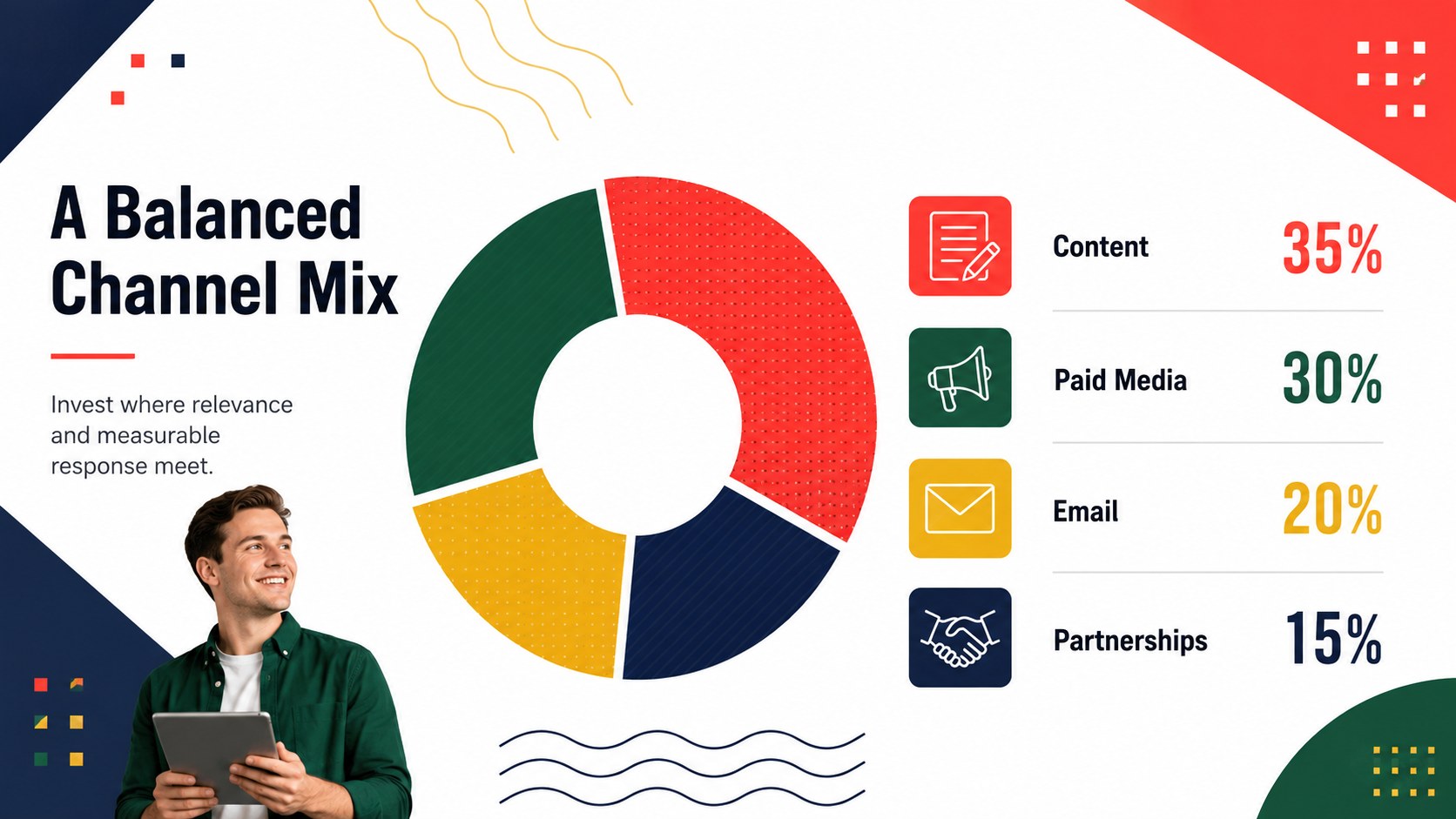
Inside, you will find adaptable layouts for market signals, campaign priorities, audience insights, growth targets, performance highlights, budgets, timelines, and next steps. Use the annual business outlook PowerPoint template to move smoothly from last year's results to the decisions shaping the coming year. Charts, comparison pages, milestone graphics, and concise summary slides help teams make complex plans easier to scan and discuss.
This year-ahead campaign planning deck is built for marketing leads, small-business owners, consultants, sales teams, and agency presenters. It works equally well for a January kickoff, client strategy session, leadership review, or seasonal planning workshop. The geometric red and white Google Slides theme can be customized with your own figures, photography, icons, and brand colors while retaining its upbeat visual rhythm.
Edit the text, rearrange sections, duplicate useful layouts, and replace sample data directly in your preferred platform. The result is a practical presentation that brings campaign direction, commercial opportunities, and measurable goals together in one coherent narrative.
Perfect for: annual marketing kickoff; year-ahead campaign planning; business growth forecast; client strategy review; leadership planning meeting; new year sales briefing.
Frequently asked questions
Practical details
Yes. The layouts, text, shapes, charts, and colors can be edited in both PowerPoint and Google Slides. Some fonts or effects may render slightly differently depending on the platform and installed font library.
Replace the sample colors, typography, logo placeholders, images, and data with your own brand assets. Apply changes through the theme or master-slide tools when you want consistent styling across the full presentation.
Yes. Duplicate any layout you need, delete irrelevant pages, and reorder slides to match your meeting agenda. The modular structure supports both a concise executive briefing and a more detailed planning session.
Yes. You can replace sample values, edit labels, adjust colors, and resize the visual elements. Review all figures after editing to ensure the charts accurately reflect your business data.
Keep exploring
15Shape your publishing concept with an indie magazine startup pitch deck featuring pastel gradients, bold collage layouts, and editable planning slides.
 16
16Build clear project stories with the Icon Grid Teamwork Theme, a flexible blue illustrated deck for proposals, strategy updates, and team meetings.
 3
3Turn priorities into an actionable plan with an annual goals roadmap infographic, featuring editable orange and teal layouts for PowerPoint and Google Slides.
 15
15Create an Annual Achievement Report Presentation with colorful geometric layouts for milestones, results, lessons, and priorities in PowerPoint or Google Slides.
 15
15Turn results into a focused annual performance evaluation report with dark 3D slides for KPIs, achievements, feedback, and next-step goals for teams.
 15
15Guide a focused annual recap with Business Results Retrospective Slides, a muted brown-and-blue template for PowerPoint and Google Slides.
 6
6Turn complex plans into clear visual stories with Color-Coded Workflow Path Slides, an editable set for project updates, roadmaps, and team briefings.
 6
6Compare regional performance at a glance with Global Data Heatmap Slides, a clean multicolor deck designed for editable PowerPoint and Google Slides.