
 15
15presentation
Indie Magazine Startup Pitch Deck
Shape your publishing concept with an indie magazine startup pitch deck featuring pastel gradients, bold collage layouts, and editable planning slides.
Google SlidesPowerPoint
presentation · English
Make every proposal feel polished with a fuchsia gradient pitch theme featuring refined serif type, flexible layouts, and PowerPoint or Google Slides editing.

Design notes
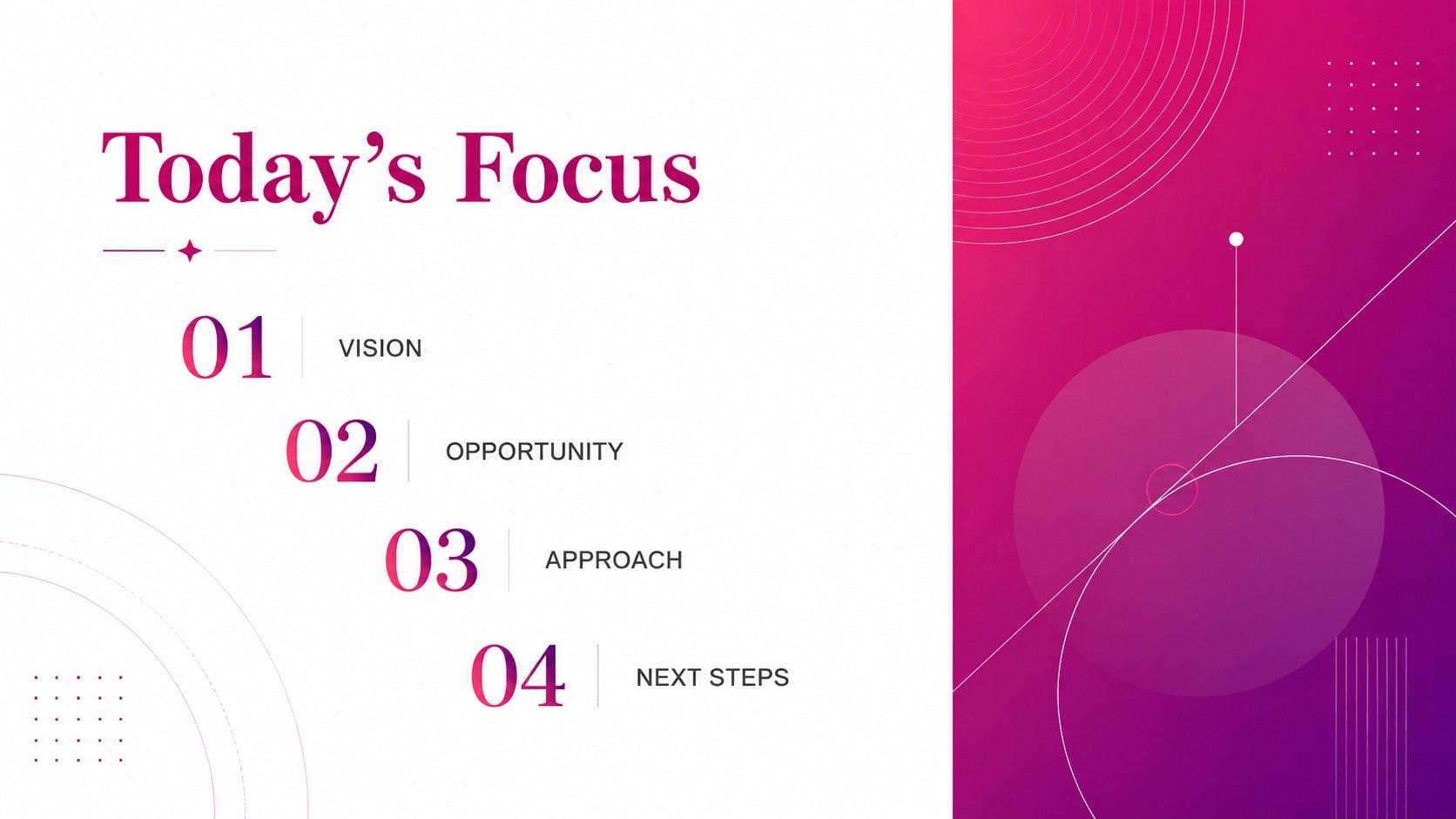
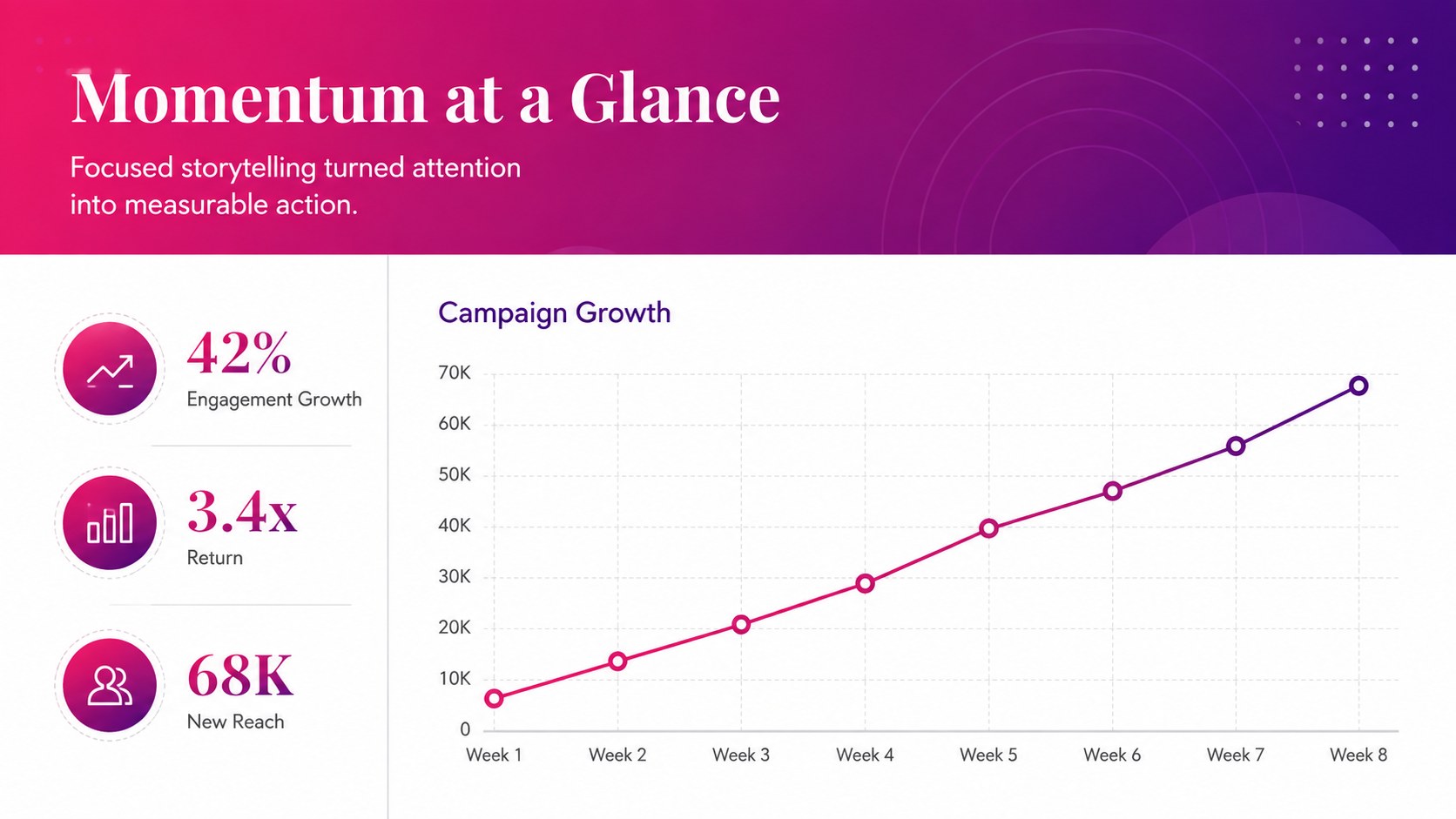
Give proposals, reports, and creative concepts a sophisticated visual identity with the Fuchsia Gradient Pitch Theme. The vivid transition from deep magenta to purple creates energy, while generous white space, precise borders, and refined serif typography keep each slide composed. This fuchsia gradient pitch theme suits presentations that need to feel expressive without losing professional credibility.
The deck includes 25 editable slide layouts for opening statements, agendas, key messages, campaign results, charts, tables, timelines, comparisons, and closing remarks. It also provides customizable icons and a world map for presenting locations or international data. Rearrange, duplicate, or remove slides to build a concise presentation or an extended narrative. Colors, typefaces, photos, logos, and graphic elements can all be adjusted in PowerPoint or Google Slides. The widescreen 16:9 format works well in meeting rooms, classrooms, and webinars.
Use this magenta gradient pitch deck for a product proposal, creative agency review, event concept, trend report, or team update. It is particularly useful for marketers, consultants, educators, students, and founders seeking a luxury pink business presentation with practical content layouts. The serif typography slide theme also supports image-led storytelling and data-heavy sections, helping visual variety remain consistent from the cover through the final call to action.
Perfect for: creative agency proposal; product launch pitch; marketing campaign report; event concept presentation; classroom trend briefing.
Frequently asked questions
Can I edit every part of this presentation theme? Yes. You can change the text, gradient colors, fonts, images, icons, and layout structure to match your project or brand.
Practical details
Yes. You can change the text, gradient colors, fonts, images, icons, and layout structure to match your project or brand.
The theme is designed for PowerPoint and Google Slides. You can also export the finished presentation as a PDF or as individual image files.
Yes. Adjust the gradient stops and accent colors using the formatting tools in PowerPoint or Google Slides, then update text and chart colors for consistent contrast.
The default layout is widescreen 16:9 for modern displays, webinars, and meeting-room screens. It can be converted to 4:3, although some decorative elements may need repositioning afterward.
Keep exploring
15Shape your publishing concept with an indie magazine startup pitch deck featuring pastel gradients, bold collage layouts, and editable planning slides.
 16
16Build clear project stories with the Icon Grid Teamwork Theme, a flexible blue illustrated deck for proposals, strategy updates, and team meetings.
 3
3Turn priorities into an actionable plan with an annual goals roadmap infographic, featuring editable orange and teal layouts for PowerPoint and Google Slides.
 15
15Create an Annual Achievement Report Presentation with colorful geometric layouts for milestones, results, lessons, and priorities in PowerPoint or Google Slides.
 15
15Turn results into a focused annual performance evaluation report with dark 3D slides for KPIs, achievements, feedback, and next-step goals for teams.
 15
15Guide a focused annual recap with Business Results Retrospective Slides, a muted brown-and-blue template for PowerPoint and Google Slides.
 6
6Turn complex plans into clear visual stories with Color-Coded Workflow Path Slides, an editable set for project updates, roadmaps, and team briefings.
 6
6Compare regional performance at a glance with Global Data Heatmap Slides, a clean multicolor deck designed for editable PowerPoint and Google Slides.