
 15
15presentation
Indie Magazine Startup Pitch Deck
Shape your publishing concept with an indie magazine startup pitch deck featuring pastel gradients, bold collage layouts, and editable planning slides.
Google SlidesPowerPoint
presentation · English
Give lessons, holiday updates, and business stories a polished seasonal setting with this frosted season presentation theme for PowerPoint and Google Slides.





Design notes
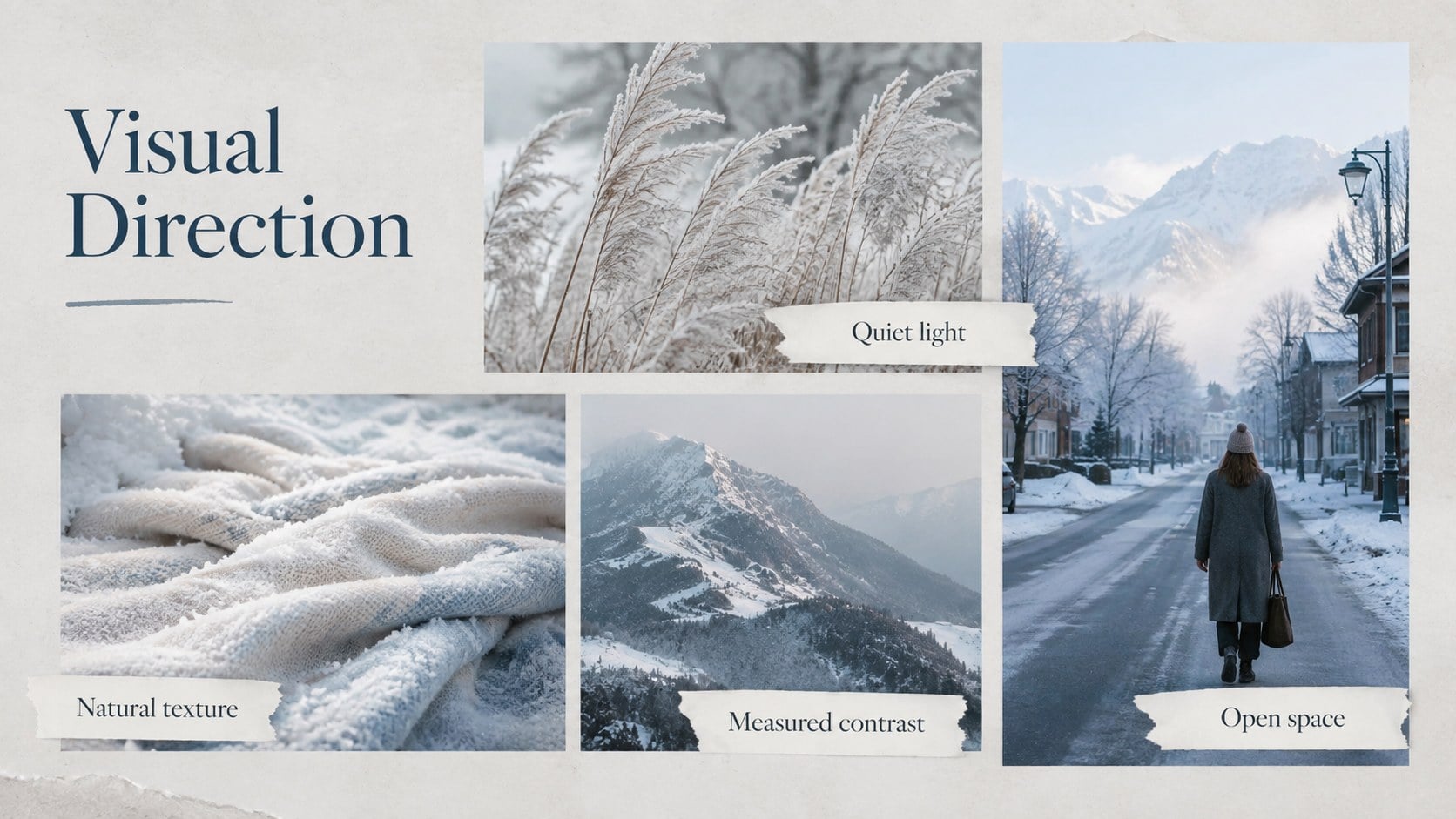
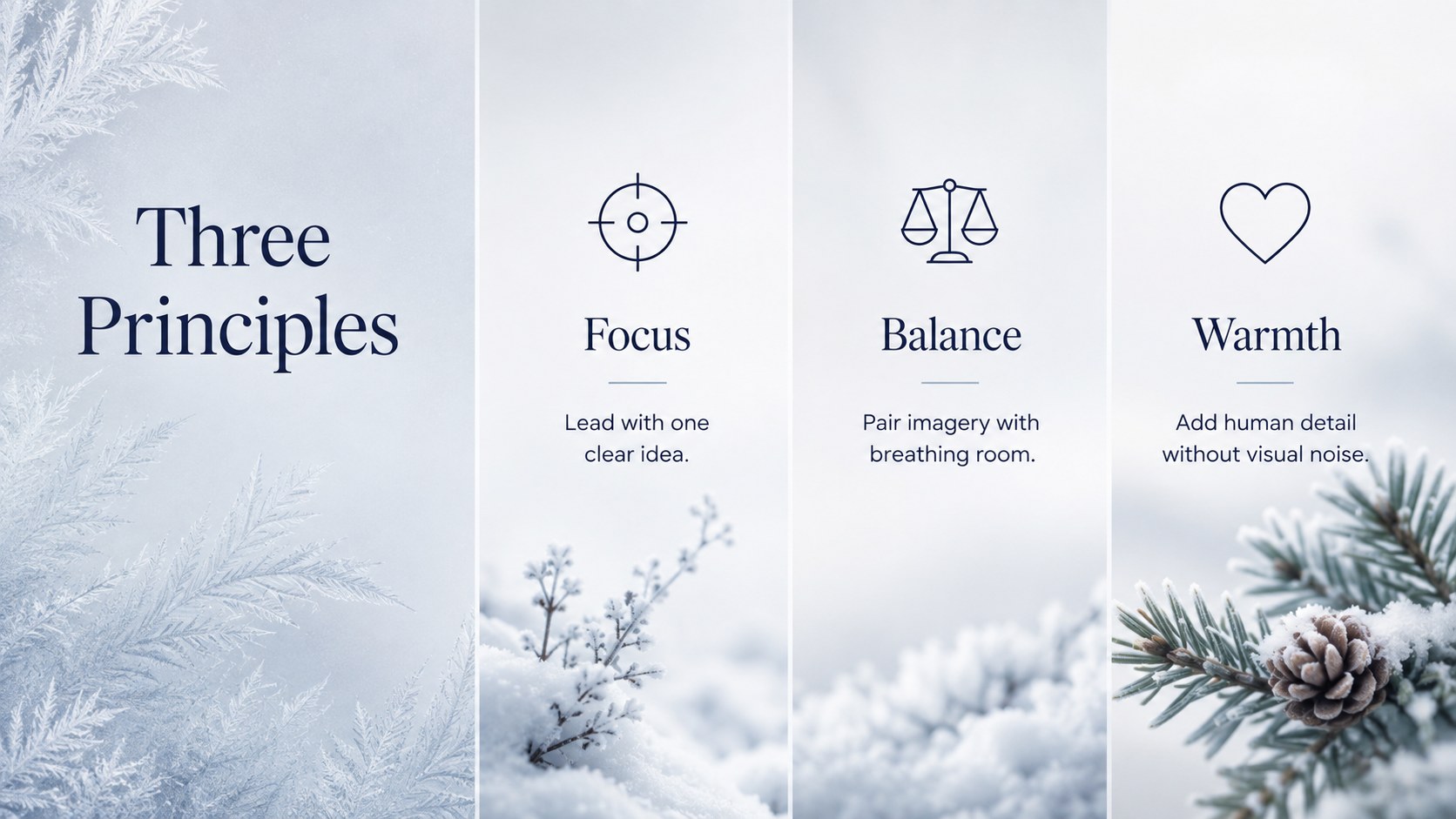
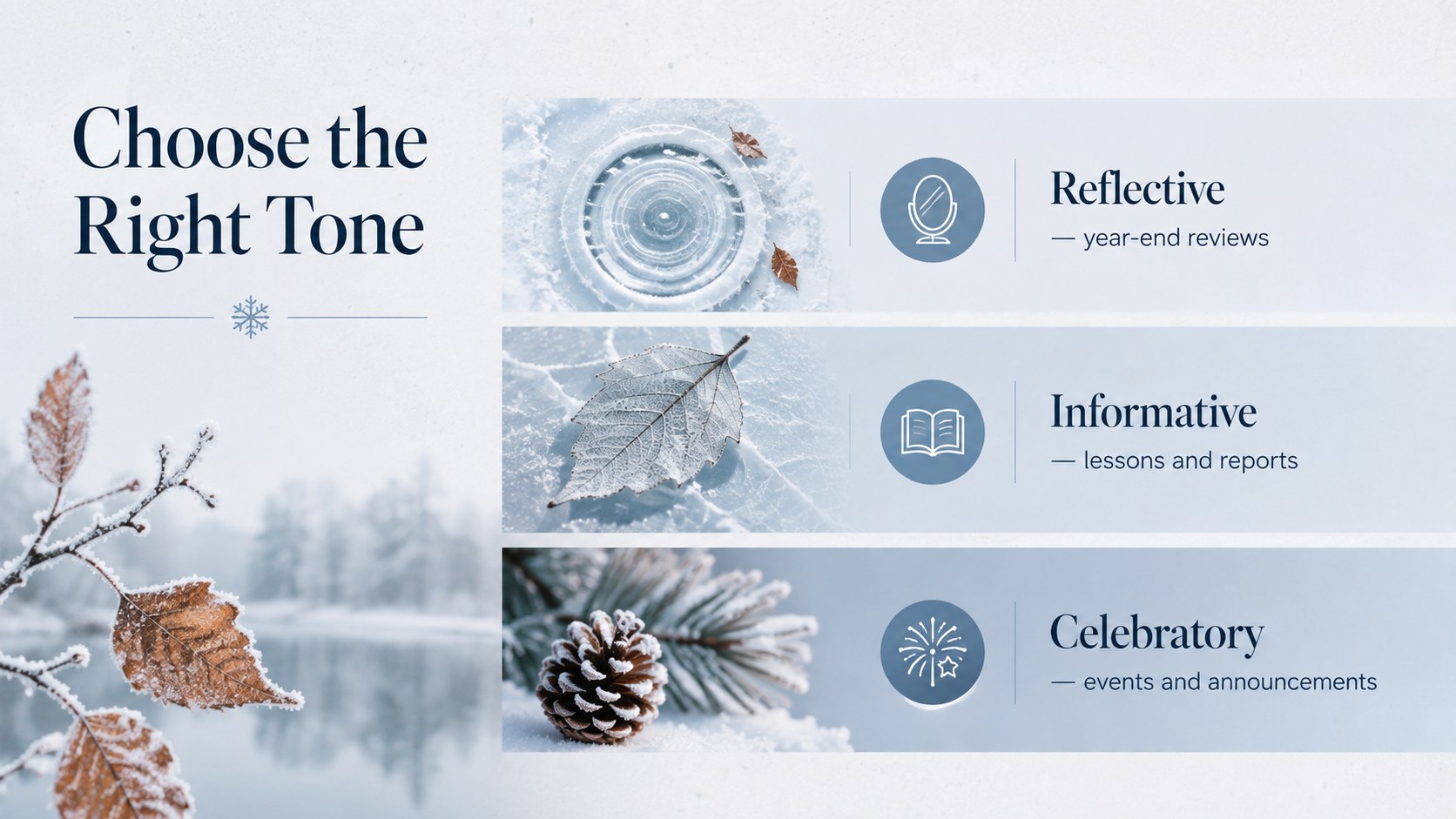
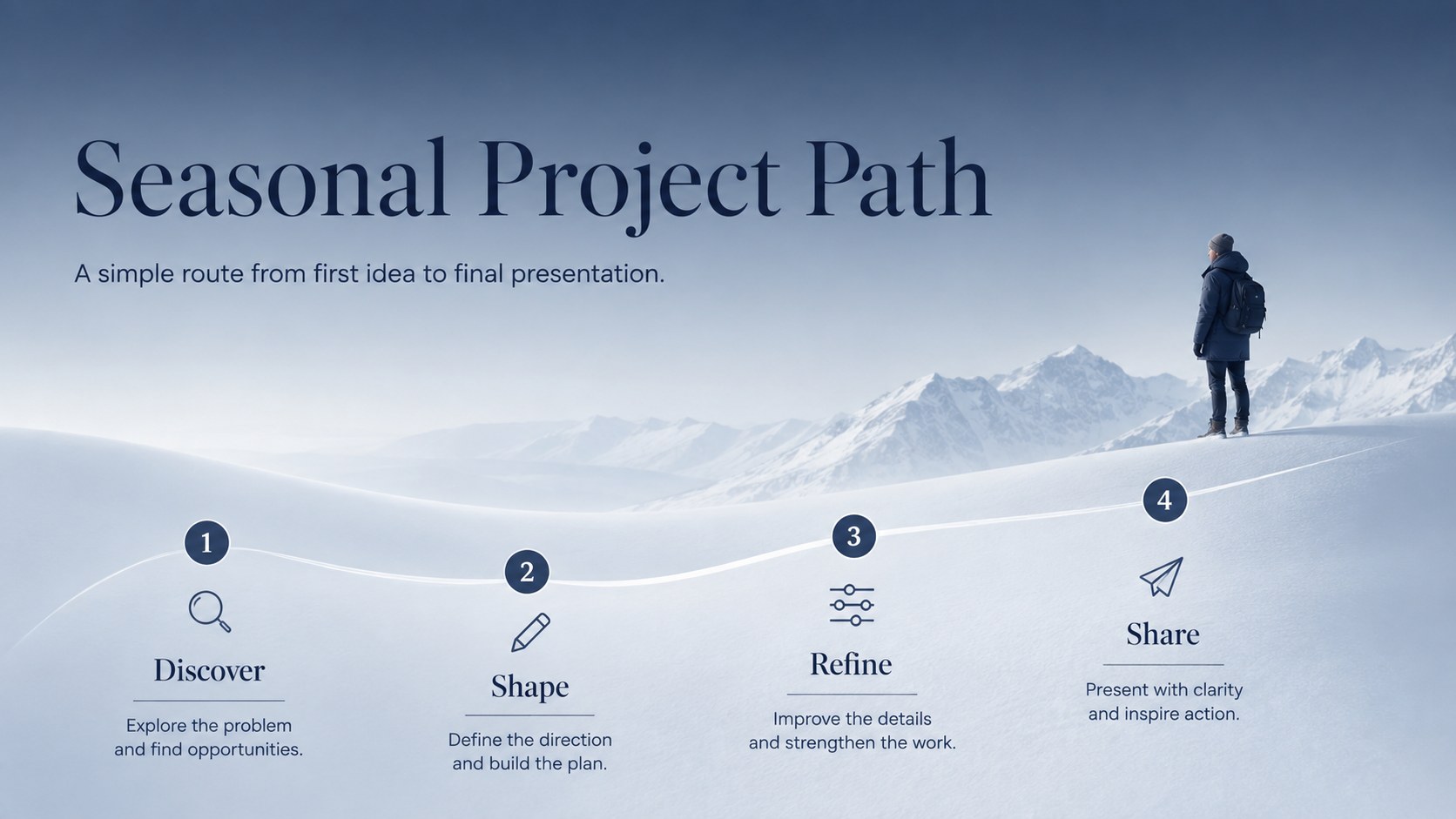
The frosted season presentation theme gives seasonal stories a refined setting without distracting from the message. Serene winter imagery, clean typography, delicate illustrated accents, and a calm color palette create an inviting visual rhythm for professional, educational, and personal presentations. Use it when you need an elegant seasonal business presentation that feels polished rather than overly festive.
Inside are 15 editable widescreen layouts covering an opening title, agenda, seasonal overview, image-led features, key messages, comparisons, timelines, data highlights, action items, and a closing page. The varied compositions work as snowy presentation backgrounds for Google Slides while remaining easy to adapt in PowerPoint. Replace the sample wording, insert your own photographs, recolor graphic elements, and adjust charts or shapes to suit the subject.
This deck is designed for teachers preparing winter lessons, teams sharing end-of-year updates, event planners presenting seasonal concepts, and creatives assembling atmospheric project proposals. It can also become a minimal winter PowerPoint theme for travel recaps, holiday campaigns, photography portfolios, or community announcements. Every slide uses a consistent editorial system, helping you build a cohesive presentation quickly while keeping the content clear, calm, and memorable.
Perfect for: winter classroom lesson; seasonal business update; holiday event proposal; snow photography portfolio; year-end project recap; winter travel presentation.
Frequently asked questions
Can I edit every element in this presentation? Yes. Text, colors, photographs, shapes, charts, and decorative elements can be adjusted to match your content and visual identity.
Practical details
Yes. Text, colors, photographs, shapes, charts, and decorative elements can be adjusted to match your content and visual identity.
The template is designed for Microsoft PowerPoint and Google Slides. Minor spacing or font adjustments may be needed when moving a file between platforms.
Replace the sample photographs with your own seasonal images and crop them within the existing frames. You can also recolor the illustrated accents while preserving the deck's restrained visual system.
Yes. The neutral editorial structure supports reports, proposals, lessons, portfolios, and seasonal announcements without tying the slides to one industry.
Keep exploring
15Shape your publishing concept with an indie magazine startup pitch deck featuring pastel gradients, bold collage layouts, and editable planning slides.
 16
16Build clear project stories with the Icon Grid Teamwork Theme, a flexible blue illustrated deck for proposals, strategy updates, and team meetings.
 3
3Turn priorities into an actionable plan with an annual goals roadmap infographic, featuring editable orange and teal layouts for PowerPoint and Google Slides.
 15
15Create an Annual Achievement Report Presentation with colorful geometric layouts for milestones, results, lessons, and priorities in PowerPoint or Google Slides.
 15
15Turn results into a focused annual performance evaluation report with dark 3D slides for KPIs, achievements, feedback, and next-step goals for teams.
 15
15Guide a focused annual recap with Business Results Retrospective Slides, a muted brown-and-blue template for PowerPoint and Google Slides.
 6
6Turn complex plans into clear visual stories with Color-Coded Workflow Path Slides, an editable set for project updates, roadmaps, and team briefings.
 6
6Compare regional performance at a glance with Global Data Heatmap Slides, a clean multicolor deck designed for editable PowerPoint and Google Slides.