
 15
15presentation
Indie Magazine Startup Pitch Deck
Shape your publishing concept with an indie magazine startup pitch deck featuring pastel gradients, bold collage layouts, and editable planning slides.
Google SlidesPowerPoint
presentation · English
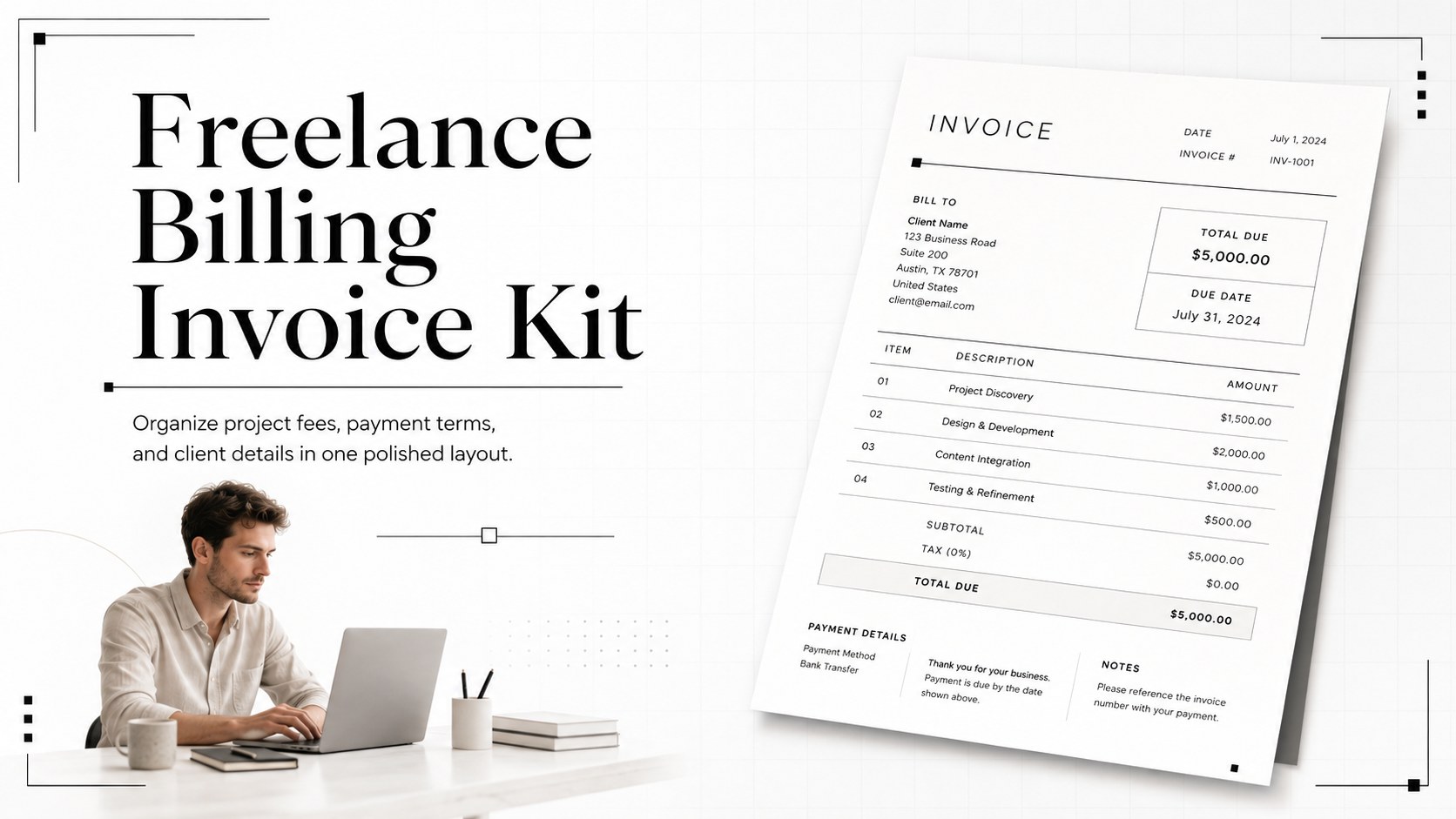
Create client-ready paperwork faster with this freelance billing invoice kit, featuring a clean white layout for PowerPoint and Google Slides, with easy…
Design notes
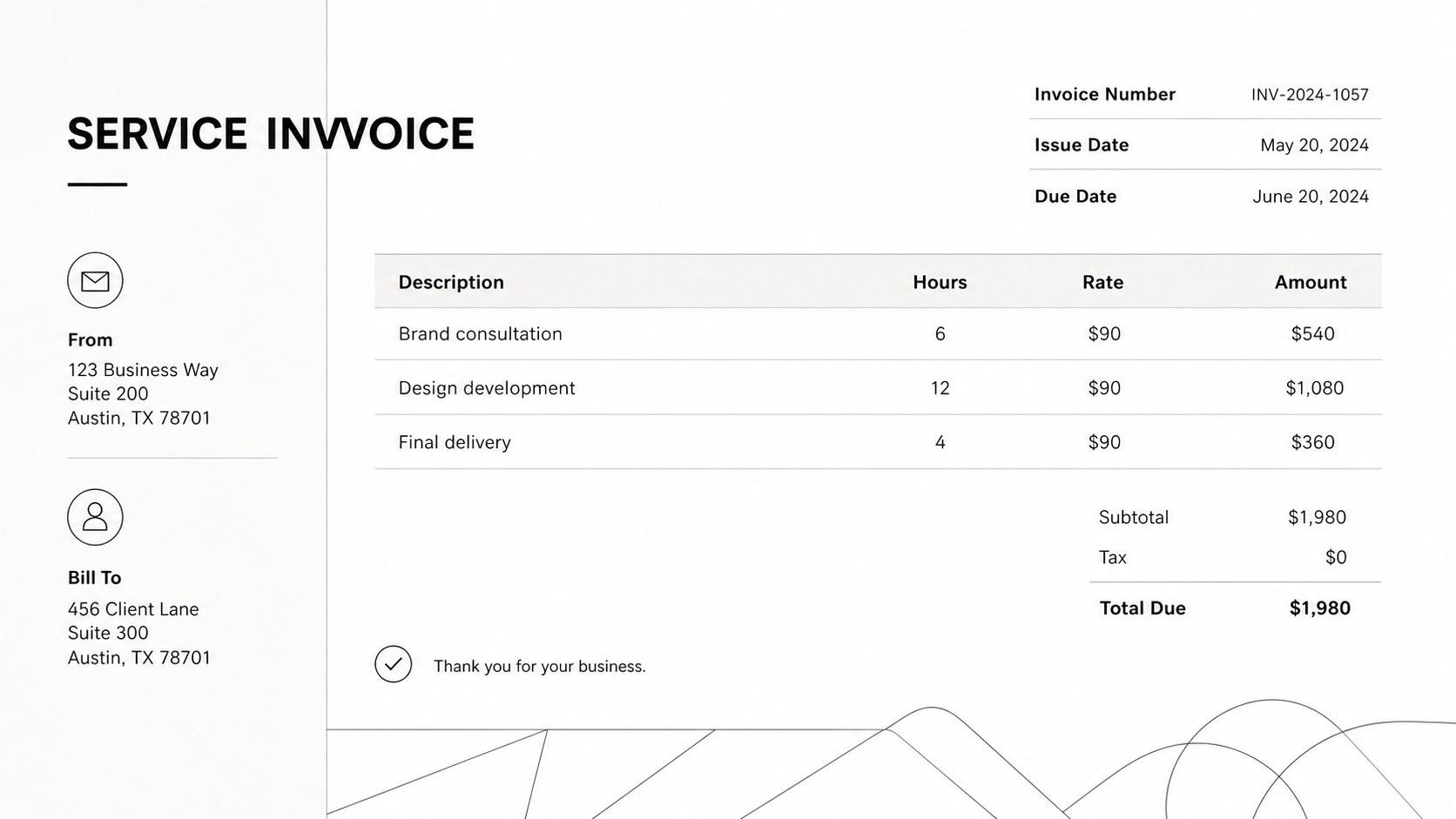
Bring consistency to every client transaction with this freelance billing invoice kit. Designed around a crisp white palette, fine geometric lines, and restrained typography, it provides an organized foundation for presenting charges without visual clutter. The minimalist format keeps essential information easy to scan while giving your business documents a polished, dependable appearance.
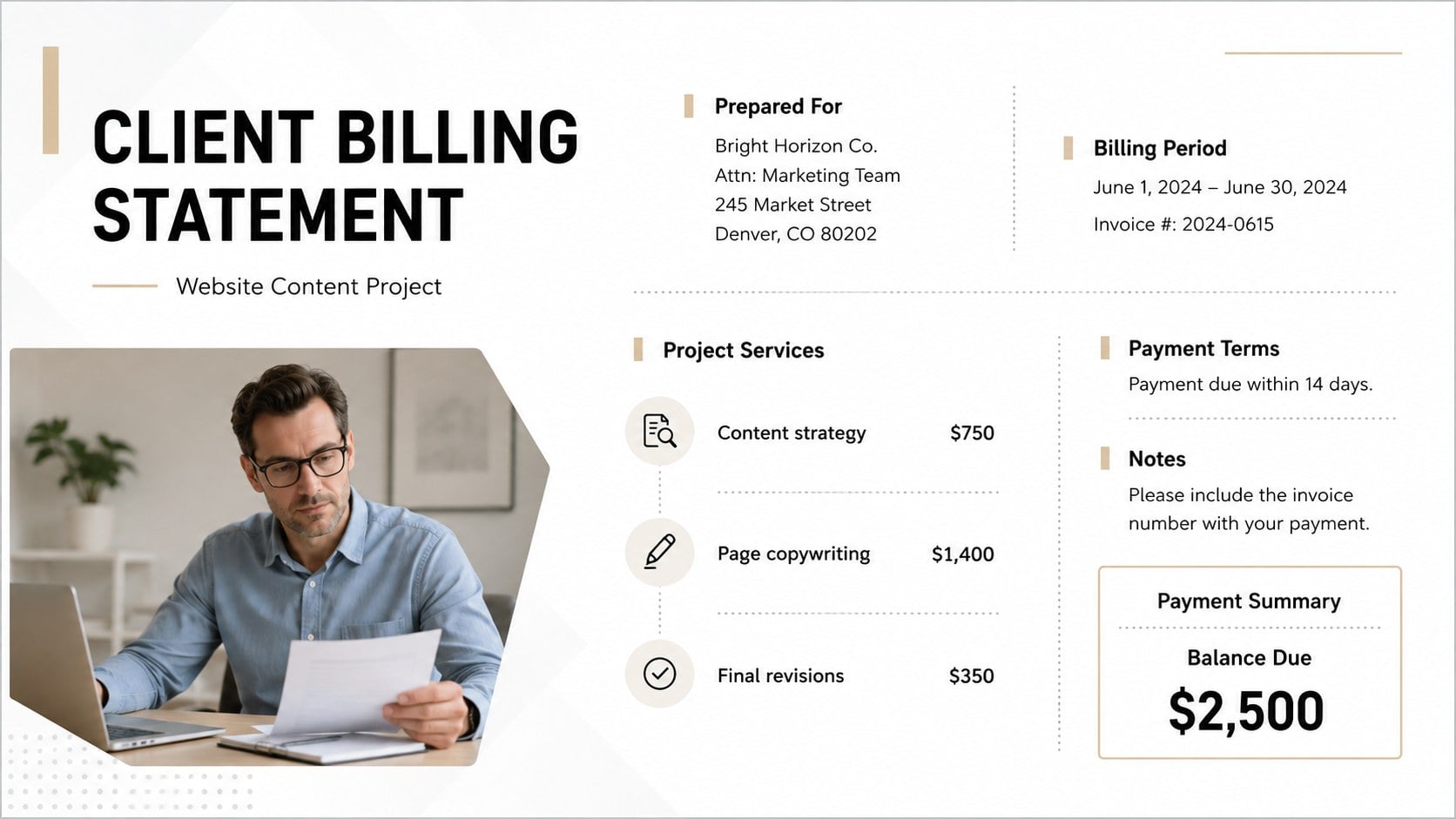
The kit contains three ready-to-customize invoice layouts with dedicated areas for contact details, invoice numbers, service descriptions, quantities, rates, totals, payment terms, and notes. Use the editable freelance invoice presentation to bill by project, hourly service, or itemized deliverable. Each independent contractor invoice layout can be adapted with your own logo, type styles, accent colors, tax details, and preferred payment instructions. The structured tables also make it simple to create consistent client billing statement slides for recurring work.
This resource is suited to freelancers, consultants, designers, writers, coaches, photographers, and small business owners who want professional billing materials without building a document from scratch. Edit the layouts in PowerPoint or Google Slides, duplicate invoice sections as needed, and export the finished page as a PDF for sending or archiving. Whether you are preparing a first client invoice, documenting monthly services, or standardizing billing across several projects, the flexible system keeps financial communication clear and visually refined.
Perfect for: freelance project billing; consulting service invoices; monthly client statements; contractor payment requests; small business invoicing.
Frequently asked questions
Can I edit the invoice fields and calculations? Yes. All labels, tables, rates, quantities, totals, dates, and payment terms can be edited in PowerPoint or Google Slides. Totals should be calculated and entered manually because these presentation platforms do not provide spreadsheet-style formulas.
Practical details
Yes. All labels, tables, rates, quantities, totals, dates, and payment terms can be edited in PowerPoint or Google Slides. Totals should be calculated and entered manually because these presentation platforms do not provide spreadsheet-style formulas.
Yes. Replace the sample details with your logo, contact information, fonts, and preferred accent colors. You can also add tax identifiers, bank details, payment links, or client-specific notes.
The layouts are designed for PowerPoint and Google Slides. After editing, export the completed invoice as a PDF for a stable document that is easy to email, print, or archive.
Yes. The itemized structure works for hourly services, fixed project fees, retainers, products, and reimbursable expenses. Rows and sections can be duplicated or removed to match each invoice.
Keep exploring
15Shape your publishing concept with an indie magazine startup pitch deck featuring pastel gradients, bold collage layouts, and editable planning slides.
 16
16Build clear project stories with the Icon Grid Teamwork Theme, a flexible blue illustrated deck for proposals, strategy updates, and team meetings.
 3
3Turn priorities into an actionable plan with an annual goals roadmap infographic, featuring editable orange and teal layouts for PowerPoint and Google Slides.
 15
15Create an Annual Achievement Report Presentation with colorful geometric layouts for milestones, results, lessons, and priorities in PowerPoint or Google Slides.
 15
15Turn results into a focused annual performance evaluation report with dark 3D slides for KPIs, achievements, feedback, and next-step goals for teams.
 15
15Guide a focused annual recap with Business Results Retrospective Slides, a muted brown-and-blue template for PowerPoint and Google Slides.
 6
6Turn complex plans into clear visual stories with Color-Coded Workflow Path Slides, an editable set for project updates, roadmaps, and team briefings.
 6
6Compare regional performance at a glance with Global Data Heatmap Slides, a clean multicolor deck designed for editable PowerPoint and Google Slides.