
 15
15presentation
Indie Magazine Startup Pitch Deck
Shape your publishing concept with an indie magazine startup pitch deck featuring pastel gradients, bold collage layouts, and editable planning slides.
Google SlidesPowerPoint
presentation · English
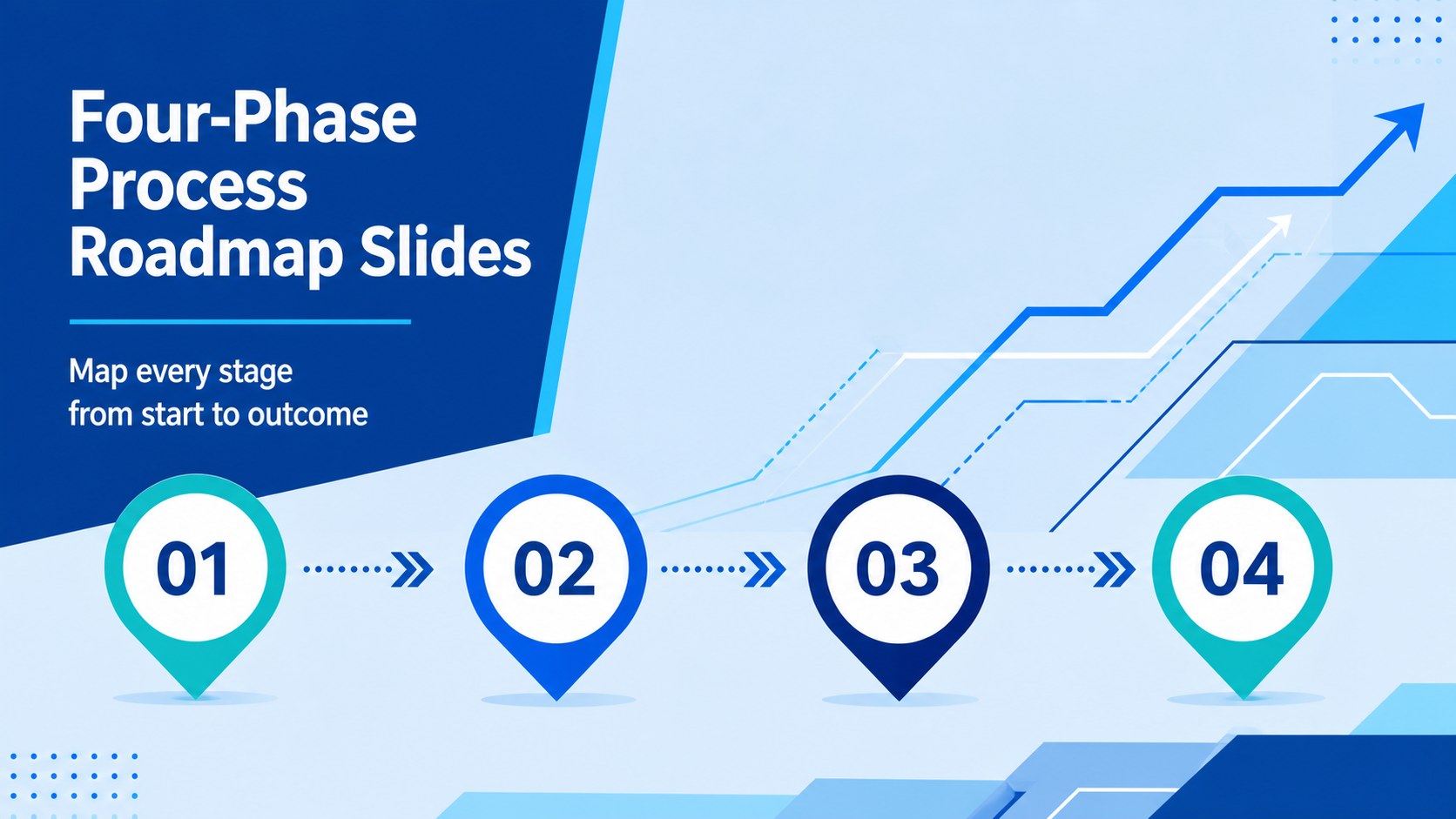
Build a clear visual journey for any workflow with four-phase process roadmap slides in vivid blue, made for editable PowerPoint and Google Slides.

Design notes
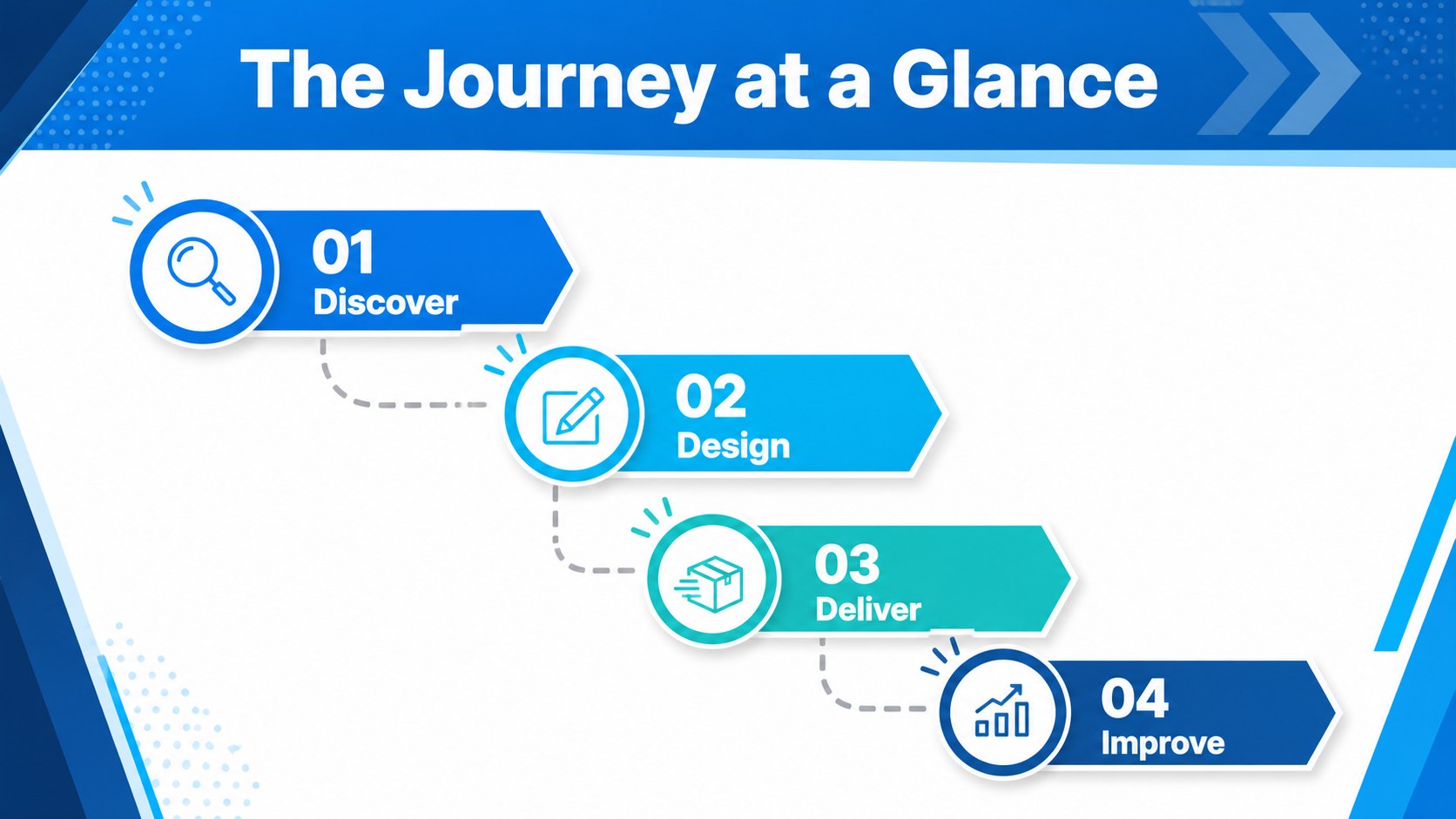
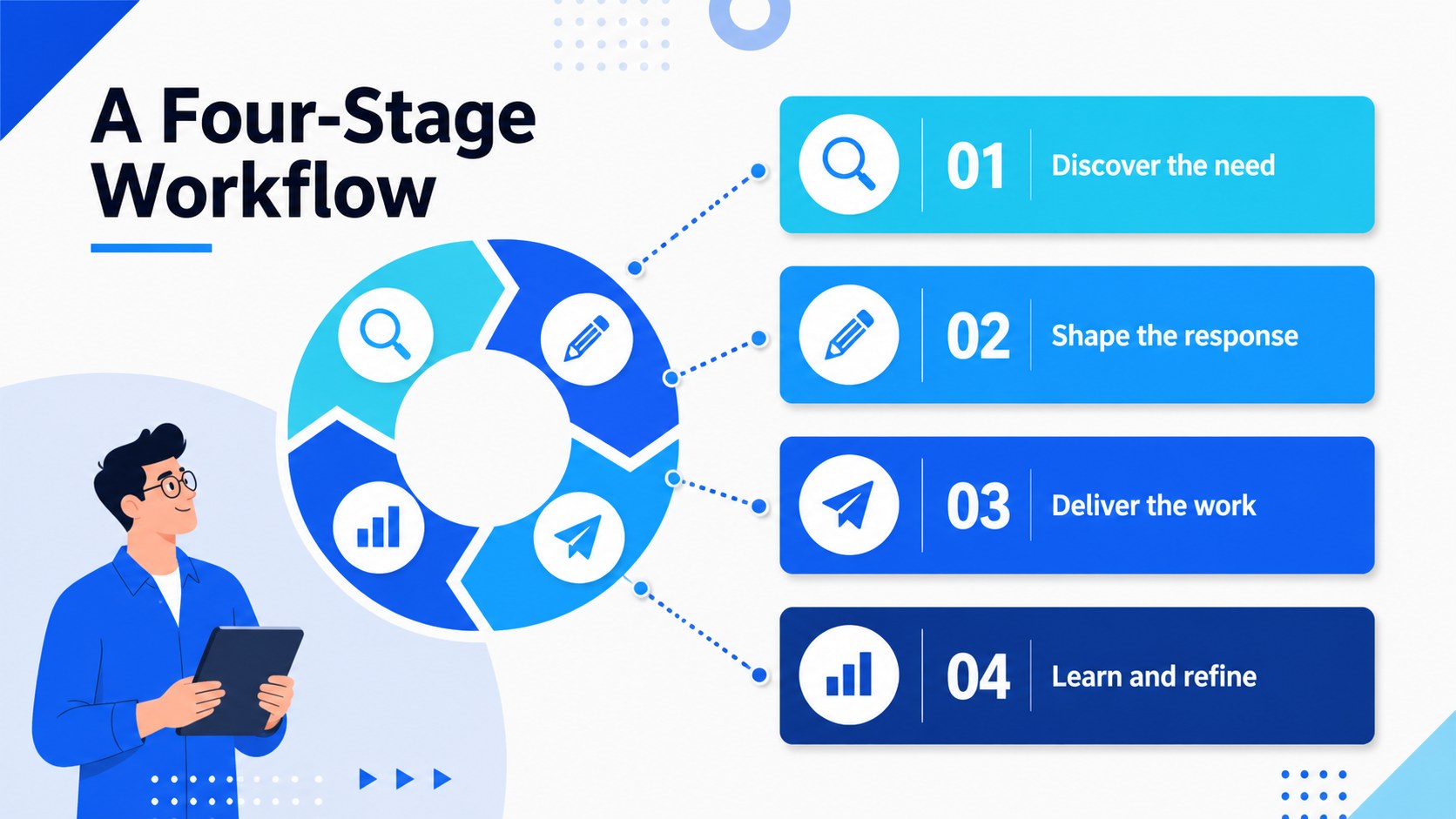
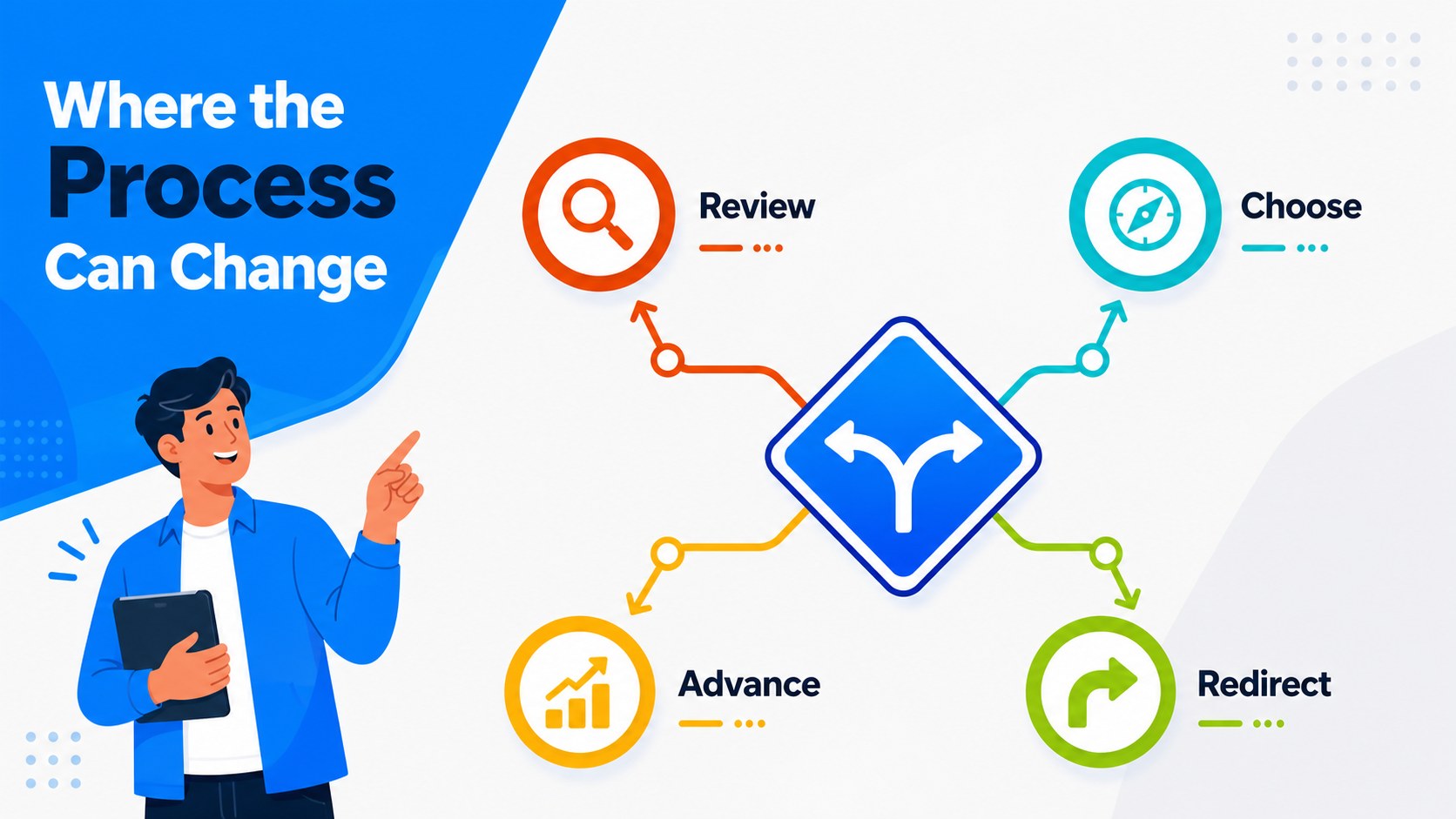
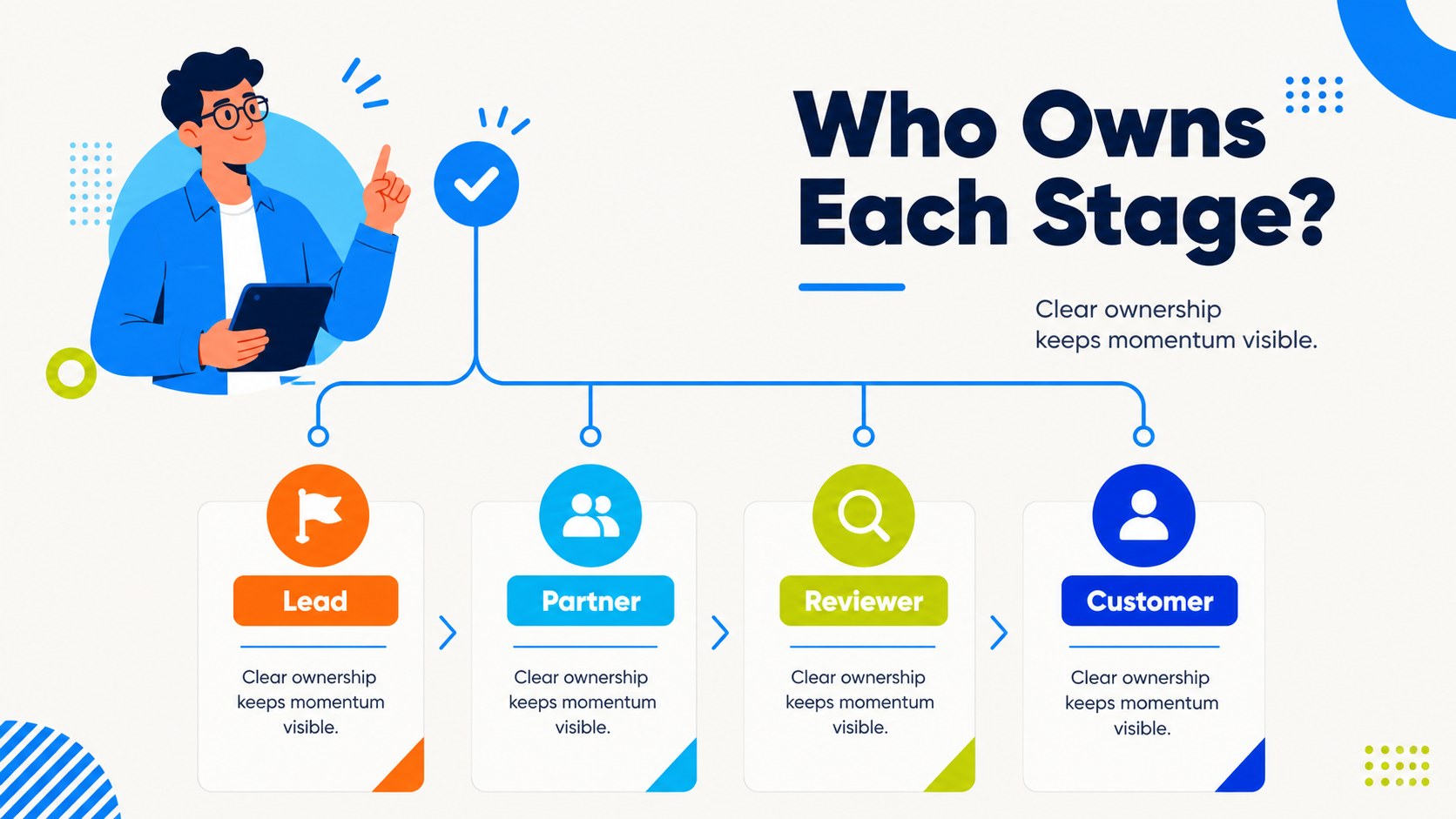
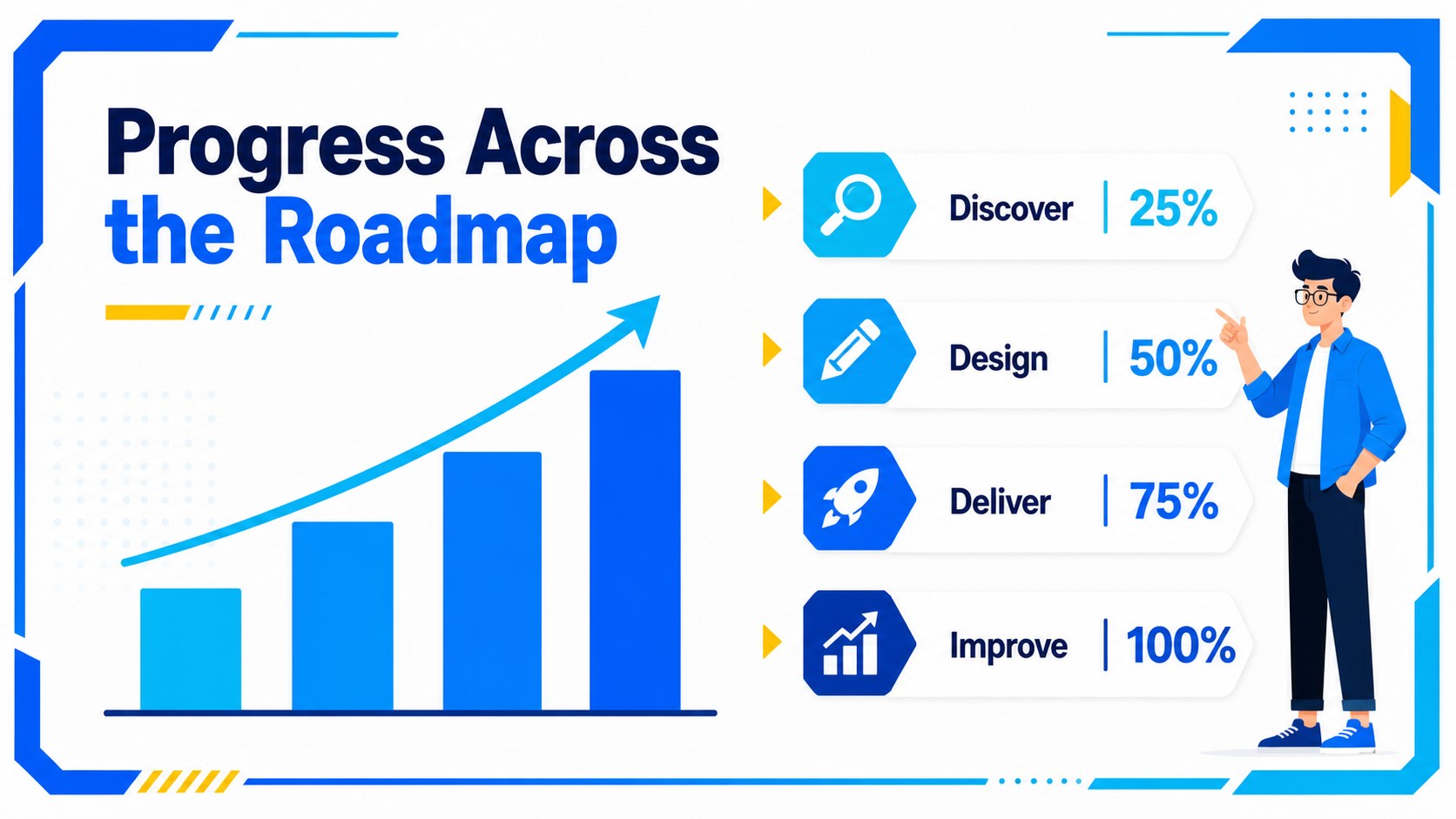
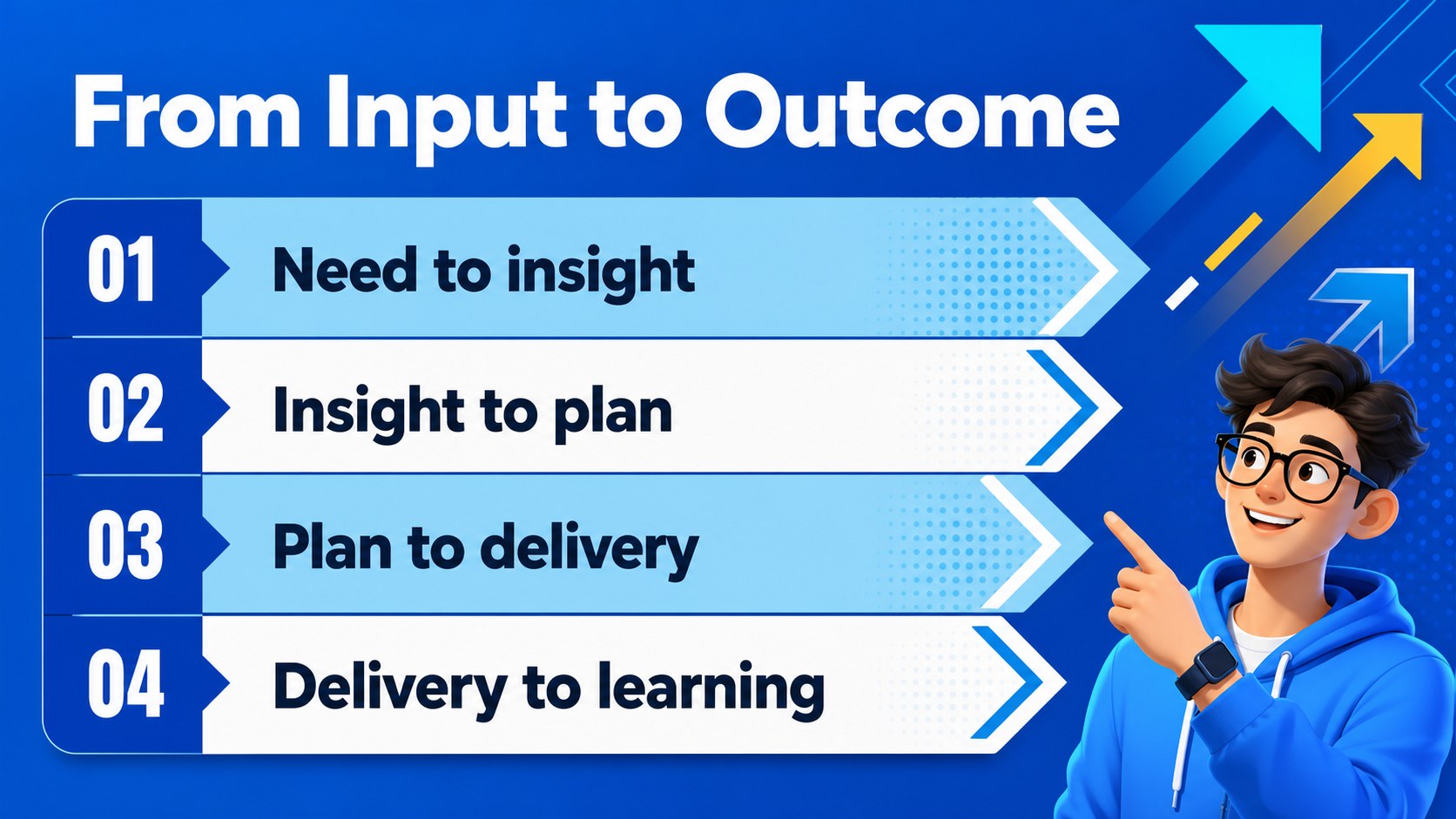
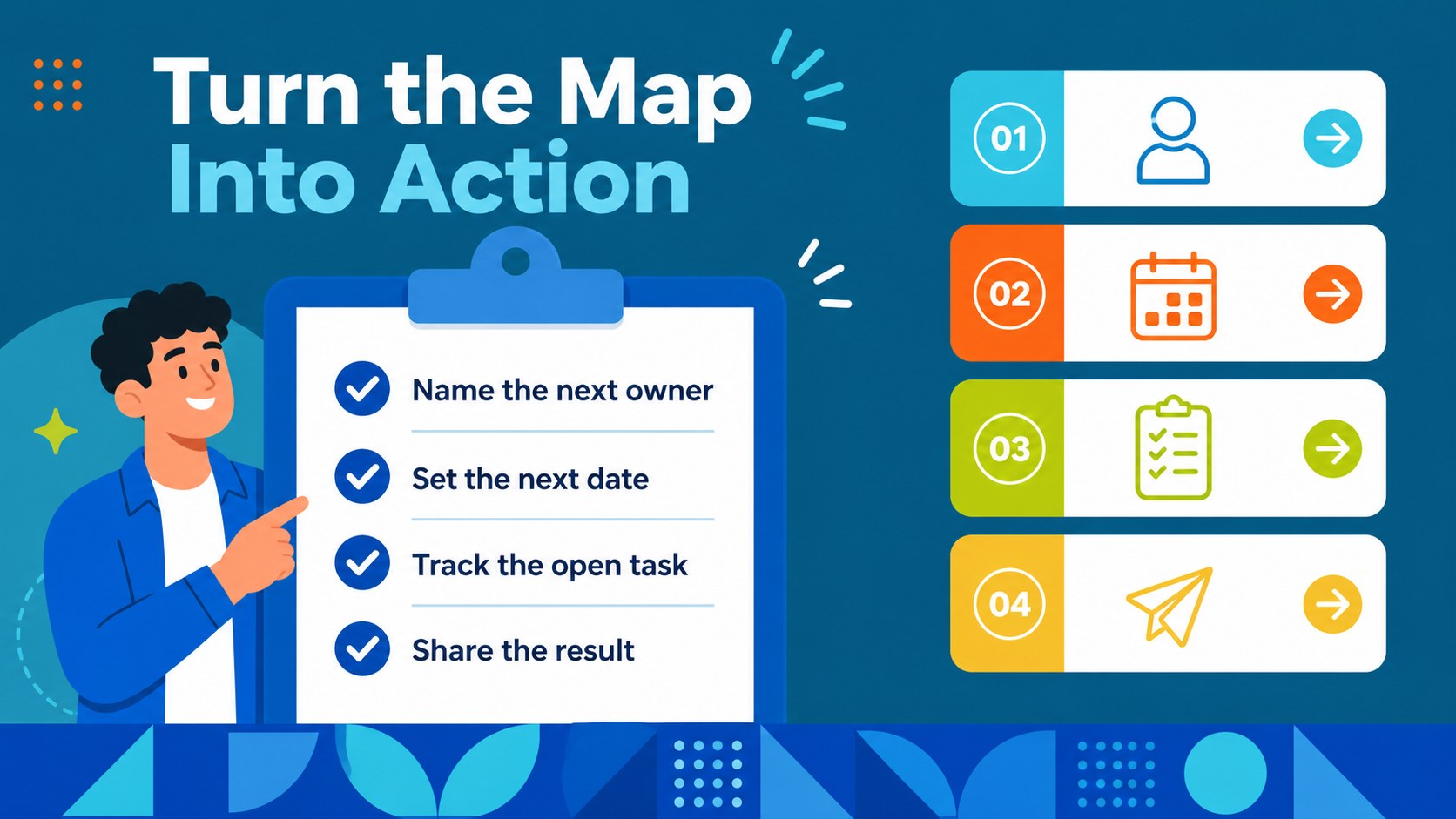
Make processes easier to explain with four-phase process roadmap slides designed for business storytelling. The vivid blue palette, energetic shapes, and modern typography help teams present a sequence of actions without overwhelming the audience. Use the layouts to introduce a workflow, clarify responsibilities, compare progress, or show how one stage leads to the next.
Inside, you’ll find 20 editable infographic layouts in a 16:9 format, plus charts, frames, lines, icons, and geometric shapes for building a consistent visual system. The deck supports process mapping, customer journeys, campaign planning, operational reviews, and classroom explanations. Its bold composition works especially well when you need a four phase workflow presentation that feels organized but still engaging.
Business professionals, educators, consultants, marketers, and project leads can customize the slides and export the finished presentation to PowerPoint or Google Slides. Raleway keeps the text clean and contemporary, while blue accents create strong visual hierarchy. Add notes, animations, transitions, images, audio, or video, then collaborate with colleagues and share the final deck in the format your audience needs.
Perfect for: team workflow review; startup operations plan; client process explanation; marketing campaign stages; classroom process lesson.
Frequently asked questions
Can I edit these slides? Yes. The template is designed for, where you can change text, colors, shapes, images, animations, and transitions. You can also collaborate with other editors in the workspace.
Practical details
Yes. The template is designed for, where you can change text, colors, shapes, images, animations, and transitions. You can also collaborate with other editors in the workspace.
Yes. Open the design and export it as a PowerPoint file, or save an editable copy to Google Drive for Google Slides. Some -specific animations and elements may change during export.
No. The layouts are optimized for four stages, but you can duplicate, remove, or rearrange elements to fit shorter or longer workflows. Replace the labels and connectors to match your process.
Yes. lets you replace the blue accents with your brand colors and apply new font combinations. Keeping one strong accent color will preserve the deck’s clear visual hierarchy.
Keep exploring
15Shape your publishing concept with an indie magazine startup pitch deck featuring pastel gradients, bold collage layouts, and editable planning slides.
 16
16Build clear project stories with the Icon Grid Teamwork Theme, a flexible blue illustrated deck for proposals, strategy updates, and team meetings.
 3
3Turn priorities into an actionable plan with an annual goals roadmap infographic, featuring editable orange and teal layouts for PowerPoint and Google Slides.
 15
15Create an Annual Achievement Report Presentation with colorful geometric layouts for milestones, results, lessons, and priorities in PowerPoint or Google Slides.
 15
15Turn results into a focused annual performance evaluation report with dark 3D slides for KPIs, achievements, feedback, and next-step goals for teams.
 15
15Guide a focused annual recap with Business Results Retrospective Slides, a muted brown-and-blue template for PowerPoint and Google Slides.
 6
6Turn complex plans into clear visual stories with Color-Coded Workflow Path Slides, an editable set for project updates, roadmaps, and team briefings.
 6
6Compare regional performance at a glance with Global Data Heatmap Slides, a clean multicolor deck designed for editable PowerPoint and Google Slides.