
 15
15presentation
Indie Magazine Startup Pitch Deck
Shape your publishing concept with an indie magazine startup pitch deck featuring pastel gradients, bold collage layouts, and editable planning slides.
Google SlidesPowerPoint
spreadsheet · English
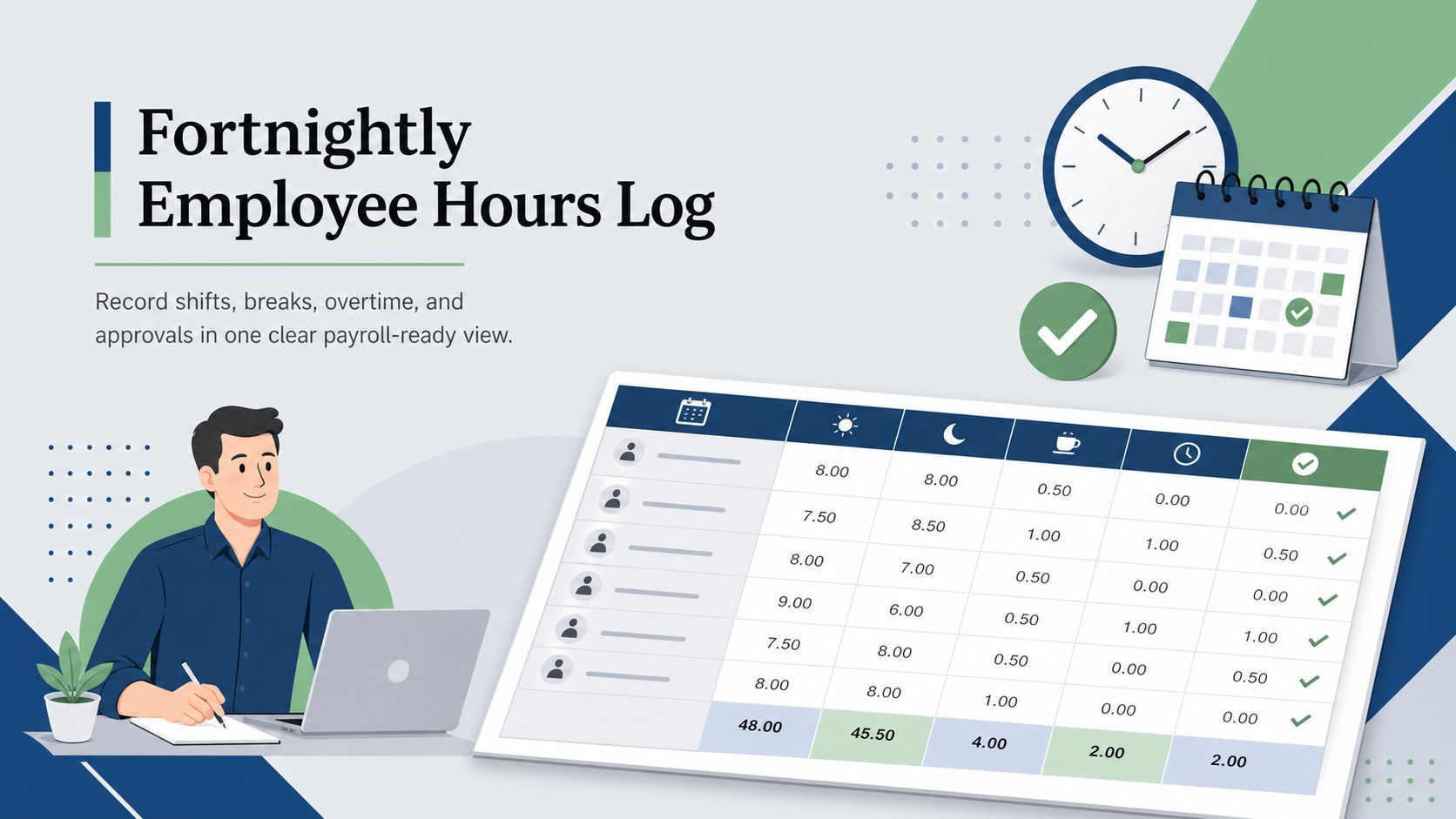
Keep payroll reviews organized with a fortnightly employee hours log for recording shifts, breaks, overtime, approvals, and attendance in one place.
Design notes
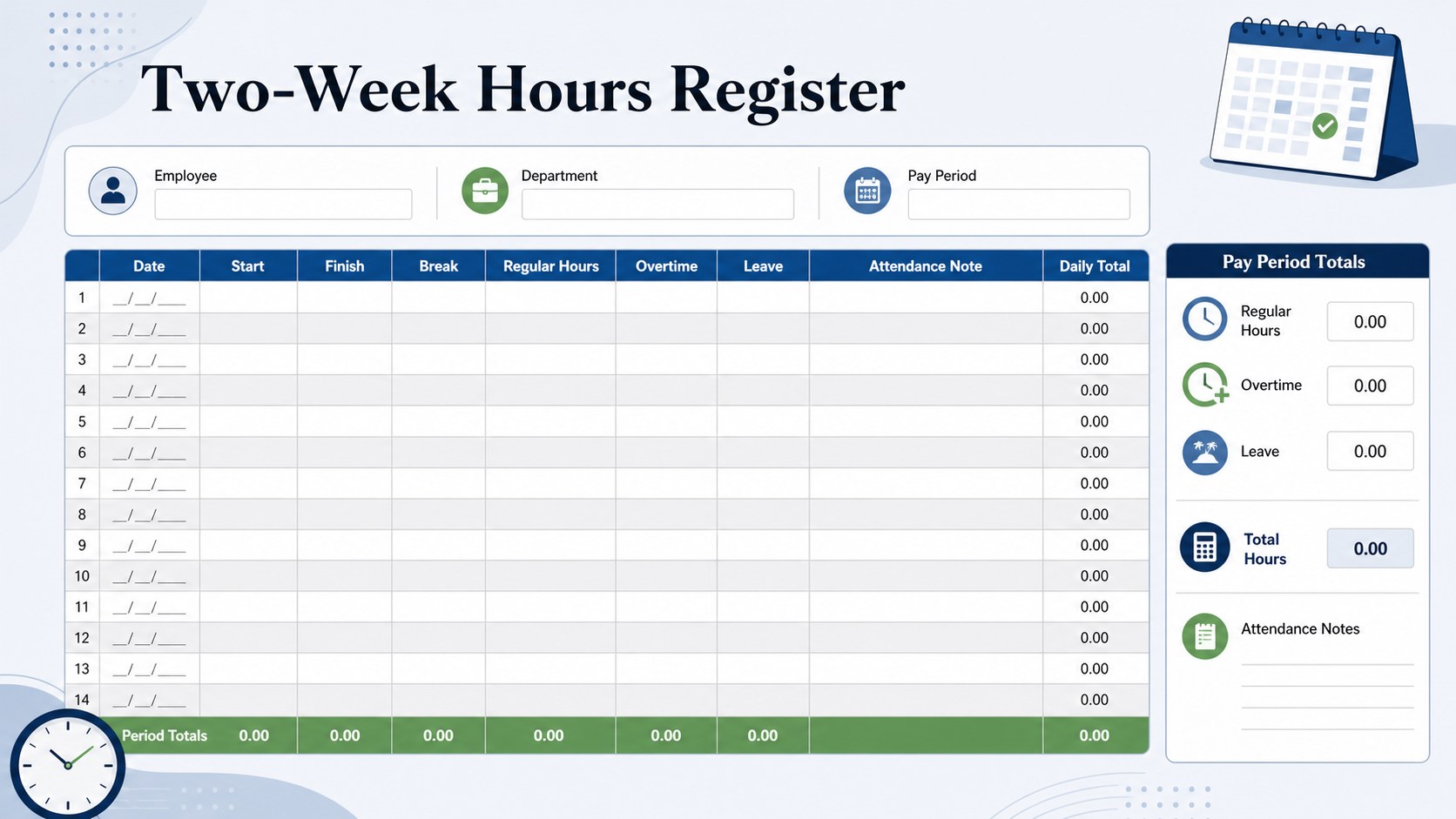
Make each pay period easier to review with a fortnightly employee hours log designed for accurate, consistent recordkeeping. The structured layout gives teams a practical place to enter daily start and finish times, unpaid breaks, regular hours, overtime, leave, and attendance notes. It works equally well as a two week work hour tracker for a single employee or as a repeatable form across an entire department.
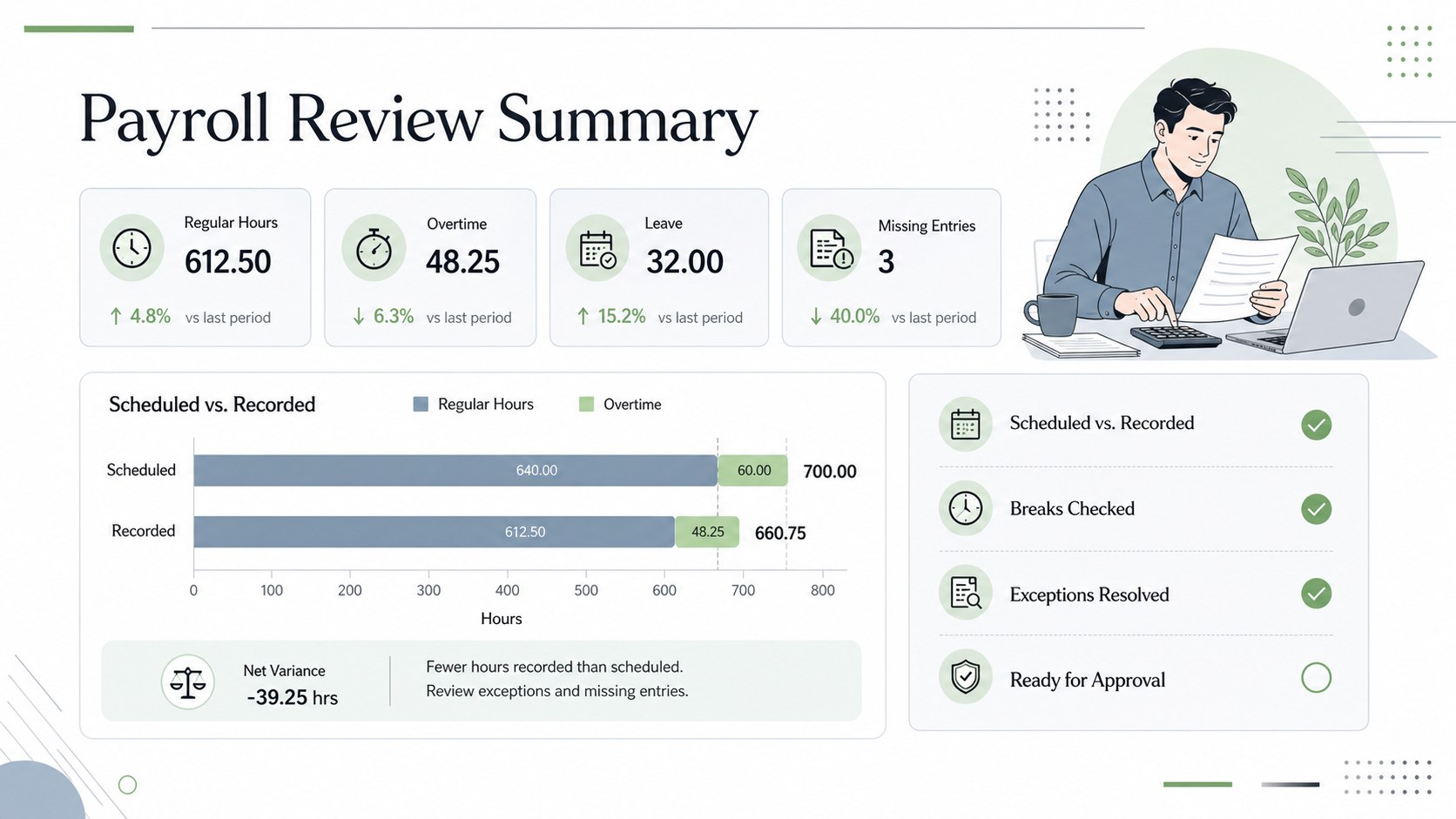
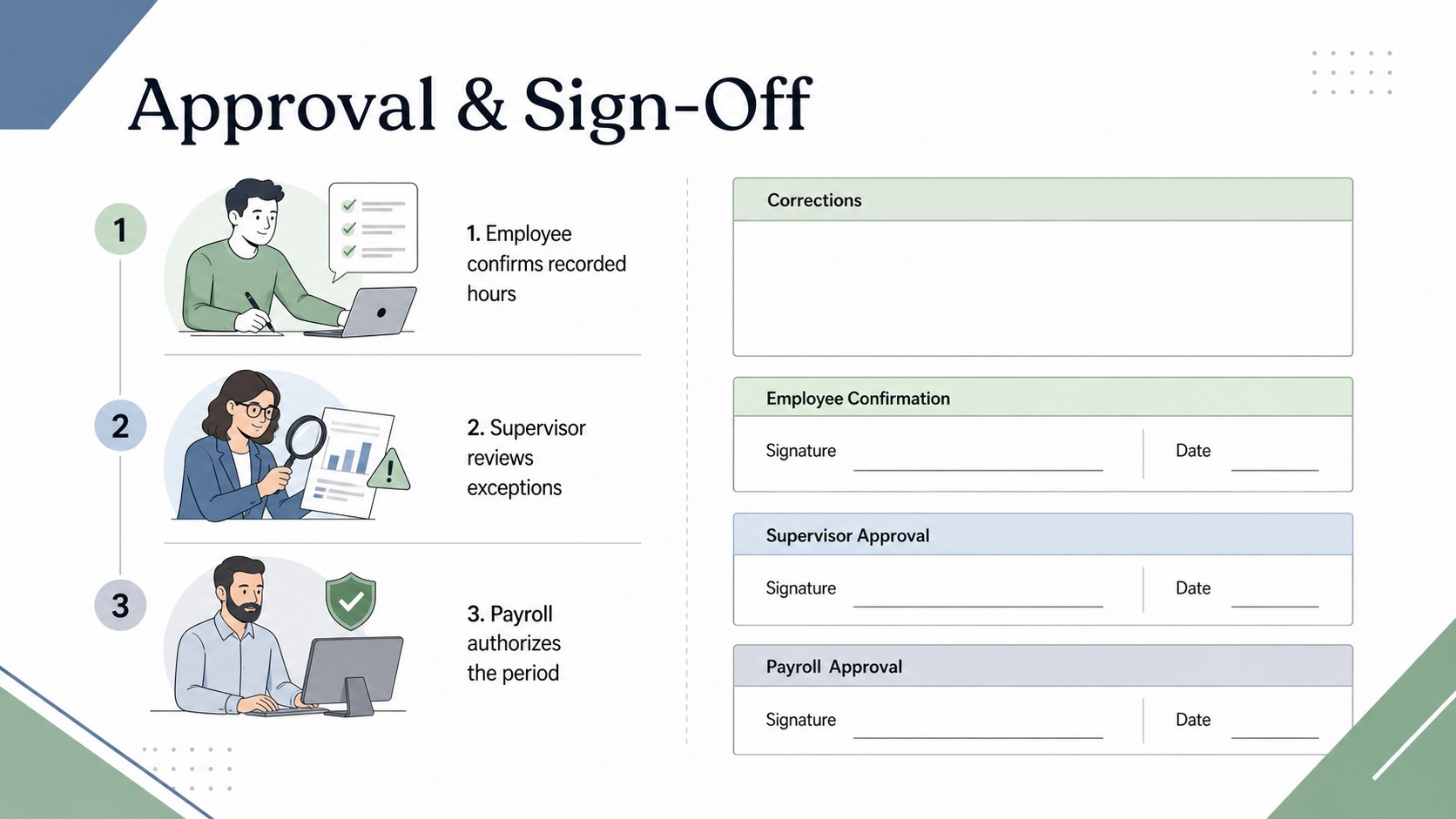
Inside, you will find a clear employee information area, dated daily entries, automatic-style totals, overtime fields, supervisor review space, and payroll sign-off sections. A compact summary view helps managers compare scheduled and recorded time before submitting figures for payment. The design can also serve as an employee shift and break log or a staff hours reconciliation template when records need to be checked against schedules.
Created for HR coordinators, payroll administrators, operations managers, team leaders, and small-business owners, this template balances detail with quick scanning. Its polished corporate style uses original illustrations and a restrained mix of blue, green, grey, white, and black. Customize labels, working days, hour categories, formulas, and approval fields, Excel, or Google Sheets. The landscape 16:9 format is also convenient for displaying payroll summaries in PowerPoint or Google Slides during internal reviews.
Perfect for: fortnightly payroll processing; employee shift reconciliation; overtime approval review; attendance record auditing; small-business hour tracking.
Frequently asked questions
Can I change the pay-period dates and working days? Yes. Edit the date headers, add or remove working days, and rename hour categories to match your payroll cycle. You can also duplicate the sheet for each employee or department.
Practical details
Yes. Edit the date headers, add or remove working days, and rename hour categories to match your payroll cycle. You can also duplicate the sheet for each employee or department.
The version can be downloaded as an XLSX spreadsheet for use in Microsoft Excel. Upload that file to Google Drive to open and edit it in Google Sheets.
Yes. In Excel or Google Sheets, you can add formulas for daily totals, break deductions, overtime, and pay-period summaries. Check the formulas against your organization's rounding rules and local employment requirements.
Replace the sample labels, fonts, colors, and illustrations while retaining the structured time-entry layout. You can also add internal approval fields, department names, or employee identification details without adding public-facing brand marks.
Keep exploring
15Shape your publishing concept with an indie magazine startup pitch deck featuring pastel gradients, bold collage layouts, and editable planning slides.
 16
16Build clear project stories with the Icon Grid Teamwork Theme, a flexible blue illustrated deck for proposals, strategy updates, and team meetings.
 3
3Turn priorities into an actionable plan with an annual goals roadmap infographic, featuring editable orange and teal layouts for PowerPoint and Google Slides.
 15
15Create an Annual Achievement Report Presentation with colorful geometric layouts for milestones, results, lessons, and priorities in PowerPoint or Google Slides.
 15
15Turn results into a focused annual performance evaluation report with dark 3D slides for KPIs, achievements, feedback, and next-step goals for teams.
 15
15Guide a focused annual recap with Business Results Retrospective Slides, a muted brown-and-blue template for PowerPoint and Google Slides.
 6
6Turn complex plans into clear visual stories with Color-Coded Workflow Path Slides, an editable set for project updates, roadmaps, and team briefings.
 6
6Compare regional performance at a glance with Global Data Heatmap Slides, a clean multicolor deck designed for editable PowerPoint and Google Slides.