
 15
15presentation
Indie Magazine Startup Pitch Deck
Shape your publishing concept with an indie magazine startup pitch deck featuring pastel gradients, bold collage layouts, and editable planning slides.
Google SlidesPowerPoint
spreadsheet · English
Build polished bills for private dinners, weddings, and corporate events with a food service invoice spreadsheet for Excel and Google Sheets.
Design notes
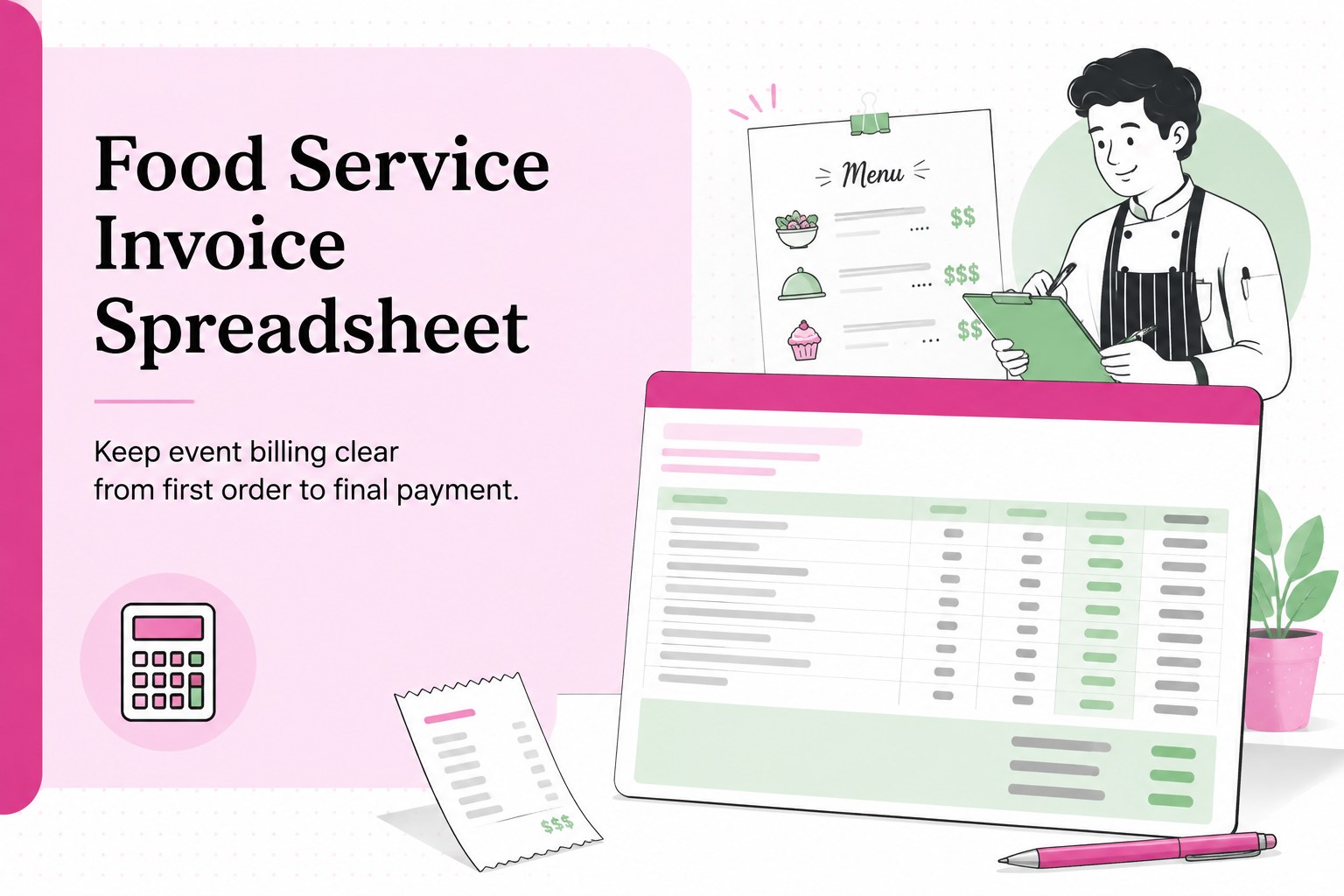
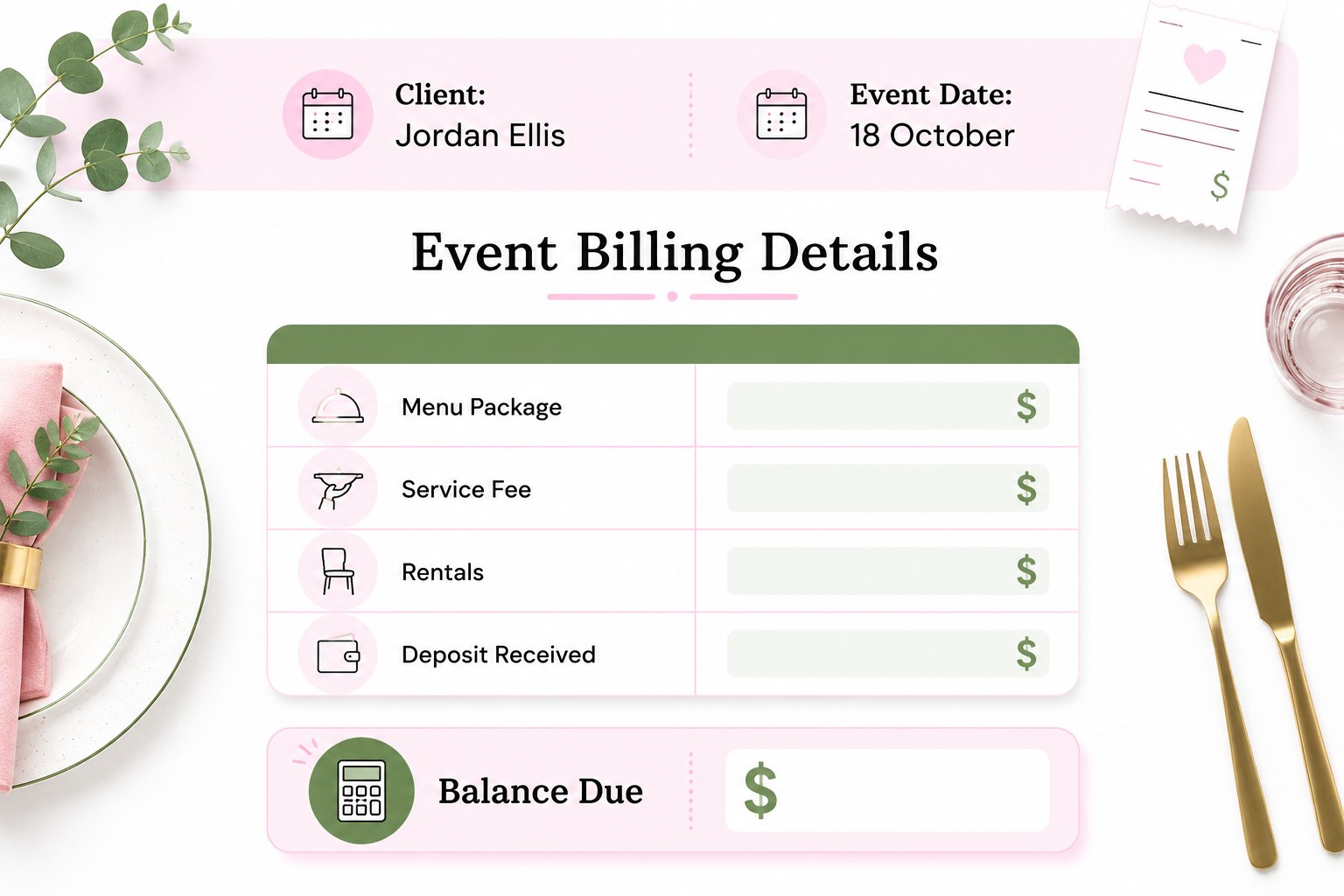
Keep event billing clear from first order to final payment with a polished food service invoice spreadsheet. Its colorful pink-and-green layout helps independent caterers present charges professionally and stay organized. Use it to list menu packages, staff fees, rentals, service charges, taxes, deposits, and balances without losing track of important details.
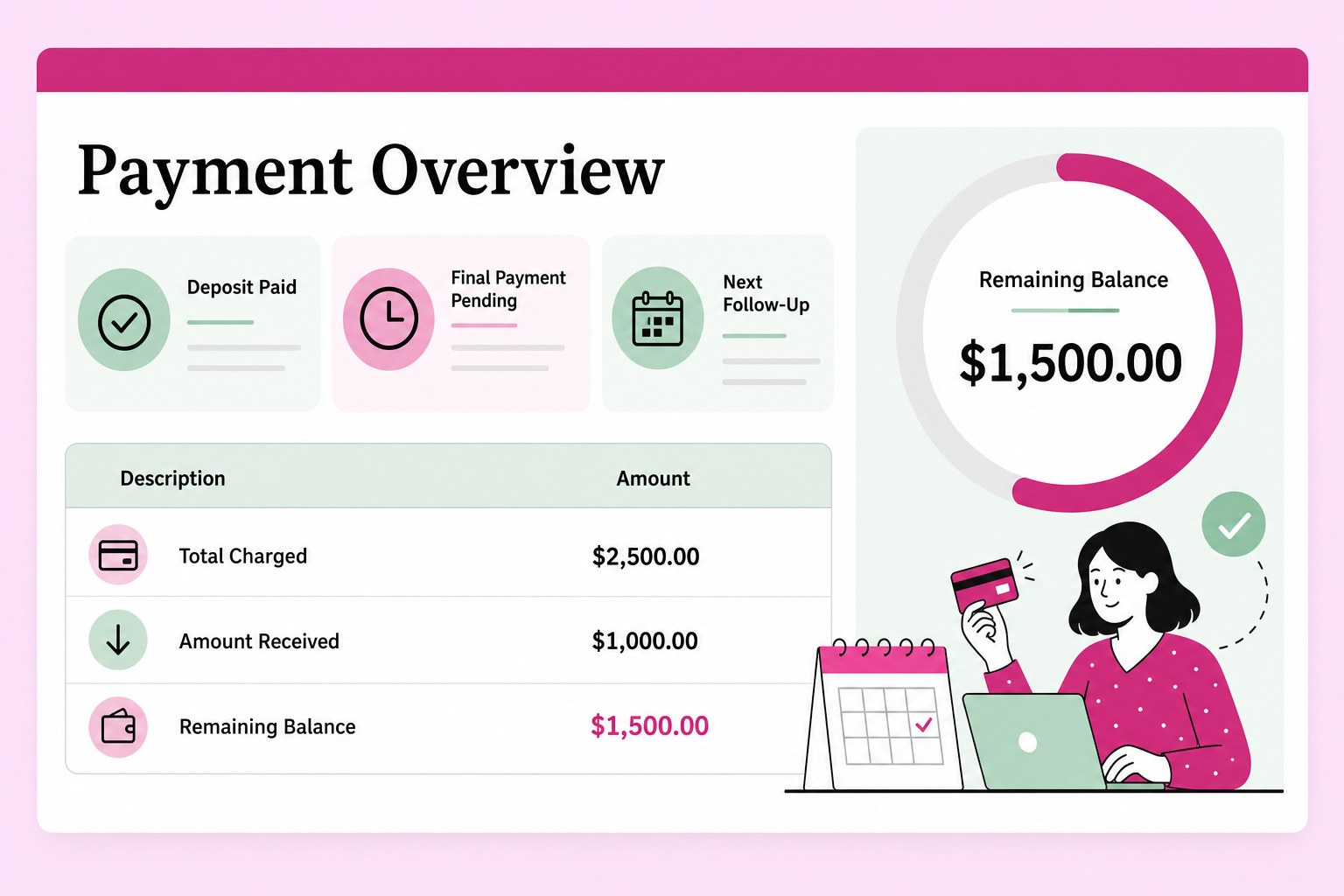
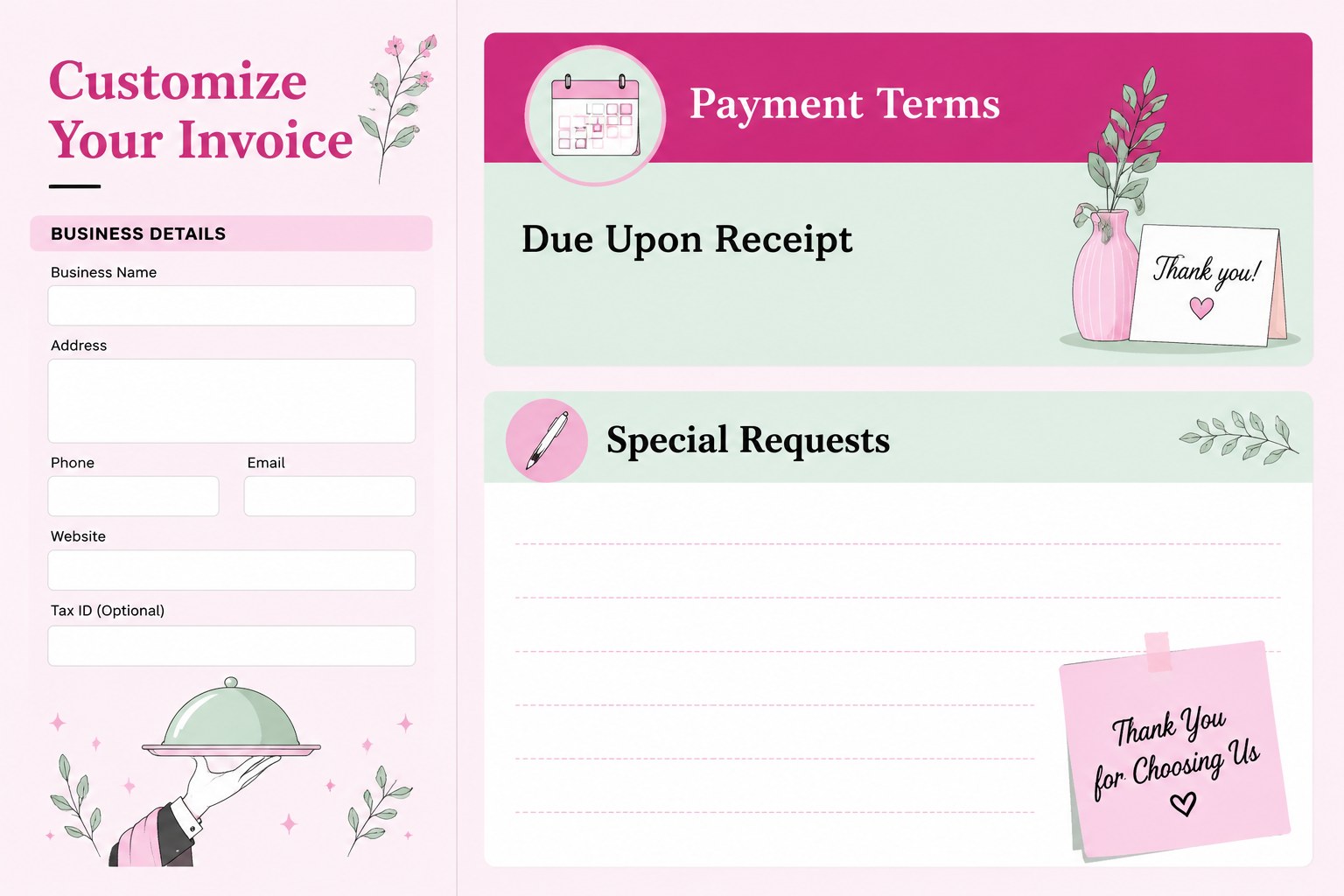
Inside, you will find a clean invoice layout, space for customer and event information, itemized order rows, payment status fields, totals, and room for terms or special notes. The workbook can support an event billing spreadsheet workflow, from preparing a quote to recording the final amount received. Its elegant illustrated details and balanced white, black, pink, and green palette add personality while keeping financial information easy to scan.
This template is designed for catering companies, private chefs, food trucks, banquet coordinators, event planners, and hospitality teams handling weddings, parties, office lunches, and community gatherings. Edit it in Excel or Google Sheets, or adapt the visual layout for PowerPoint and Google Slides when presenting package options to a client. Customize business details, line items, colors, and payment instructions to create a practical food service invoice format that matches your operation.
Perfect for: wedding catering billing; corporate lunch invoicing; private chef client orders; food truck event payments; banquet service records.
Frequently asked questions
Can I edit the food service invoice spreadsheet in Excel? Yes. The spreadsheet is designed for Excel editing, including business details, menu items, quantities, rates, taxes, deposits, and payment notes. Adjust the rows and formulas to suit your billing process.
Practical details
Yes. The spreadsheet is designed for Excel editing, including business details, menu items, quantities, rates, taxes, deposits, and payment notes. Adjust the rows and formulas to suit your billing process.
Yes, you can open and customize the worksheet in Google Sheets. Review imported formulas and formatting after uploading, especially if you add complex calculations.
You can replace the sample information, update the color palette, add your logo-free business details, and revise labels or payment terms. Keep the pink, green, white, and black styling or adapt it to your brand.
Yes. The layout can be adapted for PowerPoint or Google Slides to show package pricing, included services, and optional extras during a client meeting. Use the spreadsheet version for detailed calculations and payment records.
Keep exploring
15Shape your publishing concept with an indie magazine startup pitch deck featuring pastel gradients, bold collage layouts, and editable planning slides.
 16
16Build clear project stories with the Icon Grid Teamwork Theme, a flexible blue illustrated deck for proposals, strategy updates, and team meetings.
 3
3Turn priorities into an actionable plan with an annual goals roadmap infographic, featuring editable orange and teal layouts for PowerPoint and Google Slides.
 15
15Create an Annual Achievement Report Presentation with colorful geometric layouts for milestones, results, lessons, and priorities in PowerPoint or Google Slides.
 15
15Turn results into a focused annual performance evaluation report with dark 3D slides for KPIs, achievements, feedback, and next-step goals for teams.
 15
15Guide a focused annual recap with Business Results Retrospective Slides, a muted brown-and-blue template for PowerPoint and Google Slides.
 6
6Turn complex plans into clear visual stories with Color-Coded Workflow Path Slides, an editable set for project updates, roadmaps, and team briefings.
 6
6Compare regional performance at a glance with Global Data Heatmap Slides, a clean multicolor deck designed for editable PowerPoint and Google Slides.