
 15
15presentation
Indie Magazine Startup Pitch Deck
Shape your publishing concept with an indie magazine startup pitch deck featuring pastel gradients, bold collage layouts, and editable planning slides.
Google SlidesPowerPoint
presentation · English
Run clearer, more productive sessions with team meeting agenda slides for goals, updates, decisions, and next steps in PowerPoint or Google Slides.

Design notes
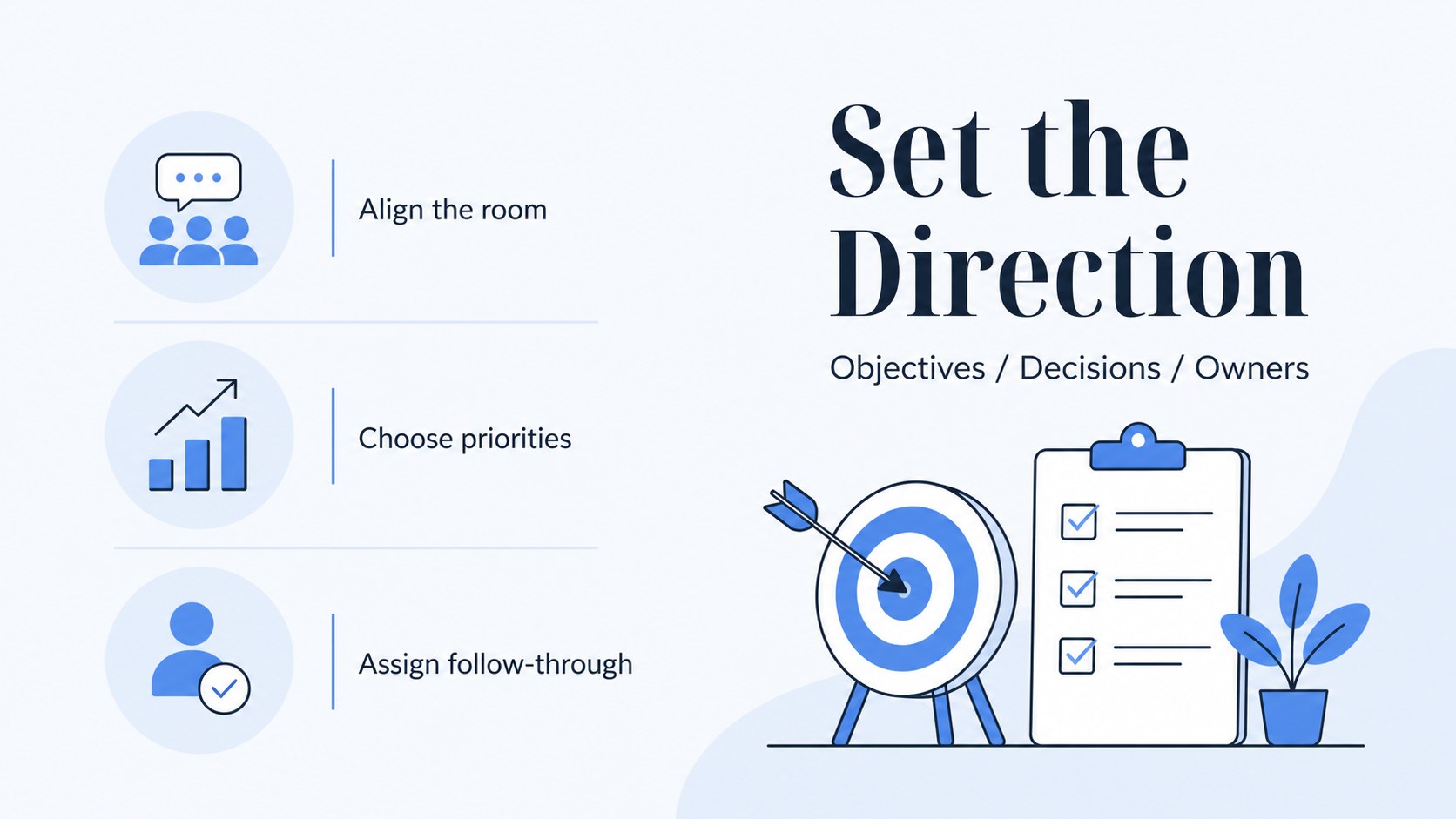
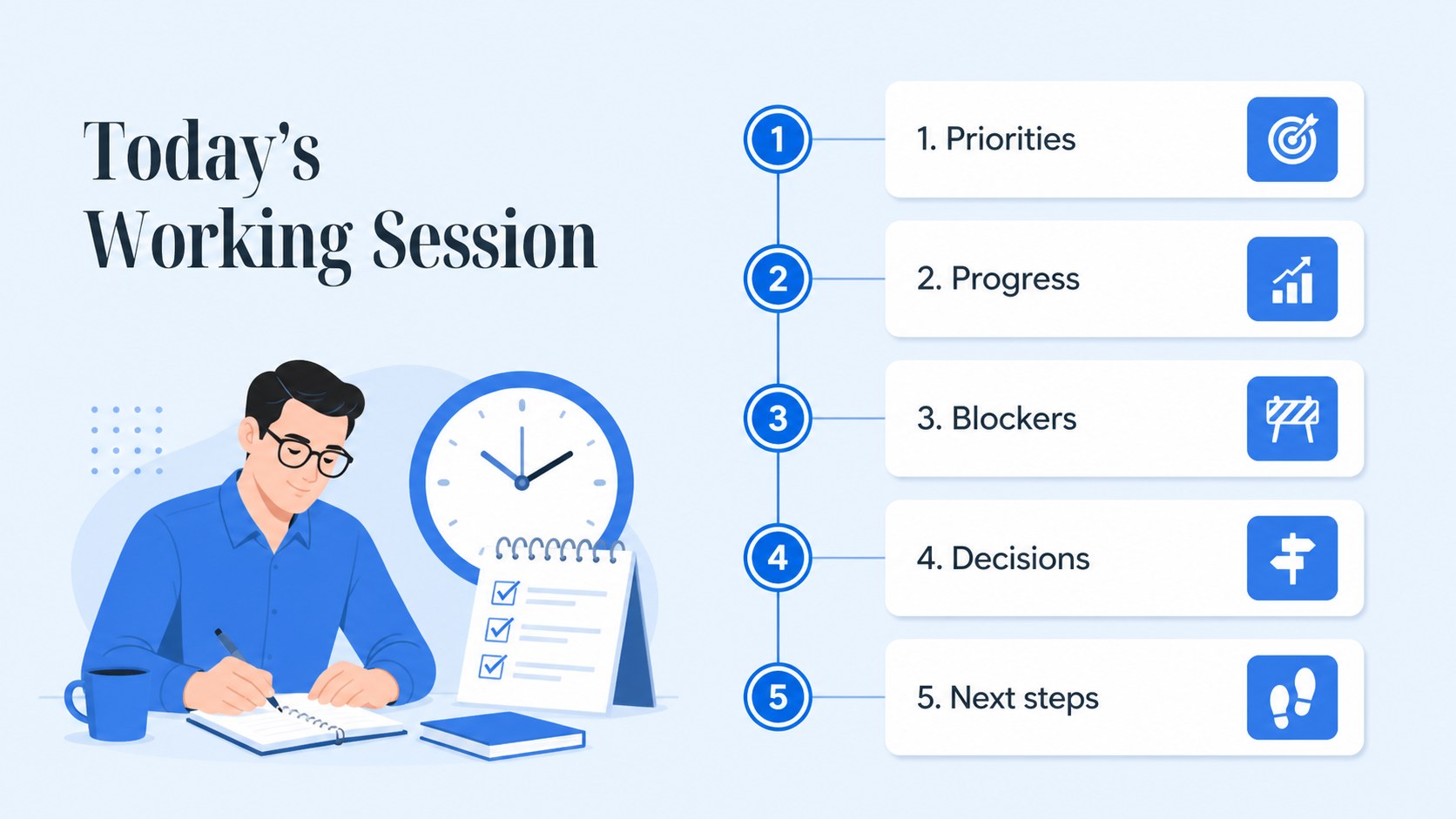
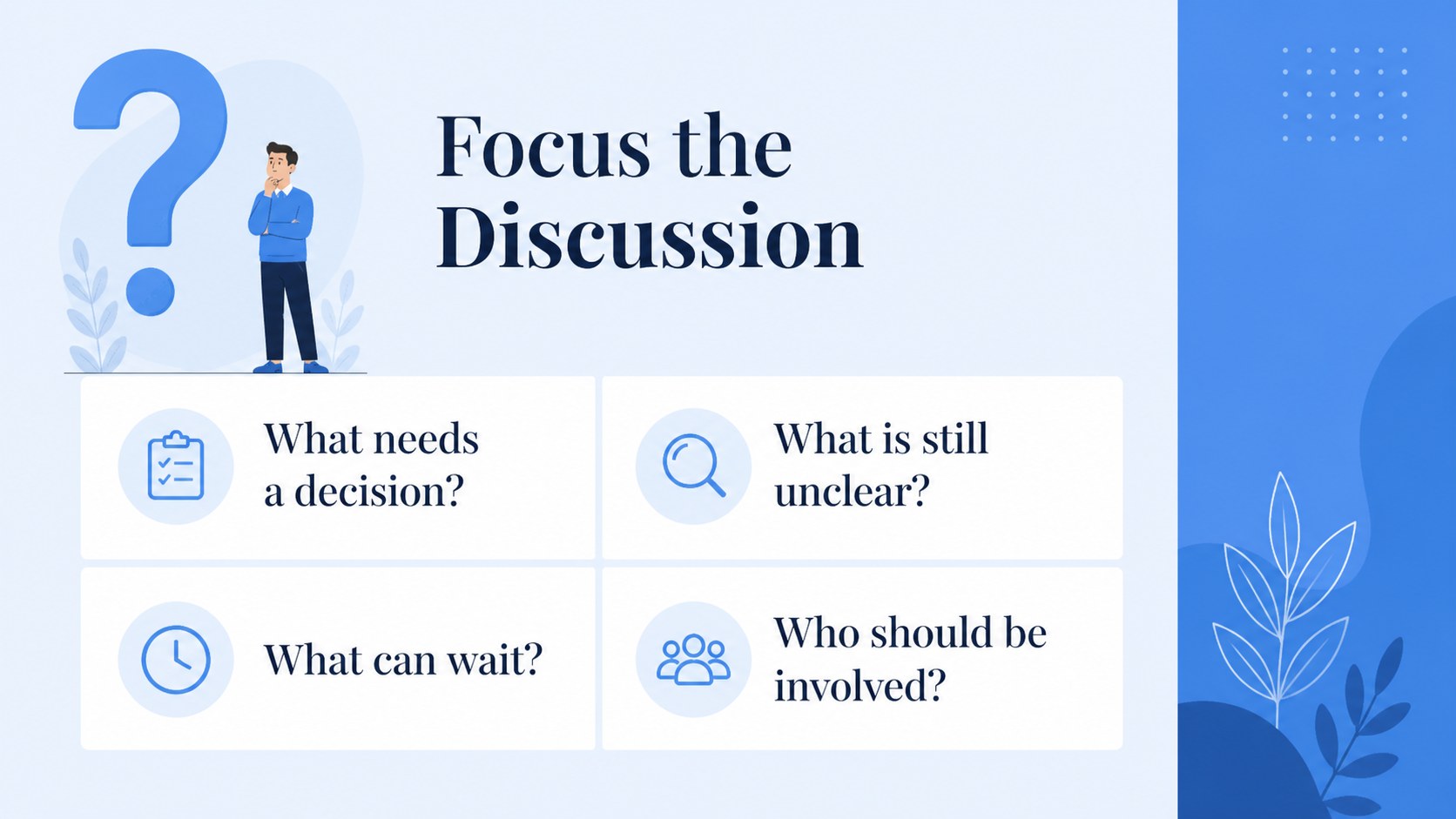
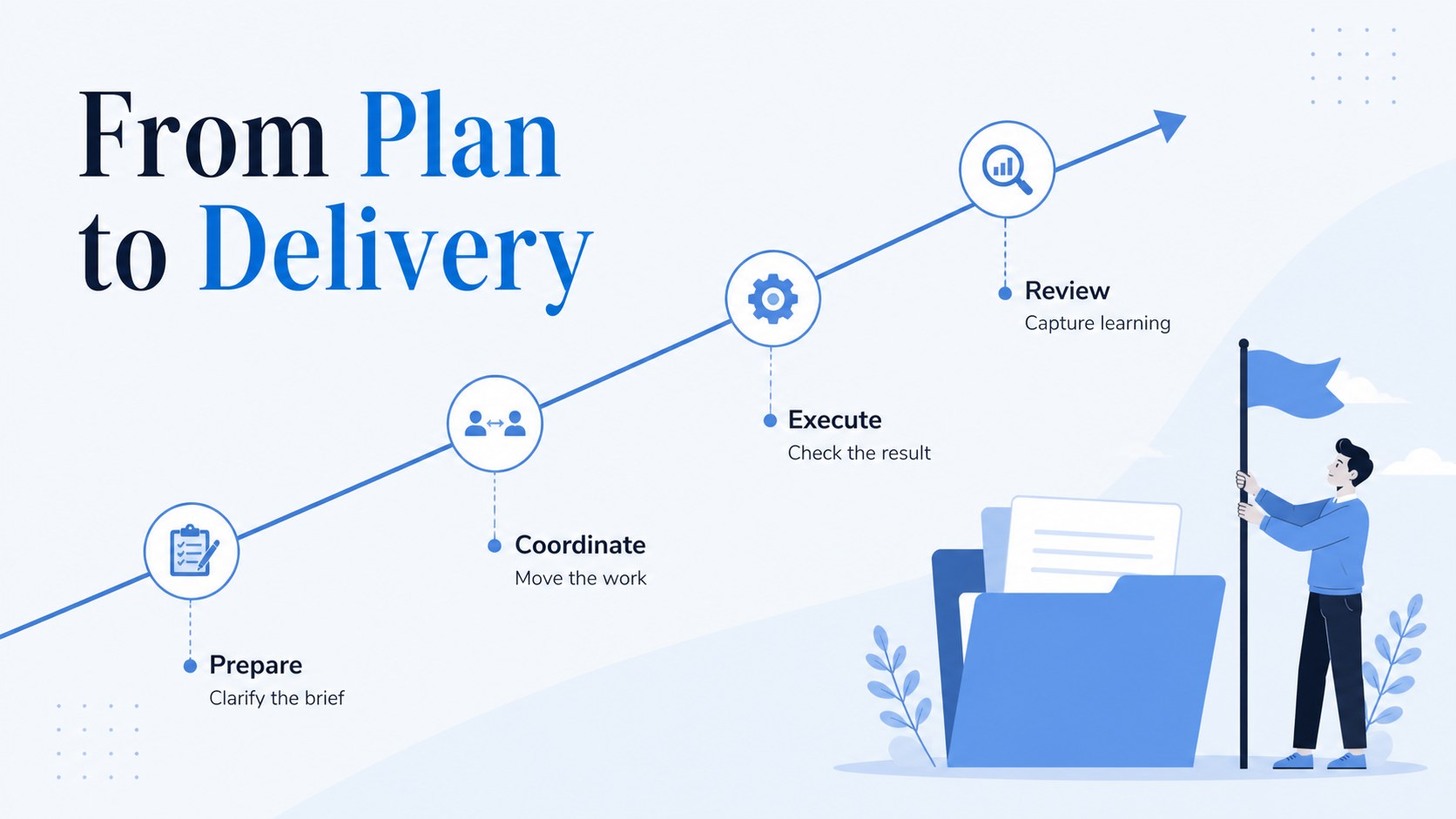
Make every discussion easier to follow with team meeting agenda slides designed for focused collaboration. This blue-and-white presentation system gives managers, project leads, and startup teams a practical way to frame objectives, organize updates, and close meetings with clear ownership.
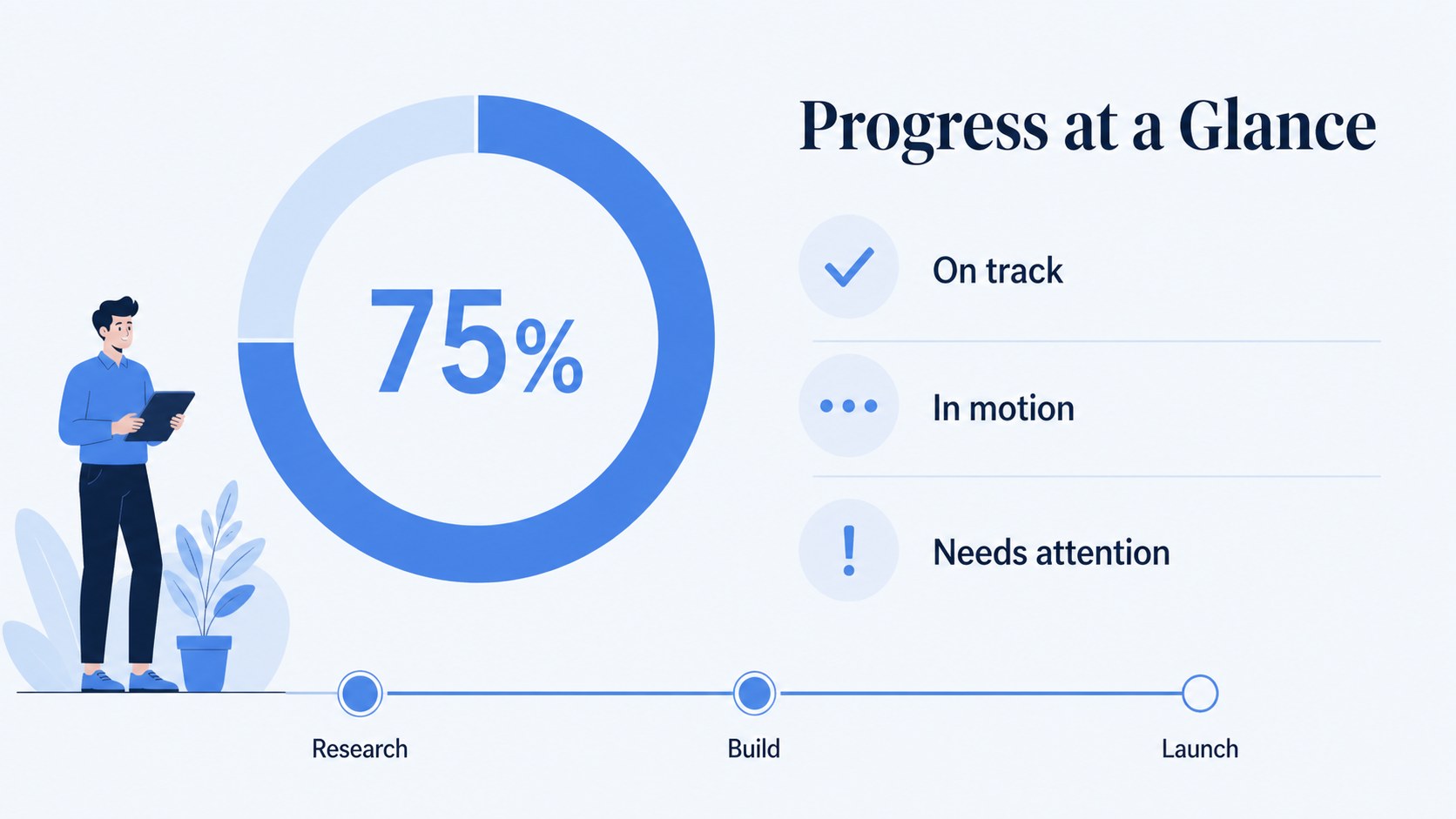
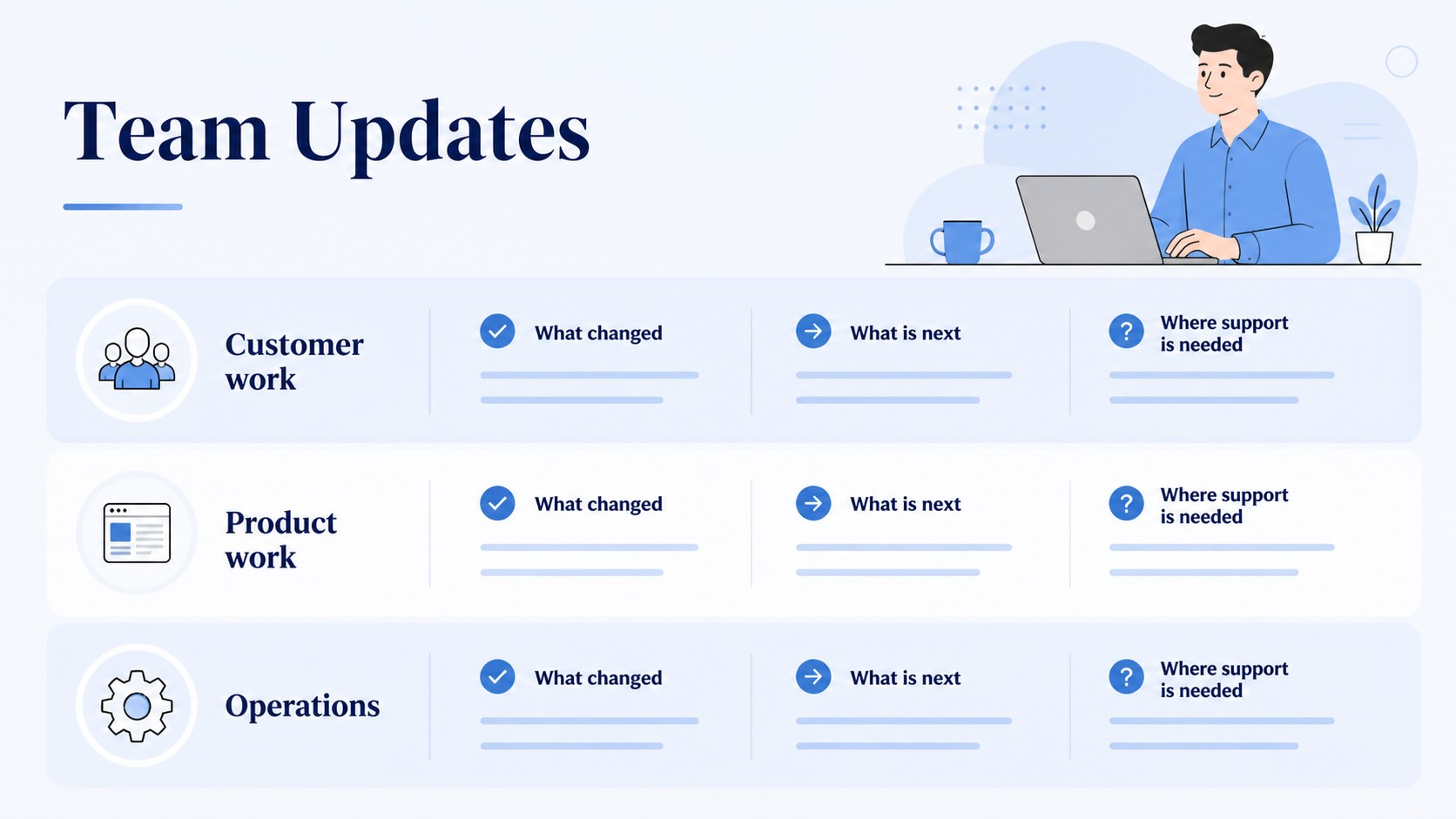
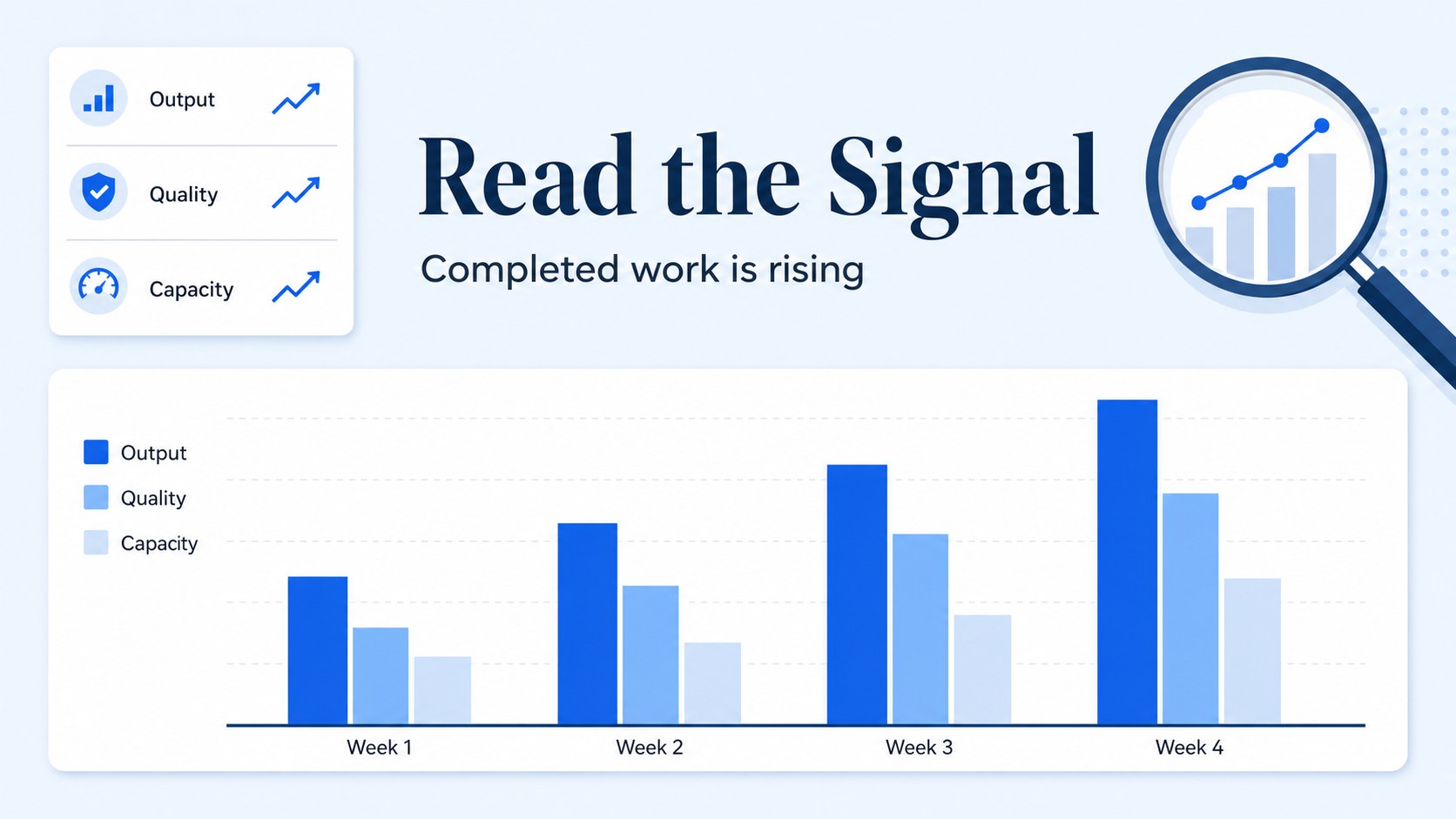
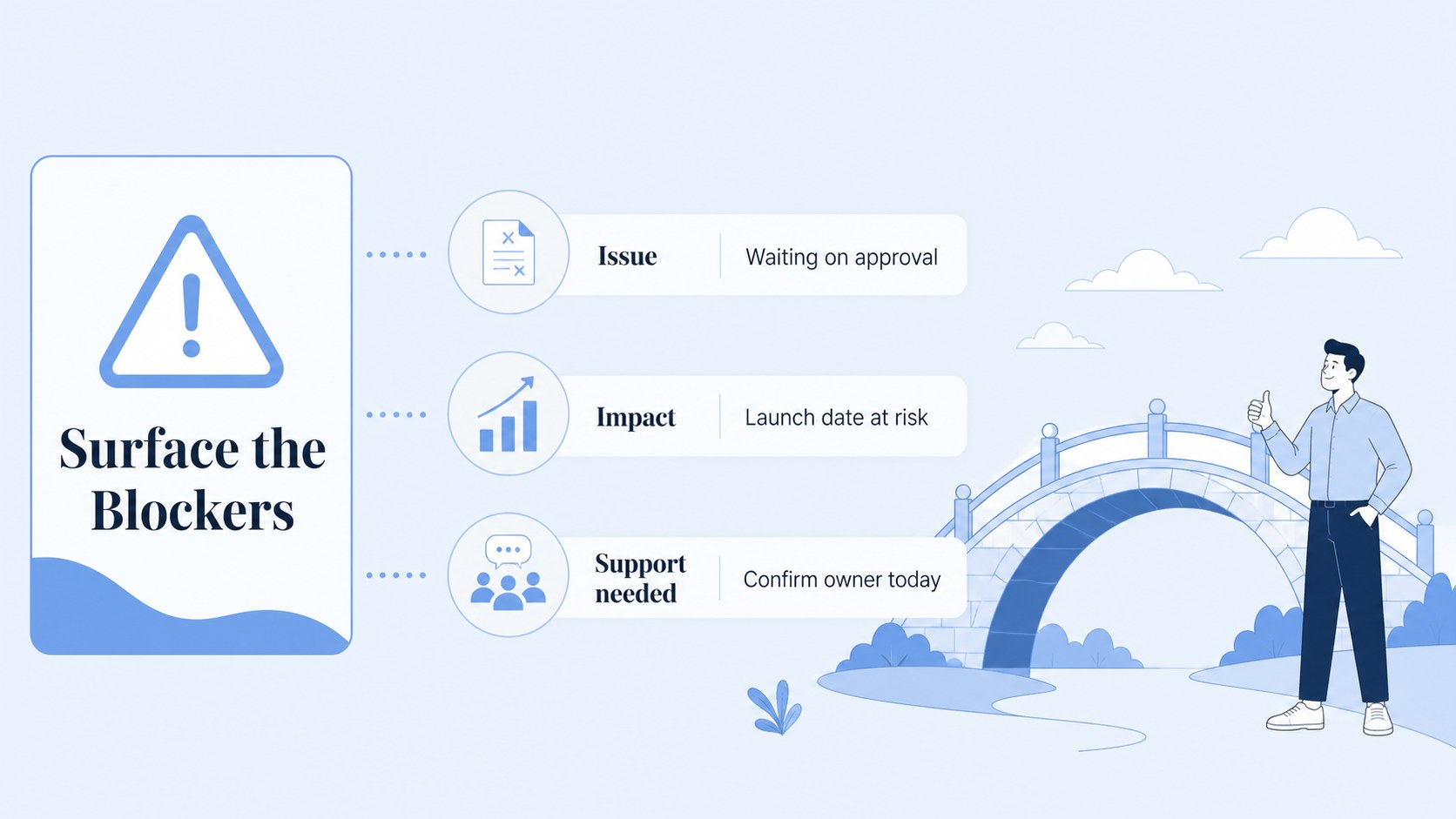
Inside, you will find layouts for opening priorities, project status, discussion topics, timelines, action items, milestones, charts, team check-ins, and final decisions. The clean illustrative style keeps information approachable while preserving a professional business tone. Use the project status meeting presentation layouts to report progress, surface blockers, and align stakeholders without overcrowding the screen. A weekly team check in slides format also helps recurring meetings feel structured and consistent.
Customize colors, type, graphics, and wording to match your organization or client. The deck works well for department meetings, remote collaboration, sprint planning, operational reviews, and leadership updates. Edit the layouts, export to PowerPoint, or adapt them in Google Slides for live sharing. With flexible charts, editable shapes, and visual agenda sections, this minimal meeting planning deck can support both quick stand-ups and longer strategic conversations.
Perfect for: weekly department check-in; startup project status review; remote team planning session; sprint planning workshop; leadership operations update.
Frequently asked questions
Can I edit these team meeting agenda slides? Yes. The layouts can be customized by changing text, colors, fonts, illustrations, charts, and images. You can also export the finished presentation as a PowerPoint file or save it to Google Drive.
Practical details
Yes. The layouts can be customized by changing text, colors, fonts, illustrations, charts, and images. You can also export the finished presentation as a PowerPoint file or save it to Google Drive.
Yes. The presentation can be adapted for PowerPoint and Google Slides after editing or exporting from. Review charts, fonts, and spacing after conversion to make sure the final file matches the original design.
Use it for weekly check-ins, project updates, sprint planning, operational reviews, leadership briefings, and remote collaboration. The layouts cover objectives, status reports, timelines, decisions, and action items.
Yes. Replace the blue accents with your brand colors while retaining the white foundation and clean illustrative structure. Updating the theme colors and font combinations will help keep the deck consistent across all slides.
Keep exploring
15Shape your publishing concept with an indie magazine startup pitch deck featuring pastel gradients, bold collage layouts, and editable planning slides.
 16
16Build clear project stories with the Icon Grid Teamwork Theme, a flexible blue illustrated deck for proposals, strategy updates, and team meetings.
 3
3Turn priorities into an actionable plan with an annual goals roadmap infographic, featuring editable orange and teal layouts for PowerPoint and Google Slides.
 15
15Create an Annual Achievement Report Presentation with colorful geometric layouts for milestones, results, lessons, and priorities in PowerPoint or Google Slides.
 15
15Turn results into a focused annual performance evaluation report with dark 3D slides for KPIs, achievements, feedback, and next-step goals for teams.
 15
15Guide a focused annual recap with Business Results Retrospective Slides, a muted brown-and-blue template for PowerPoint and Google Slides.
 6
6Turn complex plans into clear visual stories with Color-Coded Workflow Path Slides, an editable set for project updates, roadmaps, and team briefings.
 6
6Compare regional performance at a glance with Global Data Heatmap Slides, a clean multicolor deck designed for editable PowerPoint and Google Slides.