
 15
15presentation
Indie Magazine Startup Pitch Deck
Shape your publishing concept with an indie magazine startup pitch deck featuring pastel gradients, bold collage layouts, and editable planning slides.
Google SlidesPowerPoint
presentation · English
Clarify roles, priorities, and strategic layers with five-tier organizational pyramid slides for polished PowerPoint and Google Slides presentations.
Design notes
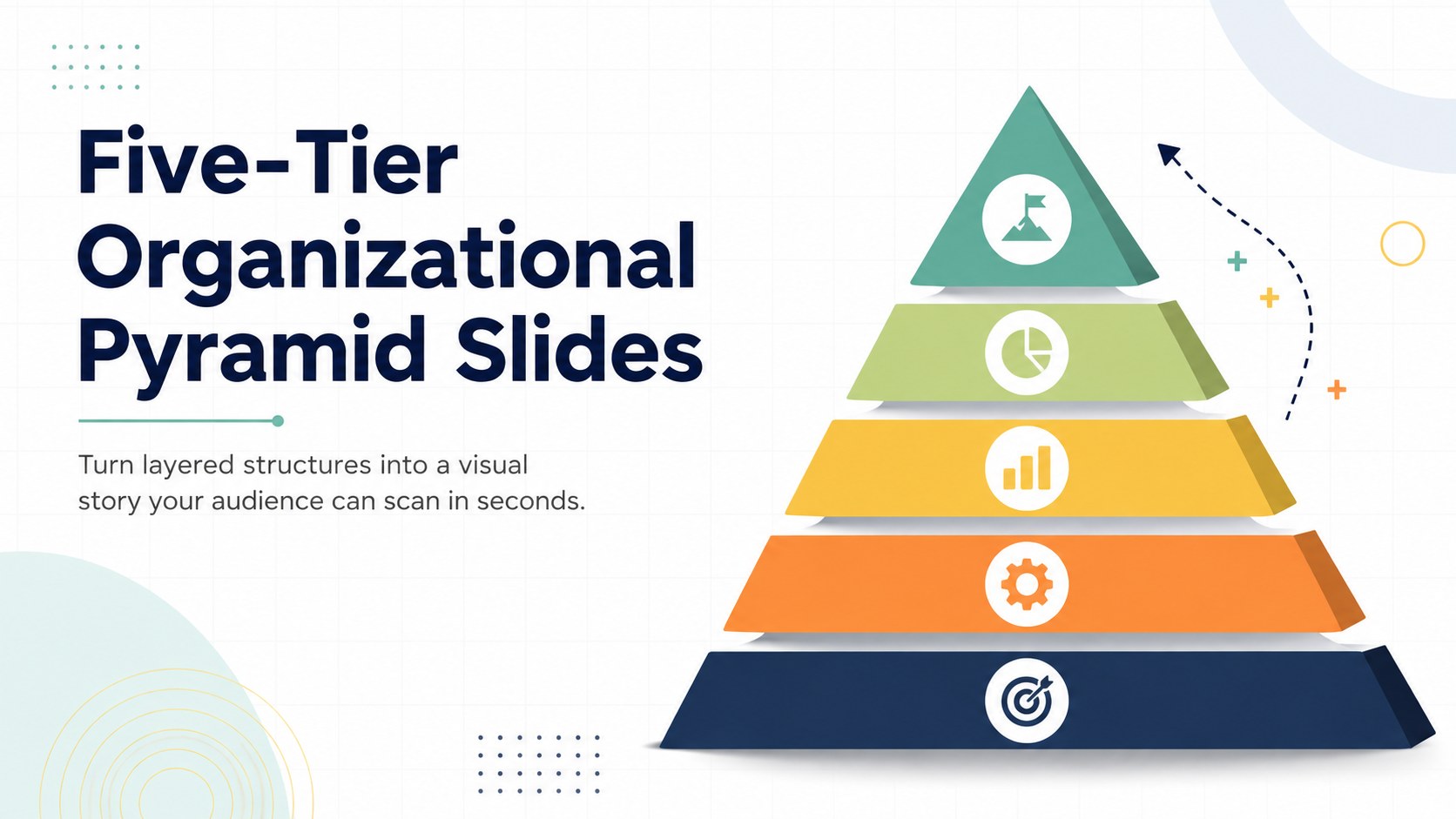
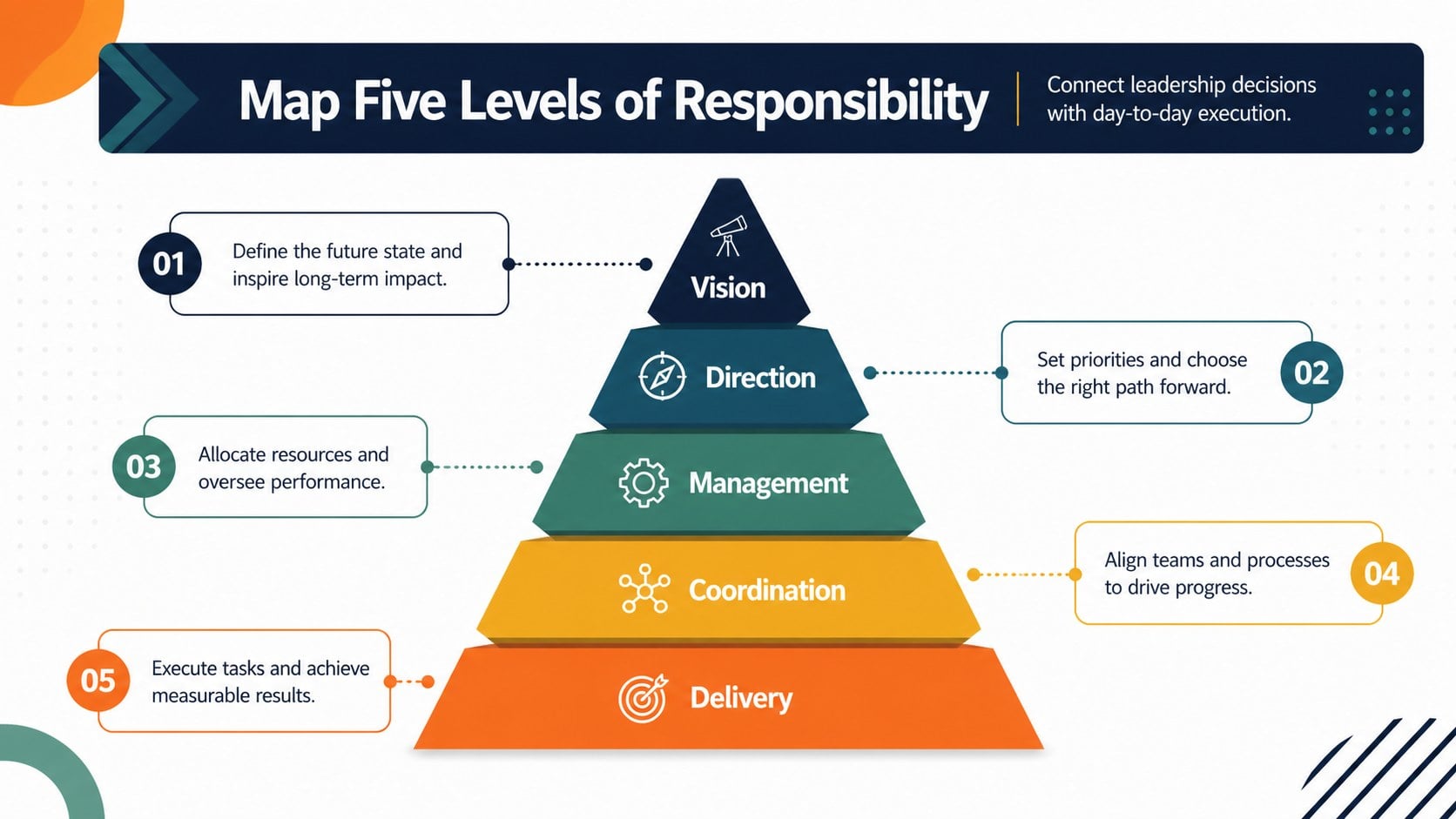
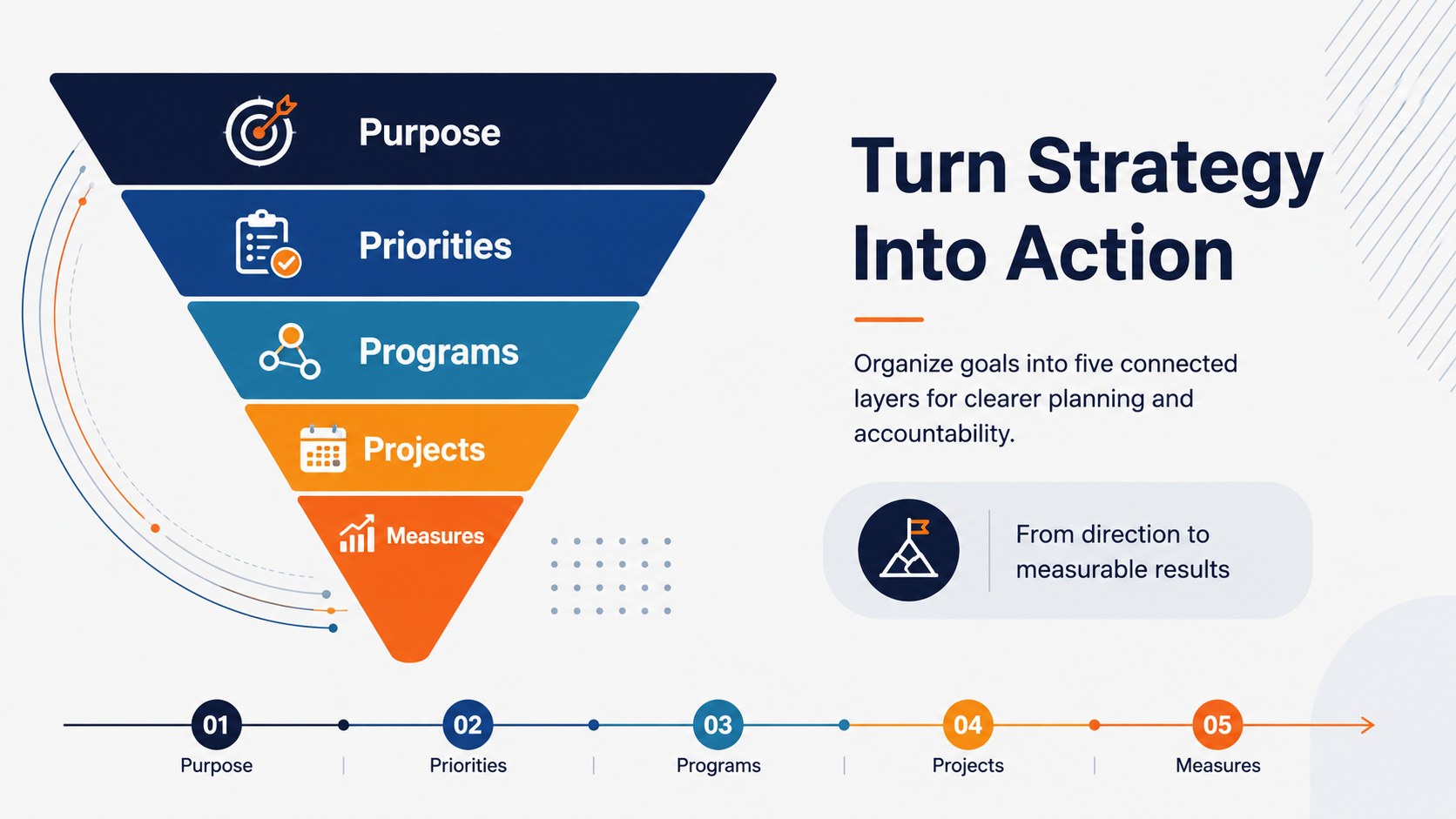
Five-tier organizational pyramid slides help you explain layered ideas without crowding a presentation with dense text. The bright corporate palette, crisp typography, and simple geometric styling make each level easy to identify at a glance. Use the deck to present reporting lines, strategic priorities, service models, maturity stages, or any concept that progresses from a broad foundation to a focused peak.
The template includes three coordinated infographic layouts with editable five-level structures, concise text areas, and space for supporting notes. Adapt the five tier management structure diagram for leadership responsibilities, transform it into a business priority pyramid for PowerPoint, or build an editable organizational layers Google Slides visual for collaborative planning. Colors, labels, fonts, shapes, and level order can all be adjusted to fit your organization and message.
Designed for managers, consultants, educators, project leads, and strategy teams, this deck works well in executive briefings, workshops, internal training, and client presentations. The clean hierarchy keeps comparisons readable while the multicolor system helps audiences follow relationships between tiers. Open it in PowerPoint or Google Slides, replace the sample wording, apply your preferred colors, and create a polished explanation of complex structures in less time.
Perfect for: corporate reporting structure; strategy priority workshop; leadership responsibility briefing; organizational maturity review; project governance presentation.
Frequently asked questions
Can I edit every level of the pyramid? Yes. Each tier, label, shape, and color can be edited independently, so you can rename or reorder the five levels to match your structure.
Practical details
Yes. Each tier, label, shape, and color can be edited independently, so you can rename or reorder the five levels to match your structure.
Yes. The slides are designed for both PowerPoint and Google Slides, although minor font or spacing adjustments may be needed when moving between platforms.
Yes. Replace the included colors and fonts with your brand settings, then add your own logo or footer where appropriate. The layouts remain readable with both restrained and vibrant palettes.
Use it for reporting levels, strategic priorities, maturity stages, product hierarchies, or responsibility models. Keep each tier concise and add supporting detail beside the pyramid when needed.
Keep exploring
15Shape your publishing concept with an indie magazine startup pitch deck featuring pastel gradients, bold collage layouts, and editable planning slides.
 16
16Build clear project stories with the Icon Grid Teamwork Theme, a flexible blue illustrated deck for proposals, strategy updates, and team meetings.
 3
3Turn priorities into an actionable plan with an annual goals roadmap infographic, featuring editable orange and teal layouts for PowerPoint and Google Slides.
 15
15Create an Annual Achievement Report Presentation with colorful geometric layouts for milestones, results, lessons, and priorities in PowerPoint or Google Slides.
 15
15Turn results into a focused annual performance evaluation report with dark 3D slides for KPIs, achievements, feedback, and next-step goals for teams.
 15
15Guide a focused annual recap with Business Results Retrospective Slides, a muted brown-and-blue template for PowerPoint and Google Slides.
 6
6Turn complex plans into clear visual stories with Color-Coded Workflow Path Slides, an editable set for project updates, roadmaps, and team briefings.
 6
6Compare regional performance at a glance with Global Data Heatmap Slides, a clean multicolor deck designed for editable PowerPoint and Google Slides.