
 15
15presentation
Indie Magazine Startup Pitch Deck
Shape your publishing concept with an indie magazine startup pitch deck featuring pastel gradients, bold collage layouts, and editable planning slides.
Google SlidesPowerPoint
presentation · English
Build investor confidence with this fintech venture story slides template, featuring blue and red layouts for product strategy, traction, and market growth.







Design notes
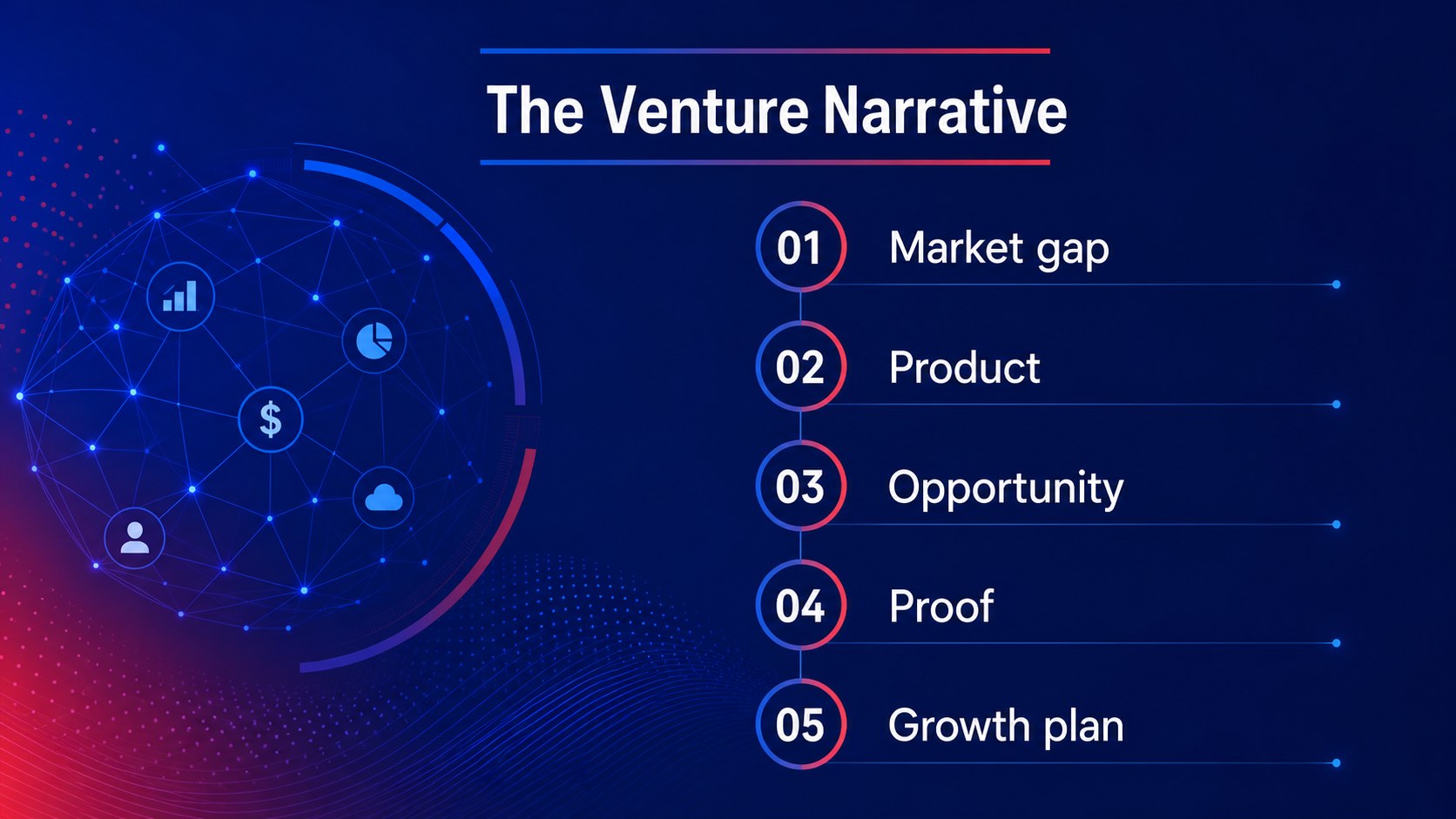
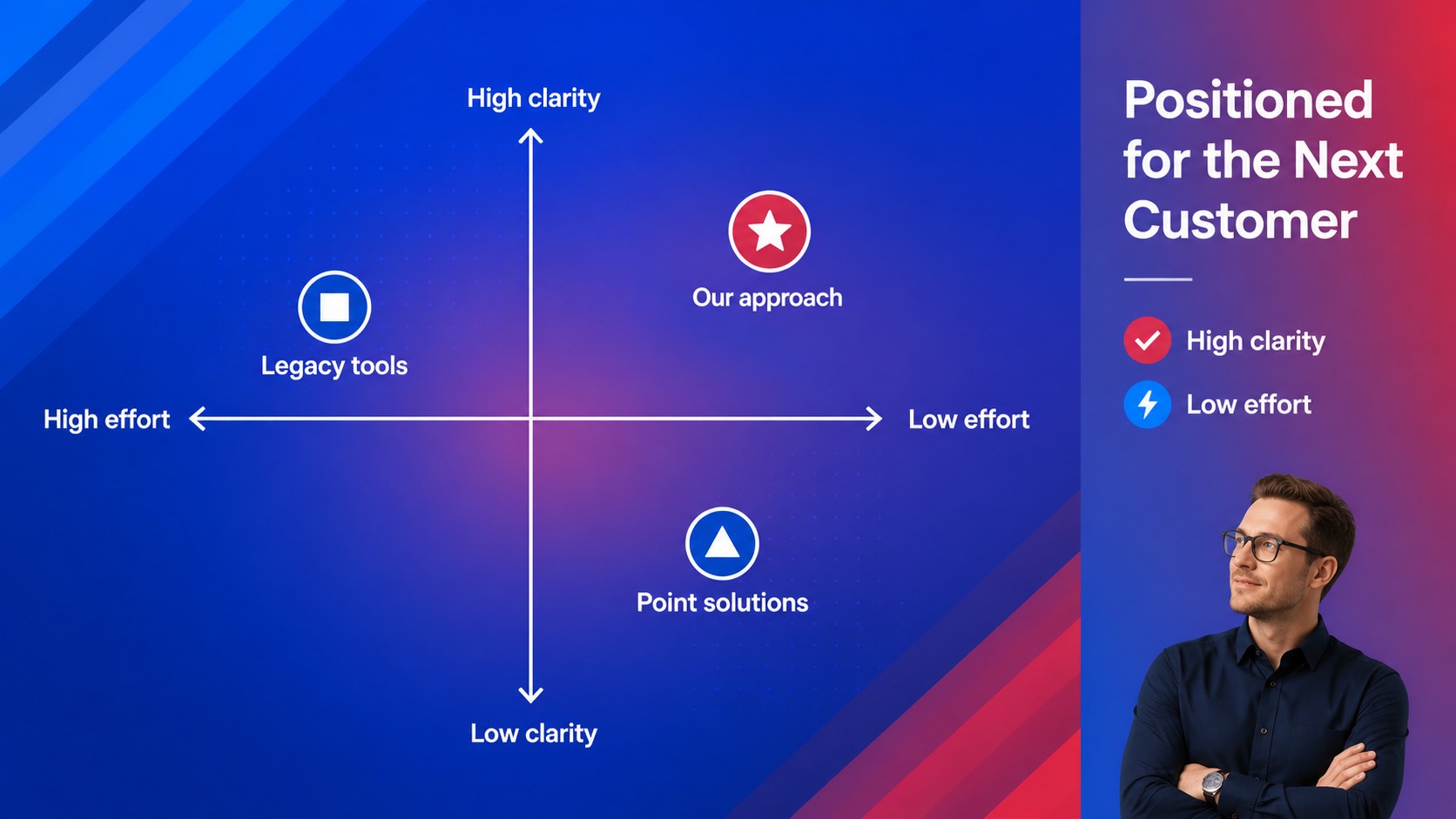
Turn a complex financial technology idea into a clear, persuasive investor narrative with this fintech venture story slides template. Its restrained blue-and-red palette, soft gradients, and editorial layouts create a confident setting for explaining your product, customers, and path to growth. Use the deck to move from the market problem to your solution without losing the audience in dense detail.
Inside, you’ll find more than 25 editable layouts for a fintech startup investor presentation, including a cover, agenda, company snapshot, problem and solution, product flow, market sizing, competitive landscape, business model, traction, revenue outlook, milestones, team, and funding request. A resource page adds charts, icons, frames, timelines, and flexible data visuals for building a credible fintech growth strategy deck.
The template suits founders, product teams, financial services innovators, and consultants preparing meetings with investors, partners, or internal stakeholders. Edit it in PowerPoint or Google Slides, replace the sample figures with your own research, and adjust the charts, imagery, typography, and transitions to match your brand while keeping the clean presentation style intact.
Perfect for: startup investor pitch; fintech product launch; digital banking partnership meeting; financial app funding update; market opportunity briefing.
Frequently asked questions
Can I edit this template in PowerPoint? Yes. The layouts are designed for editing in PowerPoint, including text, colors, charts, images, and shapes. Replace the sample content with your company information and financial data.
Practical details
Yes. The layouts are designed for editing in PowerPoint, including text, colors, charts, images, and shapes. Replace the sample content with your company information and financial data.
Yes, you can open and customize the presentation in Google Slides. Review imported fonts, charts, and transitions after opening the file because some presentation features may render differently.
The deck includes layouts for the problem, solution, product flow, market size, competition, business model, traction, revenue outlook, milestones, team, and funding request. The flexible structure lets you remove or reorder sections for different audiences.
Yes. Update theme colors and individual graphic elements to align the slides with your brand. Keeping one accent color for emphasis will preserve the template’s clear visual hierarchy.
Keep exploring
15Shape your publishing concept with an indie magazine startup pitch deck featuring pastel gradients, bold collage layouts, and editable planning slides.
 16
16Build clear project stories with the Icon Grid Teamwork Theme, a flexible blue illustrated deck for proposals, strategy updates, and team meetings.
 3
3Turn priorities into an actionable plan with an annual goals roadmap infographic, featuring editable orange and teal layouts for PowerPoint and Google Slides.
 15
15Create an Annual Achievement Report Presentation with colorful geometric layouts for milestones, results, lessons, and priorities in PowerPoint or Google Slides.
 15
15Turn results into a focused annual performance evaluation report with dark 3D slides for KPIs, achievements, feedback, and next-step goals for teams.
 15
15Guide a focused annual recap with Business Results Retrospective Slides, a muted brown-and-blue template for PowerPoint and Google Slides.
 6
6Turn complex plans into clear visual stories with Color-Coded Workflow Path Slides, an editable set for project updates, roadmaps, and team briefings.
 6
6Compare regional performance at a glance with Global Data Heatmap Slides, a clean multicolor deck designed for editable PowerPoint and Google Slides.