
 15
15presentation
Indie Magazine Startup Pitch Deck
Shape your publishing concept with an indie magazine startup pitch deck featuring pastel gradients, bold collage layouts, and editable planning slides.
Google SlidesPowerPoint
presentation · English
Build a polished fintech client welcome deck for product tours, account setup, and team introductions, with editable blue slides for PowerPoint and Google…





Design notes
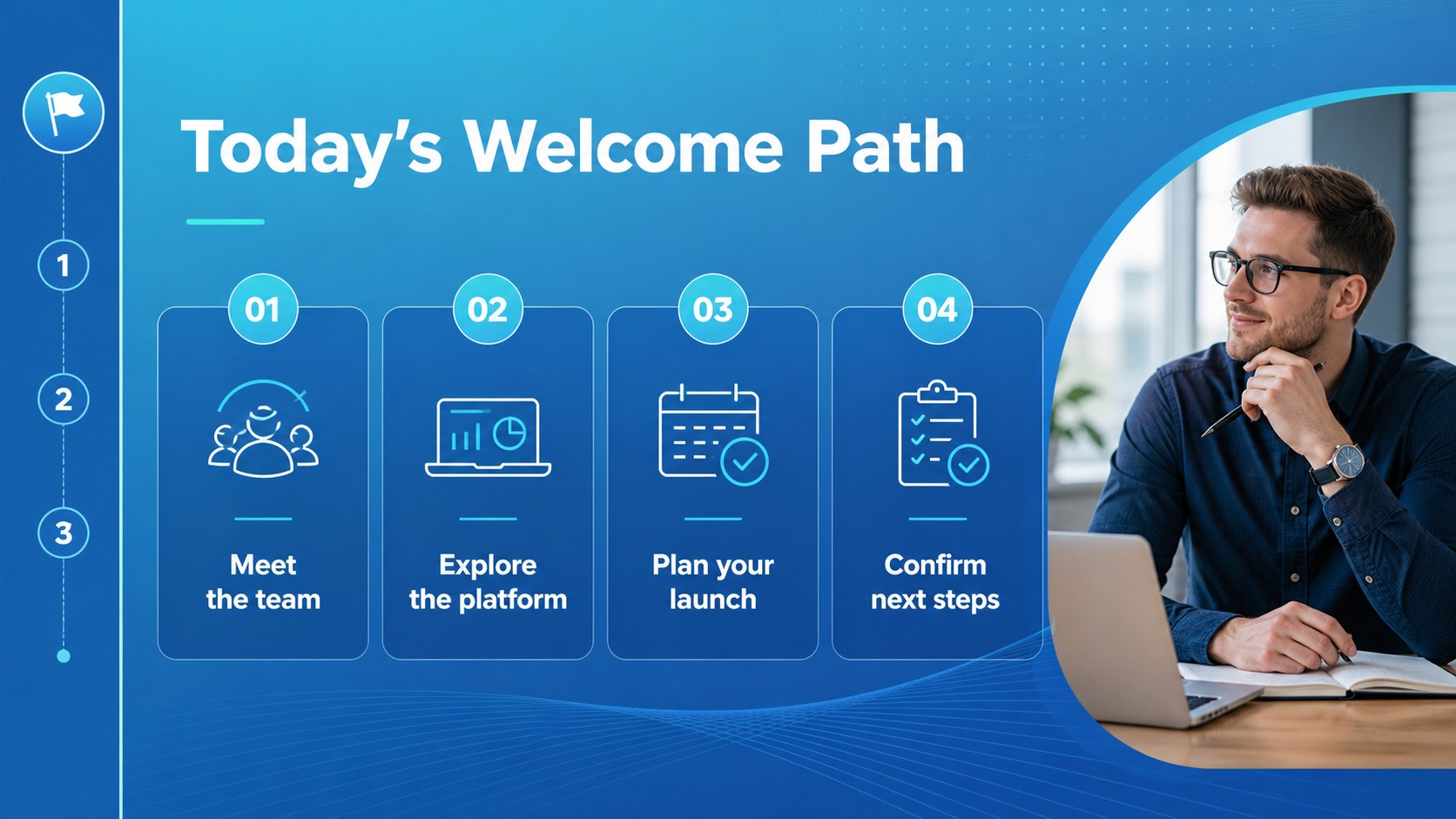
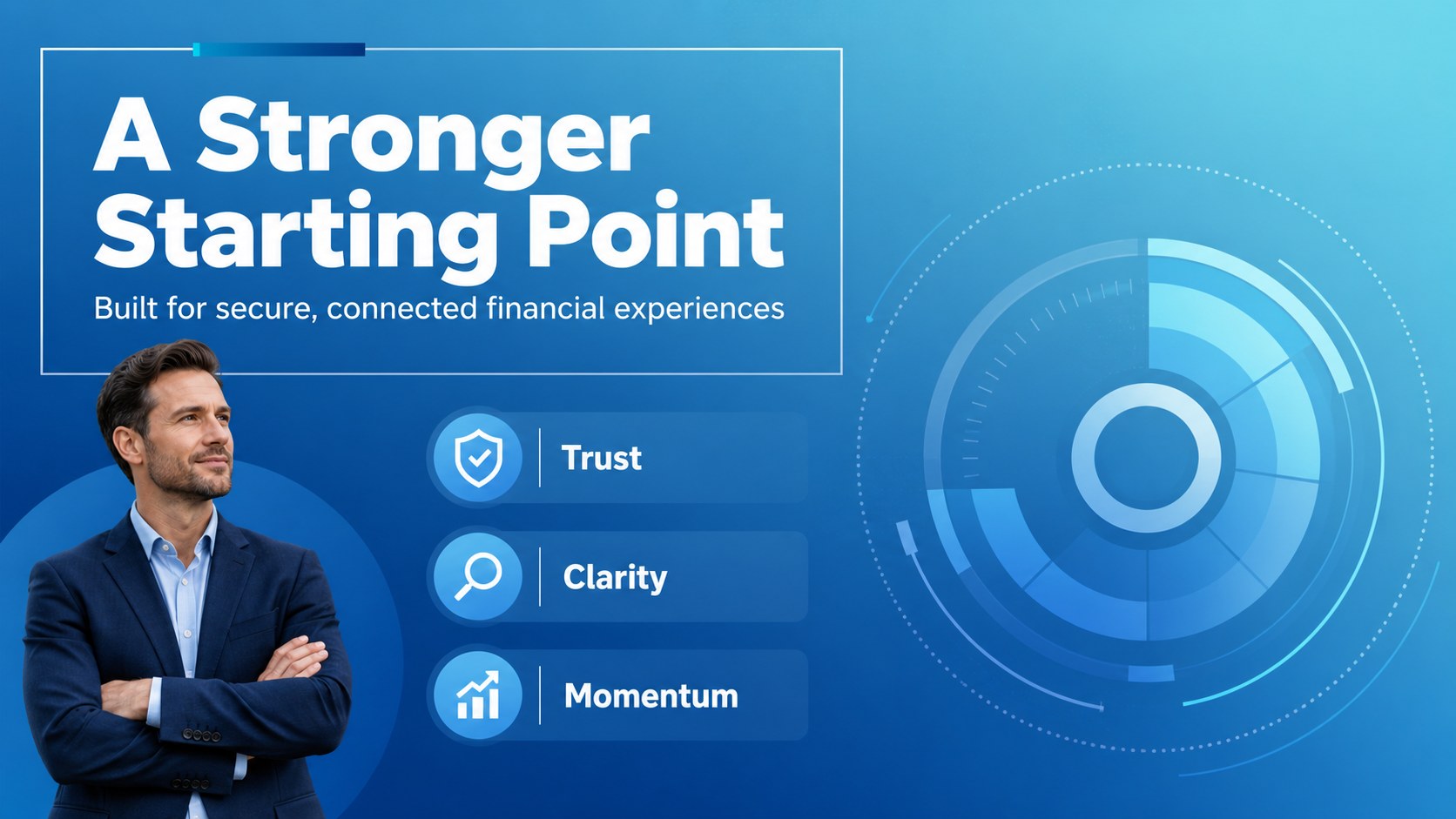
A fintech client welcome deck gives financial technology teams a structured way to introduce their platform, explain essential workflows, and establish trust from the first conversation. The modern blue palette, crisp typography, gradient accents, and geometric line details create a professional setting for customer-facing presentations without making complex information feel overwhelming.
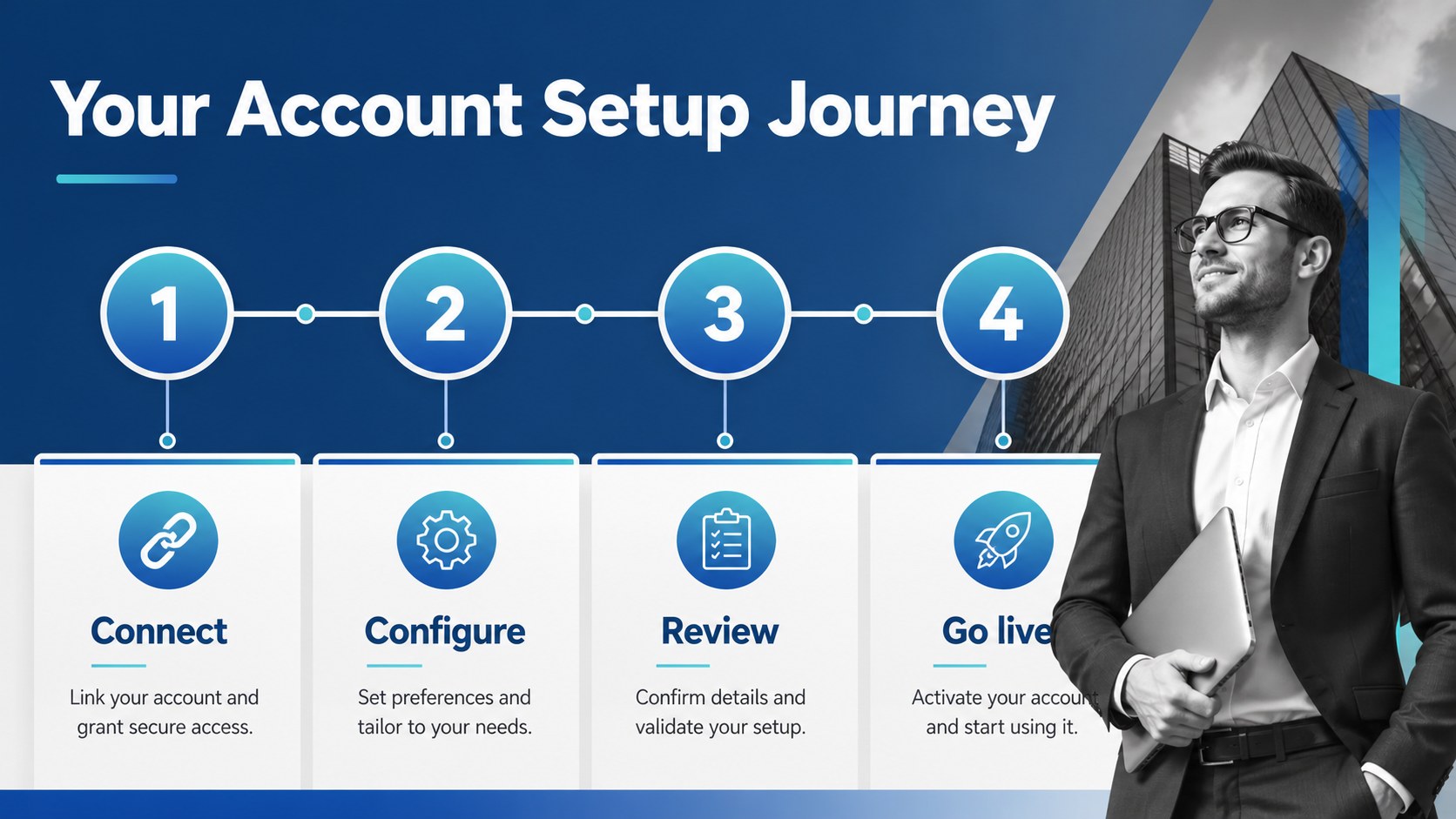
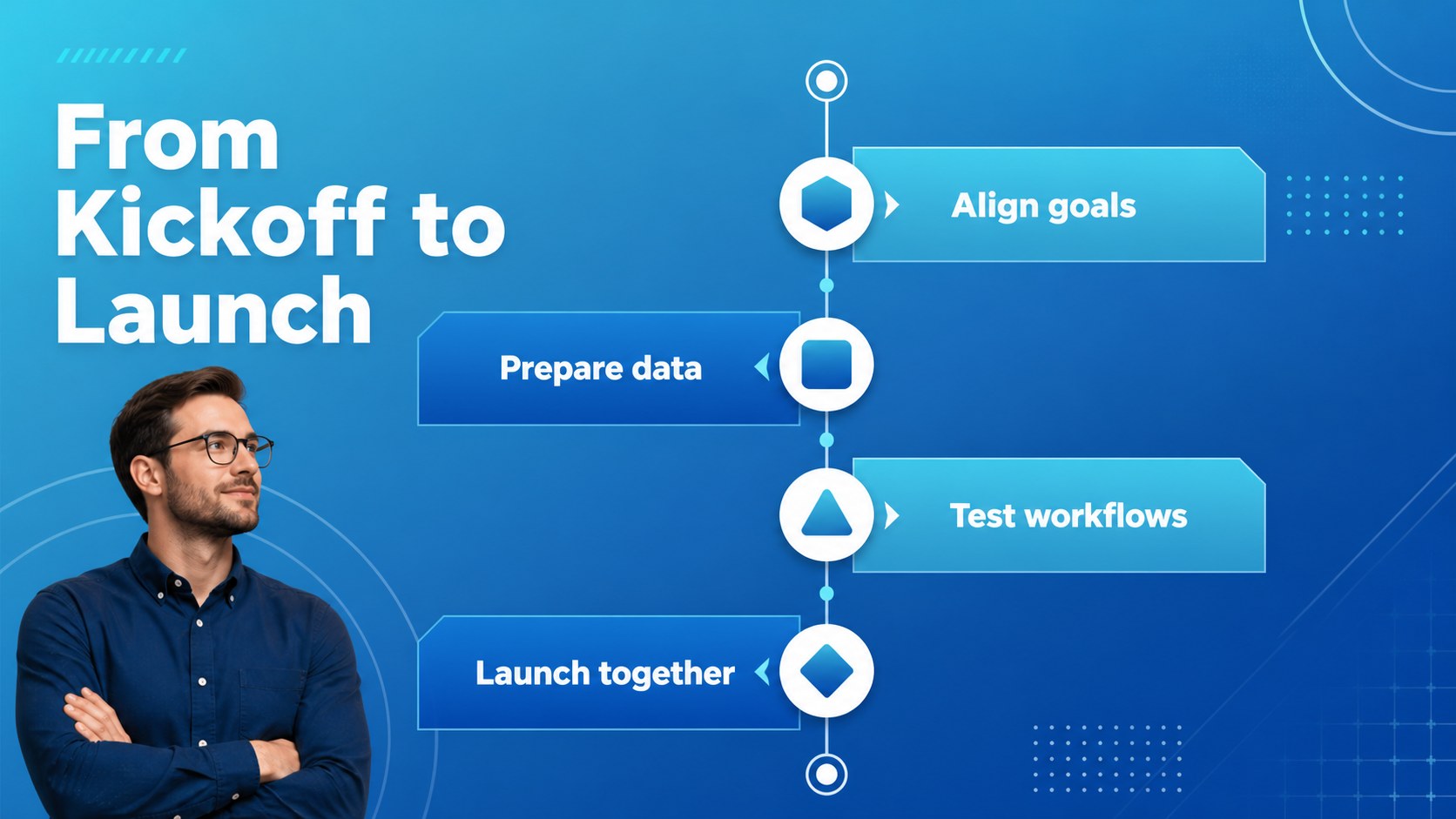
Inside, you’ll find layouts for a welcome message, company snapshot, product overview, account setup journey, security highlights, service principles, implementation milestones, support channels, team introductions, and next steps. Use the visual system to build a financial services client welcome, map a fintech onboarding workflow, or prepare a new customer kickoff presentation. Charts, diagrams, icons, frames, and editable text areas make it easy to adapt the deck to different products and audiences.
This template suits fintech startups, banks with digital services, payment providers, lending platforms, investment apps, client success teams, sales groups, and operations managers. Every slide is fully customizable in PowerPoint and Google Slides, so you can update colors, fonts, data, screenshots, and messaging while preserving a consistent corporate look. The 16:9 format works well for live meetings, remote demos, internal handoffs, and exported PDF documents.
Perfect for: new client kickoff meeting; digital banking product tour; payment platform implementation briefing; fintech sales presentation; customer success handoff; financial app team introduction.
Frequently asked questions
Can I edit this template in PowerPoint? Yes. The presentation is designed for PowerPoint with editable text, shapes, charts, icons, and color elements. Replace the sample content with your product details, customer data, and brand assets.
Practical details
Yes. The presentation is designed for PowerPoint with editable text, shapes, charts, icons, and color elements. Replace the sample content with your product details, customer data, and brand assets.
Yes, you can use the template in Google Slides and customize the layouts online. Review fonts and animations after importing, since some presentation effects may render differently between platforms.
The layouts support introductions, product tours, account setup steps, security information, implementation timelines, support details, team roles, and next actions. Rearrange or duplicate slides to match your customer journey.
Yes. Update the theme colors, gradients, and accent elements to align with your organization’s identity. Keeping one primary accent color and a consistent type hierarchy will preserve the deck’s structured visual style.
Keep exploring
15Shape your publishing concept with an indie magazine startup pitch deck featuring pastel gradients, bold collage layouts, and editable planning slides.
 16
16Build clear project stories with the Icon Grid Teamwork Theme, a flexible blue illustrated deck for proposals, strategy updates, and team meetings.
 3
3Turn priorities into an actionable plan with an annual goals roadmap infographic, featuring editable orange and teal layouts for PowerPoint and Google Slides.
 15
15Create an Annual Achievement Report Presentation with colorful geometric layouts for milestones, results, lessons, and priorities in PowerPoint or Google Slides.
 15
15Turn results into a focused annual performance evaluation report with dark 3D slides for KPIs, achievements, feedback, and next-step goals for teams.
 15
15Guide a focused annual recap with Business Results Retrospective Slides, a muted brown-and-blue template for PowerPoint and Google Slides.
 6
6Turn complex plans into clear visual stories with Color-Coded Workflow Path Slides, an editable set for project updates, roadmaps, and team briefings.
 6
6Compare regional performance at a glance with Global Data Heatmap Slides, a clean multicolor deck designed for editable PowerPoint and Google Slides.