
 15
15presentation
Indie Magazine Startup Pitch Deck
Shape your publishing concept with an indie magazine startup pitch deck featuring pastel gradients, bold collage layouts, and editable planning slides.
Google SlidesPowerPoint
presentation · English
Run a cleaner reporting cycle with this financial close checklist deck for PowerPoint and Google Slides, built for reconciliations, reviews, and sign-off.
Design notes
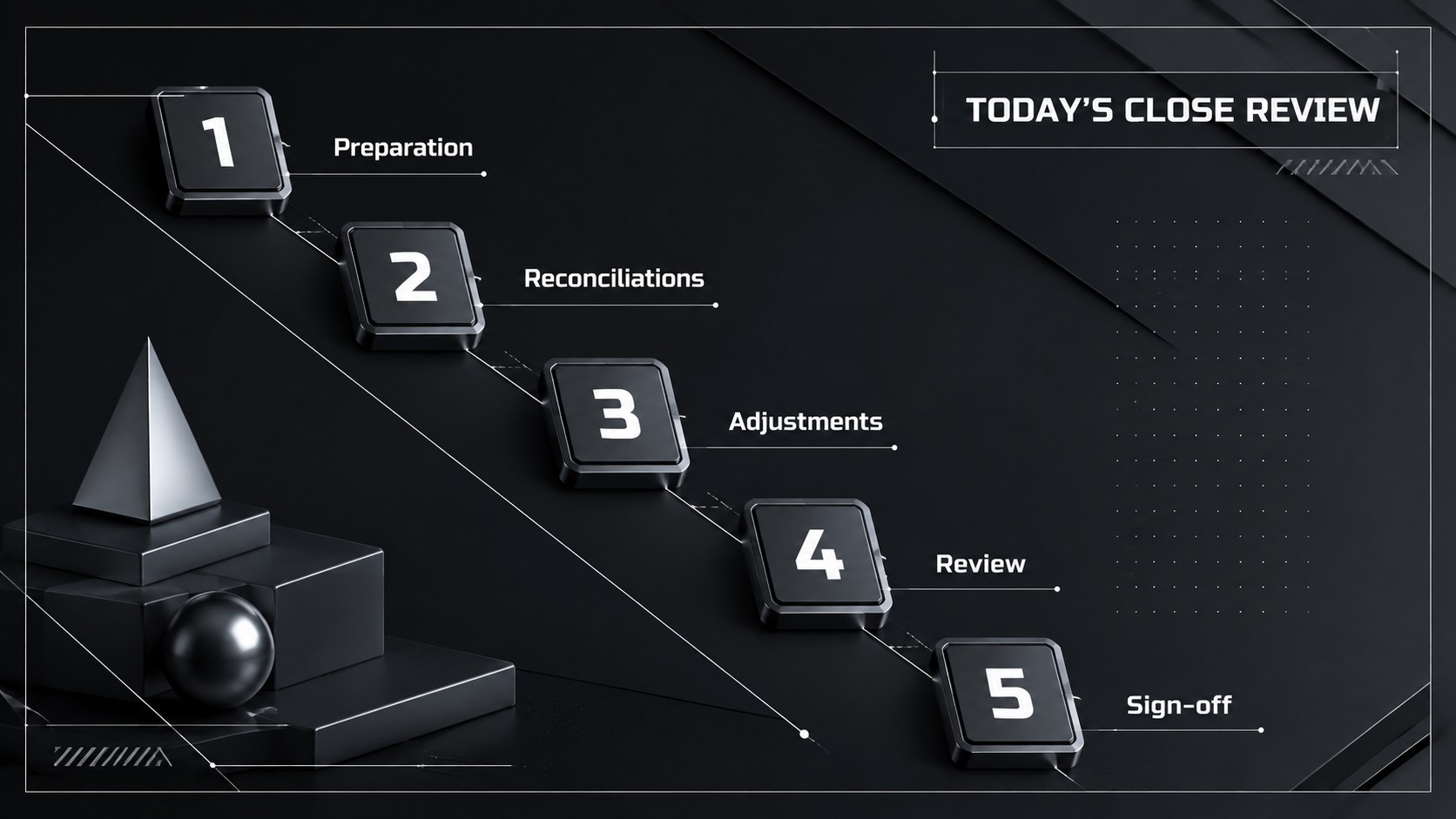
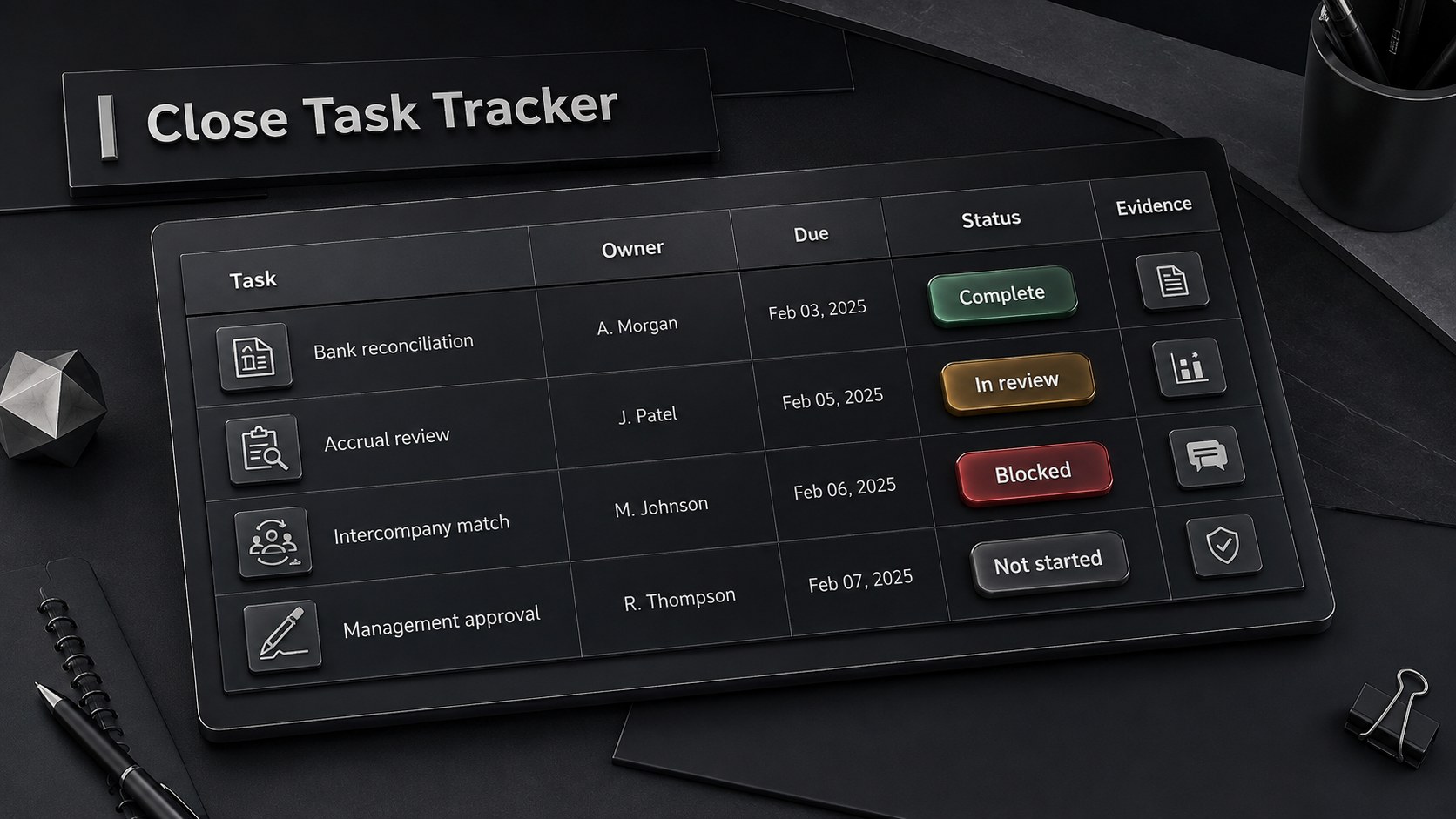
Bring structure to a demanding reporting cycle with the Financial Close Checklist Deck. Designed for PowerPoint and Google Slides, this dark, creative presentation turns detailed closing tasks into a clear visual sequence. Use it to assign responsibilities, monitor outstanding items, document approvals, and keep stakeholders informed without crowding each slide with accounting detail.
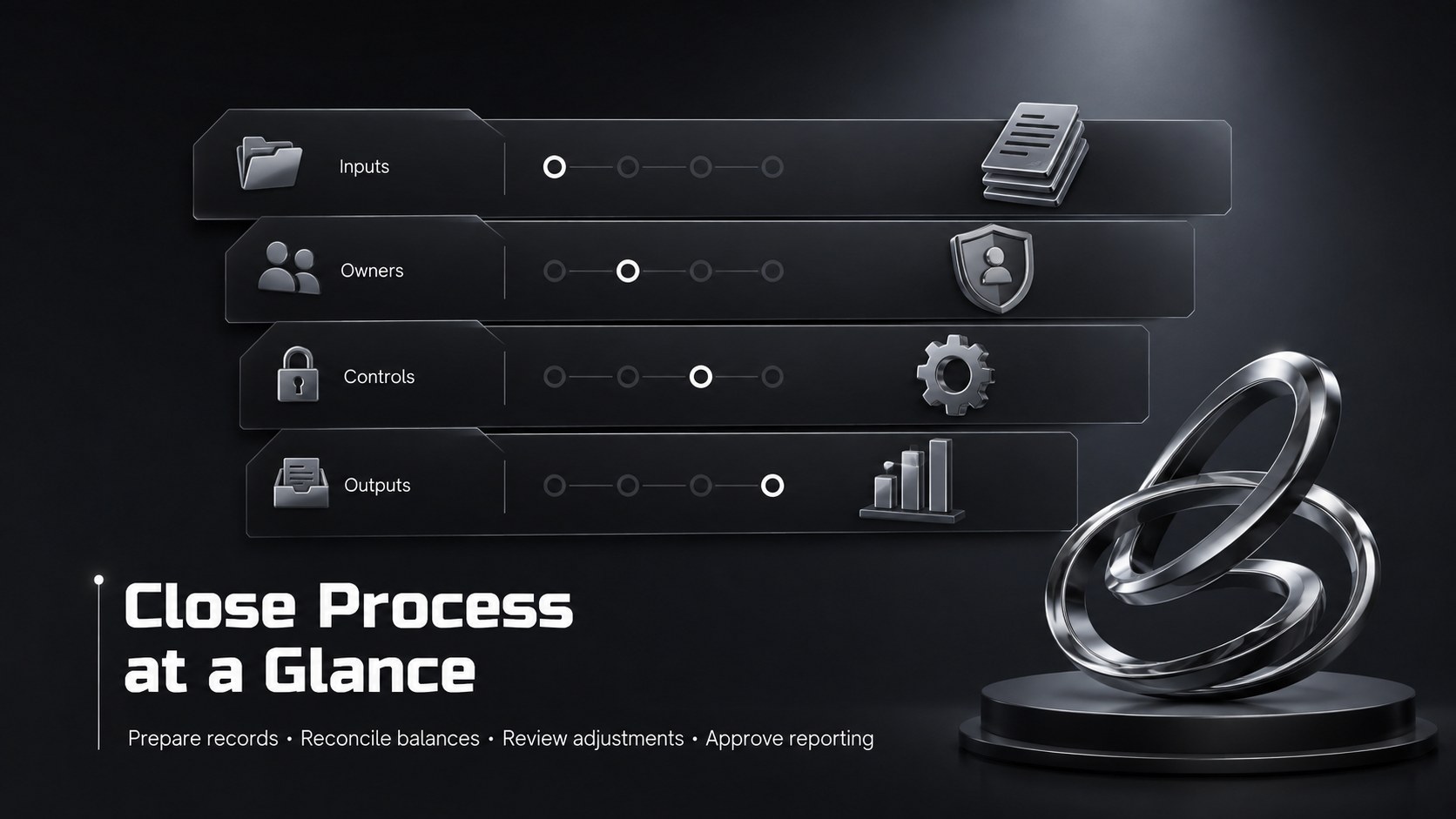
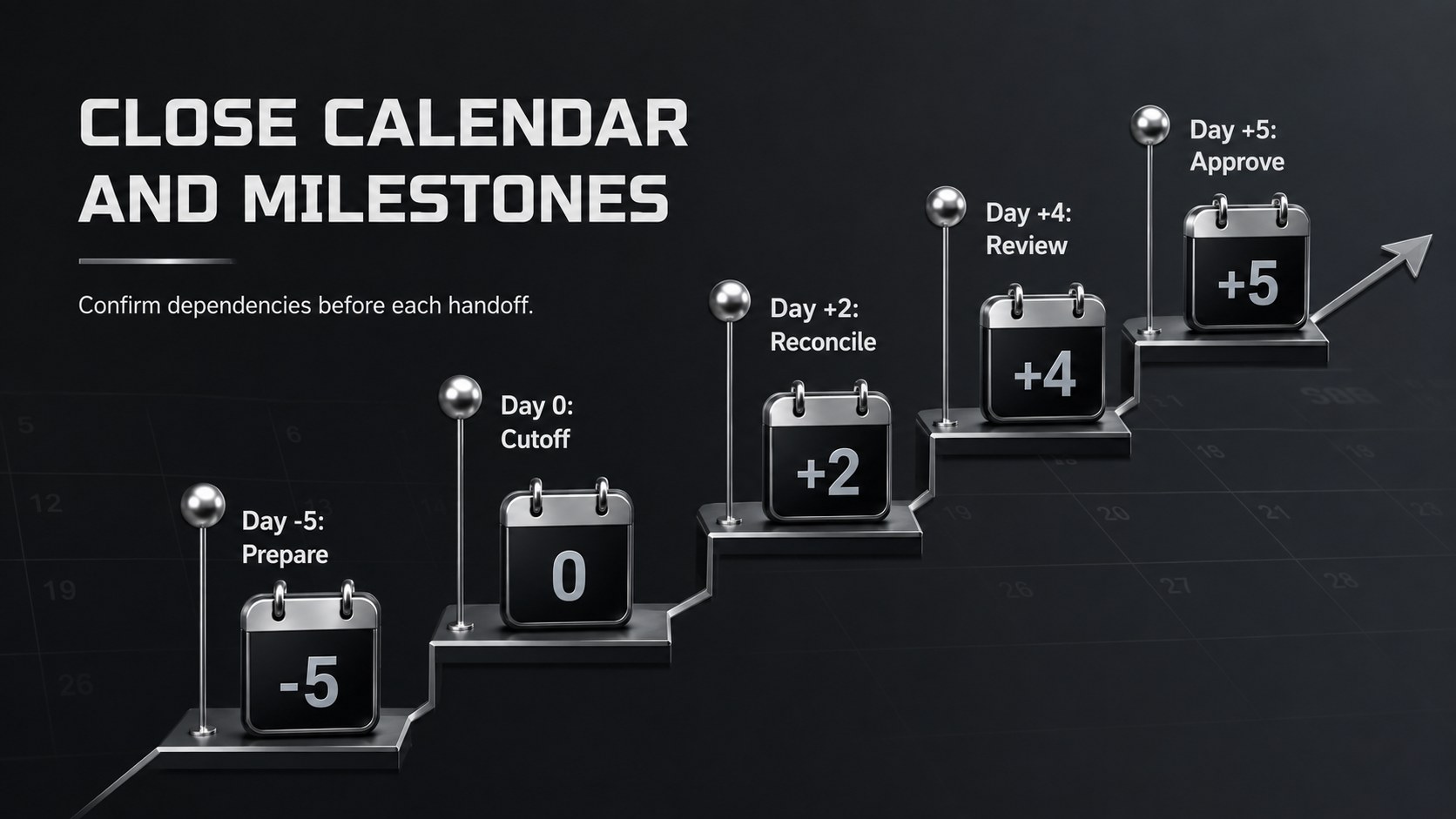
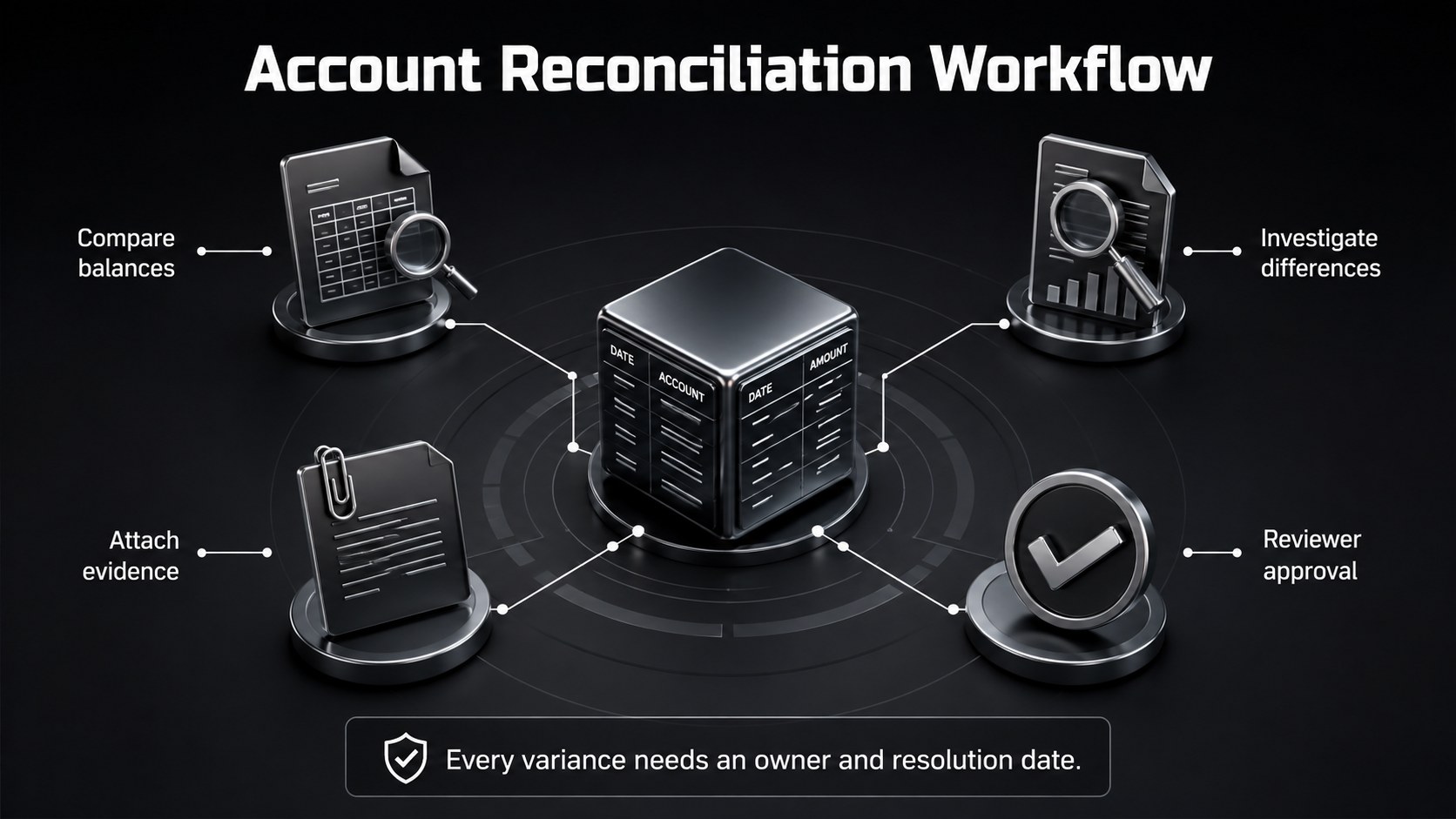
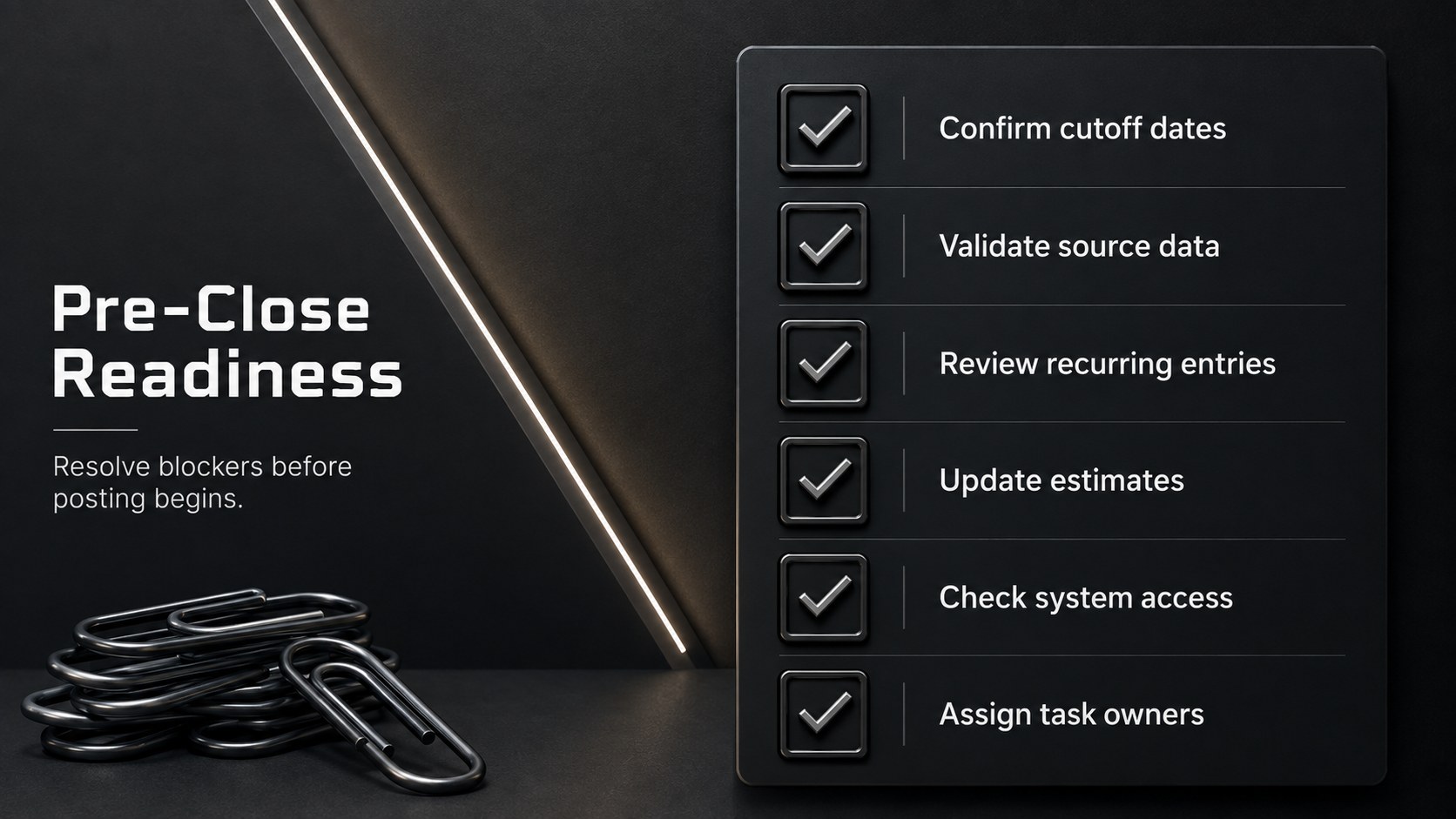
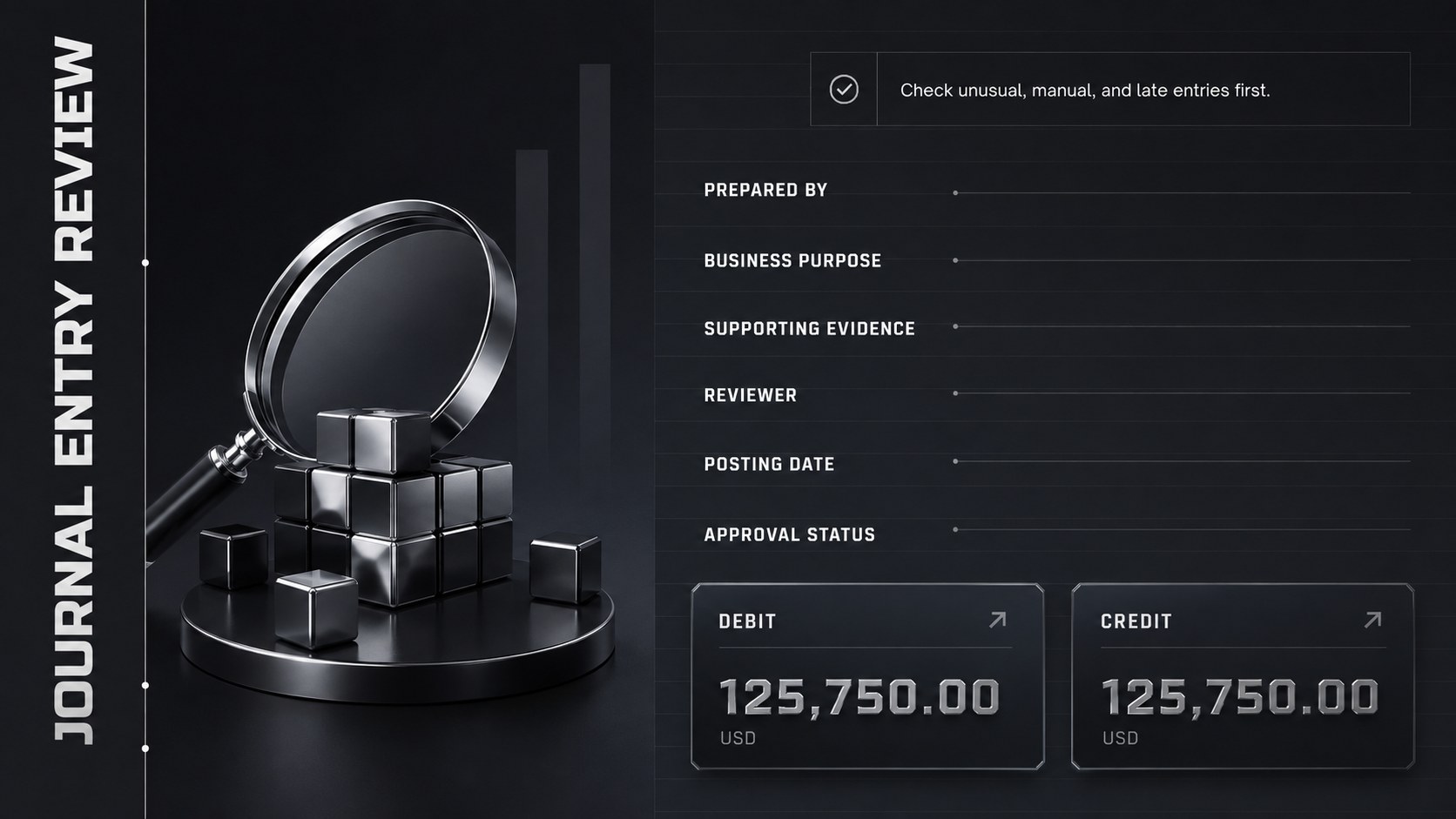
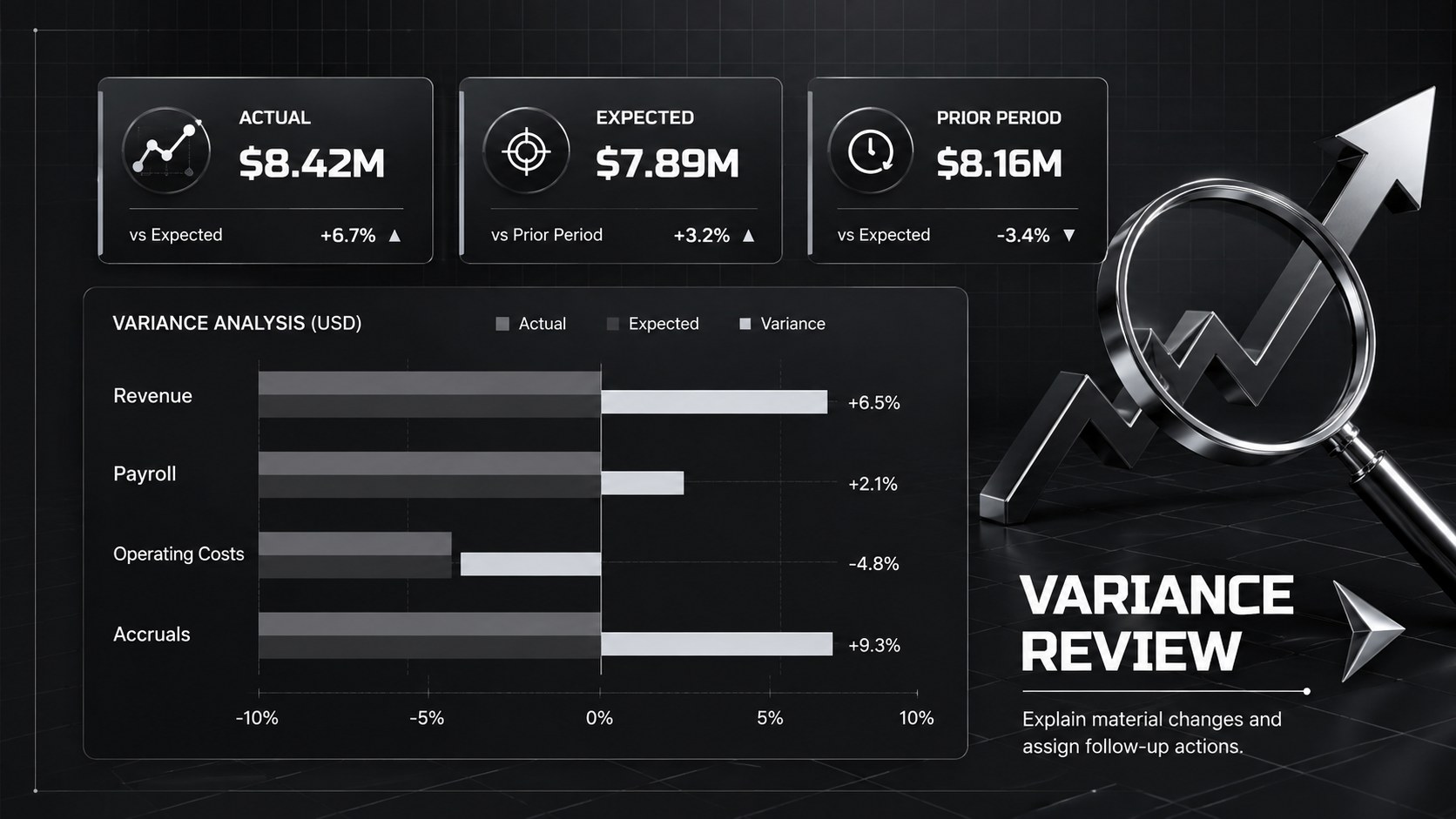
The deck includes layouts for a close calendar, account reconciliation workflow slides, journal entry reviews, variance summaries, audit requests, risk tracking, and final sign-off. Checklist pages make ownership and completion status easy to scan, while timeline, chart, and dashboard layouts support a month end and year end close presentation. Sleek black backgrounds, dimensional graphics, strong typography, and restrained contrast give the material a focused, professional character.
Controllers, accountants, finance managers, auditors, and operations leaders can adapt the slides for recurring close meetings, executive updates, or process improvement workshops. The layouts also work as a financial reporting sign off template when teams need a consistent record of reviews and approvals. Edit the wording, colors, tables, charts, and task categories to reflect your organization’s systems and policies. The 16:9 format is suited to conference rooms, virtual meetings, and exported PDF reports, helping teams communicate progress from preliminary preparation through final reporting.
Perfect for: year-end close kickoff; monthly reconciliation review; audit readiness meeting; controller progress update; financial reporting sign-off; close process improvement workshop.
Frequently asked questions
Can I edit every checklist and reporting section? Yes. You can replace the tasks, owners, deadlines, status labels, tables, and supporting notes to match your close process. Charts and visual elements can also be adjusted for your reporting structure.
Practical details
Yes. You can replace the tasks, owners, deadlines, status labels, tables, and supporting notes to match your close process. Charts and visual elements can also be adjusted for your reporting structure.
The template is designed for Microsoft PowerPoint and Google Slides. Some fonts, transitions, or spacing may render slightly differently between the two platforms, so review the deck after importing it.
Yes. The layouts are flexible enough for recurring monthly reviews, quarter-end reporting, and more detailed annual close procedures. Remove or duplicate slides based on the number of accounts, teams, and approval stages involved.
Update the theme colors, typography, 3D accents, and chart fills from the presentation editor. Keep strong contrast between text and the black background so financial data remains legible in meetings and exported files.
Keep exploring
15Shape your publishing concept with an indie magazine startup pitch deck featuring pastel gradients, bold collage layouts, and editable planning slides.
 16
16Build clear project stories with the Icon Grid Teamwork Theme, a flexible blue illustrated deck for proposals, strategy updates, and team meetings.
 3
3Turn priorities into an actionable plan with an annual goals roadmap infographic, featuring editable orange and teal layouts for PowerPoint and Google Slides.
 15
15Create an Annual Achievement Report Presentation with colorful geometric layouts for milestones, results, lessons, and priorities in PowerPoint or Google Slides.
 15
15Turn results into a focused annual performance evaluation report with dark 3D slides for KPIs, achievements, feedback, and next-step goals for teams.
 15
15Guide a focused annual recap with Business Results Retrospective Slides, a muted brown-and-blue template for PowerPoint and Google Slides.
 6
6Turn complex plans into clear visual stories with Color-Coded Workflow Path Slides, an editable set for project updates, roadmaps, and team briefings.
 6
6Compare regional performance at a glance with Global Data Heatmap Slides, a clean multicolor deck designed for editable PowerPoint and Google Slides.