
 15
15presentation
Indie Magazine Startup Pitch Deck
Shape your publishing concept with an indie magazine startup pitch deck featuring pastel gradients, bold collage layouts, and editable planning slides.
Google SlidesPowerPoint
presentation · English
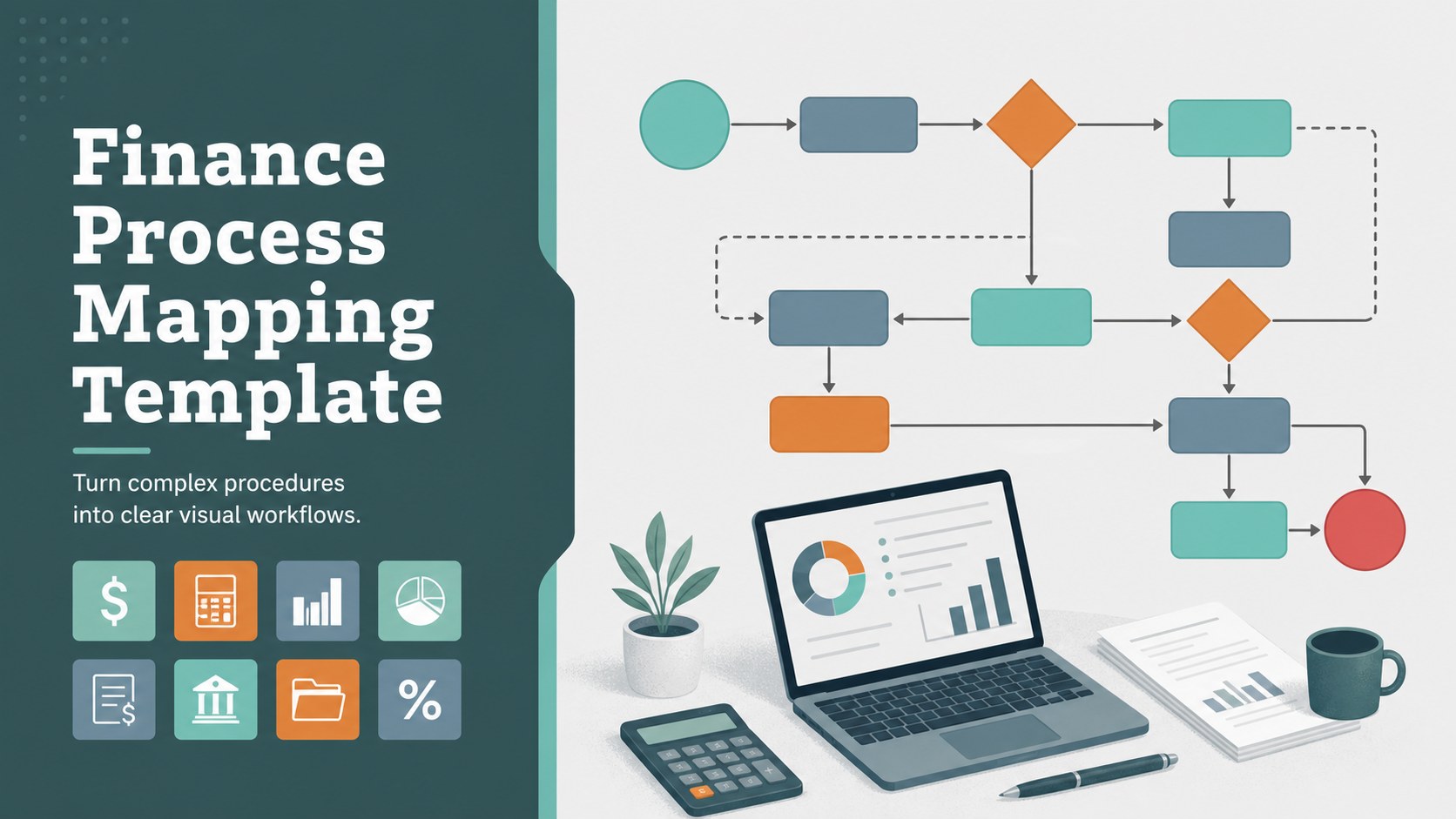
Build a clear finance process mapping template for monthly close reviews, client briefings, and team training with editable slides, charts, and illustrations.
Design notes
Make financial operations easier to follow with a colorful, illustration-led deck for mapping tasks, handoffs, and reporting stages. The finance process mapping template helps accounting teams turn detailed procedures into a visual narrative that works for internal reviews, onboarding, and client communication. Its restrained grey foundation and multicolored accents keep information structured while giving each section enough energy to hold attention.
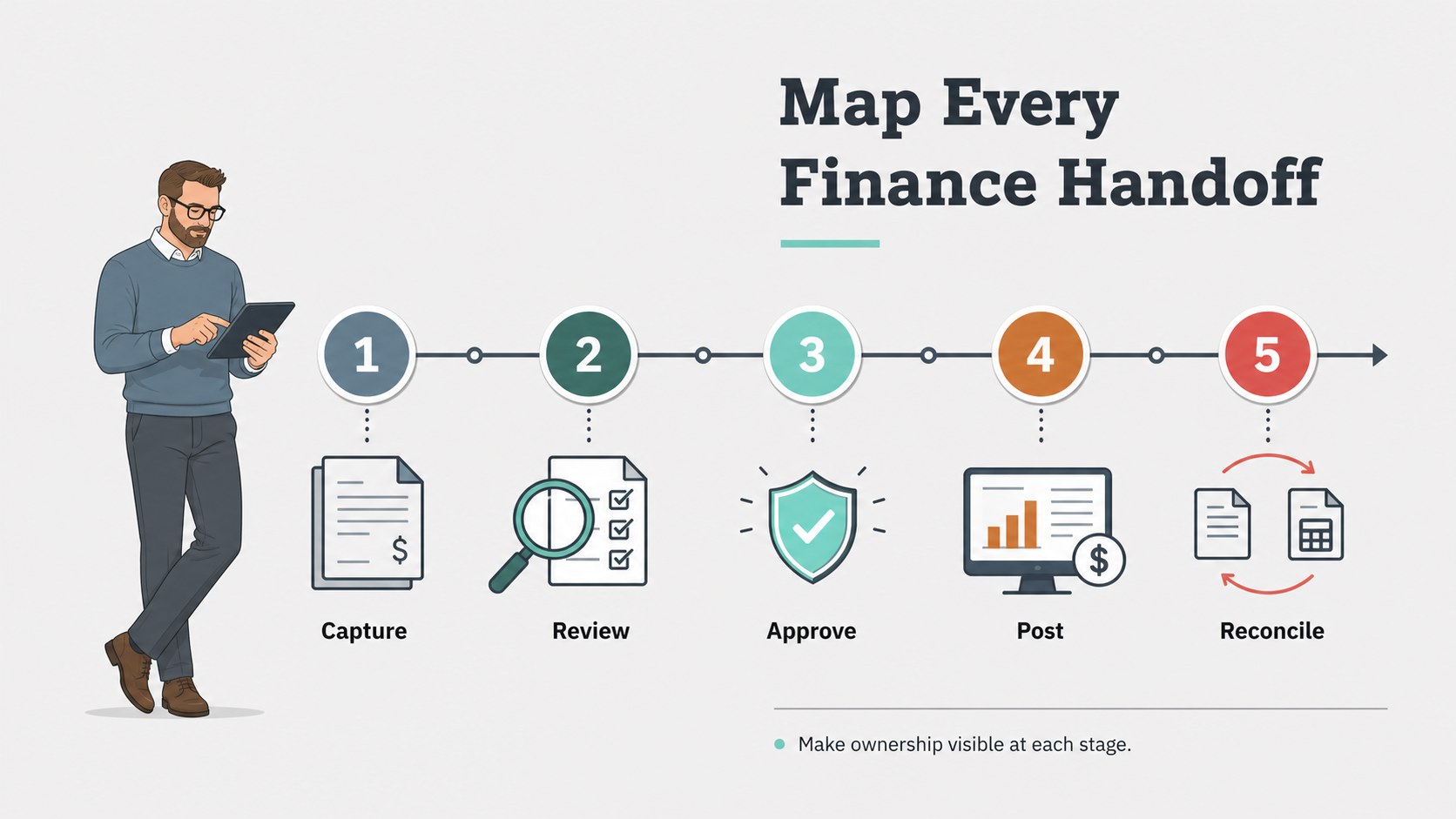
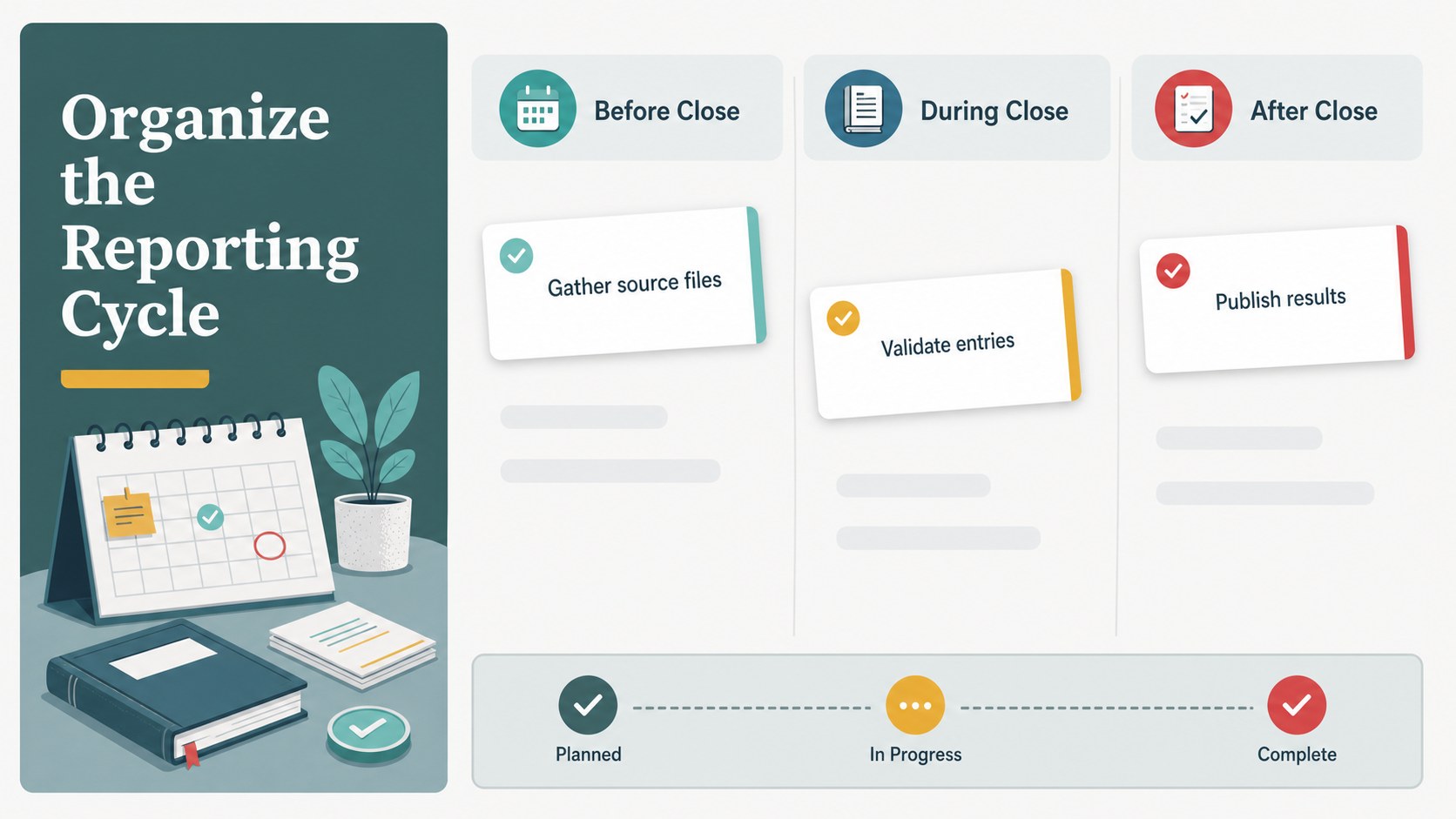
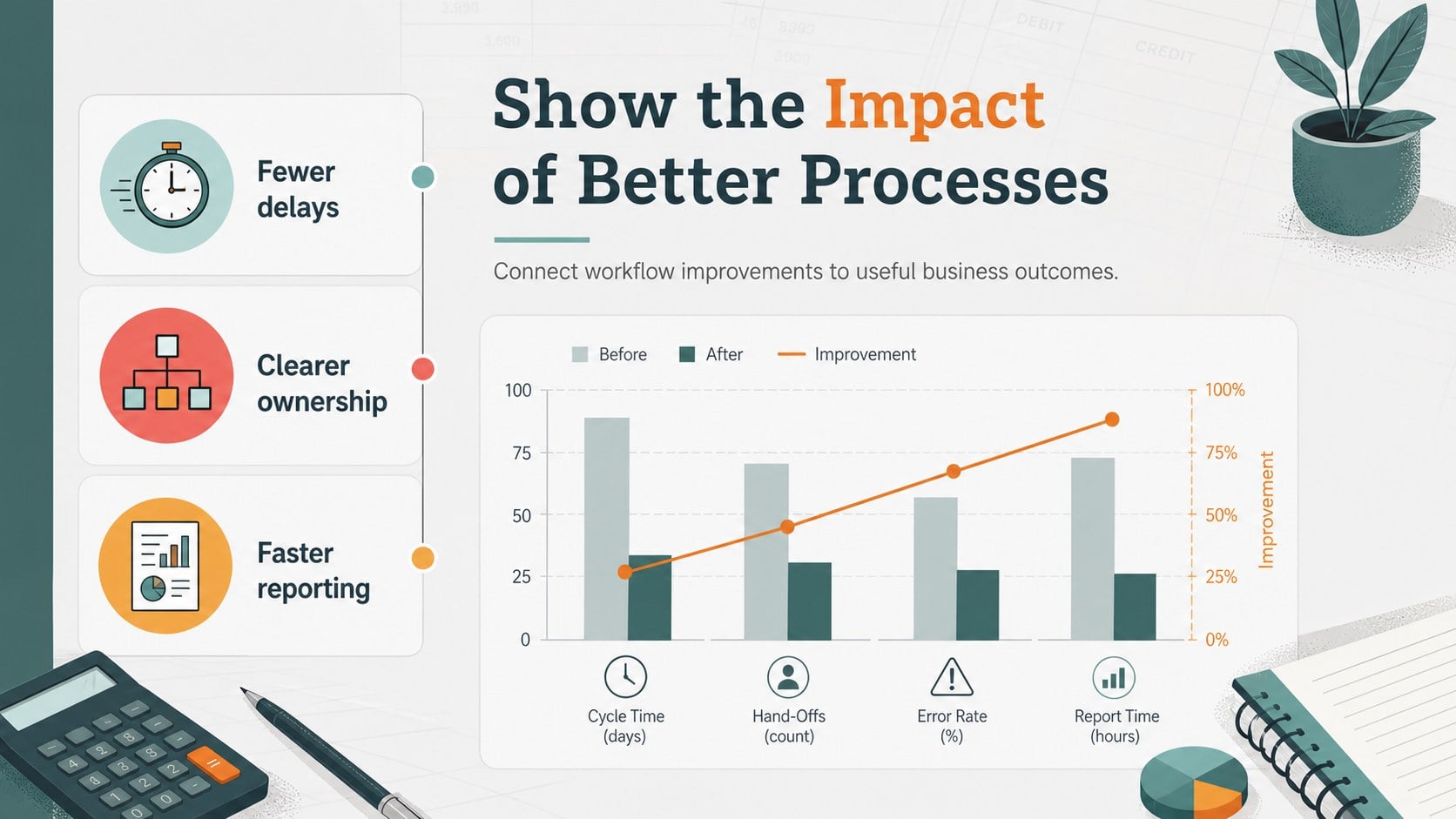
Inside, you will find four editable infographic layouts for documenting process stages, assigning responsibilities, highlighting checkpoints, and summarizing outcomes. Use the layouts to build an accounts payable workflow diagram, explain a monthly close presentation, or compare the movement of figures across a reporting cycle. Charts, arrows, frames, icons, and shapes can be rearranged to suit different departments and levels of detail.
The template is available for Google Slides and PowerPoint, so teams can work in the platform they already use. Finance managers, bookkeepers, analysts, consultants, and educators can adapt the typography, colors, labels, and examples without rebuilding the visual system. Animation and transition options support live delivery, while speaker notes help presenters prepare talking points. Use it for team training, process documentation, audit preparation, or a concise client-facing briefing.
Perfect for: accounting team training; monthly close review; client process briefing; audit preparation; bookkeeping onboarding.
Frequently asked questions
Can I edit this finance process mapping template in Google Slides? Yes. The template is designed for Google Slides and PowerPoint. You can modify text, colors, shapes, charts, and illustrations in the supported platform.
Practical details
Yes. The template is designed for Google Slides and PowerPoint. You can modify text, colors, shapes, charts, and illustrations in the supported platform.
Yes. Use the layouts to show responsibilities, approvals, handoffs, checkpoints, and reporting stages. It works for bookkeeping instructions, close procedures, and finance operations documentation.
Yes. Replace the sample palette with your organization’s colors and adjust the type styles to match your brand. The grey base and colorful accents can also be simplified for a more formal presentation.
You can use the deck in Google Slides or PowerPoint. It is also suitable for exporting to PDF when you need a static process handout or client briefing document.
Keep exploring
15Shape your publishing concept with an indie magazine startup pitch deck featuring pastel gradients, bold collage layouts, and editable planning slides.
 16
16Build clear project stories with the Icon Grid Teamwork Theme, a flexible blue illustrated deck for proposals, strategy updates, and team meetings.
 3
3Turn priorities into an actionable plan with an annual goals roadmap infographic, featuring editable orange and teal layouts for PowerPoint and Google Slides.
 15
15Create an Annual Achievement Report Presentation with colorful geometric layouts for milestones, results, lessons, and priorities in PowerPoint or Google Slides.
 15
15Turn results into a focused annual performance evaluation report with dark 3D slides for KPIs, achievements, feedback, and next-step goals for teams.
 15
15Guide a focused annual recap with Business Results Retrospective Slides, a muted brown-and-blue template for PowerPoint and Google Slides.
 6
6Turn complex plans into clear visual stories with Color-Coded Workflow Path Slides, an editable set for project updates, roadmaps, and team briefings.
 6
6Compare regional performance at a glance with Global Data Heatmap Slides, a clean multicolor deck designed for editable PowerPoint and Google Slides.