
 15
15presentation
Indie Magazine Startup Pitch Deck
Shape your publishing concept with an indie magazine startup pitch deck featuring pastel gradients, bold collage layouts, and editable planning slides.
Google SlidesPowerPoint
presentation · English
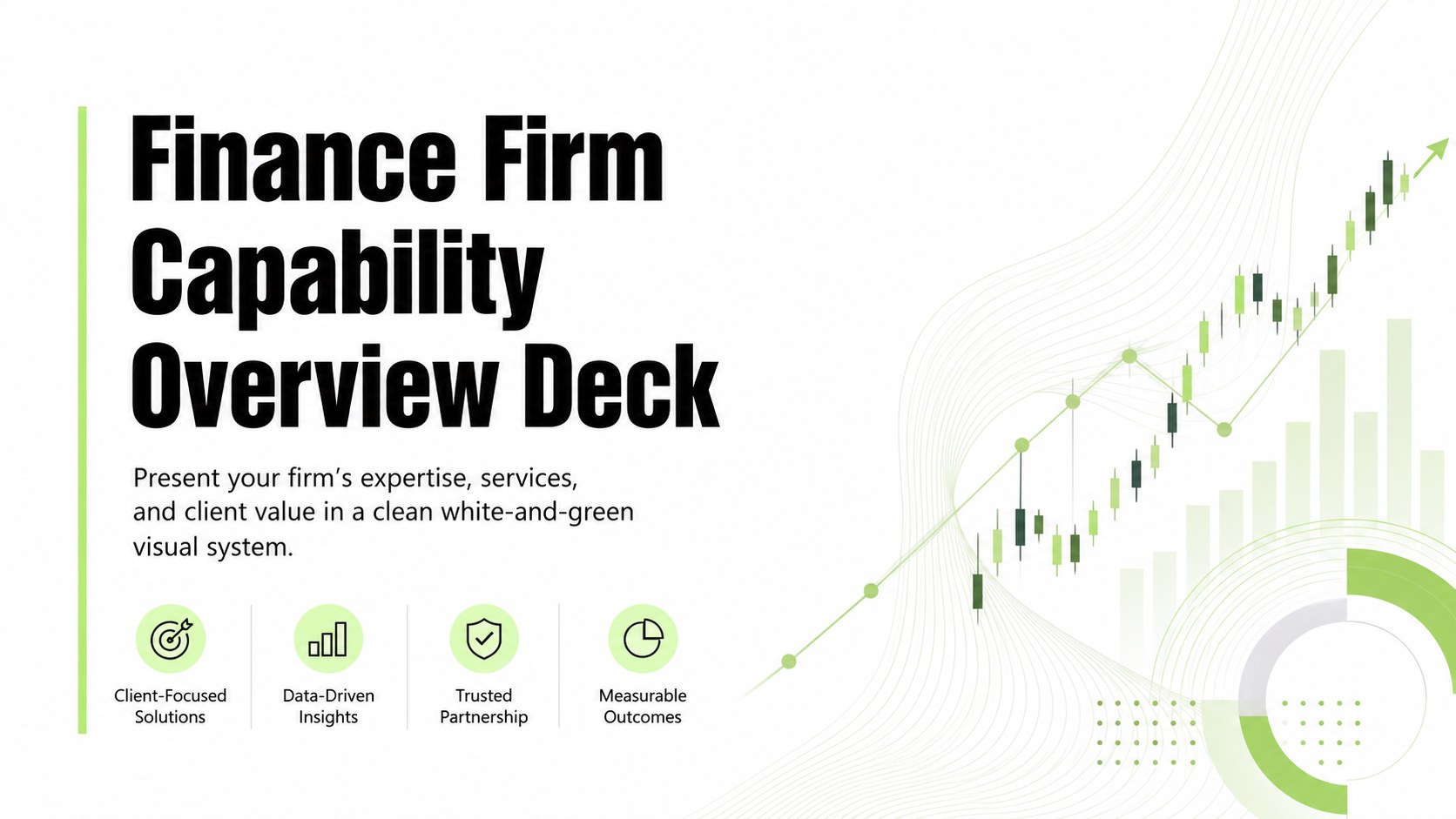
Build a finance firm capability deck for client pitches, service overviews, and annual reviews with a crisp white-and-green layout that is easy to edit.
Design notes
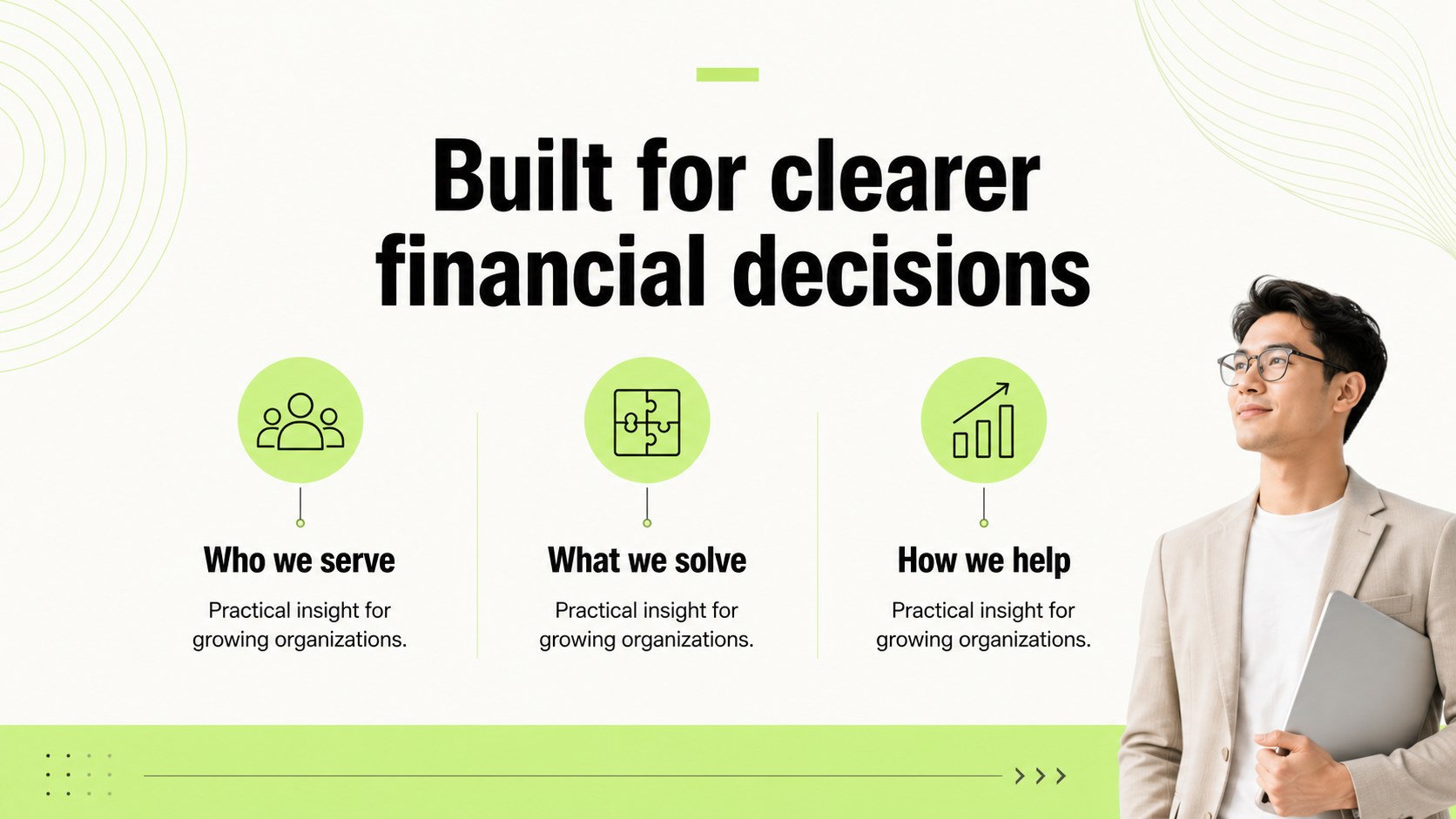
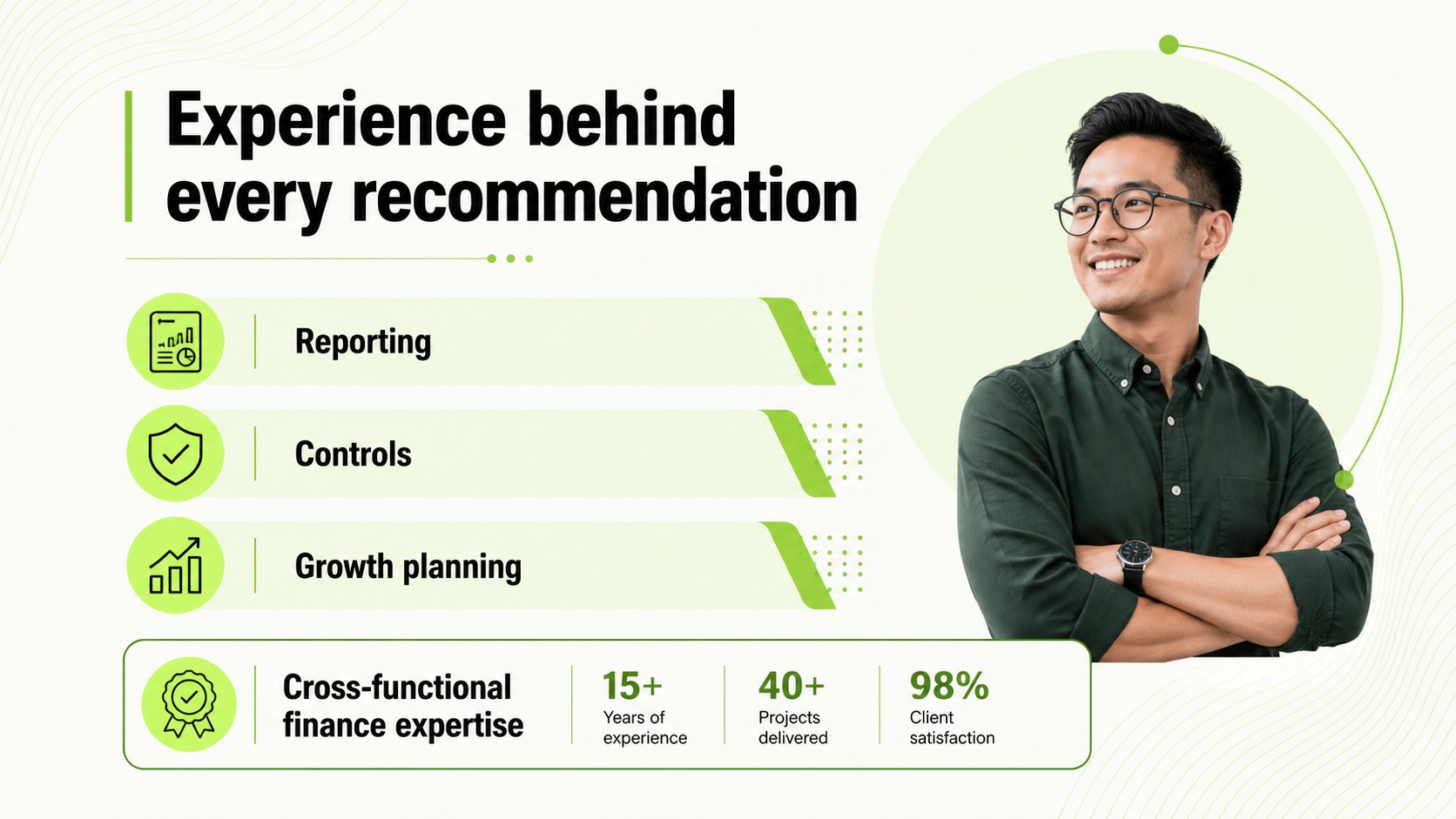
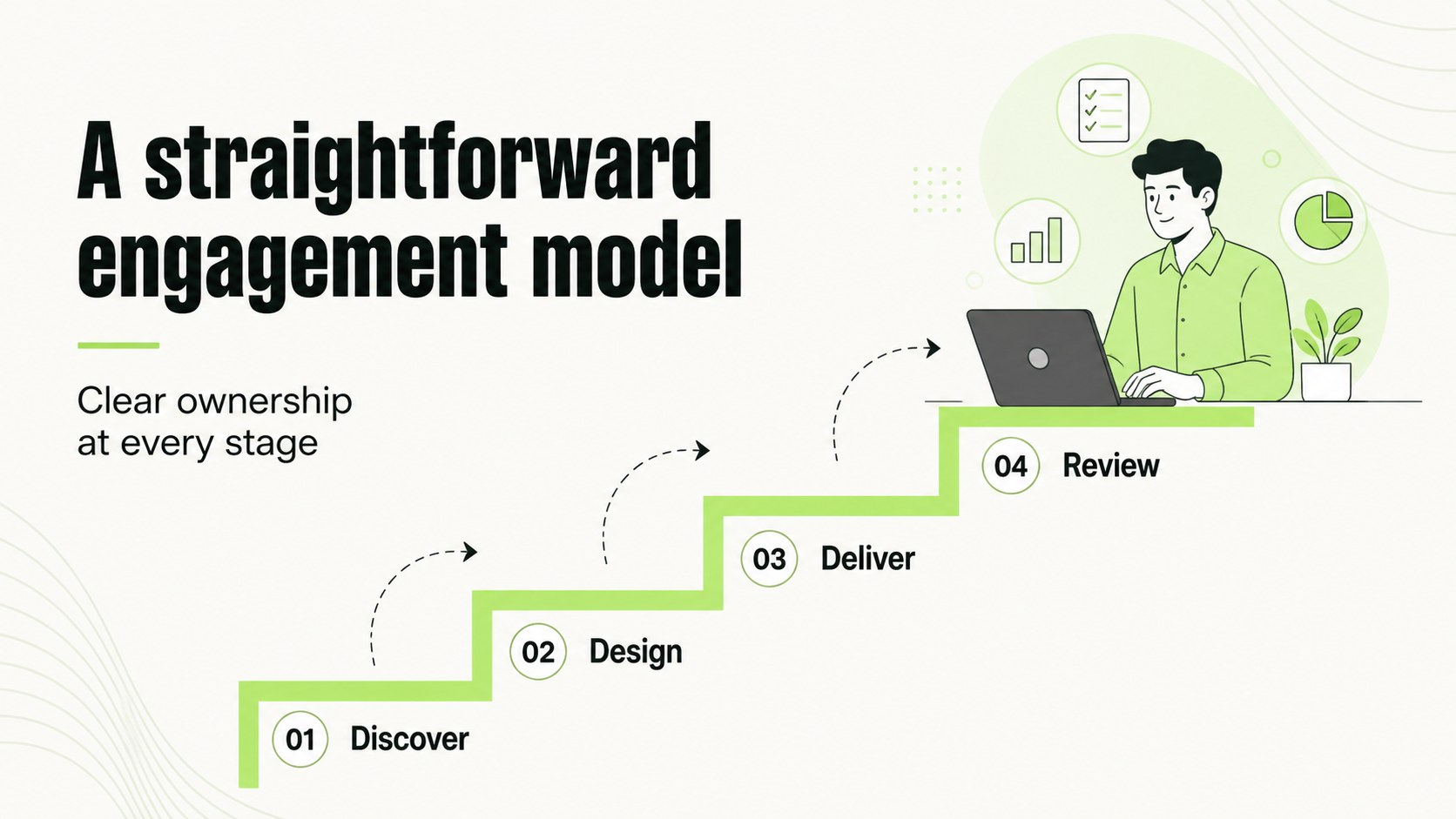
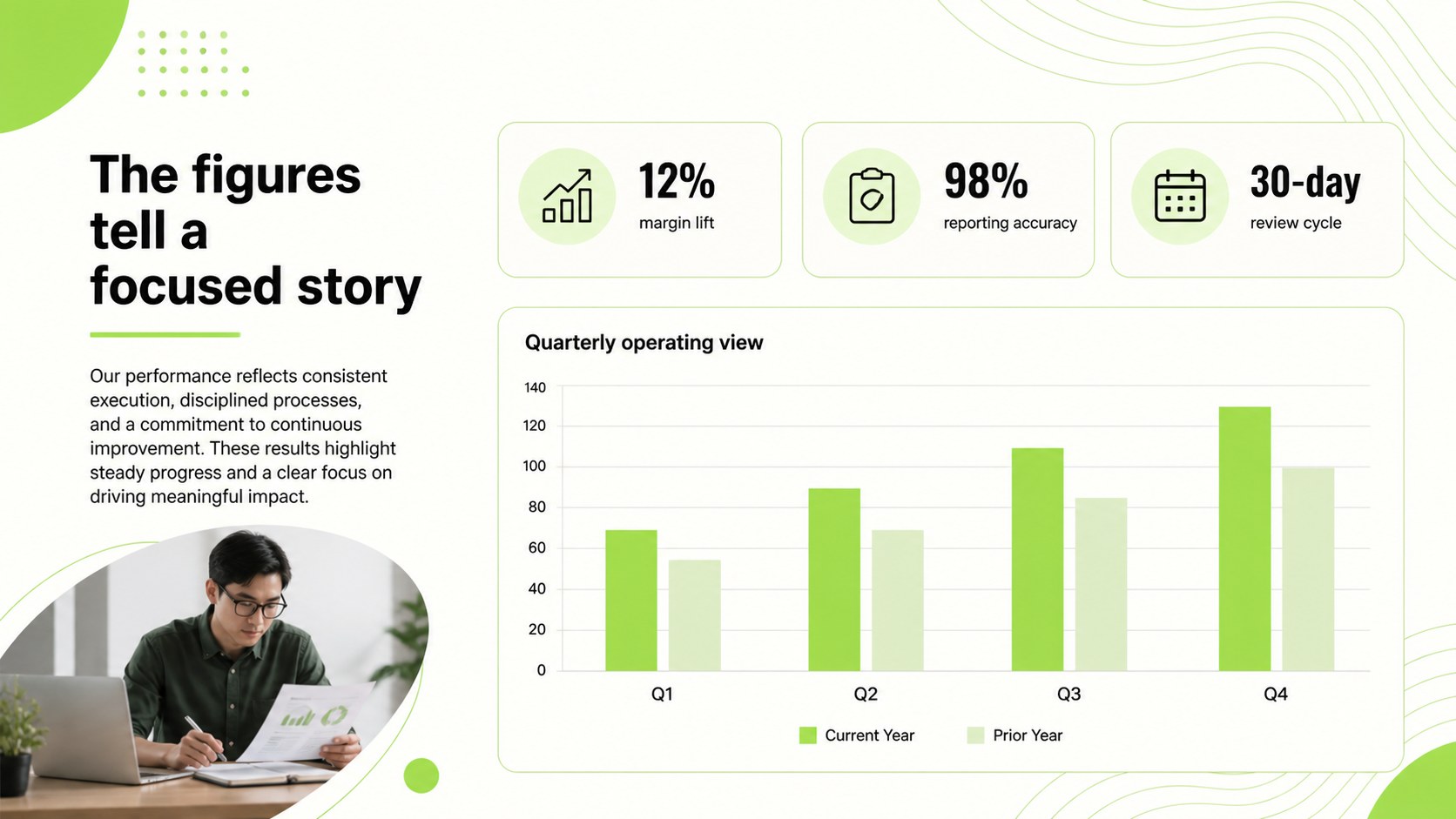
A finance firm capability deck gives accounting practices, advisory groups, and financial consultants a polished way to explain what they do and why clients should choose them. The restrained white-and-green design combines fine line accents, open spacing, and structured information blocks for a presentation that feels current without losing corporate credibility.
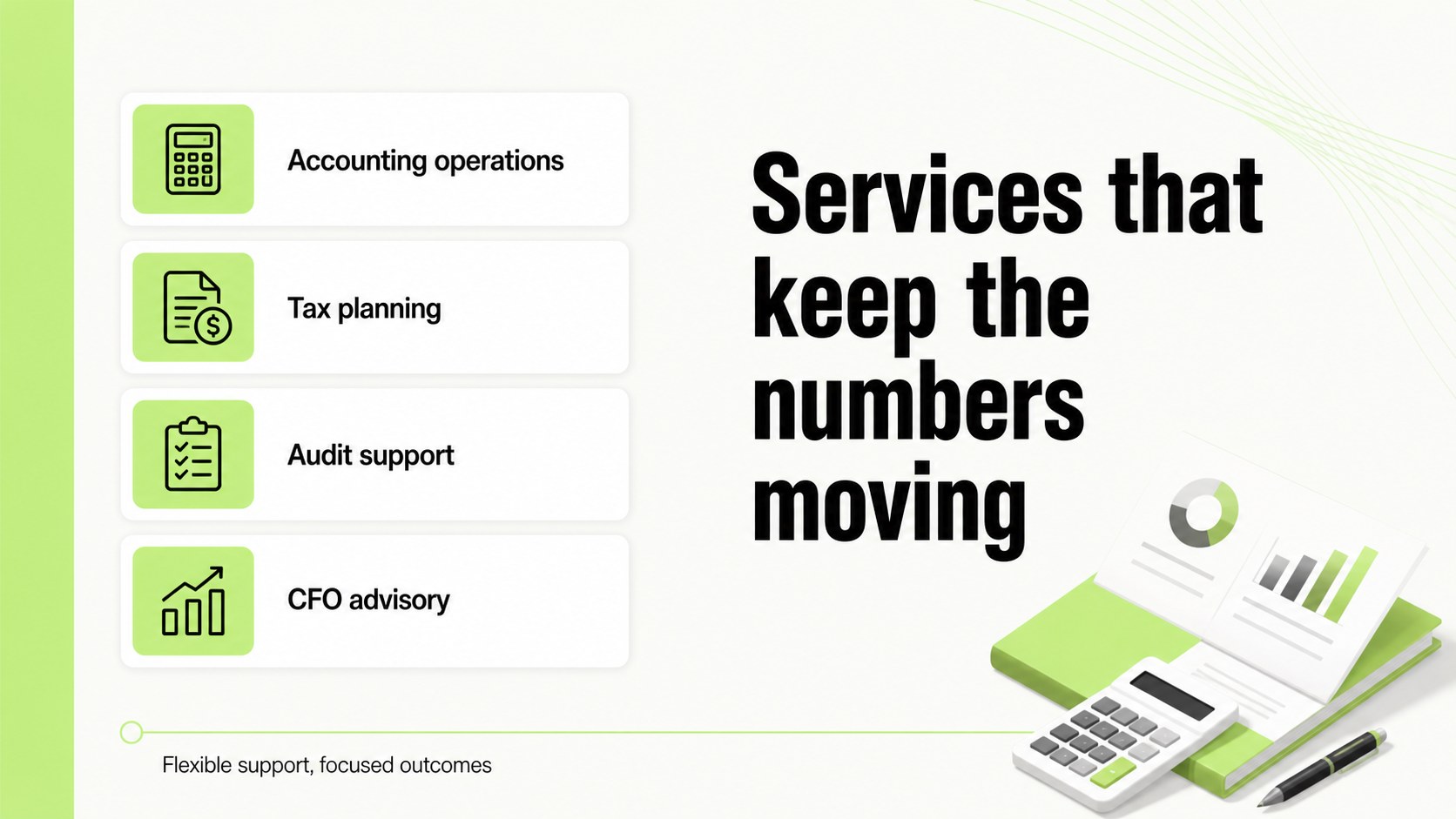
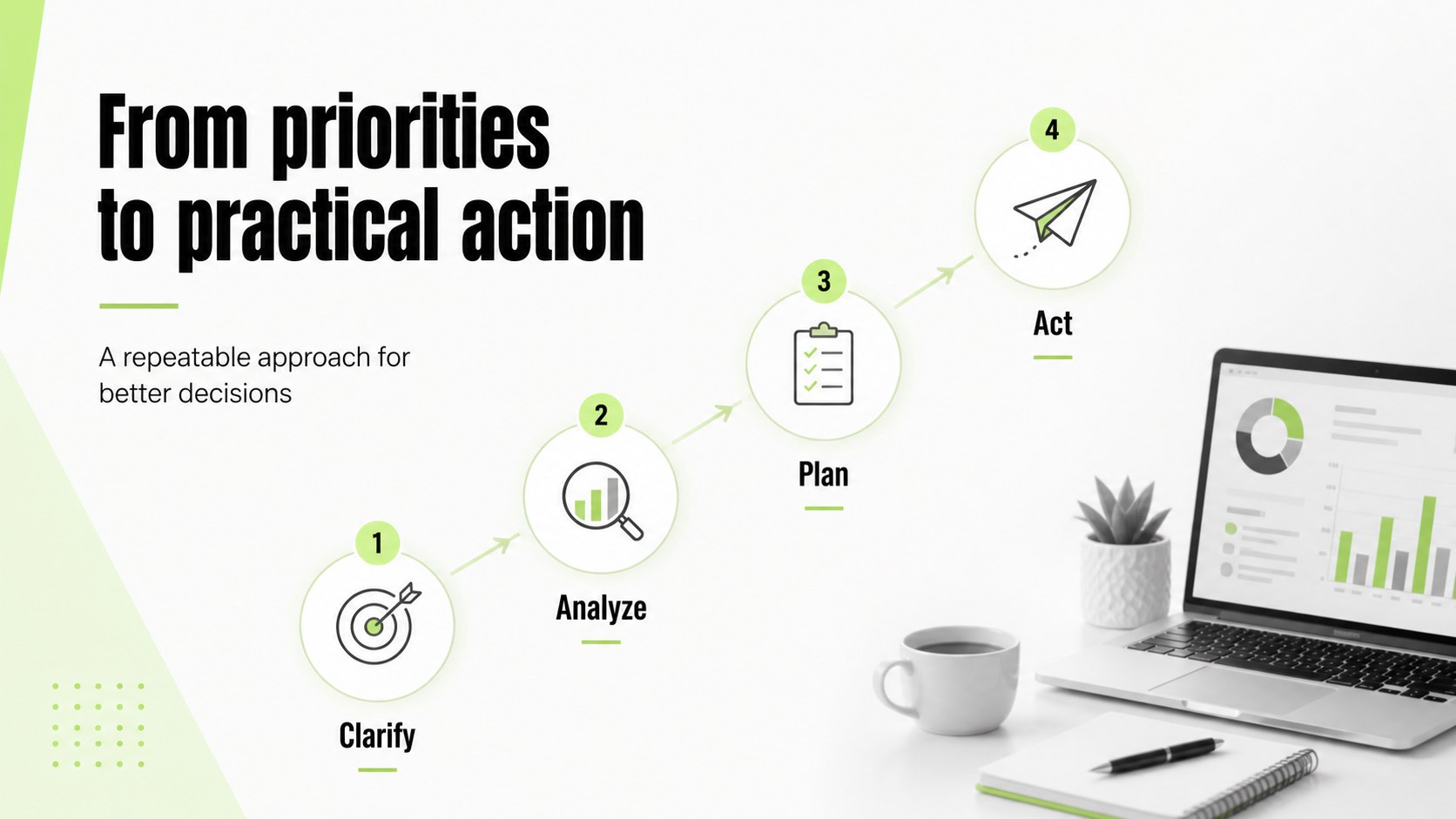
Inside, you’ll find 20 editable 16:9 slides for an introduction, firm snapshot, service portfolio, sector expertise, team credentials, workflow, client outcomes, reporting highlights, and next steps. Use the layouts to build an accounting firm client pitch, organize a financial advisory capability deck, or create a concise overview for partnership discussions. Charts, tables, timelines, process diagrams, image frames, and comparison layouts make complex financial information easier to scan.
This template is suited to accountants, CFO advisory teams, audit practices, bookkeepers, tax specialists, and business development professionals. Edit the content, typography, imagery, and green accents, then export to PowerPoint or Google Slides when you need a different delivery format. The flexible structure works for first meetings, proposal presentations, annual business reviews, and internal service briefings.
Perfect for: accounting firm client pitch; financial advisory service overview; annual business review; audit practice proposal; professional services partnership meeting.
Frequently asked questions
Can I edit this finance firm capability deck? Yes. The layouts, text, colors, charts, and image areas can be adjusted using its drag-and-drop editor. Replace the sample content with your firm’s services, credentials, and client results.
Practical details
Yes. The layouts, text, colors, charts, and image areas can be adjusted using its drag-and-drop editor. Replace the sample content with your firm’s services, credentials, and client results.
Yes. After opening the template, export it as a PowerPoint file or send an editable copy to Google Drive. Review fonts, animations, and chart spacing after export because some editor features may change between platforms.
Start with your positioning, core services, target industries, team experience, delivery process, and measurable client outcomes. Add concise charts or tables where they clarify revenue, reporting, timelines, or service comparisons.
Yes. You can replace the green accents with your brand colors while keeping the white background and line-based visual language. Update the full color palette consistently so charts, headings, icons, and highlights remain cohesive.
Keep exploring
15Shape your publishing concept with an indie magazine startup pitch deck featuring pastel gradients, bold collage layouts, and editable planning slides.
 16
16Build clear project stories with the Icon Grid Teamwork Theme, a flexible blue illustrated deck for proposals, strategy updates, and team meetings.
 3
3Turn priorities into an actionable plan with an annual goals roadmap infographic, featuring editable orange and teal layouts for PowerPoint and Google Slides.
 15
15Create an Annual Achievement Report Presentation with colorful geometric layouts for milestones, results, lessons, and priorities in PowerPoint or Google Slides.
 15
15Turn results into a focused annual performance evaluation report with dark 3D slides for KPIs, achievements, feedback, and next-step goals for teams.
 15
15Guide a focused annual recap with Business Results Retrospective Slides, a muted brown-and-blue template for PowerPoint and Google Slides.
 6
6Turn complex plans into clear visual stories with Color-Coded Workflow Path Slides, an editable set for project updates, roadmaps, and team briefings.
 6
6Compare regional performance at a glance with Global Data Heatmap Slides, a clean multicolor deck designed for editable PowerPoint and Google Slides.