
 15
15presentation
Indie Magazine Startup Pitch Deck
Shape your publishing concept with an indie magazine startup pitch deck featuring pastel gradients, bold collage layouts, and editable planning slides.
Google SlidesPowerPoint
document · English
Build polished records with an executive meeting record slides template for PowerPoint and Google Slides, designed for decisions, owners, actions, and…
Design notes
Keep decisions, owners, and next steps visible with a streamlined meeting record deck for recurring leadership and team discussions. The executive meeting record slides template brings a polished, minimalist green-and-black design to PowerPoint and Google Slides, helping teams turn conversations into accountable follow-up.
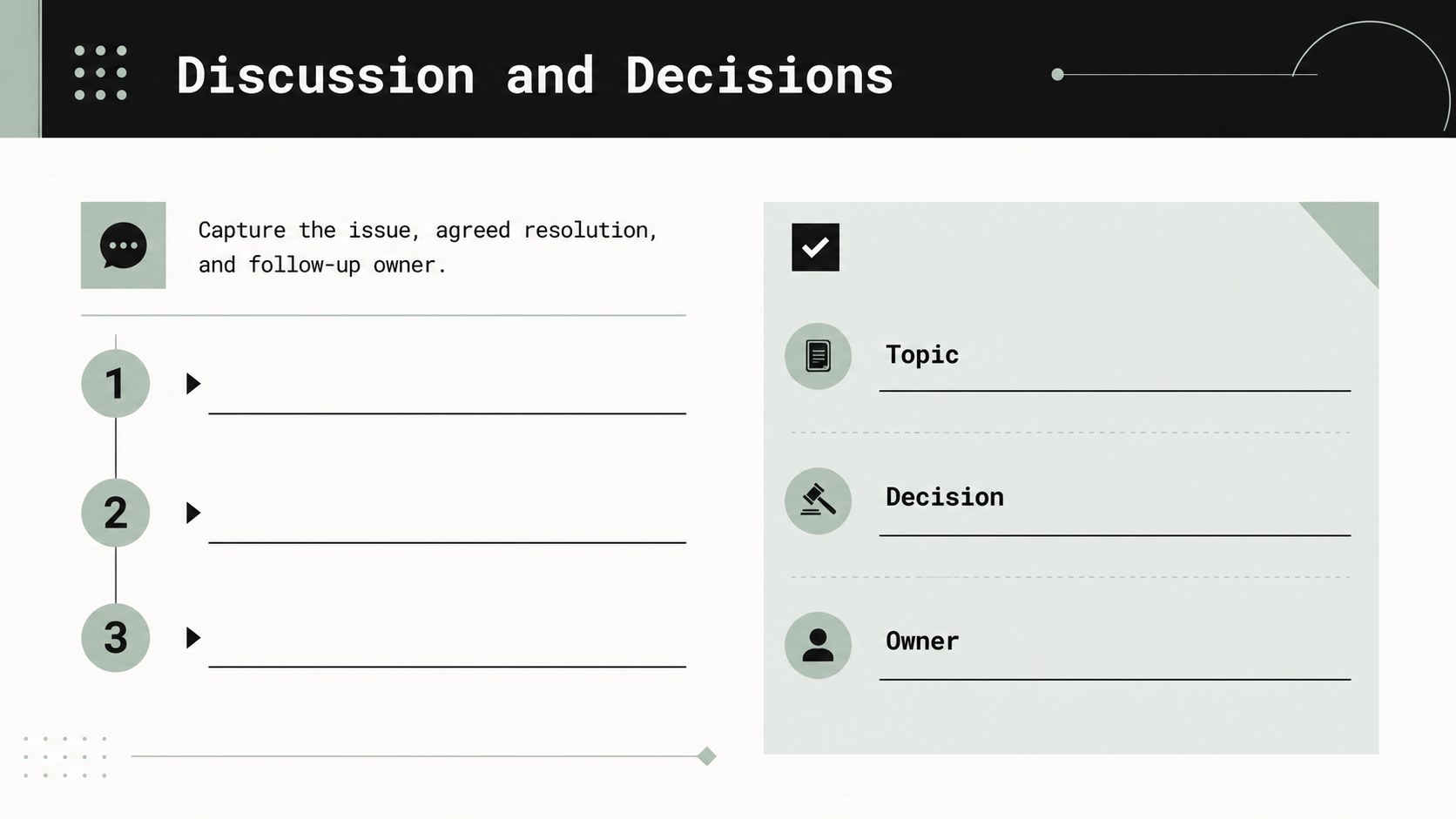
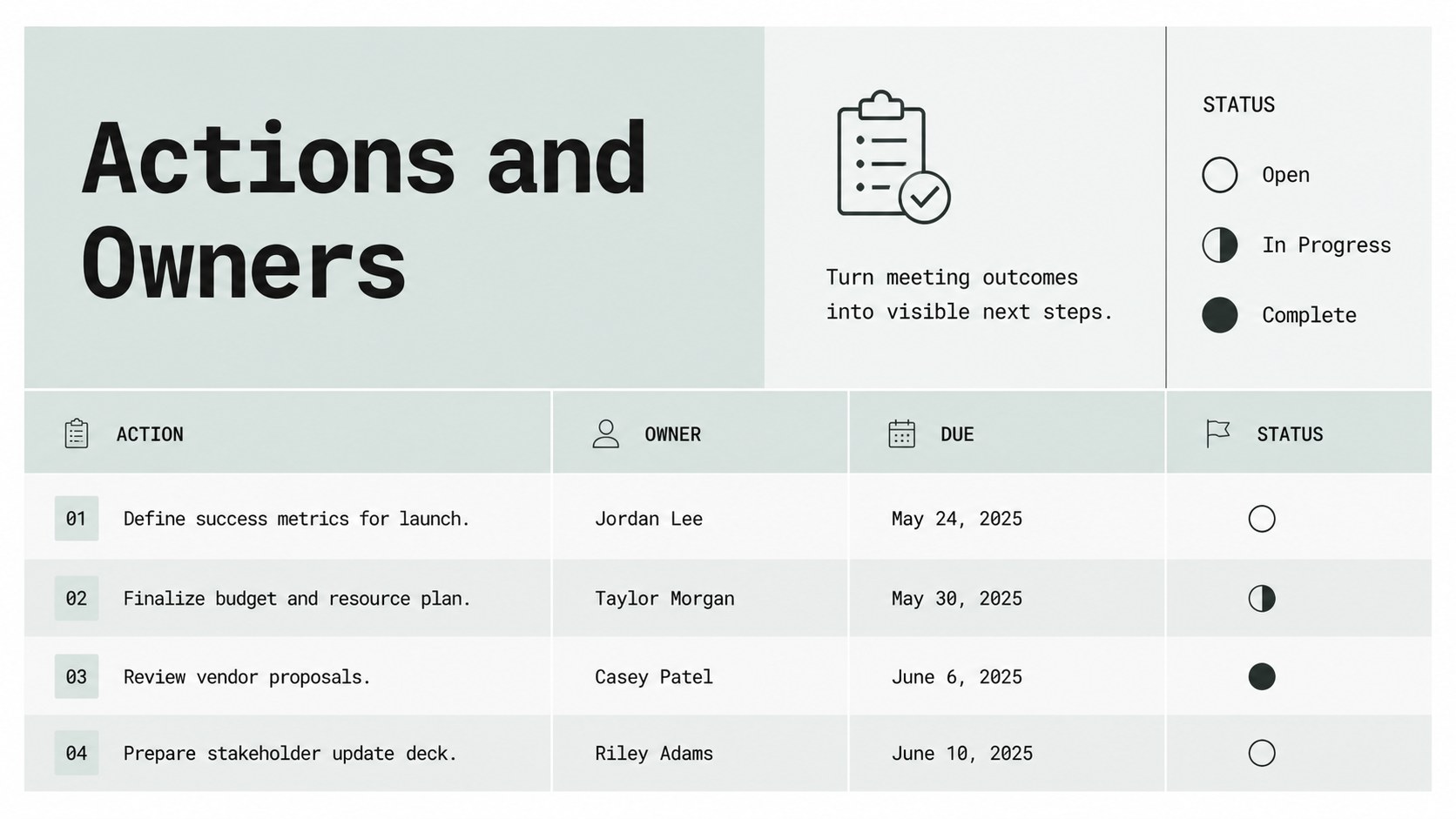
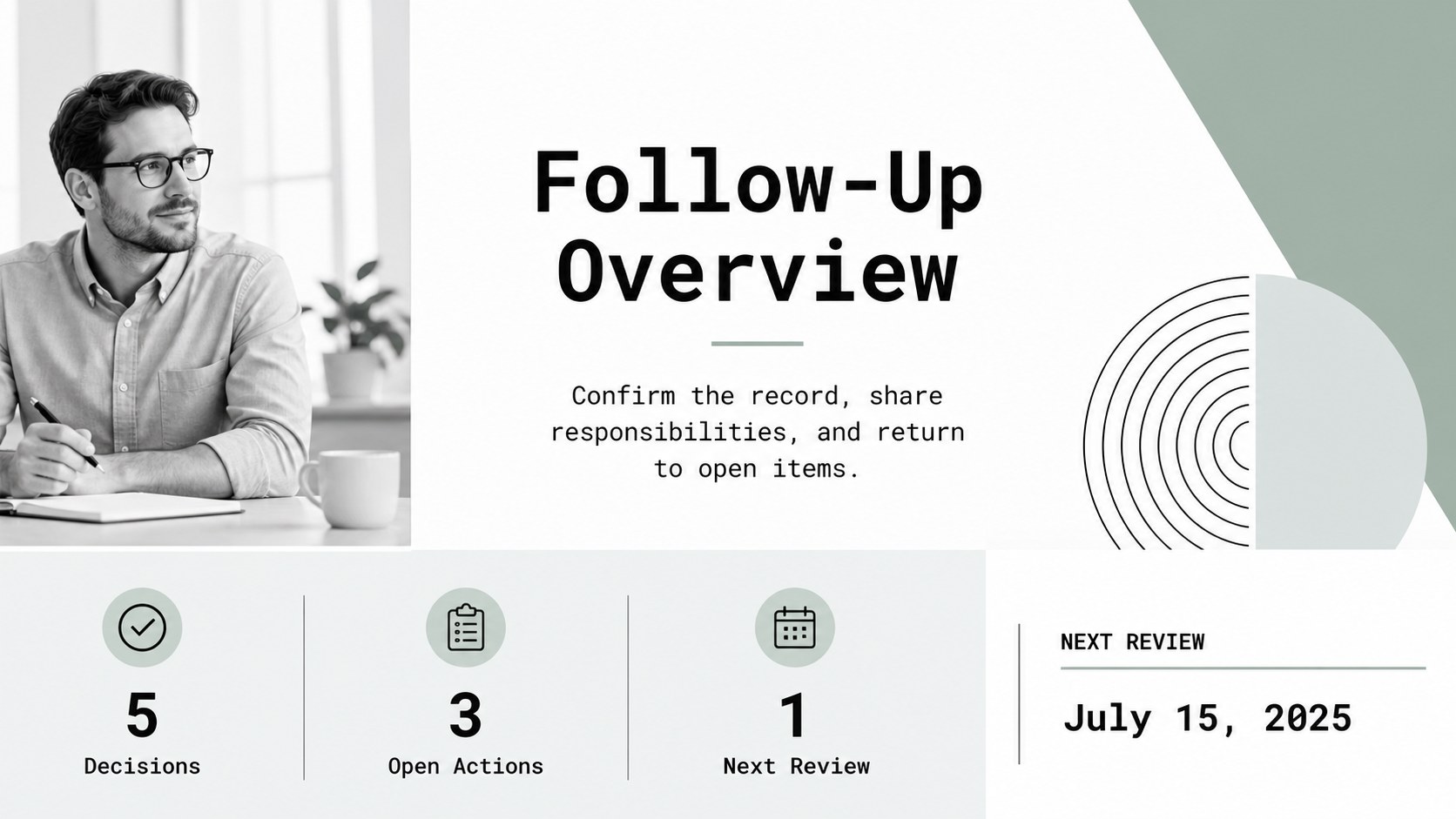
What’s inside includes a structured cover, meeting details page, discussion and decision tracker, action-item summary, and space for owners, deadlines, and status updates. Use the layouts to create a clear leadership meeting agenda, document key resolutions, or prepare a concise project status meeting deck. Text boxes, lines, tables, and visual markers can be rearranged to match your organization’s reporting style.
This template is suited to executives, department heads, project managers, operations teams, consultants, and administrative professionals who need reliable records without a cluttered layout. Replace the sample wording, add your logo-free company styling, adjust the green accents, and duplicate sections for longer meetings or multiple workstreams. Present the record live, share it after the meeting, or export a final version for internal documentation.
Perfect for: weekly leadership review; project status meeting; department planning session; client progress discussion; quarterly operations review.
Frequently asked questions
Can I edit this template in PowerPoint? Yes. The layouts are designed for PowerPoint and can be edited with standard text boxes, shapes, tables, and presentation controls. Update the sample content to reflect your meeting structure.
Practical details
Yes. The layouts are designed for PowerPoint and can be edited with standard text boxes, shapes, tables, and presentation controls. Update the sample content to reflect your meeting structure.
Yes, the presentation can be adapted for Google Slides. Import the file, review font substitutions and spacing, then adjust any elements that need platform-specific alignment.
Yes. Replace the accent green with your preferred brand color while retaining black text and neutral backgrounds for readability. You can also change fonts, labels, table headings, and status markers.
Use it for attendees, discussion points, decisions, assigned owners, deadlines, and follow-up status. Duplicate the action-item or decision layouts when a meeting covers several workstreams.
Keep exploring
15Shape your publishing concept with an indie magazine startup pitch deck featuring pastel gradients, bold collage layouts, and editable planning slides.
 16
16Build clear project stories with the Icon Grid Teamwork Theme, a flexible blue illustrated deck for proposals, strategy updates, and team meetings.
 3
3Turn priorities into an actionable plan with an annual goals roadmap infographic, featuring editable orange and teal layouts for PowerPoint and Google Slides.
 15
15Create an Annual Achievement Report Presentation with colorful geometric layouts for milestones, results, lessons, and priorities in PowerPoint or Google Slides.
 15
15Turn results into a focused annual performance evaluation report with dark 3D slides for KPIs, achievements, feedback, and next-step goals for teams.
 15
15Guide a focused annual recap with Business Results Retrospective Slides, a muted brown-and-blue template for PowerPoint and Google Slides.
 6
6Turn complex plans into clear visual stories with Color-Coded Workflow Path Slides, an editable set for project updates, roadmaps, and team briefings.
 6
6Compare regional performance at a glance with Global Data Heatmap Slides, a clean multicolor deck designed for editable PowerPoint and Google Slides.