
 15
15presentation
Indie Magazine Startup Pitch Deck
Shape your publishing concept with an indie magazine startup pitch deck featuring pastel gradients, bold collage layouts, and editable planning slides.
Google SlidesPowerPoint
presentation · English
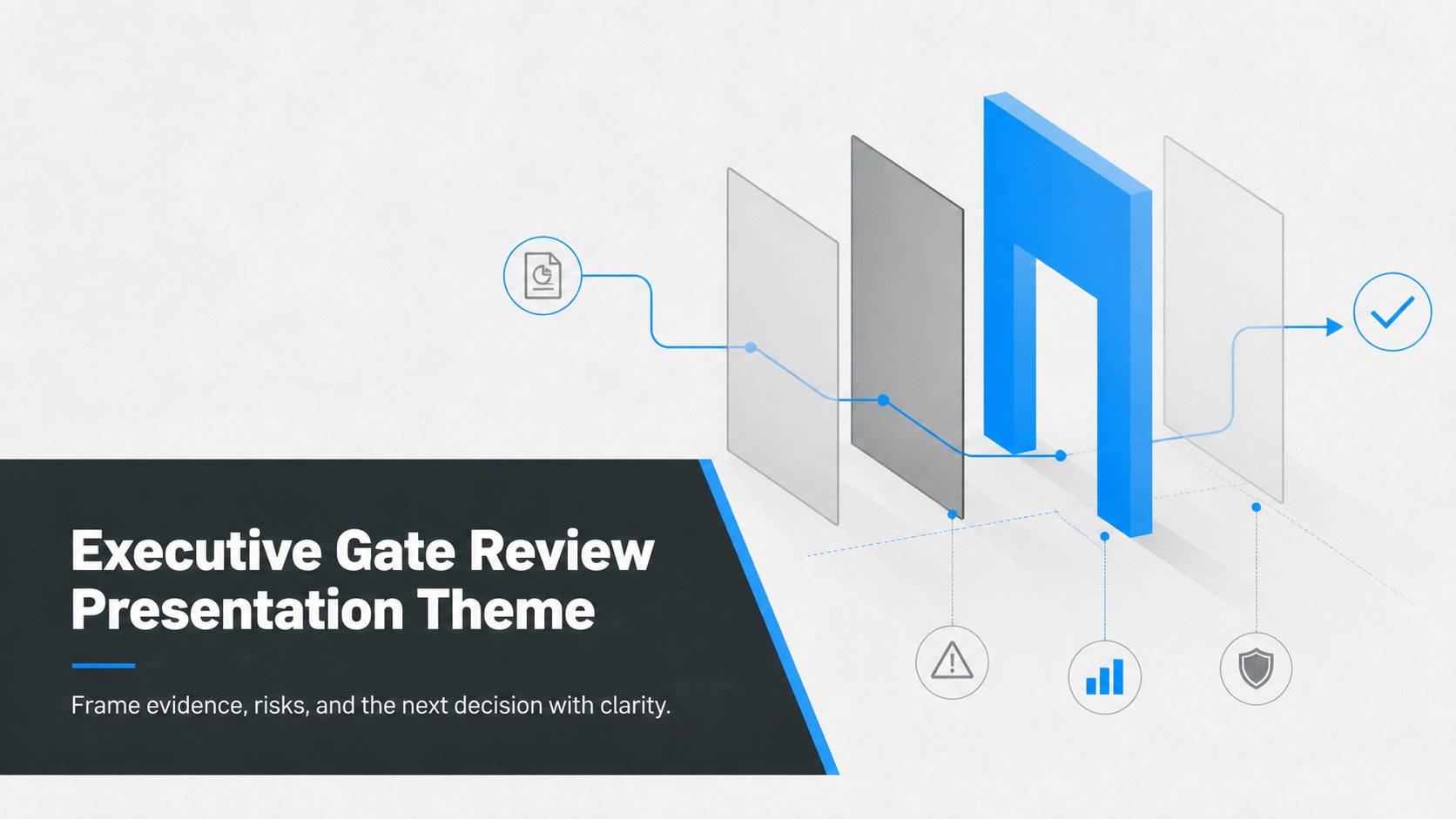
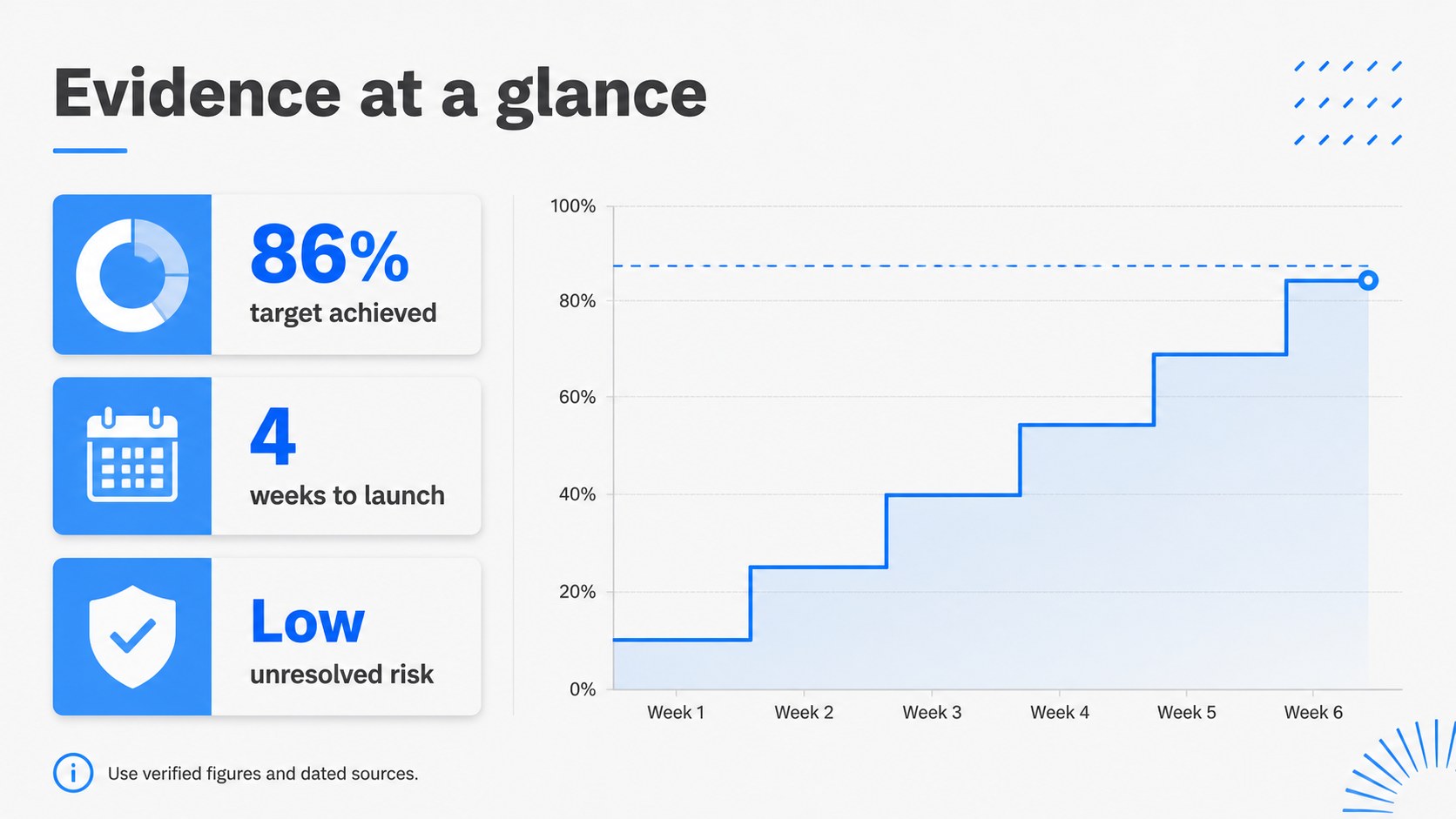
Build an executive gate review presentation with crisp blue-gray visuals, decision-ready charts, and editable PowerPoint and Google Slides layouts.
Design notes
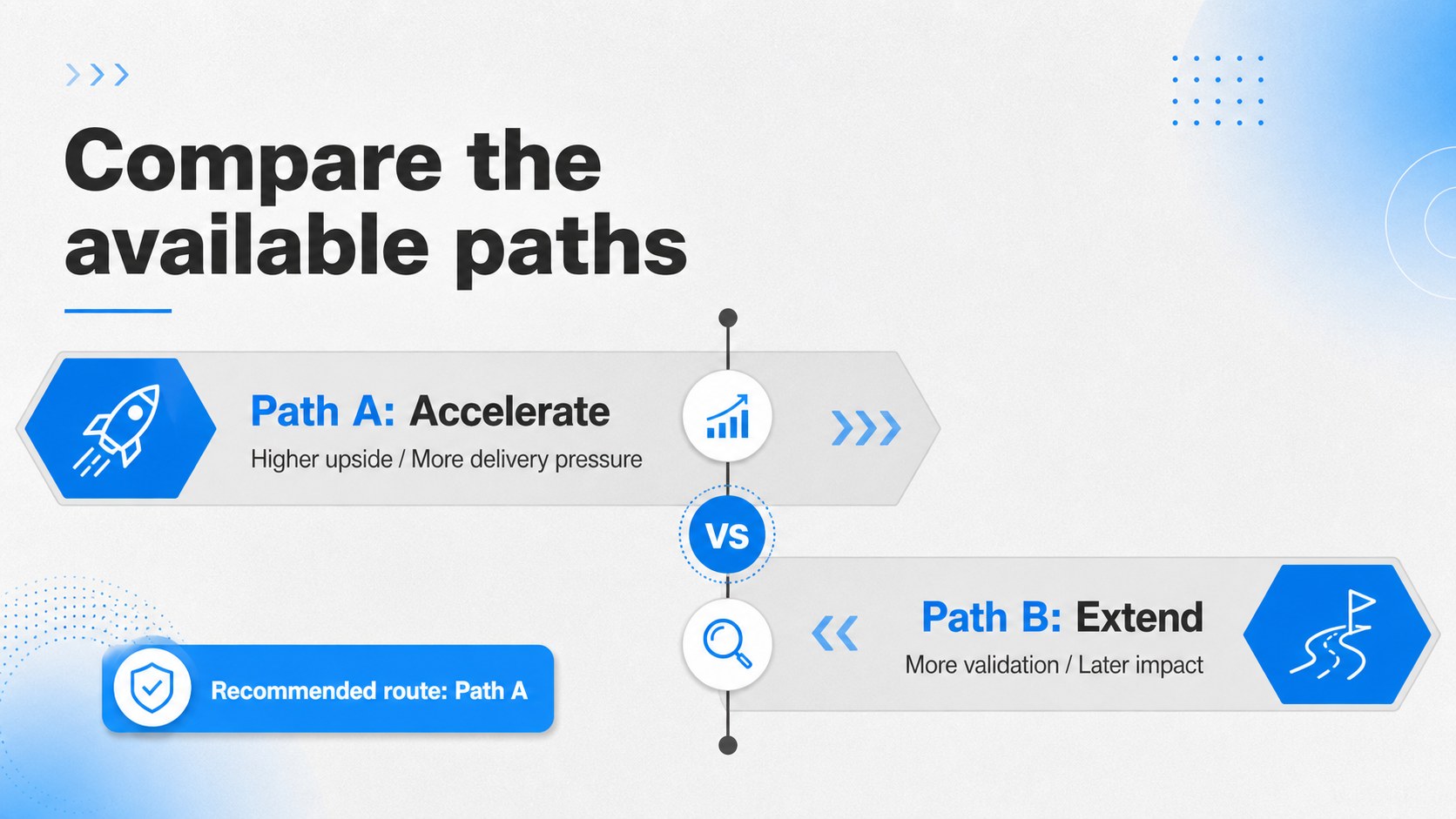
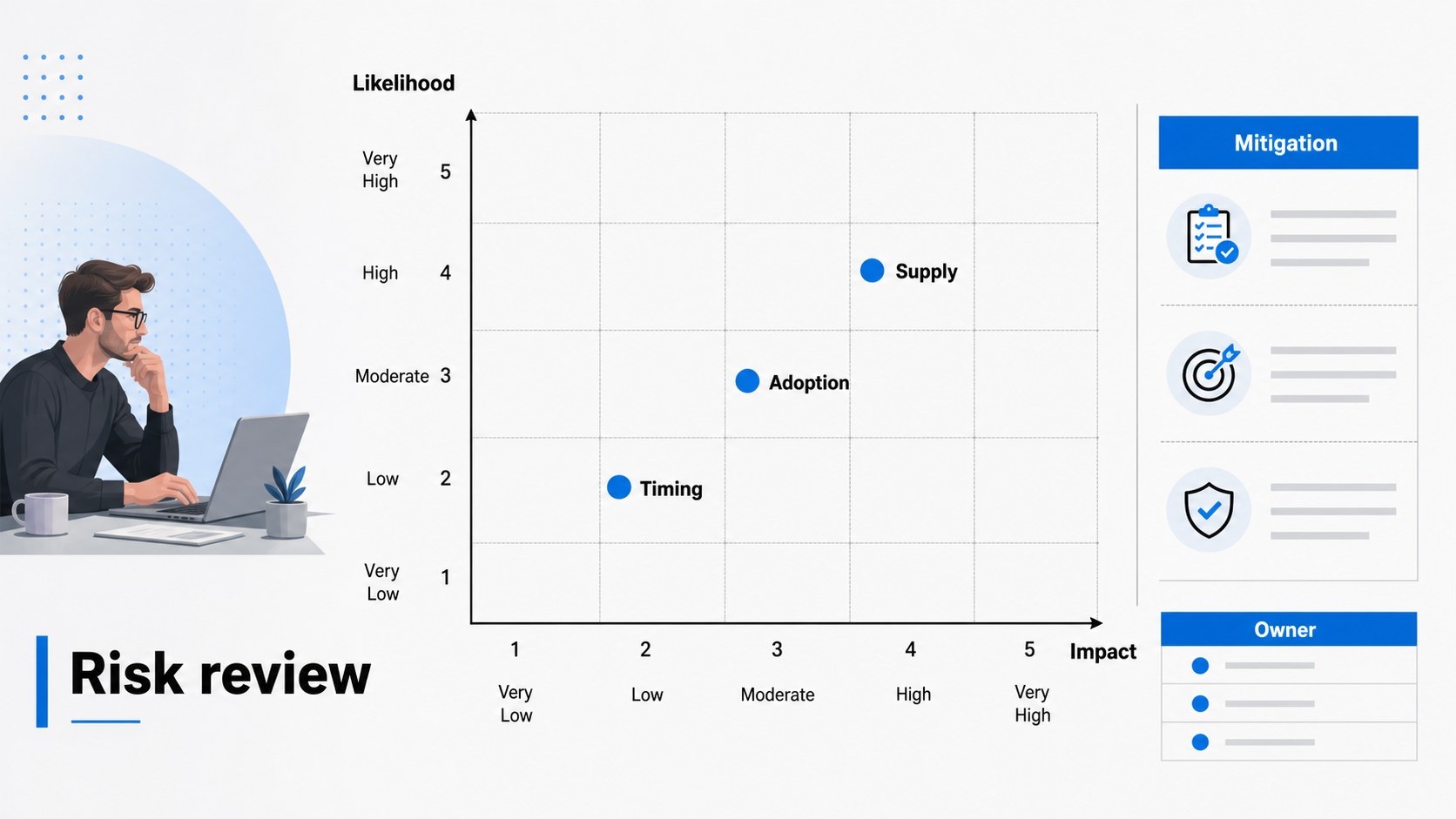
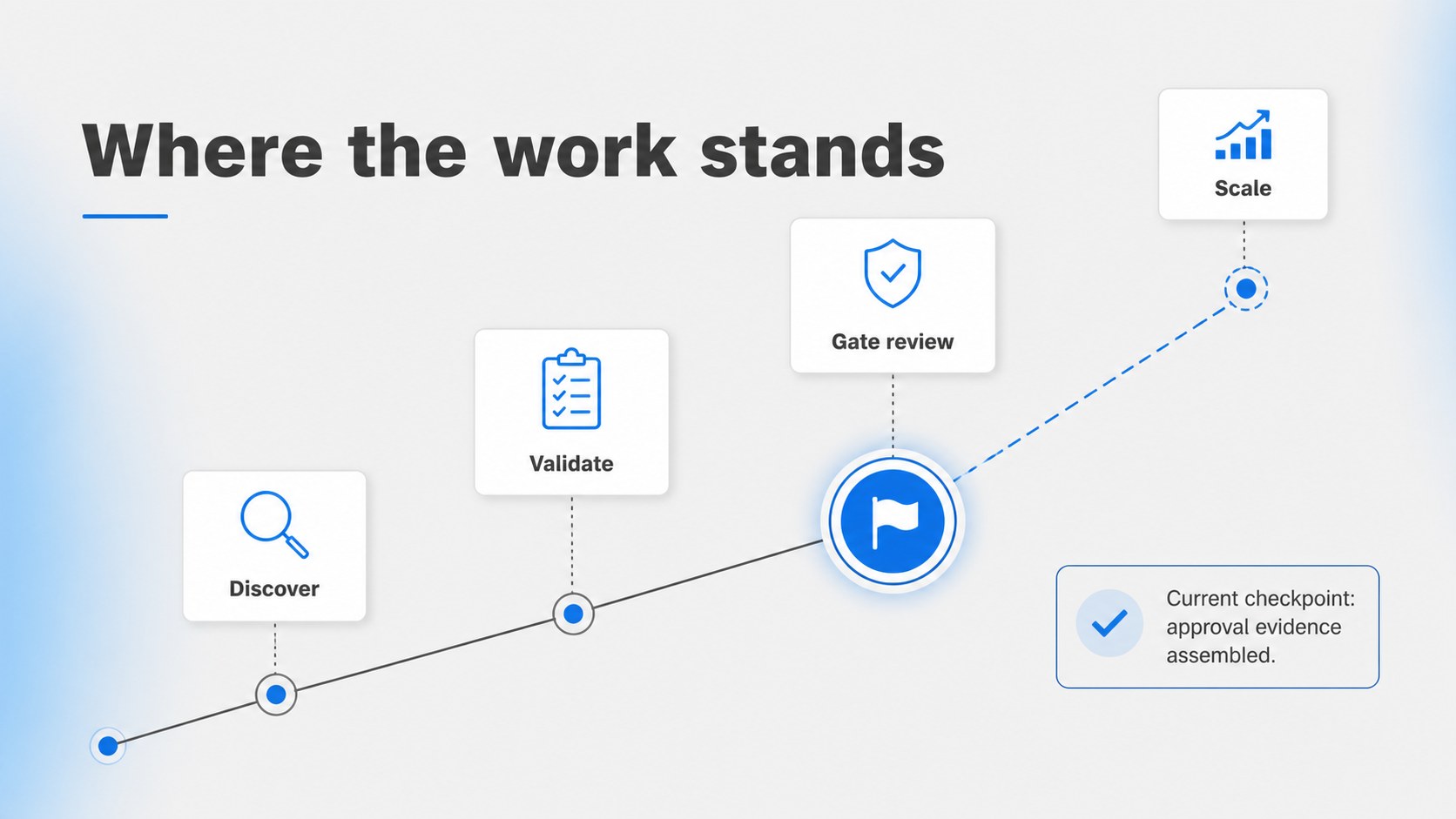
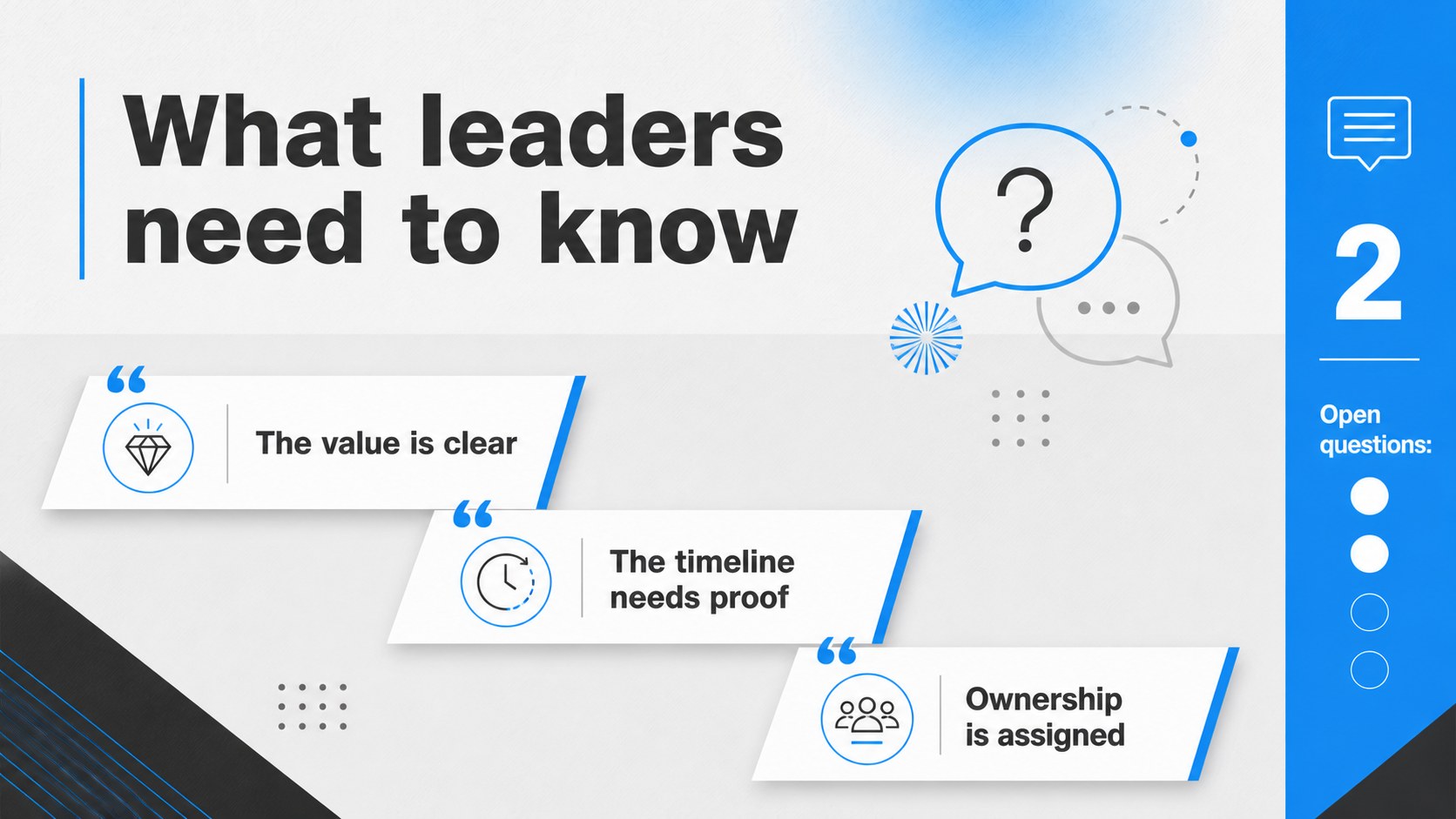
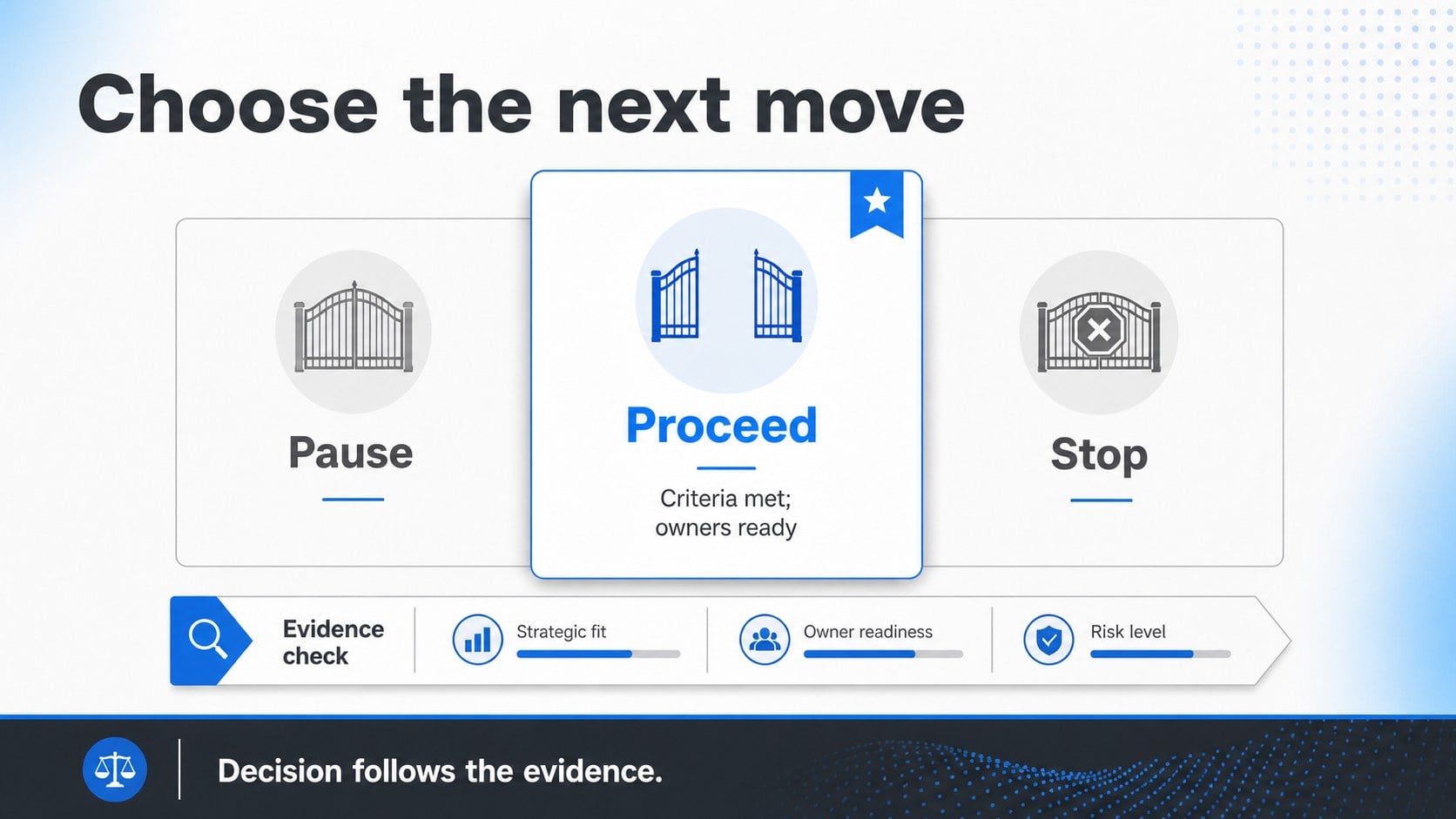
An executive gate review presentation helps leadership teams decide whether a project, product, or investment should move forward, pause, or stop. This clean blue-gray slide system gives business professionals a disciplined way to frame evidence, compare options, and communicate the recommended path without visual clutter. Its restrained styling keeps attention on the decision and the supporting facts.
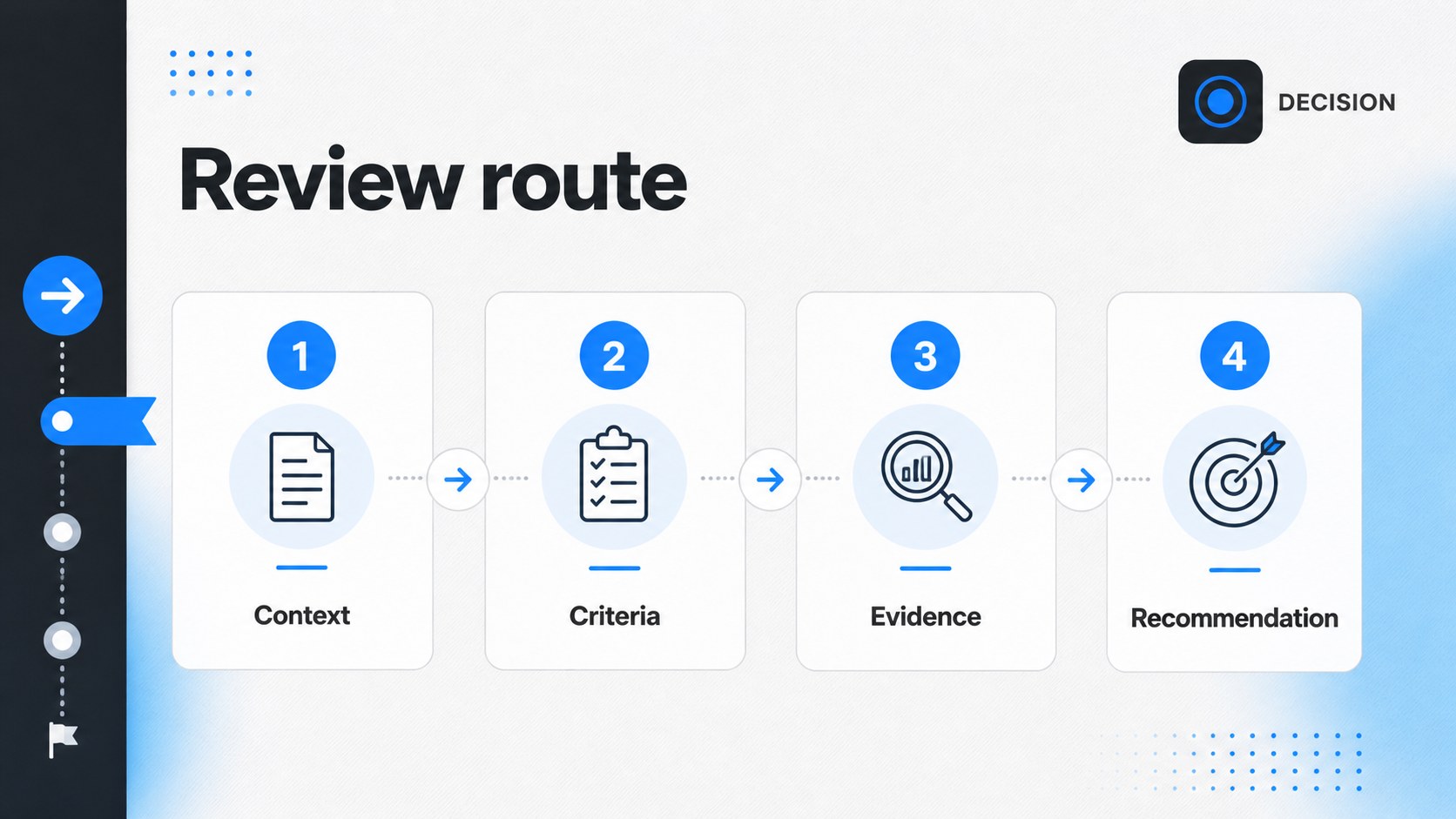
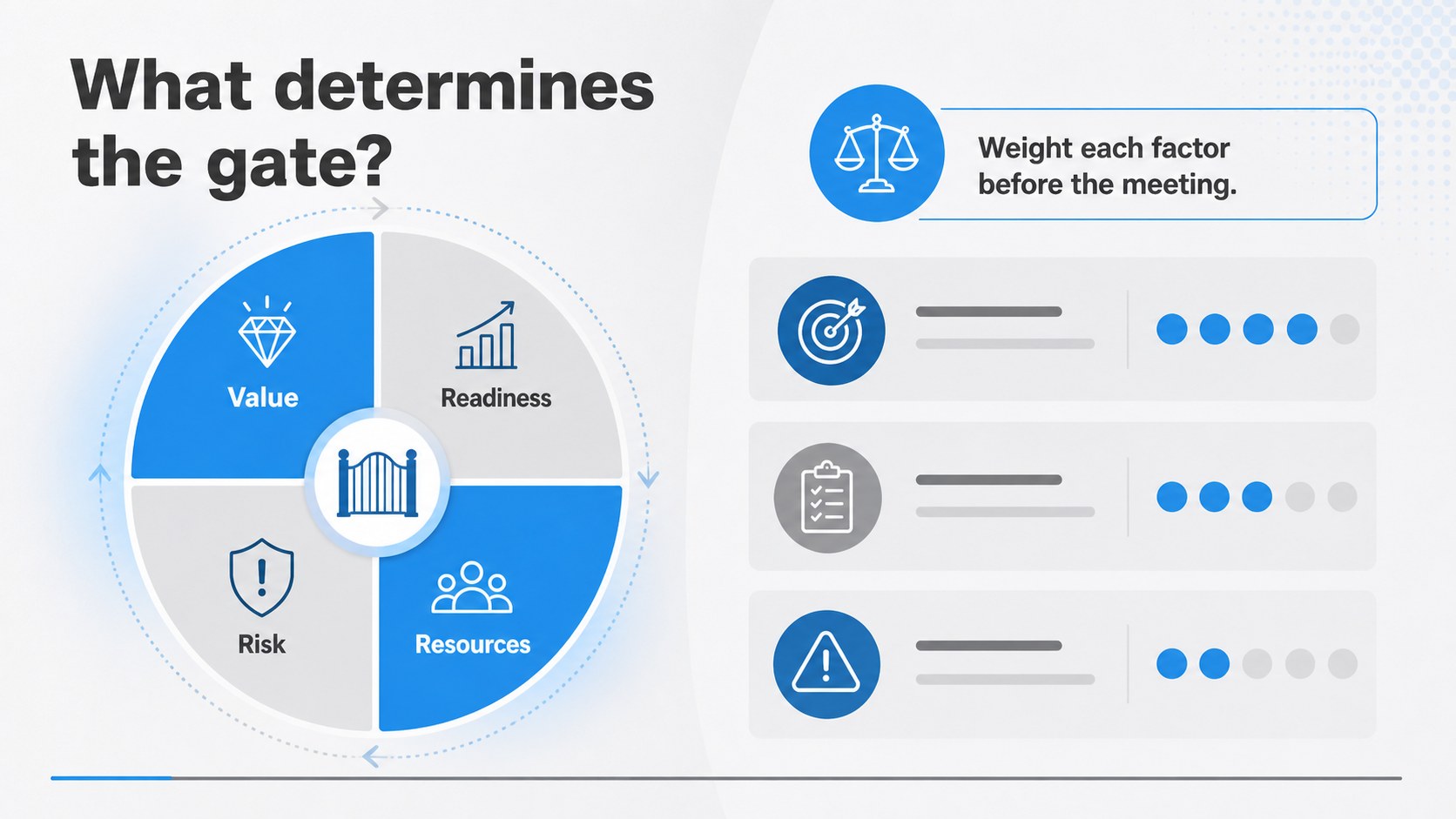
Inside are 19 editable 16:9 layouts for approval checkpoints, decision criteria, risk summaries, option comparisons, milestones, metrics, stakeholder input, and final recommendations. Use icons, charts, diagrams, shapes, and concise callouts to transform operational detail into an easy-to-scan business decision deck. The layouts work well for stage-gate reviews, portfolio meetings, product launches, procurement approvals, and investment committees.
The template is designed for PowerPoint and Google Slides, with flexible objects that can be recolored, resized, rearranged, and adapted to your brand. It suits project managers, strategy consultants, startup founders, product leaders, and corporate decision-makers who need a polished project approval slide deck. Archivo Black and Arimo provide a strong headline hierarchy and readable supporting text, while the black, blue, and gray palette keeps the tone professional and analytical.
Perfect for: startup investor approval meeting; product launch stage-gate review; capital investment committee; portfolio project checkpoint; procurement recommendation briefing.
Frequently asked questions
Can I edit this presentation in PowerPoint? Yes. The layouts are designed for PowerPoint and use editable text, shapes, charts, and icons. You can replace the sample content and adjust the visual hierarchy for your organization.
Practical details
Yes. The layouts are designed for PowerPoint and use editable text, shapes, charts, and icons. You can replace the sample content and adjust the visual hierarchy for your organization.
Yes, it can be adapted in Google Slides for browser-based editing and collaboration. Review imported fonts and chart elements after opening the file, then replace them where necessary.
Yes. Recolor the editable shapes, lines, icons, and chart elements to match your brand or project. The restrained palette can also be kept for a neutral leadership briefing.
It supports stage-gate reviews, go/no-go decisions, project approvals, investment recommendations, and launch checkpoints. The layouts let you present criteria, evidence, risks, alternatives, and a clear next step.
Keep exploring
15Shape your publishing concept with an indie magazine startup pitch deck featuring pastel gradients, bold collage layouts, and editable planning slides.
 16
16Build clear project stories with the Icon Grid Teamwork Theme, a flexible blue illustrated deck for proposals, strategy updates, and team meetings.
 3
3Turn priorities into an actionable plan with an annual goals roadmap infographic, featuring editable orange and teal layouts for PowerPoint and Google Slides.
 15
15Create an Annual Achievement Report Presentation with colorful geometric layouts for milestones, results, lessons, and priorities in PowerPoint or Google Slides.
 15
15Turn results into a focused annual performance evaluation report with dark 3D slides for KPIs, achievements, feedback, and next-step goals for teams.
 15
15Guide a focused annual recap with Business Results Retrospective Slides, a muted brown-and-blue template for PowerPoint and Google Slides.
 6
6Turn complex plans into clear visual stories with Color-Coded Workflow Path Slides, an editable set for project updates, roadmaps, and team briefings.
 6
6Compare regional performance at a glance with Global Data Heatmap Slides, a clean multicolor deck designed for editable PowerPoint and Google Slides.