
 15
15presentation
Indie Magazine Startup Pitch Deck
Shape your publishing concept with an indie magazine startup pitch deck featuring pastel gradients, bold collage layouts, and editable planning slides.
Google SlidesPowerPoint
presentation · English
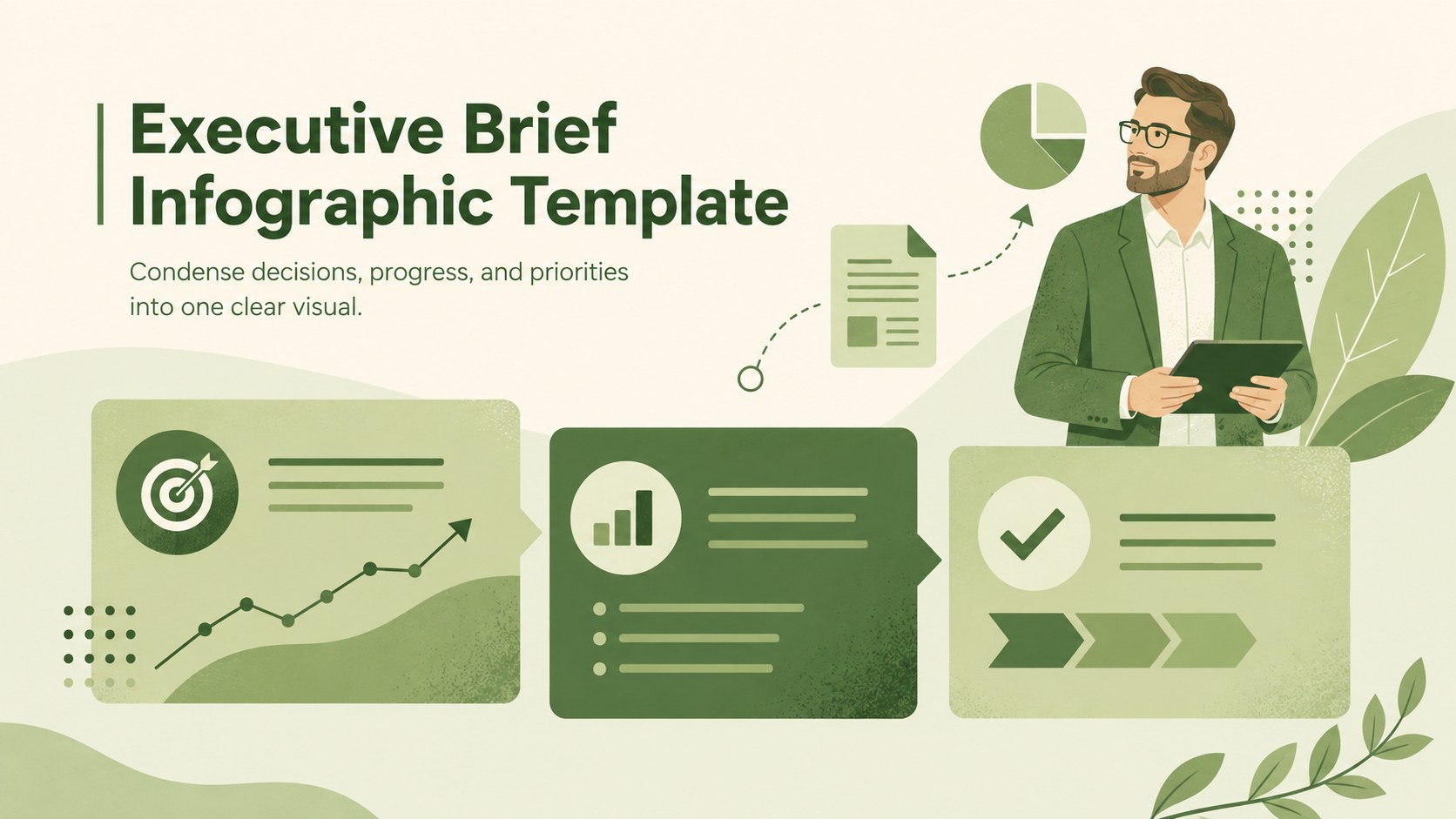
Turn complex updates into a polished executive brief infographic template for PowerPoint and Google Slides, with clear sections and a minimal green style.
Design notes
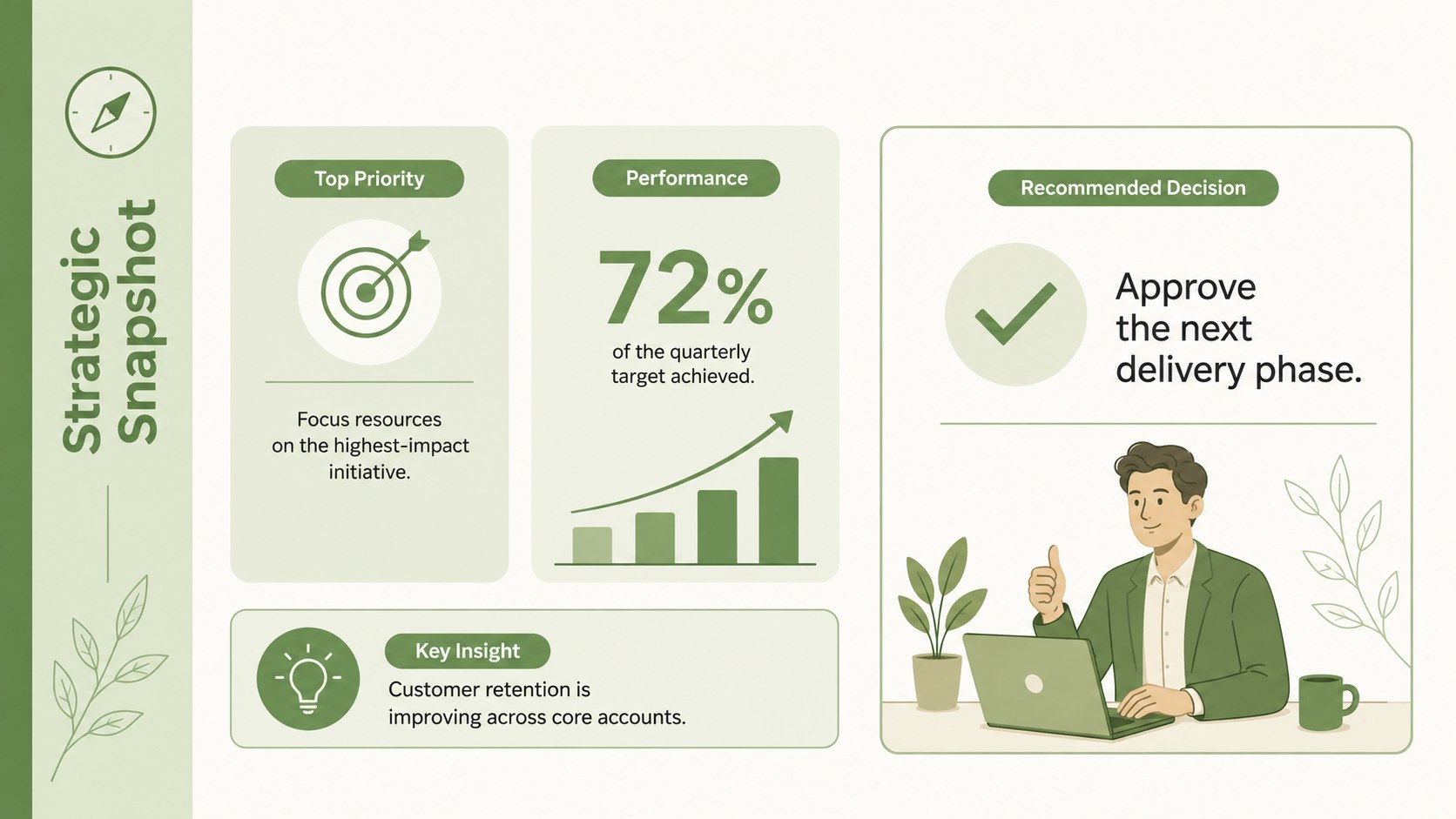
The Executive Brief Infographic Template turns dense business information into a focused visual that decision-makers can understand at a glance. Its minimal green design, clean typography, and original illustrations create a professional setting for presenting priorities, evidence, and recommended actions without crowding the page. Use it in PowerPoint or Google Slides whenever a concise, leadership-ready overview is more useful than a lengthy report.
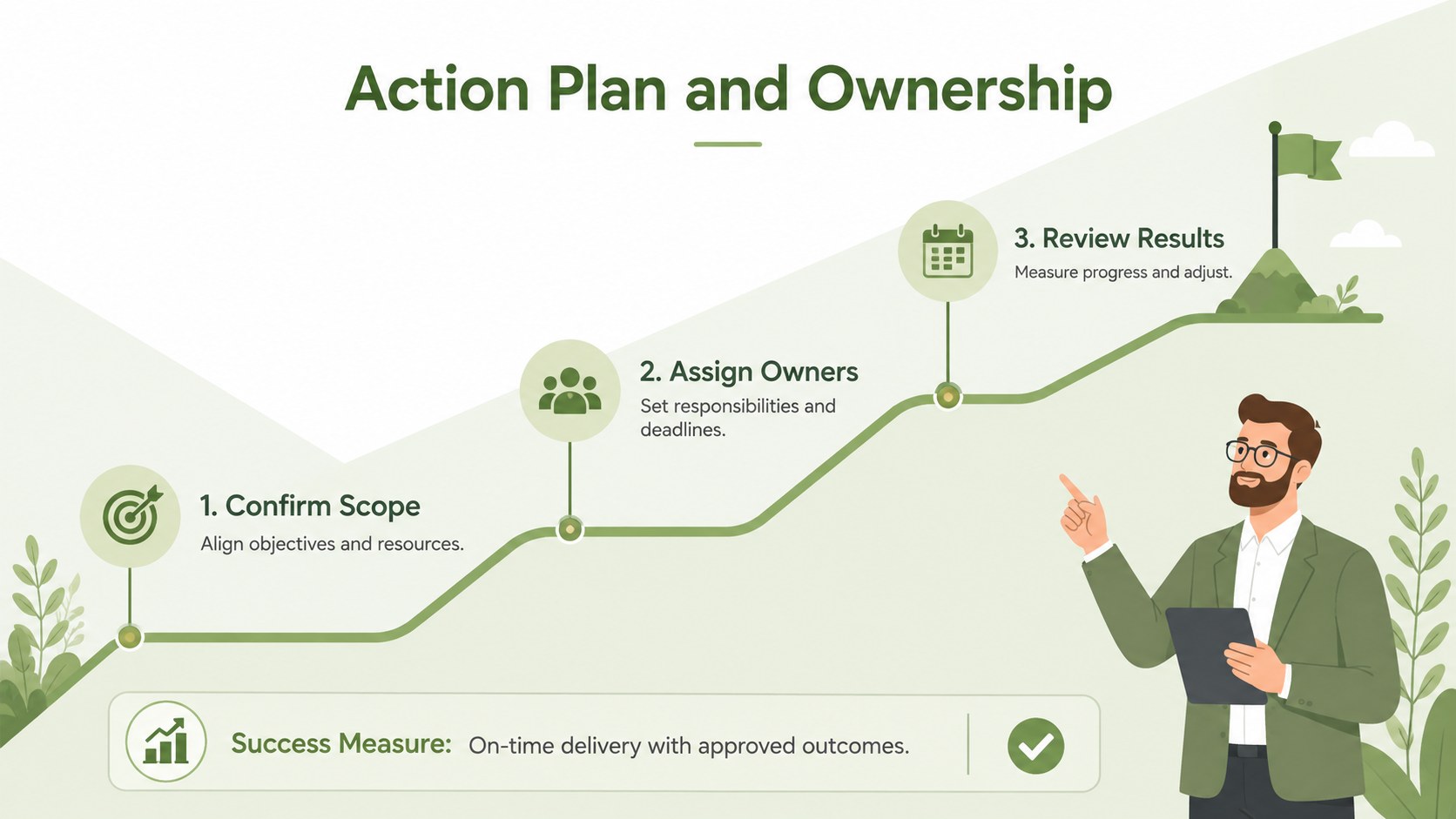
Inside are three coordinated 16:9 layouts for different communication needs. Start with a structured executive overview, compare strategic priorities and performance indicators, or outline an action plan with owners and next steps. Each slide provides editable text areas, icons, shapes, charts, and section dividers. Together, they work as minimal green business summary slides while remaining flexible enough for finance, operations, consulting, agriculture, sustainability, and project management topics.
This executive brief infographic template is designed for managers, analysts, founders, consultants, and project leads preparing a board meeting summary presentation or single slide project overview. Adjust the wording, colors, data, and visual hierarchy to match your organization. The restrained illustrated style keeps attention on the message, making the deck suitable for strategic reviews, stakeholder updates, proposal summaries, quarterly reporting, and internal planning conversations.
Perfect for: board meeting update; quarterly business review; project status briefing; strategic proposal summary; stakeholder progress report.
Frequently asked questions
Can I edit every section of the infographic? Yes. Text, colors, shapes, icons, charts, and section labels can be adjusted to fit your content and visual identity.
Practical details
Yes. Text, colors, shapes, icons, charts, and section labels can be adjusted to fit your content and visual identity.
The template is designed for PowerPoint and Google Slides. Layouts remain editable in both platforms, although minor font substitutions may occur if a typeface is not installed.
Yes. Update the percentages, labels, chart values, and supporting notes with your own business or project information. Keep entries concise to preserve the visual hierarchy.
Yes. Replace the green accents and neutral backgrounds with your organization’s colors while retaining sufficient contrast between text, charts, and decorative elements.
Keep exploring
15Shape your publishing concept with an indie magazine startup pitch deck featuring pastel gradients, bold collage layouts, and editable planning slides.
 16
16Build clear project stories with the Icon Grid Teamwork Theme, a flexible blue illustrated deck for proposals, strategy updates, and team meetings.
 3
3Turn priorities into an actionable plan with an annual goals roadmap infographic, featuring editable orange and teal layouts for PowerPoint and Google Slides.
 15
15Create an Annual Achievement Report Presentation with colorful geometric layouts for milestones, results, lessons, and priorities in PowerPoint or Google Slides.
 15
15Turn results into a focused annual performance evaluation report with dark 3D slides for KPIs, achievements, feedback, and next-step goals for teams.
 15
15Guide a focused annual recap with Business Results Retrospective Slides, a muted brown-and-blue template for PowerPoint and Google Slides.
 6
6Turn complex plans into clear visual stories with Color-Coded Workflow Path Slides, an editable set for project updates, roadmaps, and team briefings.
 6
6Compare regional performance at a glance with Global Data Heatmap Slides, a clean multicolor deck designed for editable PowerPoint and Google Slides.