
 15
15presentation
Indie Magazine Startup Pitch Deck
Shape your publishing concept with an indie magazine startup pitch deck featuring pastel gradients, bold collage layouts, and editable planning slides.
Google SlidesPowerPoint
presentation · English
Build an event process mapping presentation with blue isometric visuals for planners and teams. Edit it in PowerPoint or Google Slides.
Design notes
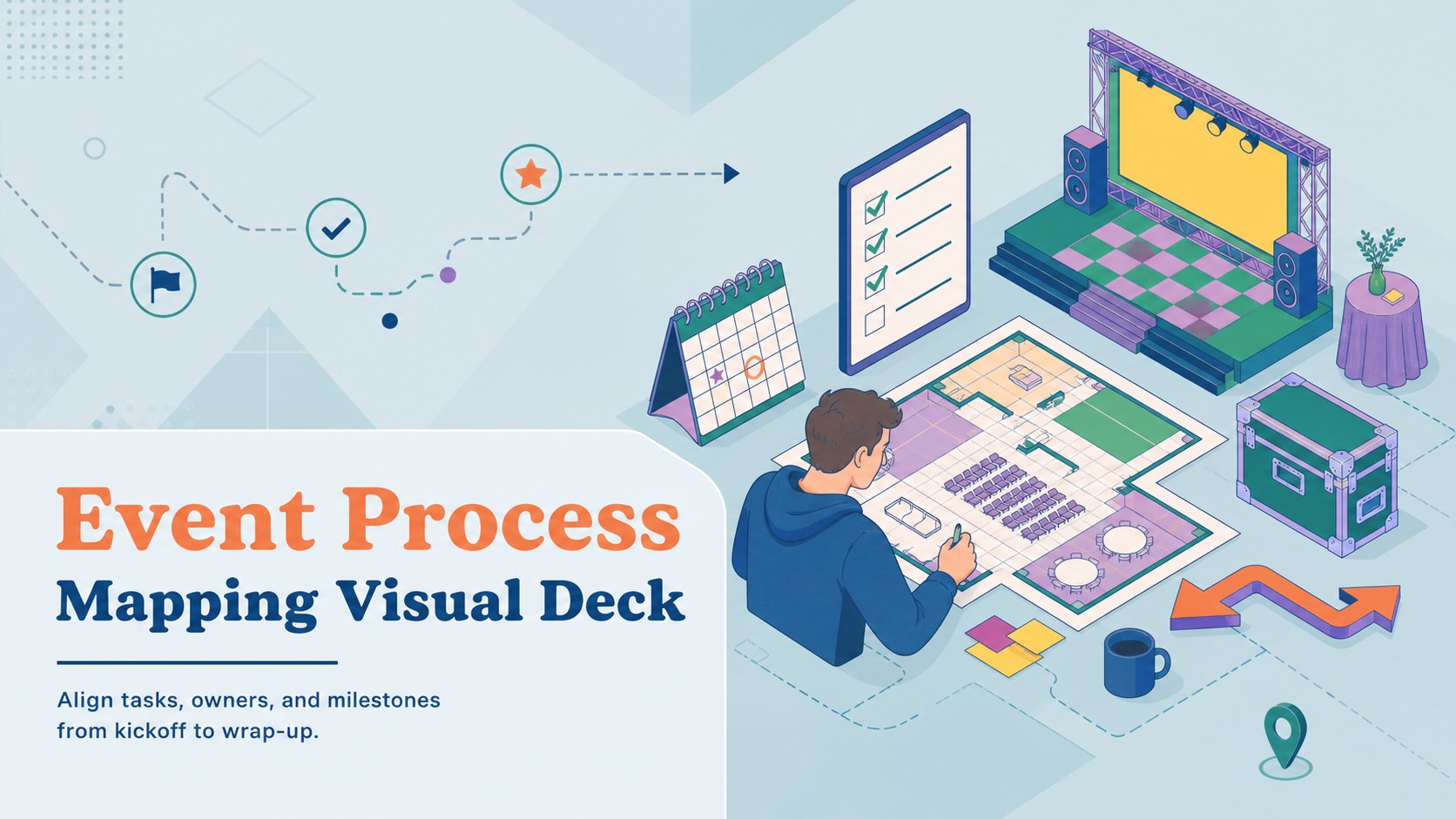
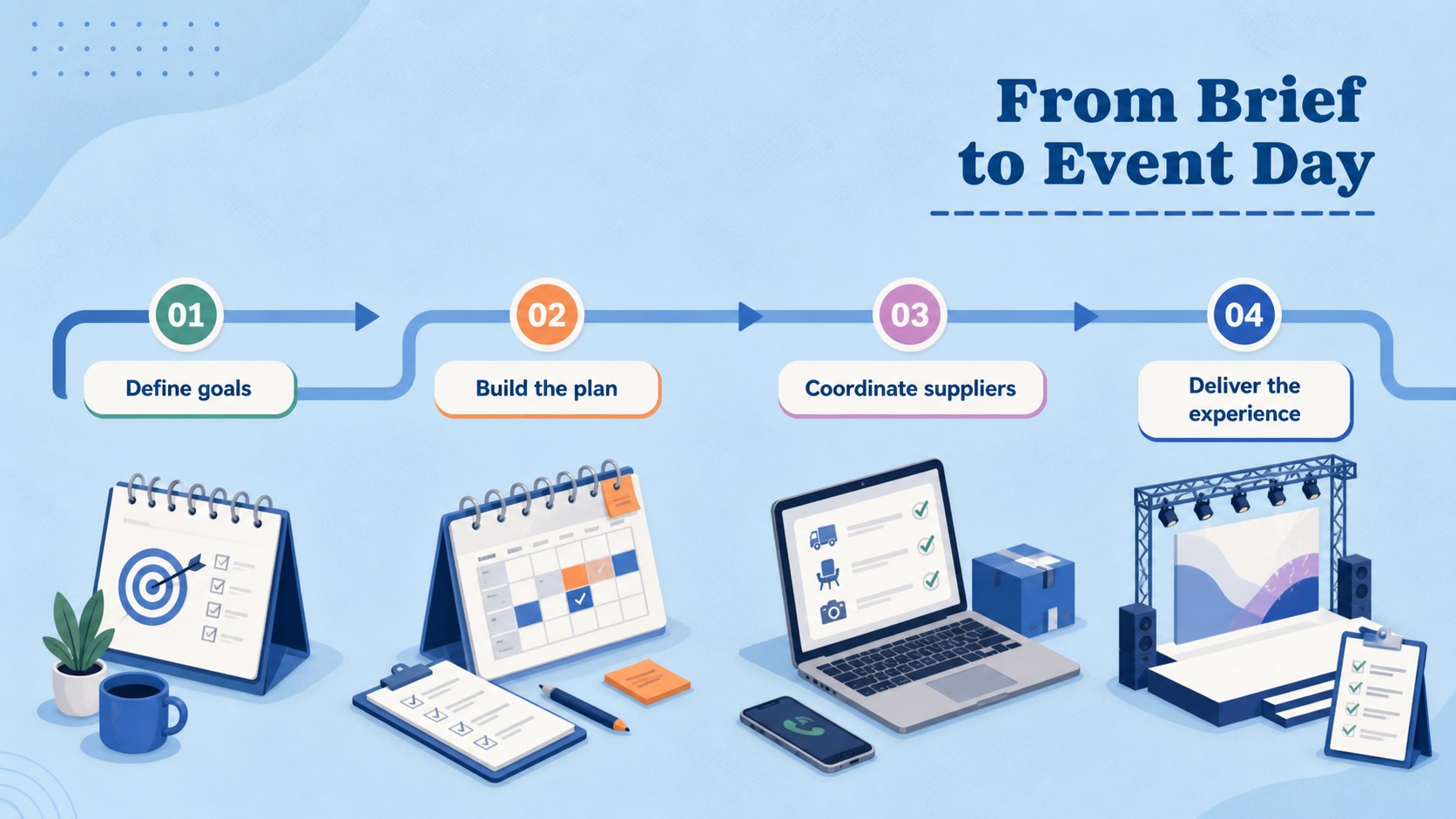
An event process mapping presentation helps planners, marketers, and project leads show how an occasion moves from an initial brief to successful delivery. This blue isometric template uses friendly illustrated visuals, clean labels, and structured diagrams to make responsibilities and dependencies easier to understand.
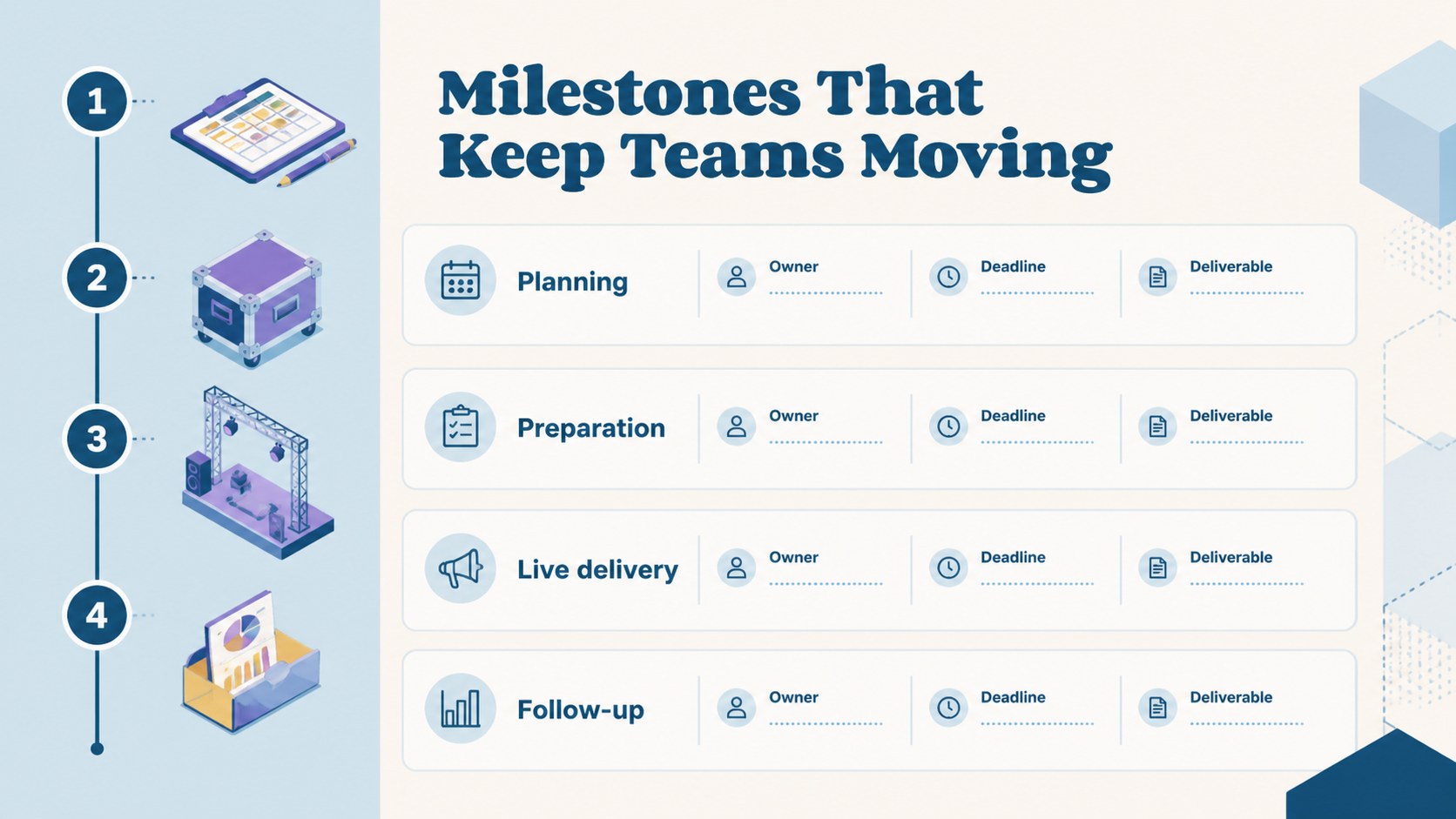
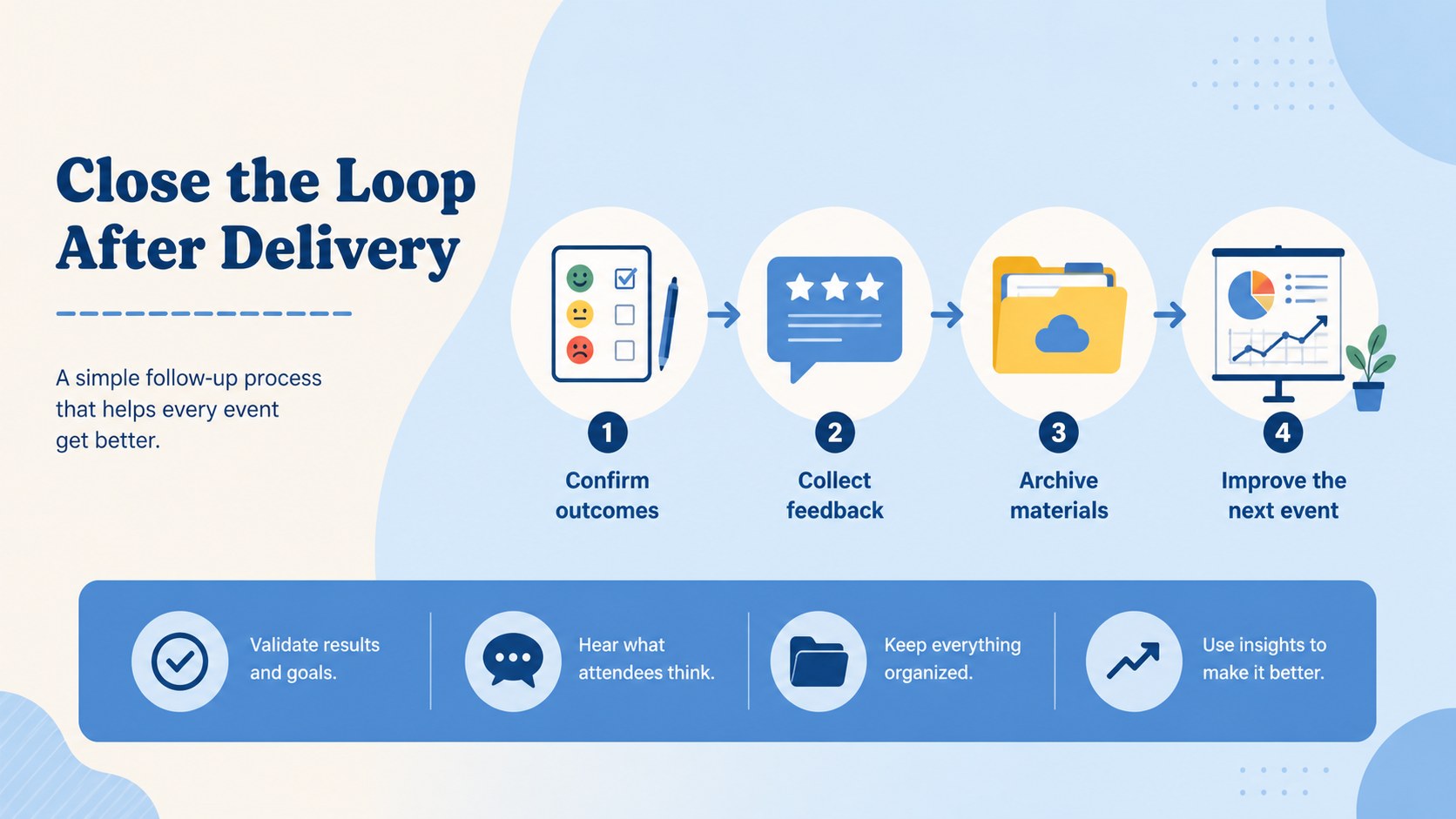
Inside the deck, you will find four A4-style infographic layouts for presenting event stages, task sequences, handoffs, checkpoints, and key deliverables. Rework the text, colors, shapes, charts, and icons to match a conference, launch, workshop, fundraiser, or internal company gathering. The visual system is designed for quick editing while preserving a polished, cohesive look.
Use the slides to create an event planning workflow, explain a production timeline to stakeholders, or document a repeatable process for your team. The template works in PowerPoint and Google Slides, making it practical for both live presentations and shared planning sessions. Corben and Darker Grotesque typography pair with a vivid blue palette and isometric vector-style artwork for an energetic but organized finish. Export the completed deck for meetings, project documentation, or client review.
Perfect for: conference production planning; product launch coordination; fundraiser event briefing; corporate workshop planning; client event proposal.
Frequently asked questions
Which presentation platforms support this template? The deck is designed for PowerPoint and Google Slides. You can edit the text, diagrams, colors, and layouts in either platform.
Practical details
The deck is designed for PowerPoint and Google Slides. You can edit the text, diagrams, colors, and layouts in either platform.
Yes. Replace the sample stages and labels with details for conferences, launches, workshops, fundraisers, or private events. The infographic structure can support both short and detailed workflows.
You can adjust typography, shapes, icons, colors, arrows, and written content. Add or remove steps to represent your team structure, timeline, and delivery requirements.
It is built for presenting processes clearly to clients, managers, and production teams. Use the slides to confirm ownership, explain handoffs, and review milestones before execution.
Keep exploring
15Shape your publishing concept with an indie magazine startup pitch deck featuring pastel gradients, bold collage layouts, and editable planning slides.
 16
16Build clear project stories with the Icon Grid Teamwork Theme, a flexible blue illustrated deck for proposals, strategy updates, and team meetings.
 3
3Turn priorities into an actionable plan with an annual goals roadmap infographic, featuring editable orange and teal layouts for PowerPoint and Google Slides.
 15
15Create an Annual Achievement Report Presentation with colorful geometric layouts for milestones, results, lessons, and priorities in PowerPoint or Google Slides.
 15
15Turn results into a focused annual performance evaluation report with dark 3D slides for KPIs, achievements, feedback, and next-step goals for teams.
 15
15Guide a focused annual recap with Business Results Retrospective Slides, a muted brown-and-blue template for PowerPoint and Google Slides.
 6
6Turn complex plans into clear visual stories with Color-Coded Workflow Path Slides, an editable set for project updates, roadmaps, and team briefings.
 6
6Compare regional performance at a glance with Global Data Heatmap Slides, a clean multicolor deck designed for editable PowerPoint and Google Slides.