
 15
15presentation
Indie Magazine Startup Pitch Deck
Shape your publishing concept with an indie magazine startup pitch deck featuring pastel gradients, bold collage layouts, and editable planning slides.
Google SlidesPowerPoint
document · English
Document role, pay, schedule, or policy updates with an employee terms amendment notice deck designed for PowerPoint and Google Slides.
Design notes
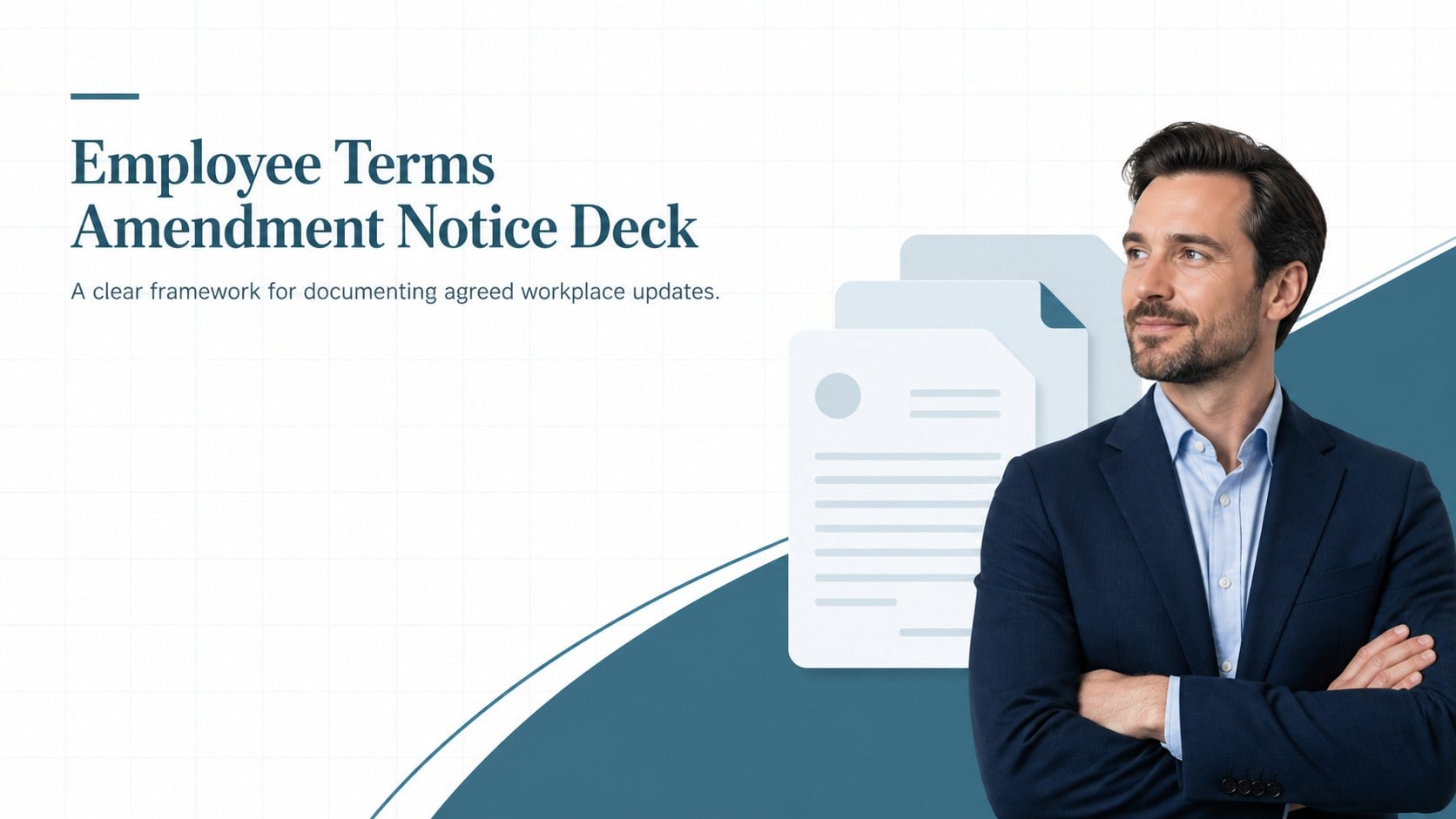
Use this employee terms amendment notice to explain adjustments to an existing work arrangement with clarity and consistency. Its restrained corporate styling, calming blue palette, and organized landscape layouts help HR teams present important updates without making the information feel dense or confusing. Customize the deck in PowerPoint or Google Slides to match internal policies and brand standards.
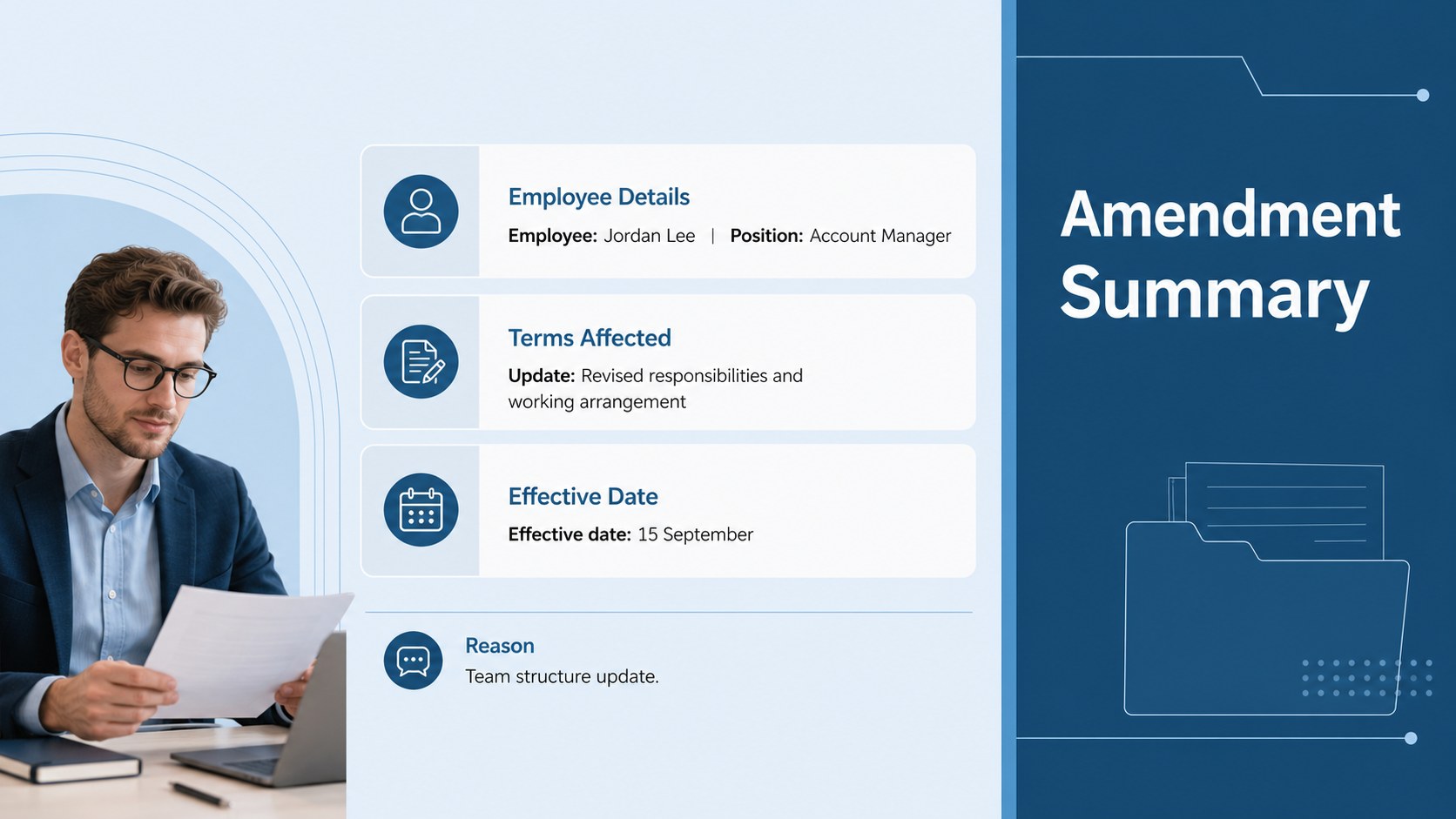
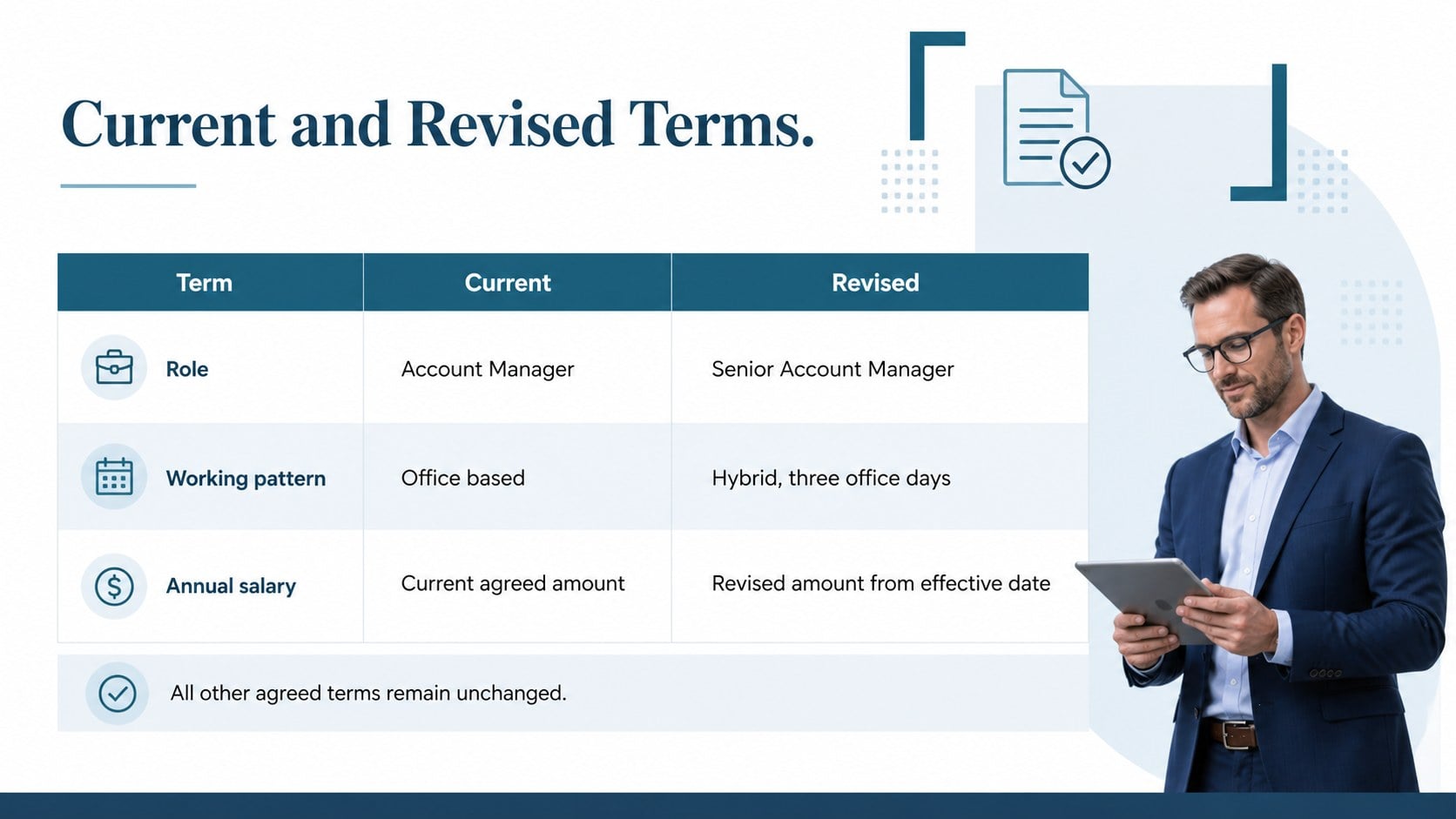
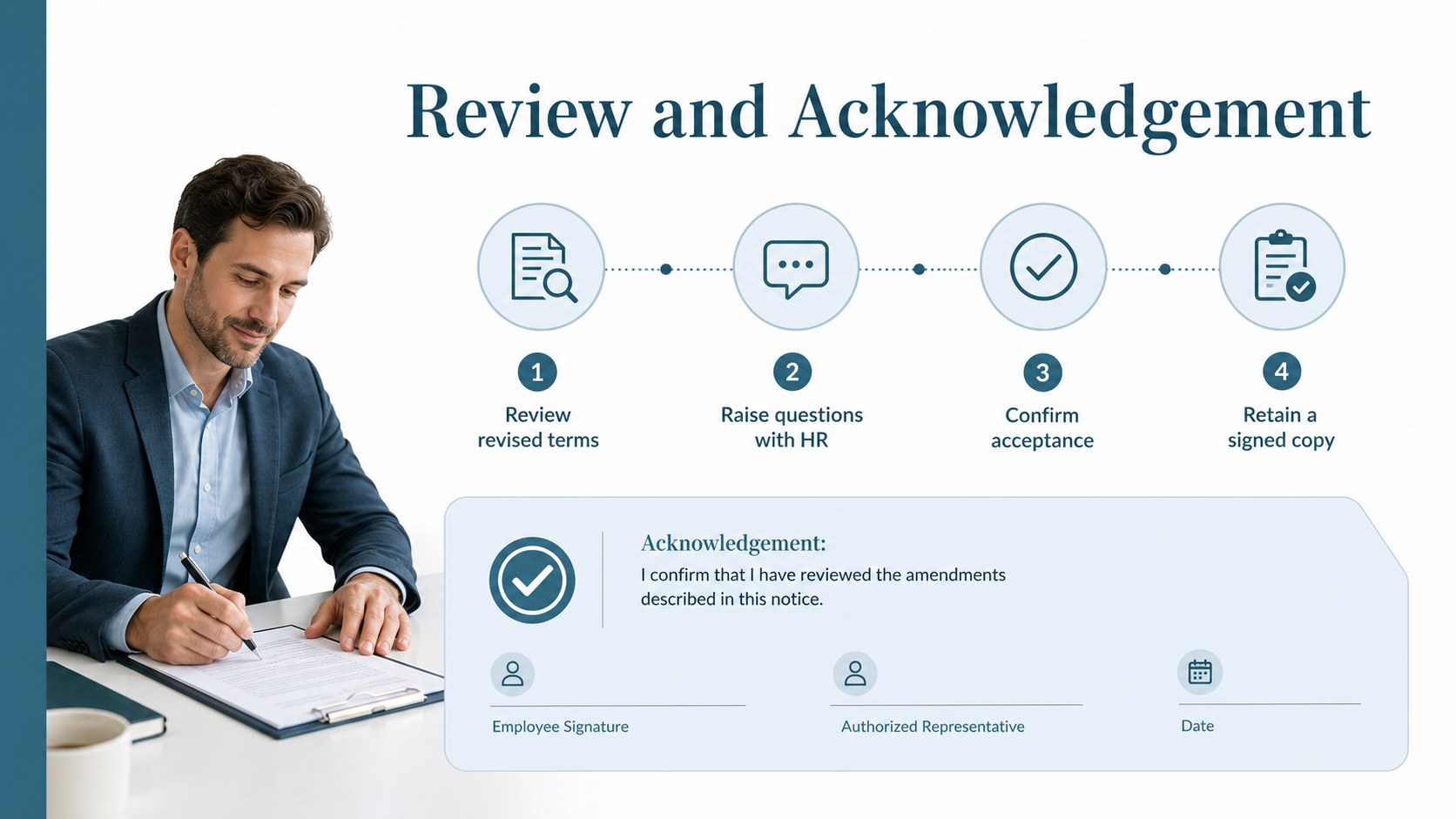
The template includes a formal cover, an employment amendment summary, a comparison of current and revised terms, and an acknowledgement section for next steps. Clearly identify the employee and position, describe the reason for the update, record the effective date, and outline changes involving compensation, responsibilities, working hours, location, benefits, or reporting lines. The structured layouts also make it suitable as an employee contract addendum presentation or a change to employment terms notice for review meetings.
Designed for HR professionals, operations managers, business owners, and people leaders, this deck supports promotion discussions, flexible-work arrangements, compensation reviews, departmental transfers, and policy-driven updates. Replace the sample wording with details approved by your organization, then add relevant contacts, review dates, and signature requirements. Because employment rules vary by location, the finished notice should be checked against company policy and reviewed by a qualified legal or HR adviser before it is issued.
Perfect for: employee promotion and role update; salary or benefits adjustment; flexible working arrangement; departmental transfer notice; working hours revision; workplace policy amendment.
Frequently asked questions
Can I edit this template in PowerPoint and Google Slides? Yes. All headings, text blocks, colors, and layout elements can be edited in PowerPoint or Google Slides. Replace the sample content with the approved terms for the employee concerned.
Practical details
Yes. All headings, text blocks, colors, and layout elements can be edited in PowerPoint or Google Slides. Replace the sample content with the approved terms for the employee concerned.
The layouts can cover changes to duties, salary, benefits, hours, workplace location, reporting lines, or effective dates. Sections may be duplicated or removed to suit a simple amendment or a more detailed review.
Add your organization’s approved logo, fonts, contact details, and brand colors while retaining clear contrast and readable type. The blue corporate palette can also be adjusted through the presentation theme settings.
No. It provides a structured communication format but does not determine whether an amendment is legally valid. Have the completed notice reviewed under applicable employment law and internal policy before issuing it.
Keep exploring
15Shape your publishing concept with an indie magazine startup pitch deck featuring pastel gradients, bold collage layouts, and editable planning slides.
 16
16Build clear project stories with the Icon Grid Teamwork Theme, a flexible blue illustrated deck for proposals, strategy updates, and team meetings.
 3
3Turn priorities into an actionable plan with an annual goals roadmap infographic, featuring editable orange and teal layouts for PowerPoint and Google Slides.
 15
15Create an Annual Achievement Report Presentation with colorful geometric layouts for milestones, results, lessons, and priorities in PowerPoint or Google Slides.
 15
15Turn results into a focused annual performance evaluation report with dark 3D slides for KPIs, achievements, feedback, and next-step goals for teams.
 15
15Guide a focused annual recap with Business Results Retrospective Slides, a muted brown-and-blue template for PowerPoint and Google Slides.
 6
6Turn complex plans into clear visual stories with Color-Coded Workflow Path Slides, an editable set for project updates, roadmaps, and team briefings.
 6
6Compare regional performance at a glance with Global Data Heatmap Slides, a clean multicolor deck designed for editable PowerPoint and Google Slides.