
 15
15presentation
Indie Magazine Startup Pitch Deck
Shape your publishing concept with an indie magazine startup pitch deck featuring pastel gradients, bold collage layouts, and editable planning slides.
Google SlidesPowerPoint
spreadsheet · English
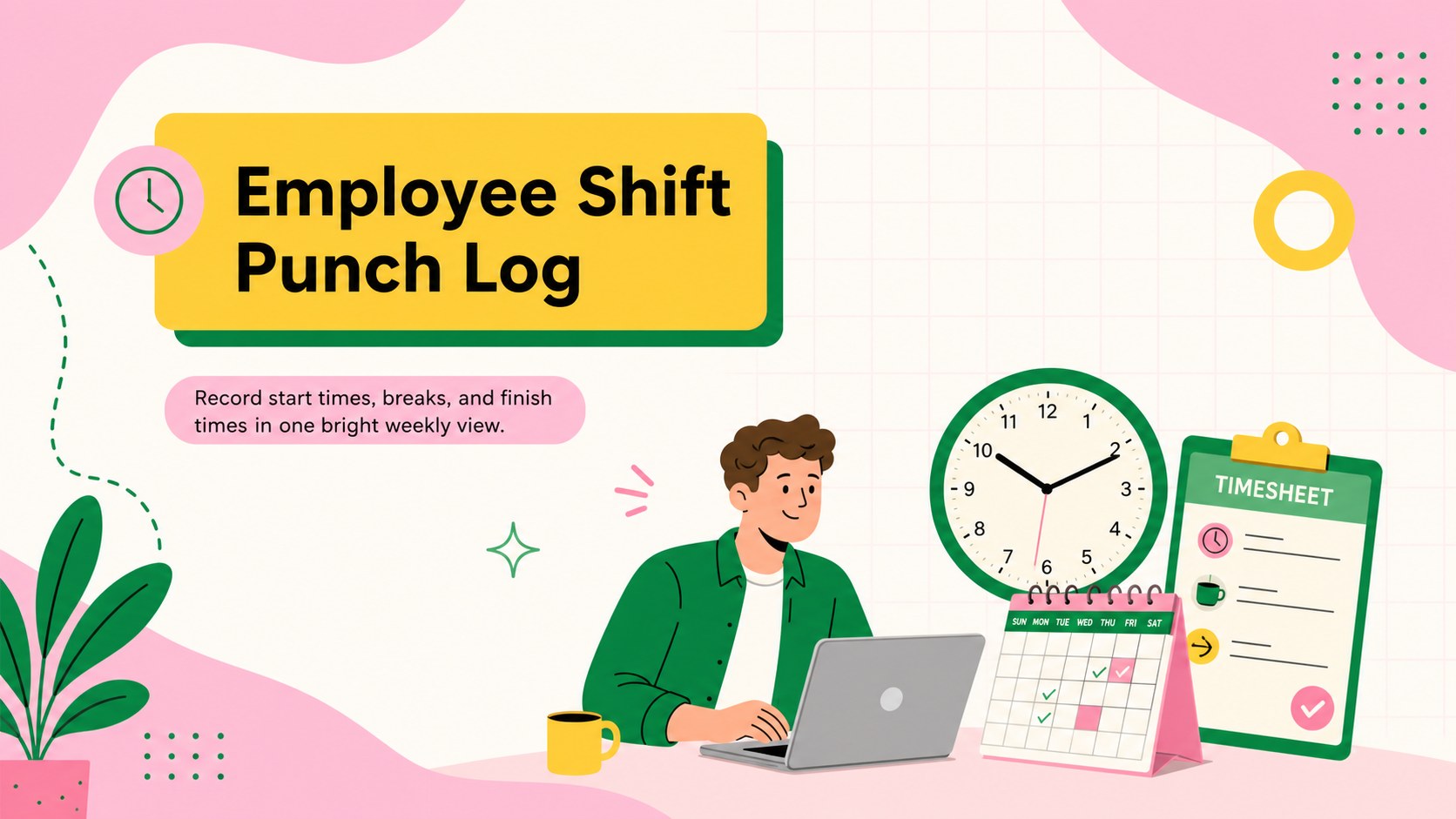
Simplify payroll preparation with an employee shift punch log for recording starts, breaks, finishes, and total hours in Excel or Google Sheets.
Design notes
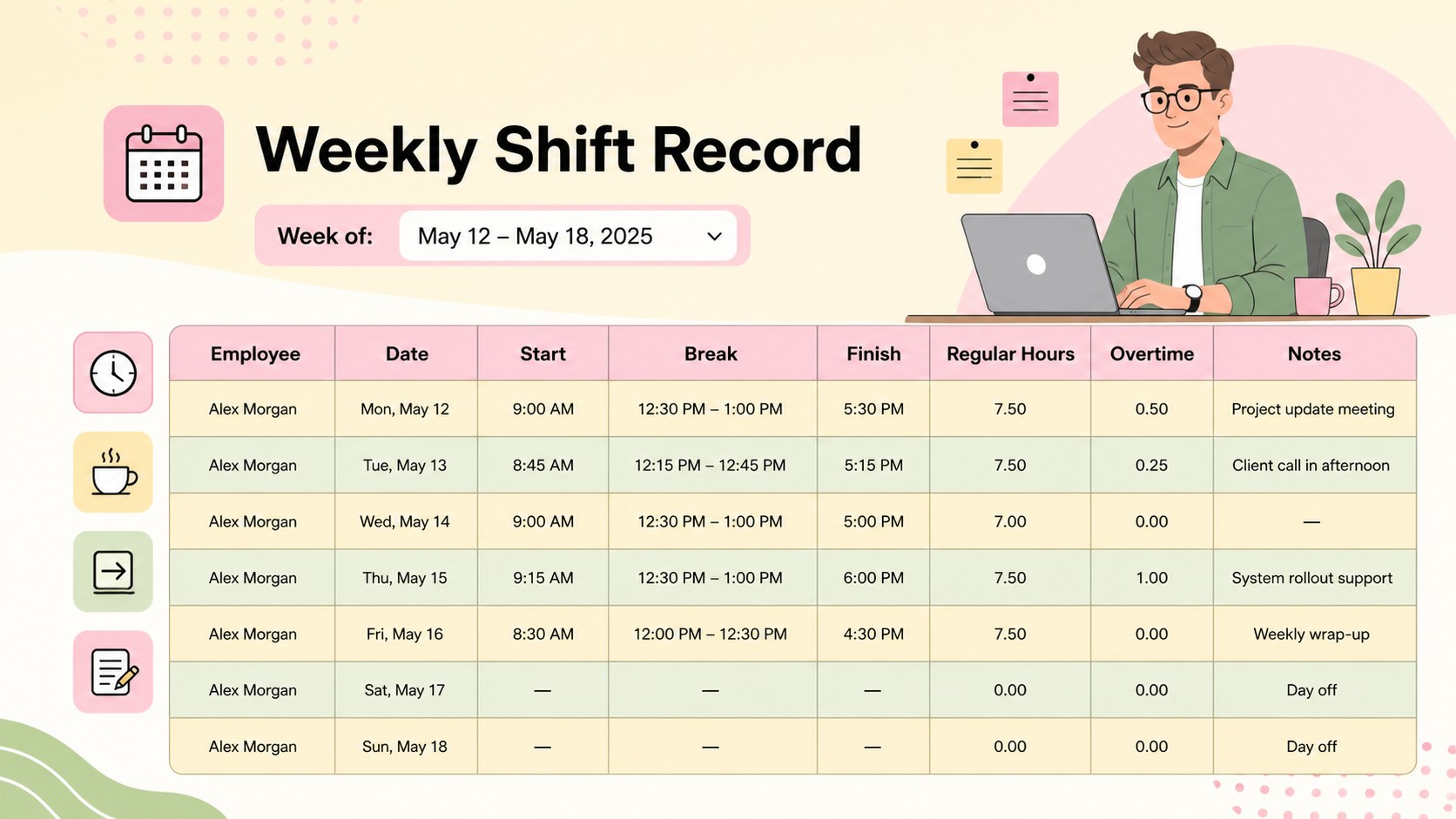
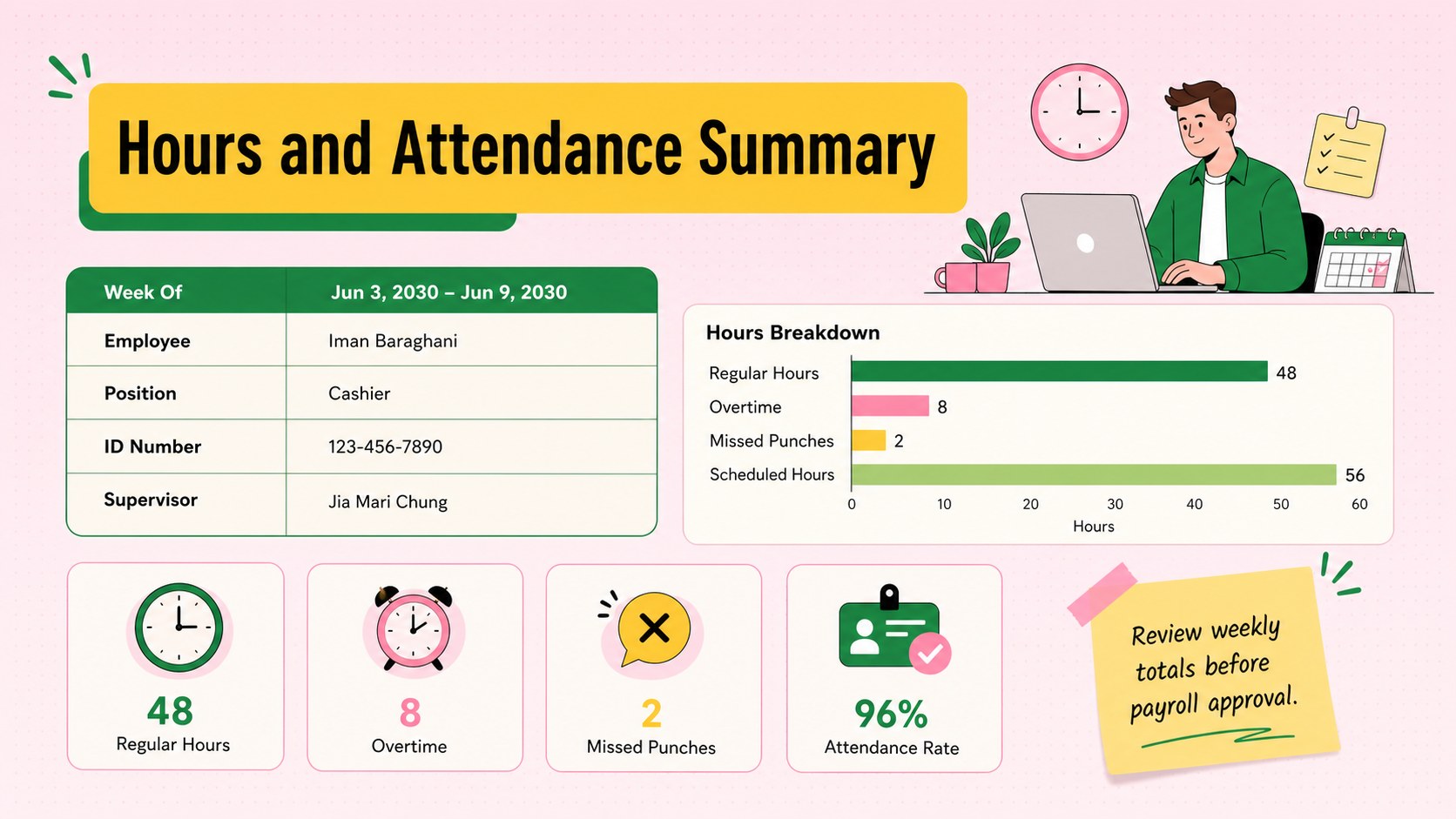
Make daily hour tracking clearer with an employee shift punch log designed for busy workplaces. The colorful spreadsheet combines a clean structure with cheerful pink, yellow, and green accents, helping managers record attendance without turning a routine administrative task into a visual chore.
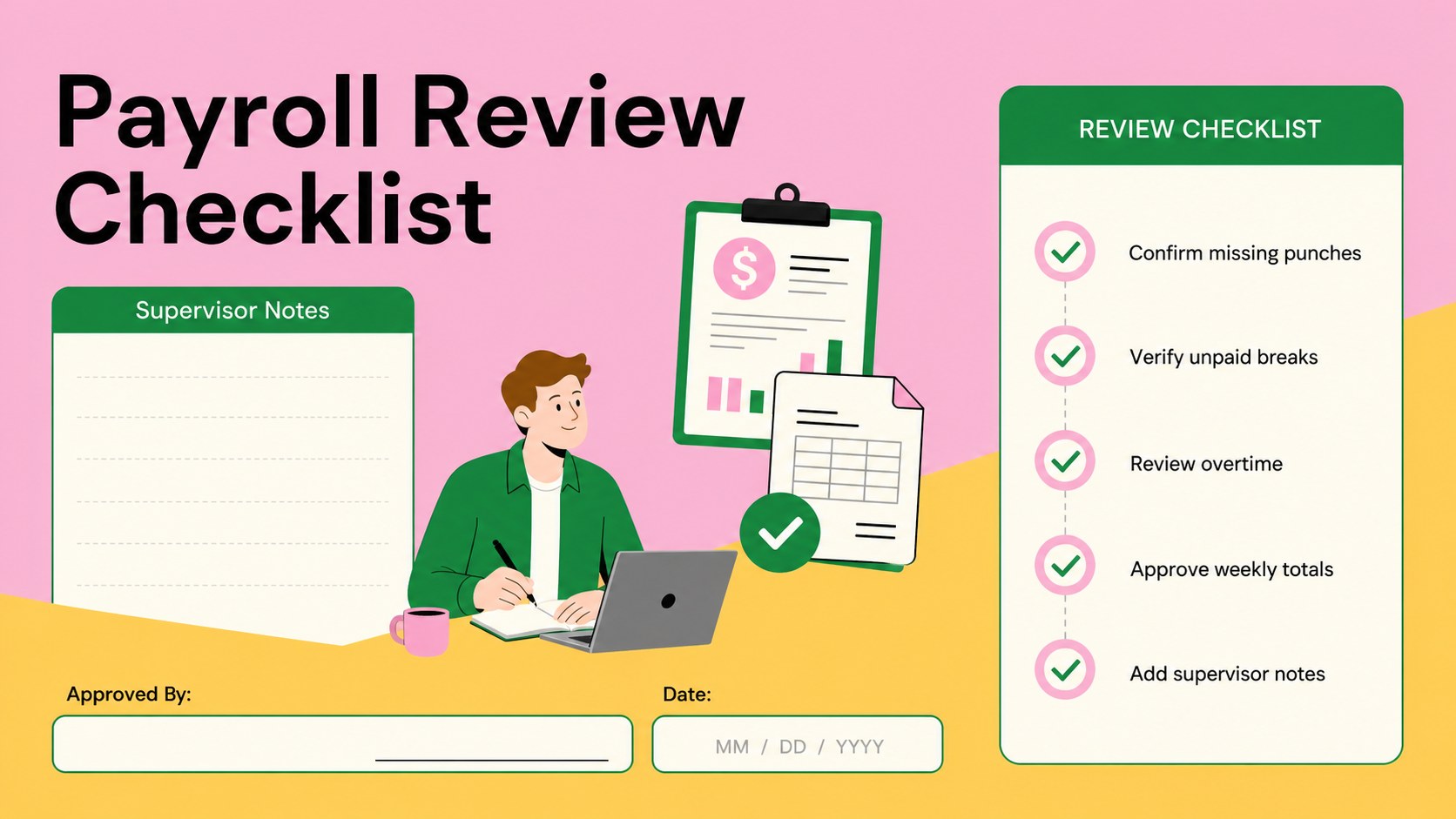
Inside, you will find organized fields for employee names, dates, scheduled shifts, clock-in times, break periods, clock-out times, regular hours, overtime, and supervisor notes. Use it as a weekly staff hours log for recurring schedules or adapt the rows for monthly reporting. Automatic formulas can be added in Excel or Google Sheets to calculate shift duration and weekly totals, creating a practical employee clock in spreadsheet that supports payroll reviews and attendance checks.
This template suits HR coordinators, office administrators, retail supervisors, hospitality managers, and small business owners who need a consistent record of working hours. Colors, labels, formulas, and row counts can all be adjusted to match internal processes. The illustrated pastel style keeps the document approachable while preserving a minimalist layout that remains easy to scan, print, share, and archive as a printable employee punch record.
Perfect for: weekly employee time tracking; retail shift attendance; hospitality payroll preparation; small office hour logging; supervisor overtime review.
Frequently asked questions
Can I edit this punch log in Excel and Google Sheets? Yes. You can change labels, add employees, adjust time formats, and expand the table in either Excel or Google Sheets. Review imported formulas after opening the file to confirm they match your regional time settings.
Practical details
Yes. You can change labels, add employees, adjust time formats, and expand the table in either Excel or Google Sheets. Review imported formulas after opening the file to confirm they match your regional time settings.
Duplicate or remove rows, rename the shift columns, and add separate fields for split shifts or multiple breaks. You can also create individual tabs for departments, locations, or pay periods.
Yes. Add formulas that subtract start time and unpaid breaks from the finish time, then compare the result with your regular-hour threshold. Overtime rules vary, so configure the calculation to follow your workplace policy and local requirements.
Yes. Set the print area to the main table and choose landscape orientation for a clear weekly record. The pastel colors can also be replaced with higher-contrast or grayscale formatting before printing.
Keep exploring
15Shape your publishing concept with an indie magazine startup pitch deck featuring pastel gradients, bold collage layouts, and editable planning slides.
 16
16Build clear project stories with the Icon Grid Teamwork Theme, a flexible blue illustrated deck for proposals, strategy updates, and team meetings.
 3
3Turn priorities into an actionable plan with an annual goals roadmap infographic, featuring editable orange and teal layouts for PowerPoint and Google Slides.
 15
15Create an Annual Achievement Report Presentation with colorful geometric layouts for milestones, results, lessons, and priorities in PowerPoint or Google Slides.
 15
15Turn results into a focused annual performance evaluation report with dark 3D slides for KPIs, achievements, feedback, and next-step goals for teams.
 15
15Guide a focused annual recap with Business Results Retrospective Slides, a muted brown-and-blue template for PowerPoint and Google Slides.
 6
6Turn complex plans into clear visual stories with Color-Coded Workflow Path Slides, an editable set for project updates, roadmaps, and team briefings.
 6
6Compare regional performance at a glance with Global Data Heatmap Slides, a clean multicolor deck designed for editable PowerPoint and Google Slides.