
 15
15presentation
Indie Magazine Startup Pitch Deck
Shape your publishing concept with an indie magazine startup pitch deck featuring pastel gradients, bold collage layouts, and editable planning slides.
Google SlidesPowerPoint
presentation · English
Frame strategy, product, and technology stories with the Emerald Geometry Business Deck, featuring editable layouts for PowerPoint and Google Slides.


Design notes
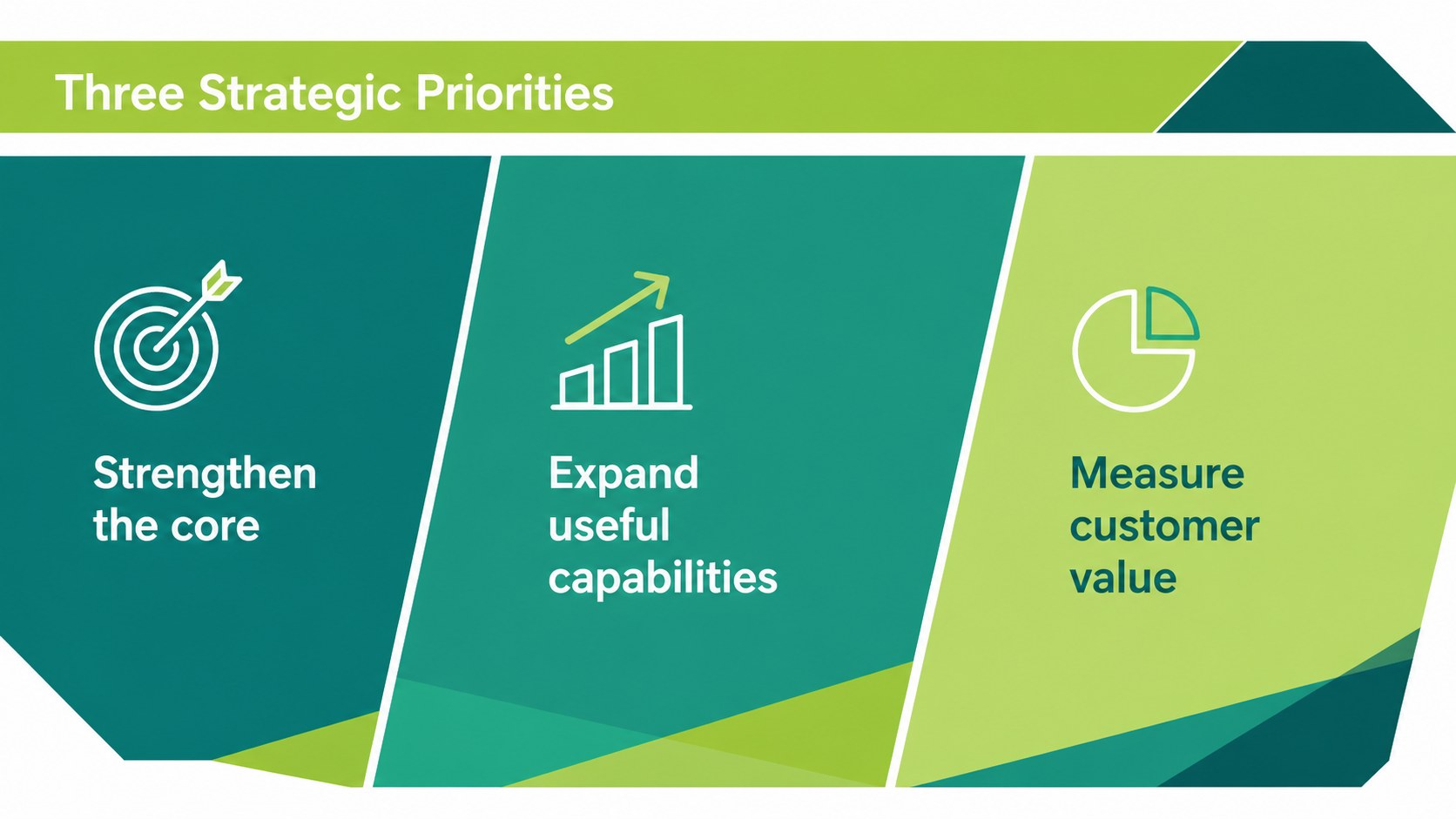
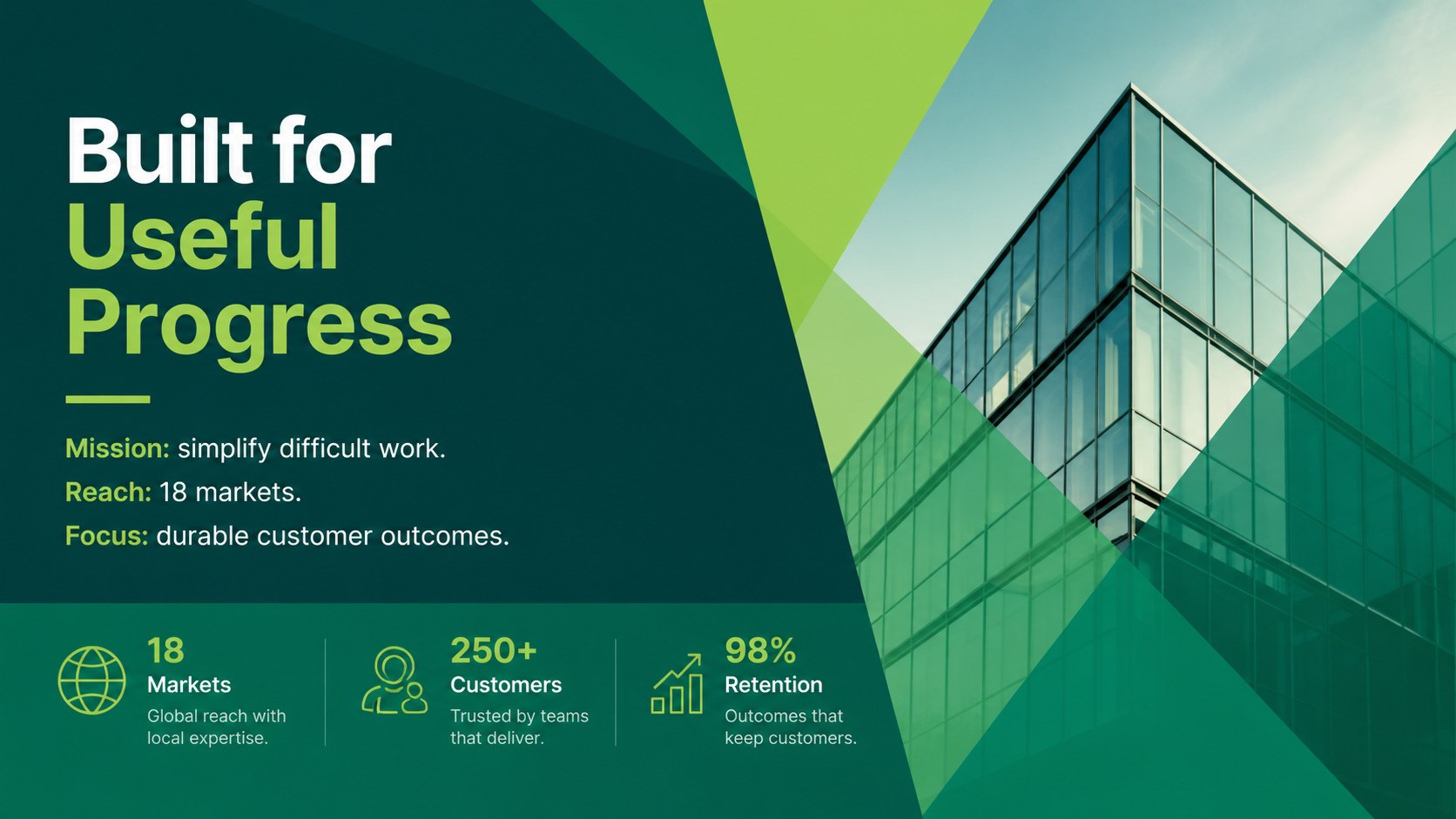
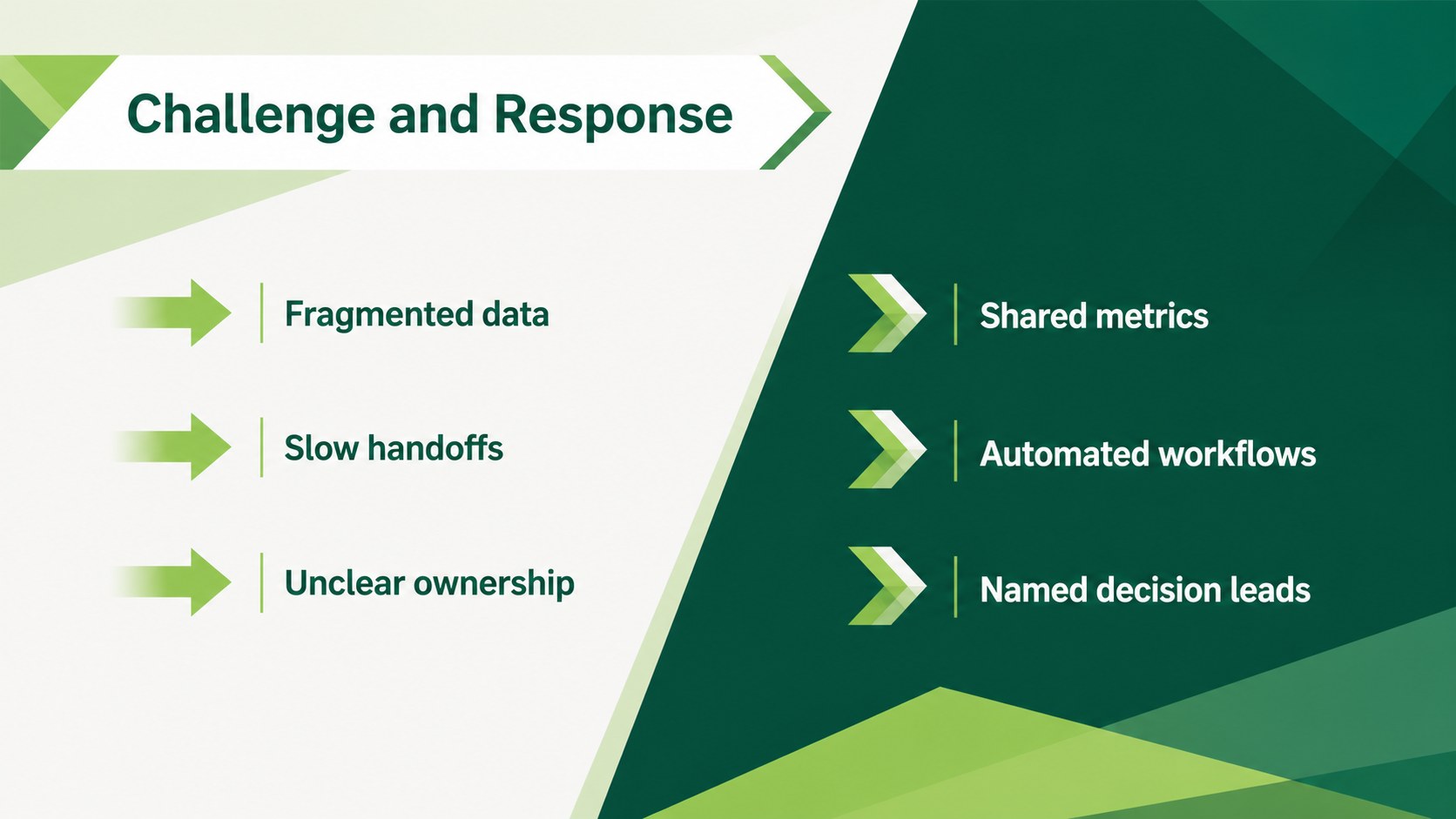
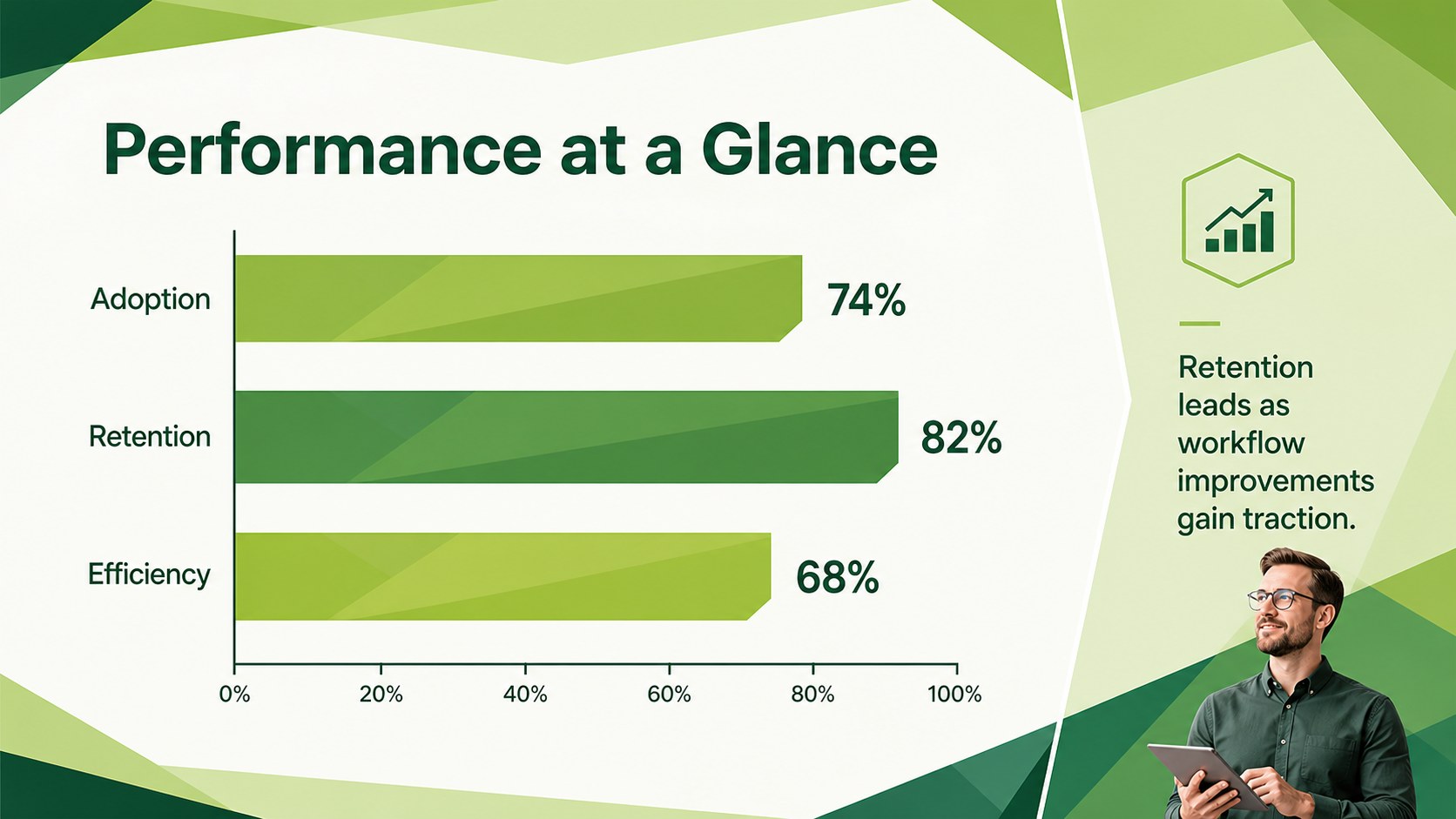
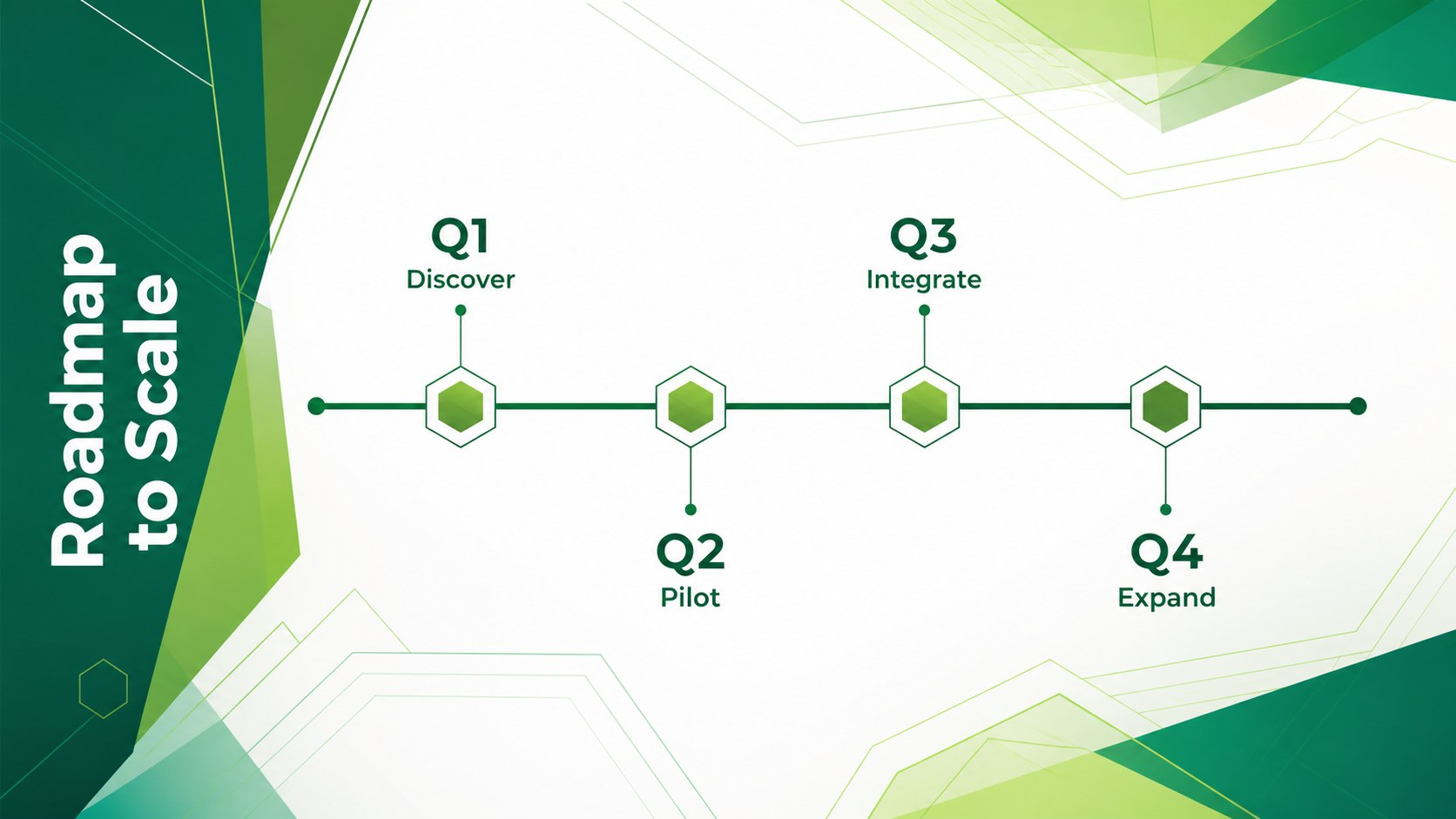
The Emerald Geometry Business Deck gives strategic ideas a clear visual framework through layered angles, crisp typography, and a focused green palette. This editable emerald business presentation template balances bold visual momentum with the restraint needed for professional meetings, product narratives, and technical briefings.
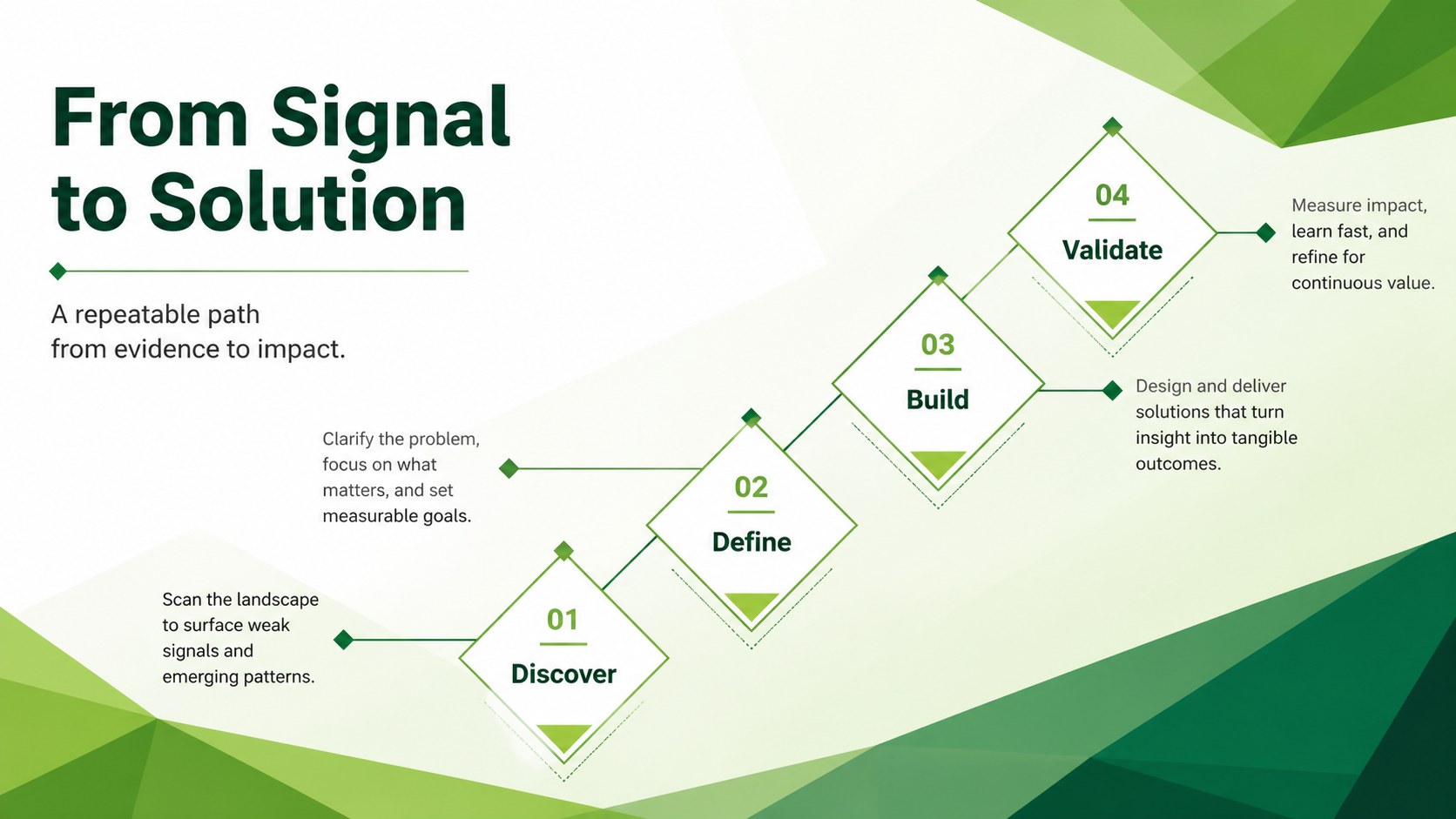
Inside are 25 adaptable layouts for opening statements, agendas, company profiles, market insights, process diagrams, timelines, comparisons, team introductions, charts, tables, maps, and closing messages. A coordinated set of 80 editable icons helps clarify key points without crowding the page. Colors, text, images, and graphic shapes can be adjusted to match an organization or project, while the 16:9 format is ready for modern screens. The deck uses Karla and Raleway for a clean hierarchy and can also be exported as PDF or image files.
Use this angular green strategy deck for a startup pitch, quarterly review, technology roadmap, consulting proposal, or project update. It is equally useful as a modern green company profile for teams that need polished slides without excessive decoration. Every layout can be added, removed, duplicated, or reordered in PowerPoint and Google Slides, making the Emerald Geometry Business Deck flexible enough for both concise briefings and detailed presentations.
Perfect for: technology product briefing; quarterly business review; startup strategy pitch; consulting proposal; project roadmap update; company profile presentation.
Frequently asked questions
Can I edit every element in this presentation? Yes. Text, colors, photos, icons, charts, and geometric shapes can be customized, duplicated, or removed to suit your content.
Practical details
Yes. Text, colors, photos, icons, charts, and geometric shapes can be customized, duplicated, or removed to suit your content.
The deck is designed for PowerPoint and Google Slides. You can also export the finished presentation as a PDF or a set of image files.
Replace the emerald and supporting accent colors through the theme or color controls in your presentation editor. Keep strong contrast between backgrounds and text to preserve the deck's clear visual hierarchy.
Yes. It provides editable charts, tables, comparisons, timelines, process diagrams, maps, and roadmap layouts for business and technology content.
Keep exploring
15Shape your publishing concept with an indie magazine startup pitch deck featuring pastel gradients, bold collage layouts, and editable planning slides.
 16
16Build clear project stories with the Icon Grid Teamwork Theme, a flexible blue illustrated deck for proposals, strategy updates, and team meetings.
 3
3Turn priorities into an actionable plan with an annual goals roadmap infographic, featuring editable orange and teal layouts for PowerPoint and Google Slides.
 15
15Create an Annual Achievement Report Presentation with colorful geometric layouts for milestones, results, lessons, and priorities in PowerPoint or Google Slides.
 15
15Turn results into a focused annual performance evaluation report with dark 3D slides for KPIs, achievements, feedback, and next-step goals for teams.
 15
15Guide a focused annual recap with Business Results Retrospective Slides, a muted brown-and-blue template for PowerPoint and Google Slides.
 6
6Turn complex plans into clear visual stories with Color-Coded Workflow Path Slides, an editable set for project updates, roadmaps, and team briefings.
 6
6Compare regional performance at a glance with Global Data Heatmap Slides, a clean multicolor deck designed for editable PowerPoint and Google Slides.