
 15
15presentation
Indie Magazine Startup Pitch Deck
Shape your publishing concept with an indie magazine startup pitch deck featuring pastel gradients, bold collage layouts, and editable planning slides.
Google SlidesPowerPoint
presentation · English
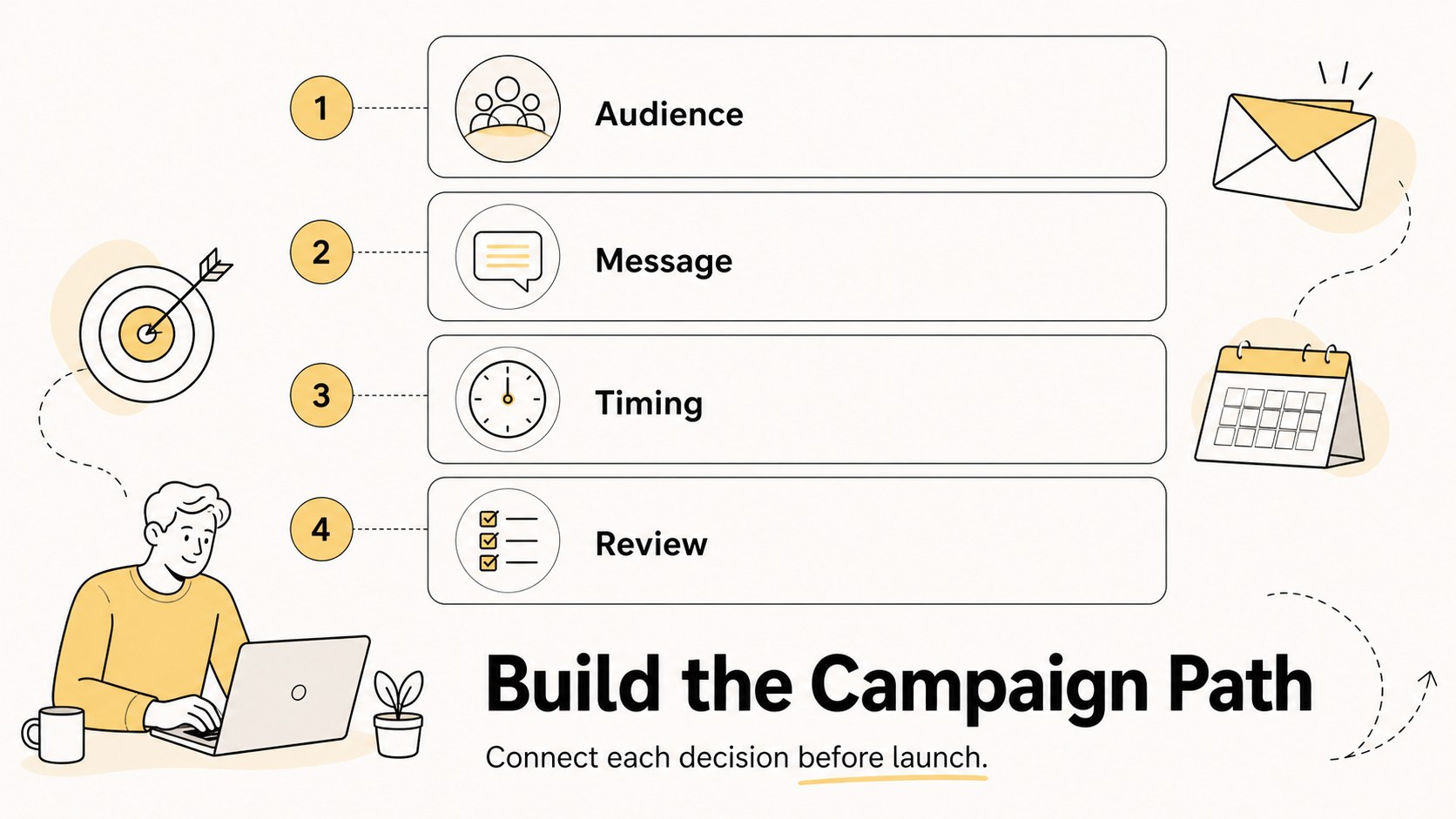
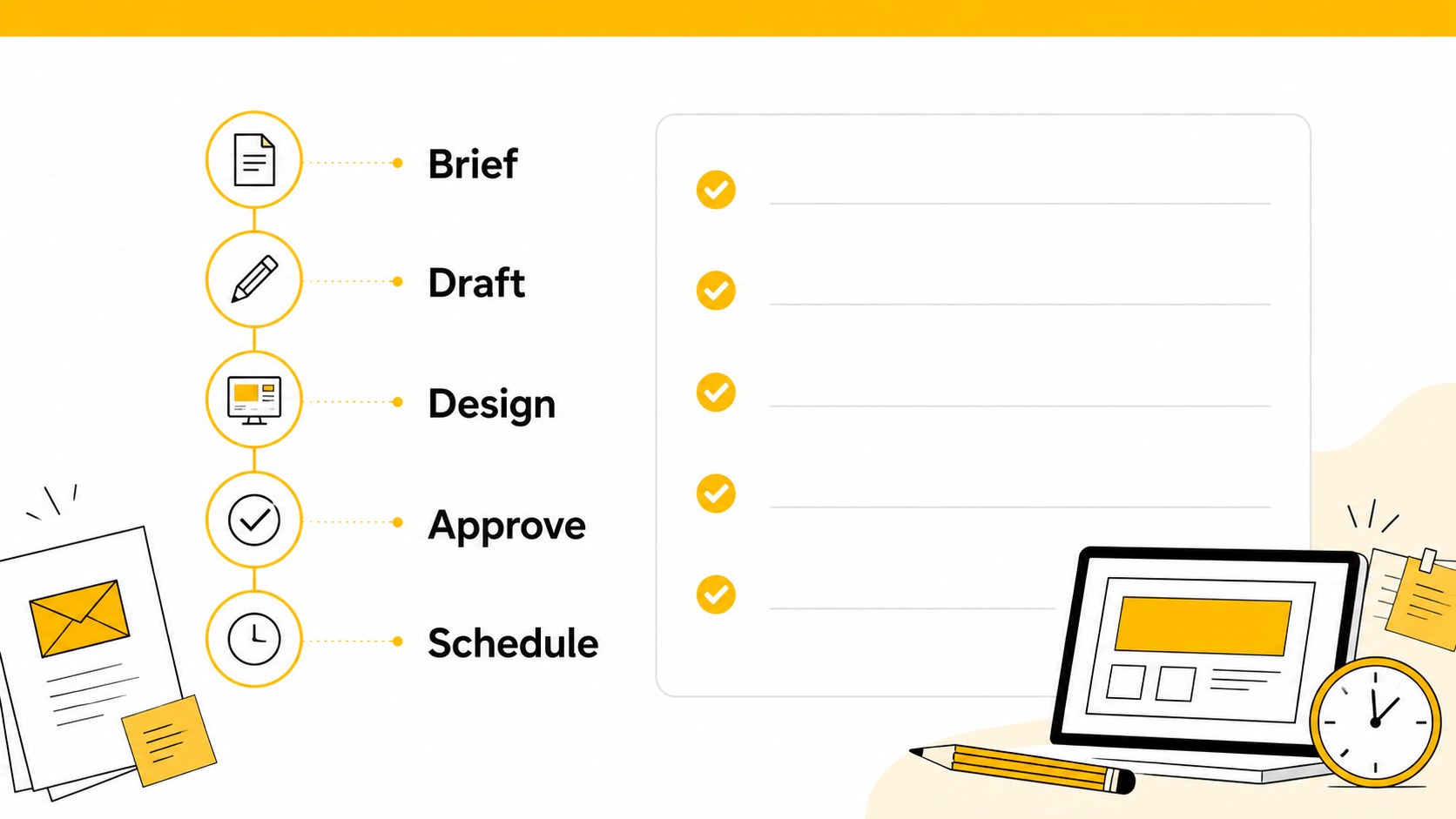
Build clearer campaigns with an email campaign roadmap slides template for PowerPoint and Google Slides, featuring editable white-and-yellow process visuals.



Design notes
Email Campaign Roadmap Slides is an editable presentation template for marketing teams that need to explain how campaigns move from planning to delivery. Its minimal illustrated style pairs a bright white background with confident yellow accents, keeping each workflow step visible without overwhelming the audience. Use the deck to align stakeholders, organize launch activities, or turn a complicated nurture sequence into a simple visual narrative.
Inside, you will find five customizable 16:9 infographic slides for campaign stages, audience preparation, content production, scheduling, and performance review. The layouts support short explanations, milestones, status notes, icons, and process connections, making them useful for both internal briefings and client-facing proposals. The template works as an email campaign roadmap slides resource in PowerPoint and Google Slides, with flexible shapes, editable text, and space for your own metrics or examples.
It is designed for marketing specialists, agency teams, CRM managers, and business owners who want a polished email workflow presentation without starting from a blank page. Adjust the yellow highlights, rewrite the labels, add campaign data, and rearrange the visual elements to match your brand or project. The clean structure also works well for campaign onboarding, quarterly planning, and approval meetings.
Perfect for: agency client campaign proposal; quarterly email marketing planning; CRM nurture sequence briefing; campaign team onboarding.
Frequently asked questions
Can I edit these slides in PowerPoint? Yes. The layouts use editable text, shapes, lines, and illustrations in PowerPoint. You can replace the sample copy, update colors, and add campaign metrics.
Practical details
Yes. The layouts use editable text, shapes, lines, and illustrations in PowerPoint. You can replace the sample copy, update colors, and add campaign metrics.
Yes, the presentation is designed for Google Slides as well as PowerPoint. Upload or open the file in Google Slides, then customize the content directly in your browser.
Use them to map campaign stages such as audience selection, copywriting, design, scheduling, and reporting. They can also show approval handoffs, nurture sequences, or launch milestones.
Yes. Yellow accents, text, shapes, and background elements can be adjusted to suit your visual identity. Keep the contrast between the light base and highlight color so the process remains easy to scan.
Keep exploring
15Shape your publishing concept with an indie magazine startup pitch deck featuring pastel gradients, bold collage layouts, and editable planning slides.
 16
16Build clear project stories with the Icon Grid Teamwork Theme, a flexible blue illustrated deck for proposals, strategy updates, and team meetings.
 3
3Turn priorities into an actionable plan with an annual goals roadmap infographic, featuring editable orange and teal layouts for PowerPoint and Google Slides.
 15
15Create an Annual Achievement Report Presentation with colorful geometric layouts for milestones, results, lessons, and priorities in PowerPoint or Google Slides.
 15
15Turn results into a focused annual performance evaluation report with dark 3D slides for KPIs, achievements, feedback, and next-step goals for teams.
 15
15Guide a focused annual recap with Business Results Retrospective Slides, a muted brown-and-blue template for PowerPoint and Google Slides.
 6
6Turn complex plans into clear visual stories with Color-Coded Workflow Path Slides, an editable set for project updates, roadmaps, and team briefings.
 6
6Compare regional performance at a glance with Global Data Heatmap Slides, a clean multicolor deck designed for editable PowerPoint and Google Slides.