
 15
15presentation
Indie Magazine Startup Pitch Deck
Shape your publishing concept with an indie magazine startup pitch deck featuring pastel gradients, bold collage layouts, and editable planning slides.
Google SlidesPowerPoint
presentation · English
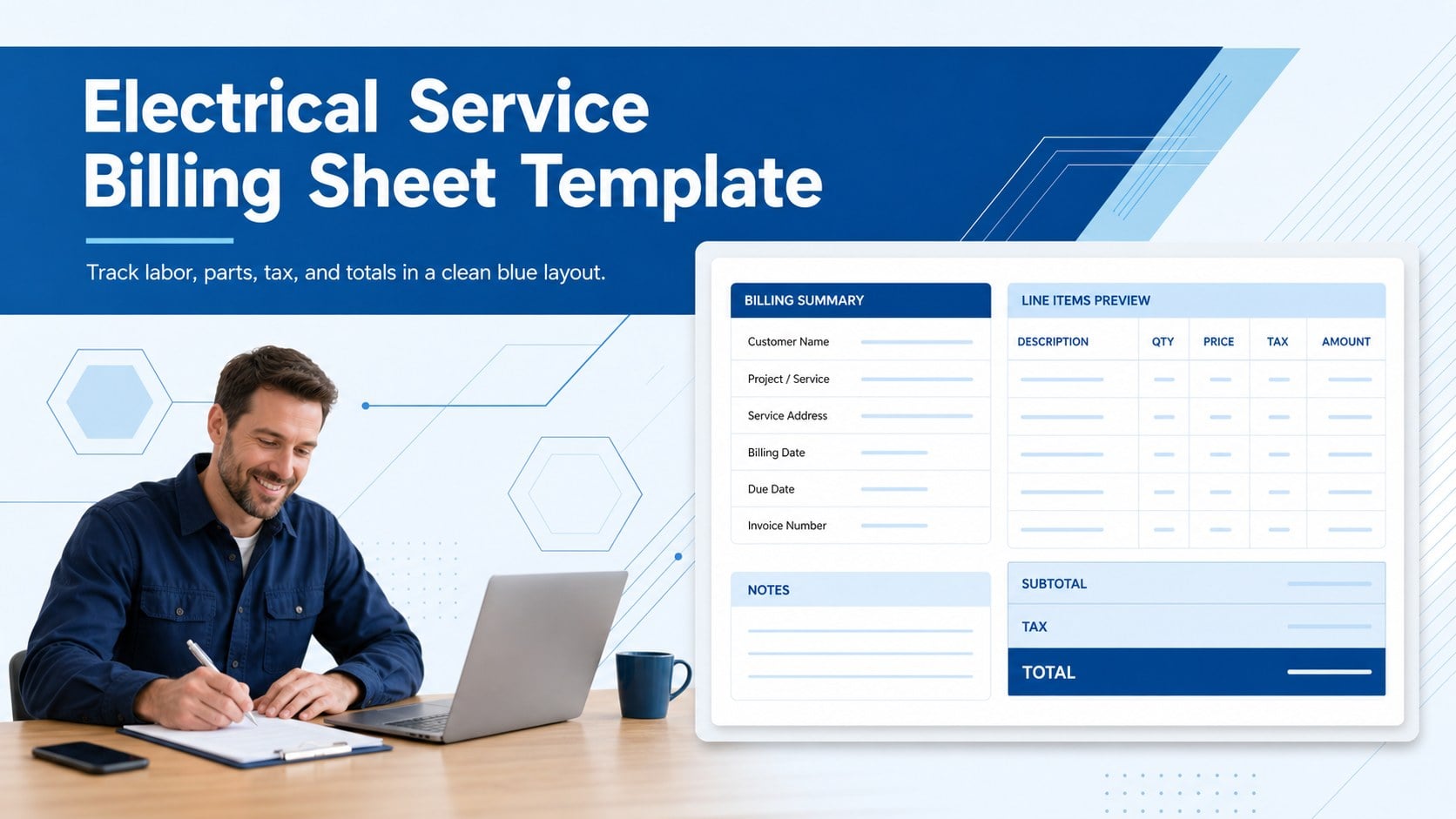
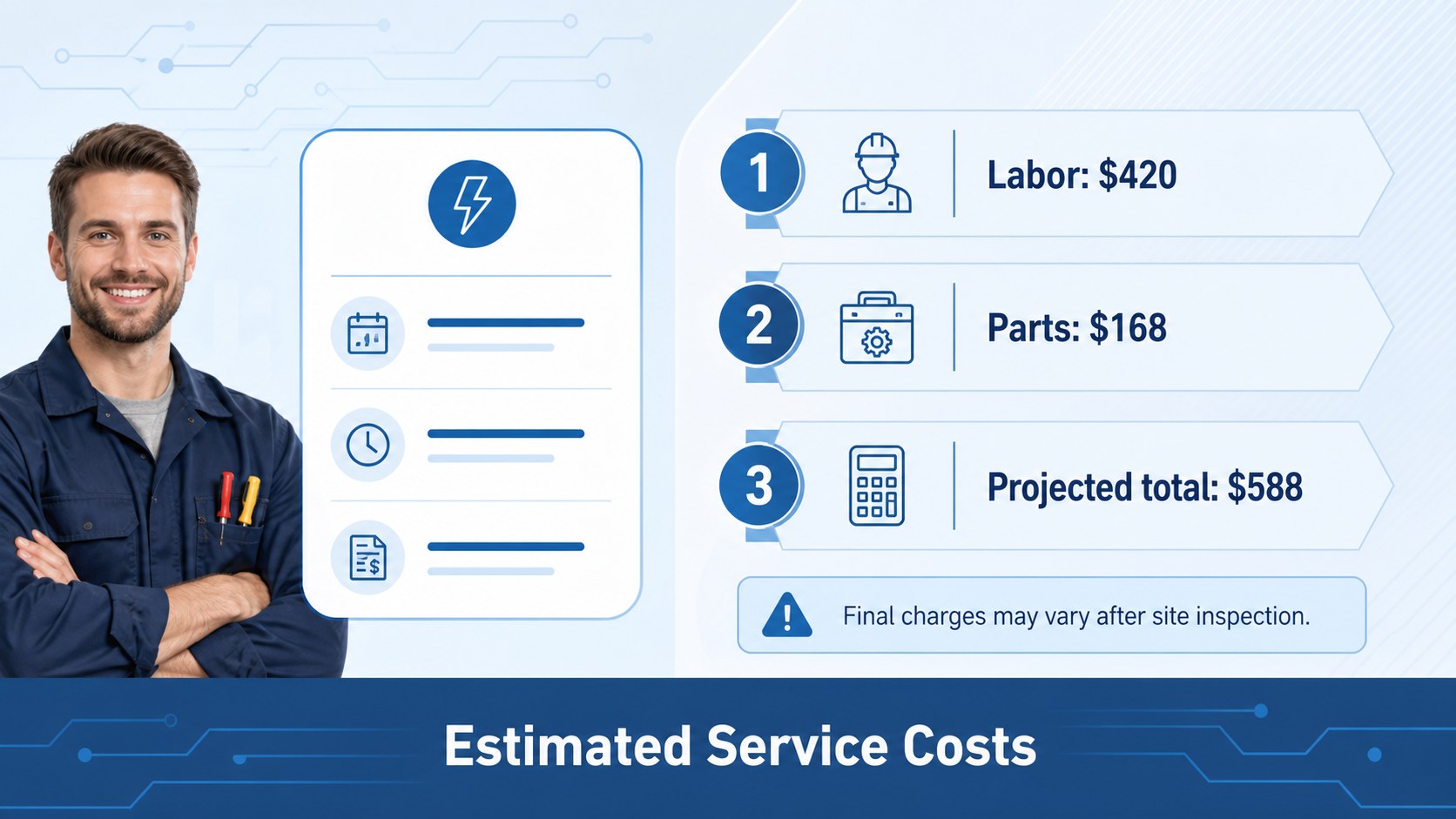
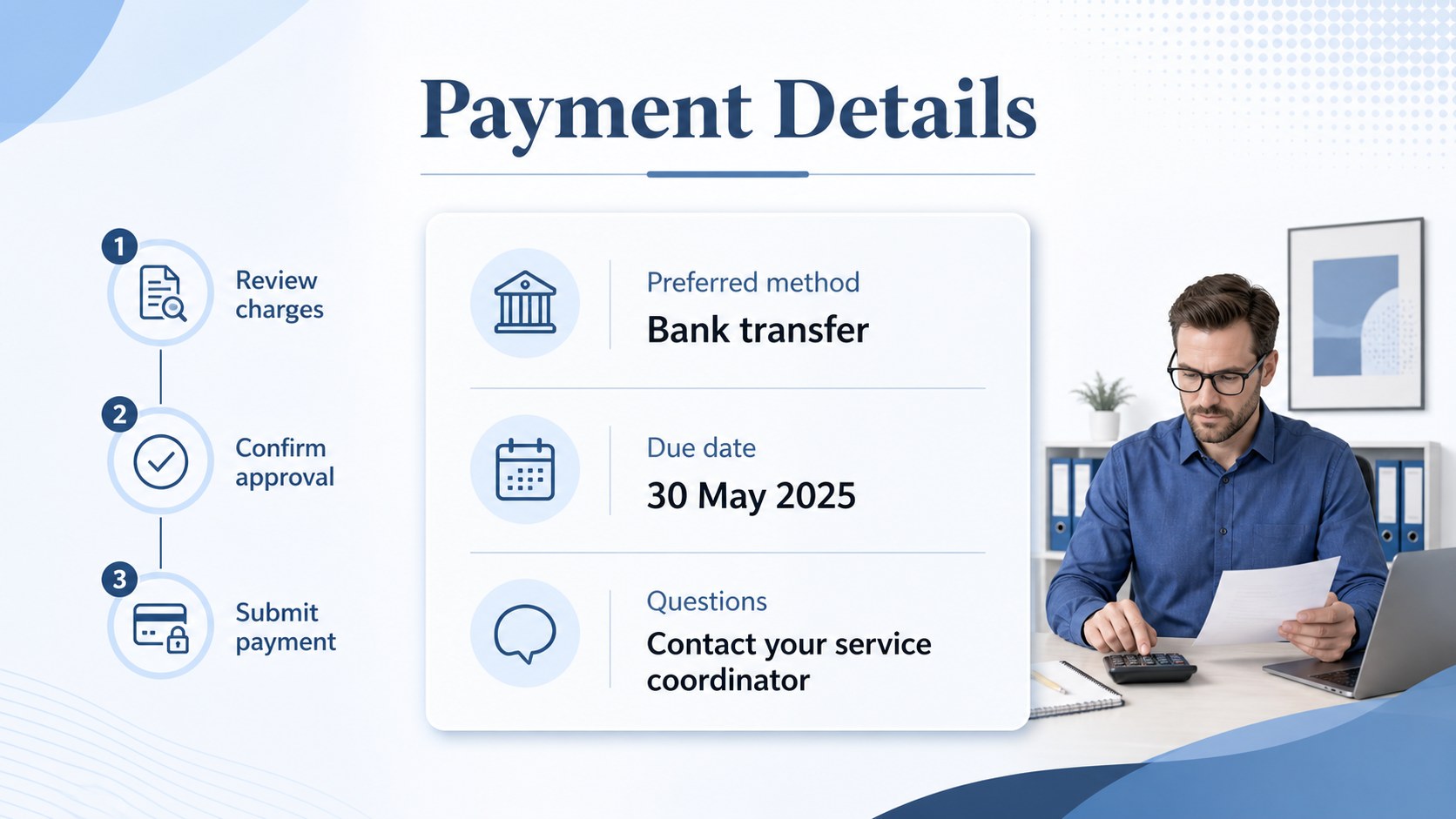
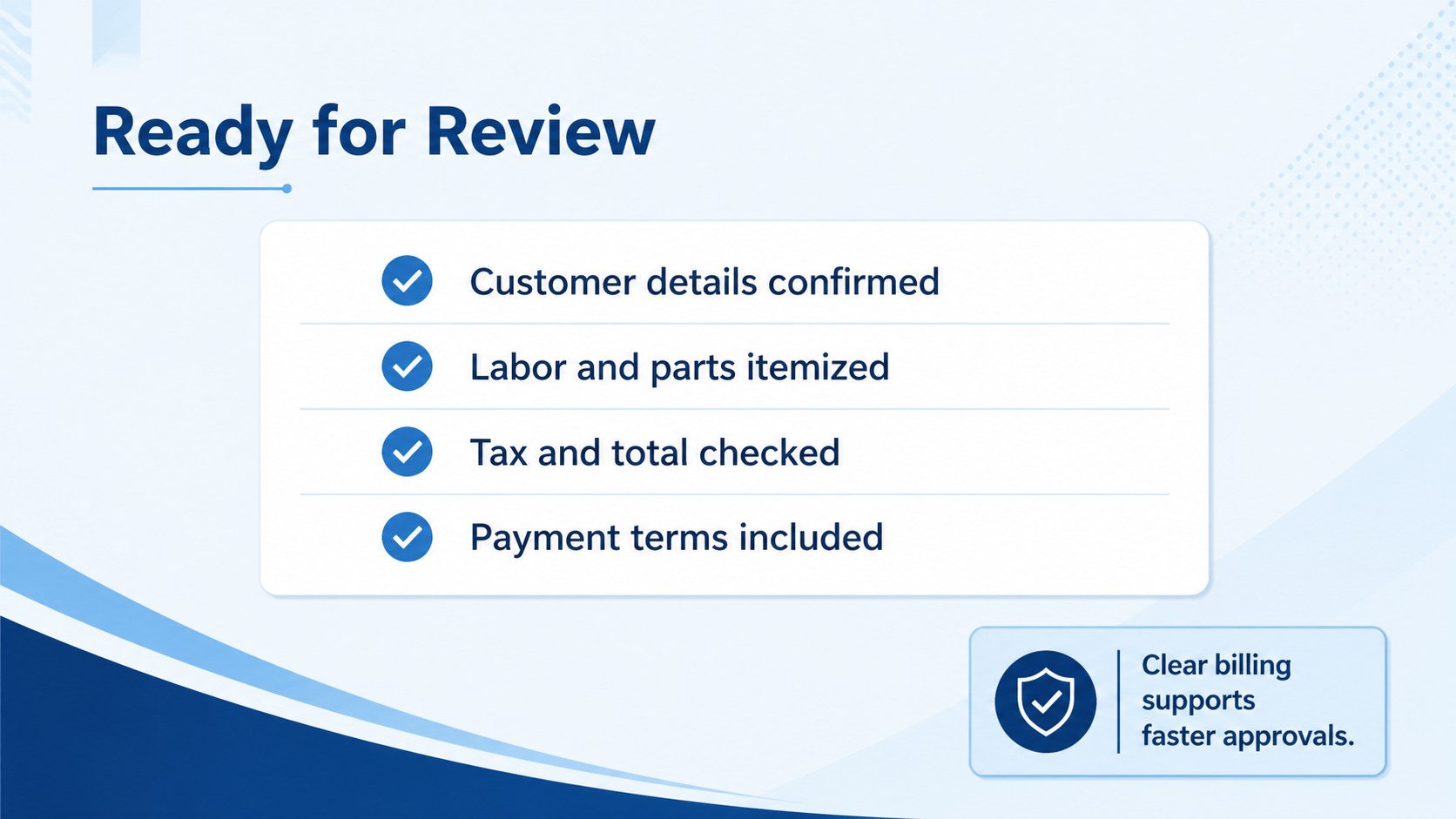
Build an electrical service billing sheet in PowerPoint or Google Slides. Edit labor, parts, tax, and totals in a clean blue layout, ready to send.

Design notes
An electrical service billing sheet designed for contractors who need a dependable way to summarize completed work and collect payment. Use the clean blue layout to present customer details, service dates, labor, materials, taxes, discounts, and the final amount due without unnecessary visual clutter. The structure is easy to adapt for residential callouts, commercial maintenance, installations, and recurring service agreements.
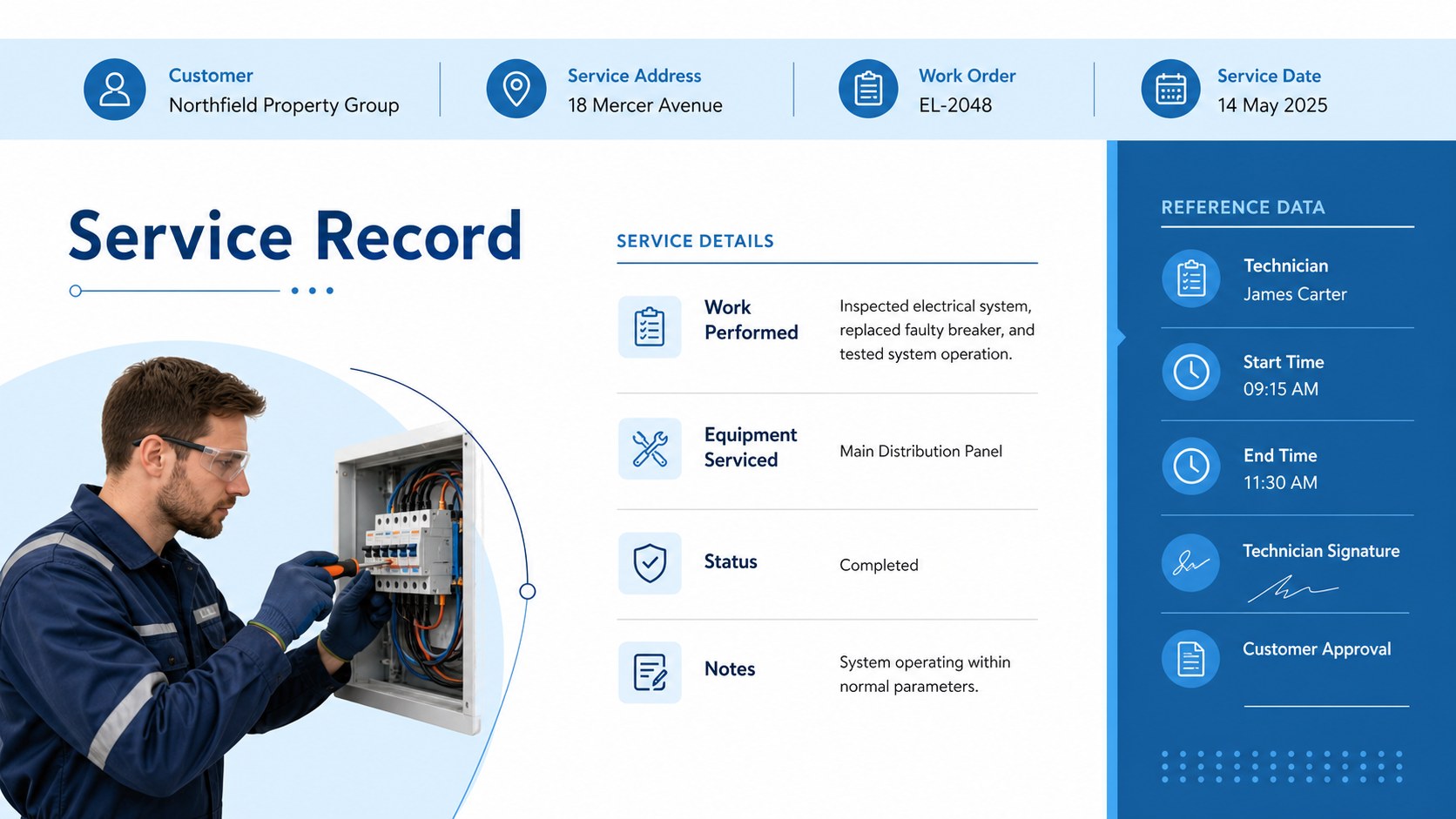
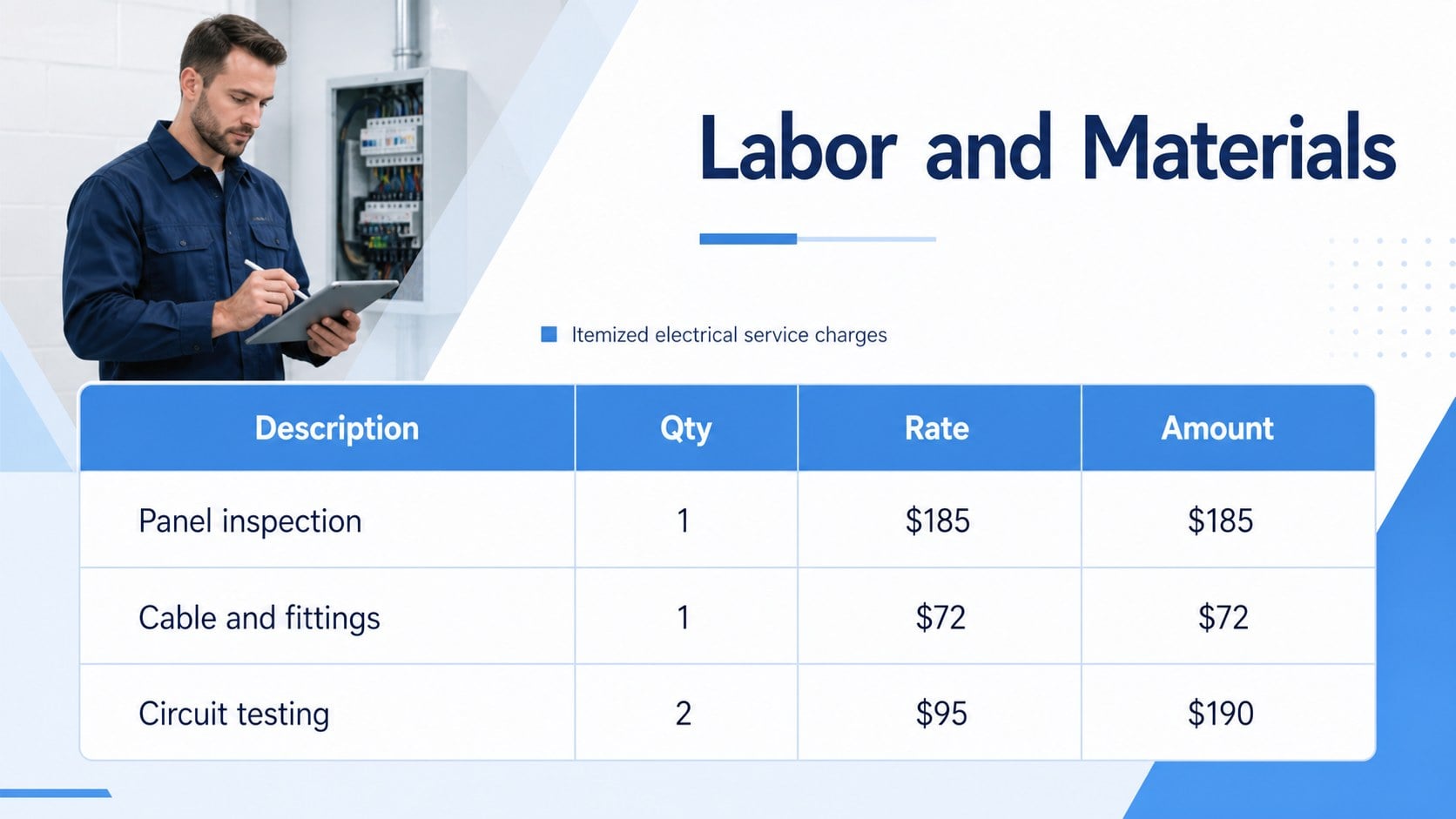
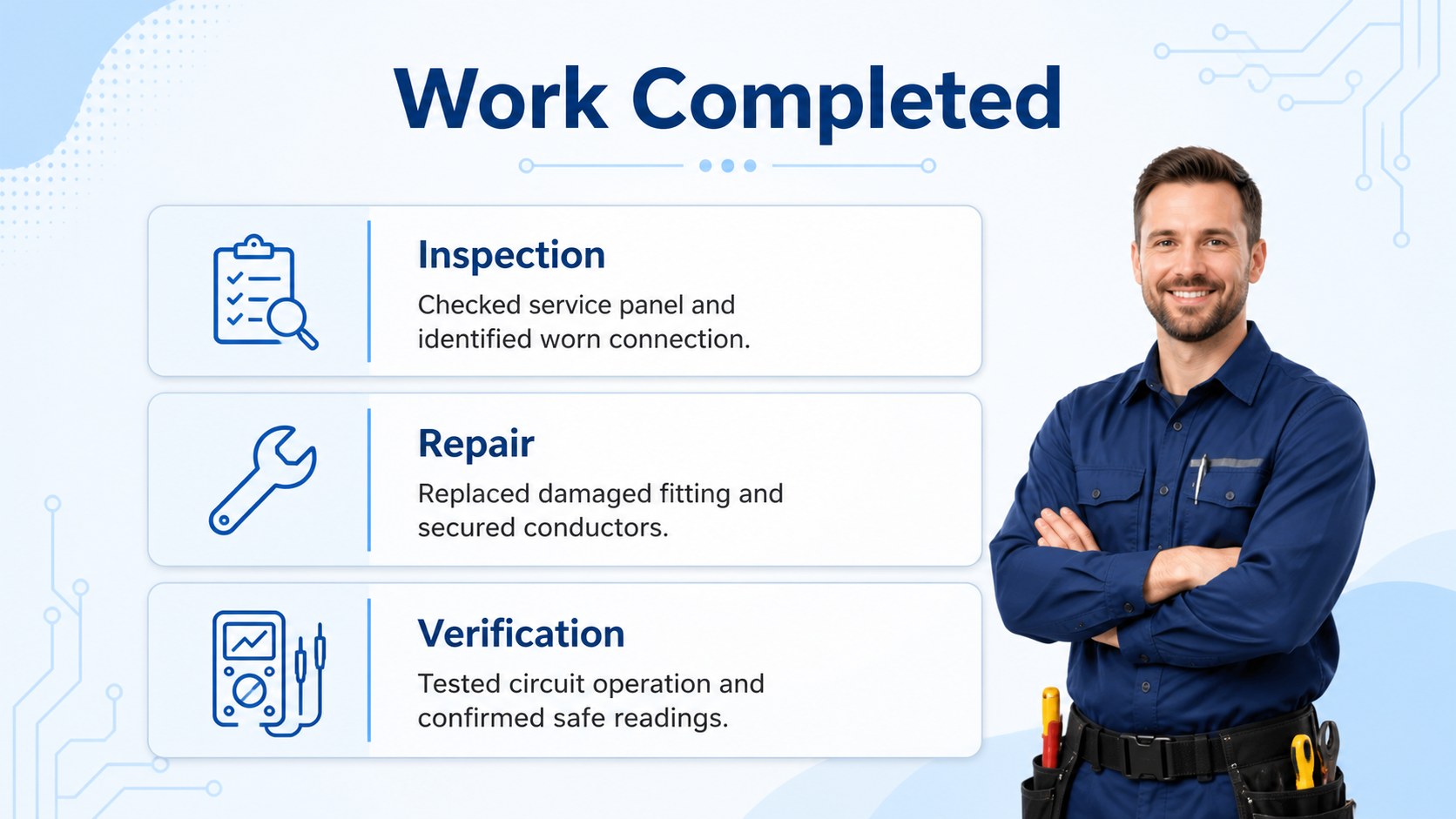
Inside, you will find a polished cover and several practical document layouts for organizing billing information, listing parts and labor, highlighting payment terms, and reviewing totals before sending a final copy. The editable format works well as a professional invoice alternative or as a repeatable internal billing form. You can also use the pages as an electrical contractor estimate template when preparing a clear cost breakdown before work begins.
Customize the text, tables, labels, typography, and blue accents in PowerPoint or Google Slides. The template is suitable for independent electricians, field service teams, office administrators, and small construction companies that want consistent paperwork across projects. It also provides a useful starting point for creating a contractor billing document that is easy for customers to scan, approve, and retain.
Perfect for: residential electrical service billing; commercial maintenance invoicing; electrician project estimates; labor and materials tracking; recurring contractor service agreements.
Frequently asked questions
Can I edit this electrical service billing sheet in PowerPoint? Yes. Open the file in PowerPoint and replace the sample customer details, line items, rates, tax information, and payment terms. You can also adjust the blue accents and typography to match your business documents.
Practical details
Yes. Open the file in PowerPoint and replace the sample customer details, line items, rates, tax information, and payment terms. You can also adjust the blue accents and typography to match your business documents.
Yes, the layouts can be used in Google Slides after importing the presentation file. Review fonts, table spacing, and any formulas after import so the billing information displays correctly.
Yes. Rename the document sections and change the labels from final charges to estimated charges. The labor, parts, tax, and total fields make it suitable for preparing a clear electrical contractor estimate.
It works well for repeat maintenance visits, inspection agreements, and scheduled repairs. Duplicate the page set for each customer or project, then update the service date, reference number, line items, and payment terms.
Keep exploring
15Shape your publishing concept with an indie magazine startup pitch deck featuring pastel gradients, bold collage layouts, and editable planning slides.
 16
16Build clear project stories with the Icon Grid Teamwork Theme, a flexible blue illustrated deck for proposals, strategy updates, and team meetings.
 3
3Turn priorities into an actionable plan with an annual goals roadmap infographic, featuring editable orange and teal layouts for PowerPoint and Google Slides.
 15
15Create an Annual Achievement Report Presentation with colorful geometric layouts for milestones, results, lessons, and priorities in PowerPoint or Google Slides.
 15
15Turn results into a focused annual performance evaluation report with dark 3D slides for KPIs, achievements, feedback, and next-step goals for teams.
 15
15Guide a focused annual recap with Business Results Retrospective Slides, a muted brown-and-blue template for PowerPoint and Google Slides.
 6
6Turn complex plans into clear visual stories with Color-Coded Workflow Path Slides, an editable set for project updates, roadmaps, and team briefings.
 6
6Compare regional performance at a glance with Global Data Heatmap Slides, a clean multicolor deck designed for editable PowerPoint and Google Slides.