
 15
15presentation
Indie Magazine Startup Pitch Deck
Shape your publishing concept with an indie magazine startup pitch deck featuring pastel gradients, bold collage layouts, and editable planning slides.
Google SlidesPowerPoint
presentation · English
Editorial production pipeline slides help marketing teams map ownership, approvals, and publishing steps in a playful beige, blue, and green deck.

Design notes
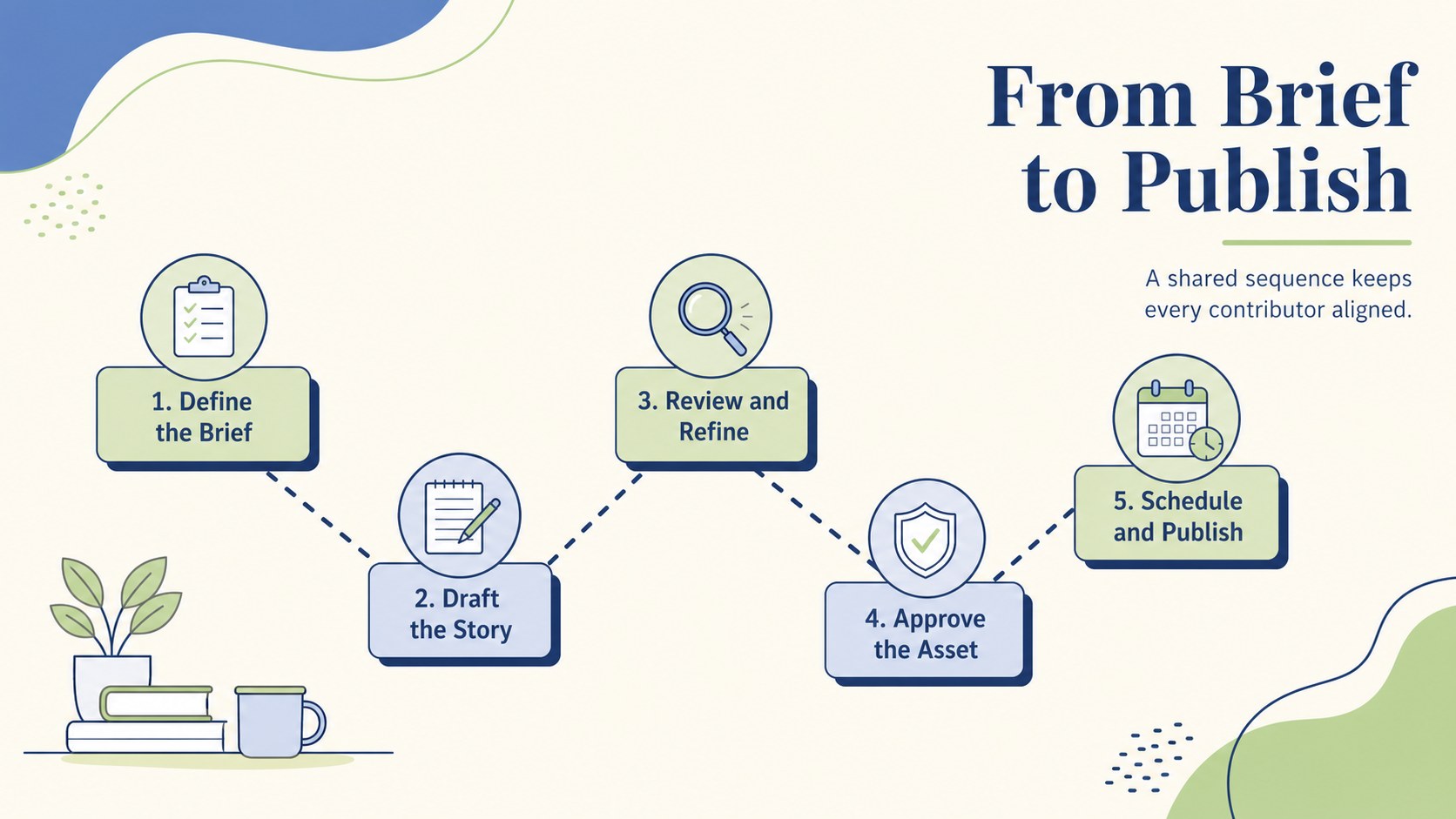
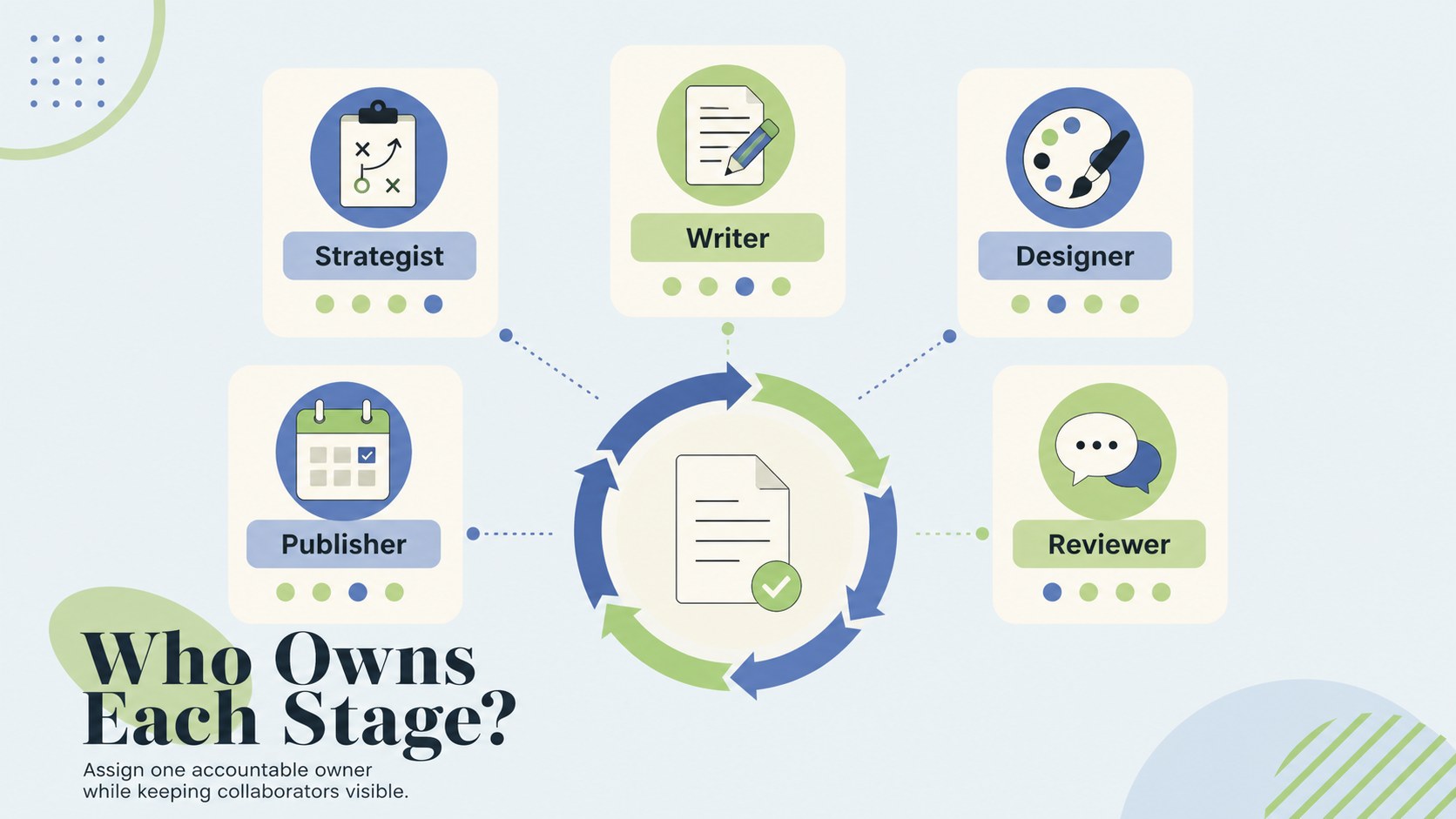
Editorial production pipeline slides give marketing teams a simple way to explain how an idea moves from initial brief to final publication. The playful minimalist design balances friendly illustrated details with clean information hierarchy, while the beige, blue, and green palette keeps busy processes calm and readable. Use the layouts to establish responsibilities, highlight approval gates, or introduce a repeatable production system.
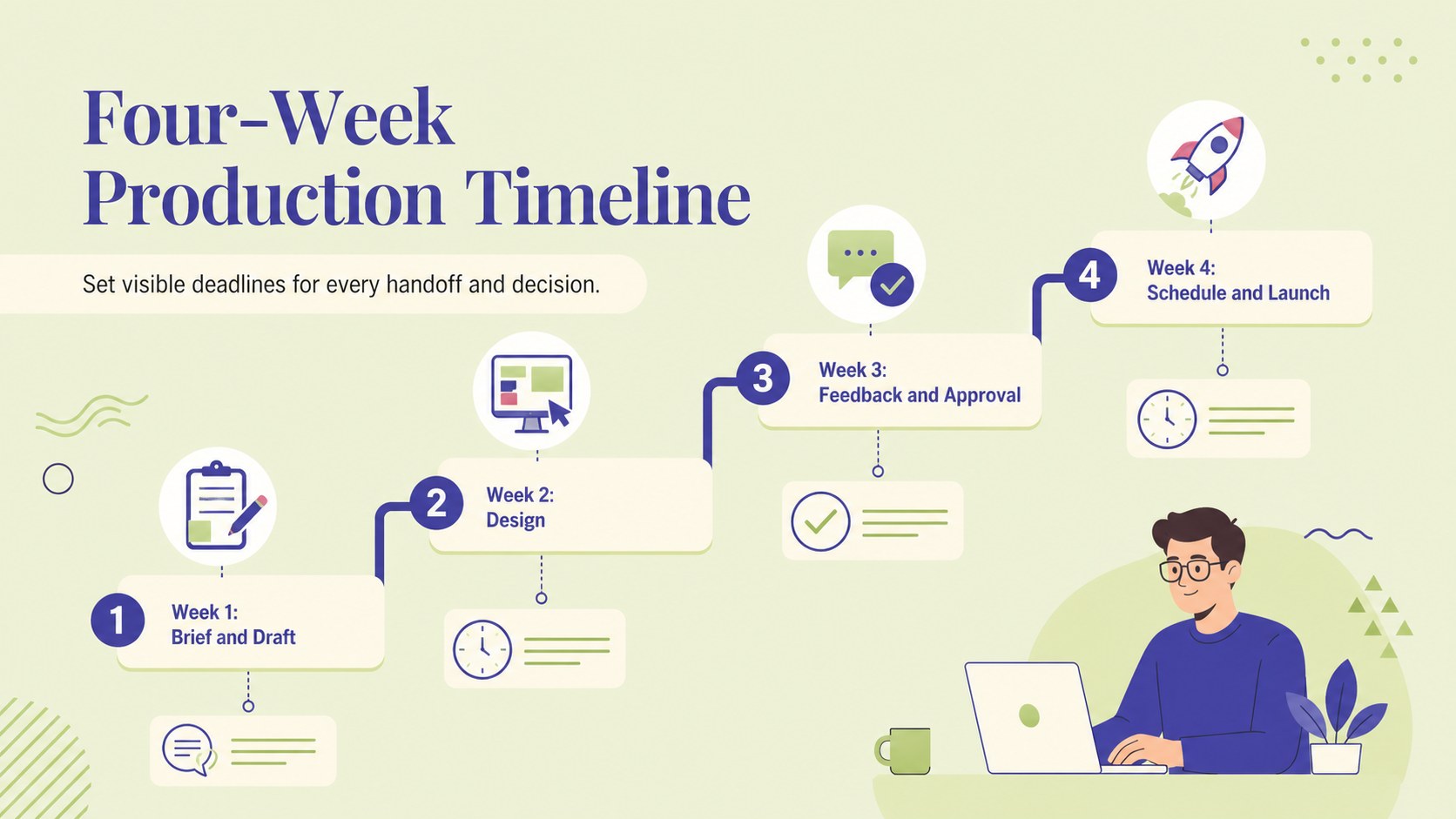
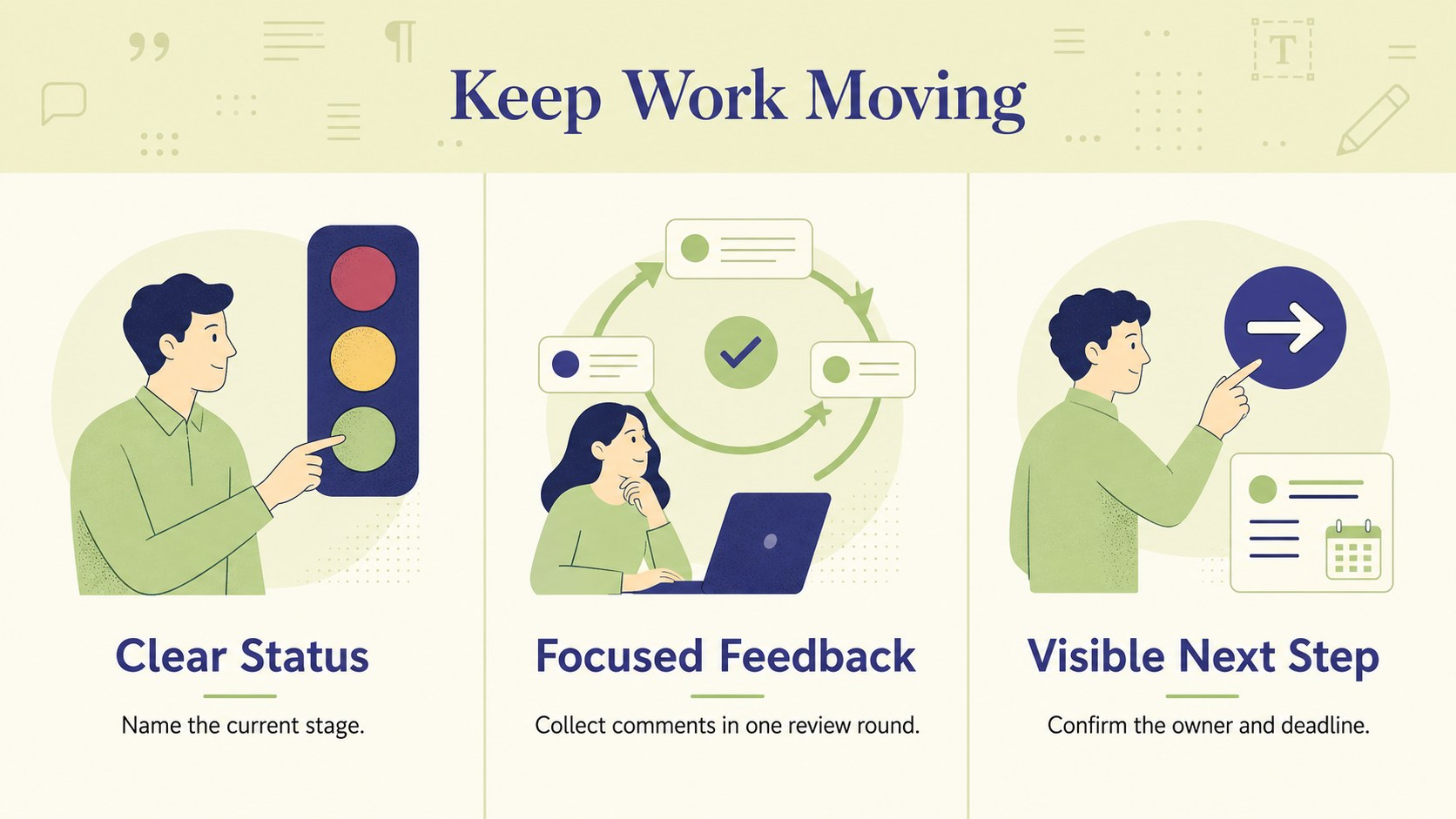
The deck includes five editable 16:9 process infographics covering a full publishing pipeline, stage ownership, review checkpoints, a content production timeline template, and a concise workflow summary. Each layout can be adapted with your own labels, icons, dates, colors, and team roles. Built-in shapes and structured text areas also make this an effective marketing content approval process slides resource for campaigns with several contributors.
Designed for content strategists, agency teams, social media managers, editors, and marketing leads, this publishing workflow presentation for teams works well in planning meetings, onboarding sessions, campaign kickoffs, and client reviews. Open it in PowerPoint or Google Slides to customize each stage, add project-specific milestones, and present a polished process without rebuilding diagrams from scratch. The result is a practical visual system that helps contributors understand what happens next, who owns each task, and where feedback belongs.
Perfect for: campaign kickoff meeting; editorial team onboarding; client approval walkthrough; content operations review; social media planning session.
Frequently asked questions
Can I edit every stage of the production pipeline? Yes. The stage names, descriptions, colors, icons, connectors, and ownership labels are editable, so you can match the slides to your actual publishing process.
Practical details
Yes. The stage names, descriptions, colors, icons, connectors, and ownership labels are editable, so you can match the slides to your actual publishing process.
Yes. The presentation is designed for both PowerPoint and Google Slides, although minor font or spacing adjustments may be needed when moving between platforms.
Yes. Delete unnecessary stages, duplicate useful sections, or rearrange the connectors to represent a simpler workflow. You can also replace department names with individual owners or client roles.
Yes. Change the beige, blue, and green palette through the theme controls or edit individual elements. Fonts can also be replaced with your organization’s preferred typefaces.
Keep exploring
15Shape your publishing concept with an indie magazine startup pitch deck featuring pastel gradients, bold collage layouts, and editable planning slides.
 16
16Build clear project stories with the Icon Grid Teamwork Theme, a flexible blue illustrated deck for proposals, strategy updates, and team meetings.
 3
3Turn priorities into an actionable plan with an annual goals roadmap infographic, featuring editable orange and teal layouts for PowerPoint and Google Slides.
 15
15Create an Annual Achievement Report Presentation with colorful geometric layouts for milestones, results, lessons, and priorities in PowerPoint or Google Slides.
 15
15Turn results into a focused annual performance evaluation report with dark 3D slides for KPIs, achievements, feedback, and next-step goals for teams.
 15
15Guide a focused annual recap with Business Results Retrospective Slides, a muted brown-and-blue template for PowerPoint and Google Slides.
 6
6Turn complex plans into clear visual stories with Color-Coded Workflow Path Slides, an editable set for project updates, roadmaps, and team briefings.
 6
6Compare regional performance at a glance with Global Data Heatmap Slides, a clean multicolor deck designed for editable PowerPoint and Google Slides.