
 15
15presentation
Indie Magazine Startup Pitch Deck
Shape your publishing concept with an indie magazine startup pitch deck featuring pastel gradients, bold collage layouts, and editable planning slides.
Google SlidesPowerPoint
presentation · English
Turn fast-moving updates into a clear story with an Editorial News Briefing Deck for polished reporting in PowerPoint and Google Slides meetings.



Design notes
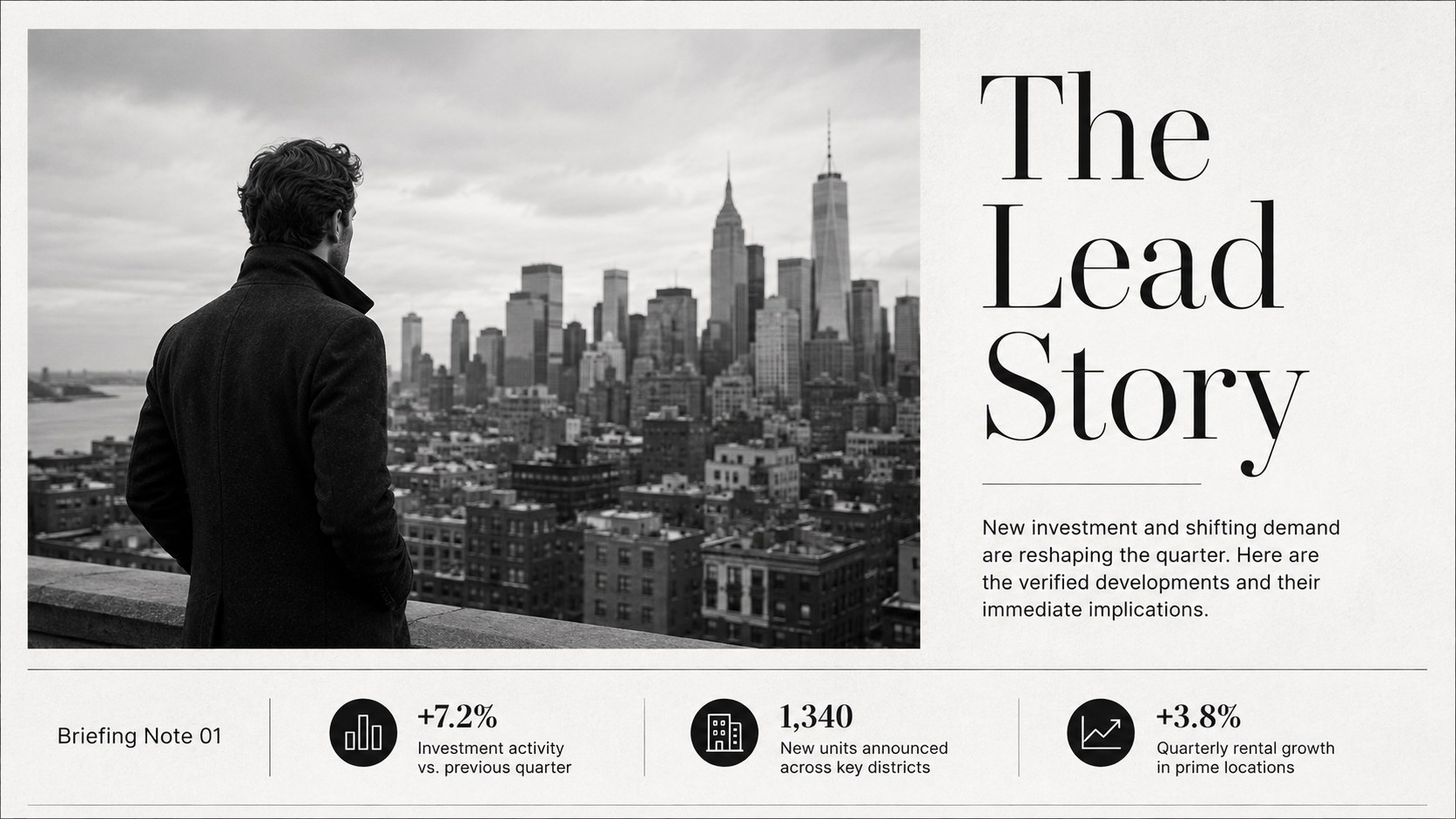
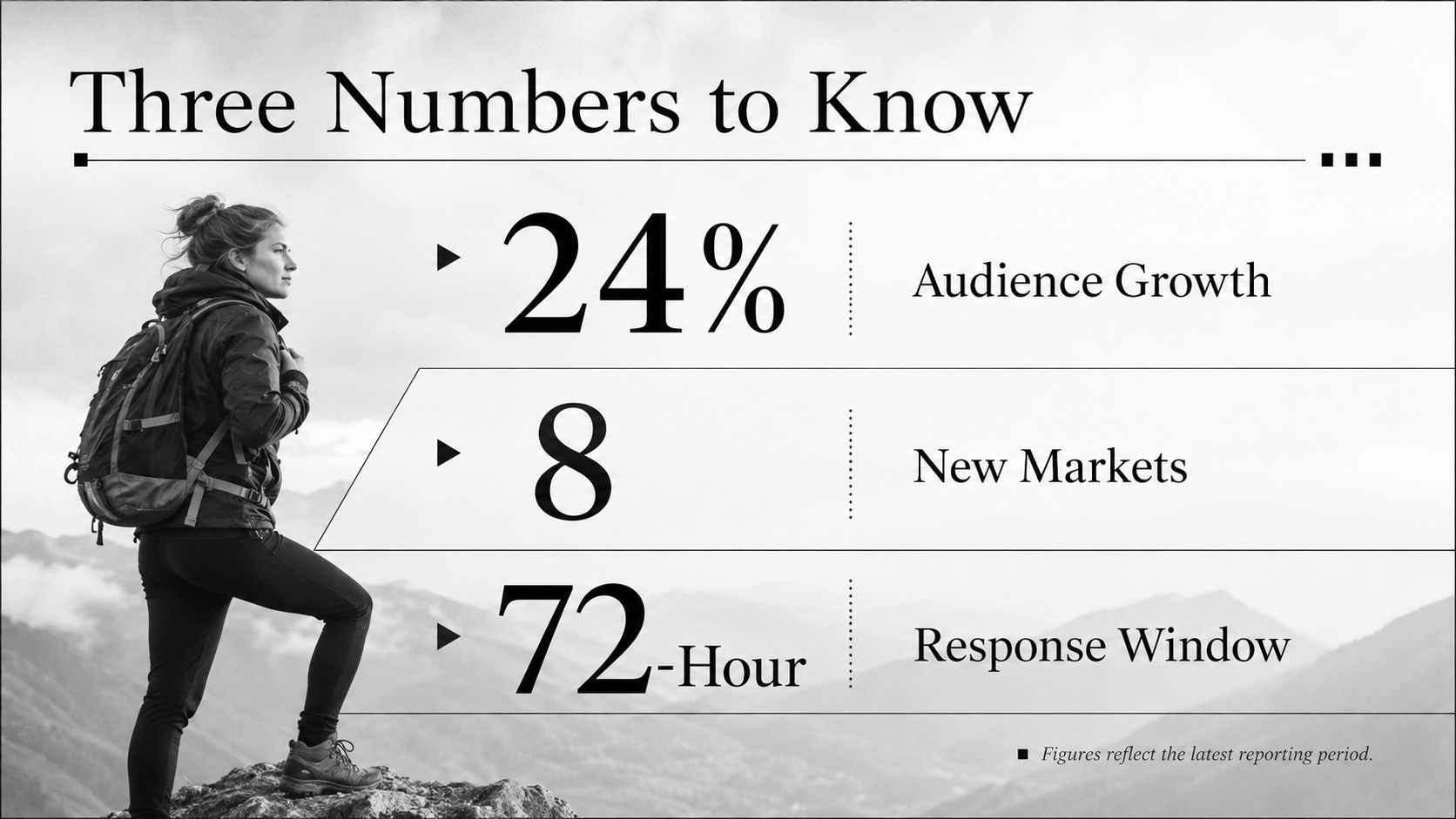
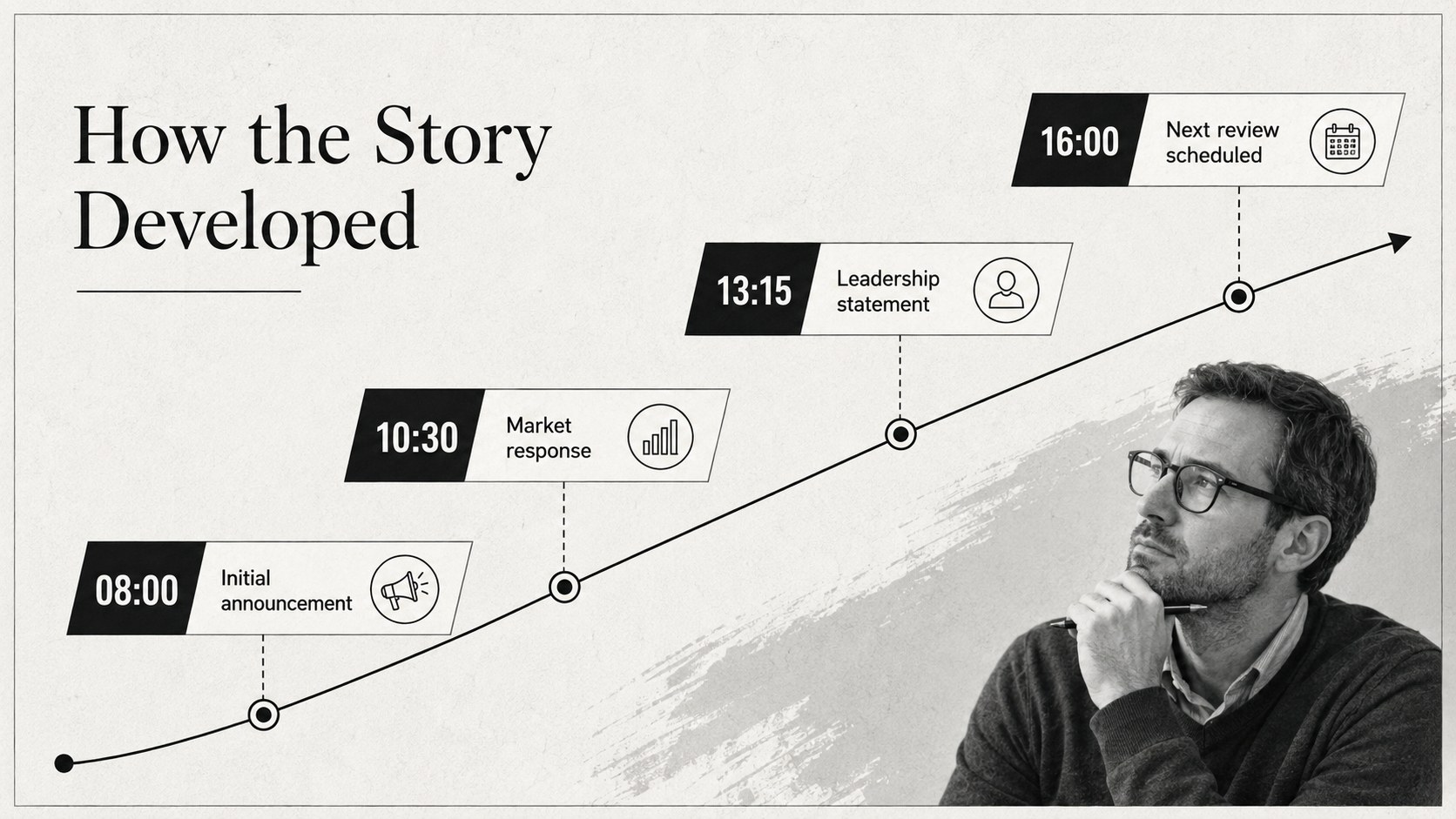
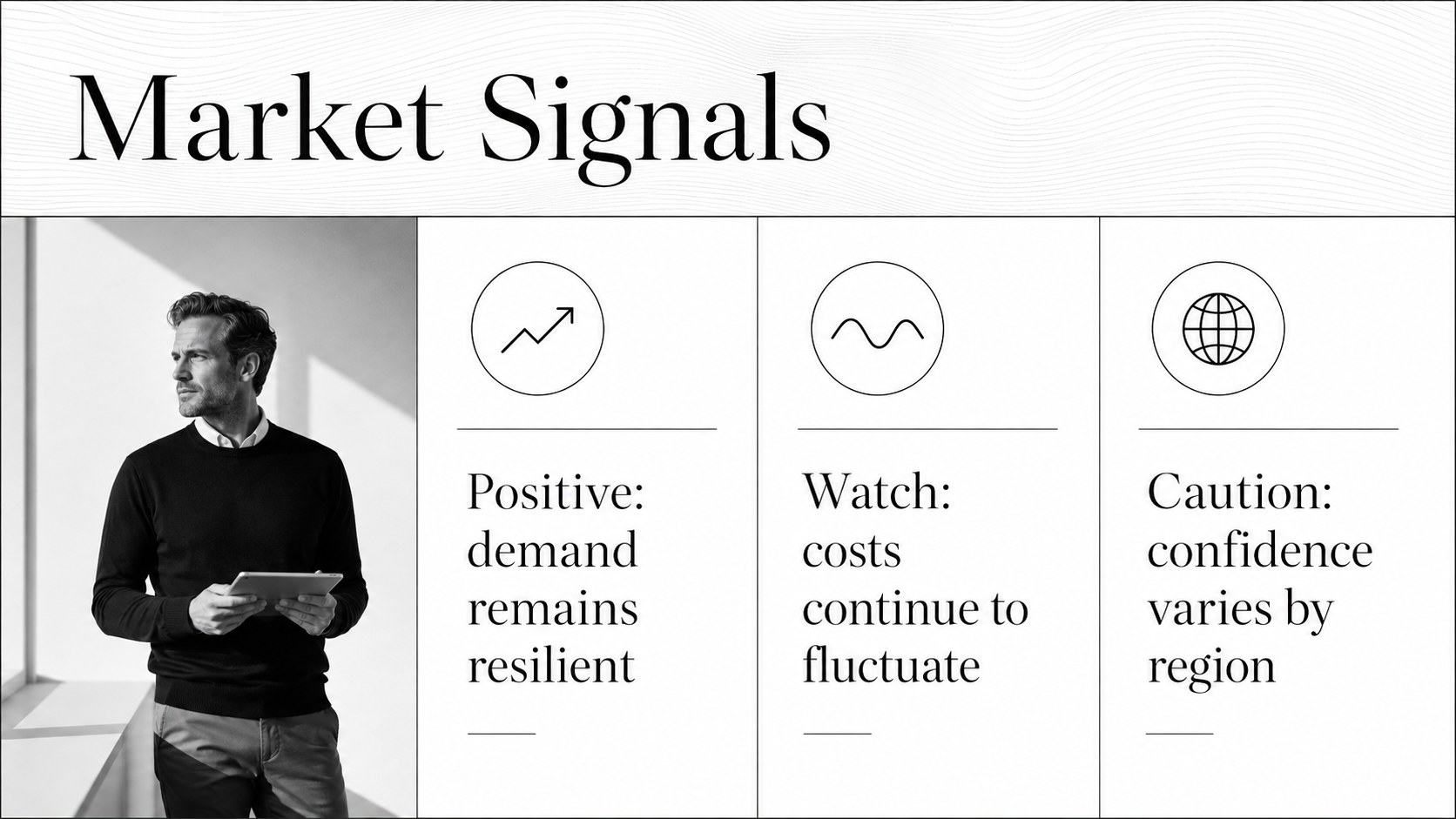
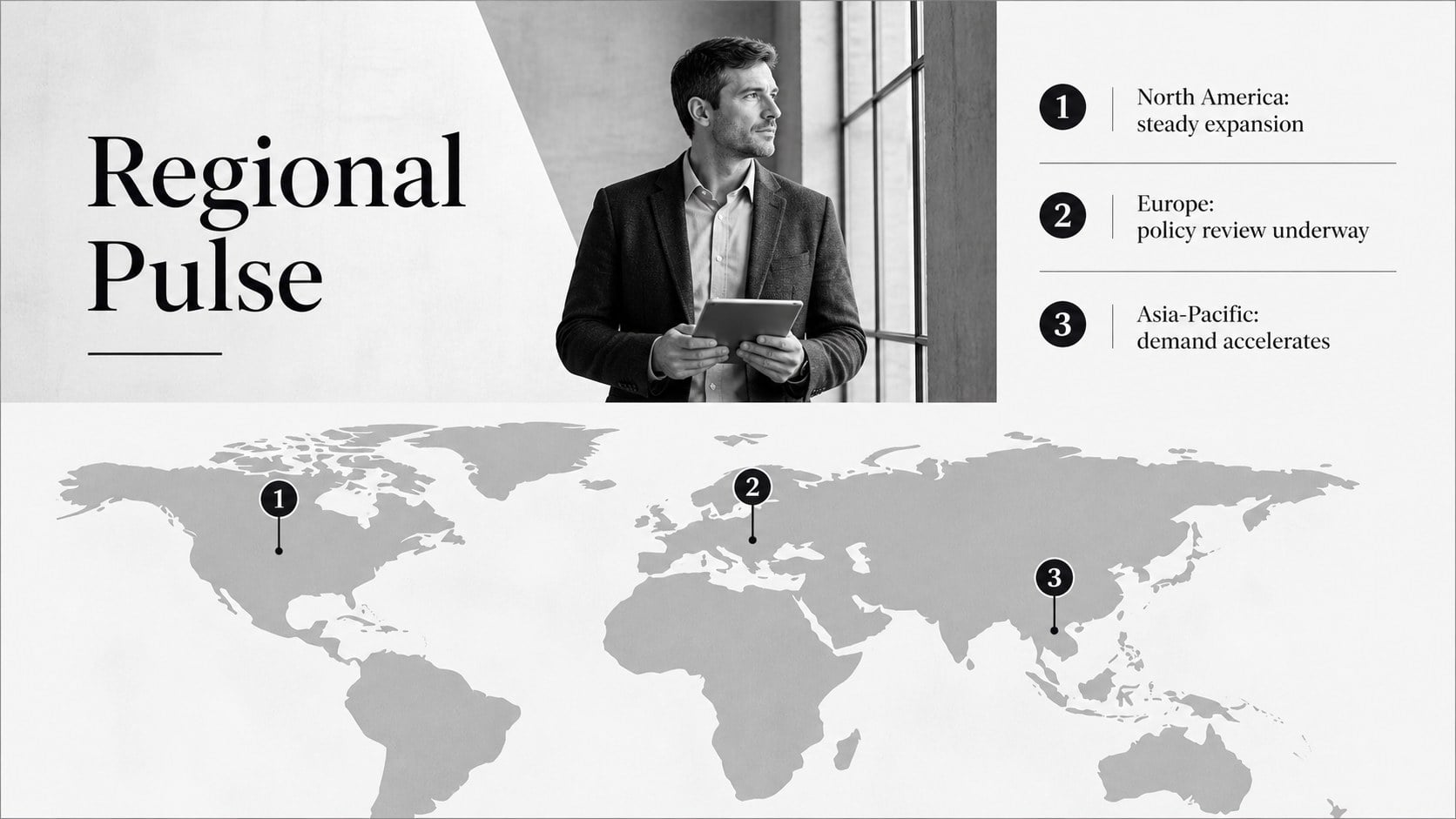
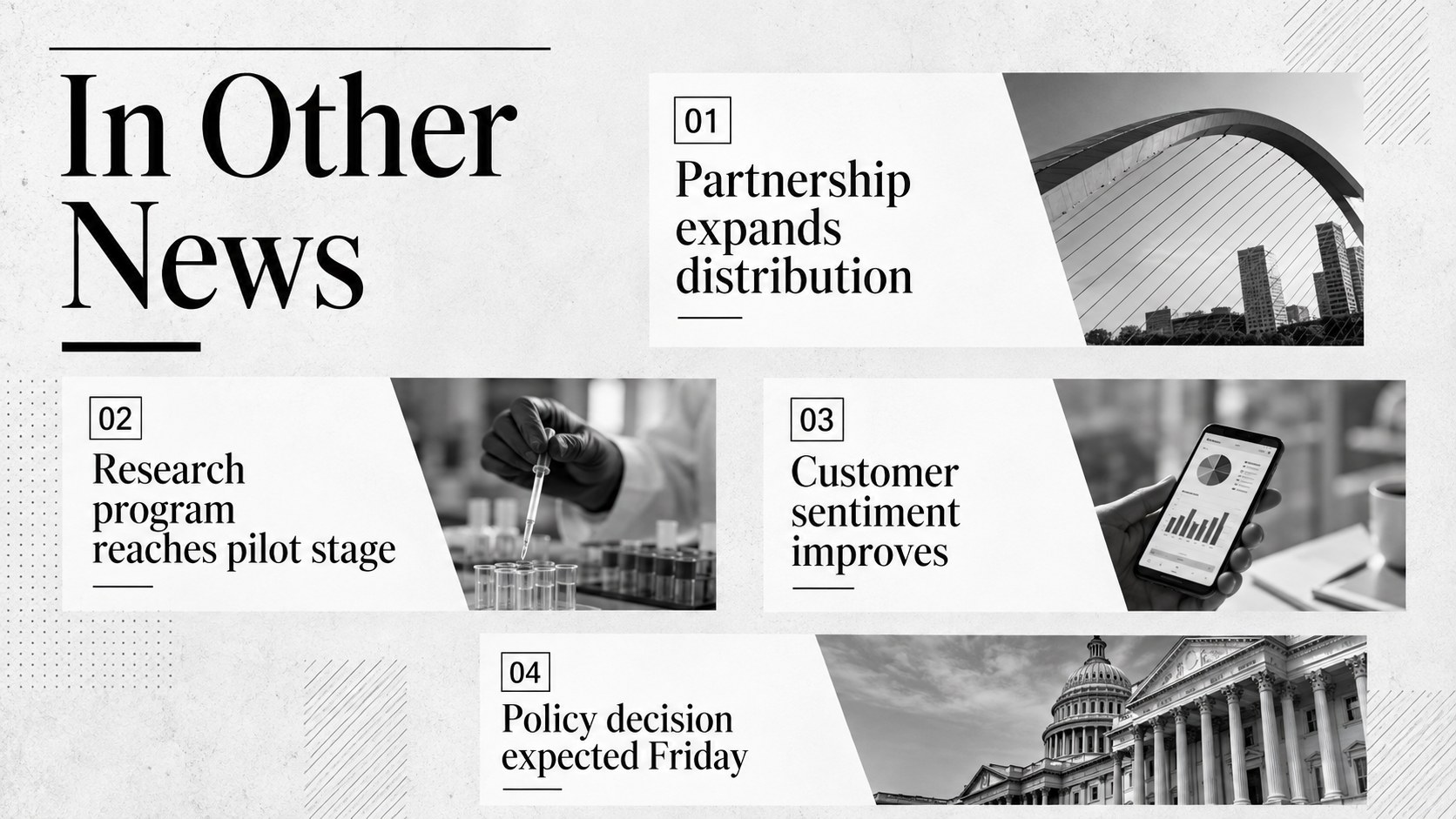
The Editorial News Briefing Deck turns timely developments, business results, and industry stories into a focused visual narrative. Its black-and-white editorial styling combines bold headlines, structured columns, restrained typography, and generous white space, giving every update the authority of a professionally produced publication.
Inside are 15 customizable slides for opening headlines, briefing agendas, lead stories, key figures, timelines, regional updates, quotations, comparisons, data charts, and final takeaways. The layouts provide the practical variety expected from a monochrome news presentation template while maintaining a consistent visual rhythm. Replace the sample copy, adjust charts, insert photography, and apply subtle transitions without disrupting the clean design system. The deck uses Gilda Display for distinctive editorial headings and Inter for readable supporting text.
Designed for PowerPoint and Google Slides, this newsroom style Google Slides resource works well for communications teams, analysts, consultants, educators, and executives. Use it as an executive update PowerPoint deck, a weekly newsroom briefing, a media monitoring summary, or a polished company report. The flexible format helps presenters separate verified facts from commentary, spotlight the most important metrics, and conclude with clear actions or questions for the audience.
Perfect for: weekly executive news briefing; company news roundup; media monitoring report; current events classroom lesson; quarterly business update; industry trend presentation.
Frequently asked questions
Can I edit every part of the briefing deck? Yes. Headlines, body copy, colors, photographs, charts, and layout elements can be edited to fit your story. You can also duplicate or remove slides to create a shorter or longer briefing.
Practical details
Yes. Headlines, body copy, colors, photographs, charts, and layout elements can be edited to fit your story. You can also duplicate or remove slides to create a shorter or longer briefing.
The deck is designed for Microsoft PowerPoint and Google Slides. Import the file into your preferred platform, then review font availability and transitions before presenting.
Replace the sample headlines with current updates, insert approved photography, and apply your organization’s logo and type styles after opening the file. Keep the strong contrast and editorial spacing to preserve readability.
Yes. The deck includes layouts for key metrics, comparisons, timelines, and charts alongside narrative reporting slides. Simplify each visual to one main conclusion so the audience can interpret it quickly.
Keep exploring
15Shape your publishing concept with an indie magazine startup pitch deck featuring pastel gradients, bold collage layouts, and editable planning slides.
 16
16Build clear project stories with the Icon Grid Teamwork Theme, a flexible blue illustrated deck for proposals, strategy updates, and team meetings.
 3
3Turn priorities into an actionable plan with an annual goals roadmap infographic, featuring editable orange and teal layouts for PowerPoint and Google Slides.
 15
15Create an Annual Achievement Report Presentation with colorful geometric layouts for milestones, results, lessons, and priorities in PowerPoint or Google Slides.
 15
15Turn results into a focused annual performance evaluation report with dark 3D slides for KPIs, achievements, feedback, and next-step goals for teams.
 15
15Guide a focused annual recap with Business Results Retrospective Slides, a muted brown-and-blue template for PowerPoint and Google Slides.
 6
6Turn complex plans into clear visual stories with Color-Coded Workflow Path Slides, an editable set for project updates, roadmaps, and team briefings.
 6
6Compare regional performance at a glance with Global Data Heatmap Slides, a clean multicolor deck designed for editable PowerPoint and Google Slides.