
 15
15presentation
Indie Magazine Startup Pitch Deck
Shape your publishing concept with an indie magazine startup pitch deck featuring pastel gradients, bold collage layouts, and editable planning slides.
Google SlidesPowerPoint
presentation · English
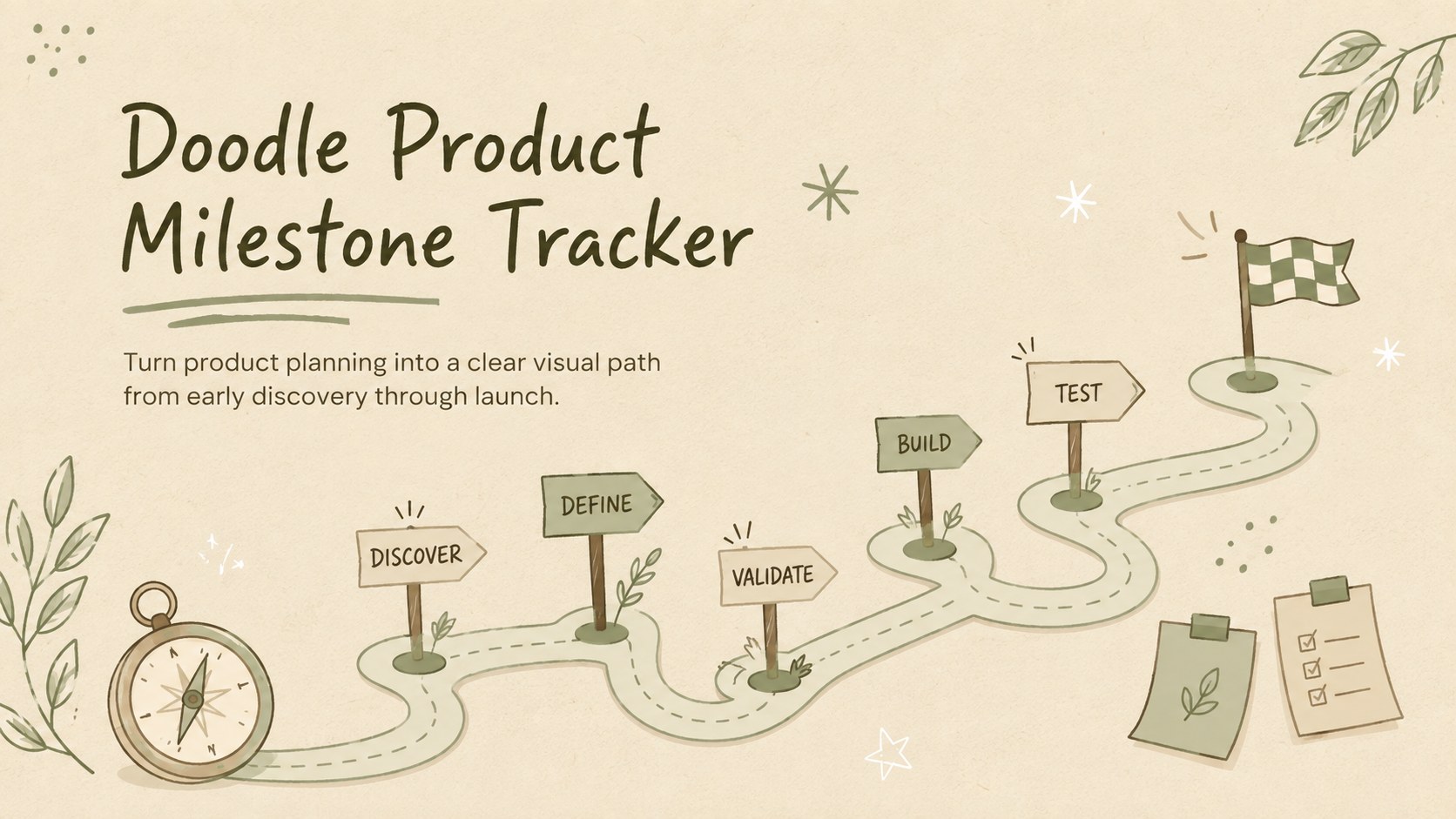
Use this doodle product milestone tracker to map ideas, decisions, deadlines, and launch checkpoints in editable PowerPoint and Google Slides.
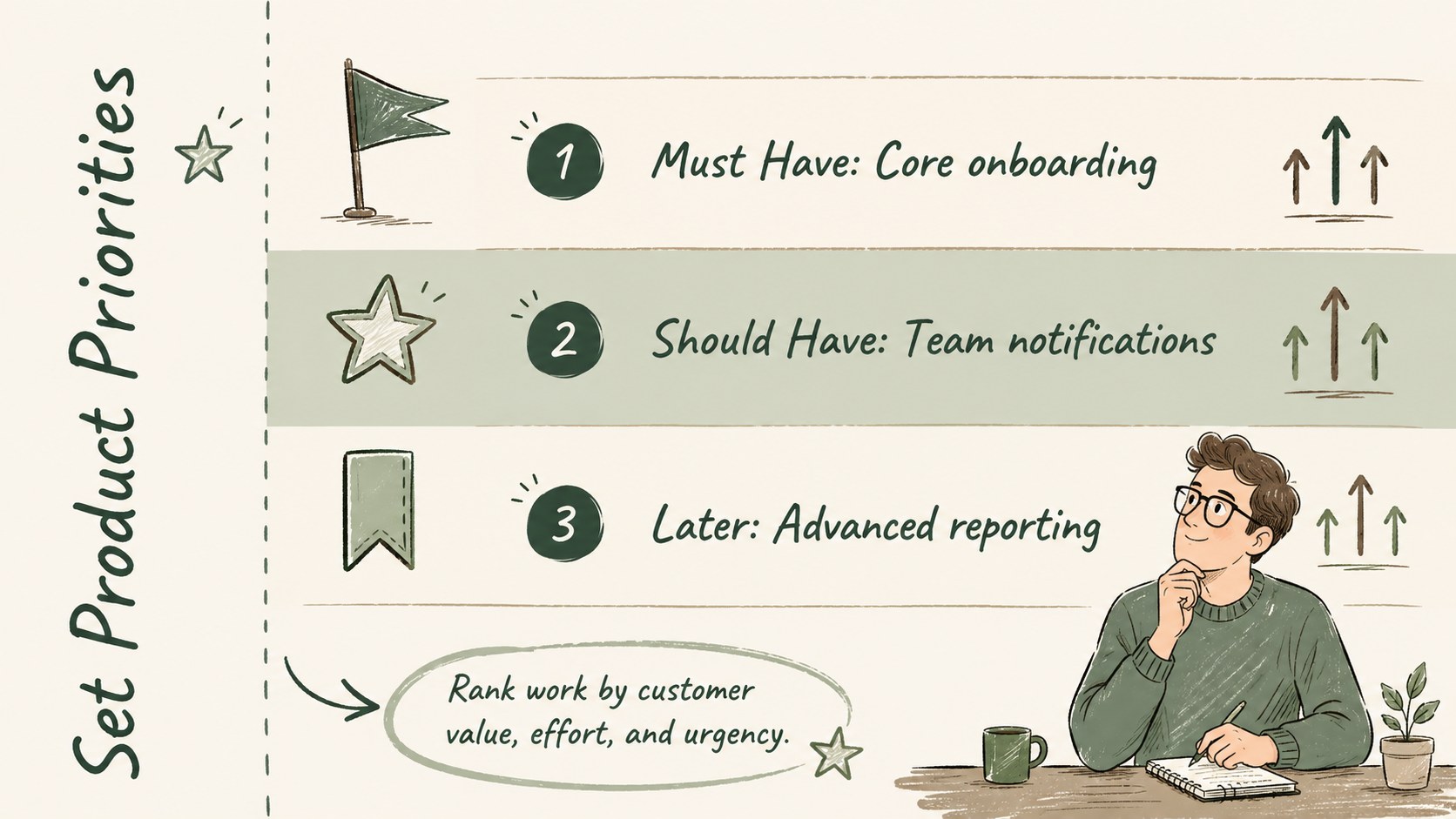
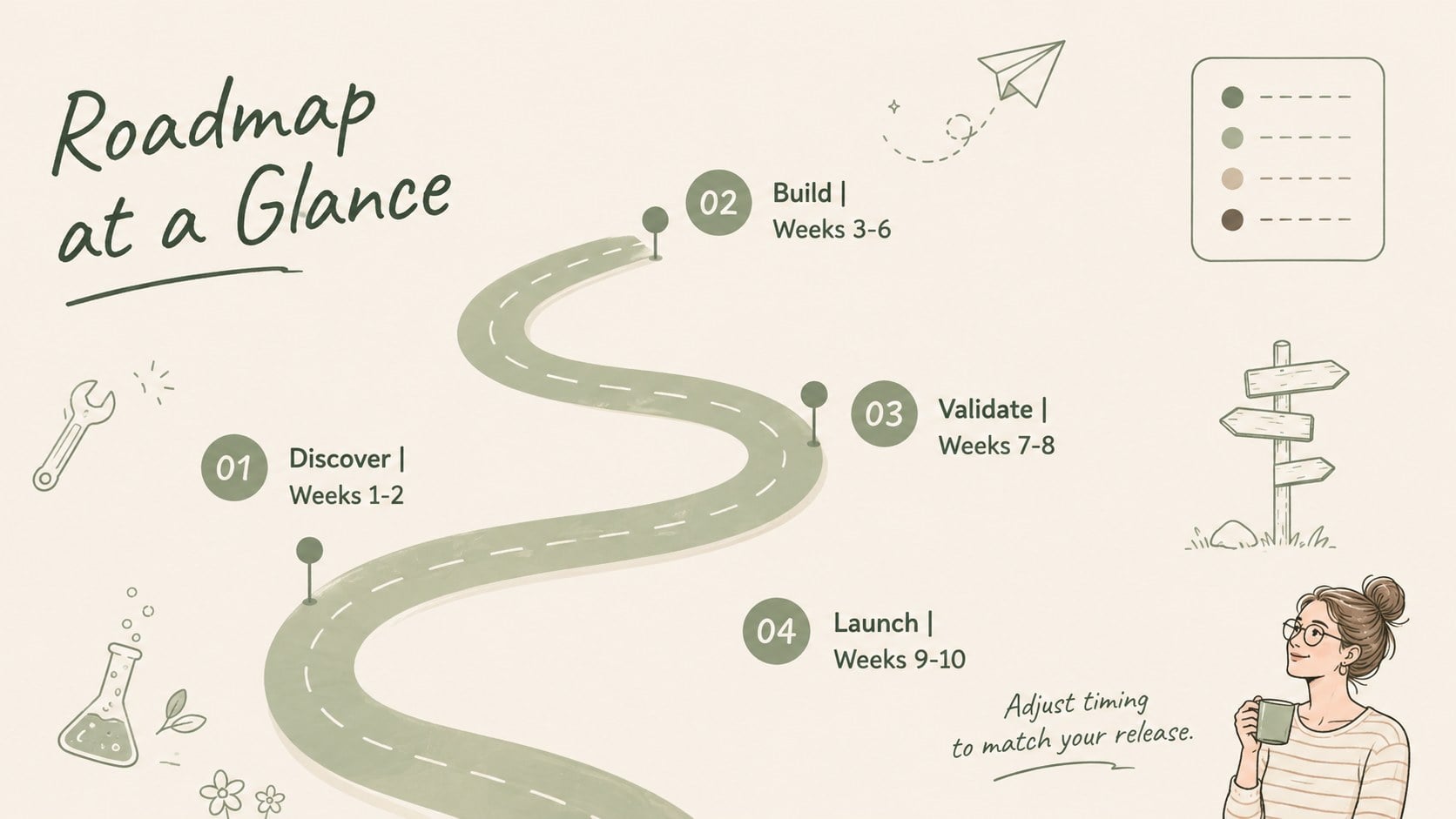
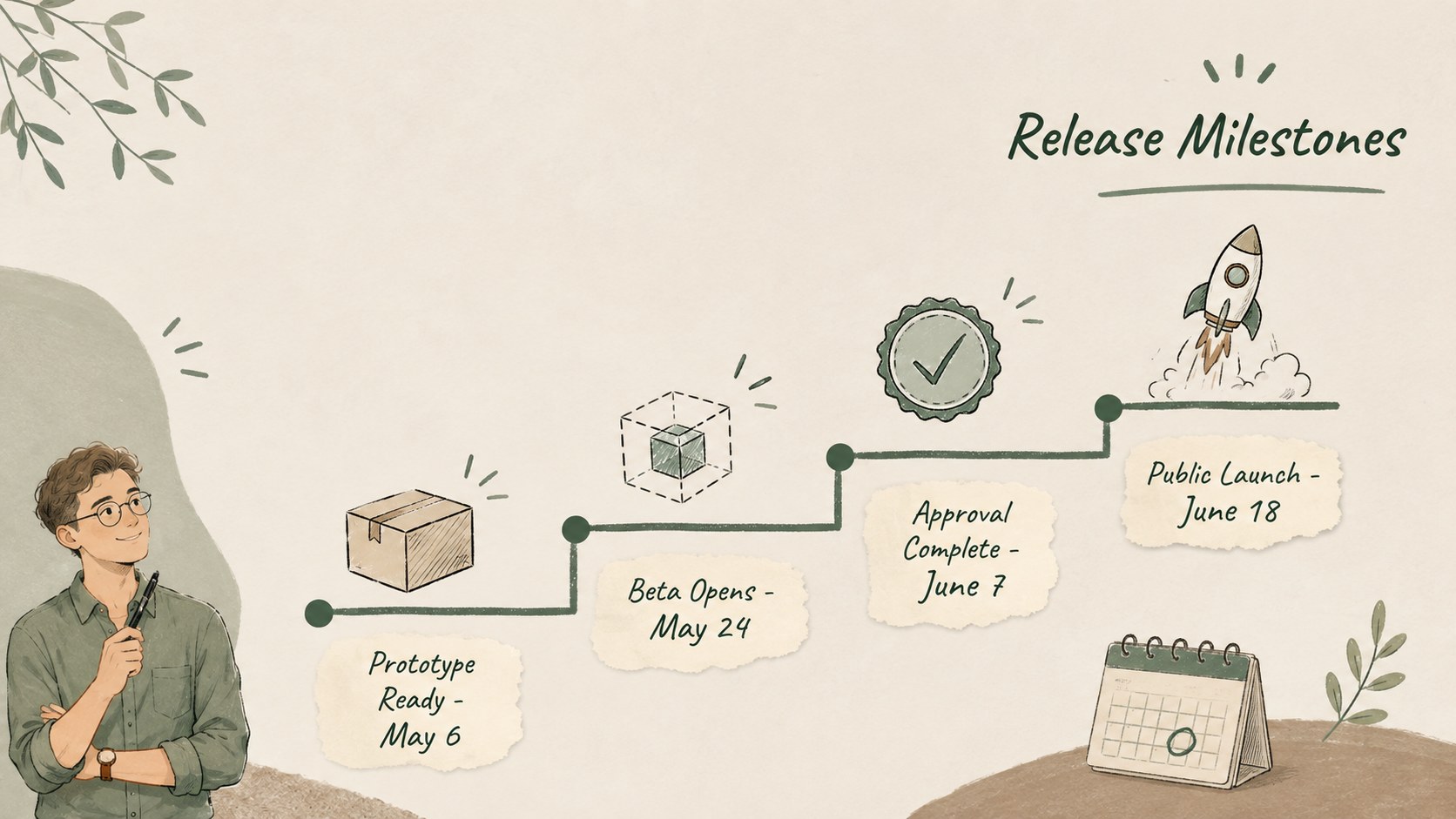
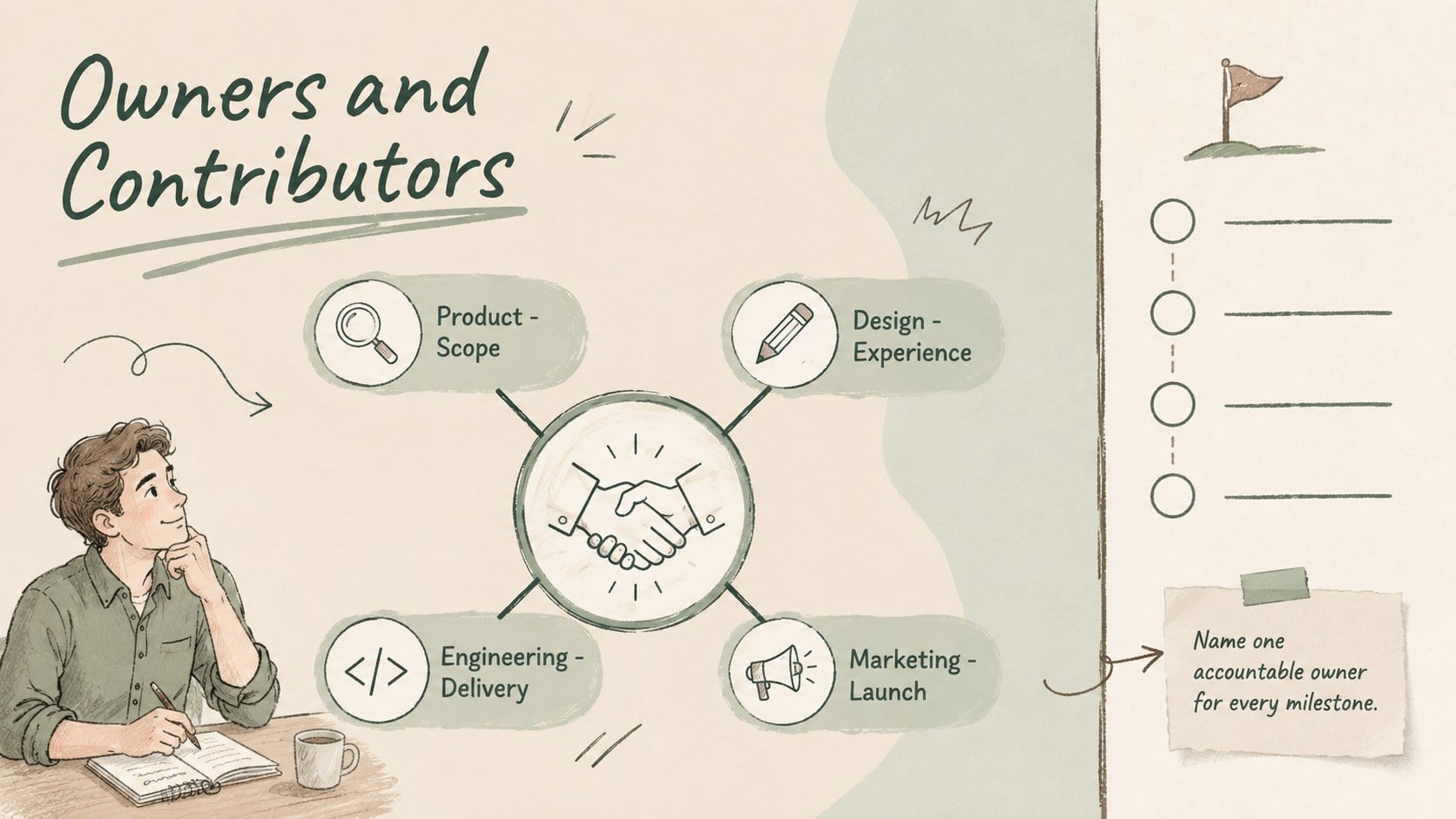
Design notes
Bring structure to your next release with a doodle product milestone tracker designed for clear, collaborative planning. The soft green, beige, and brown palette creates a calm workspace, while informal sketch details make complex schedules easier to scan and discuss. Use the deck to connect early ideas with measurable outcomes, ownership, and delivery dates.
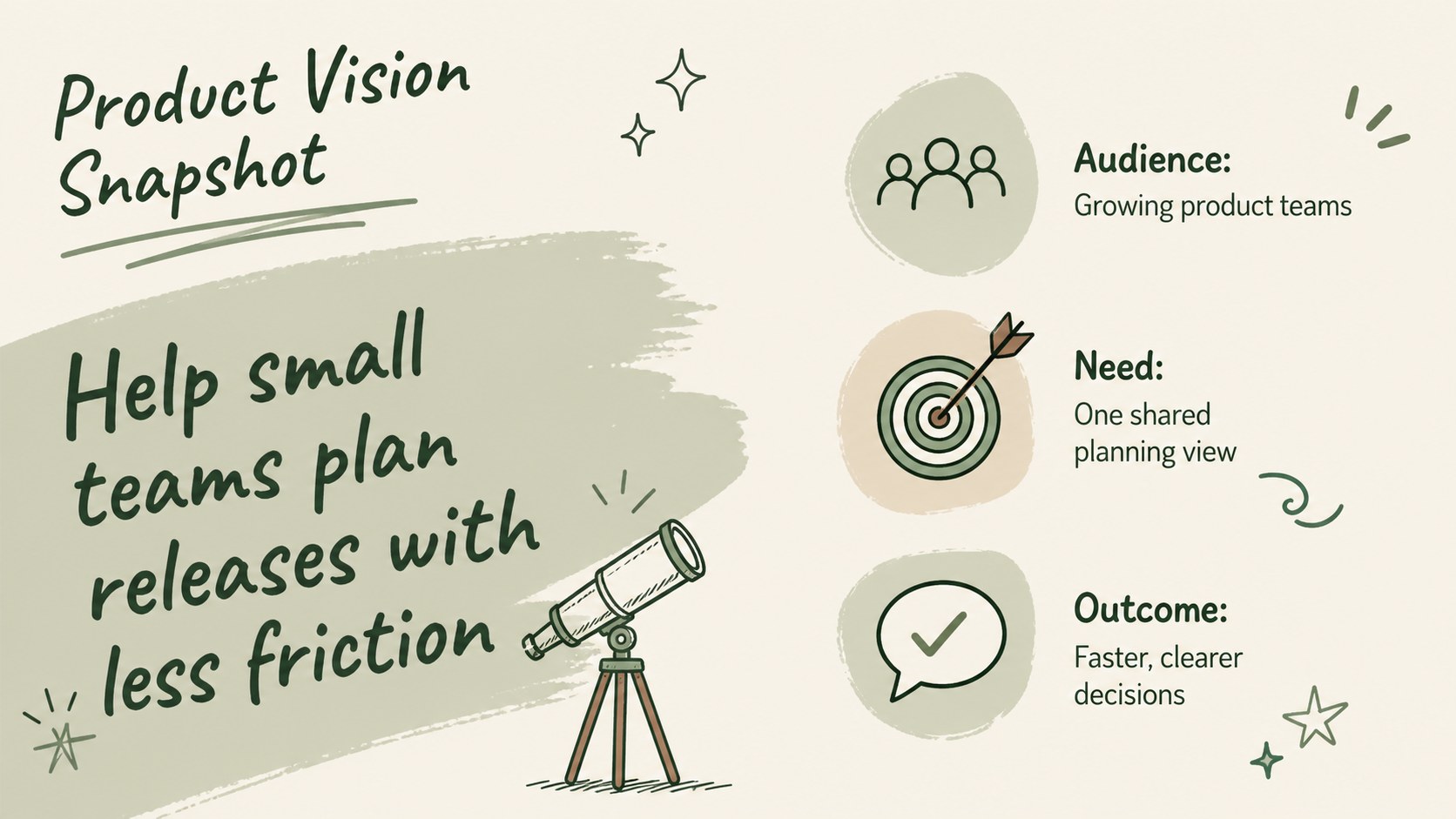
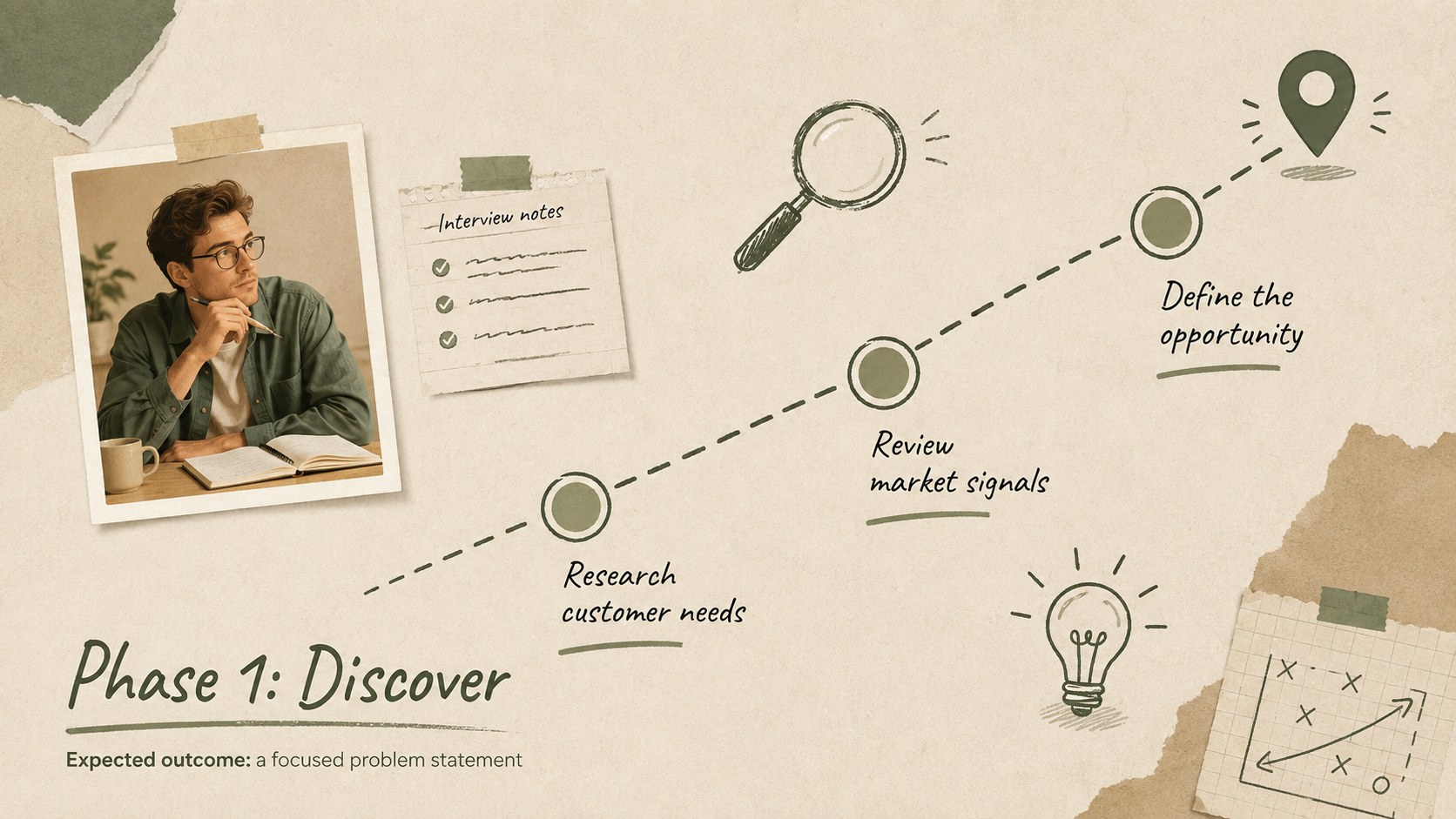
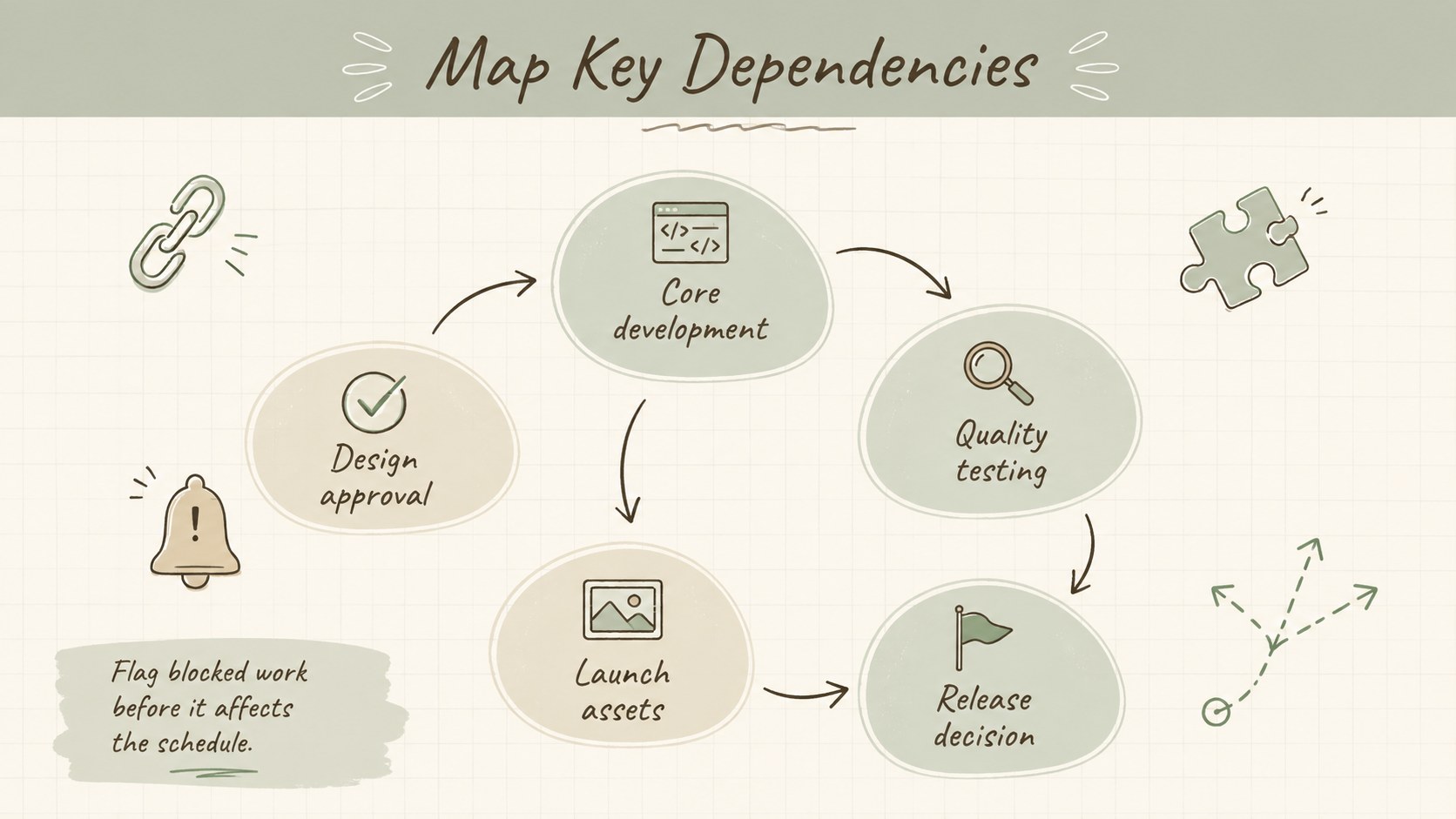
Inside, you will find editable product roadmap slides for defining the vision, organizing priorities, plotting phases, assigning responsibilities, and reviewing dependencies. Additional layouts cover success metrics, risks, launch readiness, customer feedback, and post-launch actions. Short descriptions can be added beside every checkpoint, giving stakeholders enough context without crowding the timeline. Fonts, colors, icons, and shapes can all be adjusted to match an established visual identity.
This product milestone presentation template is suited to product managers, startup founders, marketers, designers, and cross-functional delivery teams. It can support a quarterly planning meeting, sprint review, stakeholder update, or startup launch timeline deck. Open it in PowerPoint or Google Slides, replace the sample copy with project details, and adapt the sequence to suit a single release or a longer product program.
Perfect for: quarterly product planning; startup launch coordination; stakeholder roadmap update; release readiness review; cross-functional milestone workshop.
Frequently asked questions
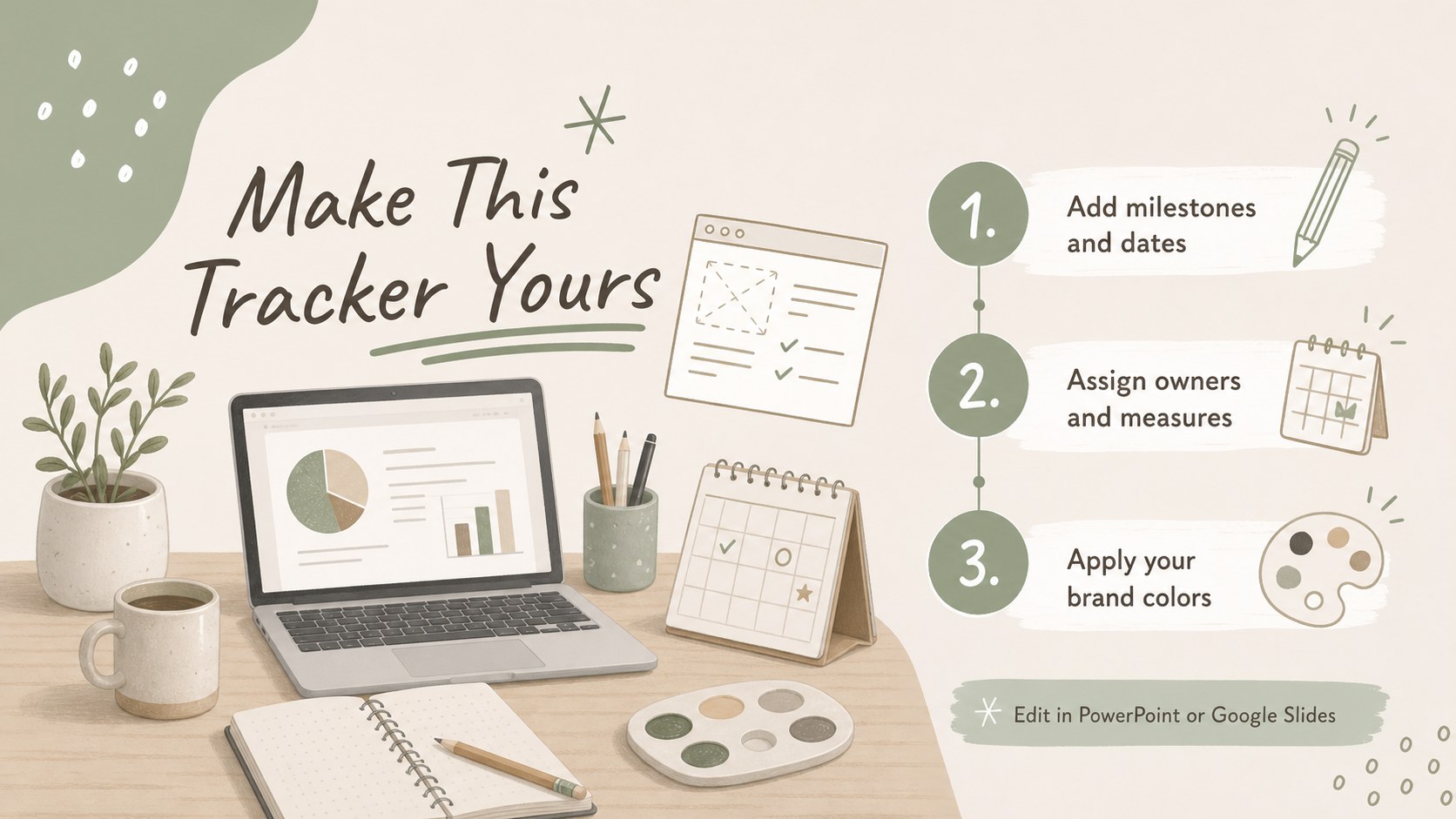
Can I edit every milestone and date? Yes. The milestone labels, dates, descriptions, shapes, and connectors are editable, so you can adapt the sequence to your own release process.
Practical details
Yes. The milestone labels, dates, descriptions, shapes, and connectors are editable, so you can adapt the sequence to your own release process.
The template is designed for PowerPoint and Google Slides. Some font spacing or object positioning may need a minor adjustment when moving between platforms.
Replace the sample logo area, update the theme colors, and apply your preferred fonts. The doodle accents can also be recolored, removed, or exchanged for icons that fit your visual system.
Yes. Duplicate the phase and milestone layouts for each release, then use the overview slide to show how the schedules relate across the broader product program.
Keep exploring
15Shape your publishing concept with an indie magazine startup pitch deck featuring pastel gradients, bold collage layouts, and editable planning slides.
 16
16Build clear project stories with the Icon Grid Teamwork Theme, a flexible blue illustrated deck for proposals, strategy updates, and team meetings.
 3
3Turn priorities into an actionable plan with an annual goals roadmap infographic, featuring editable orange and teal layouts for PowerPoint and Google Slides.
 15
15Create an Annual Achievement Report Presentation with colorful geometric layouts for milestones, results, lessons, and priorities in PowerPoint or Google Slides.
 15
15Turn results into a focused annual performance evaluation report with dark 3D slides for KPIs, achievements, feedback, and next-step goals for teams.
 15
15Guide a focused annual recap with Business Results Retrospective Slides, a muted brown-and-blue template for PowerPoint and Google Slides.
 6
6Turn complex plans into clear visual stories with Color-Coded Workflow Path Slides, an editable set for project updates, roadmaps, and team briefings.
 6
6Compare regional performance at a glance with Global Data Heatmap Slides, a clean multicolor deck designed for editable PowerPoint and Google Slides.