
 15
15presentation
Indie Magazine Startup Pitch Deck
Shape your publishing concept with an indie magazine startup pitch deck featuring pastel gradients, bold collage layouts, and editable planning slides.
Google SlidesPowerPoint
presentation · English
Turn strategic findings into clear priorities with dimensional SWOT strategy slides featuring colorful 3D layouts for editable business planning sessions.




Design notes
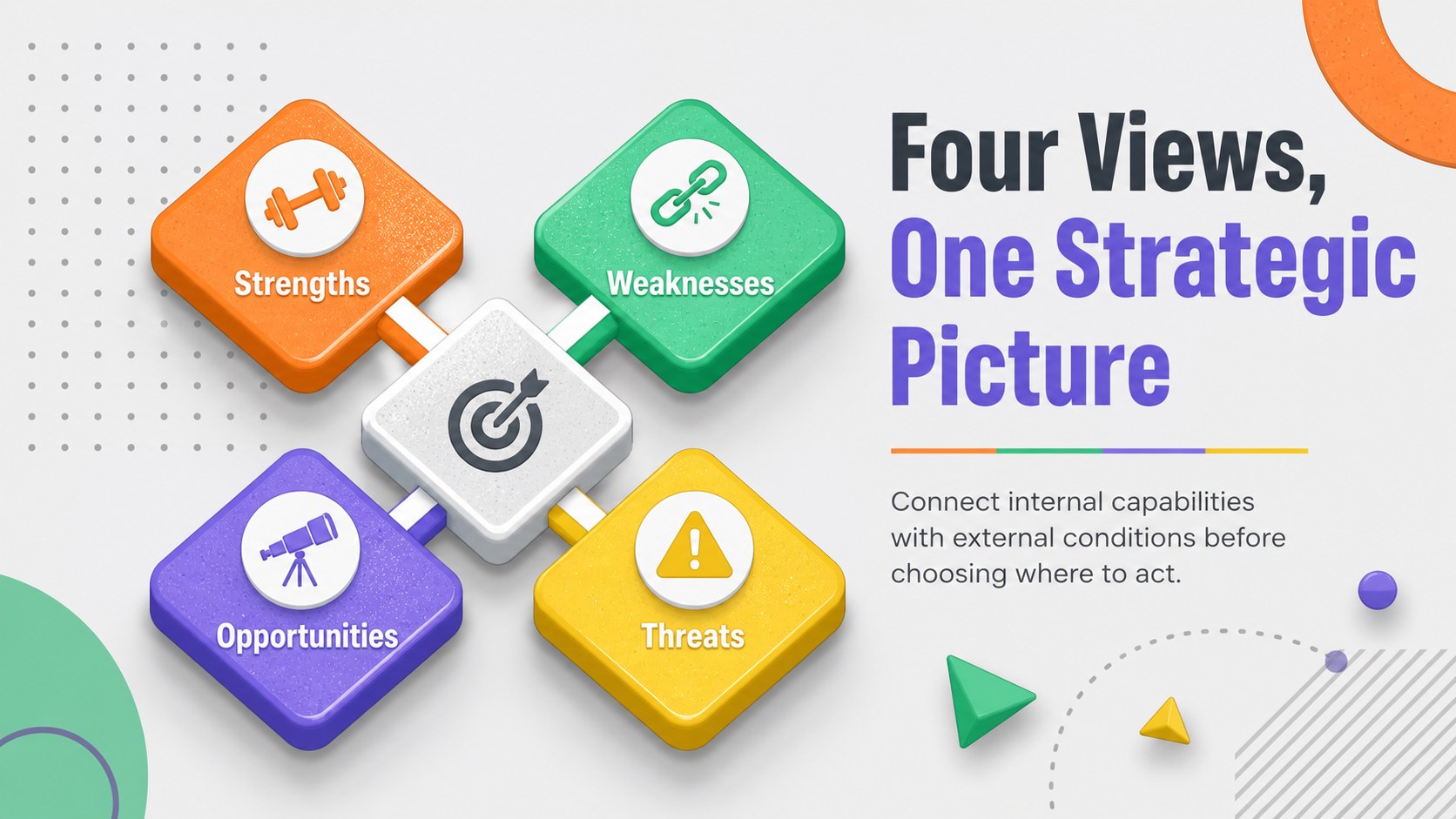
Dimensional SWOT strategy slides give business teams a lively, structured way to examine strengths, weaknesses, opportunities, and threats. Colorful 3D forms, geometric details, and a balanced grey foundation help each insight stand out without losing the polished corporate tone. Use the deck to move from scattered observations to focused priorities during planning workshops, project reviews, or leadership discussions.
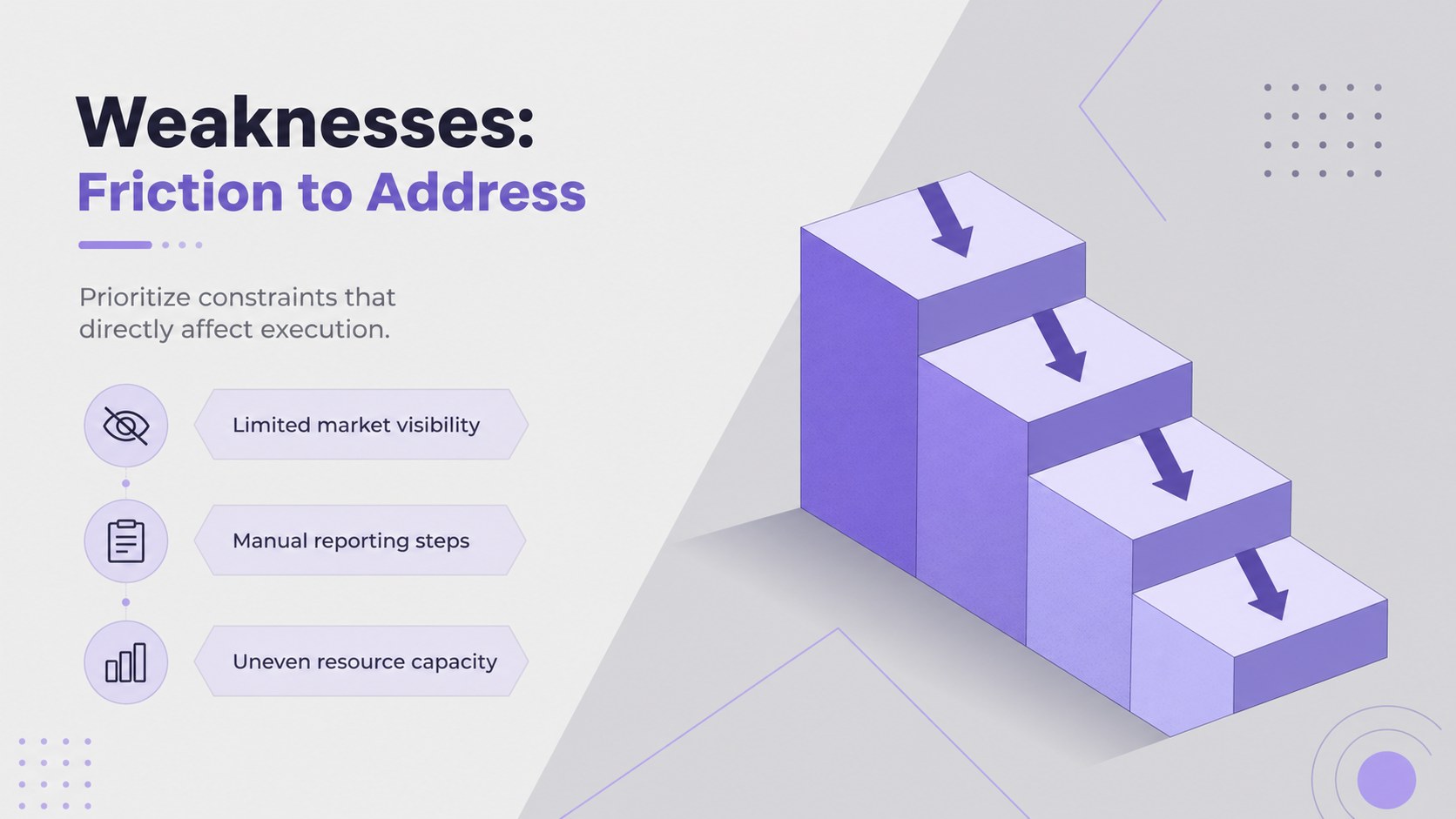
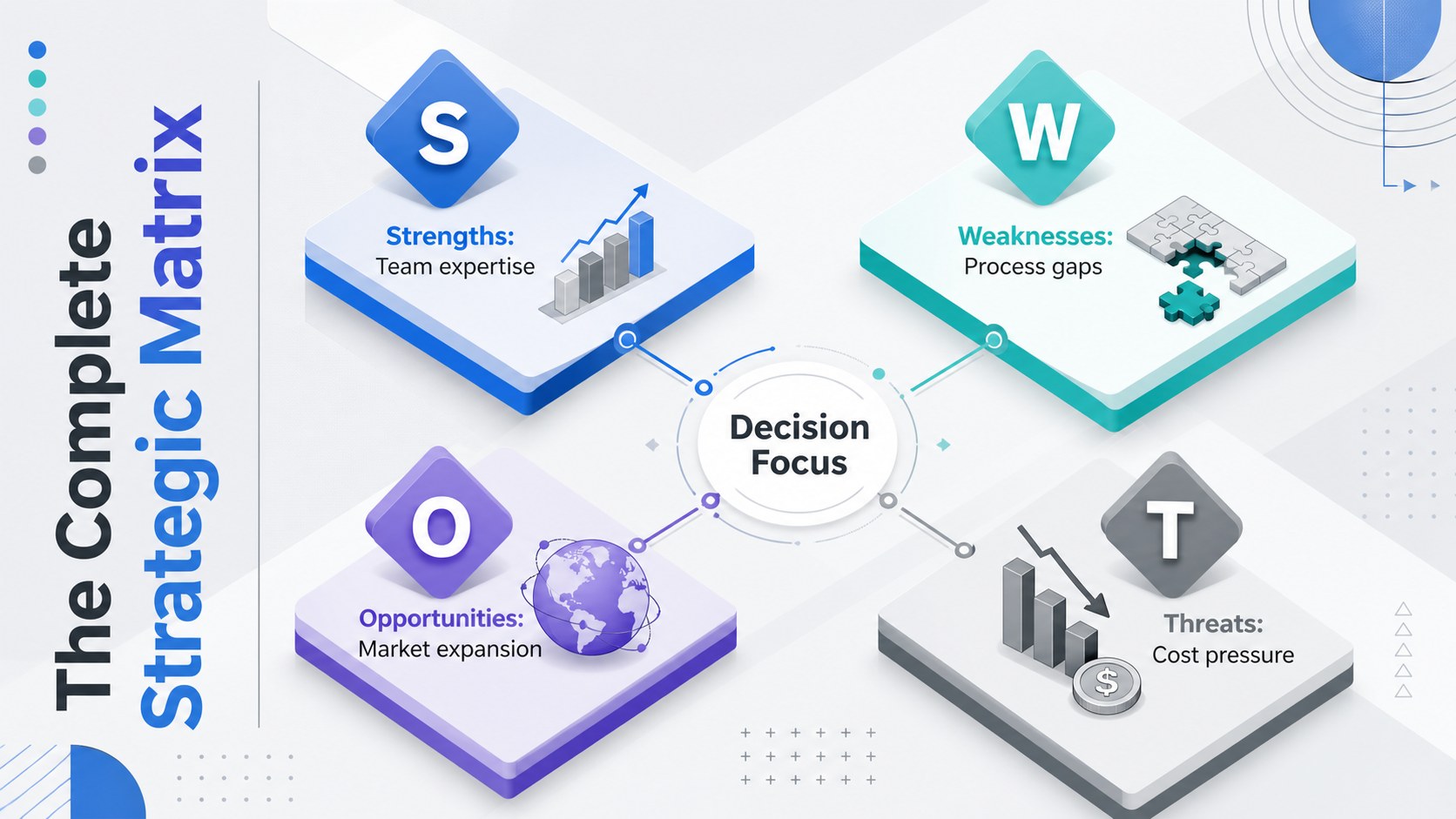
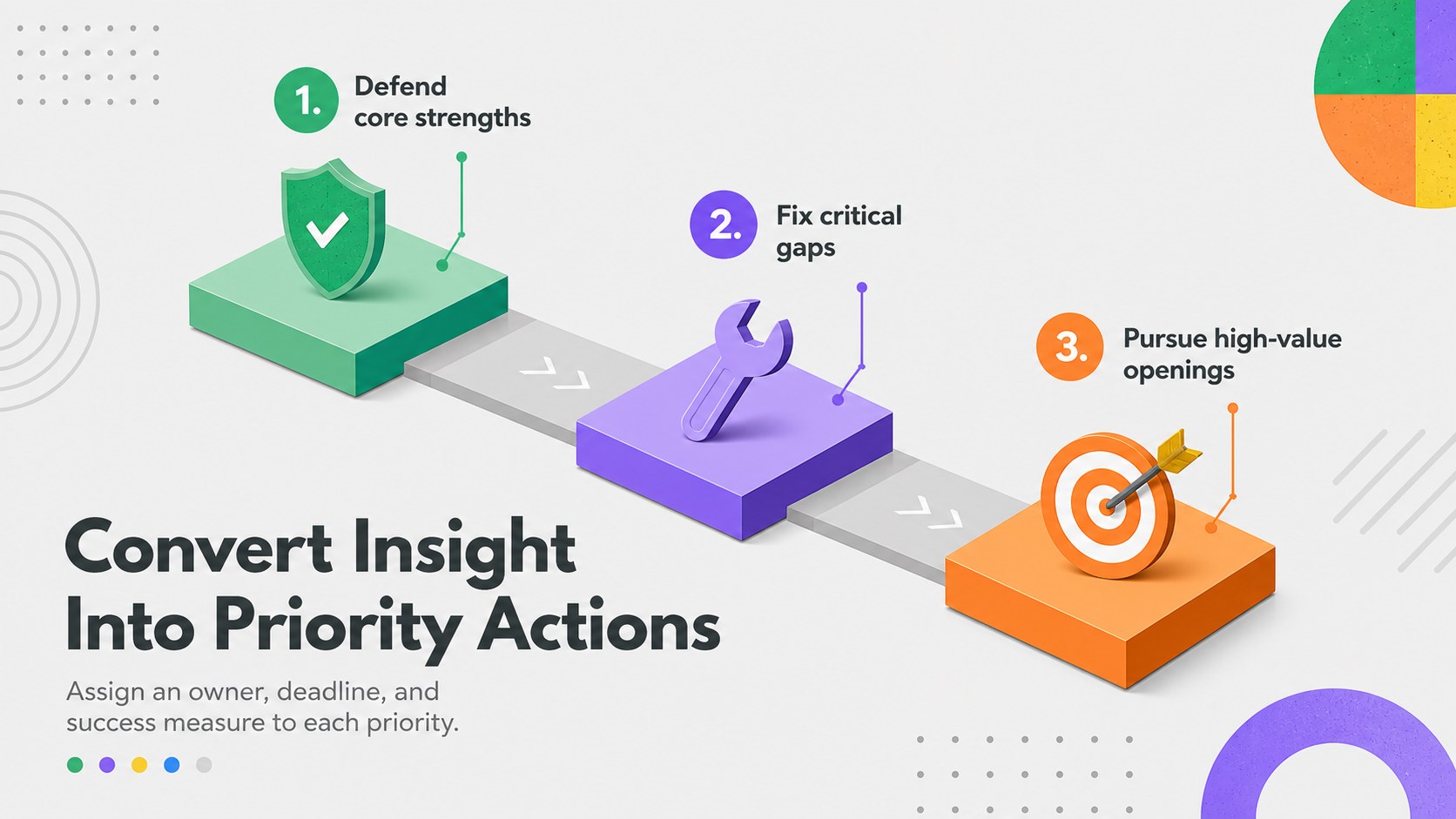
Inside, you will find nine coordinated layouts covering the four SWOT categories, a complete matrix, strategic connections, priority actions, and a closing summary. The colorful SWOT planning deck is designed for concise statements, supporting evidence, and clear ownership of follow-up tasks. Its dimensional blocks and visual hierarchy also make it useful as an interactive SWOT matrix slides resource for facilitated team sessions.
The template suits entrepreneurs, consultants, product managers, marketing teams, nonprofit leaders, and corporate strategy groups. Every element can be adapted to a company, campaign, department, or new initiative. Change the text, rearrange the geometric shapes, adjust the grey and multicolor palette, or add charts and icons to create an editable competitive analysis presentation. The widescreen layouts can be customized and exported for use with PowerPoint or Google Slides, making the deck practical for both live collaboration and formal presentations.
Perfect for: quarterly strategy workshop; startup market assessment; product launch planning; competitive positioning review; department performance meeting.
Frequently asked questions
Can I customize every part of the SWOT layouts? Yes. You can replace the sample wording, recolor the dimensional shapes, move sections, and add your own icons, charts, or supporting data. Keep the four category labels consistent so the analysis remains easy to scan.
Practical details
Yes. You can replace the sample wording, recolor the dimensional shapes, move sections, and add your own icons, charts, or supporting data. Keep the four category labels consistent so the analysis remains easy to scan.
The slides can be edited and exported as a PowerPoint file. You can also save an editable version to Google Drive for use with Google Slides, although minor font or animation adjustments may be needed after export.
Assign one slide to each SWOT category and ask participants to contribute short, evidence-based observations. Consolidate the strongest points in the matrix, then use the priority slide to identify owners and next actions.
Yes. Replace the multicolor accents and grey background tones with approved brand colors while preserving strong contrast between categories. Fonts, icons, and geometric elements can also be updated to fit an existing visual identity.
Keep exploring
15Shape your publishing concept with an indie magazine startup pitch deck featuring pastel gradients, bold collage layouts, and editable planning slides.
 16
16Build clear project stories with the Icon Grid Teamwork Theme, a flexible blue illustrated deck for proposals, strategy updates, and team meetings.
 3
3Turn priorities into an actionable plan with an annual goals roadmap infographic, featuring editable orange and teal layouts for PowerPoint and Google Slides.
 15
15Create an Annual Achievement Report Presentation with colorful geometric layouts for milestones, results, lessons, and priorities in PowerPoint or Google Slides.
 15
15Turn results into a focused annual performance evaluation report with dark 3D slides for KPIs, achievements, feedback, and next-step goals for teams.
 15
15Guide a focused annual recap with Business Results Retrospective Slides, a muted brown-and-blue template for PowerPoint and Google Slides.
 6
6Turn complex plans into clear visual stories with Color-Coded Workflow Path Slides, an editable set for project updates, roadmaps, and team briefings.
 6
6Compare regional performance at a glance with Global Data Heatmap Slides, a clean multicolor deck designed for editable PowerPoint and Google Slides.