
 15
15presentation
Indie Magazine Startup Pitch Deck
Shape your publishing concept with an indie magazine startup pitch deck featuring pastel gradients, bold collage layouts, and editable planning slides.
Google SlidesPowerPoint
presentation · English
Build a focused digital sales campaign deck for PowerPoint or Google Slides, with channel plans, funnel metrics, timelines, and team-ready visuals.



Design notes
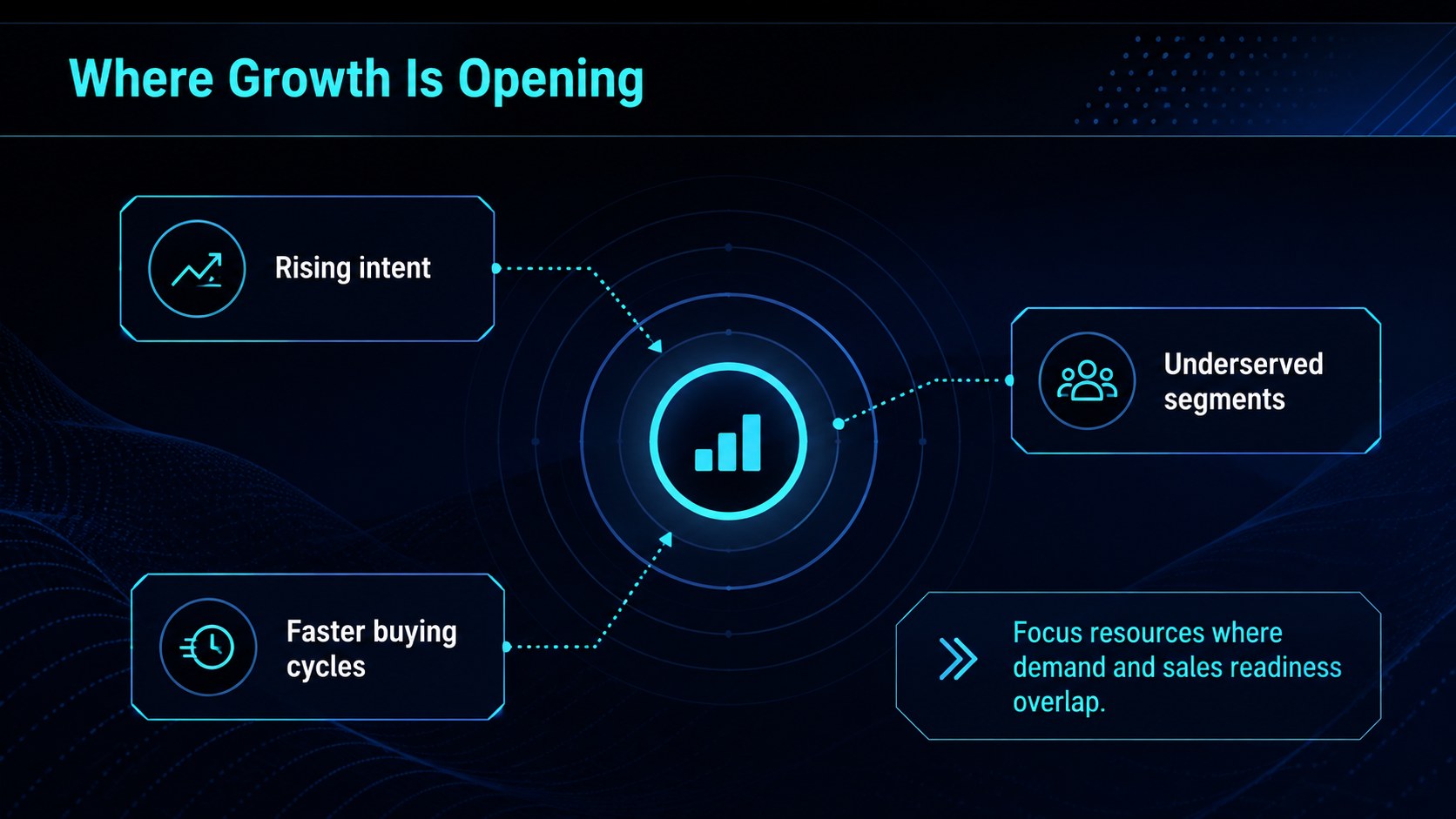
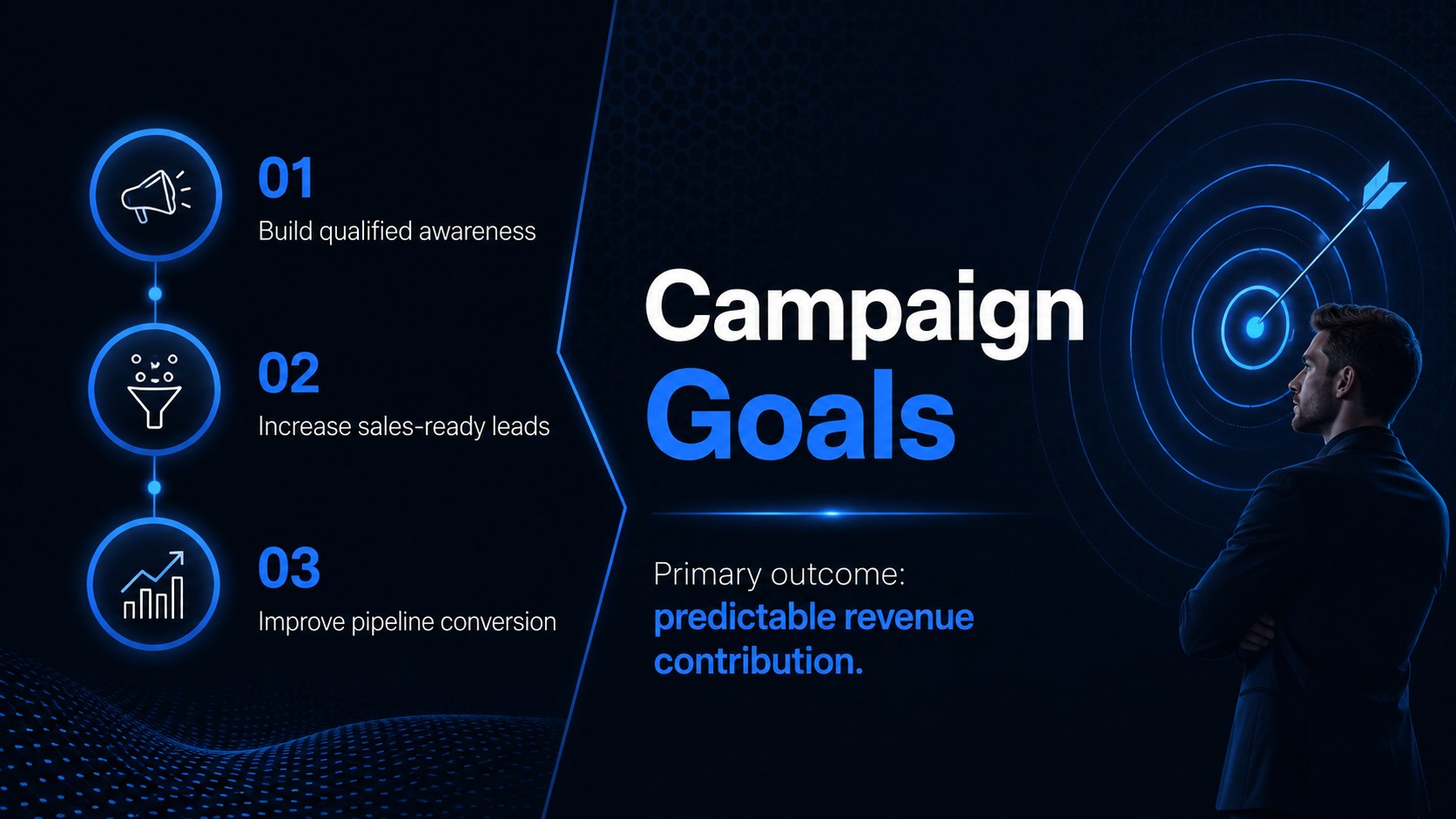
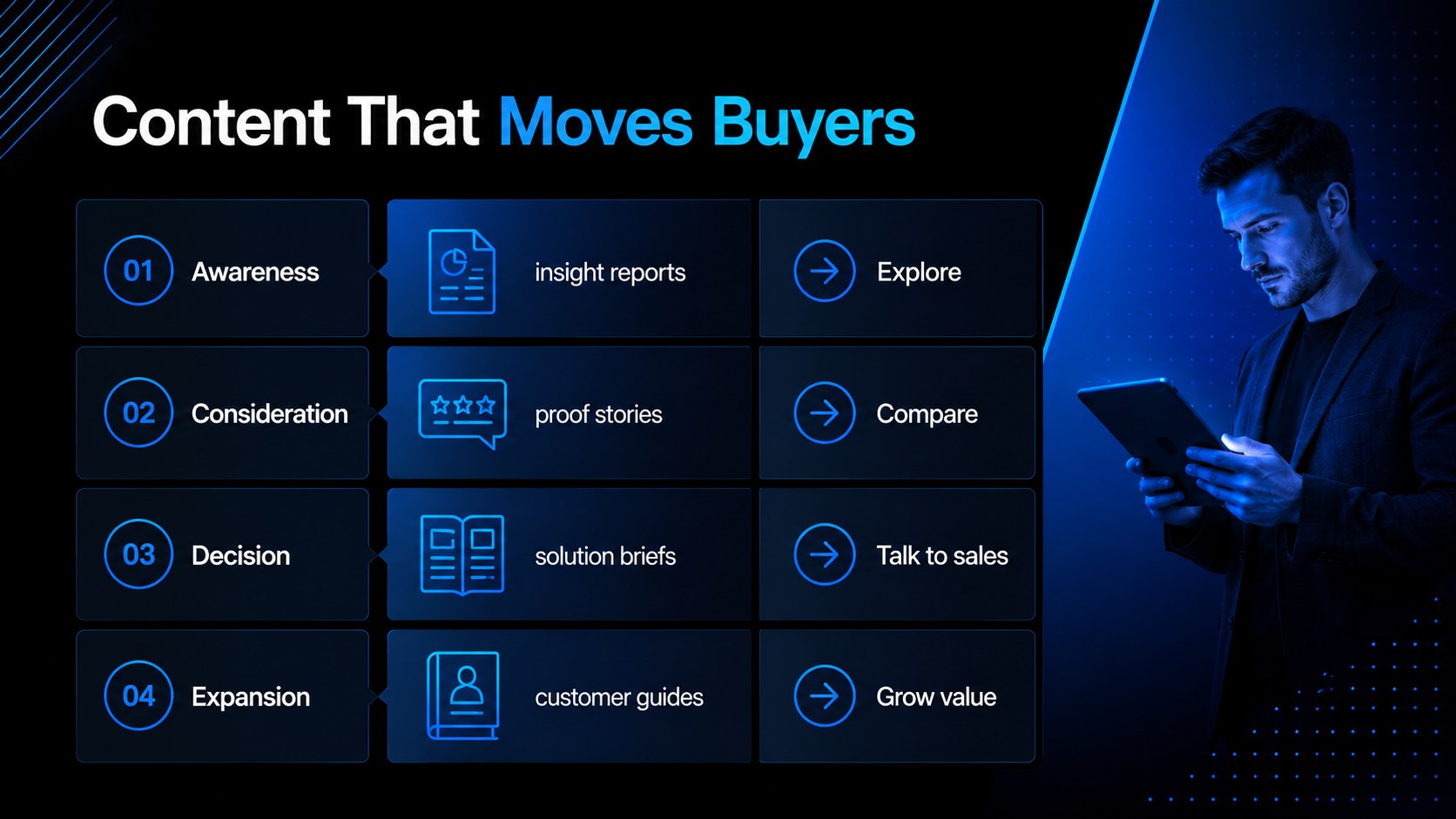
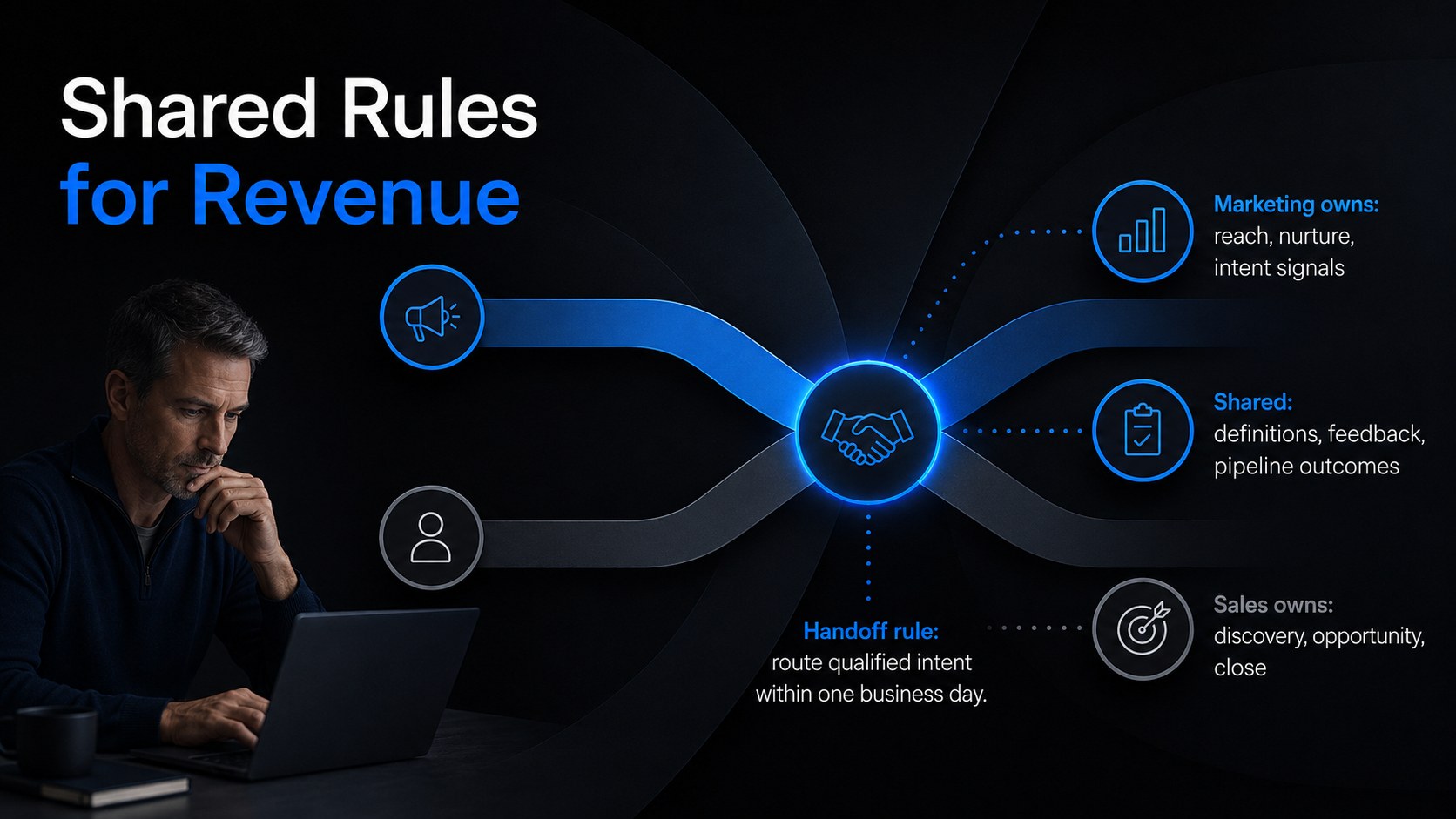
Turn scattered acquisition ideas into a coordinated growth plan with this digital sales campaign deck. Designed in a dark, minimal style with electric blue accents, it gives revenue teams a polished framework for presenting campaign goals, customer insights, channel decisions, and measurable outcomes.
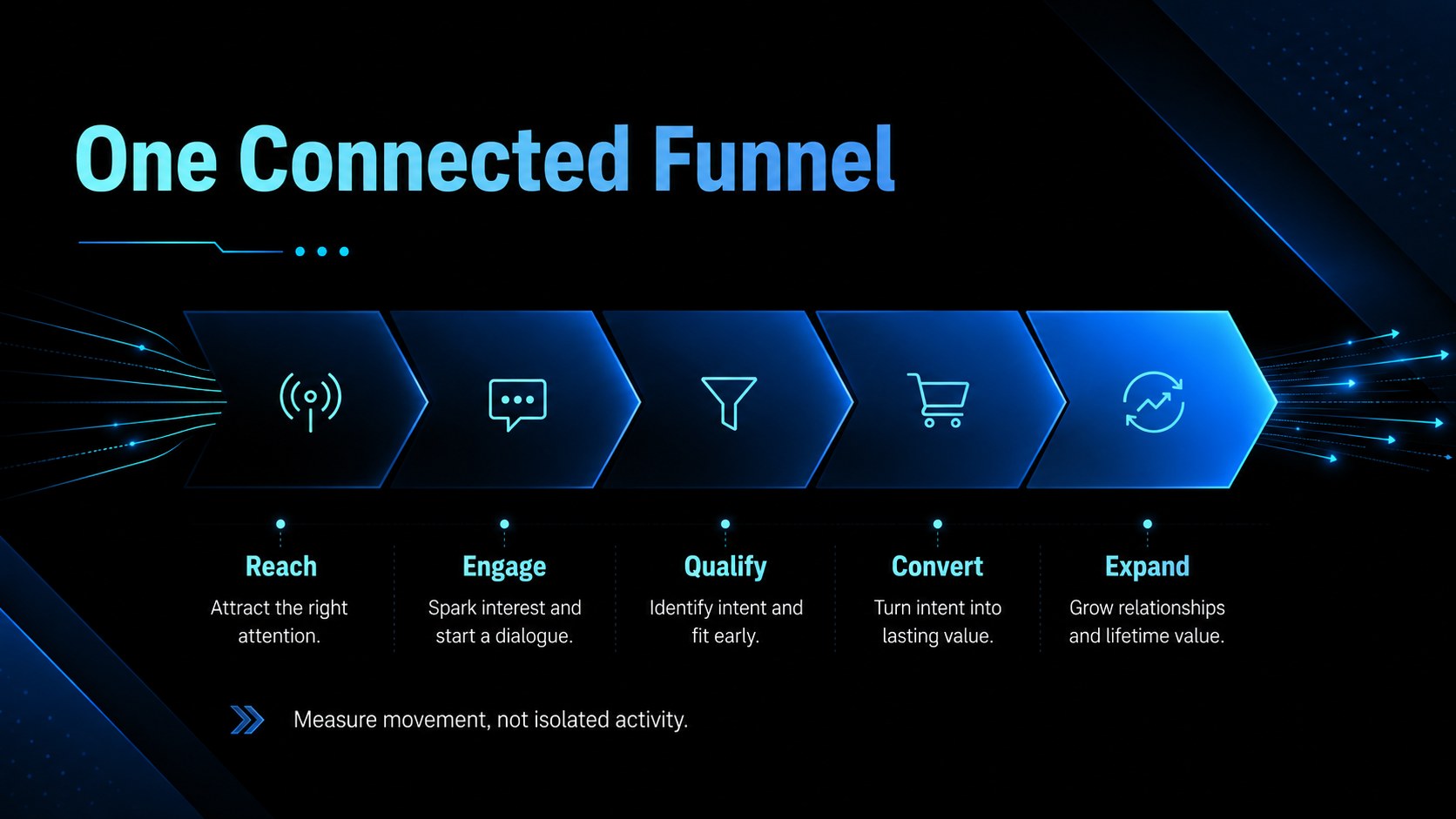
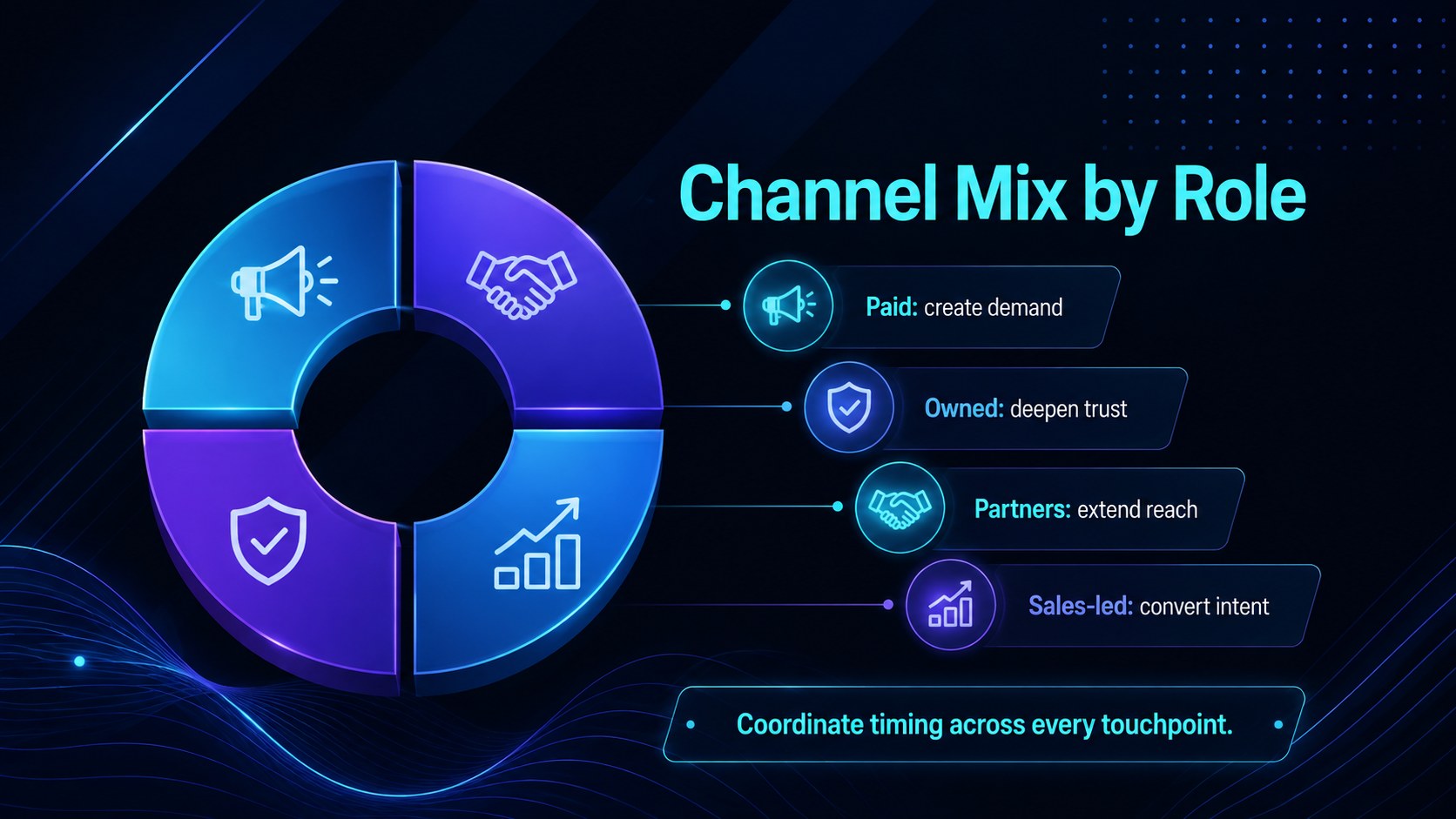
The 15-slide structure works as a digital campaign planning slides resource, covering market opportunities, audience segments, funnel stages, content priorities, sales alignment, lead scoring, budgets, experiments, and performance indicators. Visual dashboards, timelines, comparison layouts, and process diagrams help explain complex decisions without overcrowding the screen. Every element can be edited in PowerPoint or Google Slides, from typography and colors to charts, icons, and transitions.
Use the deck as a multi-channel revenue plan presentation for quarterly planning, agency proposals, product promotions, or leadership reviews. It is particularly useful for sales managers, digital marketers, demand generation teams, consultants, and startup founders who need to connect campaign activity with pipeline impact. The included campaign KPI dashboard template also makes it easy to define ownership, monitor conversion performance, and keep stakeholders focused on the next action. Adapt the slides to your brand, replace the sample figures, and build a concise story around how marketing effort becomes qualified demand and revenue.
Perfect for: quarterly campaign planning; client acquisition proposal; sales and marketing alignment meeting; product promotion strategy; demand generation review; agency campaign pitch.
Frequently asked questions
Can I edit this deck in PowerPoint and Google Slides? Yes. The layouts, text, colors, charts, icons, and shapes are designed for editing in PowerPoint and Google Slides. Minor font or animation differences may appear when moving between platforms.
Practical details
Yes. The layouts, text, colors, charts, icons, and shapes are designed for editing in PowerPoint and Google Slides. Minor font or animation differences may appear when moving between platforms.
Replace the sample copy and figures, then apply your brand fonts, logo, and accent colors. You can also reorder or duplicate slides to match your campaign planning process.
Yes. The channel, funnel, timeline, budget, and KPI layouts can be adapted for an agency proposal or consulting engagement. Remove internal notes and replace assumptions with client-specific research before presenting.
Yes. The visual elements are intended to be customized with your own pipeline stages, channel allocations, targets, and results. Keep labels concise so the minimal layouts remain easy to scan.
Keep exploring
15Shape your publishing concept with an indie magazine startup pitch deck featuring pastel gradients, bold collage layouts, and editable planning slides.
 16
16Build clear project stories with the Icon Grid Teamwork Theme, a flexible blue illustrated deck for proposals, strategy updates, and team meetings.
 3
3Turn priorities into an actionable plan with an annual goals roadmap infographic, featuring editable orange and teal layouts for PowerPoint and Google Slides.
 15
15Create an Annual Achievement Report Presentation with colorful geometric layouts for milestones, results, lessons, and priorities in PowerPoint or Google Slides.
 15
15Turn results into a focused annual performance evaluation report with dark 3D slides for KPIs, achievements, feedback, and next-step goals for teams.
 15
15Guide a focused annual recap with Business Results Retrospective Slides, a muted brown-and-blue template for PowerPoint and Google Slides.
 6
6Turn complex plans into clear visual stories with Color-Coded Workflow Path Slides, an editable set for project updates, roadmaps, and team briefings.
 6
6Compare regional performance at a glance with Global Data Heatmap Slides, a clean multicolor deck designed for editable PowerPoint and Google Slides.