
 15
15presentation
Indie Magazine Startup Pitch Deck
Shape your publishing concept with an indie magazine startup pitch deck featuring pastel gradients, bold collage layouts, and editable planning slides.
Google SlidesPowerPoint
presentation · English
Plan smarter communications with this digital PR technology strategy deck covering media monitoring, AI workflows, analytics, and audience engagement.

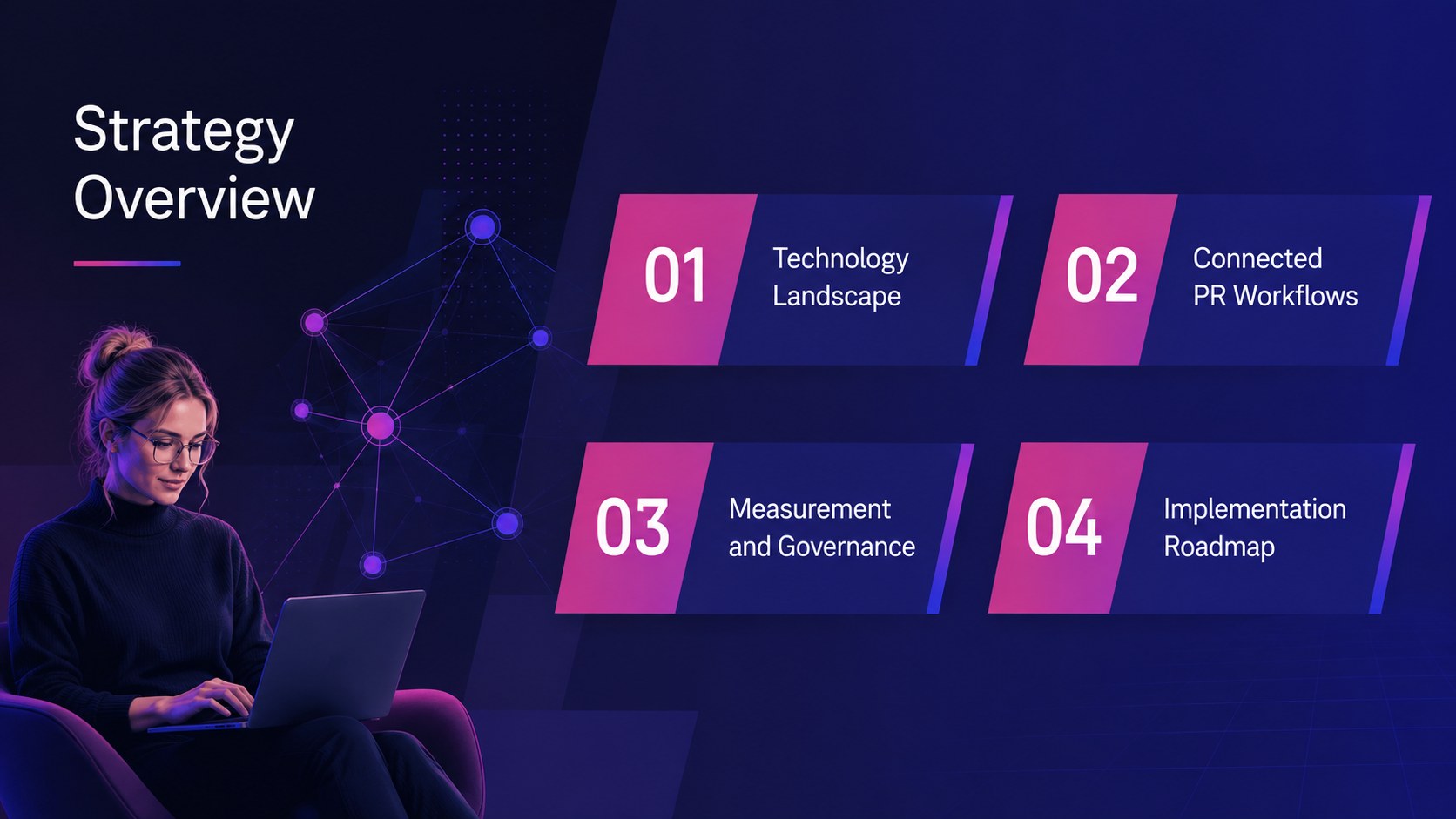

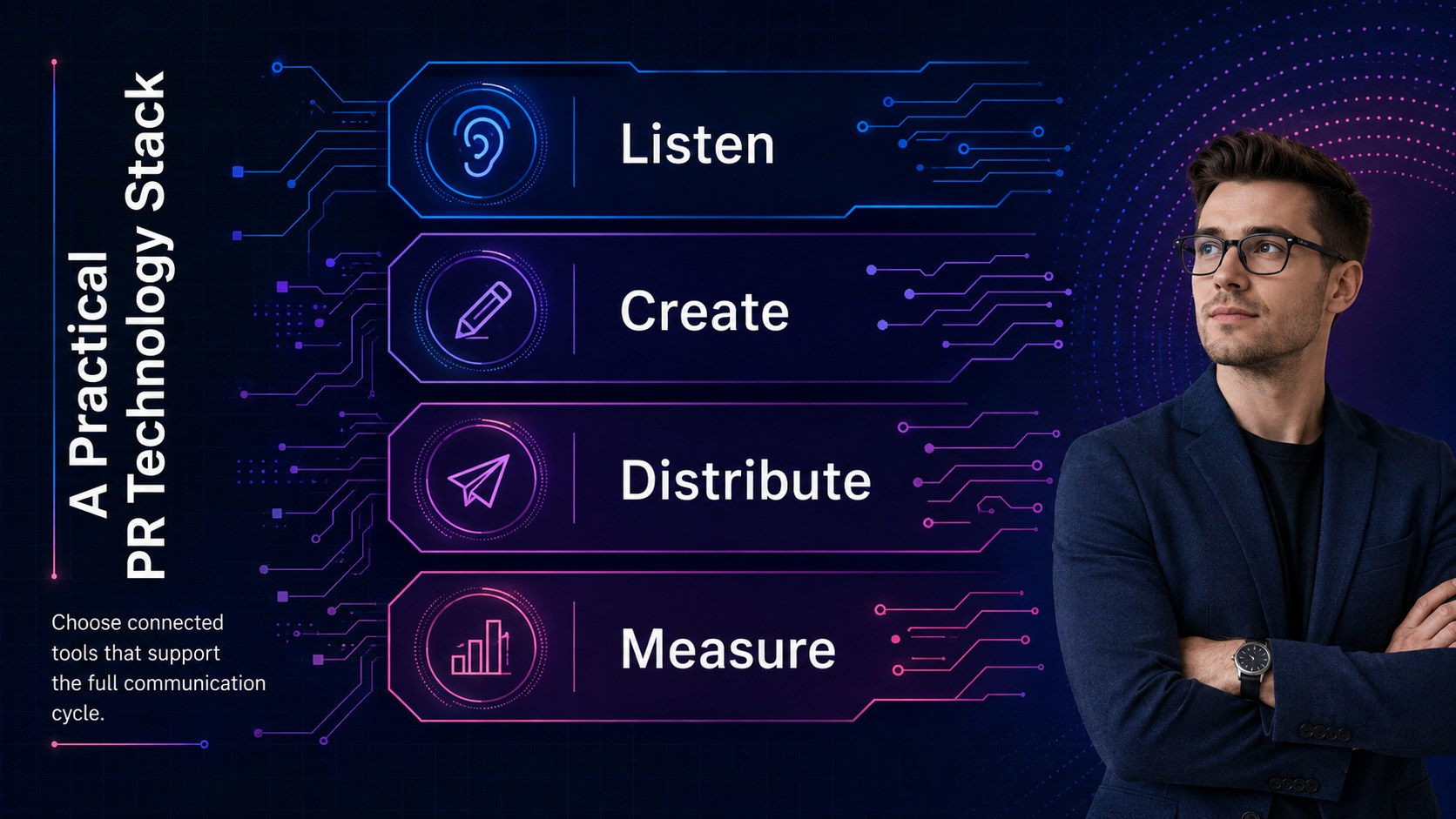
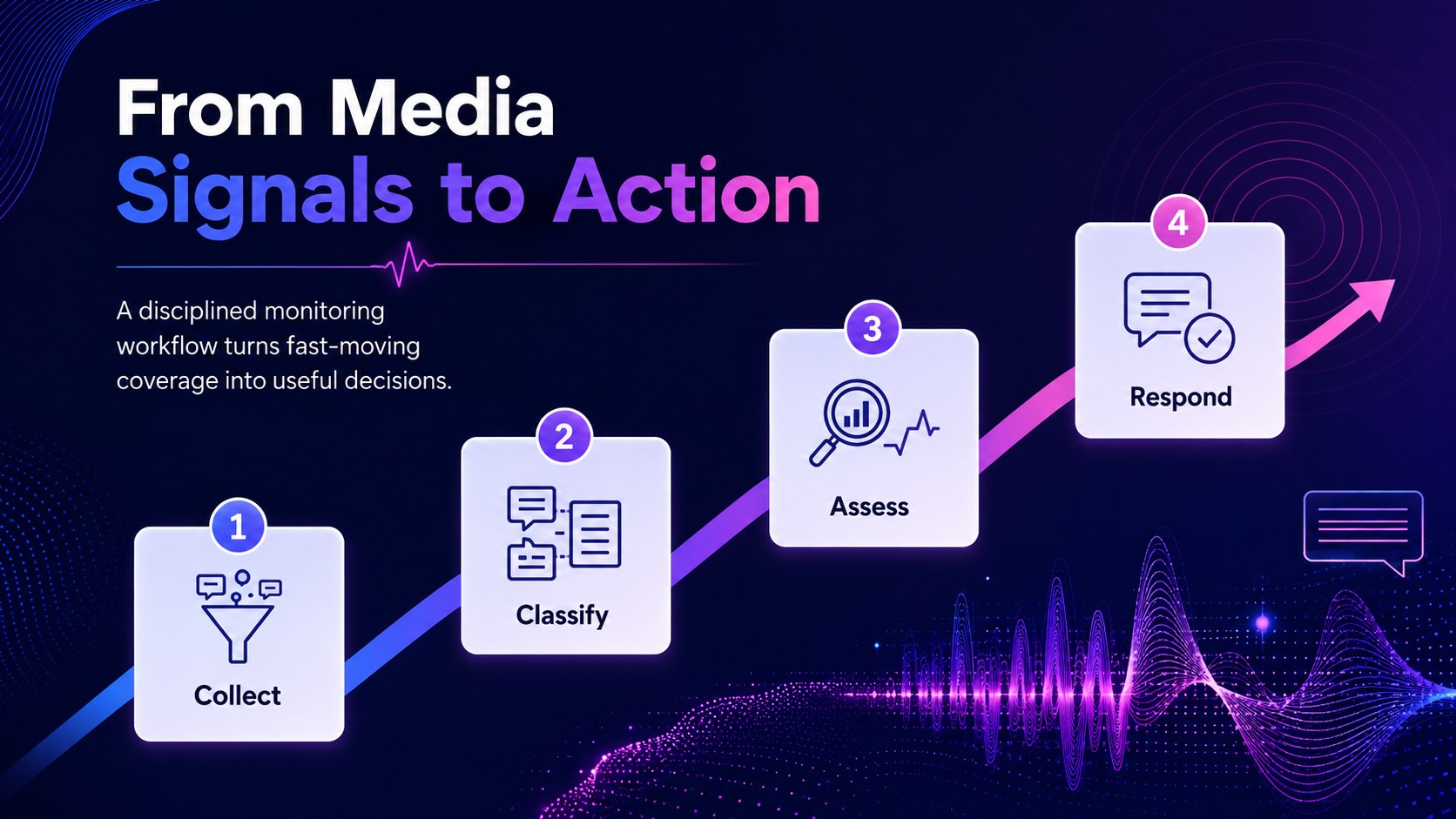

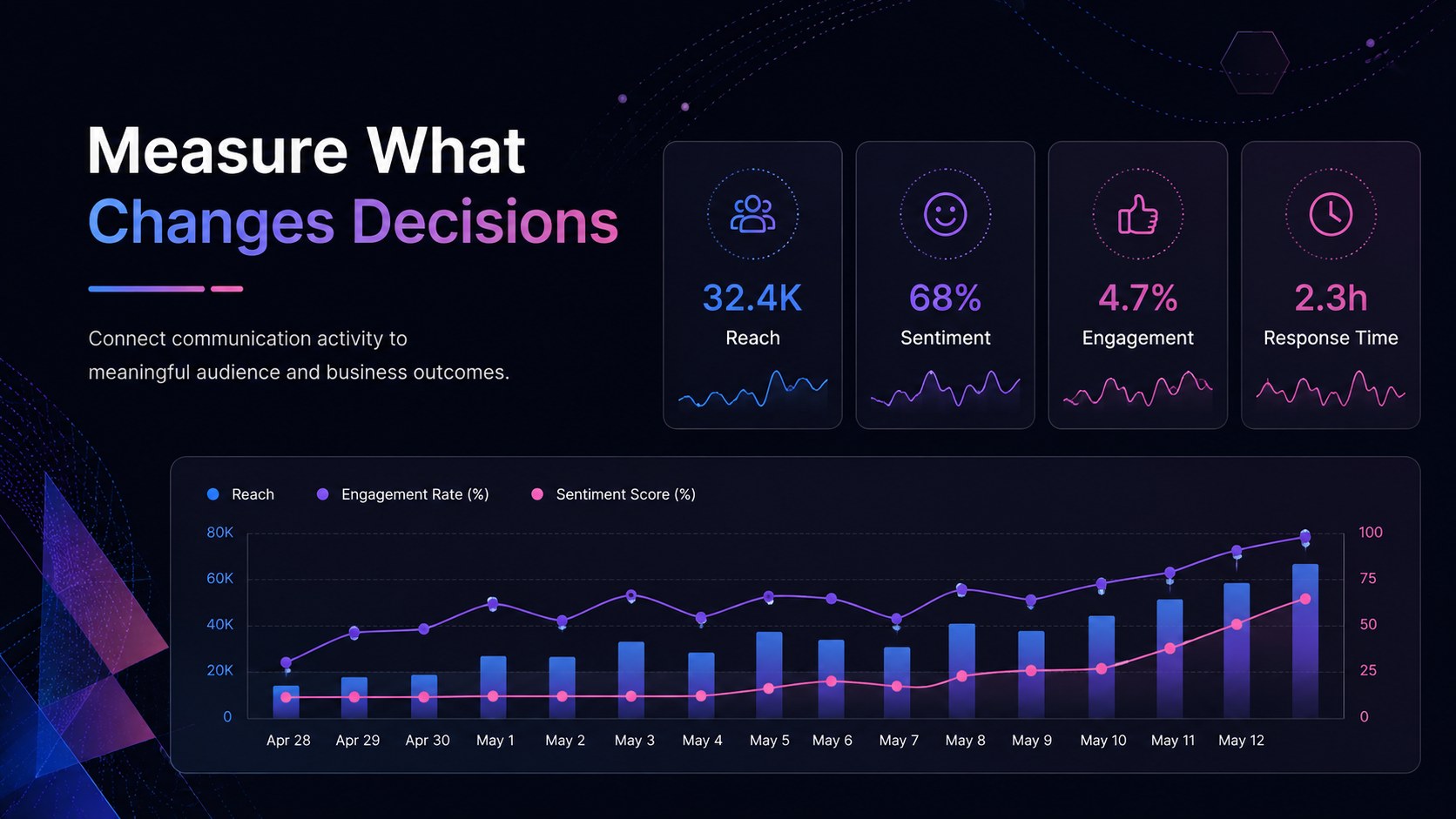

Design notes
Turn changing communication technology into a practical story with this digital PR technology strategy deck. Designed for public relations teams, consultants, and business leaders, it explains how digital platforms support media intelligence, audience engagement, content delivery, and faster decision-making. The sleek corporate design combines blue, purple, and pink with abstract lines, geometric shapes, dark backgrounds, and bright visual accents.
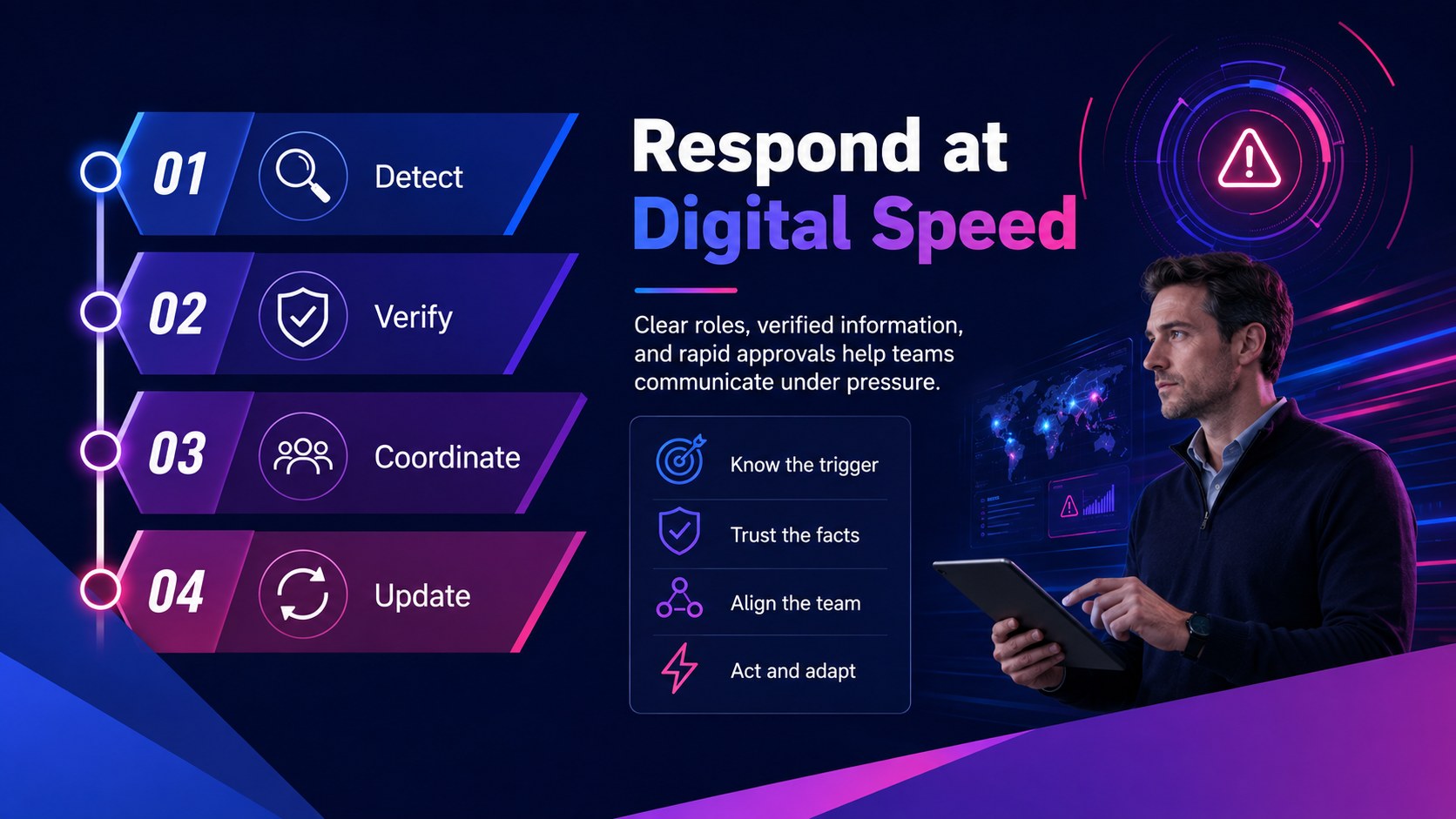
The presentation includes layouts for a communications technology landscape, digital PR tools overview, media monitoring workflow, AI-assisted content process, campaign analytics, channel strategy, crisis response, stakeholder engagement, governance, and implementation planning. A digital communications technology roadmap and PR analytics dashboard template help presenters move from broad trends to measurable actions. Charts, timelines, process diagrams, and comparison layouts make technical topics easier for nontechnical audiences to understand.
Use the deck for an AI in public relations presentation, an internal transformation workshop, a client strategy session, or a communications leadership briefing. Every 16:9 slide can be edited in PowerPoint or Google Slides, including colors, typography, charts, icons, and supporting text. The structured layouts work equally well for reviewing current capabilities, proposing new tools, setting responsible-use policies, or aligning teams around a phased digital PR plan.
Perfect for: PR technology strategy meeting; communications transformation workshop; client digital PR proposal; AI governance briefing; campaign analytics review; media monitoring process training.
Frequently asked questions
Can I edit every element in this presentation? Yes. The text, colors, diagrams, charts, icons, and layout elements are designed for customization, so you can adapt the deck to your organization and communication goals.
Practical details
Yes. The text, colors, diagrams, charts, icons, and layout elements are designed for customization, so you can adapt the deck to your organization and communication goals.
The template is prepared for PowerPoint and Google Slides. Some fonts or transitions may render slightly differently between platforms, so review the final deck before presenting.
Yes. Update the dashboard, comparison, and chart layouts with campaign reach, sentiment, share of voice, response time, conversion, or other metrics relevant to your team.
Add the client's communication objectives, current technology stack, priority channels, brand colors, and performance data. You can also shorten the deck by keeping only the strategy, workflow, roadmap, and measurement slides.
Keep exploring
15Shape your publishing concept with an indie magazine startup pitch deck featuring pastel gradients, bold collage layouts, and editable planning slides.
 16
16Build clear project stories with the Icon Grid Teamwork Theme, a flexible blue illustrated deck for proposals, strategy updates, and team meetings.
 3
3Turn priorities into an actionable plan with an annual goals roadmap infographic, featuring editable orange and teal layouts for PowerPoint and Google Slides.
 15
15Create an Annual Achievement Report Presentation with colorful geometric layouts for milestones, results, lessons, and priorities in PowerPoint or Google Slides.
 15
15Turn results into a focused annual performance evaluation report with dark 3D slides for KPIs, achievements, feedback, and next-step goals for teams.
 15
15Guide a focused annual recap with Business Results Retrospective Slides, a muted brown-and-blue template for PowerPoint and Google Slides.
 6
6Turn complex plans into clear visual stories with Color-Coded Workflow Path Slides, an editable set for project updates, roadmaps, and team briefings.
 6
6Compare regional performance at a glance with Global Data Heatmap Slides, a clean multicolor deck designed for editable PowerPoint and Google Slides.