
 15
15presentation
Indie Magazine Startup Pitch Deck
Shape your publishing concept with an indie magazine startup pitch deck featuring pastel gradients, bold collage layouts, and editable planning slides.
Google SlidesPowerPoint
presentation · English
Build a sharper client case with a digital engineering advisory deck featuring editable blue-and-black 3D slides for PowerPoint and Google Slides.






Design notes
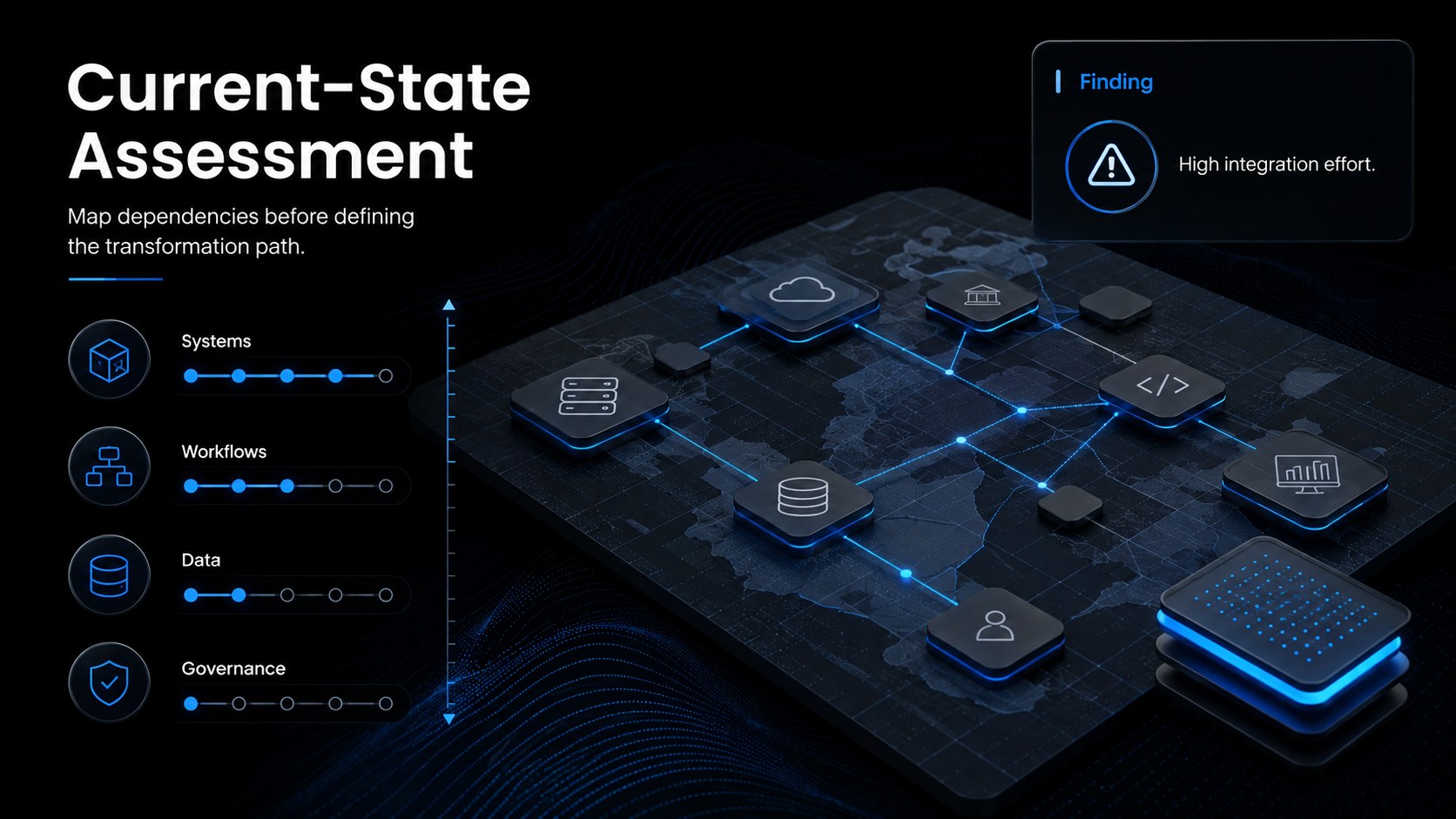
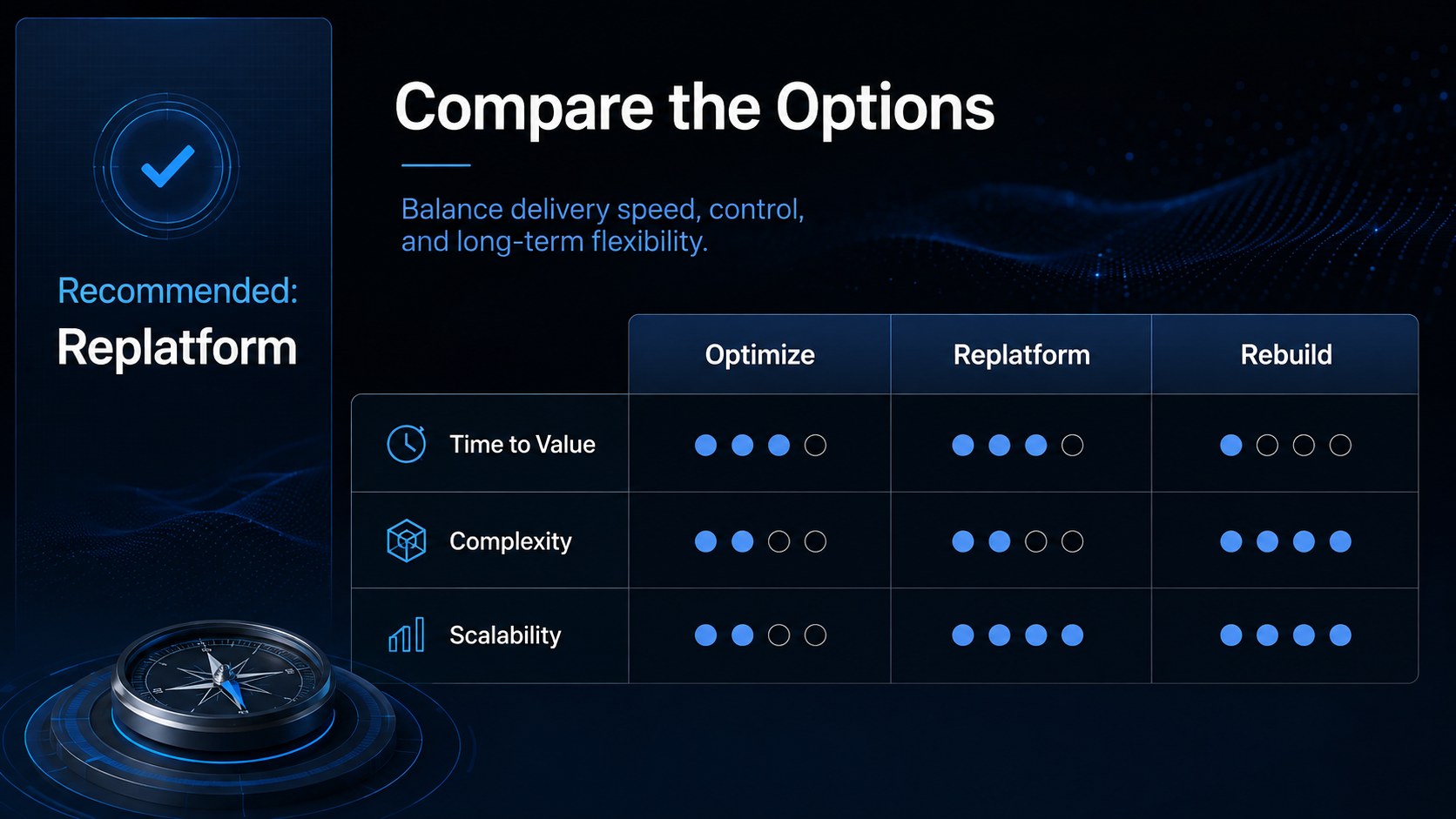
The Digital Engineering Advisory Deck helps consultants and technical leaders translate complex ideas into a focused, persuasive story. Its minimal blue-and-black visual system combines clean typography with restrained 3D graphics, giving strategy sessions, client briefings, and project proposals a modern professional edge. Every layout is designed to keep attention on evidence, recommendations, and measurable outcomes.
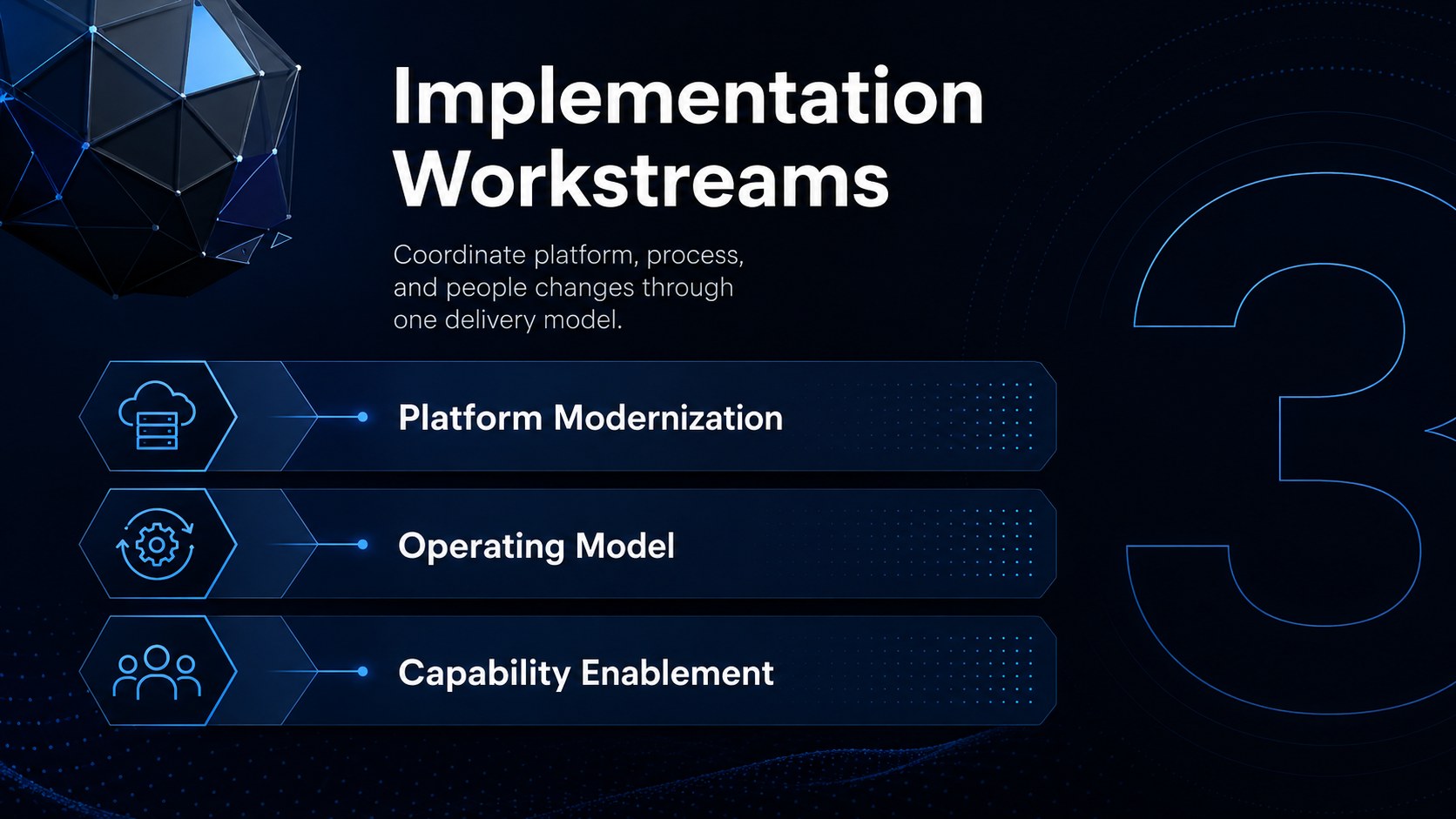
Inside, you will find 15 editable slides covering an executive brief, business challenges, advisory pillars, current-state analysis, target architecture, solution comparisons, implementation workstreams, impact metrics, risk controls, and next steps. Use the deck as an engineering consulting pitch deck for a new engagement or adapt individual layouts into digital transformation strategy slides. Charts, timelines, process diagrams, and structured content areas make technical findings easier for decision-makers to scan and understand.
This digital engineering advisory deck is built for engineering consultants, IT strategists, solution architects, innovation teams, and technical project managers. It also works as a technical solution proposal template when presenting modernization plans, infrastructure improvements, automation programs, or product development recommendations. Customize the wording, colors, diagrams, and data directly in PowerPoint or Google Slides while preserving the sleek minimal 3D style.
Perfect for: engineering consulting proposal; digital transformation briefing; solution architecture review; technology modernization roadmap; client strategy workshop.
Frequently asked questions
Can I edit this deck in PowerPoint and Google Slides? Yes. All slide content is designed for editing in PowerPoint and Google Slides, including text, colors, charts, diagrams, and image placeholders. Minor font or spacing adjustments may be needed when moving between platforms.
Practical details
Yes. All slide content is designed for editing in PowerPoint and Google Slides, including text, colors, charts, diagrams, and image placeholders. Minor font or spacing adjustments may be needed when moving between platforms.
Replace the sample recommendations, metrics, and roadmap stages with details from your engagement. You can also reorder or duplicate slides to match discovery, analysis, solution design, and implementation phases.
Yes. Update the theme colors to align the presentation with your organization or client while retaining sufficient contrast. The minimal layouts also work well with one accent color added for priorities and key data.
Yes. The deck includes layouts suited to architecture diagrams, comparison tables, timelines, performance metrics, and risk summaries. Replace the example values with verified project data before presenting.
Keep exploring
15Shape your publishing concept with an indie magazine startup pitch deck featuring pastel gradients, bold collage layouts, and editable planning slides.
 16
16Build clear project stories with the Icon Grid Teamwork Theme, a flexible blue illustrated deck for proposals, strategy updates, and team meetings.
 3
3Turn priorities into an actionable plan with an annual goals roadmap infographic, featuring editable orange and teal layouts for PowerPoint and Google Slides.
 15
15Create an Annual Achievement Report Presentation with colorful geometric layouts for milestones, results, lessons, and priorities in PowerPoint or Google Slides.
 15
15Turn results into a focused annual performance evaluation report with dark 3D slides for KPIs, achievements, feedback, and next-step goals for teams.
 15
15Guide a focused annual recap with Business Results Retrospective Slides, a muted brown-and-blue template for PowerPoint and Google Slides.
 6
6Turn complex plans into clear visual stories with Color-Coded Workflow Path Slides, an editable set for project updates, roadmaps, and team briefings.
 6
6Compare regional performance at a glance with Global Data Heatmap Slides, a clean multicolor deck designed for editable PowerPoint and Google Slides.