
 15
15presentation
Indie Magazine Startup Pitch Deck
Shape your publishing concept with an indie magazine startup pitch deck featuring pastel gradients, bold collage layouts, and editable planning slides.
Google SlidesPowerPoint
presentation · English
Build clearer recommendations with decision pathway slides in crisp blue and purple gradients, ready to customize in PowerPoint or Google Slides.

Design notes
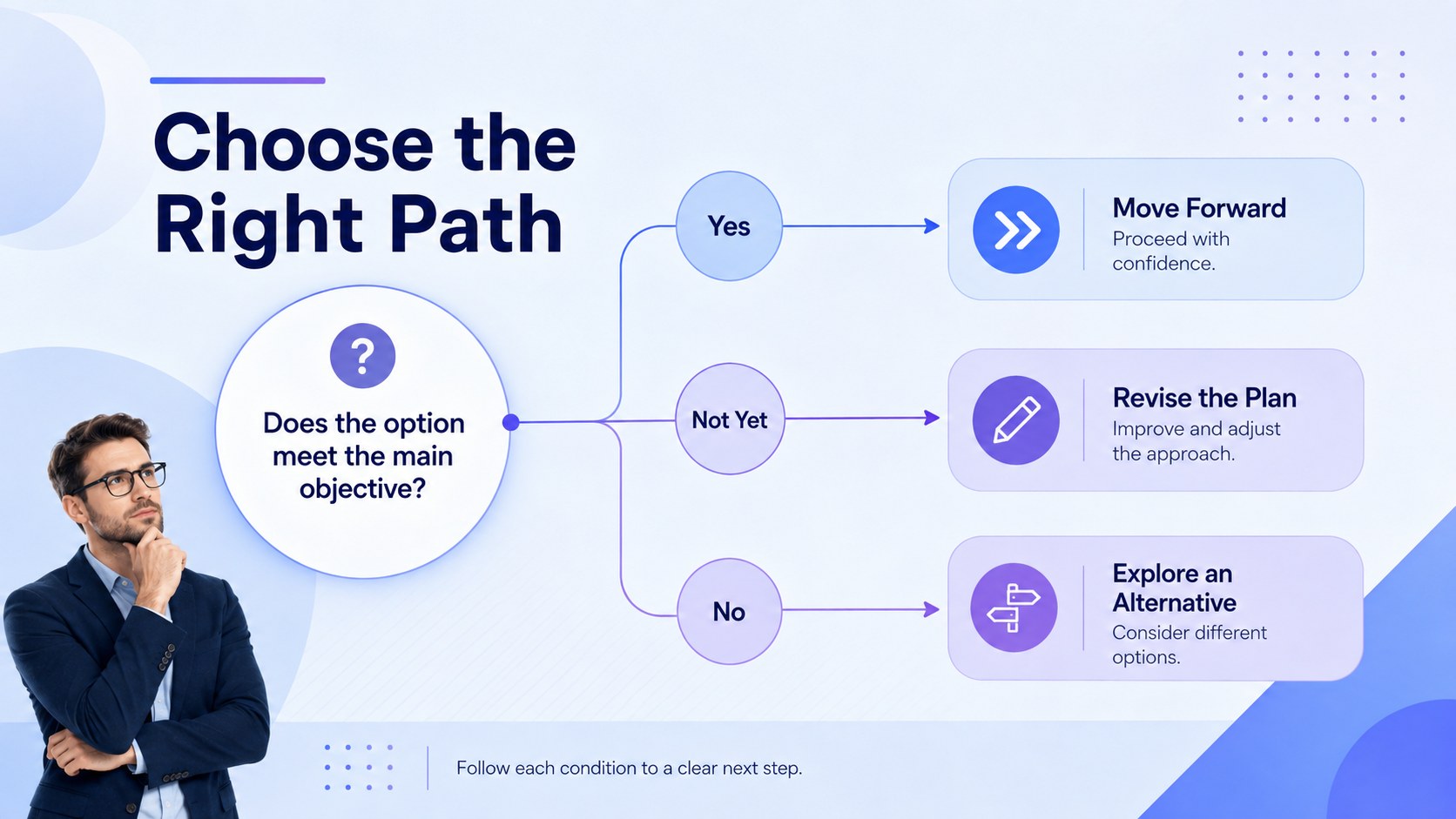
Turn complicated choices into a focused visual story with these decision pathway slides. Designed for business professionals, project leaders, consultants, and educators, the deck uses clean typography, blue and purple gradients, and restrained geometric details to make branching logic easy to scan. It works as a business decision pathway template for meetings where teams need to understand how one condition leads to the next.
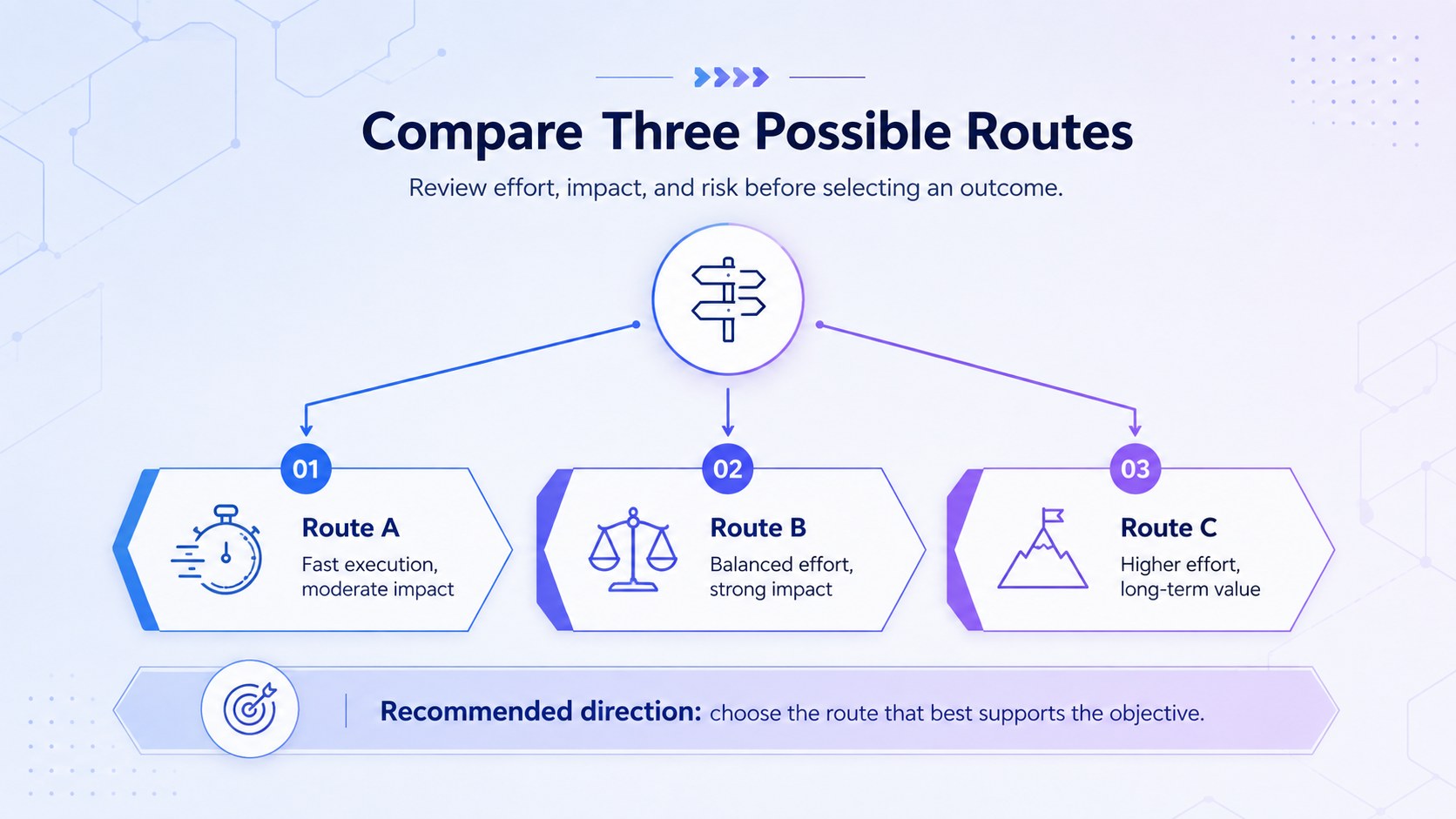
The set includes three coordinated layouts: an opening overview, a multi-branch decision flow, and an option comparison diagram with clearly separated outcomes. Add your own questions, yes-or-no conditions, recommendations, and next steps. The editable branching logic slides can be adapted with new colors, labels, connectors, icons, and shapes while retaining a consistent visual hierarchy.
Use the deck for strategic planning, process documentation, risk reviews, product discussions, training sessions, or client recommendations. The strategic option comparison slides are especially useful when stakeholders must evaluate several routes without losing sight of the final objective. Every layout is prepared for PowerPoint and Google Slides, giving you a practical starting point for presenting decisions with clarity rather than filling a page with dense explanations.
Perfect for: strategic planning workshop; project risk assessment; product feature evaluation; client recommendation meeting; employee process training; operational workflow review.
Frequently asked questions
Can I edit every part of the decision diagrams? Yes. You can change the questions, outcomes, connectors, colors, icons, and supporting text to match your decision process. Individual branches can also be duplicated or removed as needed.
Practical details
Yes. You can change the questions, outcomes, connectors, colors, icons, and supporting text to match your decision process. Individual branches can also be duplicated or removed as needed.
Yes. The layouts are designed for editing in both PowerPoint and Google Slides. Minor font or spacing adjustments may be useful if your device substitutes a typeface.
Yes. Duplicate existing nodes and extend the connectors to build a larger pathway. Keep labels concise and maintain consistent spacing so the flow remains easy to scan.
Yes. Replace the gradient colors with your organization’s palette and update the text or accent colors for sufficient contrast. The minimalist structure also works well with solid colors.
Keep exploring
15Shape your publishing concept with an indie magazine startup pitch deck featuring pastel gradients, bold collage layouts, and editable planning slides.
 16
16Build clear project stories with the Icon Grid Teamwork Theme, a flexible blue illustrated deck for proposals, strategy updates, and team meetings.
 3
3Turn priorities into an actionable plan with an annual goals roadmap infographic, featuring editable orange and teal layouts for PowerPoint and Google Slides.
 15
15Create an Annual Achievement Report Presentation with colorful geometric layouts for milestones, results, lessons, and priorities in PowerPoint or Google Slides.
 15
15Turn results into a focused annual performance evaluation report with dark 3D slides for KPIs, achievements, feedback, and next-step goals for teams.
 15
15Guide a focused annual recap with Business Results Retrospective Slides, a muted brown-and-blue template for PowerPoint and Google Slides.
 6
6Turn complex plans into clear visual stories with Color-Coded Workflow Path Slides, an editable set for project updates, roadmaps, and team briefings.
 6
6Compare regional performance at a glance with Global Data Heatmap Slides, a clean multicolor deck designed for editable PowerPoint and Google Slides.