
 15
15presentation
Indie Magazine Startup Pitch Deck
Shape your publishing concept with an indie magazine startup pitch deck featuring pastel gradients, bold collage layouts, and editable planning slides.
Google SlidesPowerPoint
document · English
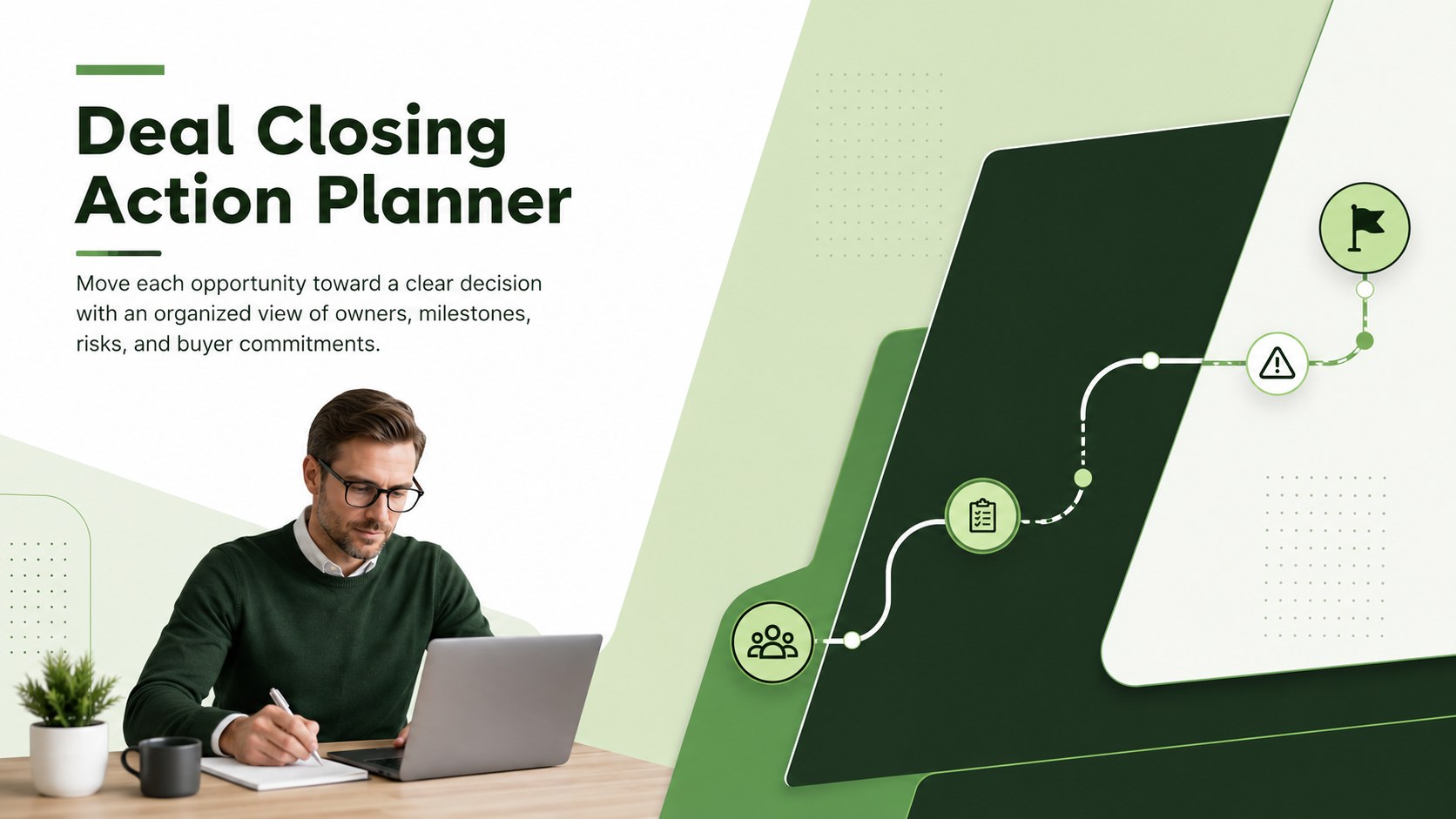
Use this Deal Closing Action Planner to map decision-makers, next steps, risks, and deadlines in a modern green PowerPoint and Google Slides deck.
Design notes
The Deal Closing Action Planner gives sales teams a focused workspace for turning late-stage opportunities into coordinated action. Its modern green design presents essential information clearly, helping account owners establish priorities, confirm buyer expectations, and keep internal contributors aligned as a decision date approaches.
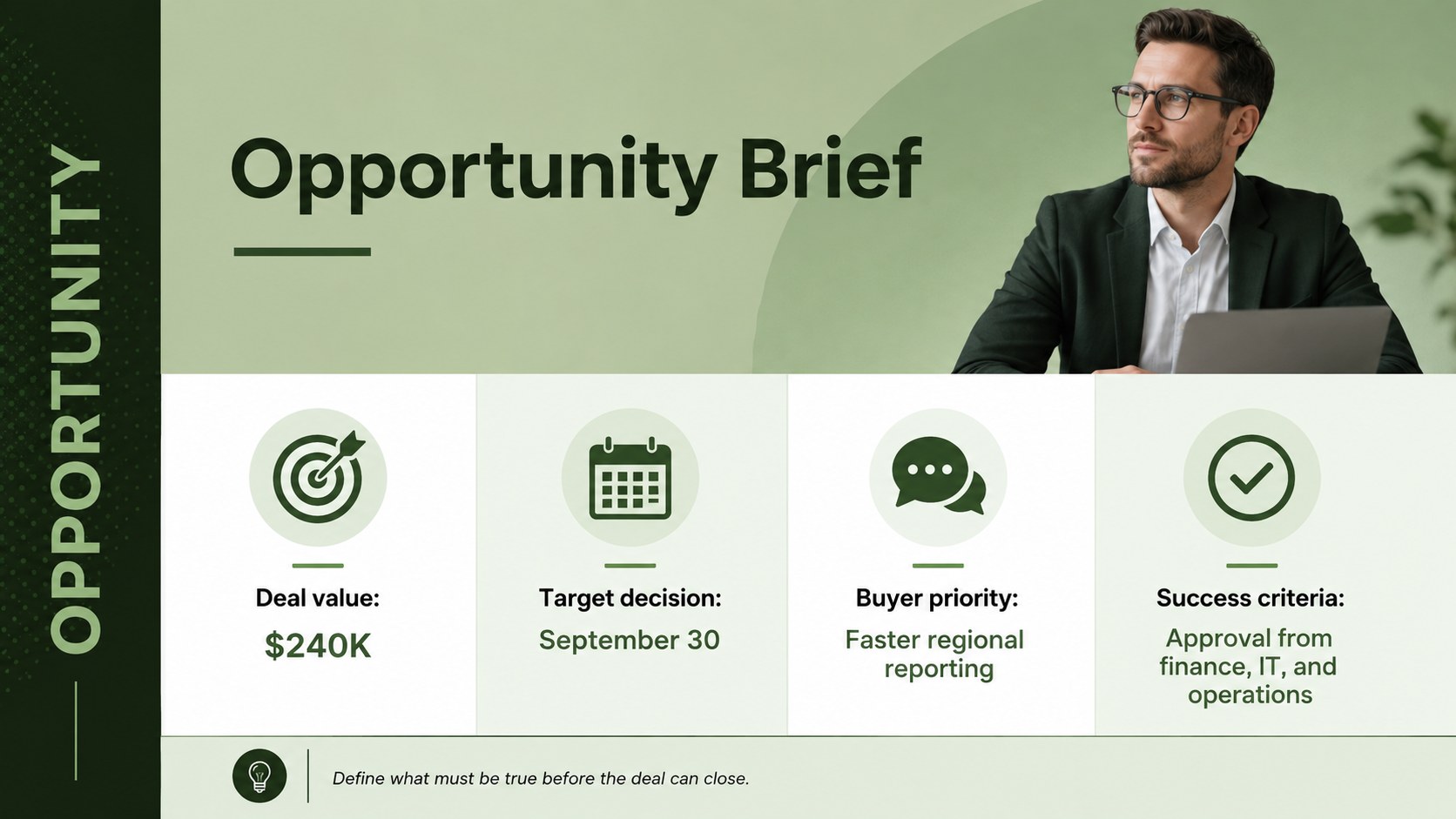
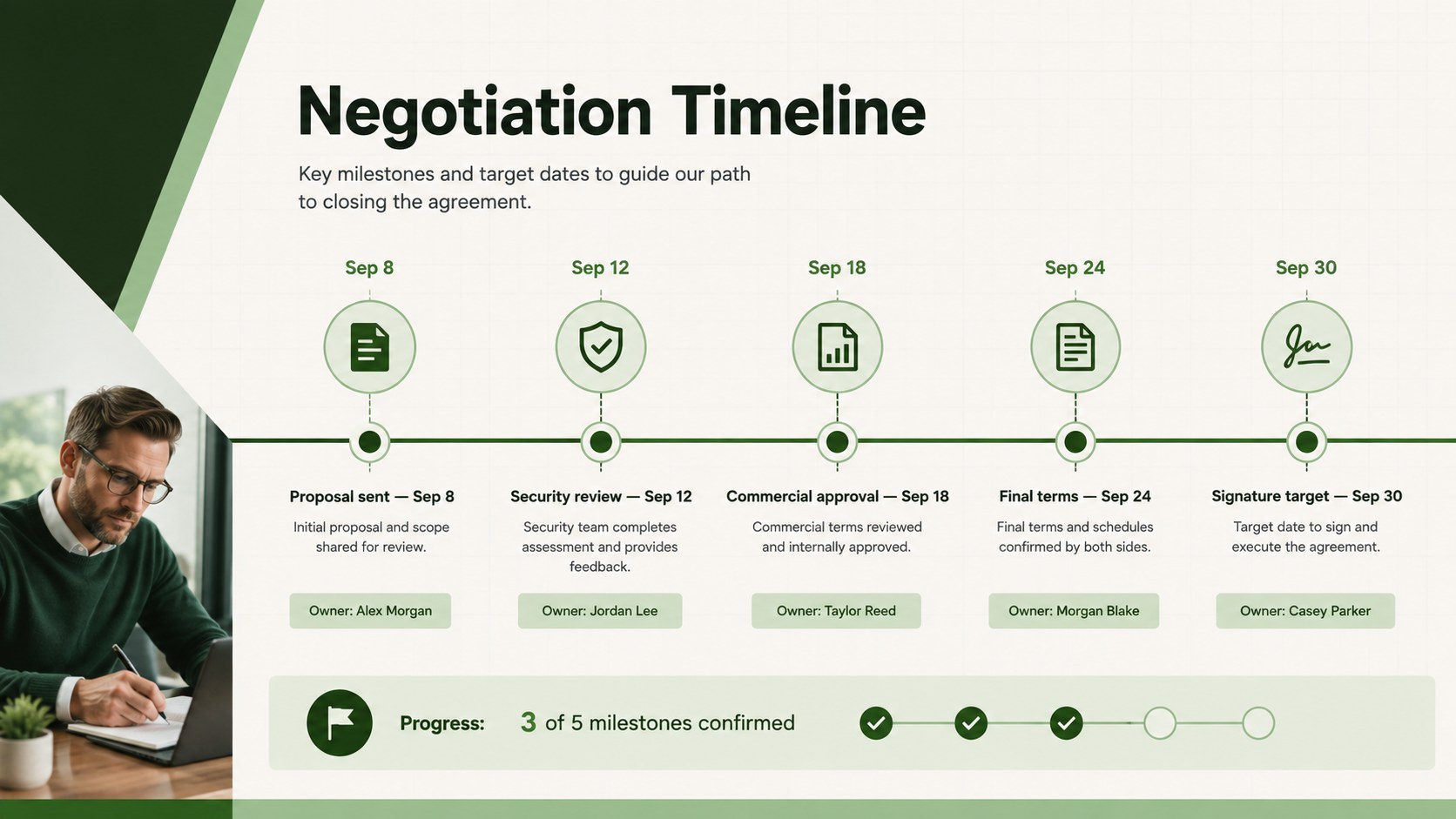
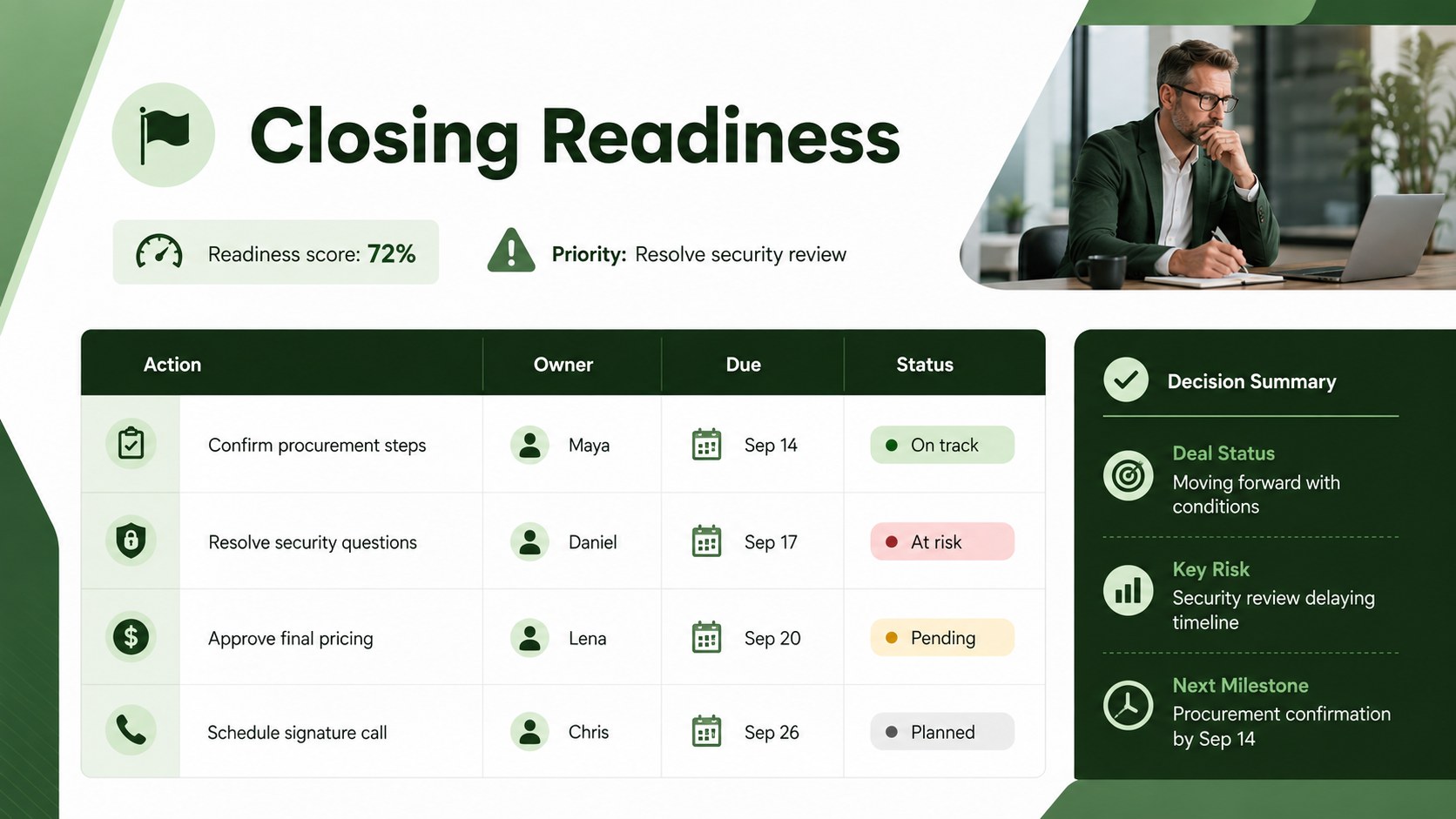
Inside, you will find structured layouts for an opportunity overview, stakeholder map, milestone schedule, action register, risk assessment, and commitment tracker. Use the enterprise deal closing checklist to verify commercial, legal, security, and procurement requirements before forecasting a win. Stakeholder approval tracking slides clarify who influences the purchase, who provides final authorization, and which conversations still need to happen. A sales negotiation timeline template also helps teams sequence proposals, reviews, revisions, and signature deadlines without losing momentum.
This planner is designed for account executives, sales managers, revenue leaders, customer success teams, and founders handling important opportunities. Customize the wording, colors, tables, and status indicators in PowerPoint or Google Slides to match your organization and sales methodology. It works well for pipeline reviews, deal desk meetings, forecast calls, negotiation planning, and internal handoffs. Whether the sales cycle lasts two weeks or several months, the deck provides a practical record of responsibilities, obstacles, buyer signals, and agreed next steps.
Perfect for: late-stage opportunity review; enterprise deal desk meeting; quarter-end pipeline planning; contract negotiation preparation; sales forecast review.
Frequently asked questions
Can I edit this planner in PowerPoint and Google Slides? Yes. All text, shapes, tables, colors, and status labels can be edited in PowerPoint or Google Slides. You can duplicate sections to accommodate longer sales cycles or multiple opportunities.
Practical details
Yes. All text, shapes, tables, colors, and status labels can be edited in PowerPoint or Google Slides. You can duplicate sections to accommodate longer sales cycles or multiple opportunities.
Rename the stages, replace the milestone dates, and adjust the action categories to reflect your qualification framework. You can also add approval steps for legal, procurement, finance, security, or executive review.
Yes. The layouts make ownership, deadlines, buyer commitments, and unresolved risks easy to scan during forecast calls or deal reviews. Update the status fields before each meeting to maintain a current record.
Replace the green accents with your brand colors and update the typefaces through the presentation theme settings. Add your logo only to the master layout if your internal presentation standards require it.
Keep exploring
15Shape your publishing concept with an indie magazine startup pitch deck featuring pastel gradients, bold collage layouts, and editable planning slides.
 16
16Build clear project stories with the Icon Grid Teamwork Theme, a flexible blue illustrated deck for proposals, strategy updates, and team meetings.
 3
3Turn priorities into an actionable plan with an annual goals roadmap infographic, featuring editable orange and teal layouts for PowerPoint and Google Slides.
 15
15Create an Annual Achievement Report Presentation with colorful geometric layouts for milestones, results, lessons, and priorities in PowerPoint or Google Slides.
 15
15Turn results into a focused annual performance evaluation report with dark 3D slides for KPIs, achievements, feedback, and next-step goals for teams.
 15
15Guide a focused annual recap with Business Results Retrospective Slides, a muted brown-and-blue template for PowerPoint and Google Slides.
 6
6Turn complex plans into clear visual stories with Color-Coded Workflow Path Slides, an editable set for project updates, roadmaps, and team briefings.
 6
6Compare regional performance at a glance with Global Data Heatmap Slides, a clean multicolor deck designed for editable PowerPoint and Google Slides.