
 15
15presentation
Indie Magazine Startup Pitch Deck
Shape your publishing concept with an indie magazine startup pitch deck featuring pastel gradients, bold collage layouts, and editable planning slides.
Google SlidesPowerPoint
presentation · English
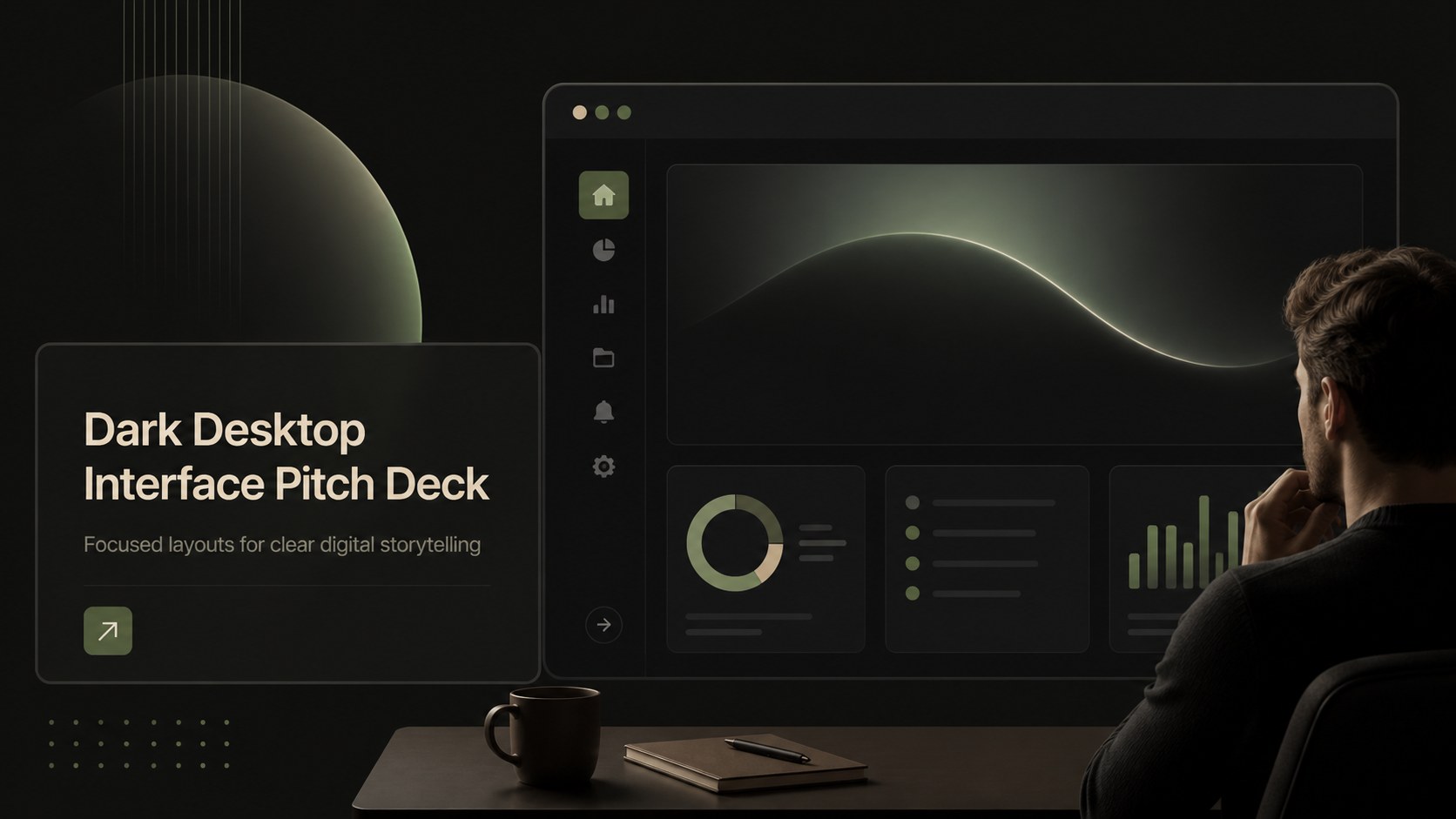
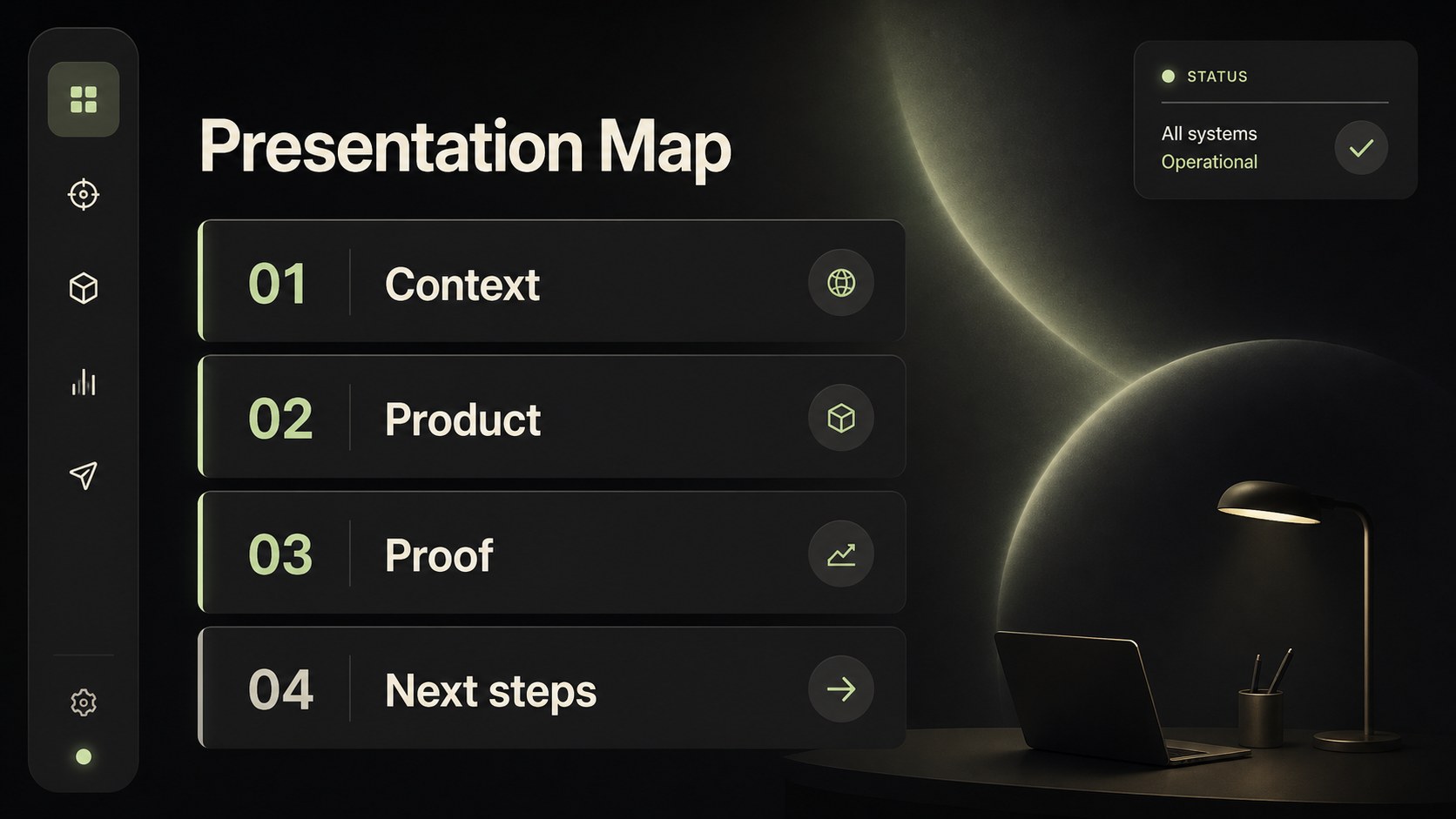
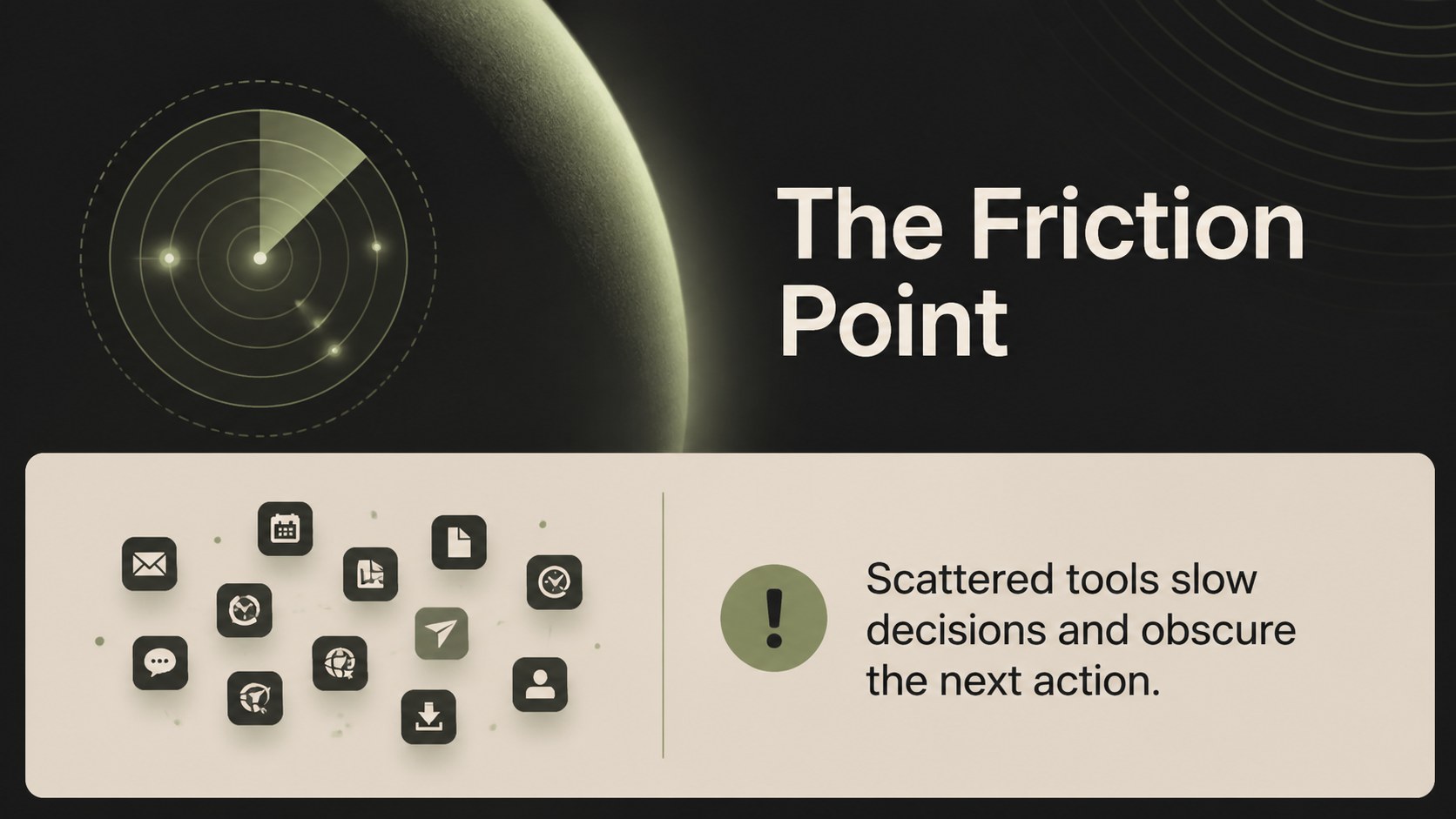
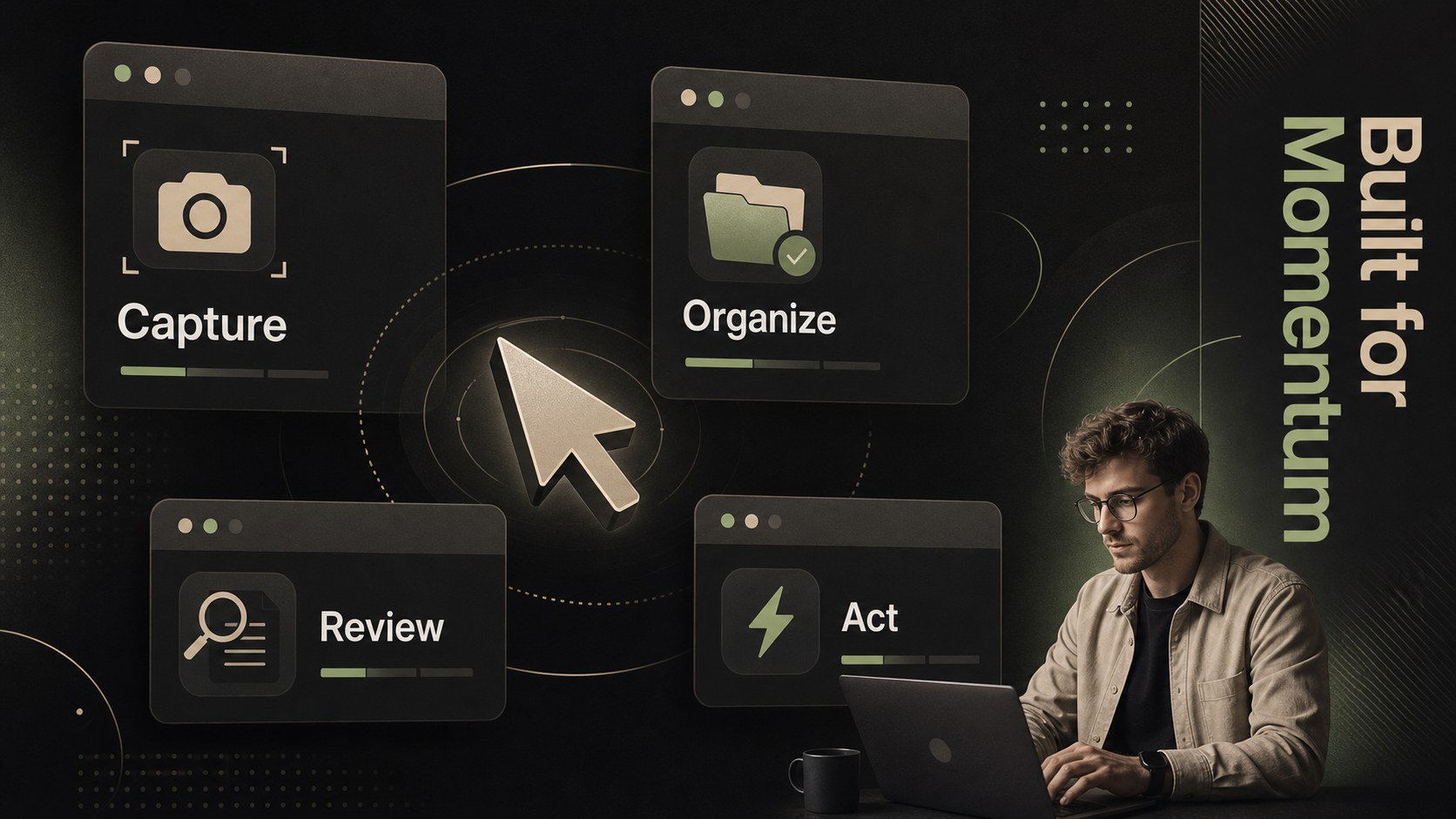
Build a dark desktop interface pitch deck with beige and green accents, flexible layouts, and editable slides for polished business or creative talks.


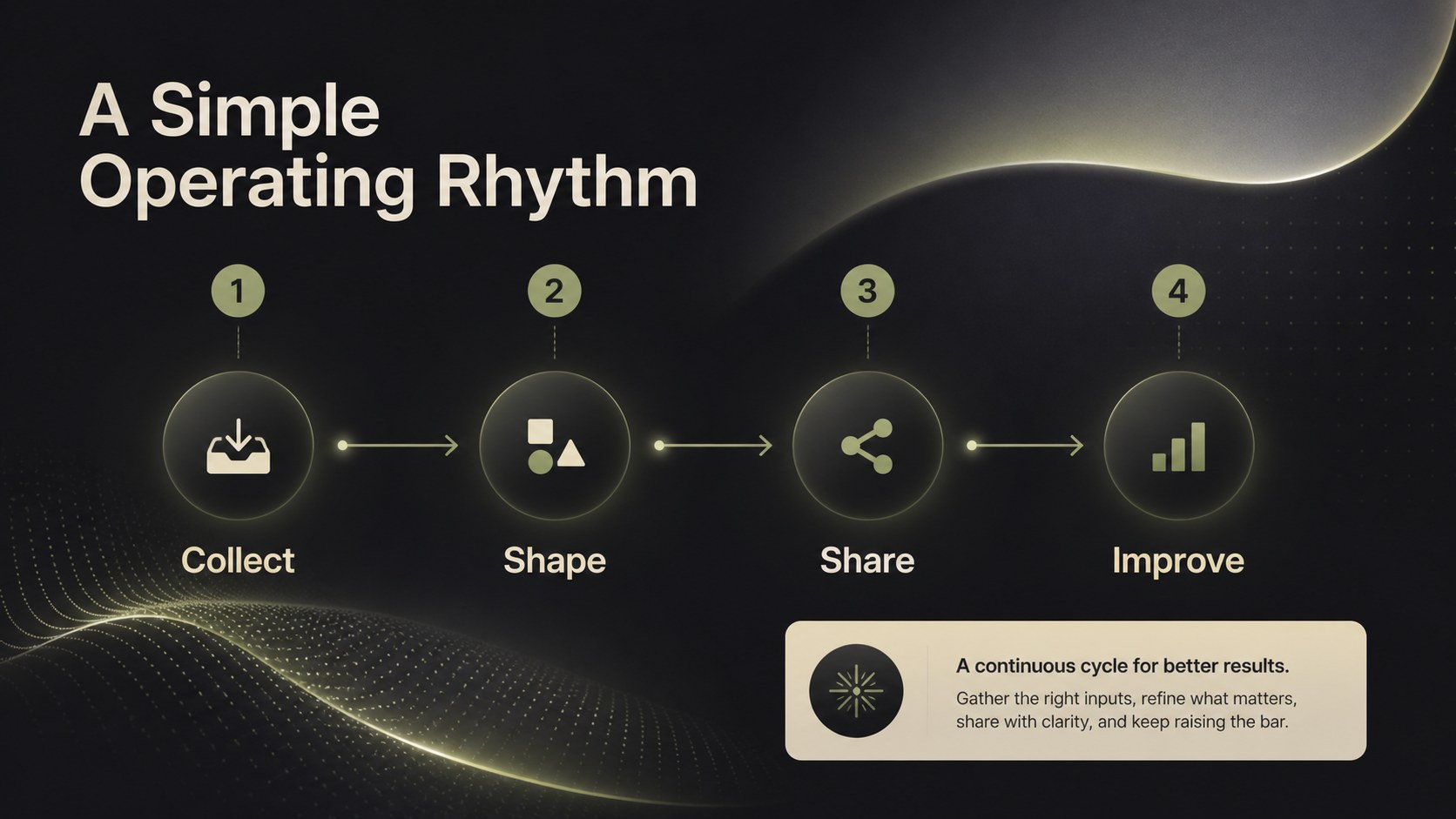
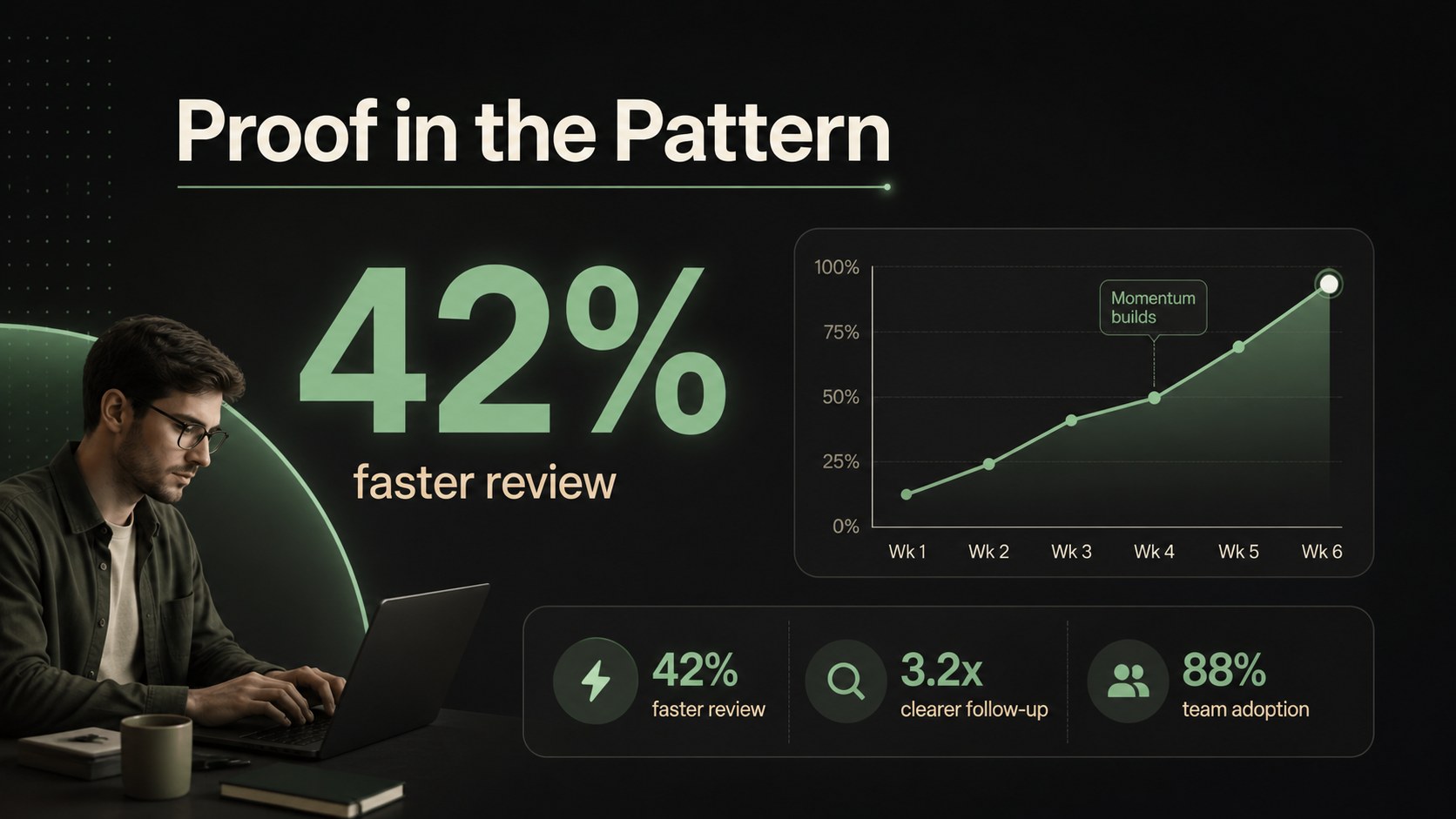
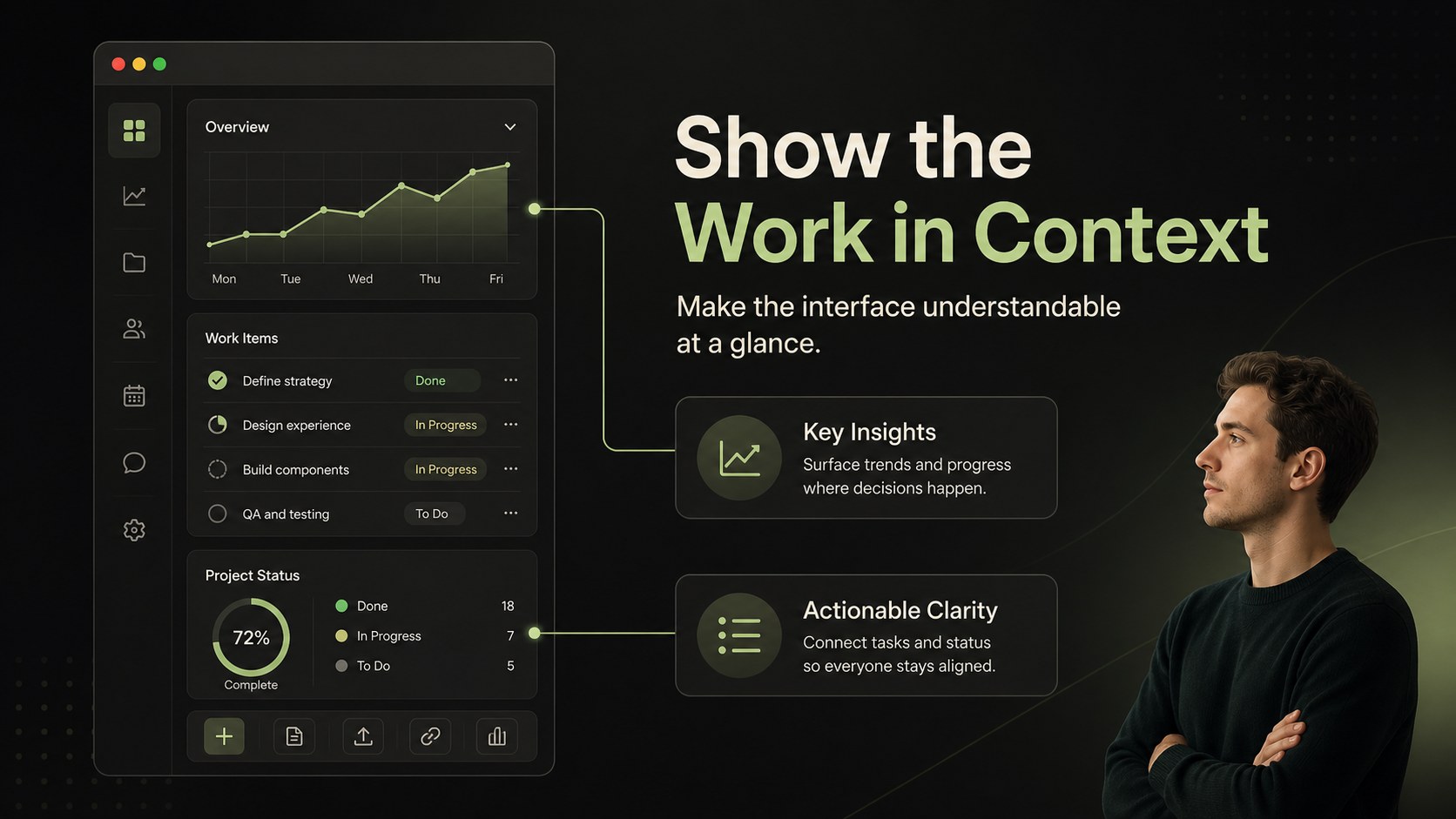
Design notes
Turn complex ideas into a polished visual narrative with this dark desktop interface pitch deck. Inspired by modern software workspaces, the design combines a near-black backdrop with warm beige panels and fresh green accents for a focused, technology-forward presentation. Use the modular layouts to organize product concepts, project milestones, research findings, or creative proposals without losing a cohesive visual rhythm.
Inside, you will find 15 editable 16:9 slides for cover pages, agenda setting, feature comparisons, process diagrams, data highlights, timelines, and closing statements. Interface-inspired frames create useful spaces for screenshots, mockups, charts, and concise talking points. Inter is used throughout for a clean, readable finish, while subtle lines and geometric details add structure without distracting from your content.
This dark desktop interface pitch deck works well for startup investor pitch meetings, software product demonstrations, UX case studies, digital agency proposals, classroom technology lessons, and internal project updates. Edit it, then export to PowerPoint or Google Slides when needed. Replace colors, typography, imagery, and text to align the deck with your project while preserving its distinctive dark modern technology aesthetic.
Perfect for: startup investor pitch; software product demo; UX case study; digital agency proposal; technology classroom lesson.
Frequently asked questions
Can I edit this deck? Yes. The template is designed for, where you can replace text, images, charts, colors, and layouts with drag-and-drop controls. It uses Inter for a consistent, readable presentation style.
Practical details
Yes. The template is designed for, where you can replace text, images, charts, colors, and layouts with drag-and-drop controls. It uses Inter for a consistent, readable presentation style.
Yes. After editing, you can download an editable PowerPoint file or save a copy to Google Slides through the Share menu. Some layout details may need a quick review after export.
Yes. Update the background, panel, accent, and text colors from 's color controls. The beige and green accents can be retained selectively to preserve the original visual character.
The layouts support product features, market insights, process steps, timelines, screenshots, charts, and concise project updates. They are suitable for business, education, UX, software, and creative presentations.
Keep exploring
15Shape your publishing concept with an indie magazine startup pitch deck featuring pastel gradients, bold collage layouts, and editable planning slides.
 16
16Build clear project stories with the Icon Grid Teamwork Theme, a flexible blue illustrated deck for proposals, strategy updates, and team meetings.
 3
3Turn priorities into an actionable plan with an annual goals roadmap infographic, featuring editable orange and teal layouts for PowerPoint and Google Slides.
 15
15Create an Annual Achievement Report Presentation with colorful geometric layouts for milestones, results, lessons, and priorities in PowerPoint or Google Slides.
 15
15Turn results into a focused annual performance evaluation report with dark 3D slides for KPIs, achievements, feedback, and next-step goals for teams.
 15
15Guide a focused annual recap with Business Results Retrospective Slides, a muted brown-and-blue template for PowerPoint and Google Slides.
 6
6Turn complex plans into clear visual stories with Color-Coded Workflow Path Slides, an editable set for project updates, roadmaps, and team briefings.
 6
6Compare regional performance at a glance with Global Data Heatmap Slides, a clean multicolor deck designed for editable PowerPoint and Google Slides.