
 15
15presentation
Indie Magazine Startup Pitch Deck
Shape your publishing concept with an indie magazine startup pitch deck featuring pastel gradients, bold collage layouts, and editable planning slides.
Google SlidesPowerPoint
presentation · English
Build a customer voice survey slide deck for product validation, satisfaction tracking, and event feedback in PowerPoint or Google Slides, with calm neutral…

Design notes
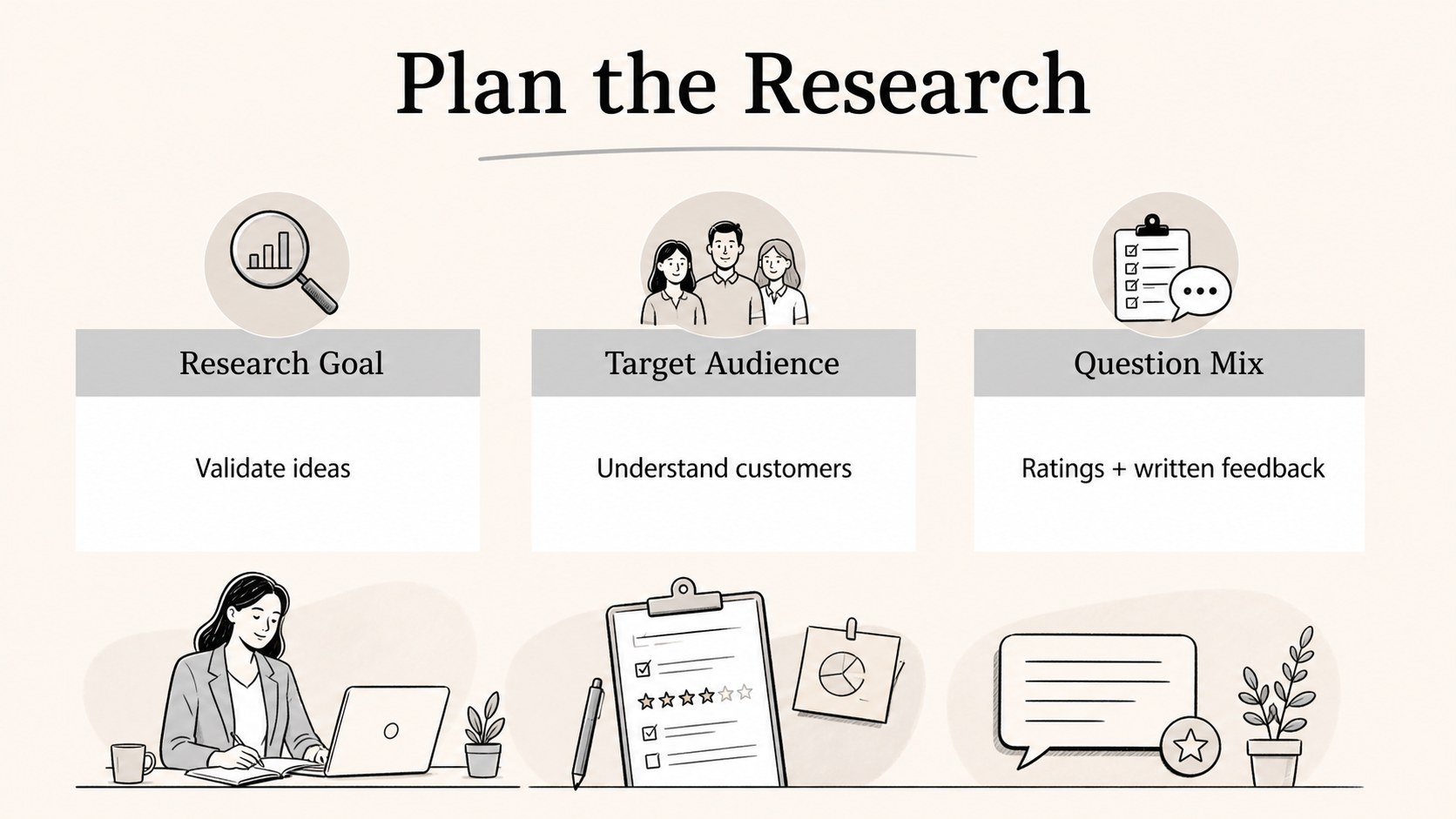
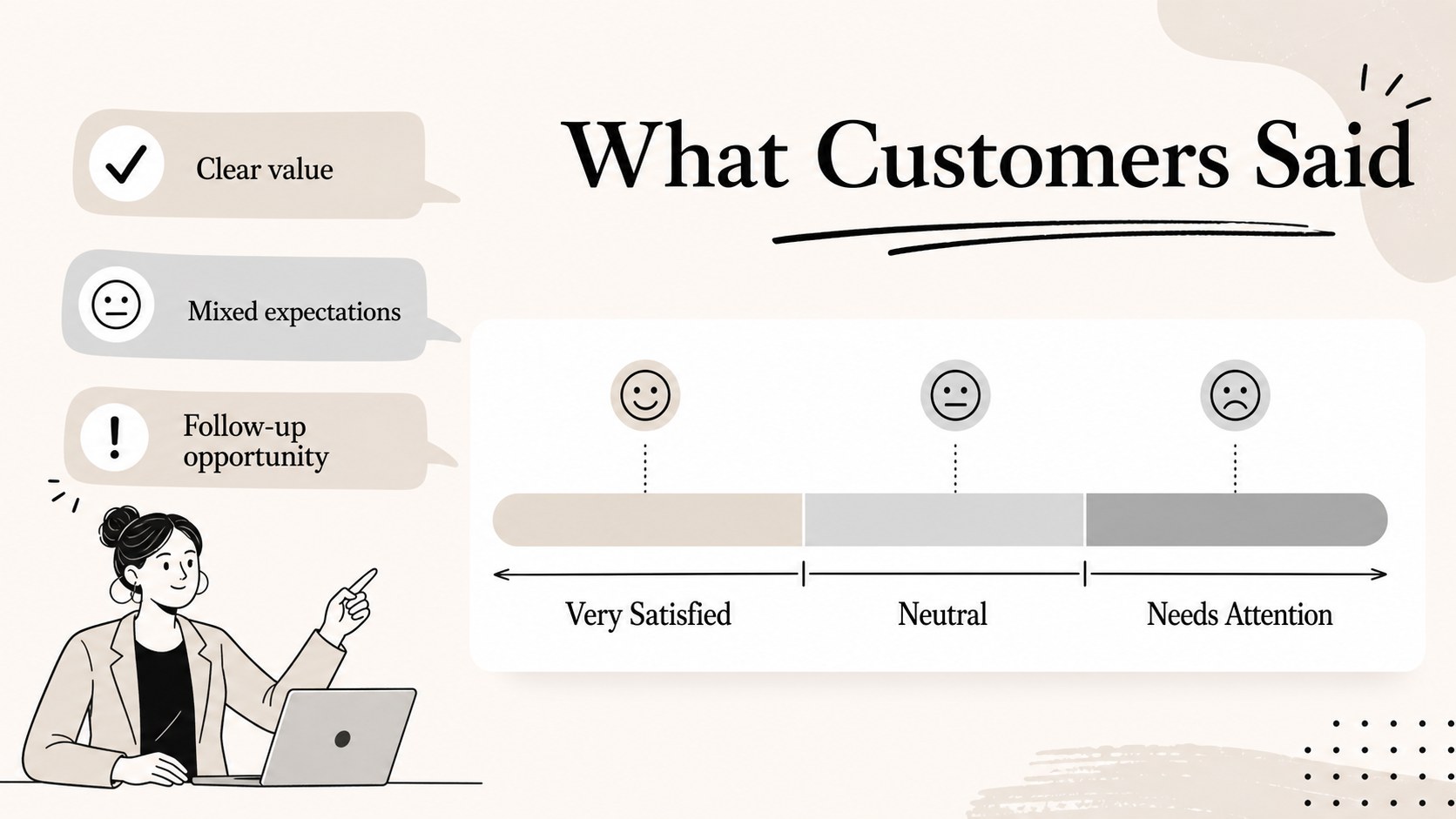
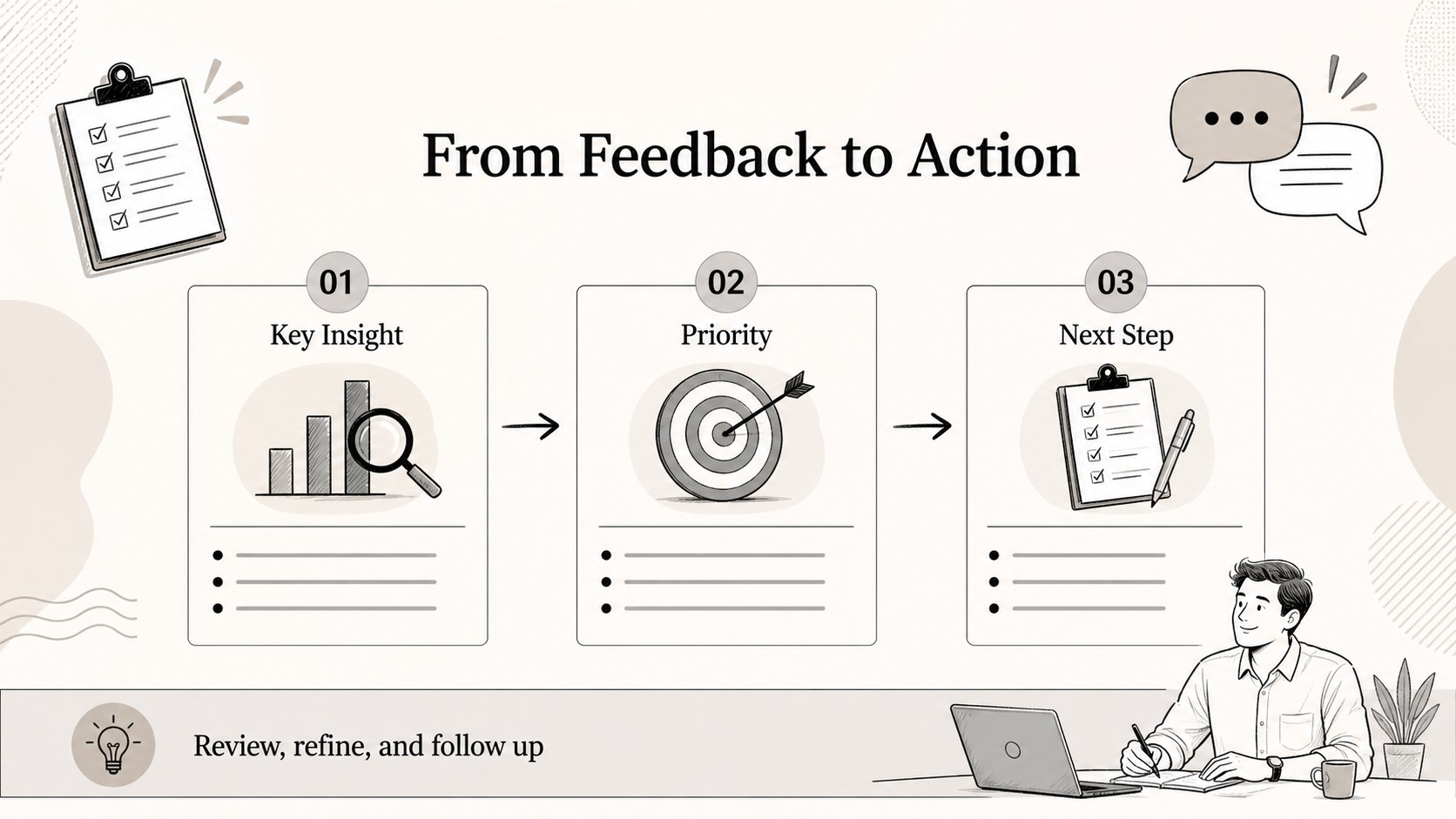
Turn feedback into clear next steps with a customer voice survey slide kit designed for practical research and reporting. Use it to organize questions, summarize responses, and present findings with a calm, trustworthy visual style. The beige, gray, black, and white palette pairs with simple illustrated accents for a polished but approachable result.
The deck includes a cover layout, survey purpose and audience overview, question-planning content, response summary sections, and a concise findings format. Combine rating scales, multiple-choice responses, open comments, and key takeaways to build a complete customer feedback presentation. The layouts can also support a product validation questionnaire, service review, or brand perception study.
This template is suited to product teams, marketers, researchers, consultants, nonprofits, and event organizers who need a clear way to share research outcomes. Edit text, reorder sections, adjust colors, and add charts or response figures in PowerPoint or Google Slides. It works well for internal review meetings, stakeholder updates, client presentations, and survey result handoffs. Use the customer voice survey slide kit as a reusable starting point for recurring research projects while keeping every presentation consistent and easy to scan.
Perfect for: new product concept testing; customer satisfaction review; post-event feedback report; brand awareness research update.
Frequently asked questions
Which platforms can I use to edit this template? The template is designed for PowerPoint and Google Slides. You can revise the wording, move sections, add charts, and adjust the visual styling in either platform.
Practical details
The template is designed for PowerPoint and Google Slides. You can revise the wording, move sections, add charts, and adjust the visual styling in either platform.
Yes. Replace the sample prompts with your own questions and combine rating scales, choice lists, and written responses. You can also duplicate or remove layouts to match the scope of your research.
Yes. The structure supports both questionnaire planning and findings presentation. Add your response counts, percentages, quotes, or recommendations to turn collected feedback into a concise stakeholder update.
Yes. The beige, gray, black, and white colors can be adjusted to match your organization or project. Keep the contrast between headings, body text, and data elements clear for readable presentations.
Keep exploring
15Shape your publishing concept with an indie magazine startup pitch deck featuring pastel gradients, bold collage layouts, and editable planning slides.
 16
16Build clear project stories with the Icon Grid Teamwork Theme, a flexible blue illustrated deck for proposals, strategy updates, and team meetings.
 3
3Turn priorities into an actionable plan with an annual goals roadmap infographic, featuring editable orange and teal layouts for PowerPoint and Google Slides.
 15
15Create an Annual Achievement Report Presentation with colorful geometric layouts for milestones, results, lessons, and priorities in PowerPoint or Google Slides.
 15
15Turn results into a focused annual performance evaluation report with dark 3D slides for KPIs, achievements, feedback, and next-step goals for teams.
 15
15Guide a focused annual recap with Business Results Retrospective Slides, a muted brown-and-blue template for PowerPoint and Google Slides.
 6
6Turn complex plans into clear visual stories with Color-Coded Workflow Path Slides, an editable set for project updates, roadmaps, and team briefings.
 6
6Compare regional performance at a glance with Global Data Heatmap Slides, a clean multicolor deck designed for editable PowerPoint and Google Slides.